ChrisMak wrote:
And, how do you like the 600GM so far?
How does it compare to the Sigma 500/4? I expect favorably?
Enjoy your lens, I can only dream of one for the coming 6 months, but after that it is either the 600GM or a Nikon Z9 set-up, if they ever deliver on it...
AGeoJO wrote:
But when the bird lands and perches, I can push the AEL button and get a lower ISO setting right away of the bird. And I can change the 3 "Custom Recall Hold" settings easily from 1 to 3, depending on the lighting conditions.
Thank you! Yes, I use the recall custom hold often. I have mine set to 1/500 shutter speed when I hold in the AEL button. My question is how you get 3 different options to choose (of lower ISO's) when recalling a custom hold....unless you have three different buttons set up for each custom hold 1, 2, 3?
Or are you saying you go into your "My Menu" and change the custom key settings for the AEL button while shooting?
lifeandmylens wrote:
Thank you! Yes, I use the recall custom hold often. I have mine set to 1/500 shutter speed when I hold in the AEL button. My question is how you get 3 different options to choose (of lower ISO's) when recalling a custom hold....unless you have three different buttons set up for each custom hold 1, 2, 3?
Or are you saying you go into your "My Menu" and change the custom key settings for the AEL button while shooting?
I used up all 3 "Custom Recall Hold" settings and programmed them with increasing ISO settings, starting with ISO 320. I only used the AEL button for that feature since it is the most convenient there and more immediate. And, indeed I have go into "My Menu1" to change my selection. Most of the time you can anticipate the lighting conditions and select what seems to be most appropriate before hand. In that case, I just push the AEL button to get a lower ISO than what I normally get by pushing the AF Button. No, I cannot change the selection 1, 2, 3 while shooting, I still have to take the camera off my face but I can do it fairly fast.
AGeoJO wrote:
I used up all 3 "Custom Recall Hold" settings and programmed them with increasing ISO settings, starting with ISO 320. I only used the AEL button for that feature since it is the most convenient there and more immediate. And, indeed I have go into "My Menu1" to change my selection. Most of the time you can anticipate the lighting conditions and select what seems to be most appropriate before hand. In that case, I just push the AEL button to get a lower ISO than what I normally get by pushing the AF Button. No, I cannot change the selection 1, 2, 3 while shooting, I still have to take the camera off my face but I can do it fairly fast. ...Show more →
I gotcha! Thank you for the response. It obviously works for you, your images are fantastic. I just thought I was unaware of a feature.
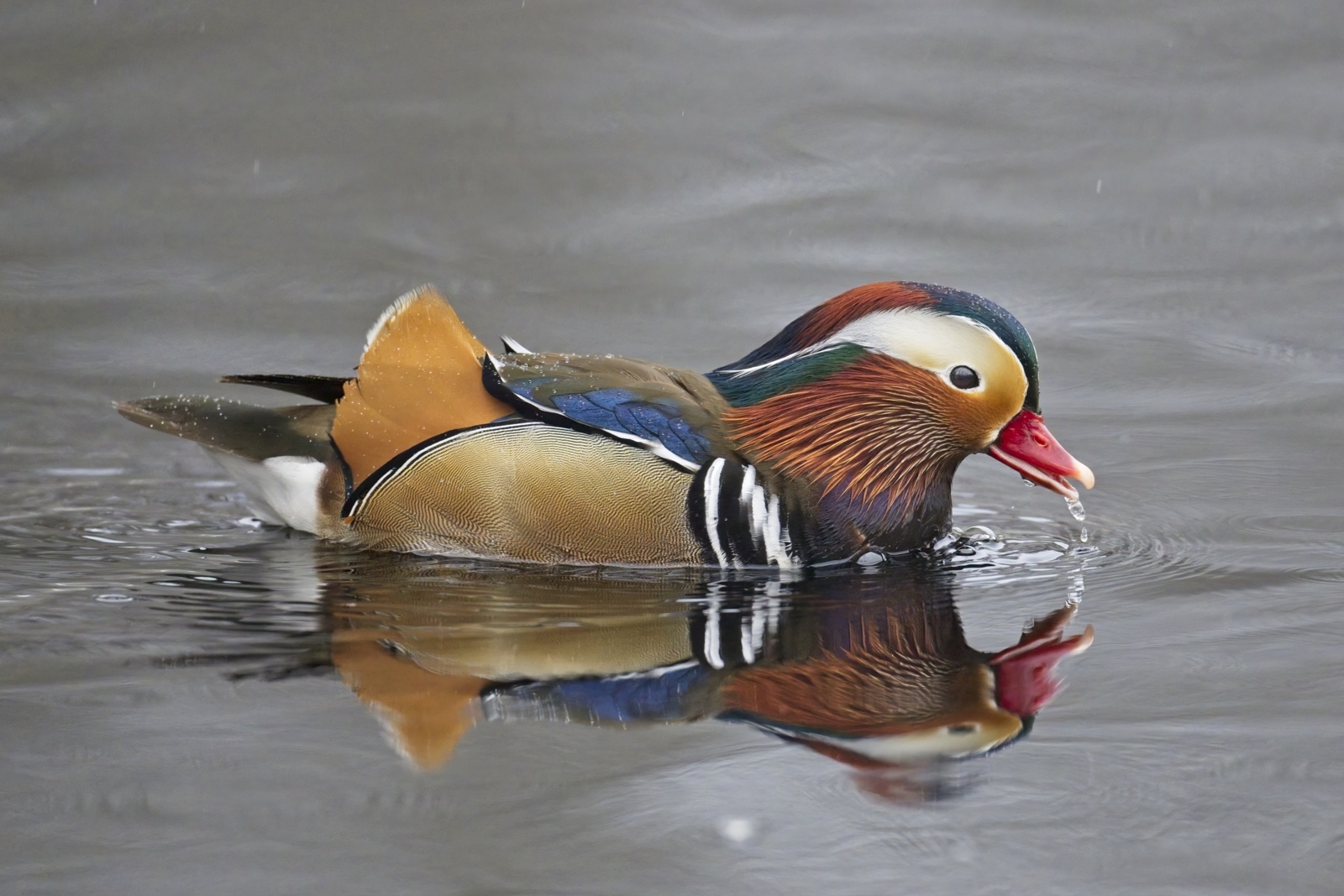
I know it doesn't really showcase the lens performance but it's still one of my favorite images from Sebastian State Park last Christmas. I intentionally left the noise in the picture - I find it adds to the moody background.
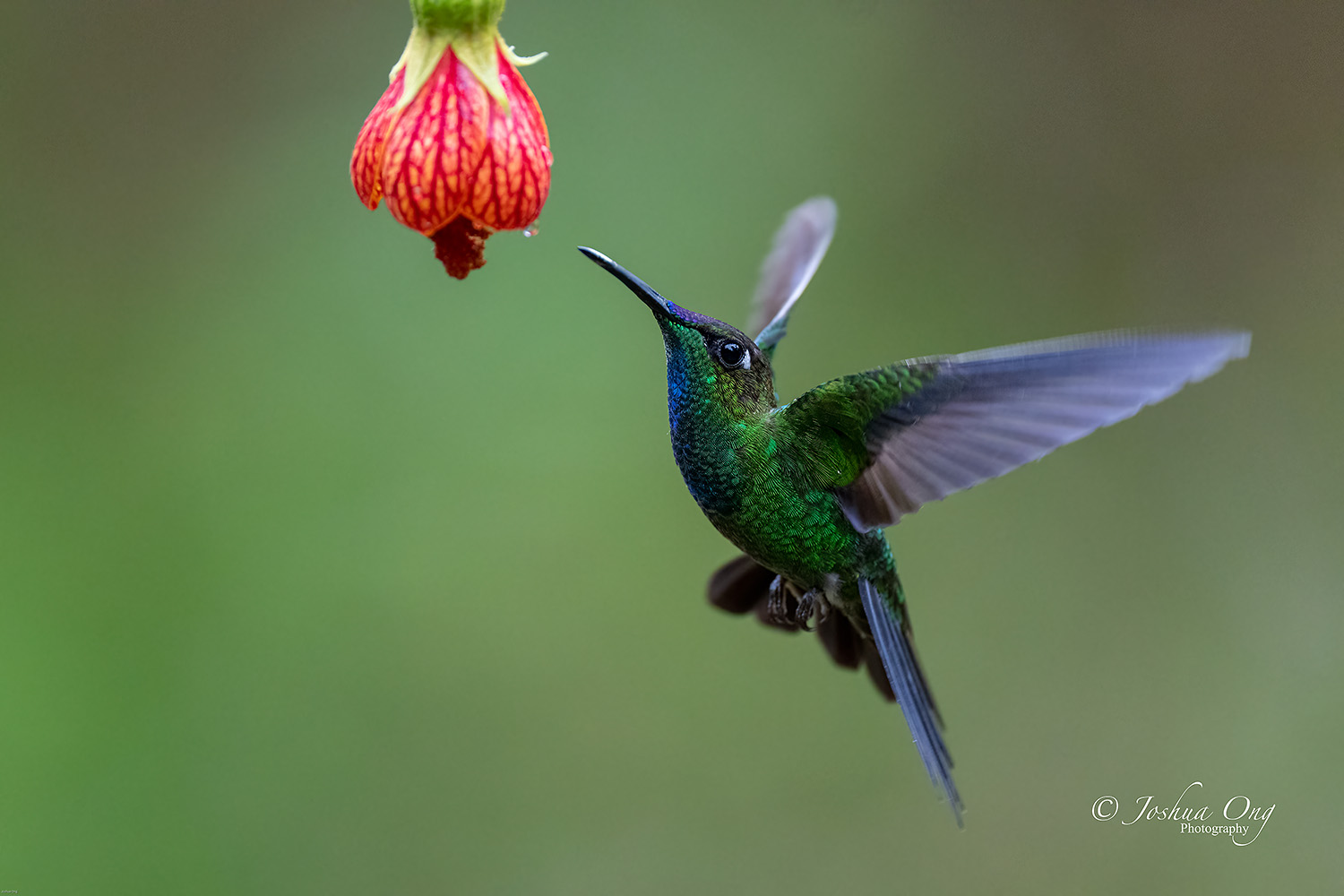
After spending 7 tough days in the Amazon basin of Ecuador doing real wildlife, although mostly bird photography, since the biodiversity is quite large there, it almost felt like a walk in the park doing this kind of hummingbird photography... I set the camera to either Wide or Zone-AF with Eye-AF set to "Bird" and as soon as a bird flew into the zone, it focused and latched on to the eye. And I just fired away even using one hand since the camera was on tripod... It was virtually fool proof, compared to what I did previously in Ecuador and in Costa Rica. The drawback is, I have to go through a lot of perfectly focused images and delete a bunch of them .
It is based on the Custom Recall Hold feature that has been around in the last few recent Sony cameras. If you are not familiar with it, you can check out Mark Galer's video here: .
There are 3 settings and I programmed all in increasing ISO of one-stop, starting with ISO 320 and recall them by pushing the AEL button. Next I used "My Menu1" menu to program in the "Custom Key Setting". Since I programmed in my most needed menu functions there and seldom go to the actual menu, the "My Menu1" is by default recalled each time I push the "Menu" button. The regular AF button is used to capture movement/in-flight of birds. I also used Auto-ISO, BTW. But when the bird lands and perches, I can push the AEL button and get a lower ISO setting right away of the bird. And I can change the 3 "Custom Recall Hold" settings easily from 1 to 3, depending on the lighting conditions. After getting used to this, it can be done fast. There is always the possibility that the bird takes off while shooting in lower ISO setting, resulting in slowish shutter speed. You may get some movement blur of the take off in that case... Yes, it happened to me on this trip a few times.
I hope this helps,
Joshua ...Show more →
One other way you can do this is (only on the A1, A7IV and maybe A7SIII) is if you put ISO onto the front wheel and set your Recall Hold to a lower ISO then as you are holding in that AE-L button for the lower ISO you can actively change the ISO lower or higher without any menu diving.
I do this but I use shutter speed changes (because that is what I've always had on my front wheel on all brands of cameras) and I use Auto-ISO on the Recall Hold with a slower SS which therefore drops my ISO. But as I'm holding in the AE-L I can scroll my shutter speed up or down as I get my insurance shots without lifting off the AE-L and without going back into the MyMenu to switch to a different Recall Hold set.
arbitrage wrote:
One other way you can do this is (only on the A1, A7IV and maybe A7SIII) is if you put ISO onto the front wheel and set your Recall Hold to a lower ISO then as you are holding in that AE-L button for the lower ISO you can actively change the ISO lower or higher without any menu diving.
I do this but I use shutter speed changes (because that is what I've always had on my front wheel on all brands of cameras) and I use Auto-ISO on the Recall Hold with a slower SS which therefore drops my ISO. But as I'm holding in the AE-L I can scroll my shutter speed up or down as I get my insurance shots without lifting off the AE-L and without going back into the MyMenu to switch to a different Recall Hold set. ...Show more →
Thank you very much, Geoff!
Your method sounds faster. I programmed the front wheel to ISO and I pushed the AEL button while turning the front wheel, but the ISO setting remains the same. What did I do differently than you to get that to work like yours?
Your method sounds faster. I programmed the front wheel to ISO and I pushed the AEL button while turning the front wheel, but the ISO setting remains the same. What did I do differently than you to get that to work like yours?
Is your AE-L also activating AF? It won't work if AF is active. Since I use AF on shutter button it works for me...I think...I haven't actually tested the ISO setup but my SS setup works.
Ah, okay, yes, mine activates AF. I tried the SS setup also and that doesn’t work with the AEL programmed to activate AF, as well. Thank you anyway!
BTW, I also programmed the Center Button in the Rear1 to ISO AUTO Min SS and I can change the minimum shutter speed and vary or lower the ISO that way. The time to do either method is about the same, IMHO. So, I am using either one.
simingx wrote:
This guy gives the hobbyists here a reason to get new gear... probably the entire country's stock of A1's, R3's and Z9's were there over the weekend.
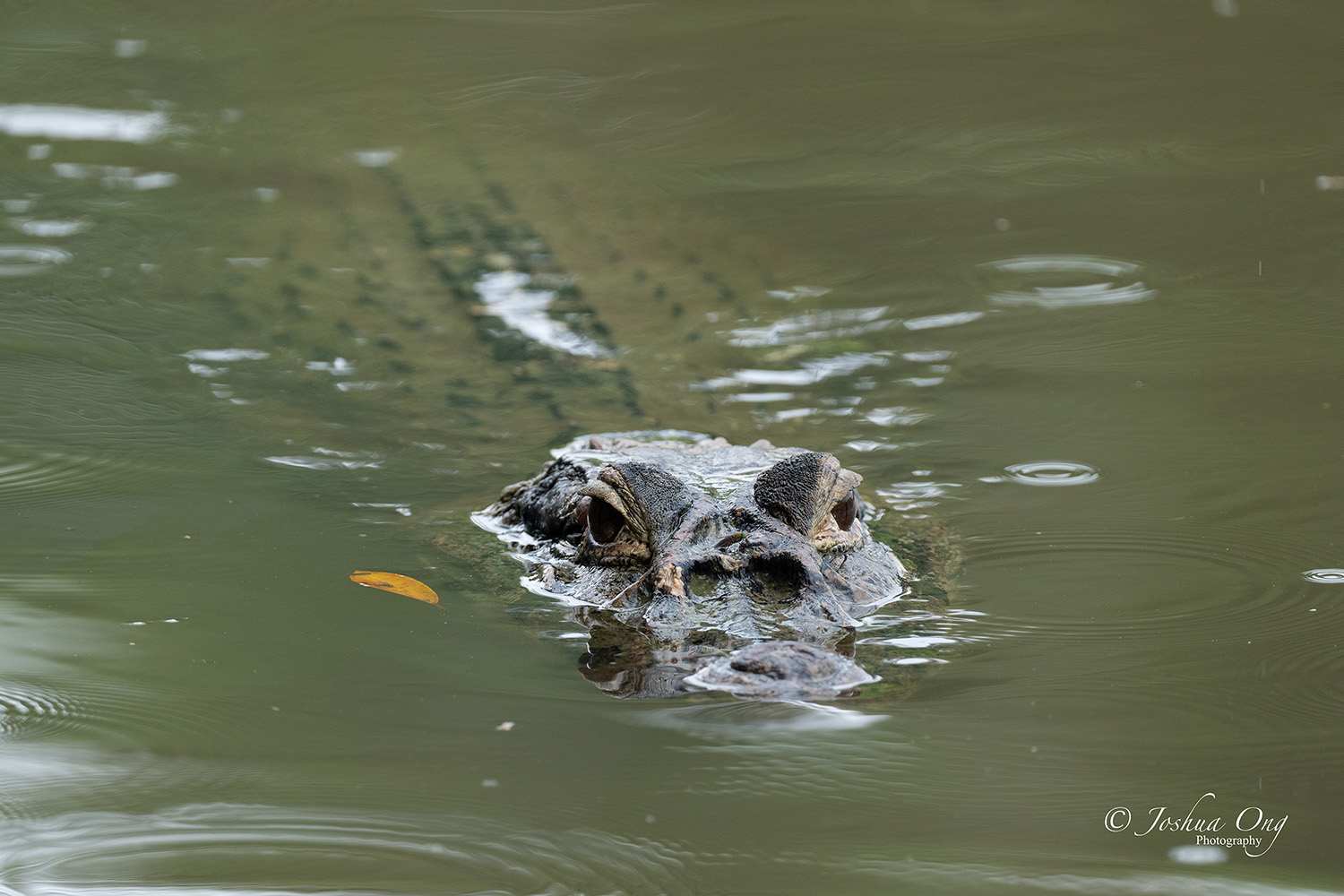
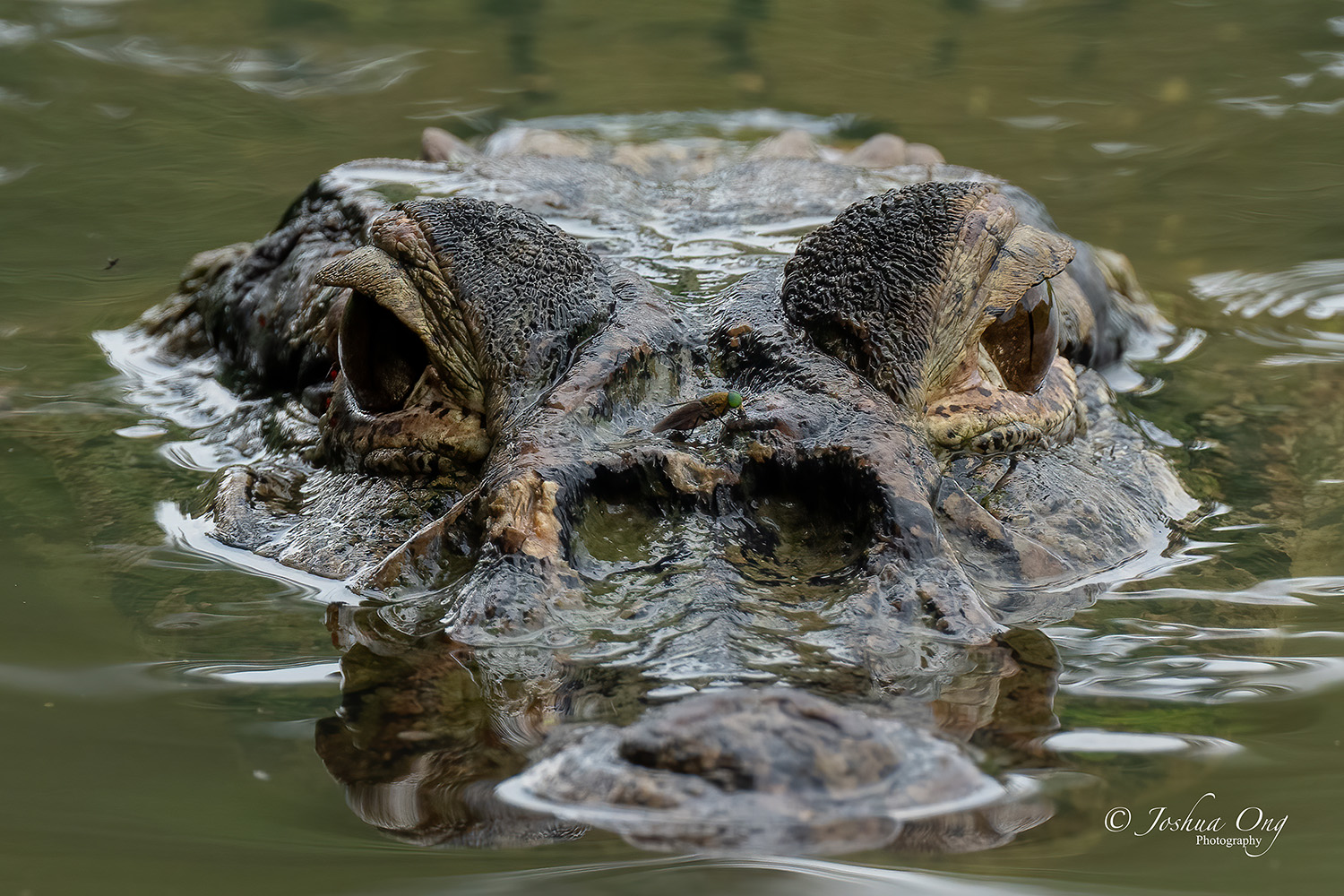
For some folks that live in Florida, this maybe quite a common sight but for me, it is quite fascinating. I'd rather stay at a distance although I did crop the second image to show some close-up details... There is a bug on the nose area of that guy, enjoying a free cayman ride


 .
.