Matt Kerby wrote:
Wow!, now THOSE are some great homecoming shots! Pretty cool they have Fireworks and Lasers?
Looks like the SL2 and the 2-SL primes worked out well.
I think the 24-90 range would work great because I switch lenses a lot and sometimes miss opportunities. However, under low light, I wish the zoom was f/2.8 all the way. I will try it next time and also bring my 35/90 APO combo. (Sold the 75 APO)
Gotta help the varsity cheer team. I'm stuck doing this! haha
It's a "pretty" way to test the SL2 AF capabilities under low light.
Fred Miranda wrote:
I took my 7 year old to that tower and he got a little traumatized!
I can hear the screams from all the way down where I was taking the photo every time the lift drops, again and again and I don't think those are just the kids screaming
A new SL2-S is coming to me I sold SL2 due to GFX100S but really missed it (or a FF MILC camera). Given I have 100M from Fuji and SL2S is cheaper than SL2, I ordered "S"mall version instead this time. I have only bought a 45 sigma as my only AF glass for now. This time I will slow down add new lens. Maybe a Sigma 90 if I am travel.
Here are a few random images with SL2. I processed these a few days ago trying to make decision if I come back. Well, here you go.
A new SL2-S is coming to me I sold SL2 due to GFX100S but really missed it (or a FF MILC camera). Given I have 100M from Fuji and SL2S is cheaper than SL2, I ordered "S"mall version instead this time. I have only bought a 45 sigma as my only AF glass for now. This time I will slow down add new lens. Maybe a Sigma 90 if I am travel.
Here are a few random images with SL2. I processed these a few days ago trying to make decision if I come back. Well, here you go.
Fred Miranda wrote:
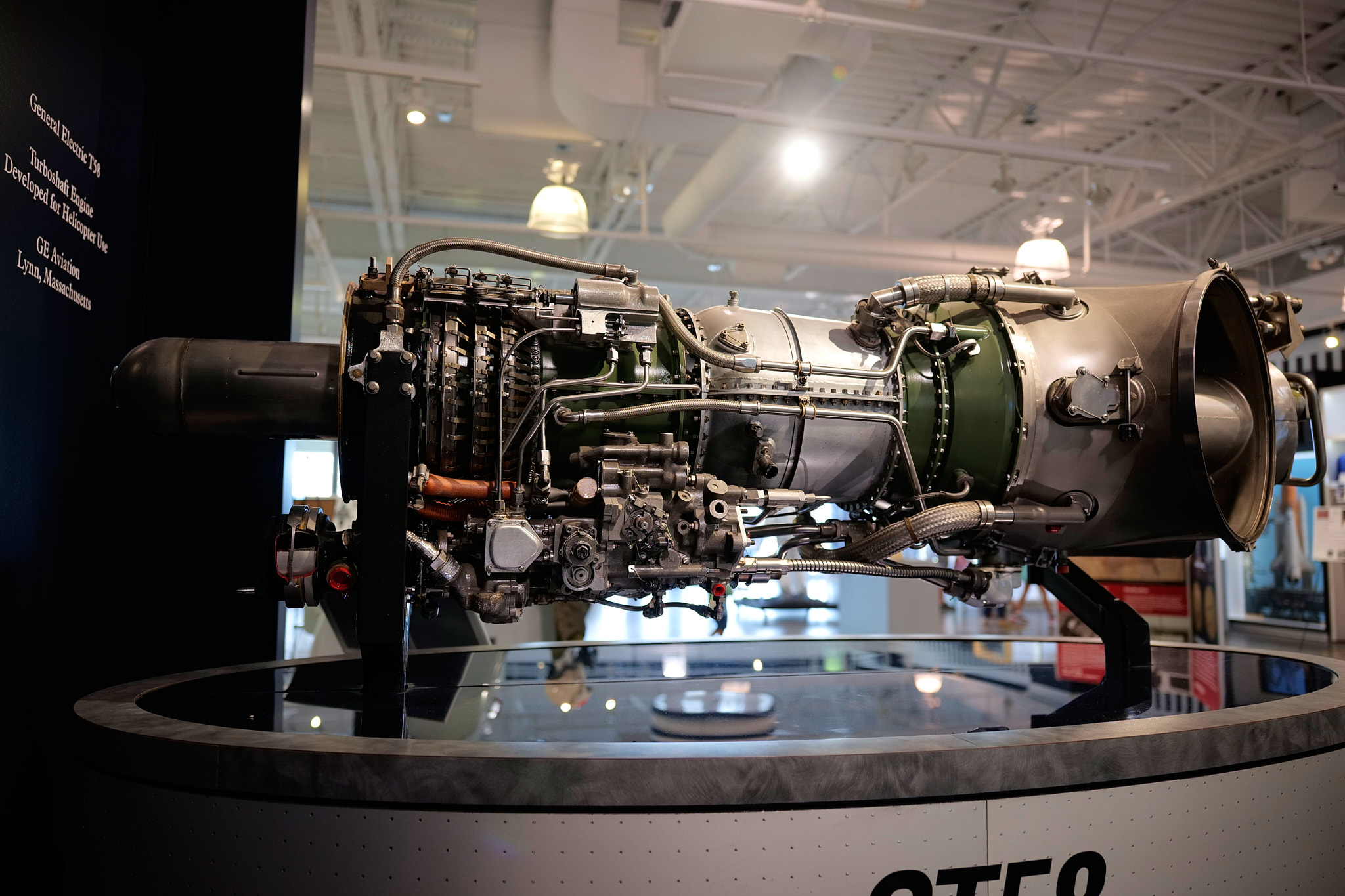
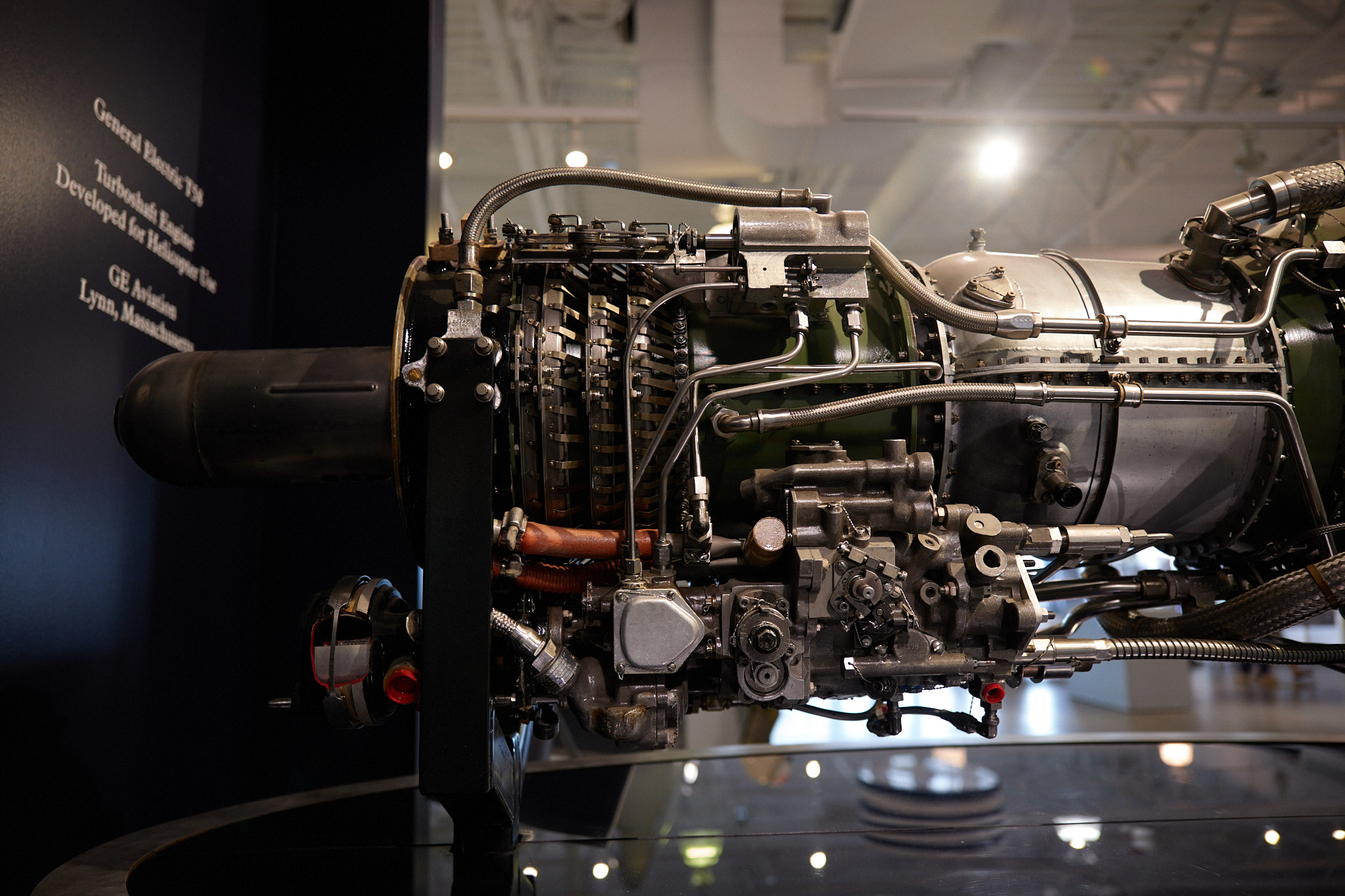
The 35/1.4 FLE performs just as good on the SL2 sensor compared to M. Big surprise to me!
Love your processing. Do you mind to share?
Thank you, Fred.
Not at all, I am away from my home computer and these are linked from Flickr. I will create a post what I did here with some screen shots later today. SL2 has great color IMHO. I love its red channel. Hopefully, SL2S is as good. These are less than 5 mins edit with some local adjustment but they are benefit from right moment of light combination
Thank you! I also agree with Fred that the rendering and processing of you latest post is sweet. Would also love to learn.
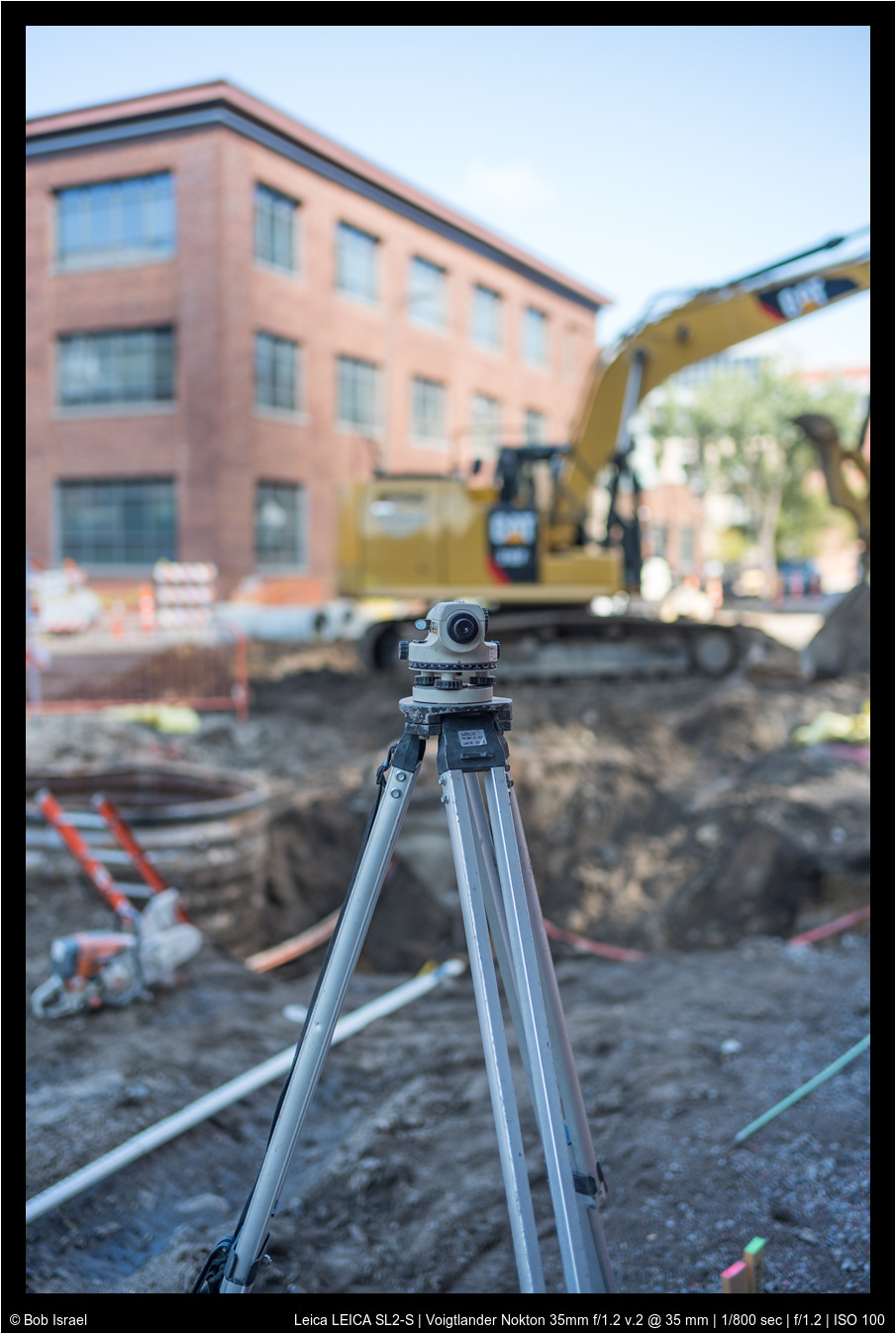
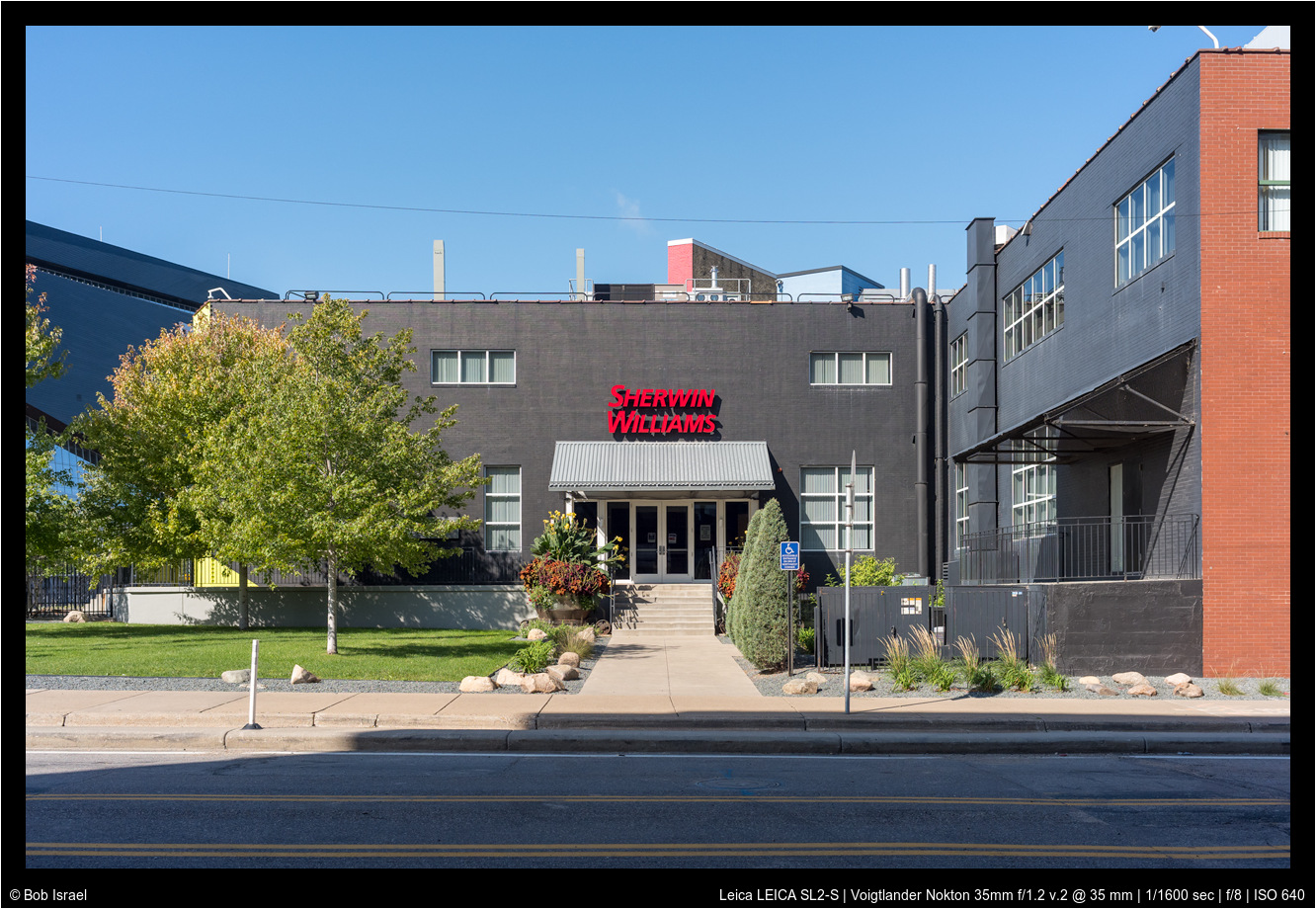
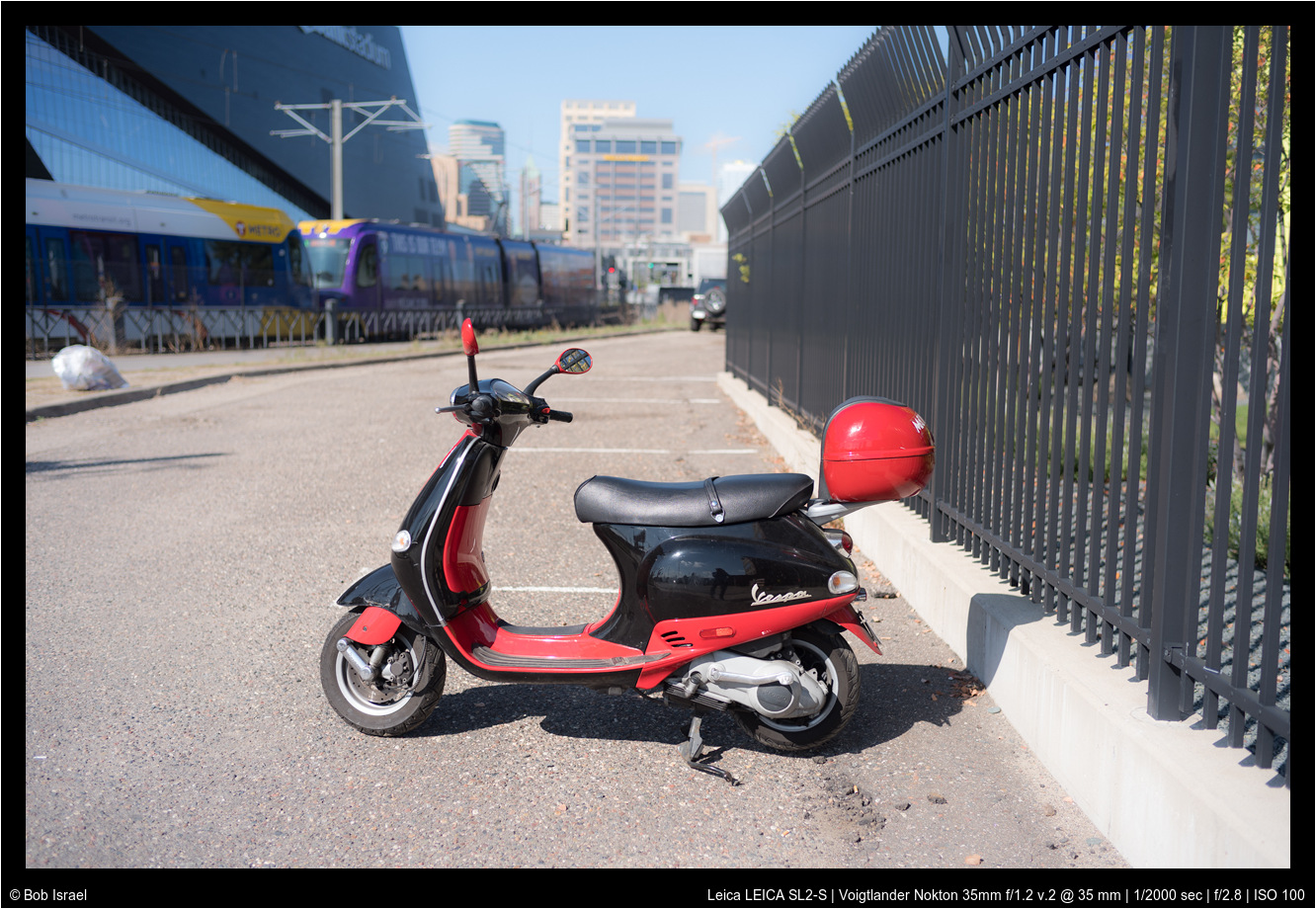
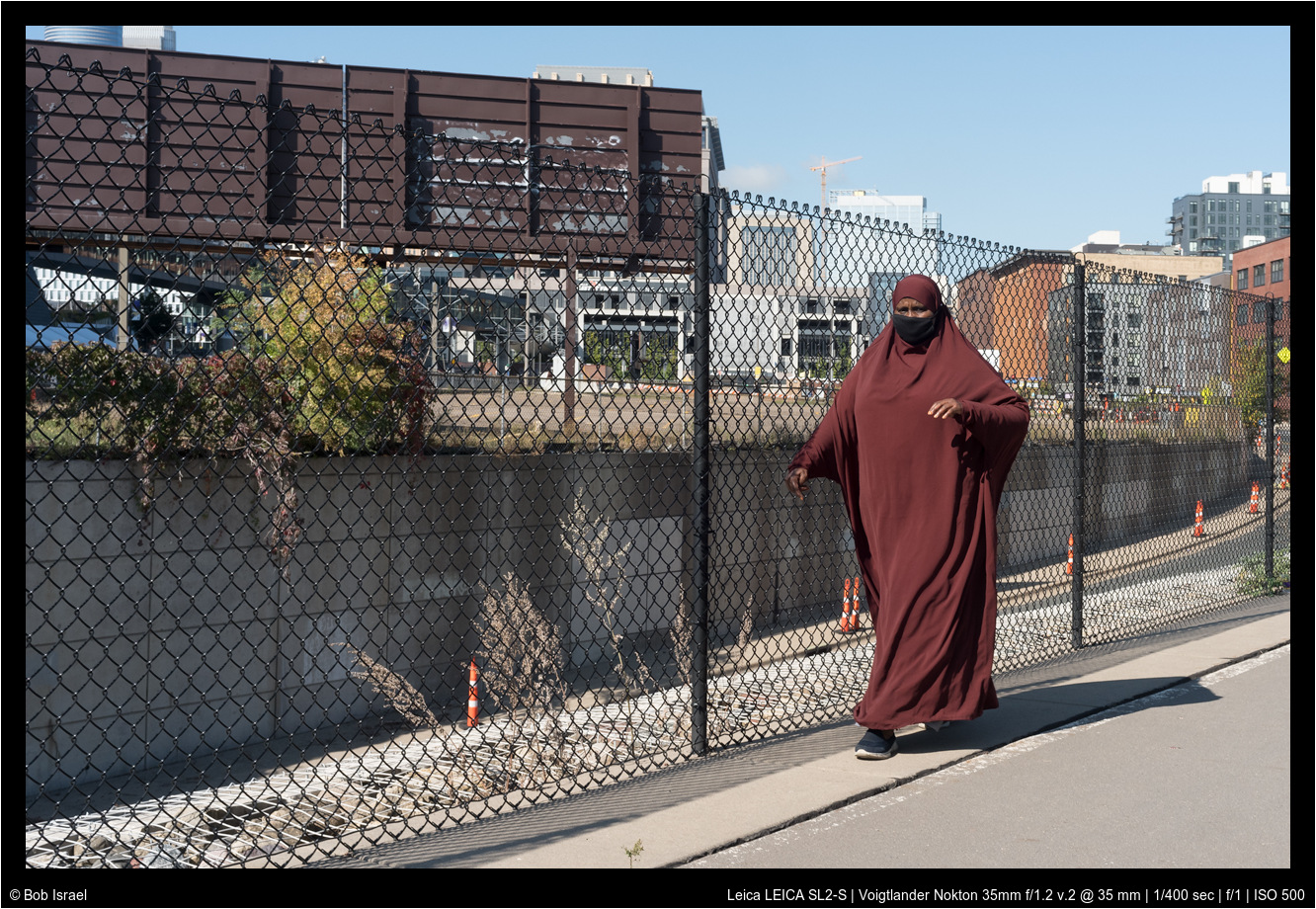
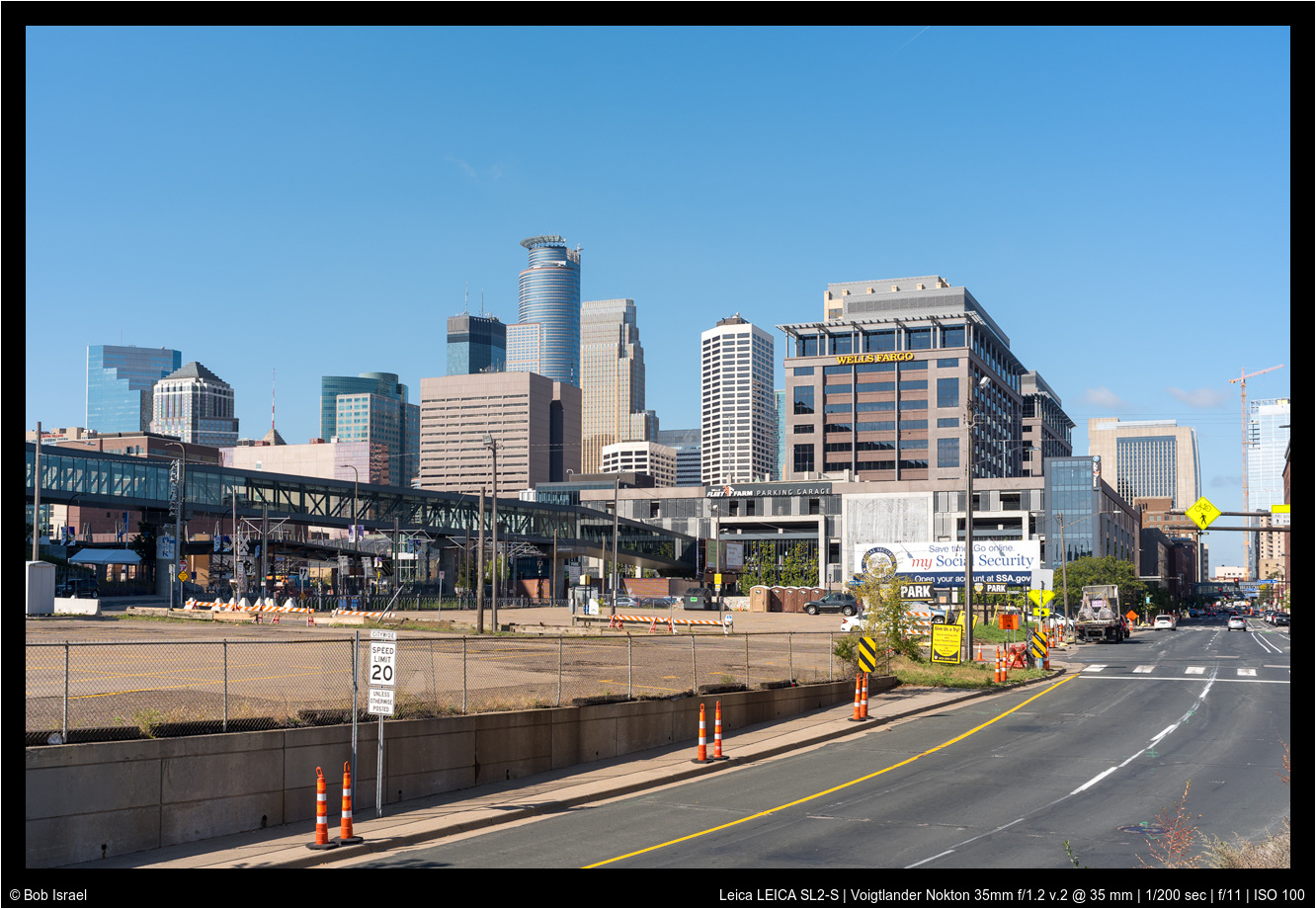
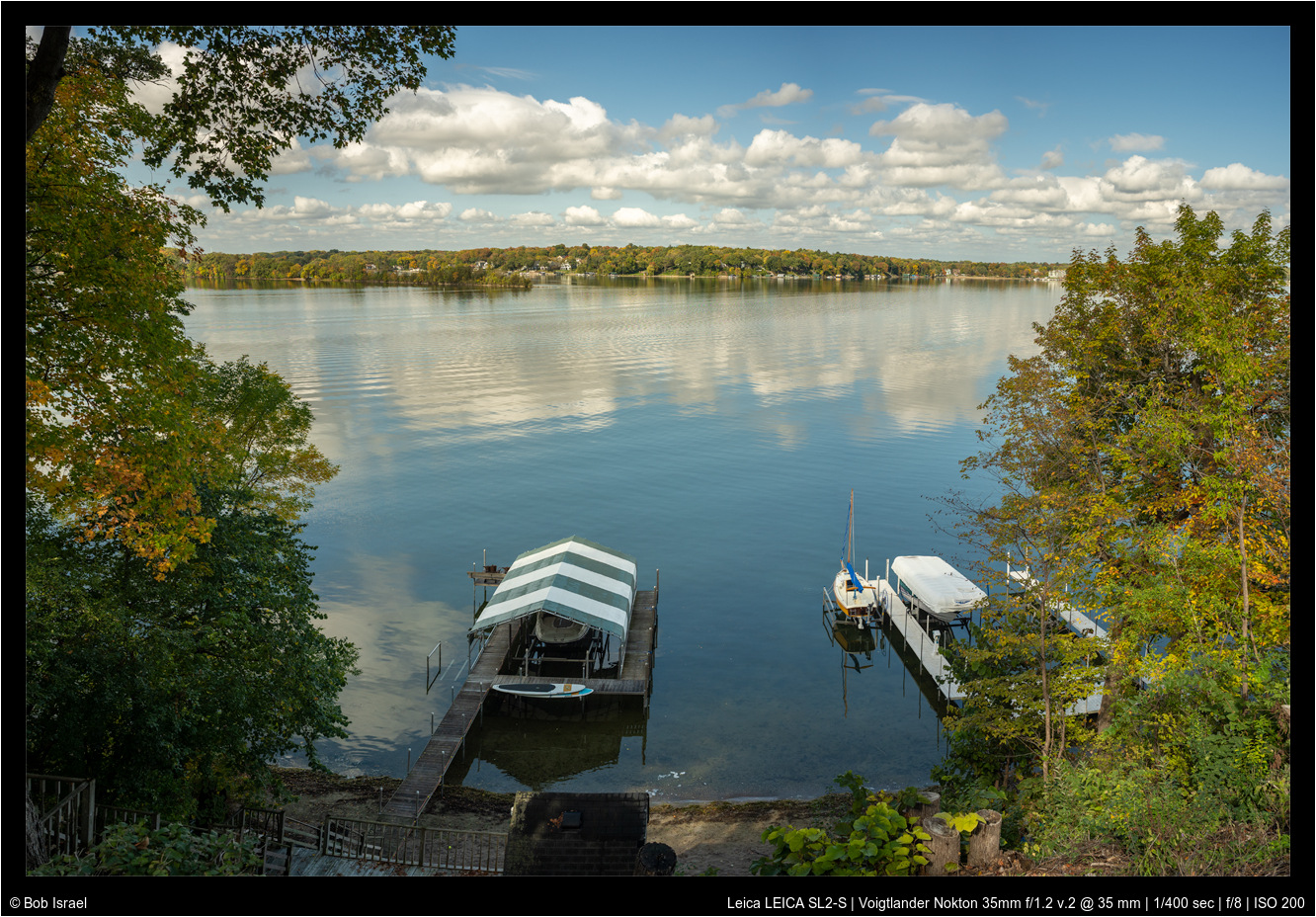
Here's another with the VM Nokton 35/1.2 v.II. It's a 5 image pano. I've loved this lens going back to my NEX 6 days. Alas, I probably won't keep it as I have a Zeiss Distagon 35/1.4 on its way. If there's a lens I like more than the Nokton, it's this Distagon. For now, I wait!
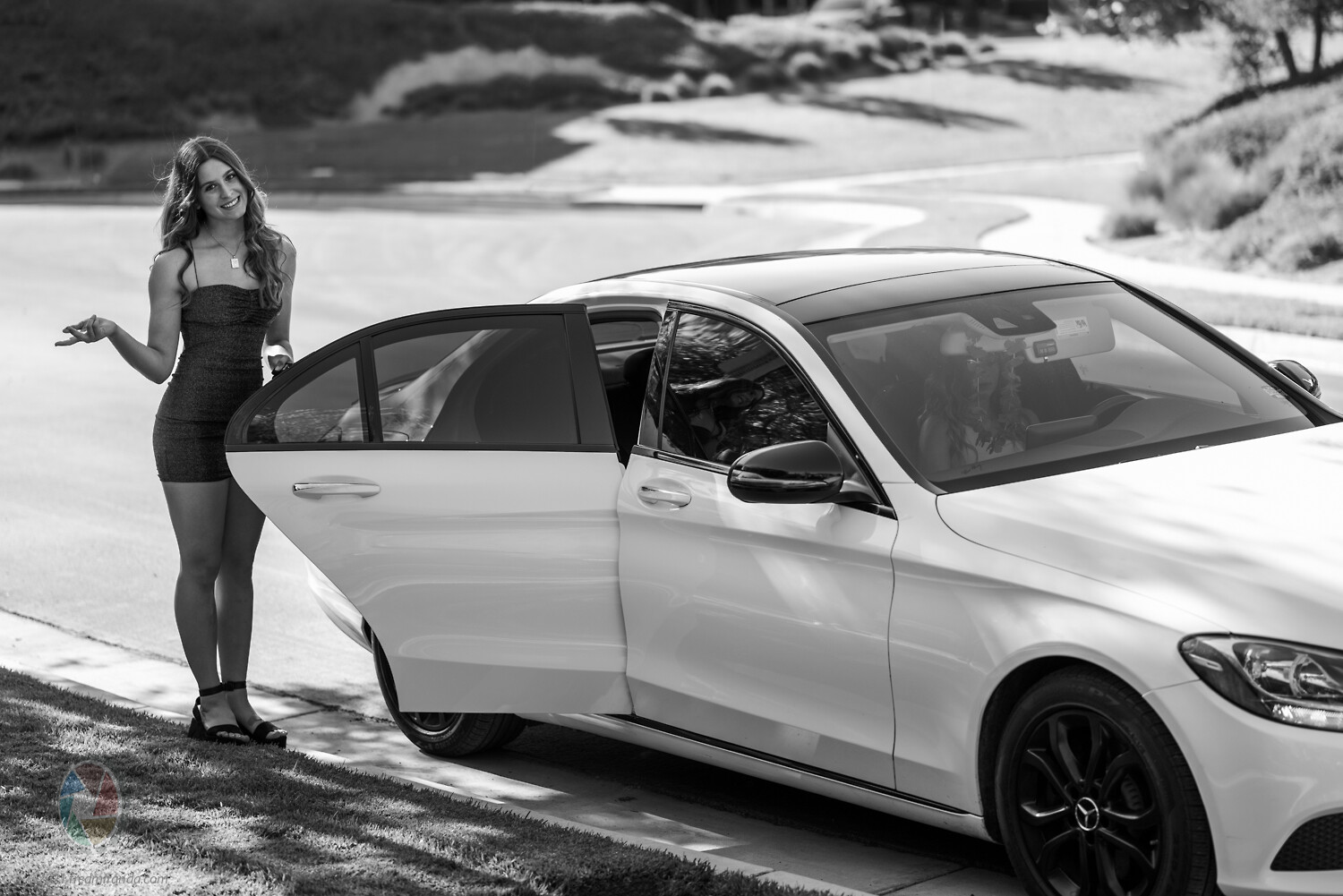
As promised. Here are how I edit this first image shown here. I am quite embarrassed that I forget sharpen the image before post to flickr. and I forget Lens profile as well. Usually, I will do both. For portrait, I will leave sharpening as is or turn down but with masking at 65~70.
if you ask me, this is really pretty good without much touch. As mentioned, SL2 usually has hot red channel, which I personally like, as it can be turn down quite easily but not other way around usually. It is important to have nice red to have delicate skin tone rendering.
For personal preference, I don't like high contrast, deep black as I feel that kill tonarity and images looks 'digital'. I don't like "shocking" or "impress" people for my images but rather spent some time looking and thinking Again this is very personal. For portrait, I will leave contrast, clarity and dehaze all negative. and lift black level depend on mood. I am trying my best for "film" look or cinematic rendering.
I usually apply a radial filter for portrait to add vignette and reduce contrast even more for back ground. (attached screen shot here) That is it. I don't do other local edit.
That is all I have to share. BTW, I slightly cropped the image. Occasionally, I do more edit than this depend on what I try to achieve as I can't control my light condition to my like but not this case, it is good enough for me.
For portrait, I sometimes turn down saturation of orange channel and up luminosity of it. Turn down saturation of green if it doesn't contribute anything to the image, as it can be quite distracting, fighting the attention from viewer. Lower blue luminosity usually help to give a cooler and deeper shadow to contrast skin tone and it helps sky as well.
I could have added additional vigenet to direct viewer to subject more for this image but I forget During writing this post, I realize there are a few thing I can do to further tweak this image but they are good enough for family images.
^ Thank you! It's always interesting to learn how others approach their post processing.
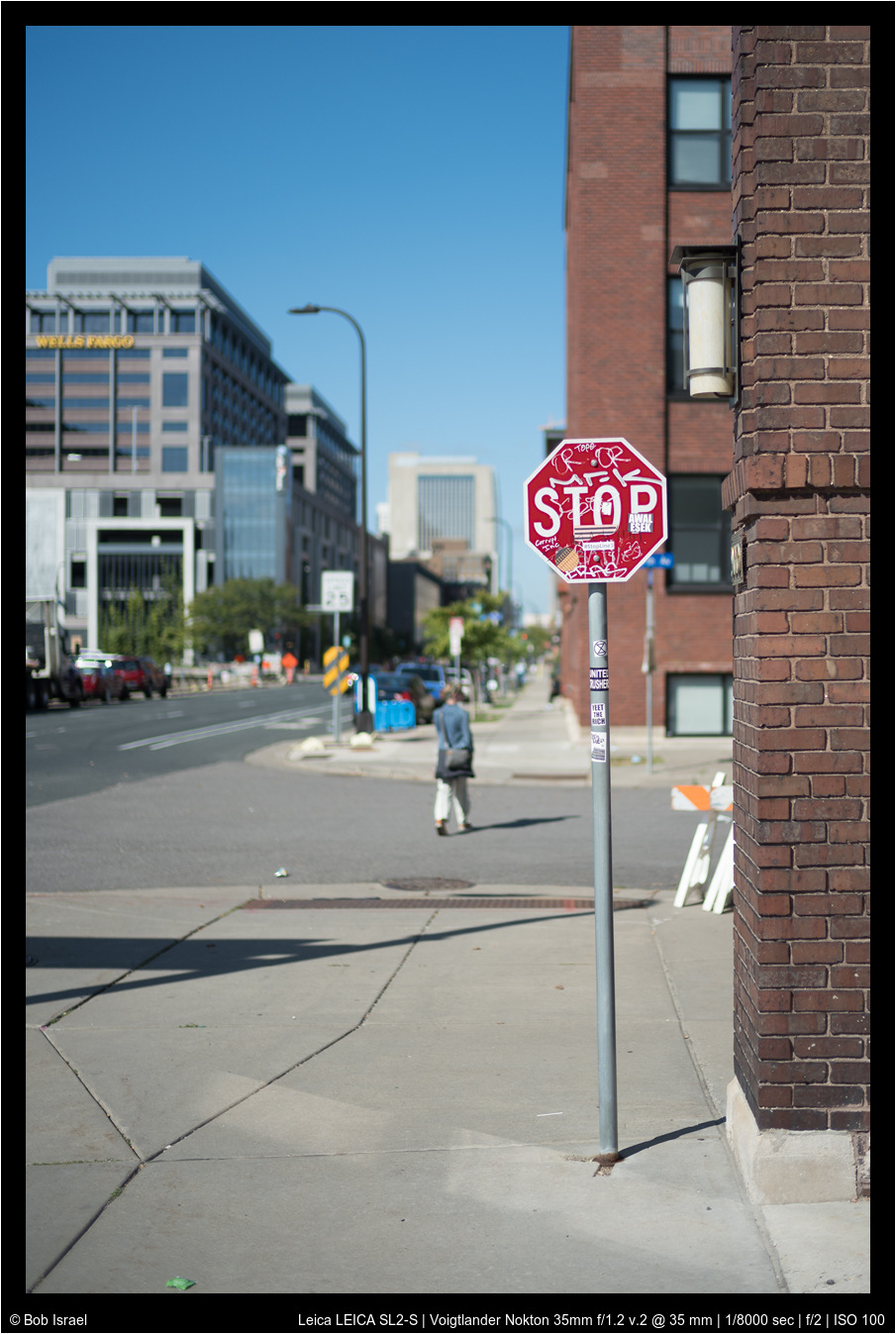
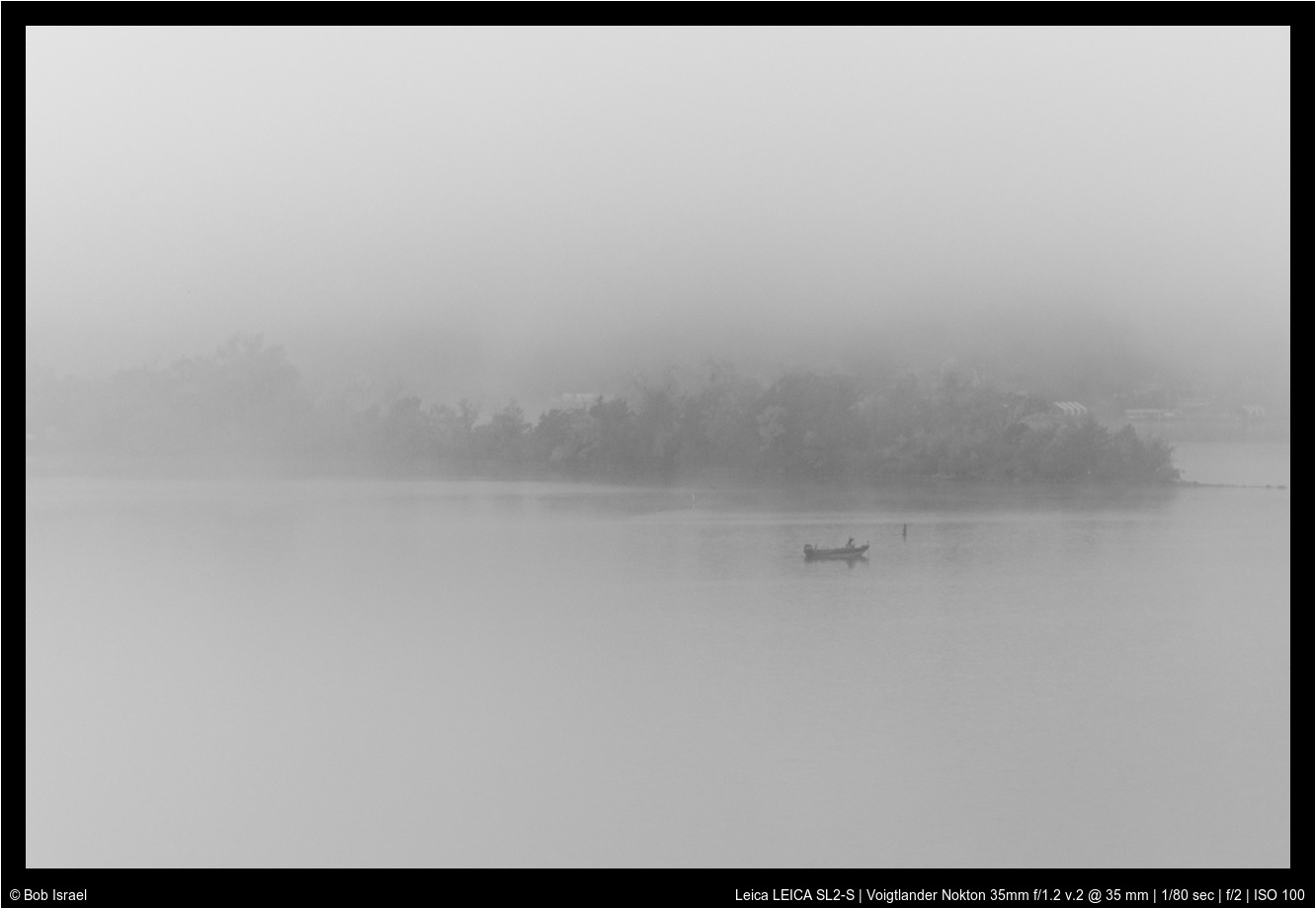
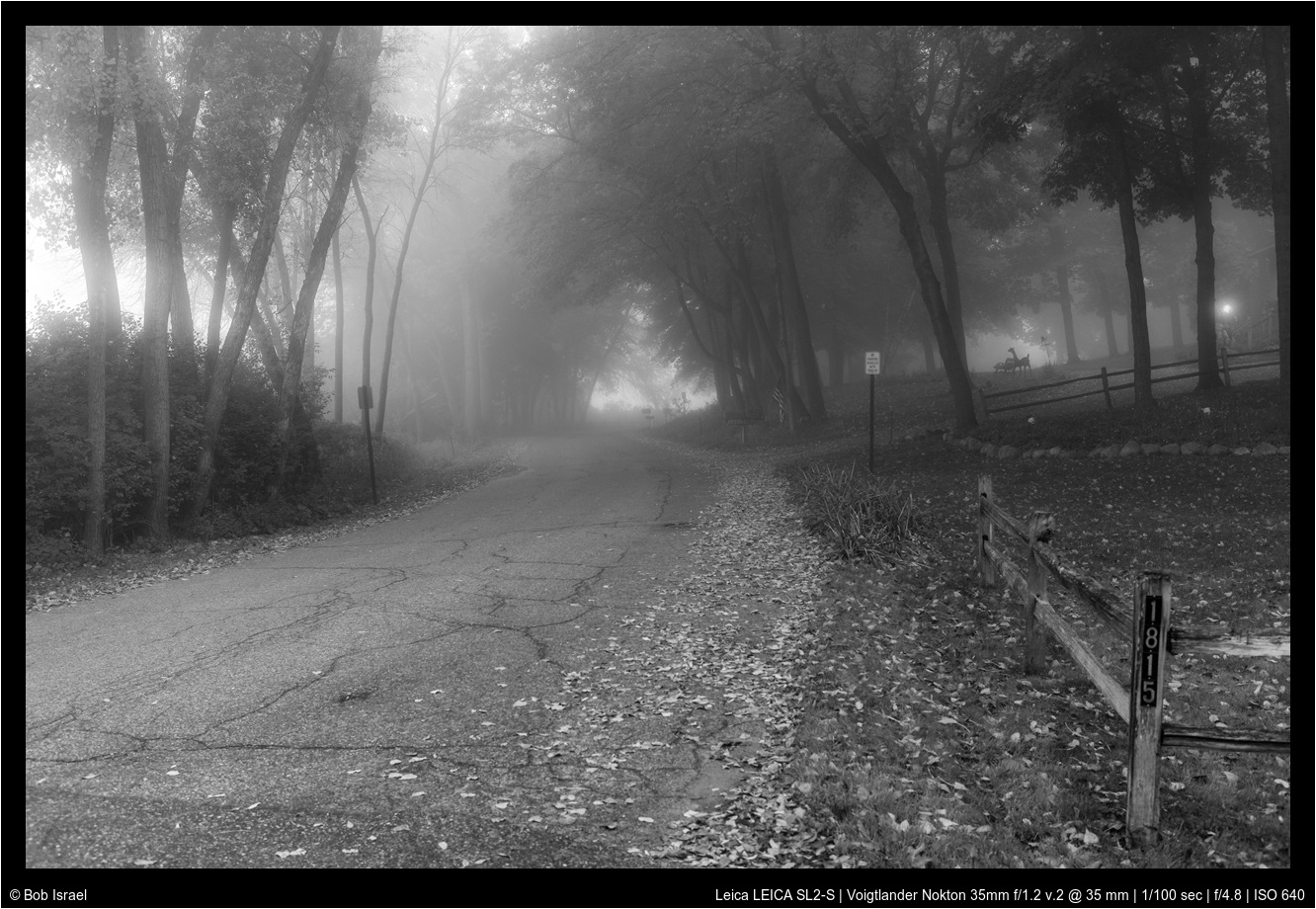
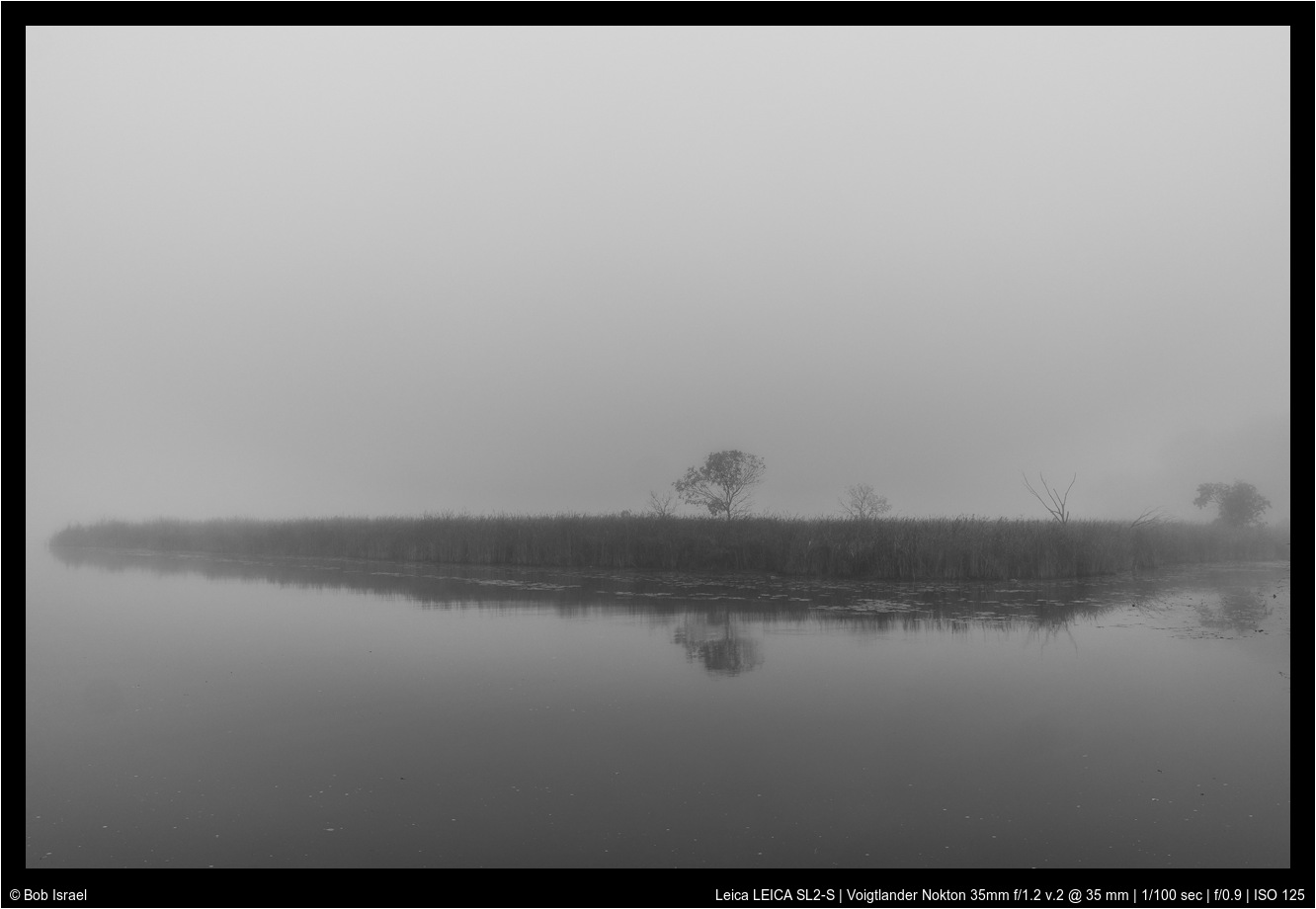
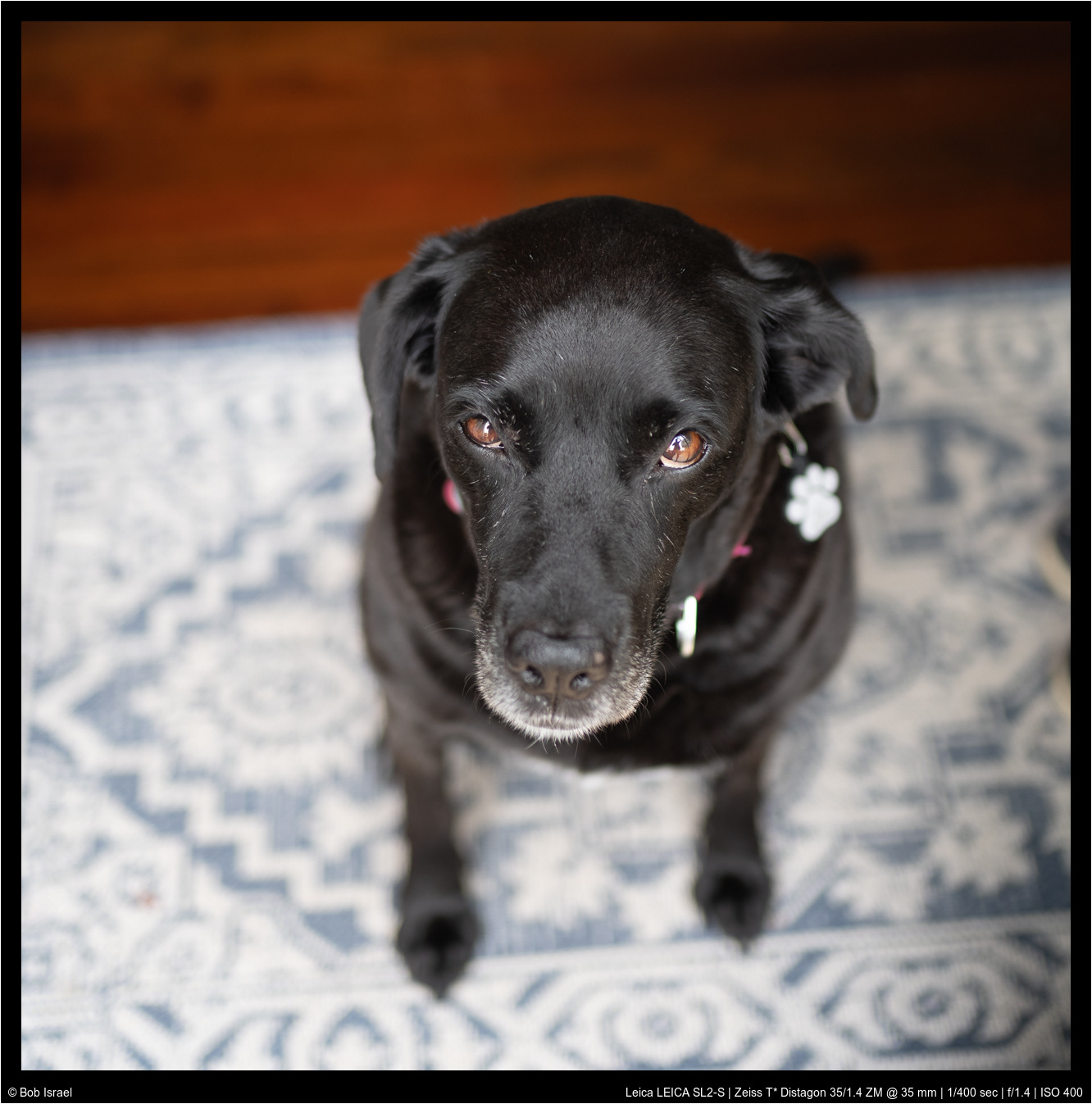
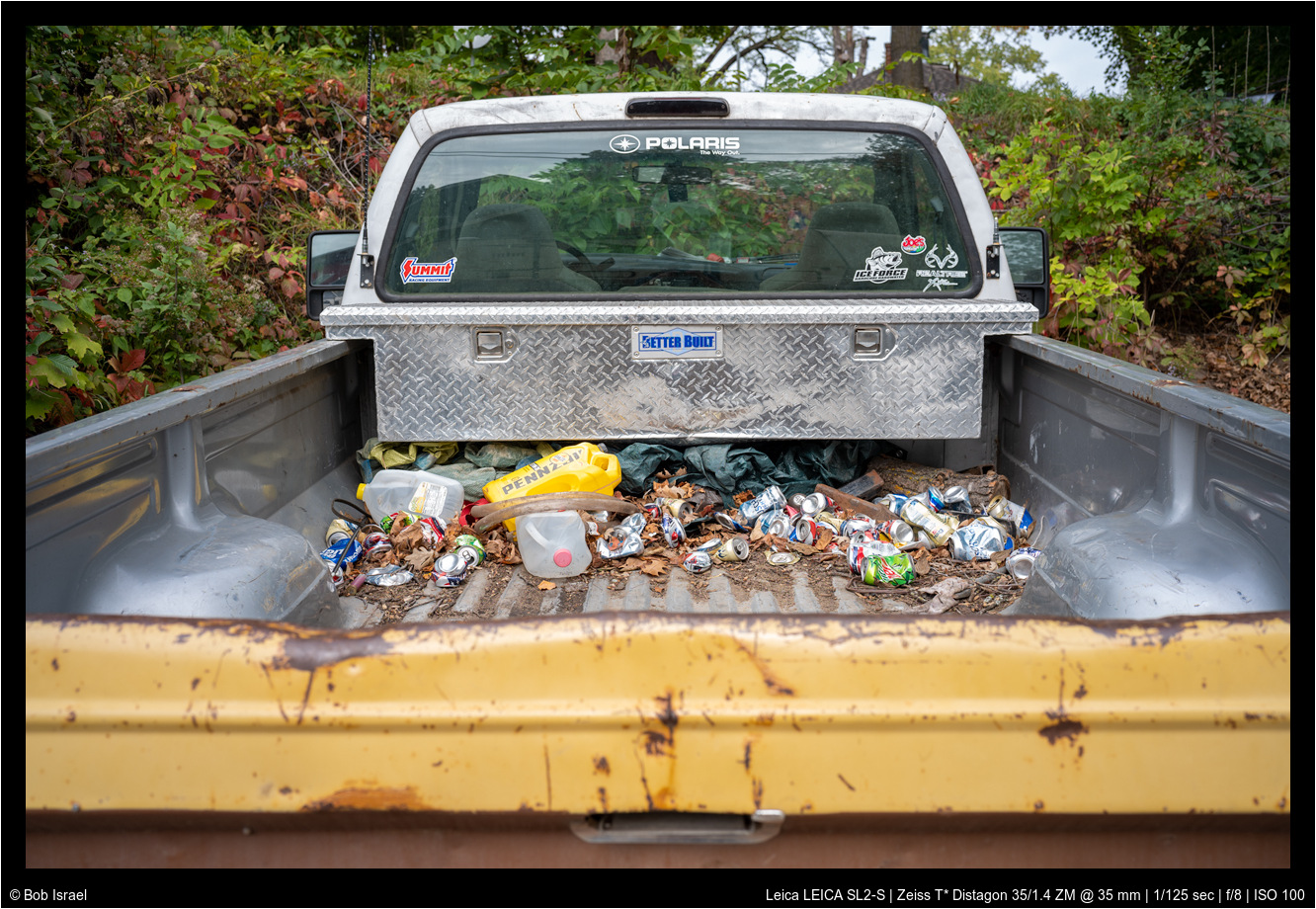
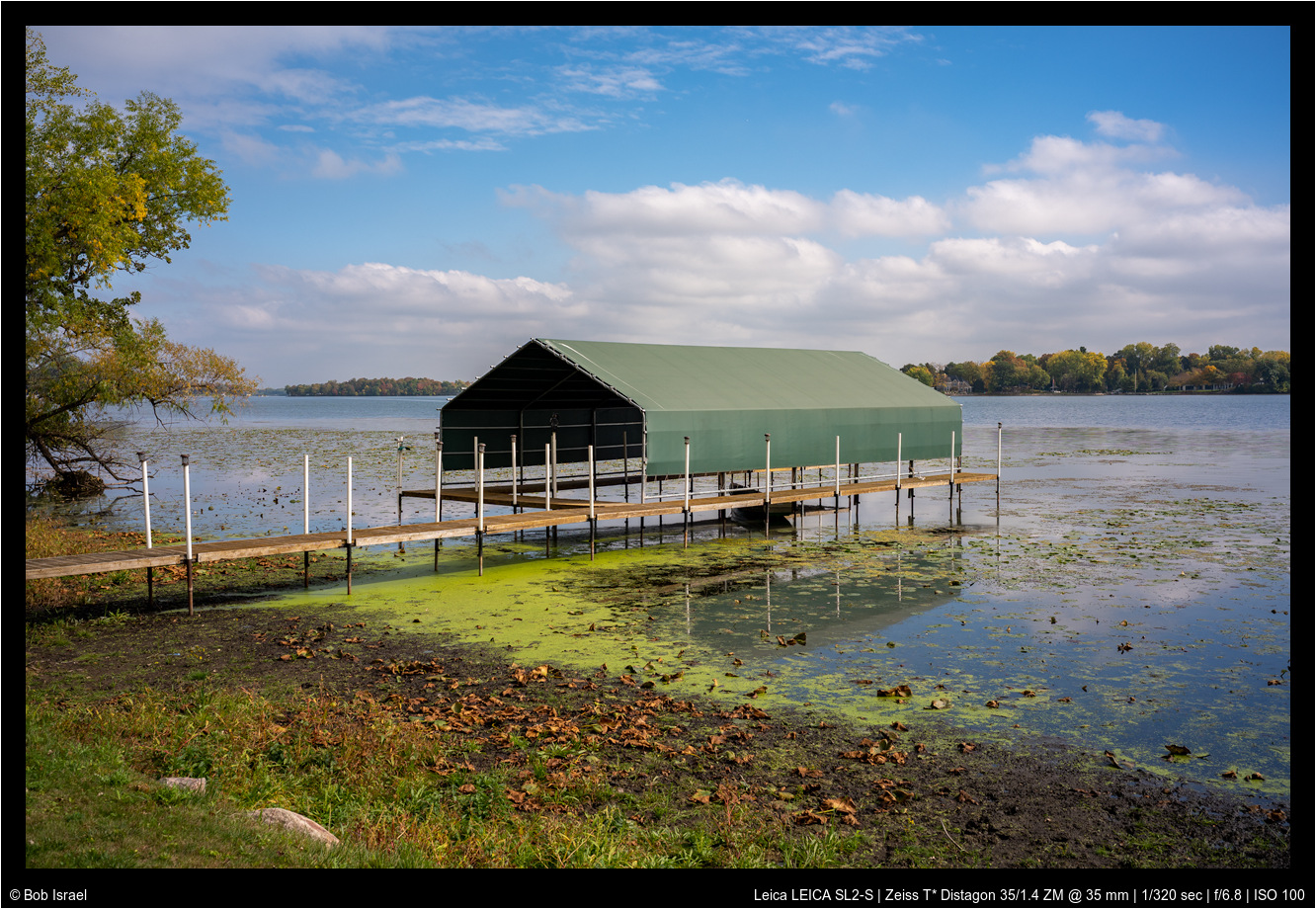
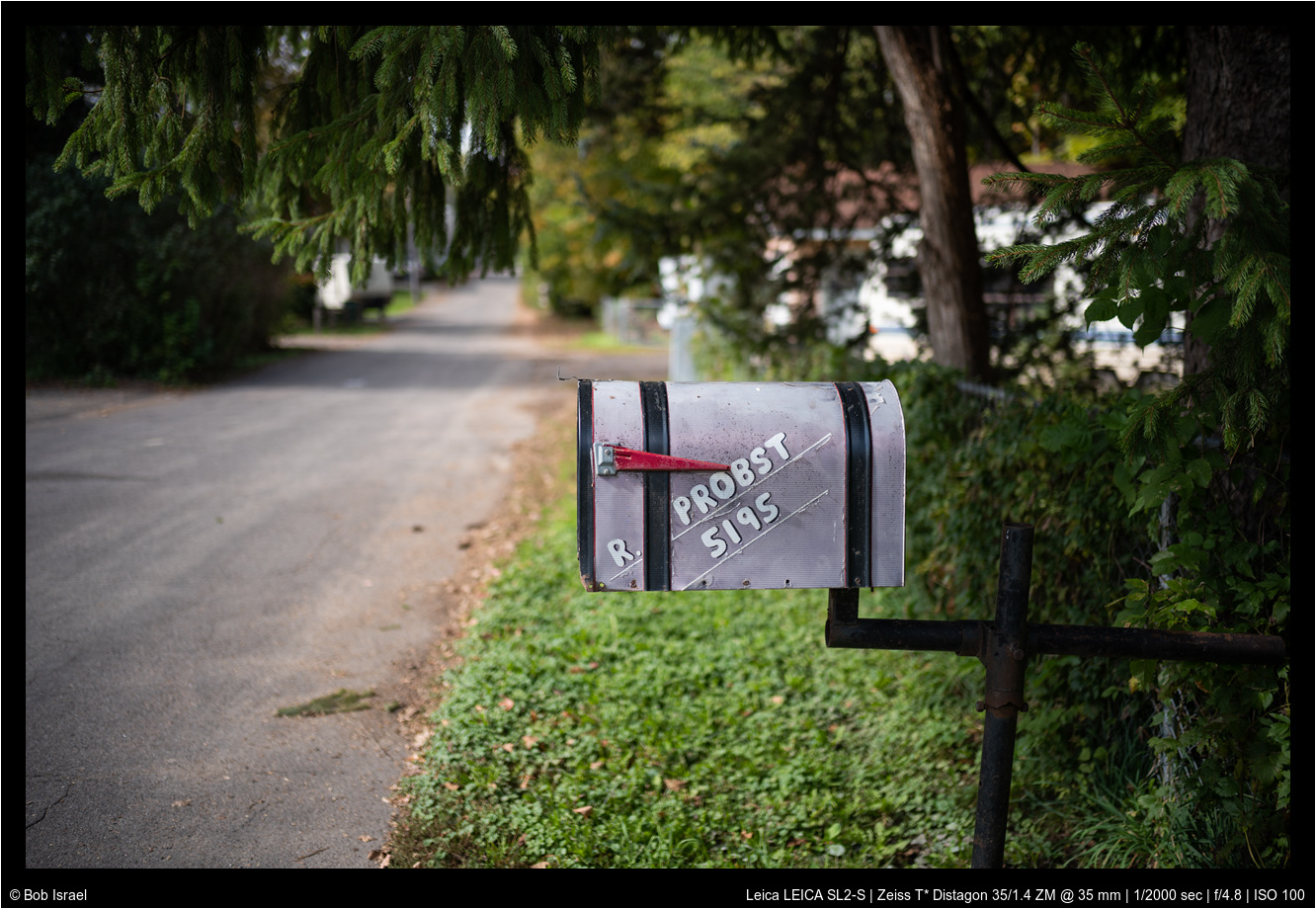
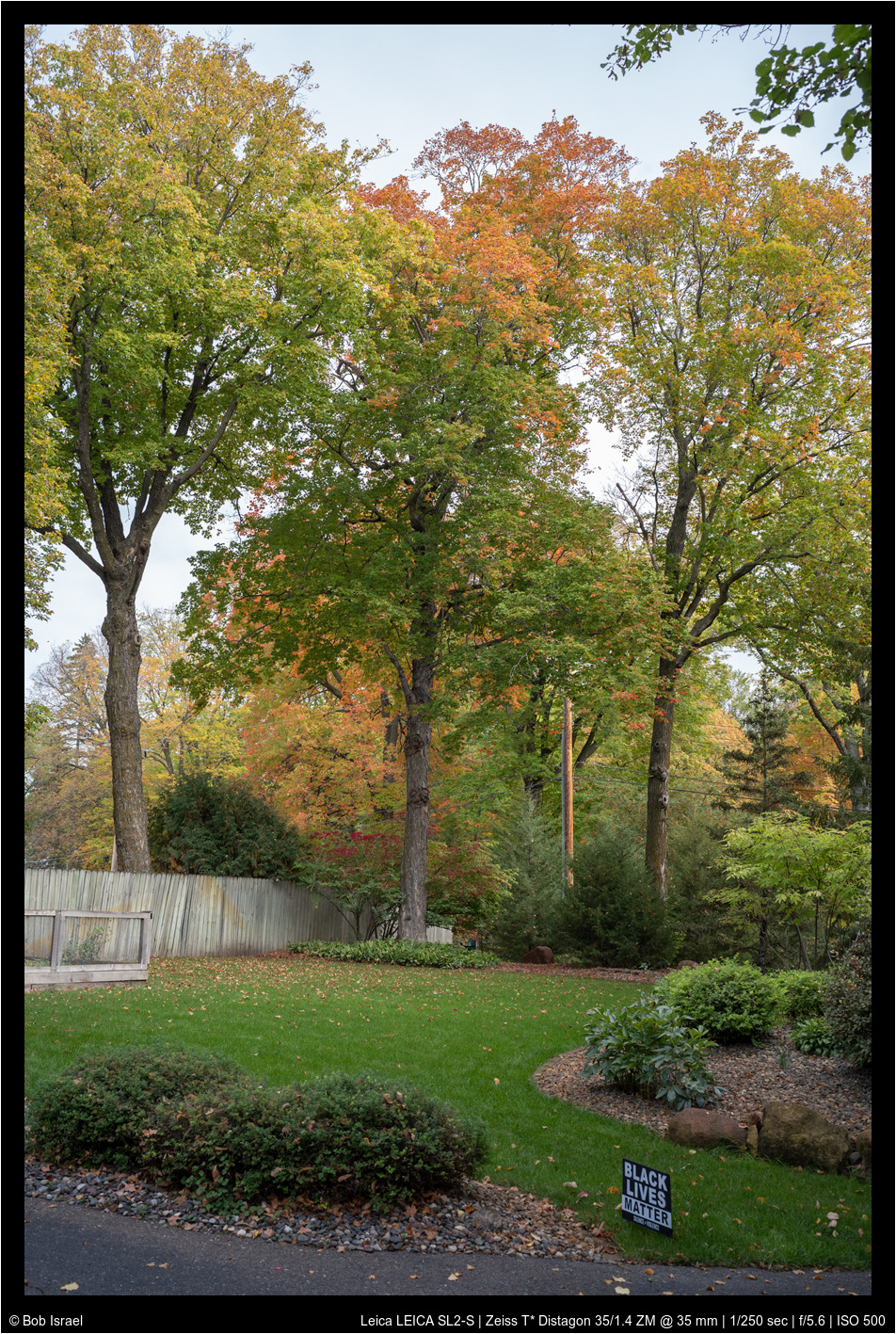
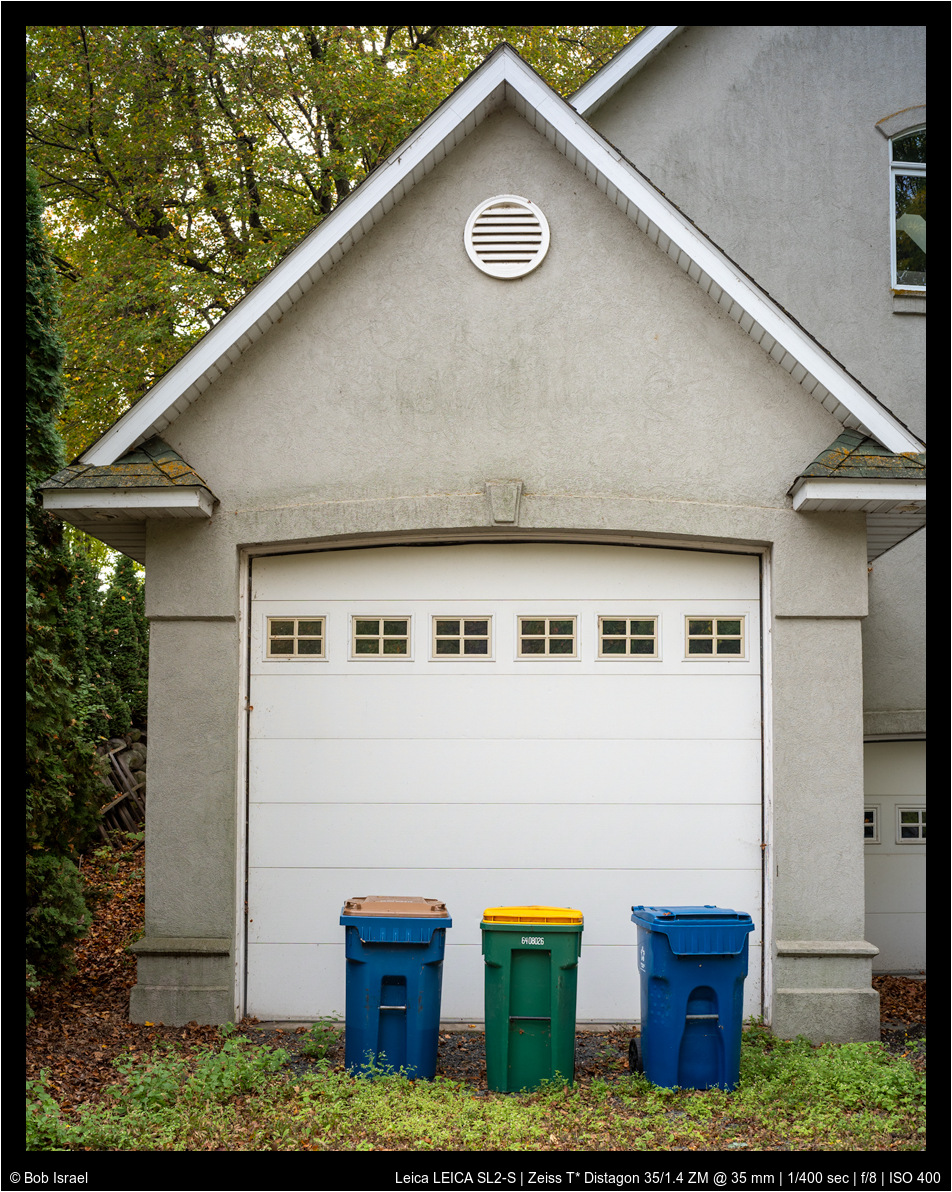
I just received my 'new to me' Zeiss Distagon 35/1.4 ZM. I owned this lens previously and adapted it to Sony. Love the feel, the dampened focus ring, the smart clicks of the aperture. Here are the first few snaps adapted now to the SL2-S
rji2goleez wrote:
^ Thank you! It's always interesting to learn how others approach their post processing.
I just received my 'new to me' Zeiss Distagon 35/1.4 ZM. I owned this lens previously and adapted it to Sony. Love the feel, the dampened focus ring, the smart clicks of the aperture. Here are the first few snaps adapted now to the SL2-S
The ZM 35/1.5 works way better on the SL2 sensor. Superb lens!
zhangyue wrote:
As promised. Here are how I edit this first image shown here. I am quite embarrassed that I forget sharpen the image before post to flickr. and I forget Lens profile as well. Usually, I will do both. For portrait, I will leave sharpening as is or turn down but with masking at 65~70.
if you ask me, this is really pretty good without much touch. As mentioned, SL2 usually has hot red channel, which I personally like, as it can be turn down quite easily but not other way around usually. It is important to have nice red to have delicate skin tone rendering.
For personal preference, I don't like high contrast, deep black as I feel that kill tonarity and images looks 'digital'. I don't like "shocking" or "impress" people for my images but rather spent some time looking and thinking Again this is very personal. For portrait, I will leave contrast, clarity and dehaze all negative. and lift black level depend on mood. I am trying my best for "film" look or cinematic rendering.
I usually apply a radial filter for portrait to add vignette and reduce contrast even more for back ground. (attached screen shot here) That is it. I don't do other local edit.
That is all I have to share. BTW, I slightly cropped the image. Occasionally, I do more edit than this depend on what I try to achieve as I can't control my light condition to my like but not this case, it is good enough for me.
For portrait, I sometimes turn down saturation of orange channel and up luminosity of it. Turn down saturation of green if it doesn't contribute anything to the image, as it can be quite distracting, fighting the attention from viewer. Lower blue luminosity usually help to give a cooler and deeper shadow to contrast skin tone and it helps sky as well.
I could have added additional vigenet to direct viewer to subject more for this image but I forget During writing this post, I realize there are a few thing I can do to further tweak this image but they are good enough for family images. ...Show more →
Thank you so much for the detailed information. I agree on avoiding that digital look from contrasty portraits, especially when shooting with well corrected, super sharp lenses. Your processing does have a cinematic rendering. I do like to lift the blacks and lower global contrast as well. I will follow your suggestion and lower clarity by that amount and see if I like it.
Fred Miranda wrote:
Thank you so much for the detailed information. I agree on avoiding that digital look from contrasty portraits, especially when shooting with well corrected, super sharp lenses. Your processing does have a cinematic rendering. I do like to lift the blacks and lower global contrast as well. I will follow your suggestion and lower clarity by that amount and see if I like it.
Hi Fred, I am glad I can offer any help if at all My process skill is pretty basic at most and the preference acquired over the year. I have developed a strong preference on lens selection too as you may know
Though ultimately I have to say the lens choice play more role on mental side than final images if we dont too picky about those little details.(I still have fun to actively join the discussion about Lenses always) I would say most of the cases, content, lighting or composition made the images sharing but not gear. My view is we have to enjoying using the gear first
Here is one more with 50APOM and SL2. The process used very similar idea as above. If anything I forget to mention: don't forget play curve, it is quite powerful to make subject pop without adding global contrast. (watch carefully to bump luminosity of subject as they may not be always in mid range)
zhangyue wrote:
Hi Fred, I am glad I can offer any help if at all My process skill is pretty basic at most and the preference acquired over the year. I have developed a strong preference on lens selection too as you may know
Though ultimately I have to say the lens choice play more role on mental side than final images if we dont too picky about those little details.(I still have fun to actively join the discussion about Lenses always) I would say most of the cases, content, lighting or composition made the images sharing but not gear. My view is we have to enjoying using the gear first
Here is one more with 50APOM and SL2. The process used very similar idea as above. If anything I forget to mention: don't forget play curve, it is quite powerful to make subject pop without adding global contrast. (watch carefully to bump luminosity of subject as they may not be always in mid range)
"quite powerful to make subject pop without adding global contrast."
Would you mind to share your curves technique to achieve that? Whenever I add more pop to a subject, I find it hard to stop contamination throughout the image, unless isolating the main subject with a mask.
"quite powerful to make subject pop without adding global contrast."
Would you mind to share your curves technique to achieve that? Whenever I add more pop to a subject, I find it hard to stop contamination throughout the image, unless isolating the main subject with a mask.
Hi, Fred, I will use another posted example to illustrate what I mean.
but also hold the highlight to avoid increase global contrast or let lump to grab attention. This is a fast way to give a smooth neutral look without do much local adjust. It does not always work this easily but It can do good job without spend too much time on image. Hope that make sense.