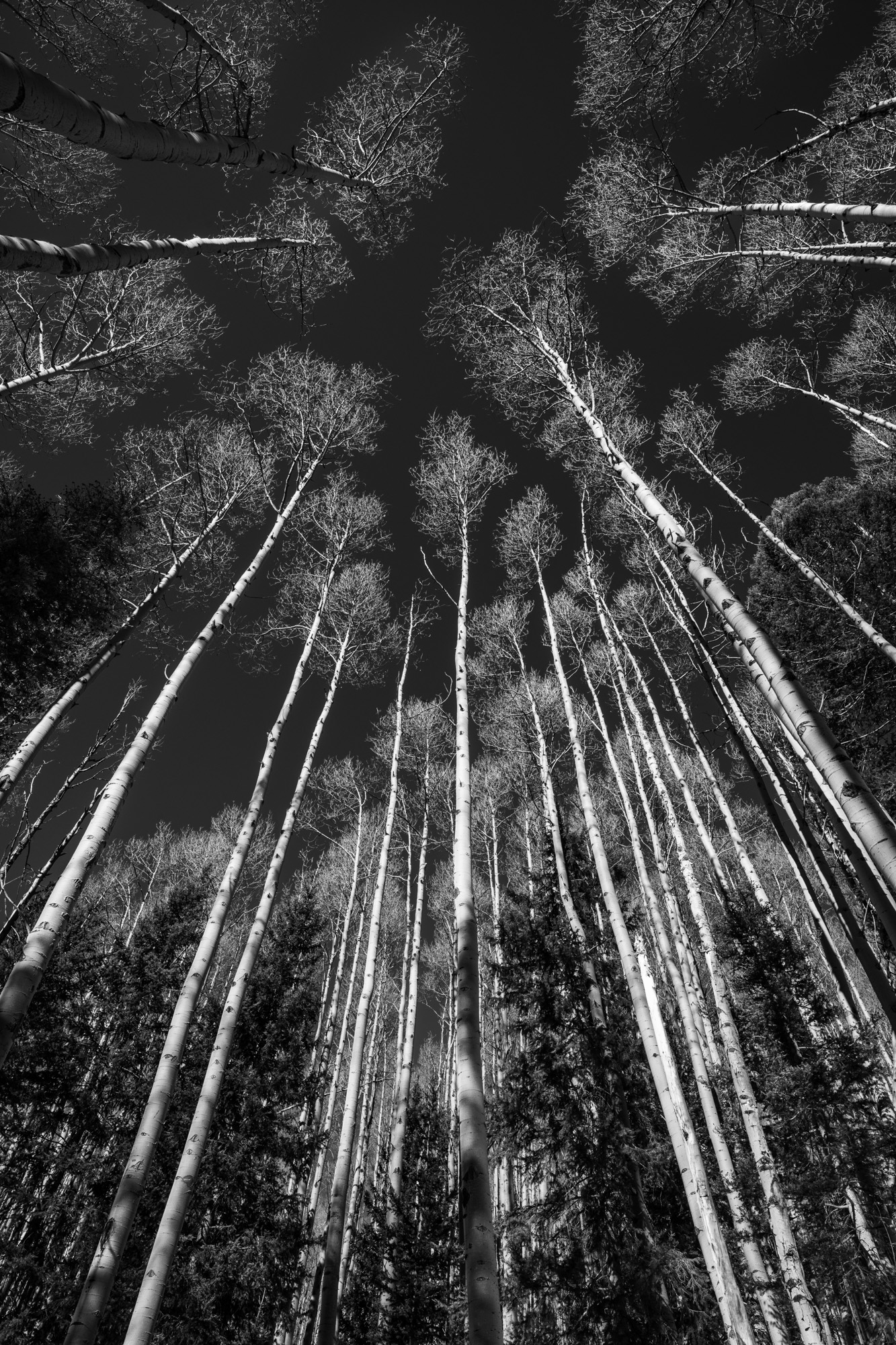
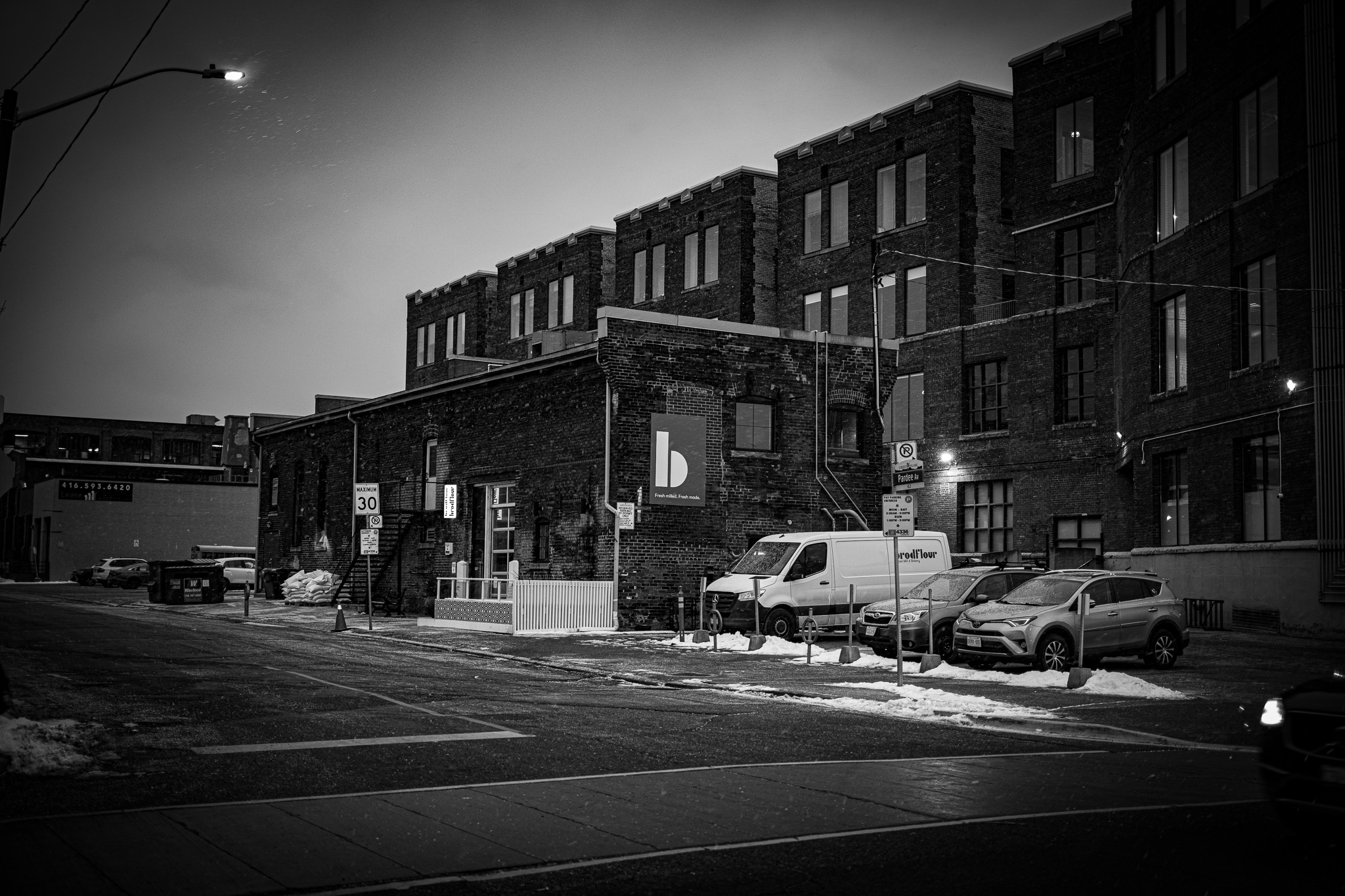
Was hoping the moon would be a little closer to the mountains but then it would have been behind the clouds. Froze my butt off only to realize I wasn't as familiar with the z8 as I thought I was. Fighting with ISO and couldn't figure out how to get it off auto. Snapped this real quick as I was walking back to the car. Took me 20 minutes to get feeling in my fingers again!
Seabassius wrote:
Was hoping the moon would be a little closer to the mountains but then it would have been behind the clouds. Froze my butt off only to realize I wasn't as familiar with the z8 as I thought I was. Fighting with ISO and couldn't figure out how to get it off auto. Snapped this real quick as I was walking back to the car. Took me 20 minutes to get feeling in my fingers again!
Seabassius wrote:
Was hoping the moon would be a little closer to the mountains but then it would have been behind the clouds. Froze my butt off only to realize I wasn't as familiar with the z8 as I thought I was. Fighting with ISO and couldn't figure out how to get it off auto. Snapped this real quick as I was walking back to the car. Took me 20 minutes to get feeling in my fingers again!
Seabassius wrote:
Was hoping the moon would be a little closer to the mountains but then it would have been behind the clouds. Froze my butt off only to realize I wasn't as familiar with the z8 as I thought I was. Fighting with ISO and couldn't figure out how to get it off auto. Snapped this real quick as I was walking back to the car. Took me 20 minutes to get feeling in my fingers again!
Great shot.
When holding the ISO button down, the Command Dial (real dial by default) changes the set ISO (minimum ISO in Auto) and the Sub-Command Dial (front dial by default) sets Auto ISO on/off.
RoamingScott wrote:
Is this near GotG? That road looks familiar...
Default behavior for ISO is hold ISO button while rotating command dial to toggle auto/manual setting.
Yeah, I had it set to Auto ISO in the menu and I was just rotating through the Auto settings. I wanted lowest to get some car light trails". Solved it in ten seconds when I got home, was a complete dope in the cold and with gloves on!
This is Genese Park exit off of I70 as you head out of Denver into the mountains. Usually are some buffalo in the pasture to the north here as well, but not this morning.
Seabassius wrote:
Yeah, I had it set to Auto ISO in the menu and I was just rotating through the Auto settings. I wanted lowest to get some car light trails". Solved it in ten seconds when I got home, was a complete dope in the cold and with gloves on!
This is Genese Park exit off of I70 as you head out of Denver into the mountains. Usually are some buffalo in the pasture to the north here as well, but not this morning.
I had a similar thing happen to me in a Colorado snowstorm, I locked my Peak Capture Clip (didn't know it COULD lock) and couldn't figure out why my camera was stuck to my backpack...the cold can make you dumb pretty fast I had to warm up in the car for 15 min before I got enough wits back to figure it out.
When holding the ISO button down, the Command Dial (real dial by default) changes the set ISO (minimum ISO in Auto) and the Sub-Command Dial (front dial by default) sets Auto ISO on/off.
Swear I tried that front dial but probably just cycled through it too fast to notice if it was doing anything. Other issue I had was it was set in HLG when I was playing around with it and evidently you can't go below ISO 400 with that set.
Seabassius wrote:
Swear I tried that front dial but probably just cycled through it too fast to notice if it was doing anything. Other issue I had was it was set in HLG when I was playing around with it and evidently you can't go below ISO 400 with that set.
It does cycle on/off with every single detent, so it can appear to flicker on/off if you move the wheel too fast. I've overshot more than a few times changing this on various Nikon bodies over the years.
524f44 wrote:
Preset. Colored filters do not work on cameras with color sensors.
—
Rod
Not entirely true. When I shot with a D700, I often would use my old film color filters for shots I intended for monochrome. In my workflow, the output I got when stripping out the color would leave me with a very filmic black and white image that I didn’t have to do much with.







 I had to warm up in the car for 15 min before I got enough wits back to figure it out.