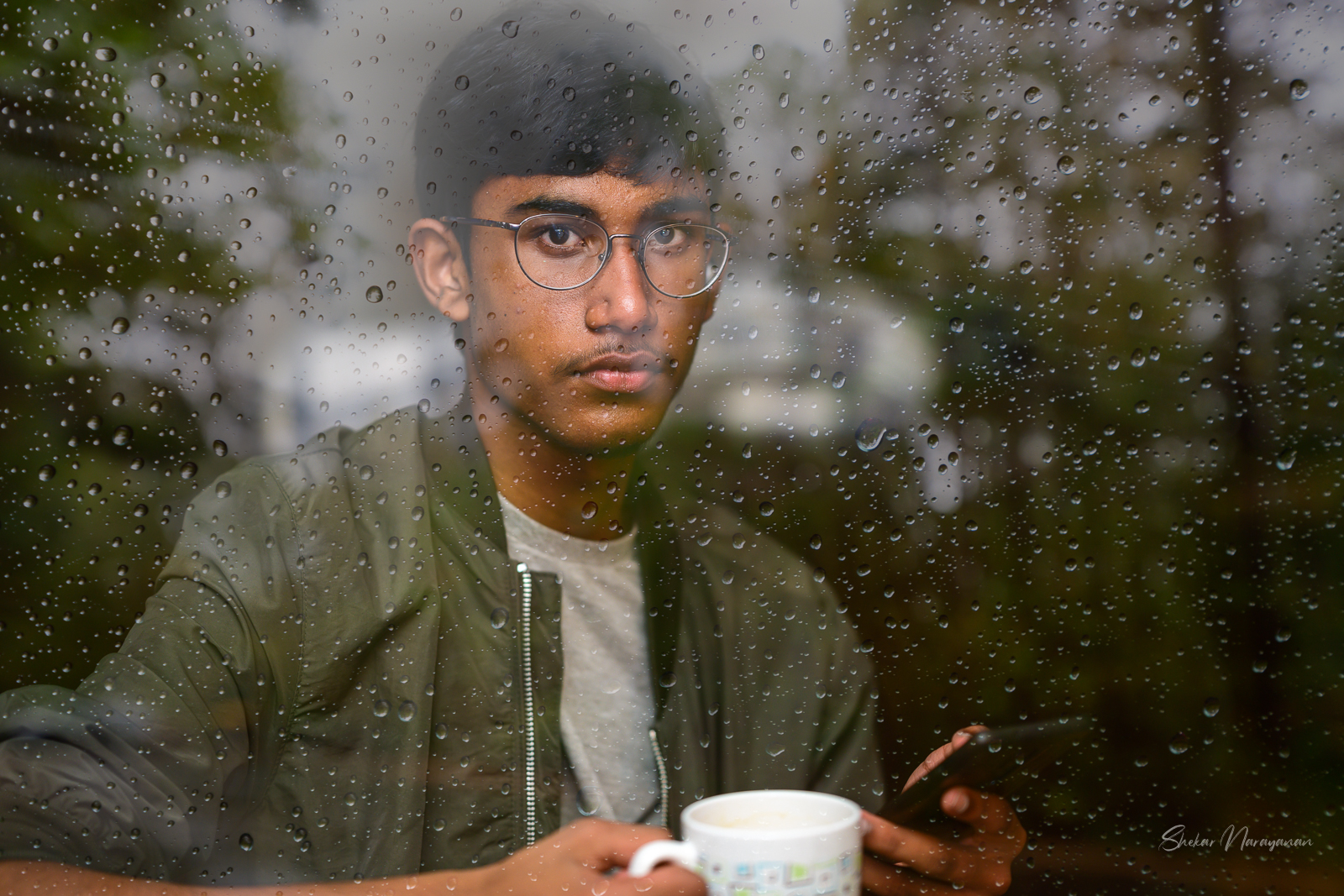
I noticed how interesting these geese looked during one of my slow pan exposures. Sometimes you try to be "artsy" and it doesn't work out. Other times it does 🤷
Intentional Camera Movement (ICM) Photography
Nikon Z 6
NIKKOR Z 50mm f/1.8 S
ƒ/6.3
50.0 mm
0.5 sec
ISO 100
fotografur wrote:
I noticed how interesting these geese looked during one of my slow pan exposures. Sometimes you try to be "artsy" and it doesn't work out. Other times it does 🤷
Intentional Camera Movement (ICM) Photography
Nikon Z 6
NIKKOR Z 50mm f/1.8 S
ƒ/6.3
50.0 mm
0.5 sec
ISO 100
Haha, love the image and your title for it I am reminded of the old Ansel Adams quote, "There's nothing worse than a sharp image of a fuzzy concept." Here you've made a work of art doing the opposite -- kudos!
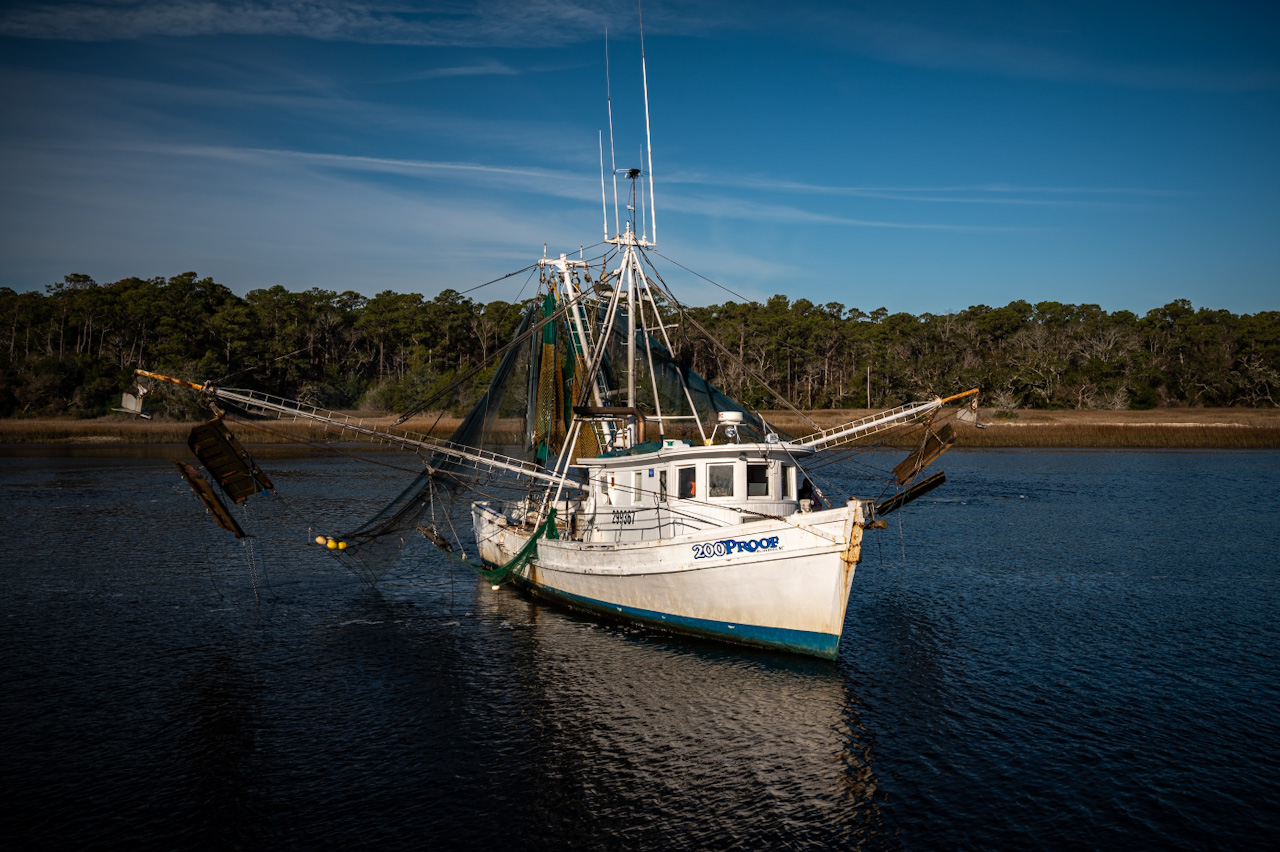
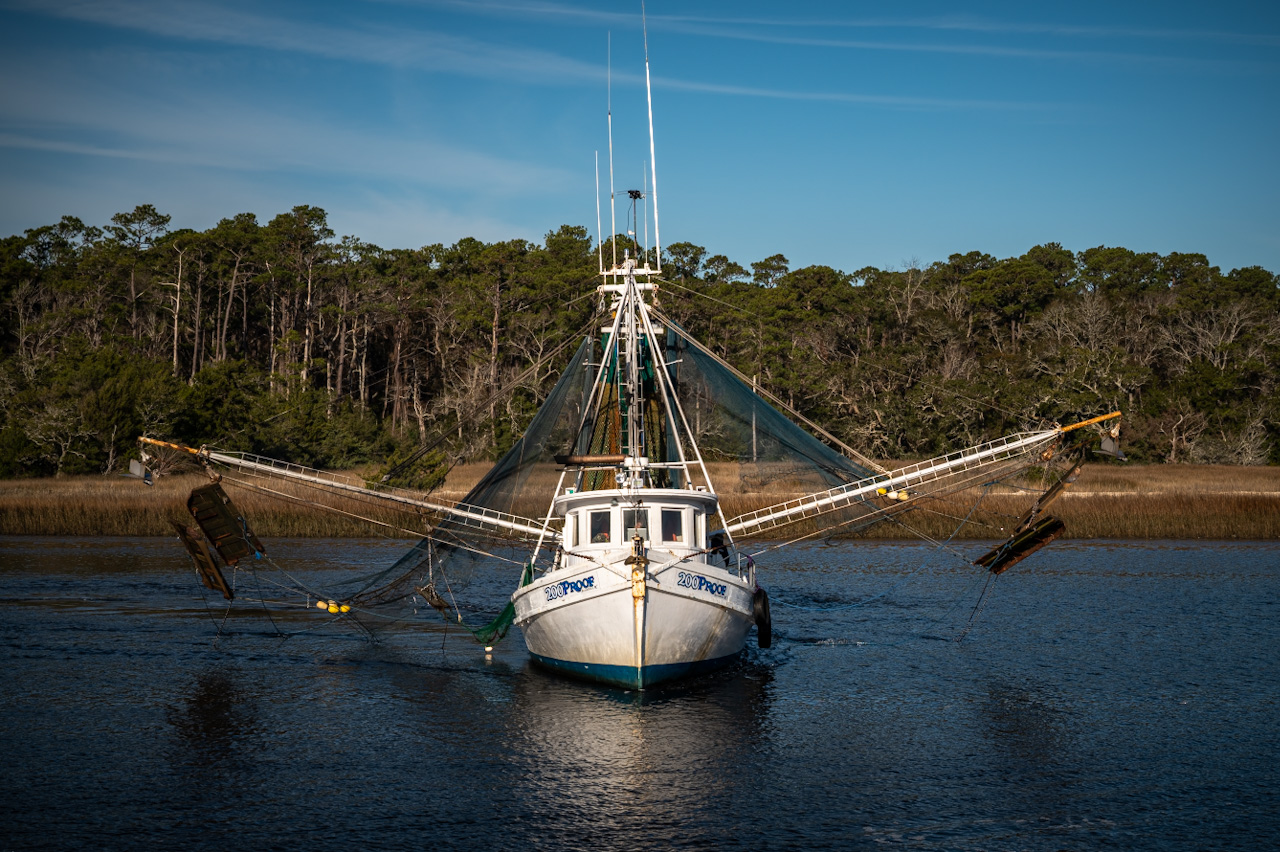
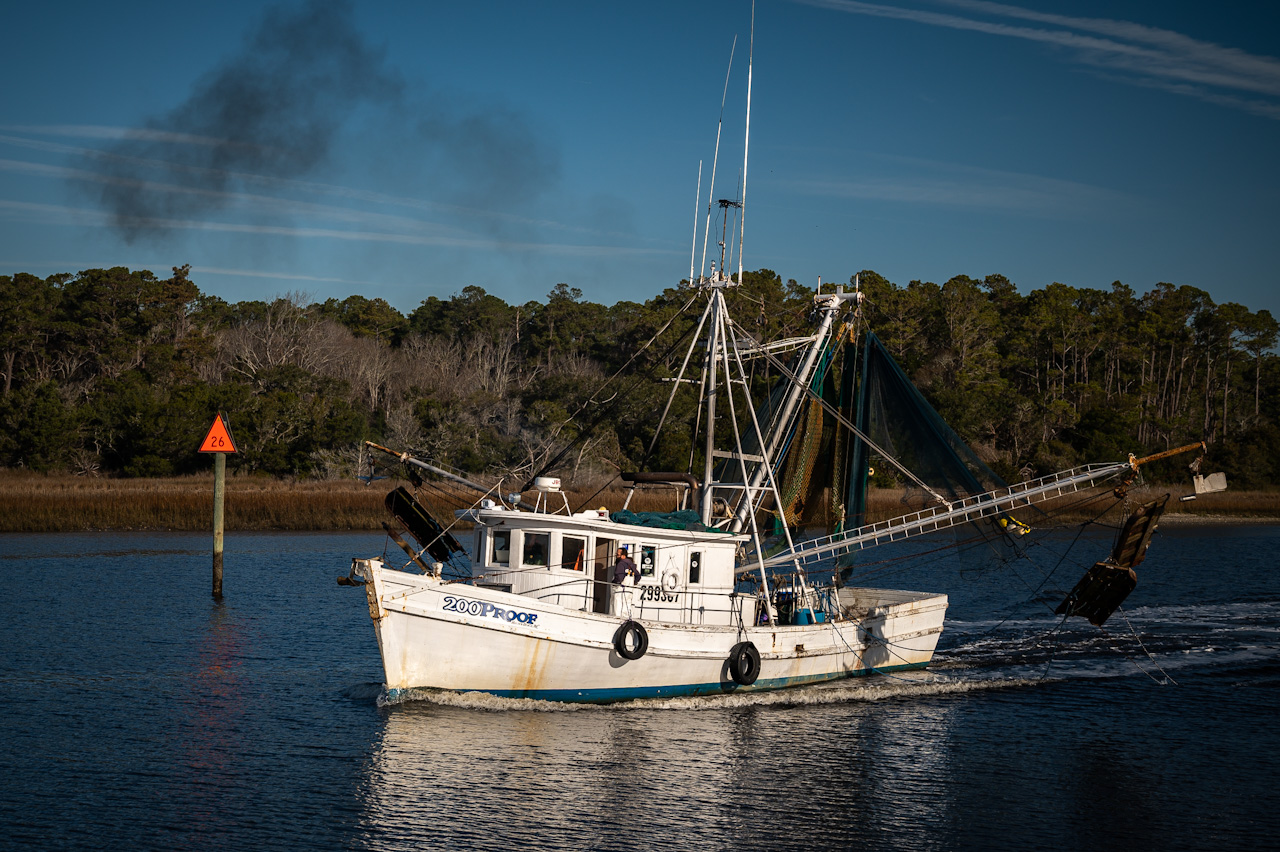
First morning I had a chance to take the Z6II out and happened to catch a shrimper who then decided to do some odd maneuvers right in front of the pier I was on.
AdaptedLenses wrote:
First morning I had a chance to take the Z6II out and happened to catch a shrimper who then decided to do some odd maneuvers right in front of the pier I was on.
Just curious, what lens and software were you using? I ask simply because detail is certainly there and they're good compositions, but the color looks a little wonky on my calibrated monitor leaning toward cyan, and then there's a pretty heavy vignette. Not criticizing either as they may also be artistic choices, so really just curious. TIA!
24-70mm f/4 and Adobe LR CC. Vignette is intentional, but the color is... I don't know. I had another post but no one responded to it, weird things were happening with Z6II files in Adobe. The camera matching profiles were gone. Adobe profiles were missing as well and I was getting crazy magenta shifts. They showed back up and wasn't as bad, but probably has some residual issue from that.
AdaptedLenses wrote:
weird things were happening with Z6II files in Adobe.
I suspected it was LR or ACR -- IME it's not uncommon for new cams and Adobe raw conversions -- sometimes takes a revision (or two) for them to get it right.
One of the complaints about C1 is they're "slow" to add support for a new camera, but at least when they do, the color is pretty darn good out of the gate.
When I need to for a newer camera, I'll use the manufacturer supplied raw converter initially and output a 16-bit tiff for this reason. In the Z6ii case I'd use Capture NXD. Then I edit that tiff in my preferred program, which in my case C1, but it works for LR too. Of course I've also been lazy and just shot RAW + jpeg and used the jpegs until C1 updates
Agreed all around. Only caveat I’ll add I got the Z5 as well when it came out and tried it a couple times with NXD and 16bit TIFFs. I could be totally wrong but from that I’m of the option even 16 bit TIFFs aren’t near as flexible as the RAW off a Sony based sensor. Was very happy when Z5 support came and I could go back and re-edit.
Also, in fairness to Adobe, they should all have same WB, but was playing with a CPL too and some shots have very weak polarization, some stinger as the boat came across so could be poor editing on my part. To me the middle has the most cyan which was also its least polarized position.
gear-nut wrote:
I suspected it was LR or ACR -- IME it's not uncommon for new cams and Adobe raw conversions -- sometimes takes a revision (or two) for them to get it right.
One of the complaints about C1 is they're "slow" to add support for a new camera, but at least when they do, the color is pretty darn good out of the gate.
When I need to for a newer camera, I'll use the manufacturer supplied raw converter initially and output a 16-bit tiff for this reason. In the Z6ii case I'd use Capture NXD. Then I edit that tiff in my preferred program, which in my case C1, but it works for LR too. Of course I've also been lazy and just shot RAW + jpeg and used the jpegs until C1 updates
Ah CPL... Could be the culprit as not all are created equal. Especially if it's an older or cheaper one not truly built for digital, it can and will screw up color.


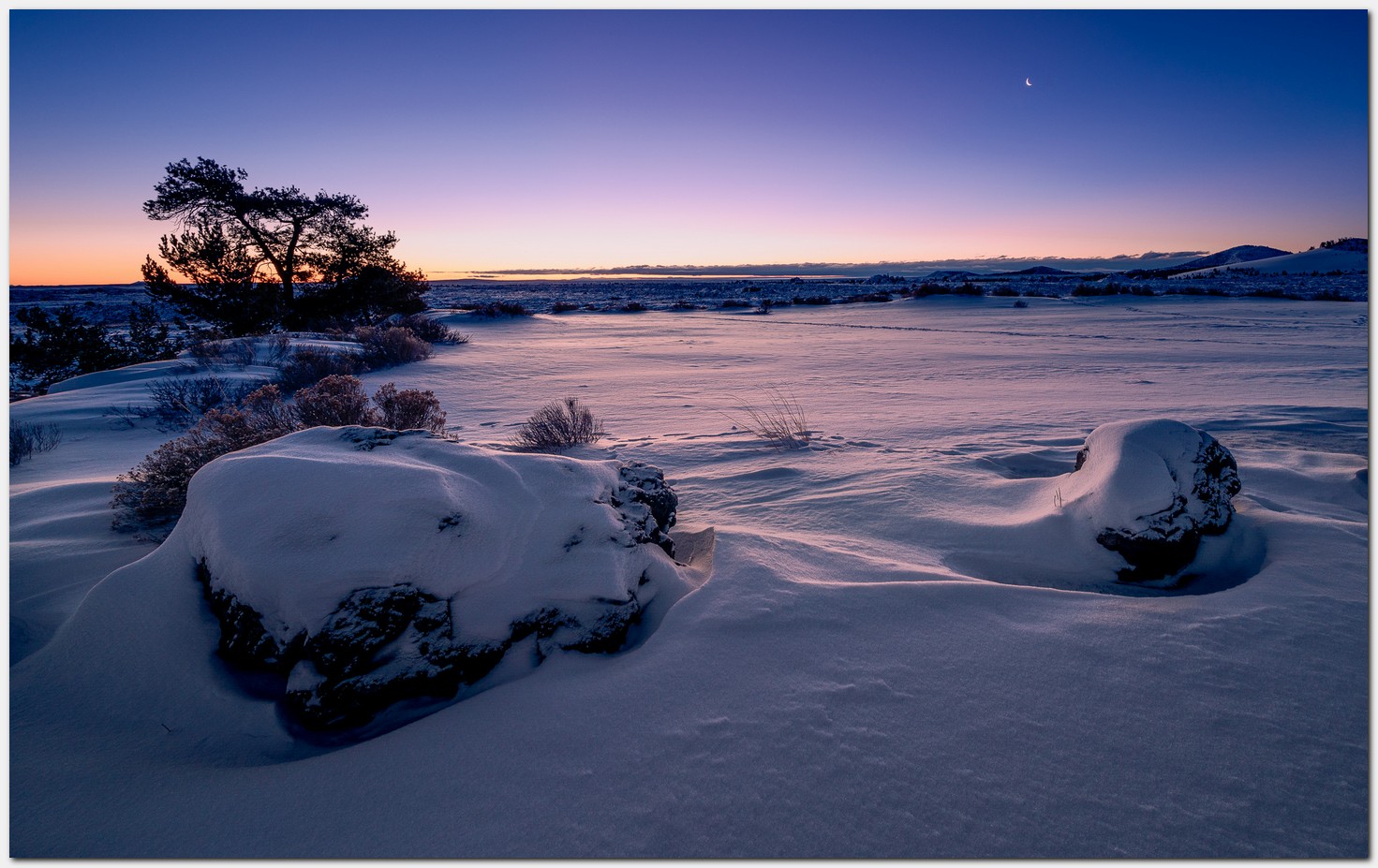


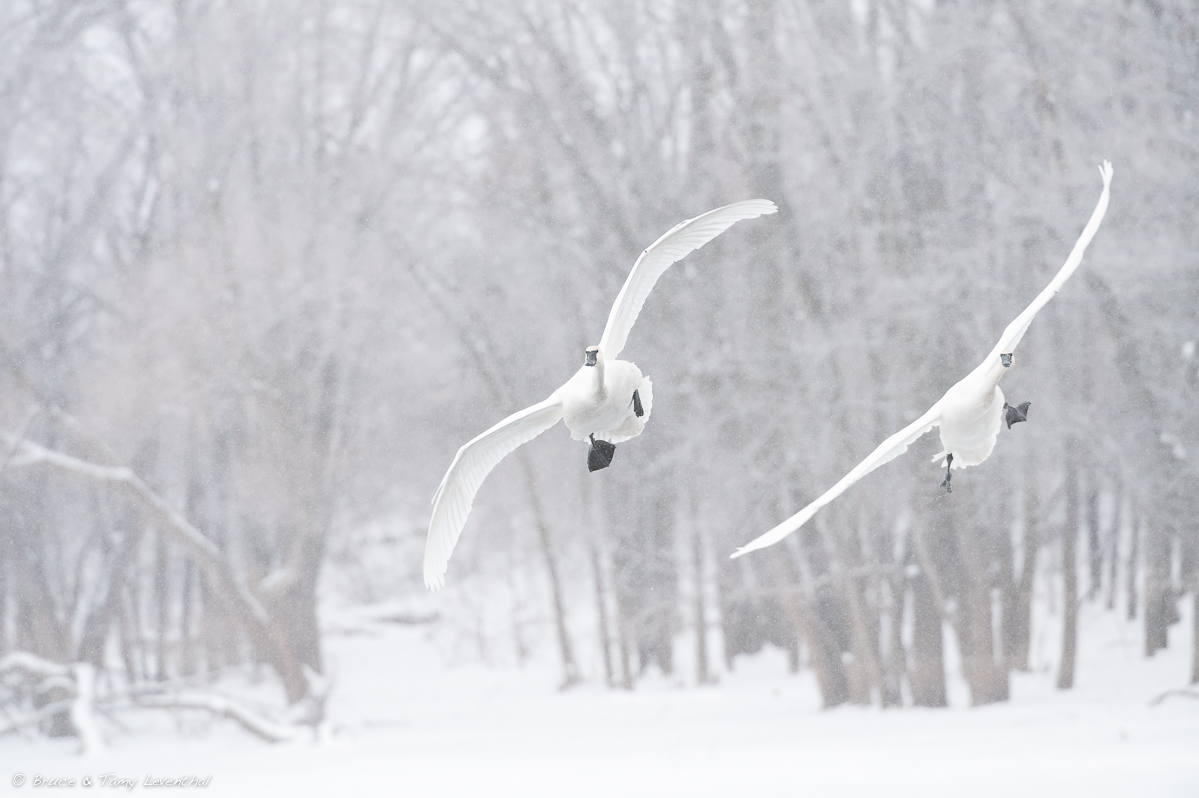
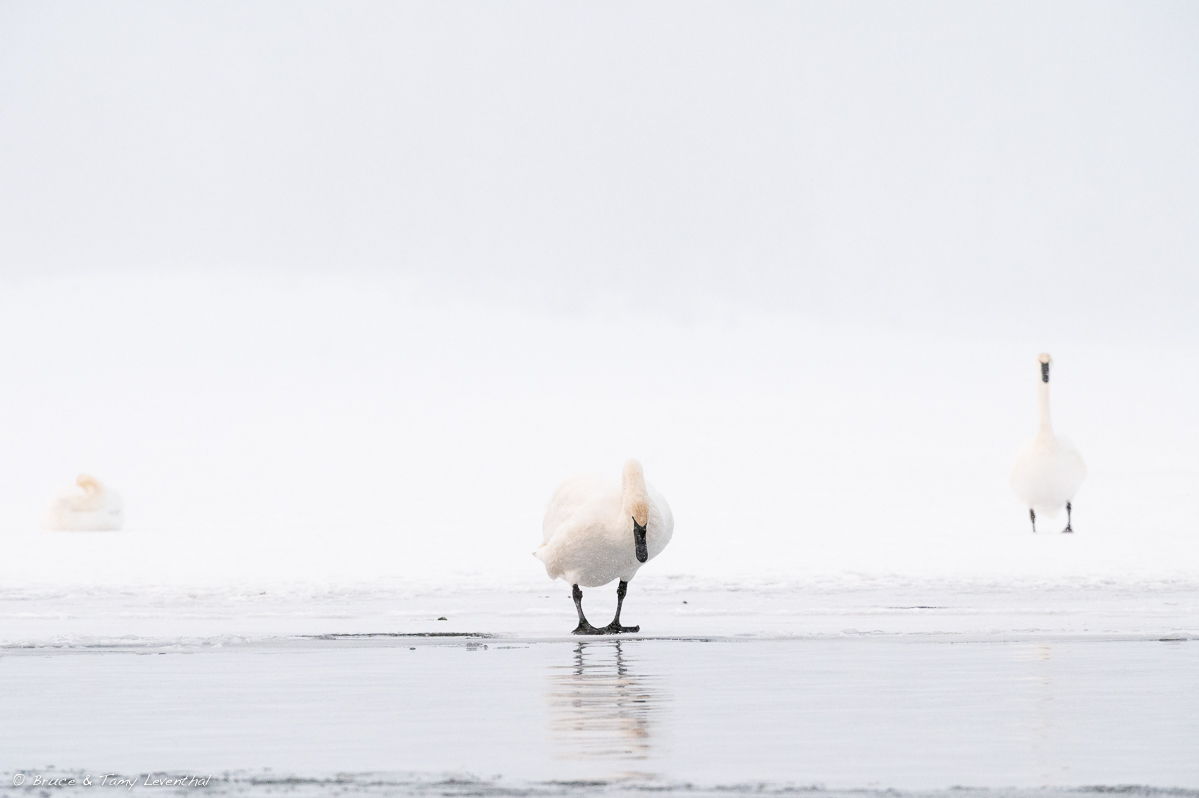
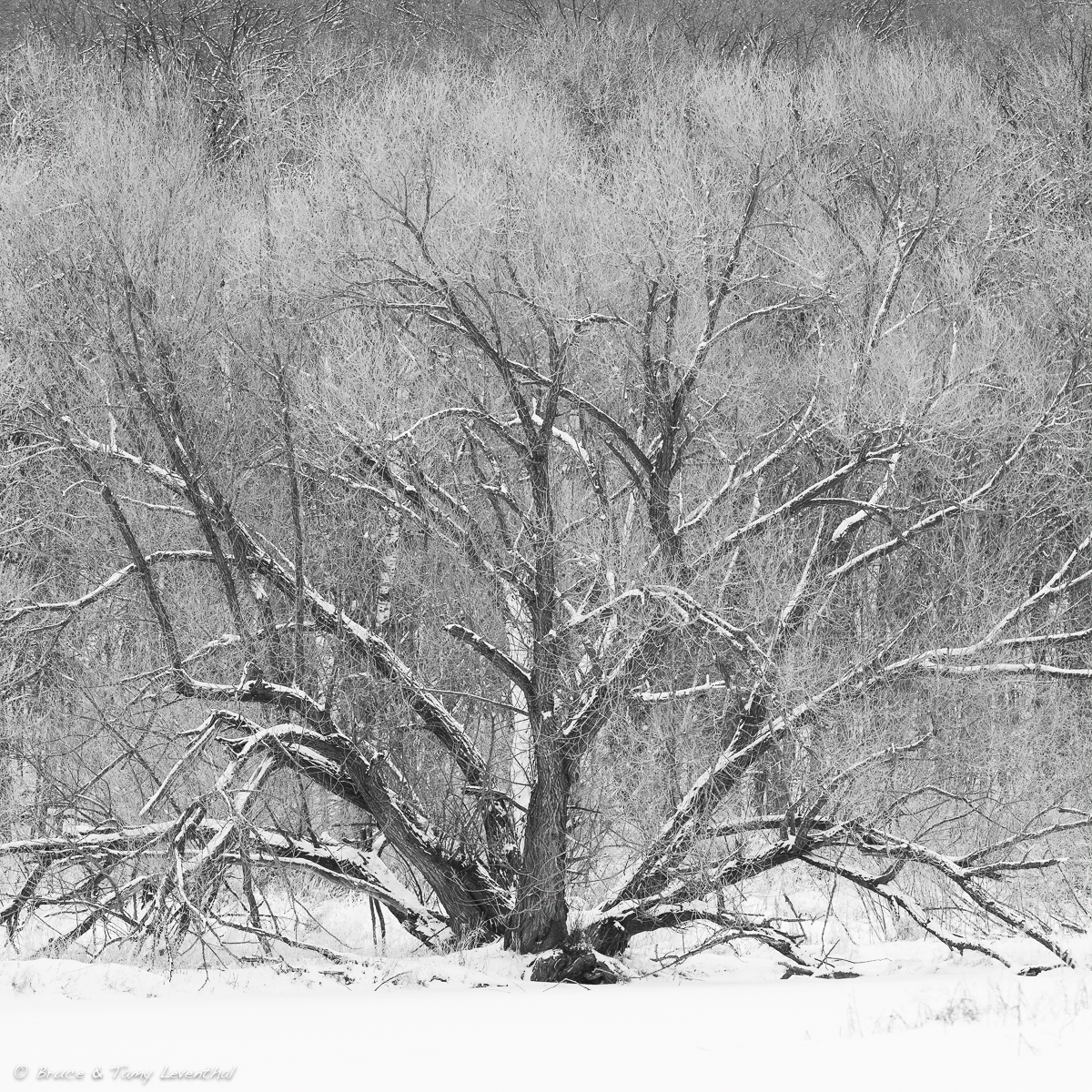


 I am reminded of the old Ansel Adams quote, "There's nothing worse than a sharp image of a fuzzy concept." Here you've made a work of art doing the opposite -- kudos!