p.61 #1 · Portrait and People Image Thread using Sony
Excellent shots! You may already know this but there is a setting called "shot result preview" that will temporarily show you the ambient but only for as long as you are pressing it. I have it mapped to my trash can button. It would be nice if you could toggle between the settings.
p.61 #2 · Portrait and People Image Thread using Sony
fuzzykeys wrote:
Excellent shots! You may already know this but there is a setting called "shot result preview" that will temporarily show you the ambient but only for as long as you are pressing it. I have it mapped to my trash can button. It would be nice if you could toggle between the settings.
I am trying to find that on my A7rIV. Let me check again. My trash can is already used to switch between LCD and EVF. Need more buttons. Sony should also make some real pro bodies.
p.61 #3 · Portrait and People Image Thread using Sony
bobby350z wrote:
I am trying to find that on my A7rIV. Let me check again. My trash can is already used to switch between LCD and EVF. Need more buttons. Sony should also make some real pro bodies.
It depends what we understand under real pro bodies, of course. I am perfectly fine with that we currently have in the current crop of cameras, like the A1, A9 II, A7r IV, etc. In term of performance, the A1 is currently unsurpassed and it ticks virtually all boxes for me. And I really don’t need an integrated battery grip that would make the camera bulky and heavy all the time, even when not needed.
p.61 #4 · Portrait and People Image Thread using Sony
AGeoJO wrote:
It depends what we understand under real pro bodies, of course. I am perfectly fine with that we currently have in the current crop of cameras, like the A1, A9 II, A7r IV, etc. In term of performance, the A1 is currently unsurpassed and it ticks virtually all boxes for me. And I really don’t need an integrated battery grip that would make the camera bulky and heavy all the time, even when not needed.
Personally I would have wanted nicer LCD on the A1. And a screen which flips in portrait mode. Such a pain in the butt when shooting portraits and you want the camera lower on the ground. EVF seems nice. For me it is A1 which I don't need except for that 1/400 sync speed vs Fuji GFX100s which is wow for landscapes, portraits which I mostly do. Going to see what comes in next few months.
p.61 #6 · Portrait and People Image Thread using Sony
"Need more buttons. "
I've never needed all of them - but the A7RIV offers 12 assignable buttons on the body - and one more on the lens (if supported). This seems pretty robust - Not to mention the 12 FN spots. :-)
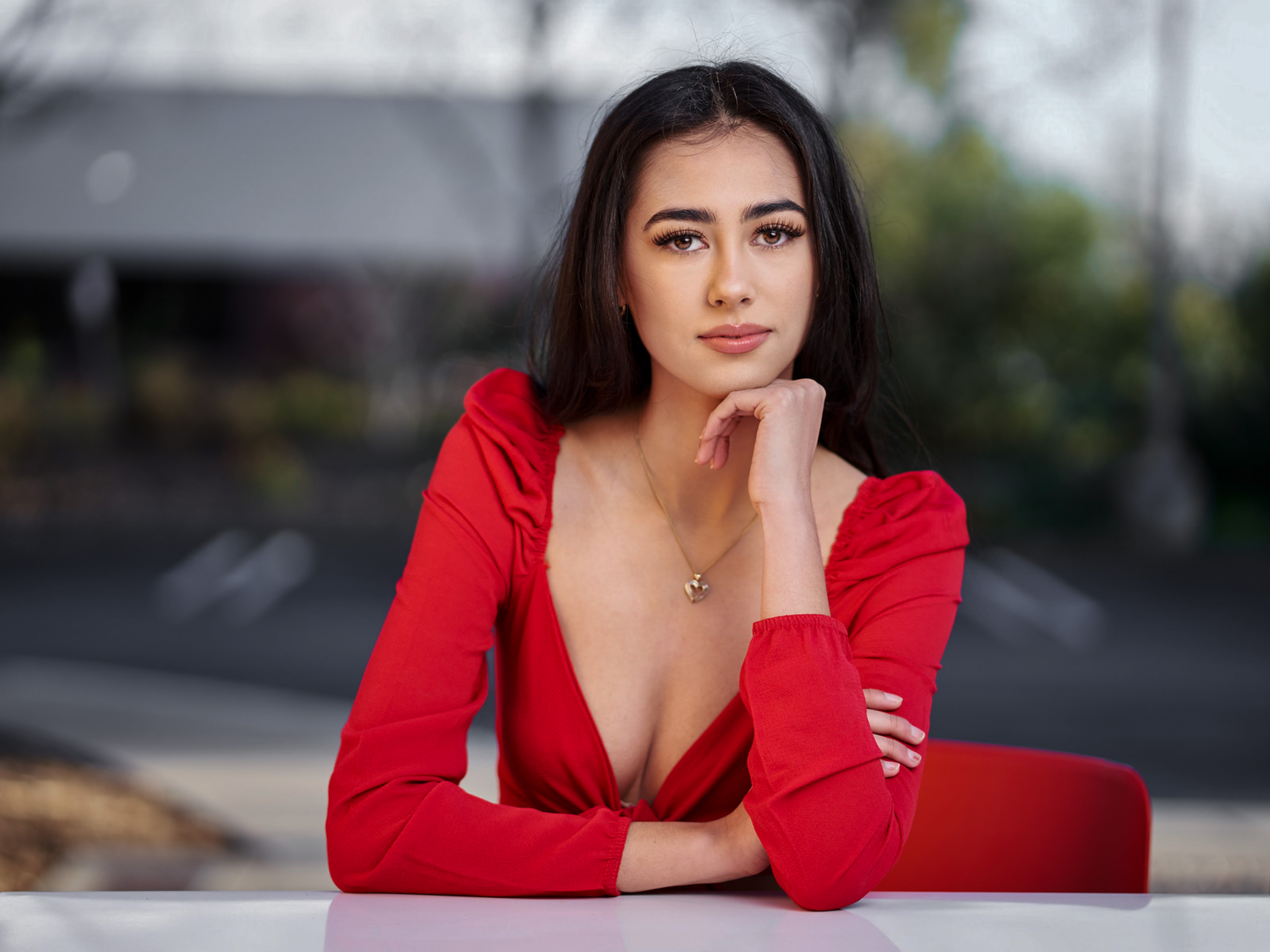
Lovely image of a lovely model, Vishi! Do you like the background to have that bluish tint? This is a pure question and not a suggestion for you to change/modify that, BTW.
p.61 #9 · Portrait and People Image Thread using Sony
AGeoJO wrote:
Lovely image of a lovely model, Vishi! Do you like the background to have that bluish tint? This is a pure question and not a suggestion for you to change/modify that, BTW.
I am no good in post processing so just left it as is. Anything that can be done easily in say Lr or better in C1?
p.61 #10 · Portrait and People Image Thread using Sony
bobby350z wrote:
I am no good in post processing so just left it as is. Anything that can be done easily in say Lr or better in C1?
Again, I am not saying that it should corrected... But it can be done in LR although the result may not be as clean as in PS. I don't use C1, so, I don't know the answer to that. If it is okay with you, I can do that adjustment in LR and post it back in here. I am not sure whether it would be better but it may be worth trying... I wouldn't do that without asking and getting the okay from the photographer, of course.
p.61 #11 · Portrait and People Image Thread using Sony
AGeoJO wrote:
Again, I am not saying that it should corrected... But it can be done in LR although the result may not be as clean as in PS. I don't use C1, so, I don't know the answer to that. If it is okay with you, I can do that adjustment in LR and post it back in here. I am not sure whether it would be better but it may be worth trying... I wouldn't do that without asking and getting the okay from the photographer, of course.
p.61 #12 · Portrait and People Image Thread using Sony
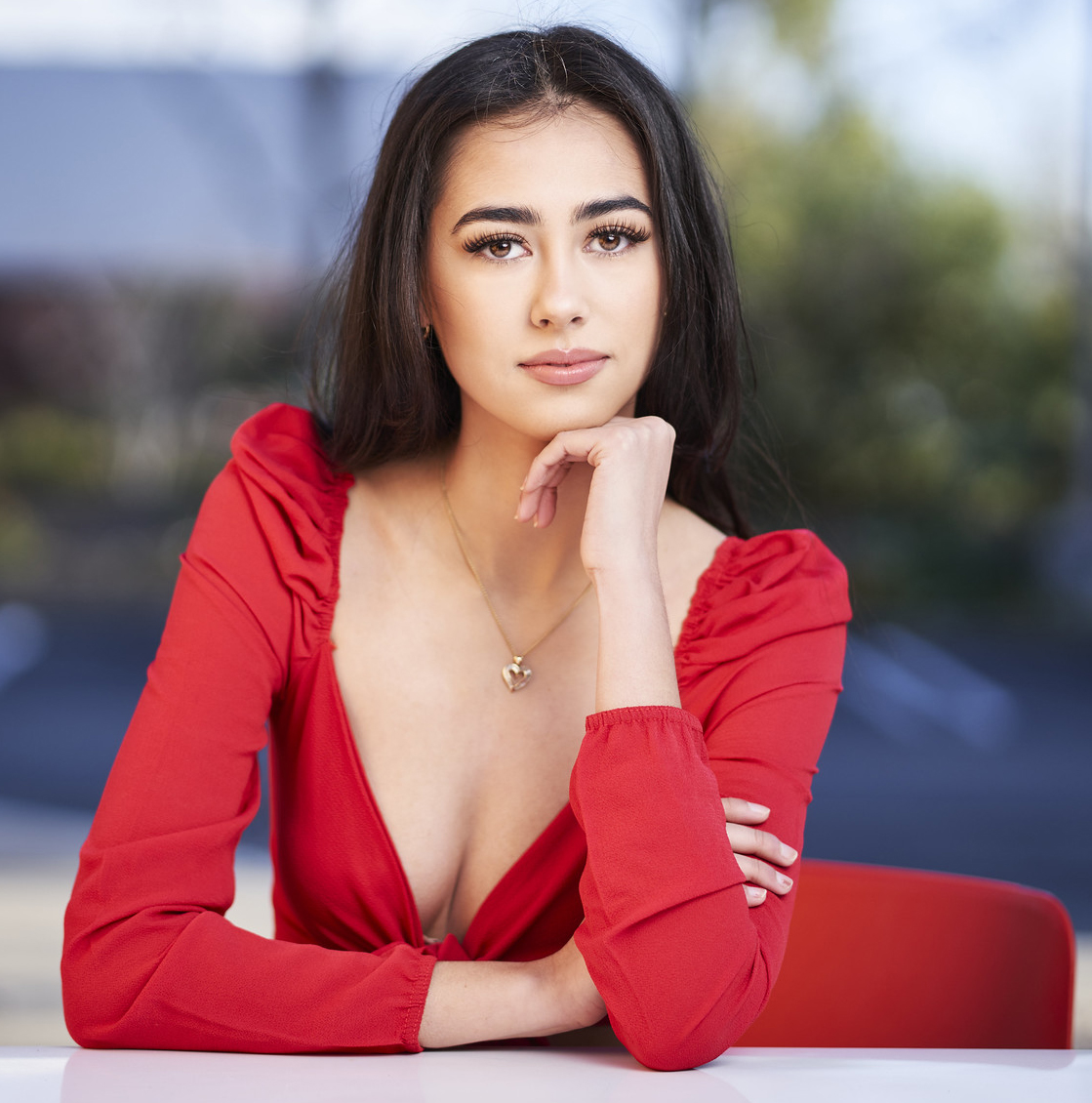
Vishi, here it is... I reduced the blue saturation using the slider, I touched up the yellowish part of her face using a brush and by adding minor blue tint and magenta tint and adjust the exposure to make it slightly darker. All done is 2 minutes or so. I will delete that file after this. What do you think?
p.61 #13 · Portrait and People Image Thread using Sony
AGeoJO wrote:
Again, I am not saying that it should corrected... But it can be done in LR although the result may not be as clean as in PS. I don't use C1, so, I don't know the answer to that. If it is okay with you, I can do that adjustment in LR and post it back in here. I am not sure whether it would be better but it may be worth trying... I wouldn't do that without asking and getting the okay from the photographer, of course.
It's an interesting note - my thought would be the cool shade tones (*blue*) are part of what really gives this (very nice) image extra pop - it's a good example of (apparently unintentionally) using color theory. :-) Warmer BG would be a slightly different vibe - equally nice I'm sure.
p.61 #16 · Portrait and People Image Thread using Sony
AGeoJO wrote:
Vishi, here it is... I reduced the blue saturation using the slider, I touched up the yellowish part of her face using a brush and by adding minor blue tint and magenta tint and adjust the exposure to make it slightly darker. All done is 2 minutes or so. I will delete that file after this. What do you think?
I see, but I think the blue helped in that shot.Now it is too desaturated. I am not sure if this is the right shot you meant. Maybe I am wrong. I am not in color theories etc. I just look and like somethings.
p.61 #17 · Portrait and People Image Thread using Sony
bobby350z wrote:
I see, but I think the blue helped in that shot. Maybe I am wrong. I am not in color theories etc. I just look and like somethings.
As I mentioned before, it is just a different rendition and there is not right or wrong. It is your image and you can do as you please. I was just curious...
p.61 #19 · Portrait and People Image Thread using Sony
KE_Photo wrote:
It's an interesting note - my thought would be the cool shade tones (*blue*) are part of what really gives this (very nice) image extra pop - it's a good example of (apparently unintentionally) using color theory. :-) Warmer BG would be a slightly different vibe - equally nice I'm sure.
Yeah, I liked the original colors. Although I would've turned down contrast.