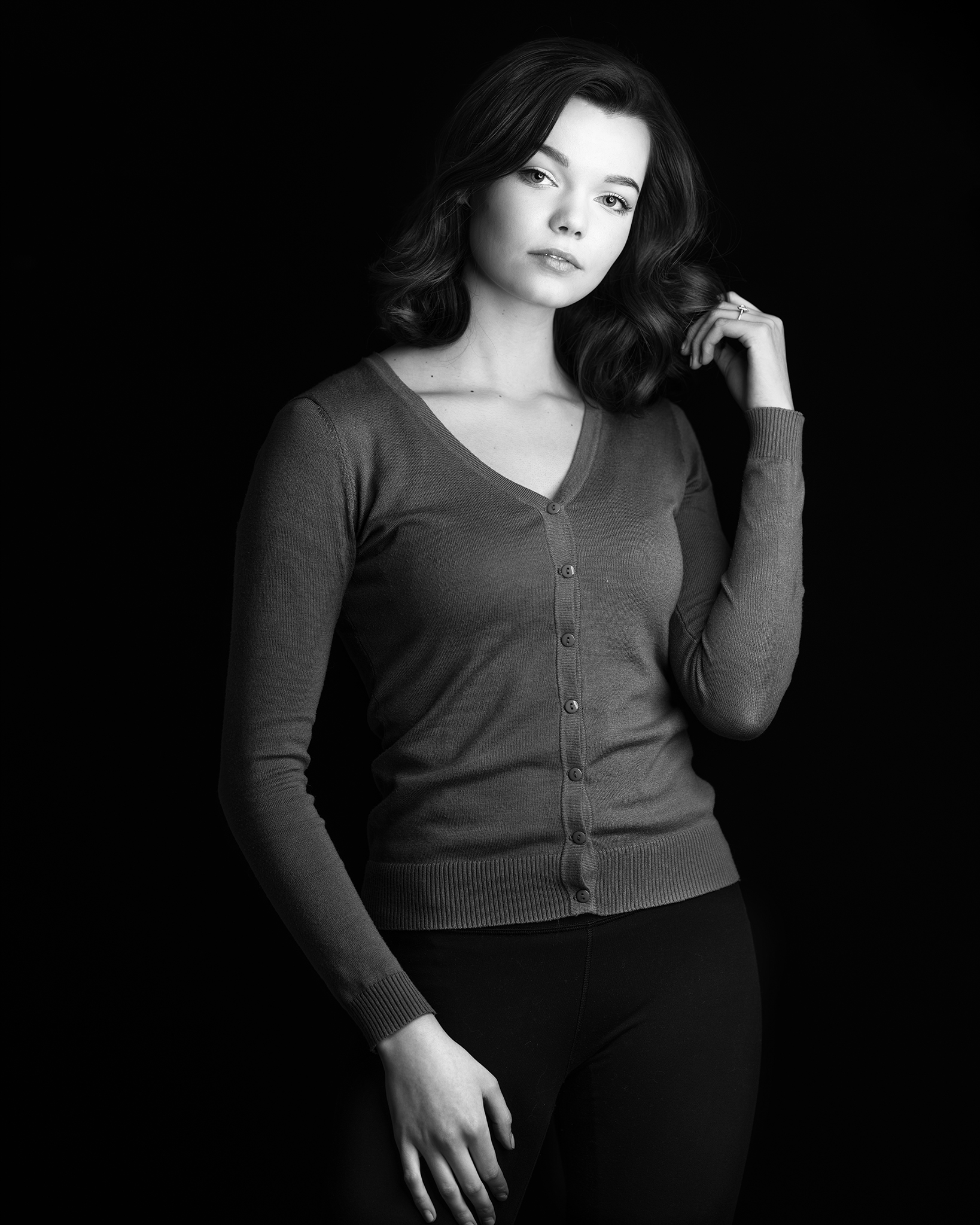
p.55 #1 · Portrait and People Image Thread using Sony
AGeoJO wrote:
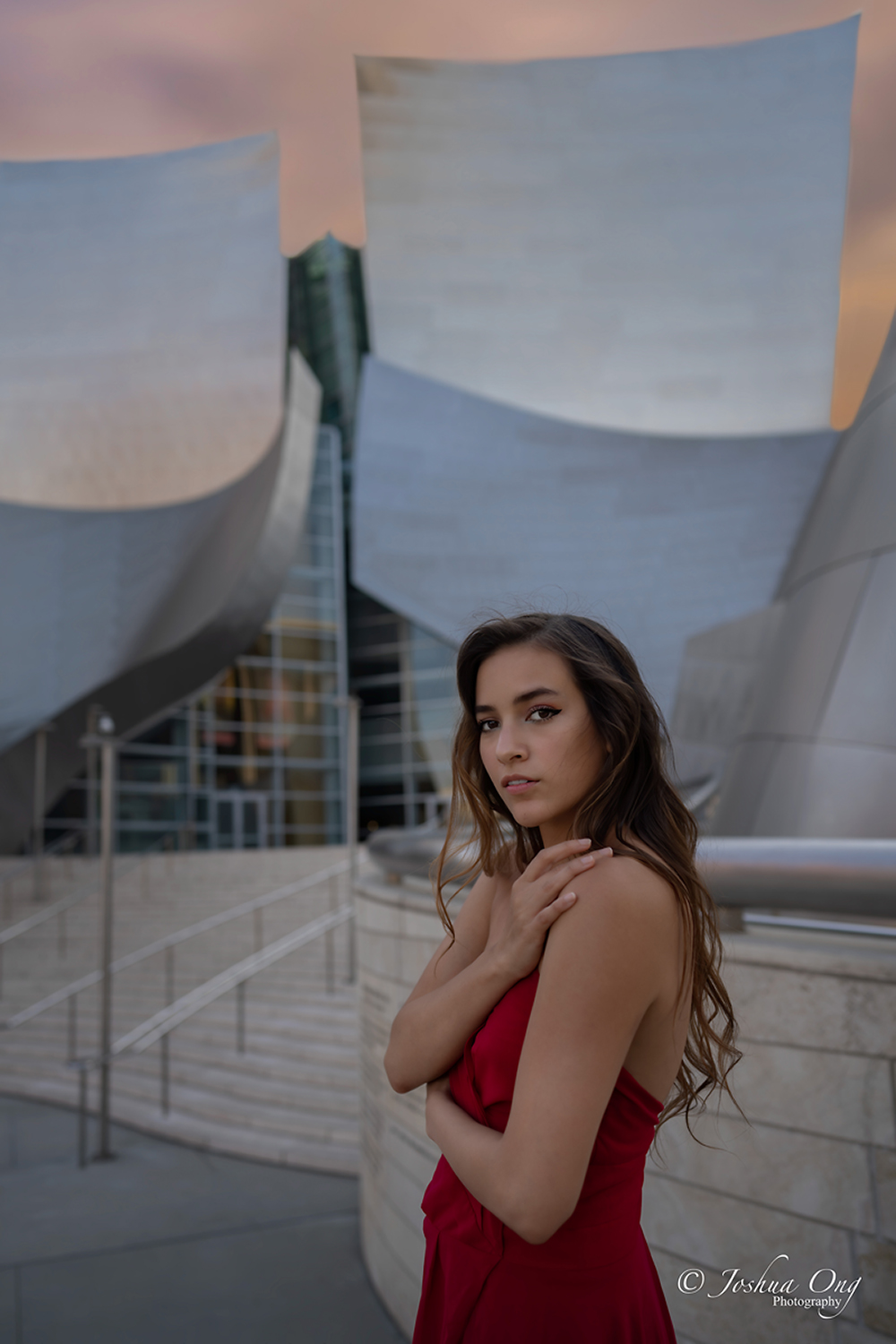
No, it is the exact location. I would have used a better background for a composite. I believe I know why you said that. I just purchased Topaz Mask AI and I played with that software and blurred the background a little bit more.
Ahhh gotcha! Yes, the lack of focus near the feet is what caught my eye.
p.55 #6 · Portrait and People Image Thread using Sony
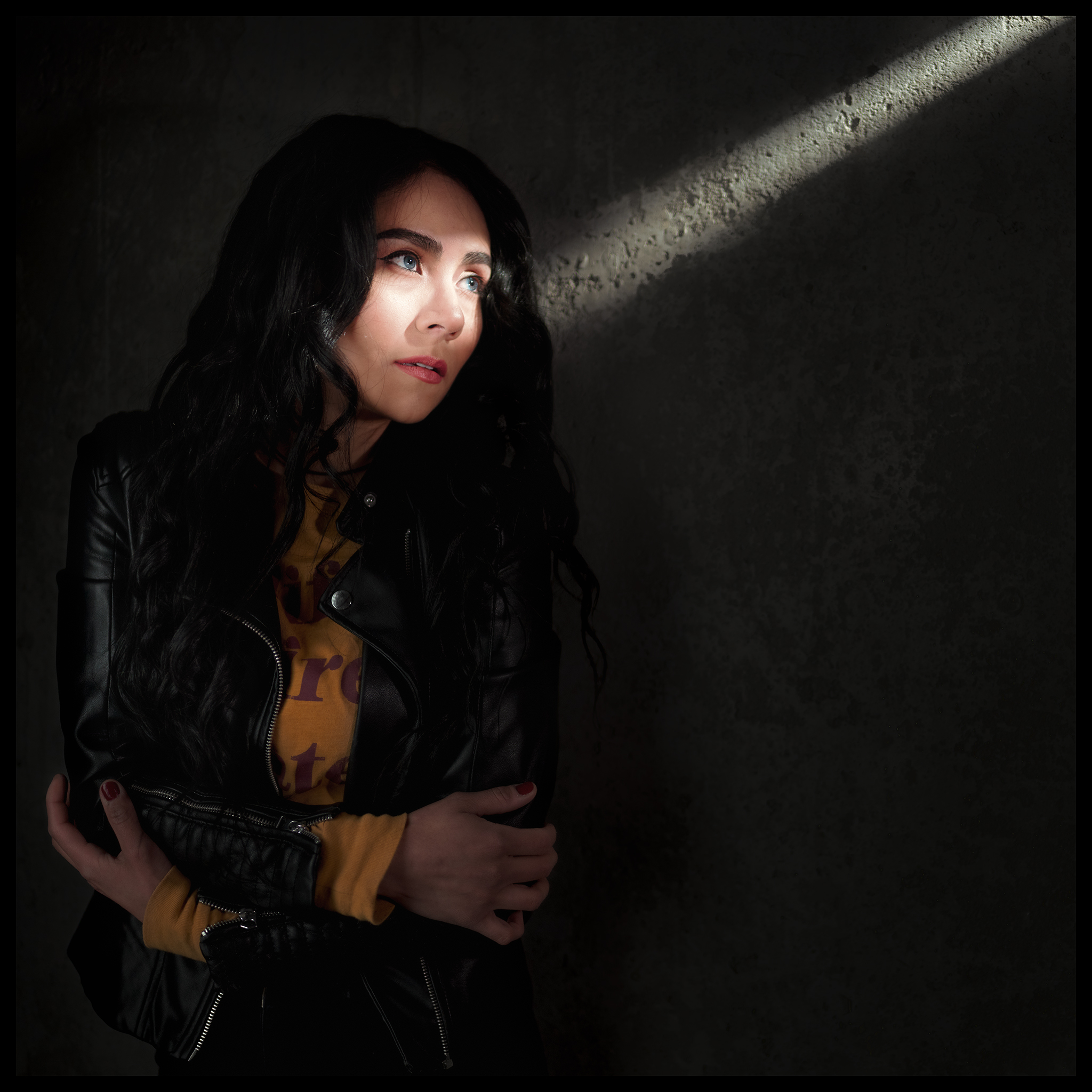
I love this! I need more info on this optical snoot. I want to upgrade my diy but I want to be able to use third party Rosco gobos. The only ones that I know for sure will accept standard sized gobos are the Aputure Spotlight (doesn’t work with strobes) and the Godox SA-P with Bowens adapter (the adapter will work with an Xplor 400 but not a 600 Pro and apparently is extremely inefficient).
GabrielPhoto wrote:
One more..a bit more drama now
p.55 #7 · Portrait and People Image Thread using Sony
fuzzykeys wrote:
I love this! I need more info on this optical snoot. I want to upgrade my diy but I want to be able to use third party Rosco gobos. The only ones that I know for sure will accept standard sized gobos are the Aputure Spotlight (doesn’t work with strobes) and the Godox SA-P with Bowens adapter (the adapter will work with an Xplor 400 but not a 600 Pro and apparently is extremely inefficient).
p.55 #8 · Portrait and People Image Thread using Sony
How is it in terms of efficiency and optics? Any major vignetting or CA on the projections? If you have the time and wouldn’t mind measuring one of the gobos or the holder, that would be amazing. Goboplus.com has zillions of designs, which really opens up a lot of interesting creative possibilities. Other optical snoots that I’ve seen seem like they would be closest to size M (65.5mm), and that size is pretty easy to find second hand on ebay.
The DIY that I made out of a film camera and a Canon FD 50mm 1.4 can only take very small V sized gobos in a DIY mount and unfortunately V is kind of an obscure size. It is functionally extremely similar to a Light Blaster. The upside is that it can work with color transparency film, though you will be able to see the edges of the frame unless you have a very opaque black pigment ink to print with as well, and I’m hesitant to invest in a dedicated gobo printer as I don’t do very much printing otherwise. The other thing you can do to increase the opacity of ink is to double up on film, but it can be fiddly to align two copies. You might be able to use transparency film with your model as well, but you would probably need to figure out a way to mount it to the gobo holder without the film touching the metal. I mount mine to plastic 35mm frames or black card stock. DPI resolution can be an issue as well but if you throw it out of focus just a bit, that helps a lot.
GabrielPhoto wrote:
Why thank you. This is the one I am using: https://www.ebay.com/itm/202780671380
Not sure but I dont think it takes regular rosco ones. :/
Hey that’s cool! I know a lot of this stuff can be done in post too but there is something intriguing about doing it manually. Good to see you are still getting some reps in. A very nice result.
p.55 #19 · Portrait and People Image Thread using Sony
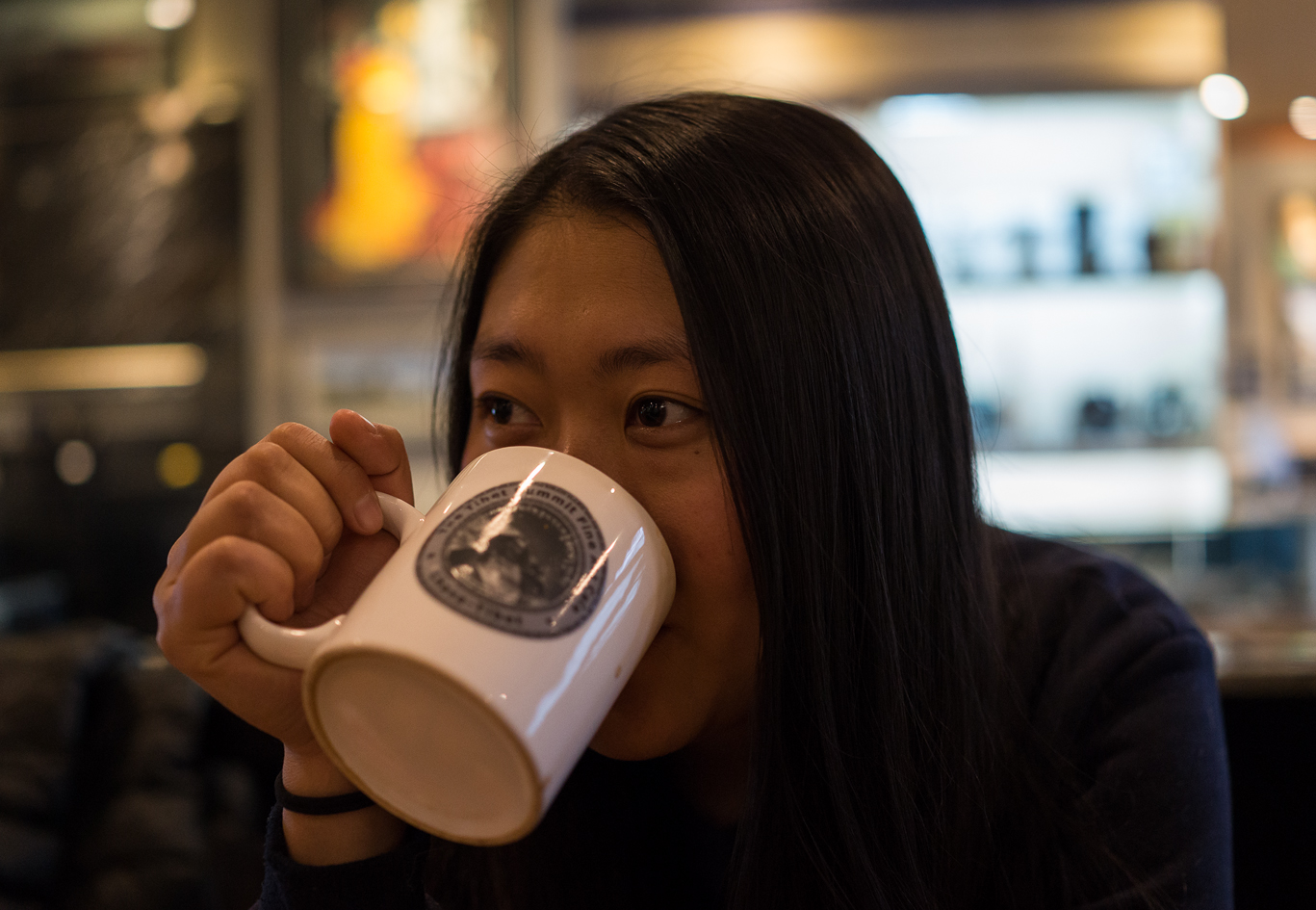
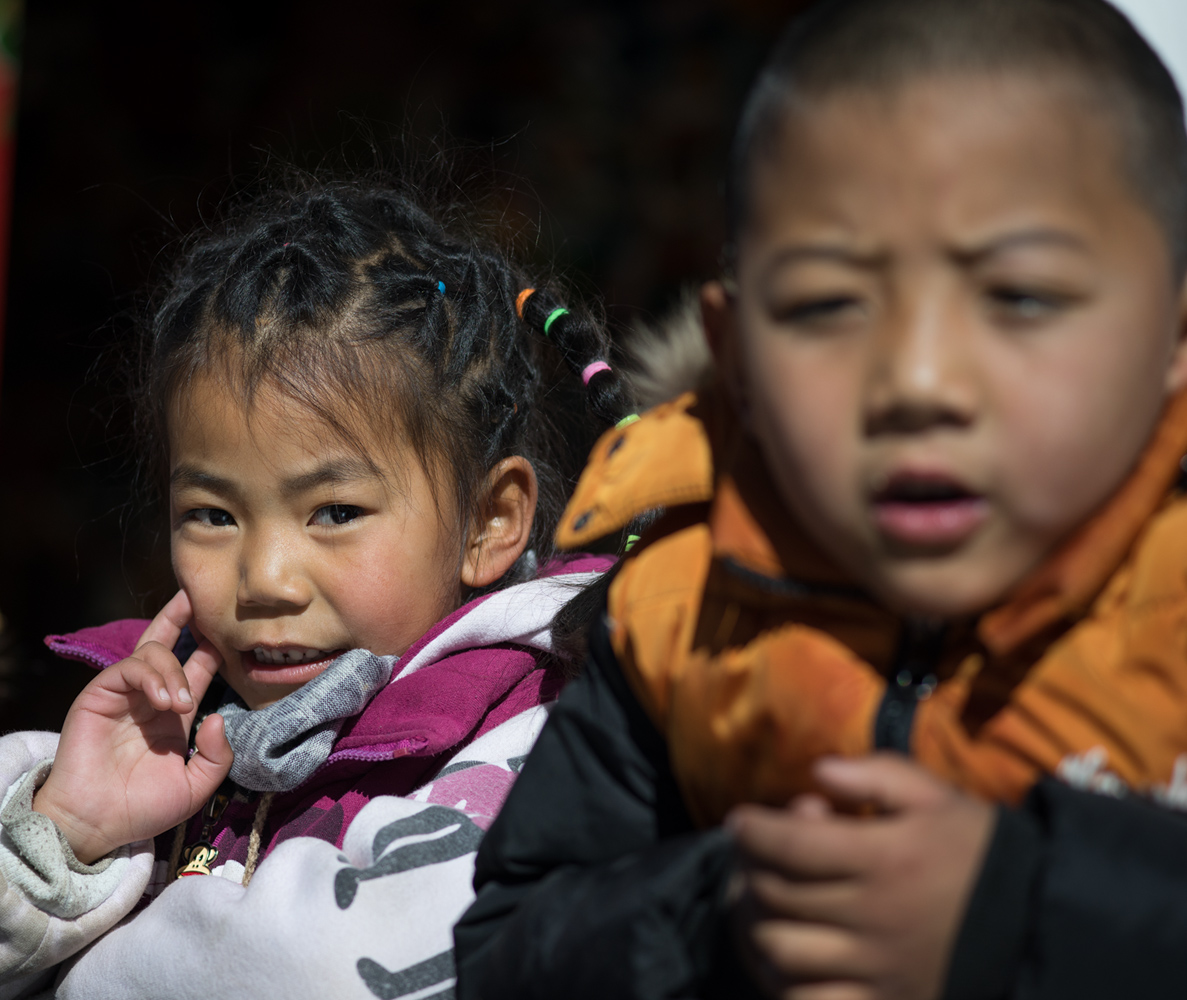
Thanks man! Got a minute of downtime after last week. The dream filter is pretty cool. It does a weird creamy thing to the highlights without totally nuking resolution. The effect is more noticeable in hard light. XMAS present from wifey!
abadger wrote:
Hey that’s cool! I know a lot of this stuff can be done in post too but there is something intriguing about doing it manually. Good to see you are still getting some reps in. A very nice result.