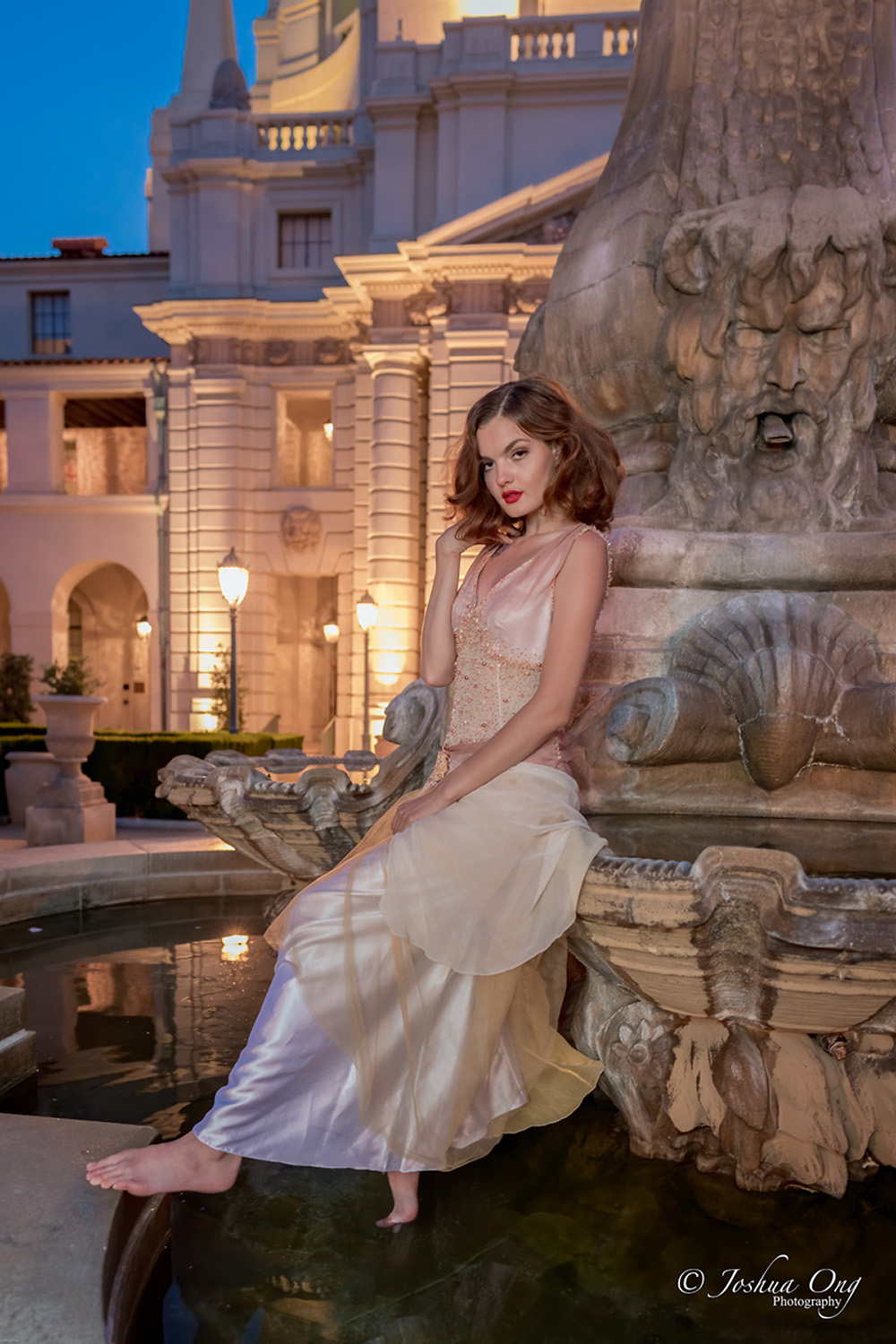
p.41 #4 · Portrait and People Image Thread using Sony
A bunch of pictures from the last couple of weeks showcasing me, friends and my continuous fight with Sony colors xD. I might leave BJ soon, but now it’s getting complicated so most probably I will extend a bit longer here before I go back to HK.
Edited in Lightroom with simple edits based on my Canon ported and tweaked presets, or my color checker profiles, or based on an affob preset a couple of them.
p.41 #5 · Portrait and People Image Thread using Sony
numbertwo wrote:
A bunch of pictures from the last couple of weeks showcasing me, friends and my continuous fight with Sony colors xD. I might leave BJ soon, but now it’s getting complicated so most probably I will extend a bit longer here before I go back to HK.
Edited in Lightroom with simple edits based on my Canon ported and tweaked presets, or my color checker profiles, or based on an affob preset a couple of them.
Excellent images, including some levitation images from/around Beijing, Juanma!
_____________________________________
From a session last year - not doing any portrait photography due to the pandemic . Well, except for some wildlife and family photography, I am pretty much dormant photographically...
p.41 #6 · Portrait and People Image Thread using Sony
AGeoJO wrote:
Excellent images, including some levitation images from/around Beijing, Juanma!
_____________________________________
From a session last year - not doing any portrait photography due to the pandemic . Well, except for some wildlife and family photography, I am pretty much dormant photographically...
Thank you so much!
Still you know, your work is super pro, I’m just chilling taking pics of my friends while going around.
That picture with the 105 looks gorgeous as always, so you bring it happily or do you think it twice because of the size/weight? I guess for my use it’s too much...
Here in BJ we’re having a new spike in cases but Beijing has never really been in lockdown... but yes, some things there were closed because of the pandemic were open already and now they needed to close again because of the new cases (we were already going to many restaurants, clubs, etc, and now the offer is more limited again...).
p.41 #7 · Portrait and People Image Thread using Sony
numbertwo wrote:
Thank you so much!
Still you know, your work is super pro, I’m just chilling taking pics of my friends while going around.
That picture with the 105 looks gorgeous as always, so you bring it happily or do you think it twice because of the size/weight? I guess for my use it’s too much...
Here in BJ we’re having a new spike in cases but Beijing has never really been in lockdown... but yes, some things there were closed because of the pandemic were open already and now they needed to close again because of the new cases (we were already going to many restaurants, clubs, etc, and now the offer is more limited again...)....Show more →
Thank you! If I know I will be doing portraits, I am taking that lens with me. Locally, for sure basically each time. It has been to Italy twice already. The last time was last February for the mask carnival.
Yes, the cases of Covid-19 here in the US are on the rise in several states that opened the lockdown measures too early...
p.41 #8 · Portrait and People Image Thread using Sony
I always feel inadequate posting in here, but here are a few of a kid who is growing up way too fast. First is with the Helios 44-4 and second is FE 85.
p.41 #9 · Portrait and People Image Thread using Sony
RoamingScott wrote:
I always feel inadequate posting in here, but here are a few of a kid who is growing up way too fast. First is with the Helios 44-4 and second is FE 85.
Scott, you really shouldn't think that way, please. We are learning from each other here and those are fine images of your son, BTW. I am sure you hear this a lot although I have not met you in person but from images you posted here, he certainly looks like you and I mean, a lot, too .
p.41 #10 · Portrait and People Image Thread using Sony
RoamingScott wrote:
I always feel inadequate posting in here, but here are a few of a kid who is growing up way too fast. First is with the Helios 44-4 and second is FE 85.
Actually in this thread there are some people really pro but then also lots of us with a more casual style and it’s good to see a nice environment.
I had 4 copies of the helios 44: the 44-2, a 44-M, a 44-M4 and a 44-M6. Supposedly the 44-2 should have the most swirly, but during my tests they all were the same. By that time, I need to know, I tested them in my Fuji xe1 with a Lens booster, and I was not as skilled to check for sharpness (basically I was just looking at the center), but finally y kept the M6 because it was supposed to be the best, but they all were pretty similar. The 44-2 flared a lot more and had less contrast for the old coatings, and looked too old. The 44-M was too tight to move the focus ring, and between the 4 and the 6 kept the 6 for longer just because it was supposed to be better... I’m missing that Lens and I might buy it again. At f2 it’s quite soft outside the center but I remember that stepped down produced really nice images like the black and white you’re showing.
I also miss the SMC Takumar 50 1.4 and the c/y 50 1.4. I used to have a ton of old 50mm and I love them all in a way, and now I only have the Sony 50 1.8 that’s maybe sharper than those lenses at wide apertures, but it’s my most boring lens and the one that made me stop loving the 50mm fov, so sad.
p.41 #11 · Portrait and People Image Thread using Sony
AGeoJO wrote:
Scott, you really shouldn't think that way, please. We are learning from each other here and those are fine images of your son, BTW. I am sure you hear this a lot although I have not met you in person but from images you posted here, he certainly looks like you and I mean, a lot, too .
I am hearing that more and more as he's getting older, poor kid!
---------------------------------------------
numbertwo wrote:
Actually in this thread there are some people really pro but then also lots of us with a more casual style and it’s good to see a nice environment.
I had 4 copies of the helios 44: the 44-2, a 44-M, a 44-M4 and a 44-M6. Supposedly the 44-2 should have the most swirly, but during my tests they all were the same. By that time, I need to know, I tested them in my Fuji xe1 with a Lens booster, and I was not as skilled to check for sharpness (basically I was just looking at the center), but finally y kept the M6 because it was supposed to be the best, but they all were pretty similar. The 44-2 flared a lot more and had less contrast for the old coatings, and looked too old. The 44-M was too tight to move the focus ring, and between the 4 and the 6 kept the 6 for longer just because it was supposed to be better... I’m missing that Lens and I might buy it again. At f2 it’s quite soft outside the center but I remember that stepped down produced really nice images like the black and white you’re showing.
I also miss the SMC Takumar 50 1.4 and the c/y 50 1.4. I used to have a ton of old 50mm and I love them all in a way, and now I only have the Sony 50 1.8 that’s maybe sharper than those lenses at wide apertures, but it’s my most boring lens and the one that made me stop loving the 50mm fov, so sad....Show more →
I must have hit the jackpot with my 44-4, no fungus, very smooth focus ring, and shaaaaarp at f2 (which is what this pic is at). It's one of my absolute favorite portrait options. It strangely doesn't exhibit the swirlies very much at all, I'm not sure people would ever pick it out as a Helios in a blind test. I also have a strange attachment to it since it was made the year I was born.
I actually liked the Helios a lot on my Fuji, since it effectively turns it into an 85/3, super flattering FL for portraits and a perfect amount of depth wide open.
That one looks awesome man, I can’t believe it is shot with the 85 at 1.8, it looks super sharp and with enough dof for that distance haha.
She’s really pro at posing (and beautiful of course), I love the expression.
The elongated modifier gives her a bit of a reptilian look that’s very nice, haha.
And the color looks very neutral, very Sony But not on the bad Sony side xD.
p.41 #16 · Portrait and People Image Thread using Sony
Thanks y’all! Lens was the FE 85. “Key” light for the stripe across her cam left eye is my new homemade diy optical snoot made out of a busted analog SLR, shot through a FD 50mm lens and an old credit card with a slit cut out of it as a gobo. It’s a bit clunky to use but the shadows are nice and sharp! Fill light is a 16x48” strip box feathered to avoid the BG, BG light is a TT600 in a 7” reflector with a blue gel, one more TT600 for the camera right rim (wish I had gelled it blue as well), the silver side of a regular collapsible reflector served as our BG, and I held a prism in front of the lens to get a bit of funky flare happening (FE 85 also happens to flare like crazy which can be good sometimes). My wife and I have a great time with this stuff! The nerdier, the better!
p.41 #17 · Portrait and People Image Thread using Sony
numbertwo wrote:
And the color looks very neutral, very Sony But not on the bad Sony side xD.
I have started doing my white balances in a new way for portraits and I think it makes a big difference in skin tone. I start by cranking the saturation up all the way, and then finding a WB that sort of maximizes the “hue variability” of the skin if you will. When I see a little pink in the cheeks, a little light purple in the eye makeup, maybe a little red in the nose and cheeks, then I decrease the saturation back to normal levels and proceed. If the model is wearing makeup, I am looking to see all of the colors of it. Same process in C1 and LR but I crank the blue saturation slider in the LR calibration section up a bit.
p.41 #19 · Portrait and People Image Thread using Sony
fuzzykeys wrote:
I have started doing my white balances in a new way for portraits and I think it makes a big difference in skin tone. I start by cranking the saturation up all the way, and then finding a WB that sort of maximizes the “hue variability” of the skin if you will. When I see a little pink in the cheeks, a little light purple in the eye makeup, maybe a little red in the nose and cheeks, then I decrease the saturation back to normal levels and proceed. If the model is wearing makeup, I am looking to see all of the colors of it. Same process in C1 and LR but I crank the blue saturation slider in the LR calibration section up a bit. ...Show more →
I use to do the same lately. Maybe not going up to the max saturation but I increase it quite a bit, and specially the green/magenta slider is a key point. Sometimes Sony files are too yellow and too magenta, so typically I play with both and moving the G/M slider until the middle point where the picture doesn’t seem to have neither green or magenta cast...
The problem with this is that usually typical calibration profiles with Sony show super radioactively saturated greens, but with my profiles the greens are (in most of them) quite toned down so it’s easier to see a nicer balance.
I still think that soon I will buy an EOS R to use it together with my A7III, and in the future I will go R6... I am tired of Sony colors really. With Canon files, even if you go for a warm look, or a cold look, or whatever you do with the picture, it is super difficult to make it looking unnatural (to my eyes).
p.41 #20 · Portrait and People Image Thread using Sony
I think the out of camera white balance is generally a bit on the warm side. When I am shooting all strobes that are daylight balanced, I will typically cool the WB down by about 500K.
The idea behind maxing out the global saturation and tweaking WB before doing anything else is that you can easily see all of the hues in the shot. With the saturation all the way up, there is a fine point in the WB where you start to see the skin colors break apart, and that is exactly the area that I’m looking for. Once I have all of the desired hues in the skin present, it becomes much easier to manipulate the saturation in Photoshop in 16 bit color space, where increasing saturation and dodging and burning do not create the kinds of artifacts and degradation that hue shifting does. I have a feeling that I would be going through the same process with any camera. I have actually recently edited some Canon and Nikon portrait files and I used the same process. The more I explore and think about this, the more I think about hue variability in raw like dynamic range. I am trying to squeeze all the relevant data I can out of the raw before I start stylizing and color grading.
Meanwhile, the other thing that I am doing in PS on top of this “separating” of the skin hues in raw is dodging and burning with solid color adjustment layers in soft light blend mode. Basically, I will use the eye dropper tool to sample different hues of the skin, tweak the saturation and brightness and then paint the color on manually, but I am not really changing the underlying hue information. So for example, I will sample some red from the cheek, decrease the luminance, increase the saturation, create a solid color adjustment layer with that HSL information in soft light mode, and then mask it into the cheeks and maybe tip of the nose. This adds more of the red hue that was already present and darkens the areas where I paint. I will do the same with eye makeup but increase the luminance of the lilac color, which brightens the eye lids and brow bone while adding a subtle purple tint. That is just one way of selectively emphasizing different hues, but I like it because it is a fast process and adds additional depth to the image via dodging and burning. Anyway, IMO the key to making it look good is having the right hue data present to begin with.
When it comes to non-skin tones in portraits, I will sometimes try to shift other colors to compress rather than expand their hue variability in raw so that they are easier to isolate with global adjustments in PS, but it depends on the shot, what colors are present, if they physically overlap with the skin in a way that would make masking tedious, etc. It is somewhat counterintuitive to everything I just described above but I find that it can be helpful at times, especially with elements that sit somewhere between yellow and green. So for example I might shift the yellow information in some green plants more towards green so that I can easily use that hue data as an input for an adjustment without touching the skin. I might do that even if I plan on warming up the greens later in PS. This kind of pre-sorting of hues for further manipulation doesn’t really work as well in LR or C1 because all of the color adjustments after WB are made in parallel. Technically it can be done in C1 if you use the color editor, stack some hue shifts on top of each other, extract a mask from the final shift and then output that onto a new layer with it’s own mask, but then you wind up with a “printed” color mask of the hues as they existed at the time. It’s definitely less flexible.


 .
. 
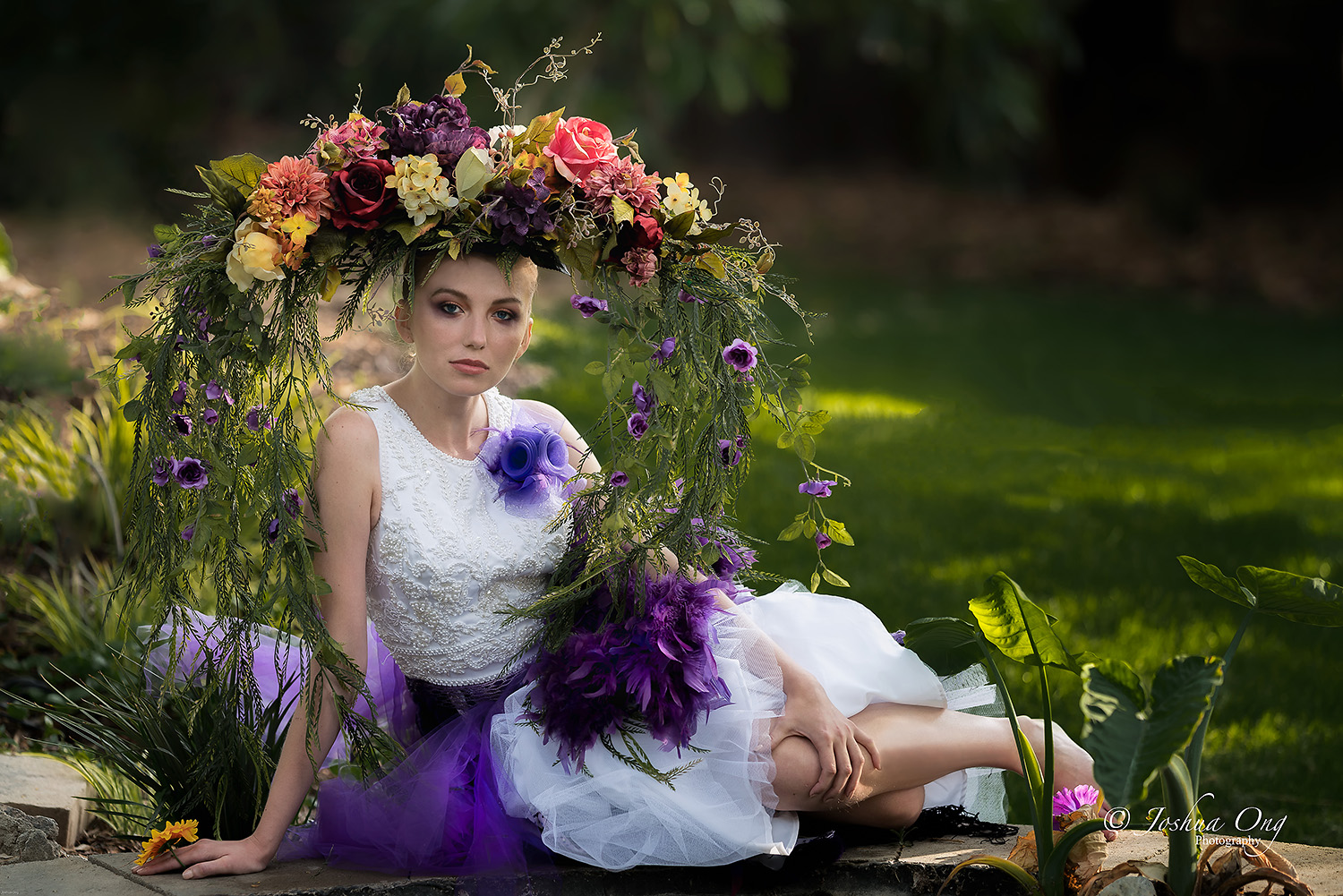


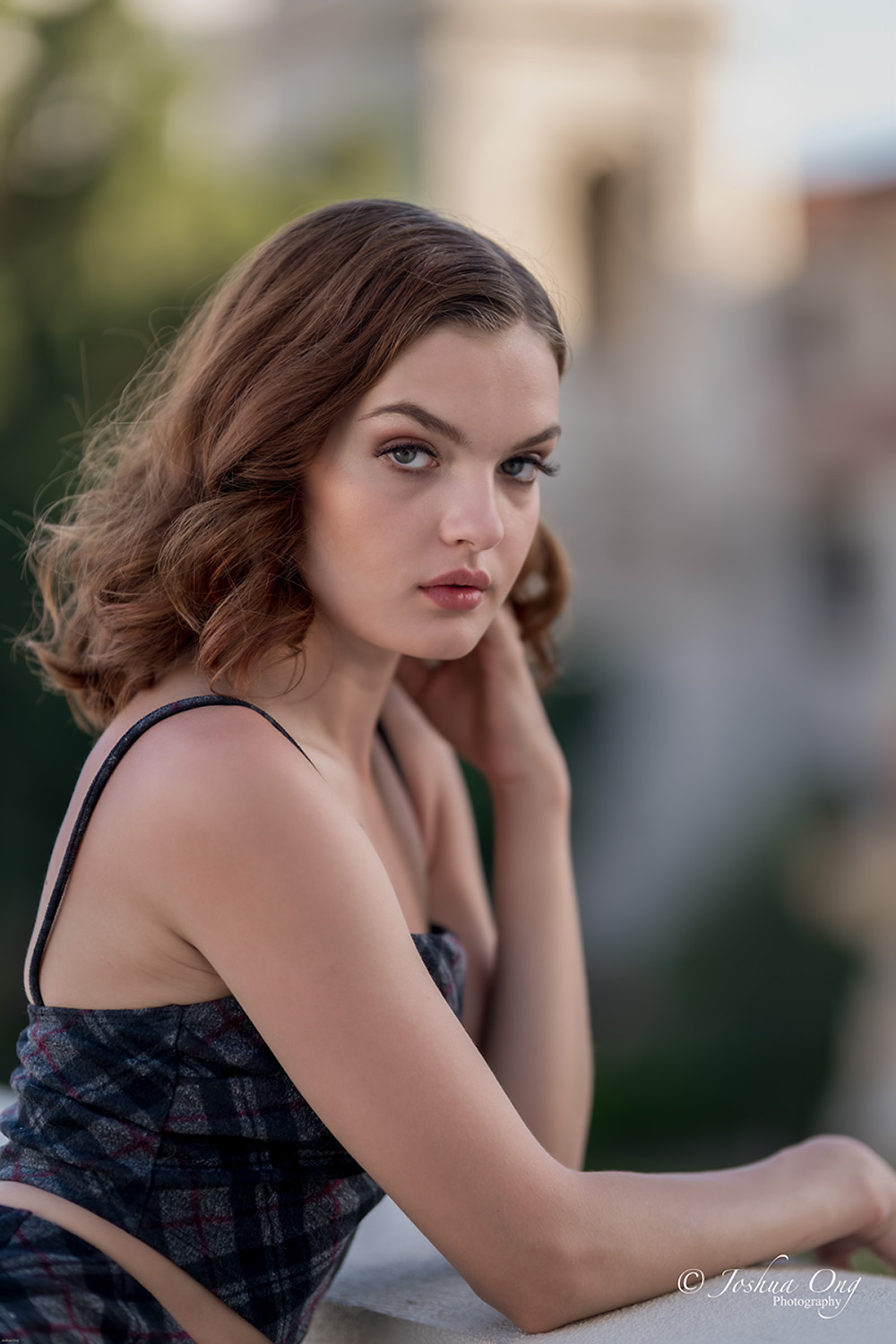


 .
.