numbertwo
Offline
• • •
Upload & Sell: Off
|
 p.14 #20 · Portrait and People Image Thread using Sony p.14 #20 · Portrait and People Image Thread using Sony | |
sungphoto wrote:
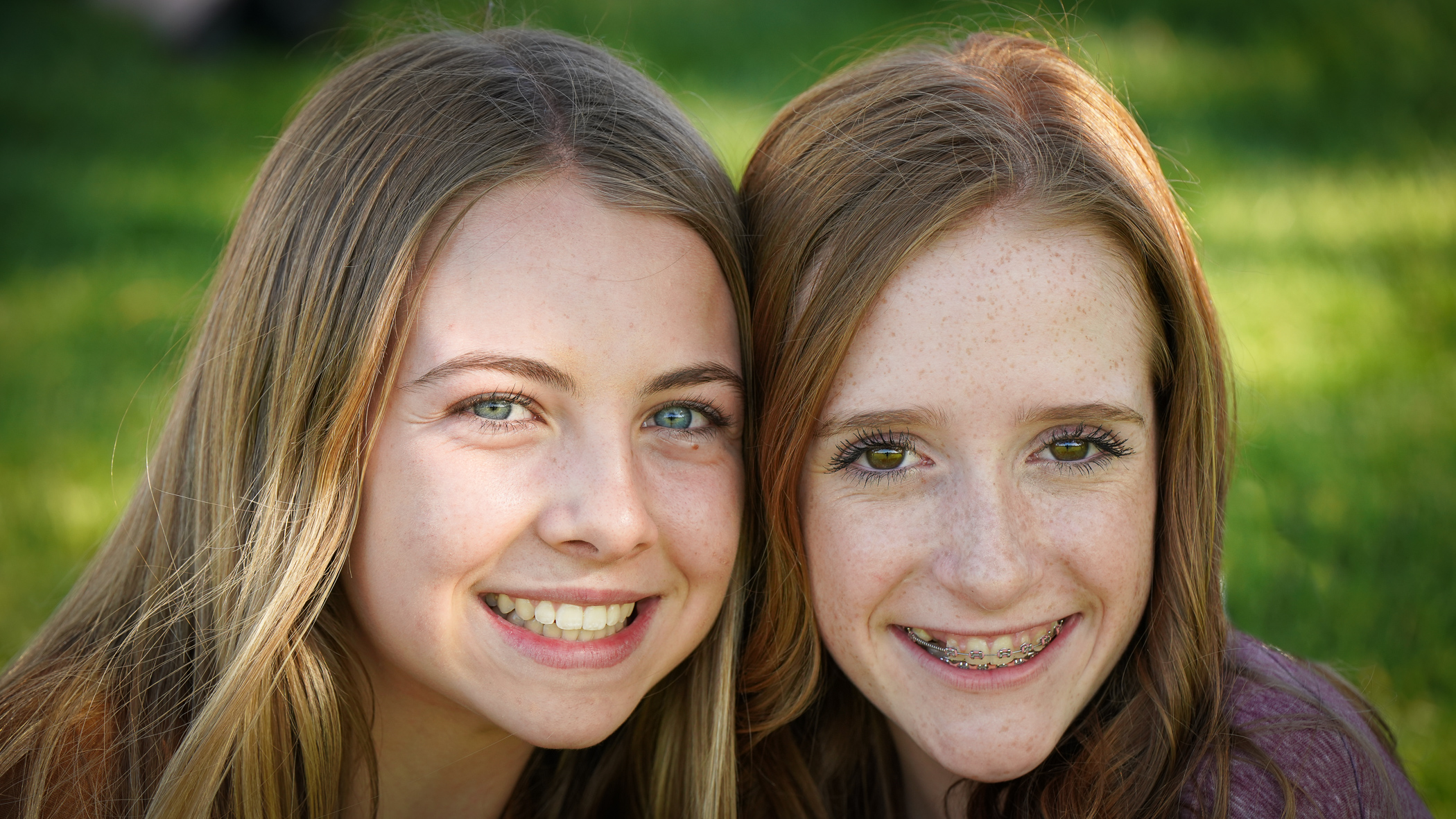
The skintone looks correct to me. She is pale, and there's a natural green tint to the shadow side of her face as she's surrounded by grass. One trick to get rid of that green tint is to just grab a white reflector and throw it on the ground in front of the subject, which will also help fill in under-eye shadow.
I'd also keep in mind that color output in natural light will vary considerably throughout the day and year. Direct sun will read closer to 5250-5500k, cloudy skies will be cooler so will be closer to 6000K, shade will read cooler than direct light, etc and that's just daylight. If you're shooting someone that's wearing makeup, women often add a bit of bronzer to their face and if it's done casually will typically then read either darker or lighter than their chest, arms, etc depending on their complexion. Dark skinned people tend to have a bit more skin tone variation across their face. Saturation of color will change based on your exposure, which will then change the relative saturation of the shadow and highlight side of the subject's face. Different RAW processors output color, shadow, contrast, etc differently, and of course different monitors and devices will read differently. Different lenses will vary considerably in terms of color output - I've found the GM lenses tend to read a bit warmer and more like canon glass, whereas the batis glass tends to be a little cooler relative.
I've found that it's best to isolate one specific variable - ie the face skintone and exposure, and once you have that figured out move on to other aspects of the frame. This is where masking off areas to control exposure by dodging and burning, bringing down highlights, increasing shadows, etc is an important tool.
Lastly if you're using the in-built camera styles, and I'd recommend against that and just work with the RAW in a post-processing program of your choice. Making a jpg straight of camera with "vivid" picture profile set will make it that much harder to get to a neutral skin tone....Show more →
I hardly ever use artificial light during daylight shots, even less a reflector. Most of the time it’s just snapshots in natural light to my friends, and I like to keep the natural look. Before I was concerned about the green cast, but I understand it’s natural and I don’t mind if it shows a bit, trying to correct it makes things start looking unnatural, even if retouching by zones (specially if doing so).
Exactly, the light temperature varies a lot, and also from place to place. In Spain the light is so much beautiful than here in this dull Hong Kong. In the pics above I kept the in camera daylight white balance (5500K, +7) most of the time, and I went even colder in the first shade pics, just to make things pop a bit more. For the pictures of the beach, I kept the in camera cloudy (6300K, +6). Interesting how for lightroom, cloudy is 6500K +10. I also applied the fredmiranda preset to remove the Samyang color cast from the photos.
The saturation change with exposure is very interesting as well. That’s why brighter pictures looked to me a bit more muted afterwards, and darker pictures look more colourful with the same profile...
I’m never using jpg to edit (specially with sony), I use my lightroom presets/profiles (trying to emulate canon colors, I shared some of them in the forum), and when I use capture one, most of the time I use Scottie Wang profiles (that also emulate Fuji and Canon colors). I also try to avoid editing by areas most of the time. I’m not a pro, but I shoot many many pictures every day, and it would be too much work, and also I like to keep things simple and natural.
---------------------------------------------
wittyphrase wrote:
Been giving Capture One a try the last few weeks. I don’t have anything against LR, but I feel like images from my A7III hold up better when I do global edits in C1. Still don’t love the interface.
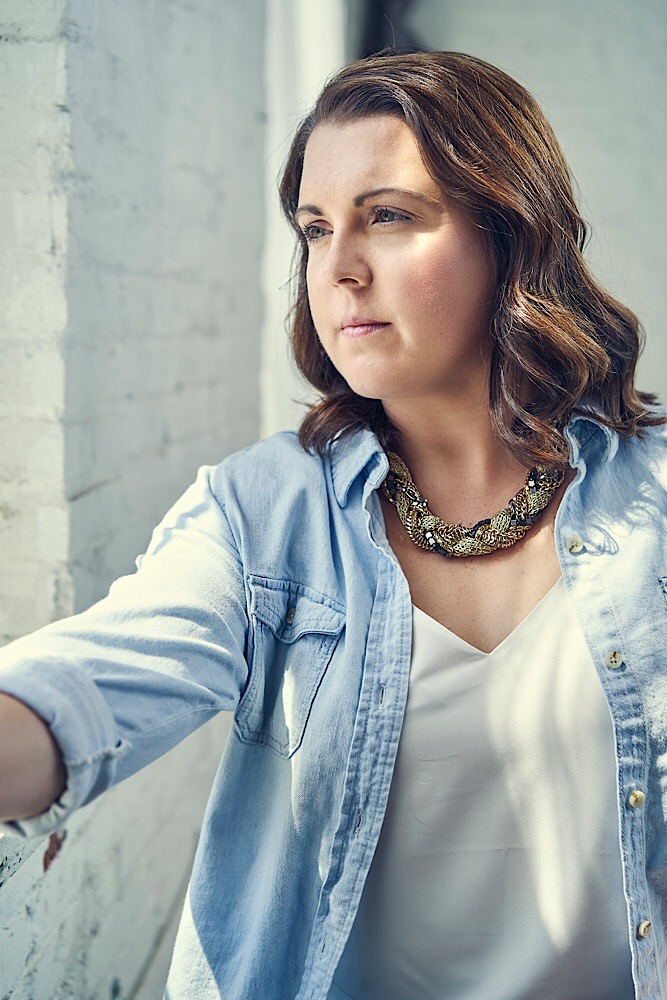
Here’s one where I worked in C1 before moving into photoshop. This is the Zony 55 on a A7III with a FP Xplor400Pro firing into a 65” white parabolic umbrella with front diffusion opposite the window and feathered.
That picture is really good, but to me it has a bit of the artificial clinic look to it, it’s like “too good”.
I love the colors out of the camera from capture one, but I find the files less maleable than lightroom. When you start editing the pictures, colors start looking bad sooner than in lightroom. This also could be because I’m using Scottie Wang profiles and it might not happen (that much) with the original CO profile for a7iii though.
---------------------------------------------
philip_pj wrote:
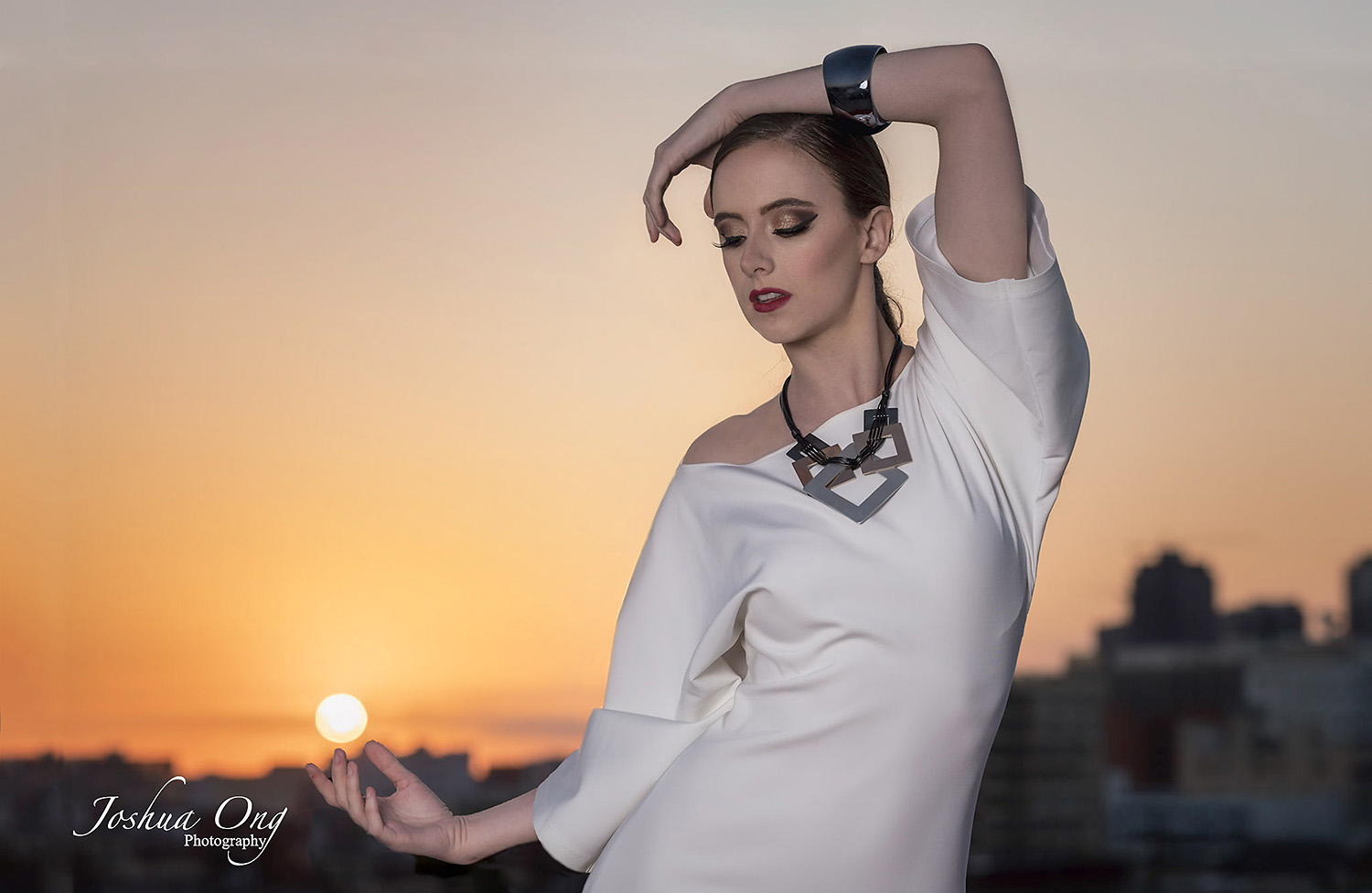
Yes, masking makes the difference as a fine tune for tone/warming/cooling/casts in an otherwise sound image. Do it in the RC, not PS. My rule with pale skin is simply that I like to see detail in skin, so I avoid even sub-blowout flares.
Neutral or flatter profiles are important too, we have great DR sensors so why throw it away unnecessarily. If you are not seeing any shadow on the neck or upper clothing, you may wish to pull down the skin tones. Even the blouse is losing color integrity in the above series.
If dark hair lacks detail, lift shadows. Experiment, all images are different and then artistic preferences need to be part of it. Easy also to overdo the pro approach, you end up with too much lit content and get the unnatural look easily. It puts people off too, so a canned look is common. Always best to engage the person/s just beofe shooting.
Set WB first, it's the topmost and foundation color control, for that reason. ...Show more →
For beauty portraits close up, etc you need to see a lot of detail in the skin, but for other kind of portraits, I don’t like it, and nobody like seeing every pore in their pictures, and contrast is a natural way of smoothening things out without too much softening in post that looks unnatural.
We have great DR sensors, and this is the problem, that most people (included me before) tend to raise every shadow to show the detail that the sensor captured, and recover every highlight, etc. Doing this is really horrible for people, the skin looks awful. Try to do it in a picture where you’re in and see if you like it. To my eyes, it’s horrendous and that’s why, for portraits, I prefer very contrast profiles, pure blacks, pure whites, and not to care about shadow detail or highlights too much, but look at the global picture to be nice. If the hair is black, it needs to look black, not grey, we don’t need to see every single hair, etc.
---------------------------------------------
philip_pj wrote:
Back to add something that gets overlooked a lot. We hear a lot of talk about color 'science', which has become a powerful meme despite the obvious complexities involved that confound the science part of it.
The real color science in my opinion are your lenses. Some force you to struggle in post, while others are almost impervious to color problems once WB is OK. It's one reason for enthusiasts to look into older heritage portrait lenses. They were made to deal with problematic film emulsions and tend to be more forgiving while delivering high quality skin tones more easily OOC. ...Show more →
I agree. I remember shooting my boyfriend one day with both the sony 85 1.8 and the Canon 70-200 just a picture for his resume (With a couple of speed lights and umbrellas). Finally we only looked at the pictures of the Canon 70-200 because he just looked better out of the camera (he’s dark, dark people with sony cameras look awful, and the sony 85 is quite colder, so his color was really dreadful). The Canon 70-200 delivers really beautiful colors, and yes, usually sony lenses are colder. Then my sigma 35 has nice colors but it’s a bit too magenta, and the Samyang 85 might be a bit warmer than the canon, next time I will try not to remove the color cast to see if I like it better (as the preset to remove it by fredmiranda is supposed to be matching it to Zeiss lenses).
---------------------------------------------
philip_pj wrote:
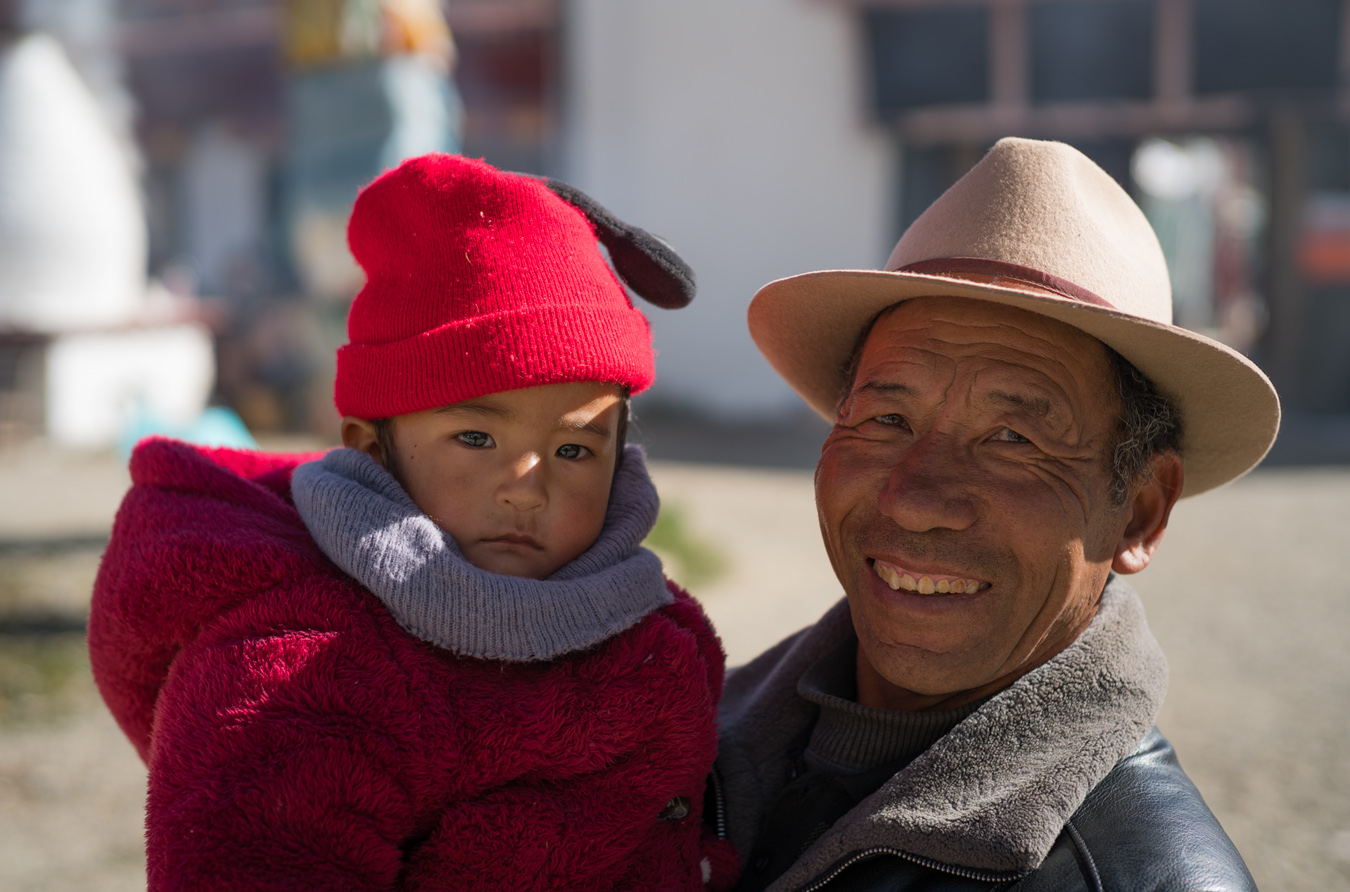
A lot of children in my shooting environment have strong orange skin (a bit like Trump's makeup). What can help is letting high tones rise while paying close attention to signifiers of good color in the image. Below, these are lips, teeth, eye whites and the dinner ware. We don't see skin tones in isolation in many images.
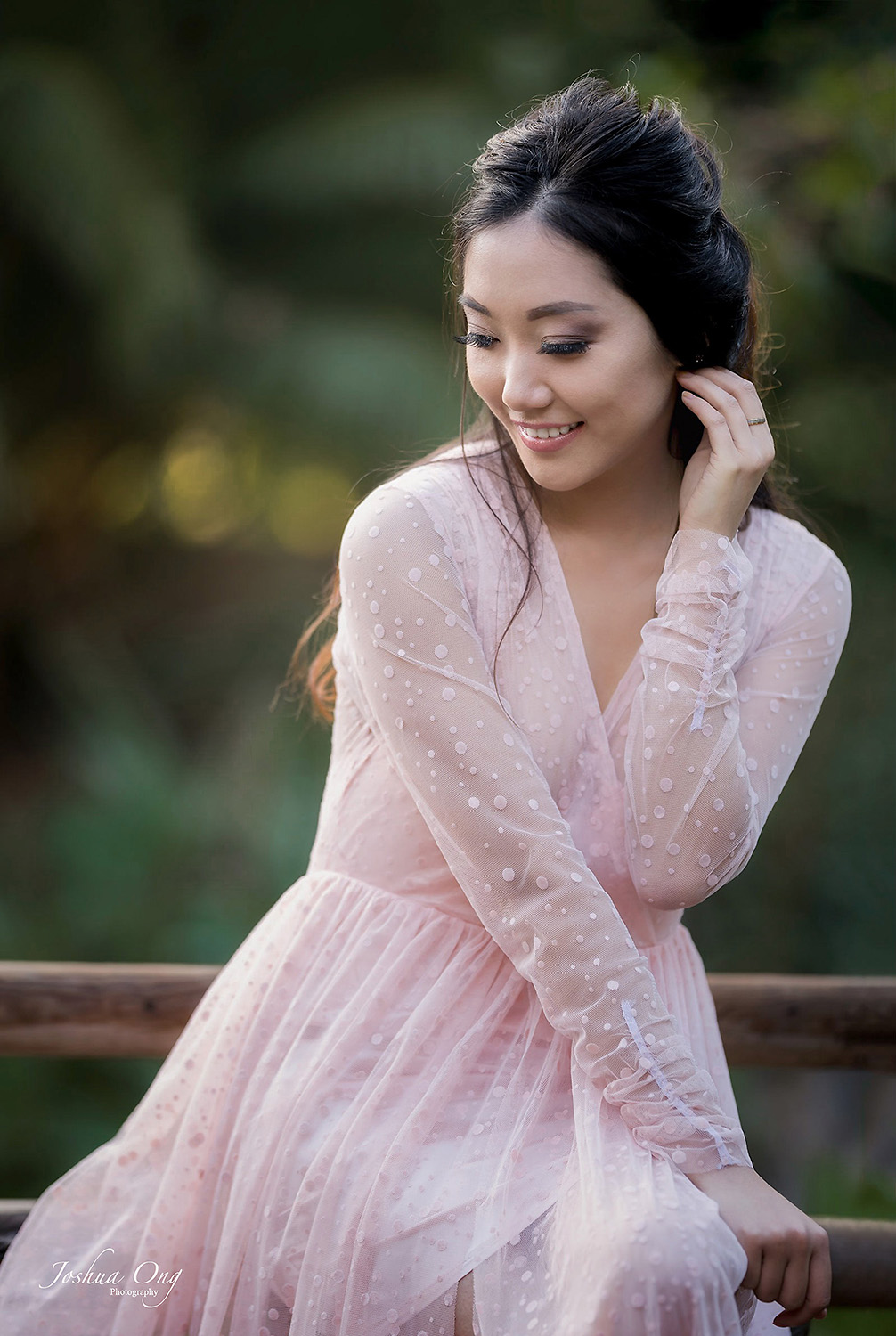
Your pictures are really amazing, and the skin tones spot on. What is the profile you’re using? The look really great in my iPad, but in my phone (iPhone X) they look a bit too clinical/HDR to me. It’s annoying how things change from device to device.
|




 !
!