I'm using a cheap m42 to nikon F adapter and then FTZ to the z6. Haven't tested that combo much though so not sure if I would recommend that route.
Could you elaborate on that pls? Something you don't like about the camera, or the 24-70?
Thanks!
Markus
The 24-70 handles flare pretty well but when I stopped down to test what kind of a sunstar it produces it got a bit wonky. The flare got worse and introduced some rainbow flaring or artifacts or something. It was worse when I had a polarizer on so I thought that might have been the issue so I removed it but I think the polarizer just made the problem worse. 24-70 otherwise is a nice lens.
The z6 seems to produce nice files but I might just be too used to the D850. You can beat the crap out of the D850 Raw files and the colours hold up really well. I just found the Z6 you had to be more careful and the colours just aren't as good as the D850.
The last nitpick is the ftz adapter. Hate how it has a tripod mount on it. Wanted to use a small plate that I have that protrudes a bit in from of the camera. I love using a hand grip on my cameras and I have to remove the plate everytime I switch from the ftz adapter to a native lens. I can't for the life of me figure out why they needed to put a tripod mount on the adapter. If your lens is too heavy, then mount that on a tripod....
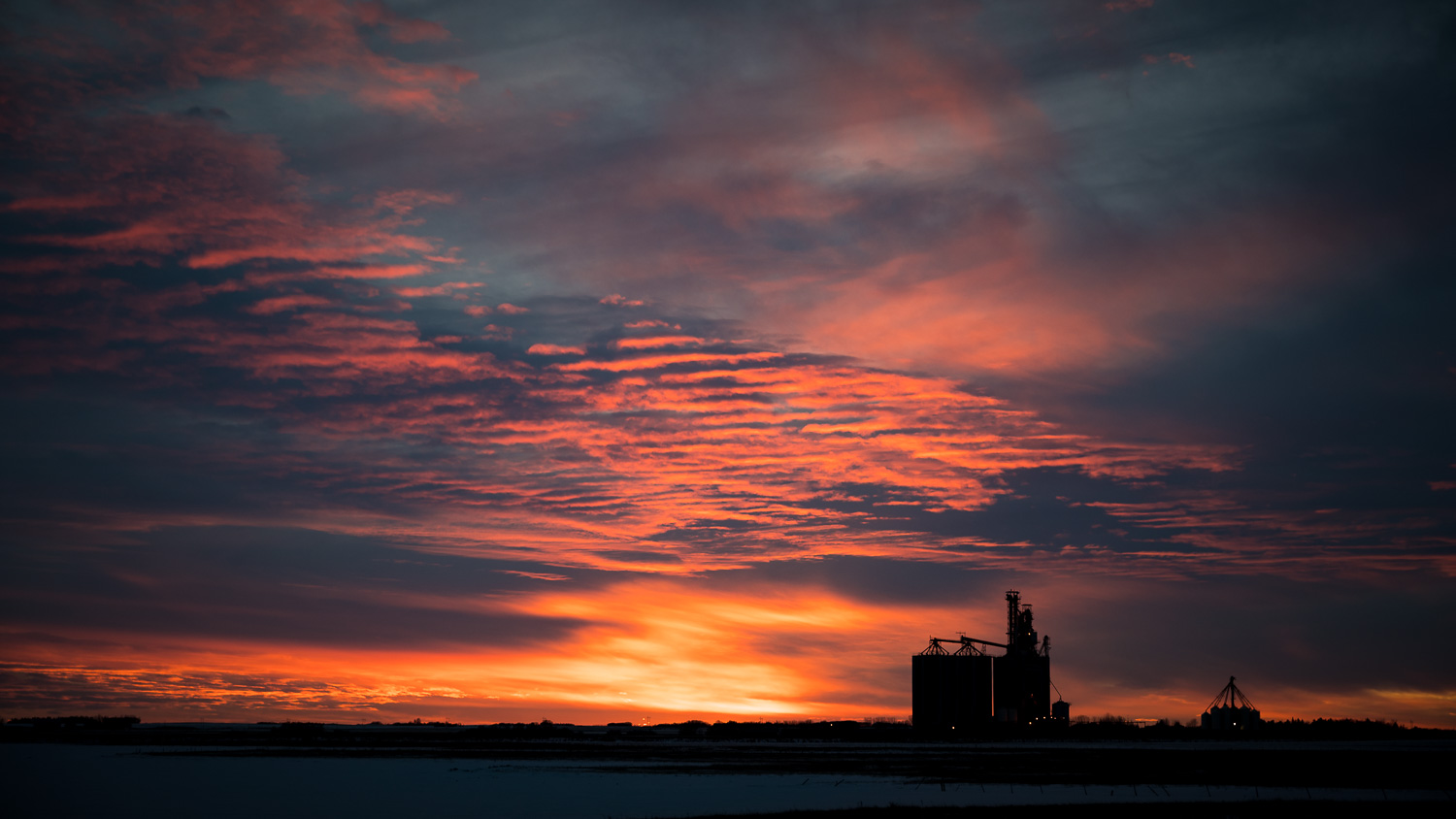
Very preliminary thoughts on the combo though. Overall, it is a pretty nice setup. Here are a few photos of the flare I was talking about with no filters. Definitely not a deal breaker as I have lenses that flare much worse than this (14-24mm).
<edit>. ohh one more thing.... not sure if it is an adobe thing but I saw it noted before that the white balance is totally out to lunch with this camera when you load the raw into lightroom.
Hardcore wrote:
The last nitpick is the ftz adapter. Hate how it has a tripod mount on it. Wanted to use a small plate that I have that protrudes a bit in from of the camera. I love using a hand grip on my cameras and I have to remove the plate everytime I switch from the ftz adapter to a native lens. I can't for the life of me figure out why they needed to put a tripod mount on the adapter. If your lens is too heavy, then mount that on a tripod....
Very preliminary thoughts on the combo though. Overall, it is a pretty nice setup. Here are a few photos of the flare I was talking about with no filters. Definitely not a deal breaker as I have lenses that flare much worse than this (14-24mm).
<edit>. ohh one more thing.... not sure if it is an adobe thing but I saw it noted before that the white balance is totally out to lunch with this camera when you load the raw into lightroom.
the tripod mount on the ftz adapter, has to house some sort of aperture mechanism, im still not totally sure why its there, but thats my guess.
regarding white balance, i beleive its a known issue that Adobe's raw conversion is subpar for the z6. ive been reading alot of pink hues added to the files on import.
FYI...I use the 'Connect to PC' feature daily to transfer images from the camera to my computer and noticed Nikon's Wireless Transfer service running on my Win10 PC occasionally goes AWOL and stops responding to the camera when I initiate a transfer. Rebooting my PC fixes it, so it's something with Nikon's background service that stops working. It seems to happen most often if I suspend/resume my PC. Probably losing the network binding for listening on the PTP port. Anyway, here's a workaround that doesn't require restarting the PC. Enter these in a command window that has administrative privileges - I created a batch file to automate it as well:
net stop NkPtpEnumWT3
net start NkPtpEnumWT3
This will restart the background Nikon service responsible for the PC side of the transfer feature.
You can also do this via the GUI by pressing <Ctrl><Esc> (or the Windows key), type "Services", launch that Services app, scroll down to the NkPtpEnumWT3 service, right-click on it and select "Restart".
So while I have not had a lot of opportunity to put the camera to tons of use - I am absolutely loving it so far.
AF blows away the D750 and D810 once you pick up how it works btw, camera reviews are 100% pointless I am convinced.
seeing your actual photo in the viewfinder is absolutely awesome. Composing using the back screen is absolutely awesome. This really lets you see scenes as you imagined them all these years on SLR's.
Mostly used Sigma 35 ART with a bit of 85 ART mixed in. The native 50mm came in yesterday and just five pics in and I am sold on it.
I've used spot focusing and also auto AF with face detection. I think the auto face detect mode needs some work just in regards to how it switches from faces/people, to random objects BUT it works GREAT in regards to actual detection! I think using it with back button servo is the way to go! I think this would be more useful than what it currently does where if you're going back and forth from people to objects/scenes, it's a rough transition and not great usage. I'd love an option for Auto Face Detect and then when it doesn't find a face it switches to a standard SPOT AF point.
cons with hardware: I wish the buttons were a bit bigger and more obvious for pressing. The trackpad is too cheapy for a $2000 camera, and a better one would be a big improvement. Touchscreen is kinda useless other than tapping to focus, these menu systems were not designed for it.
turbodude wrote:
the tripod mount on the ftz adapter, has to house some sort of aperture mechanism, im still not totally sure why its there, but thats my guess.
regarding white balance, i beleive its a known issue that Adobe's raw conversion is subpar for the z6. ive been reading alot of pink hues added to the files on import.
I'm at least -30 on magenta tint in LR for Z6 files. It's really bad.
stuuke wrote:
Turbo I've been using mine for a floor camera on college basketball. No issues so far and the files look great.
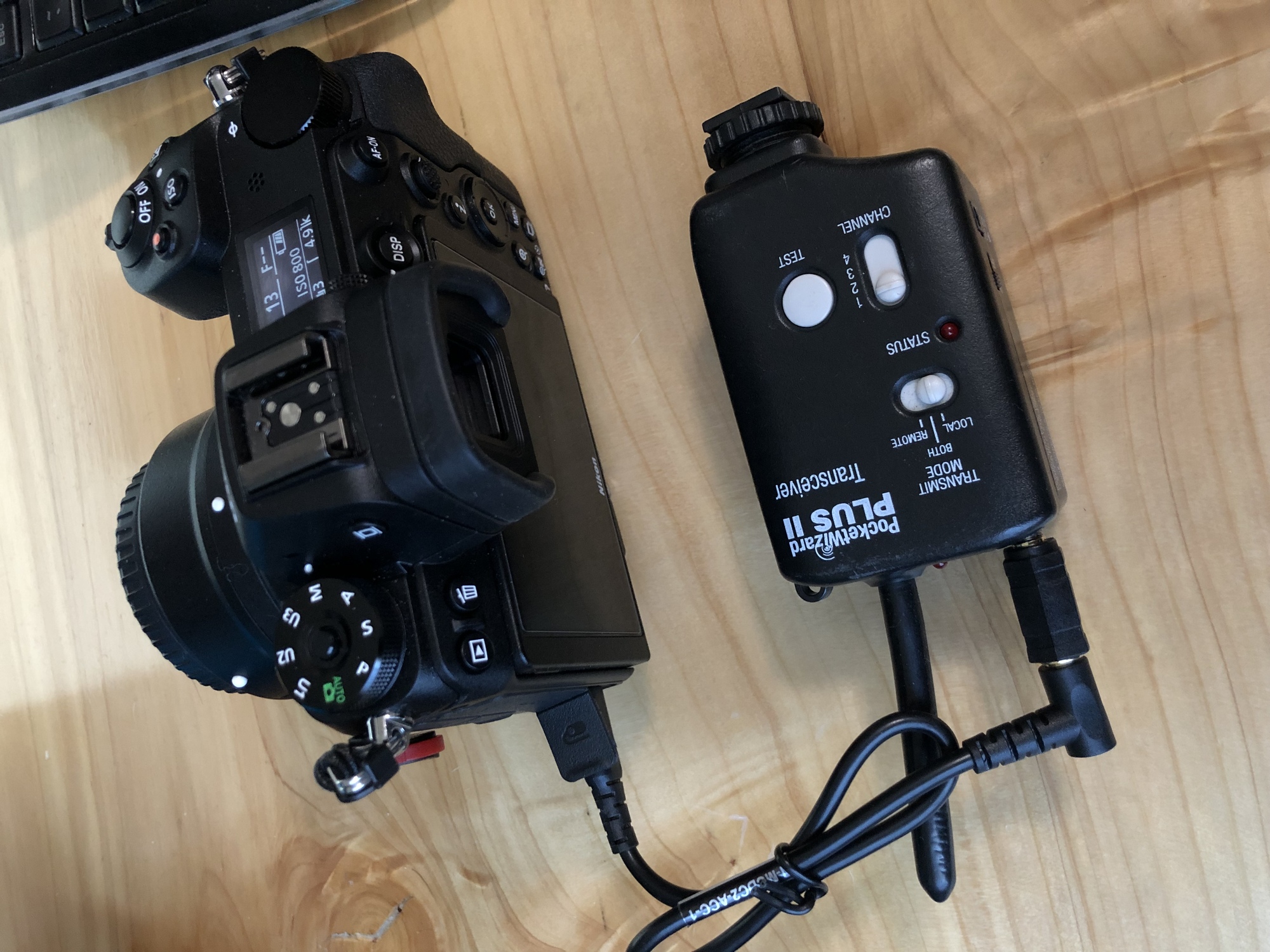
awesome, for me, i had to test the standby battery more than the actually remote part. since when i hang its normally 2-3 days in advance, so far so good. 36 hours and counting with over 400 shots. over the course of that time. so i think we are ready for a live test in the rafters for Sunday's NHL Golden Knights vs Devils Game. and if anyone is looking for a good PW remote cable, Adorama has the DC2 pocket wizard cable on sale right now for 17 bucks. i bought two of them, half press works with all the new PW, and full press on all the older units.
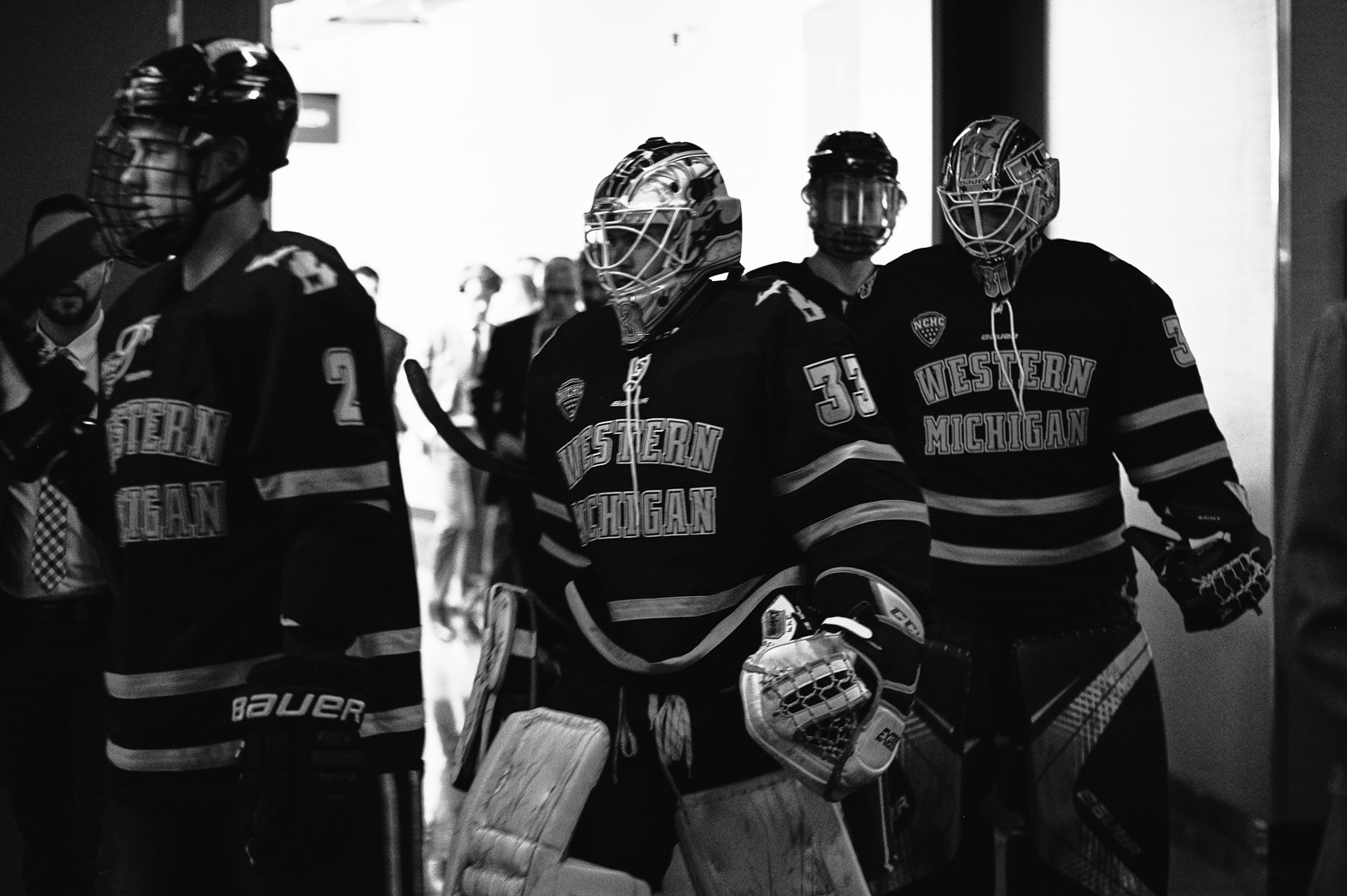
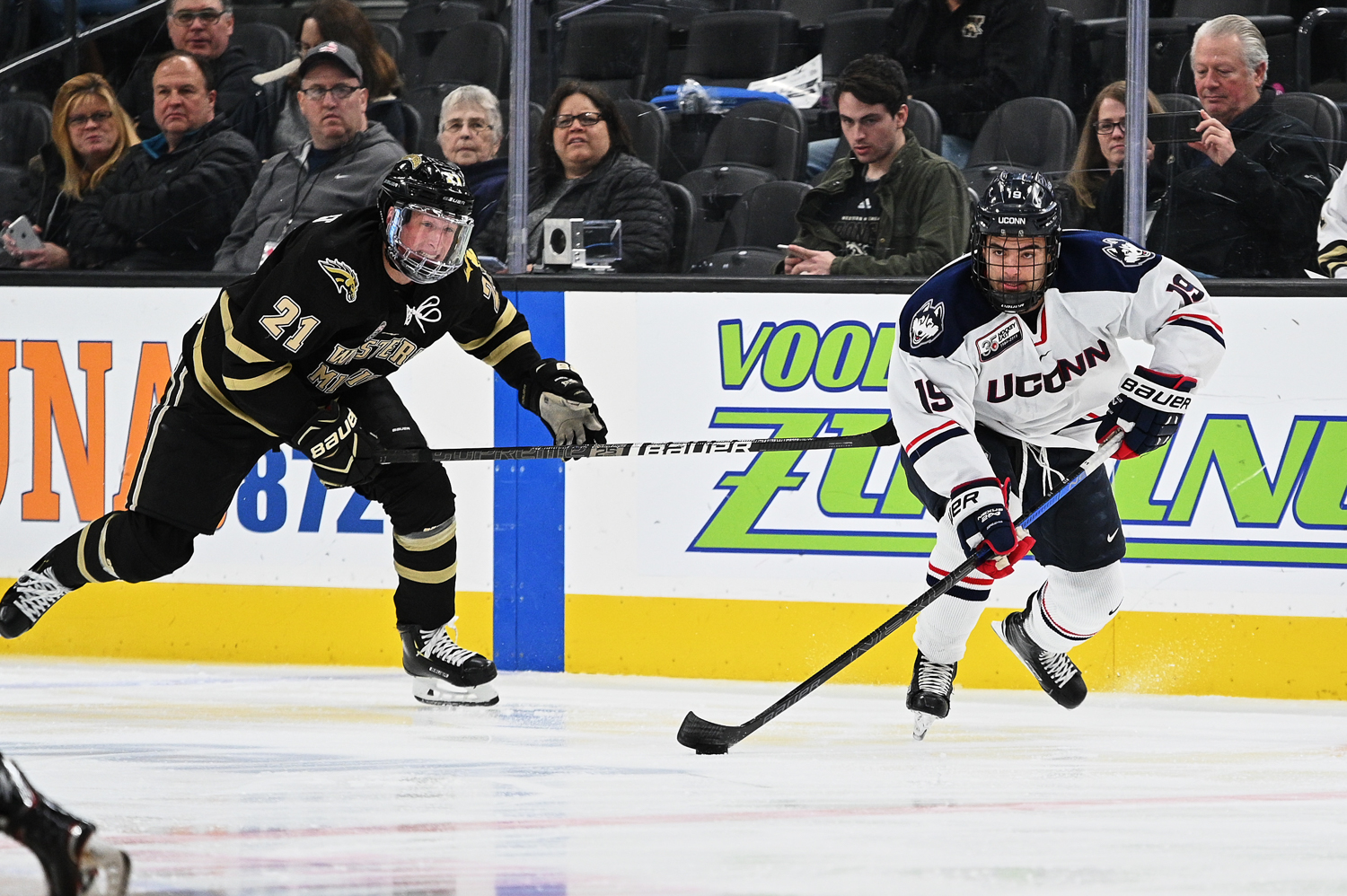
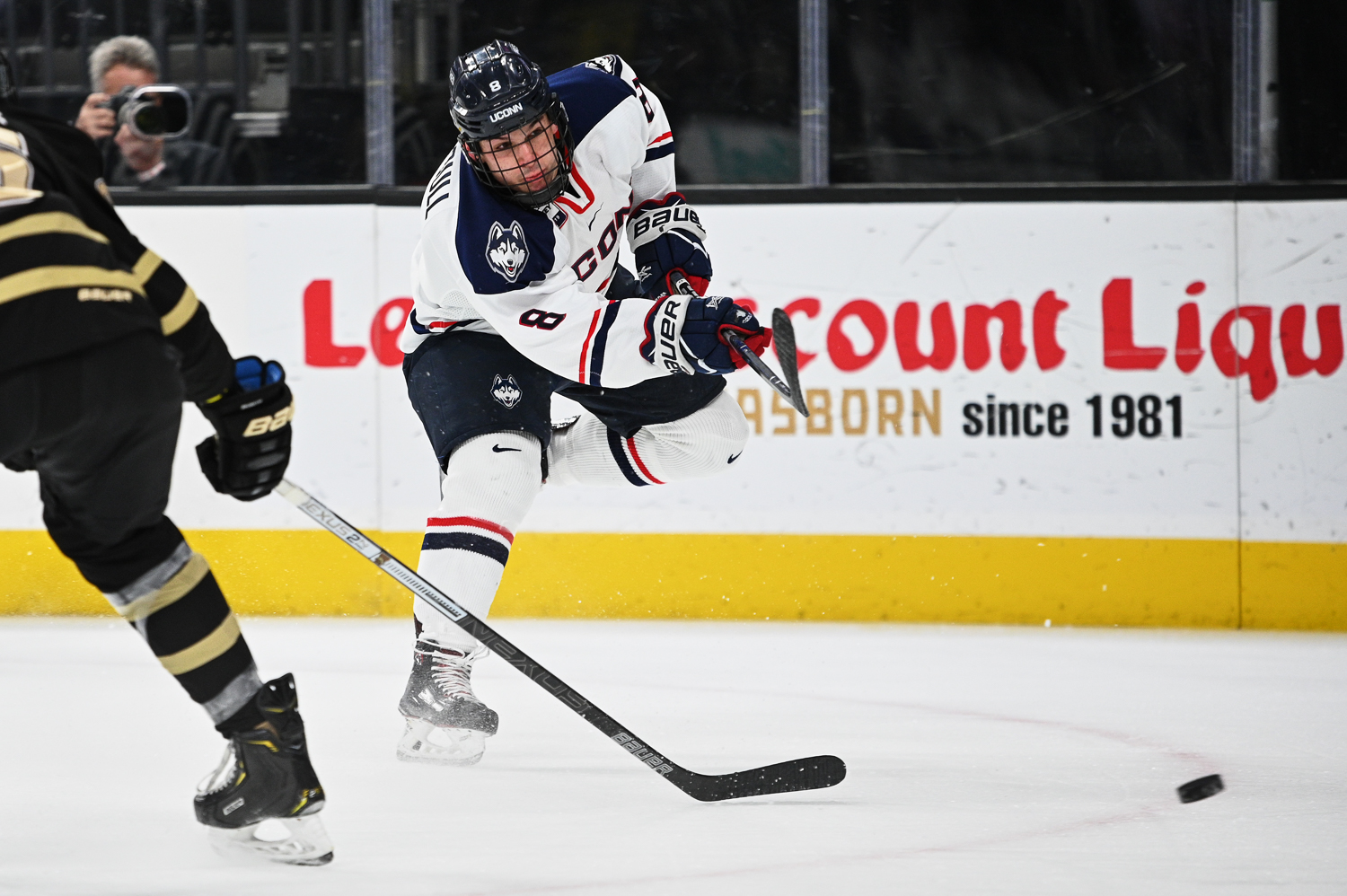
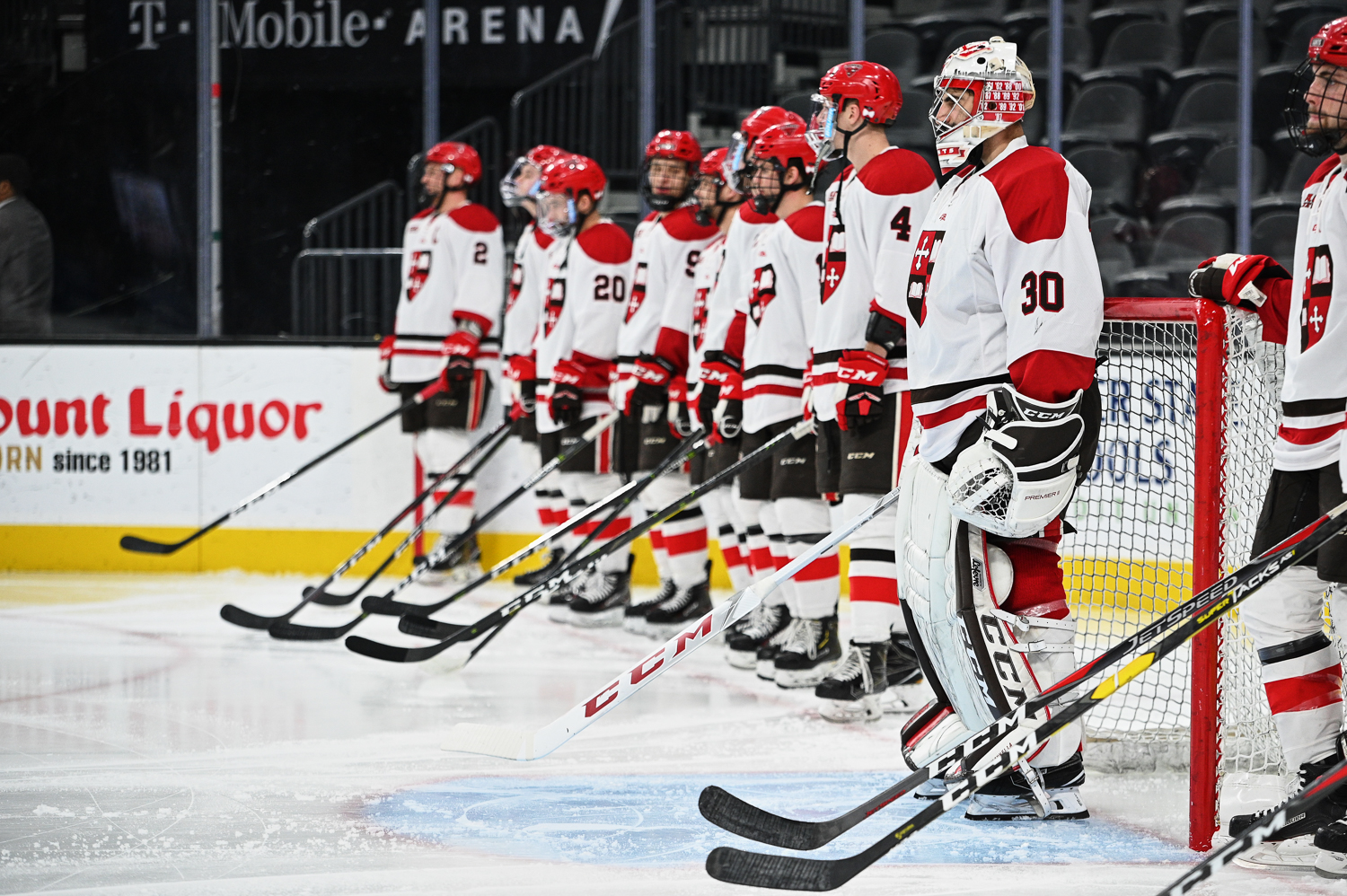
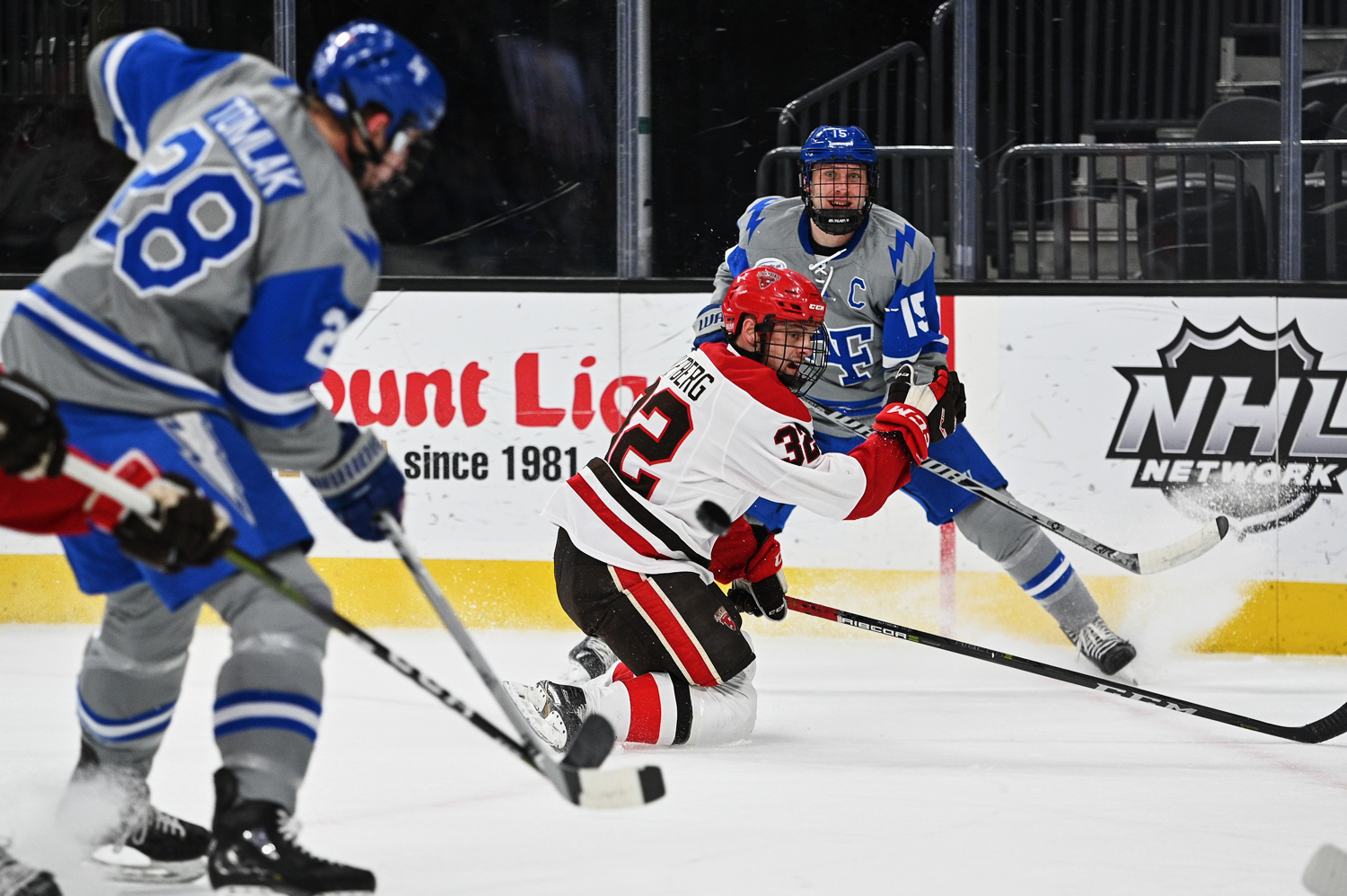
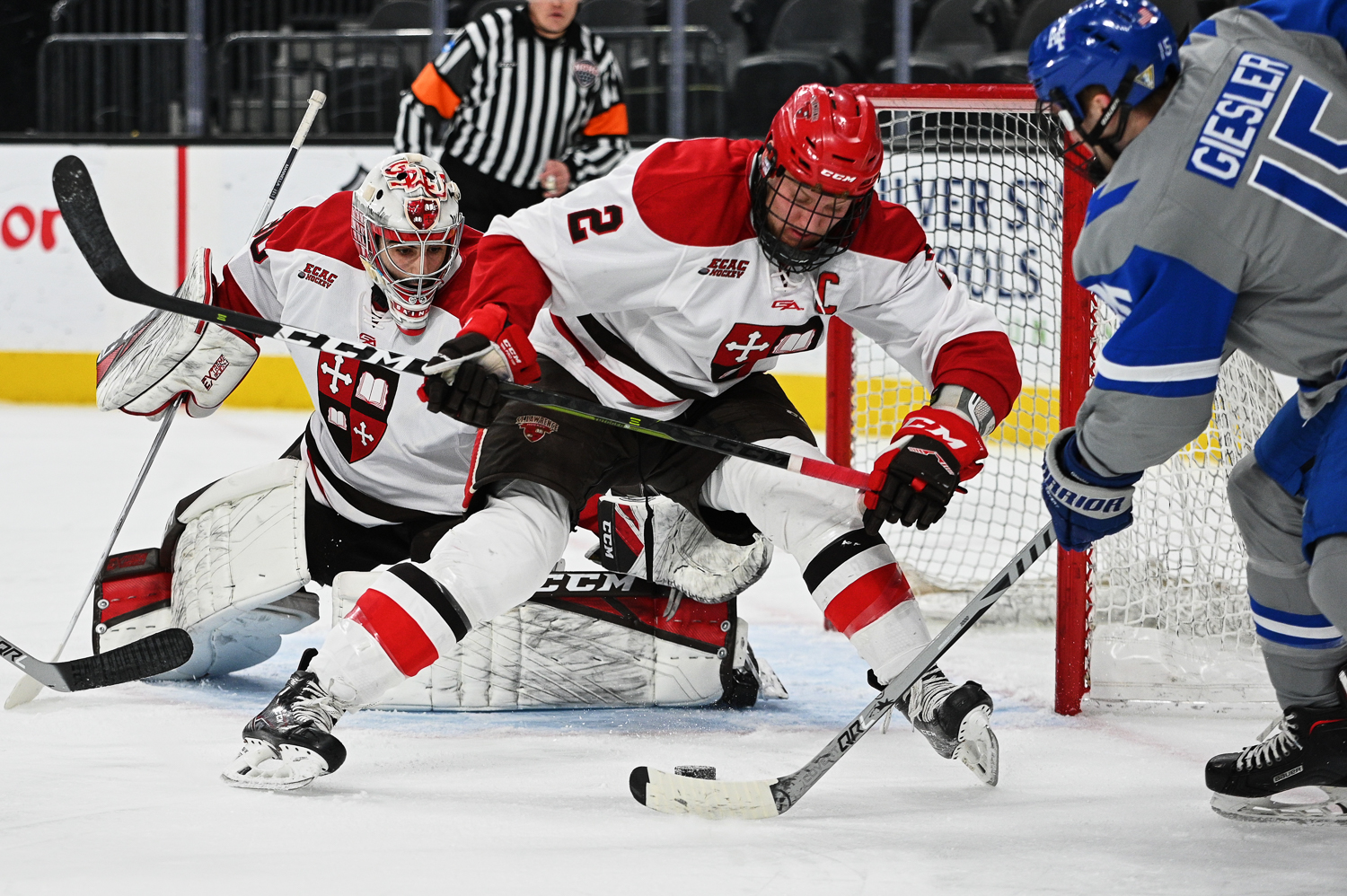
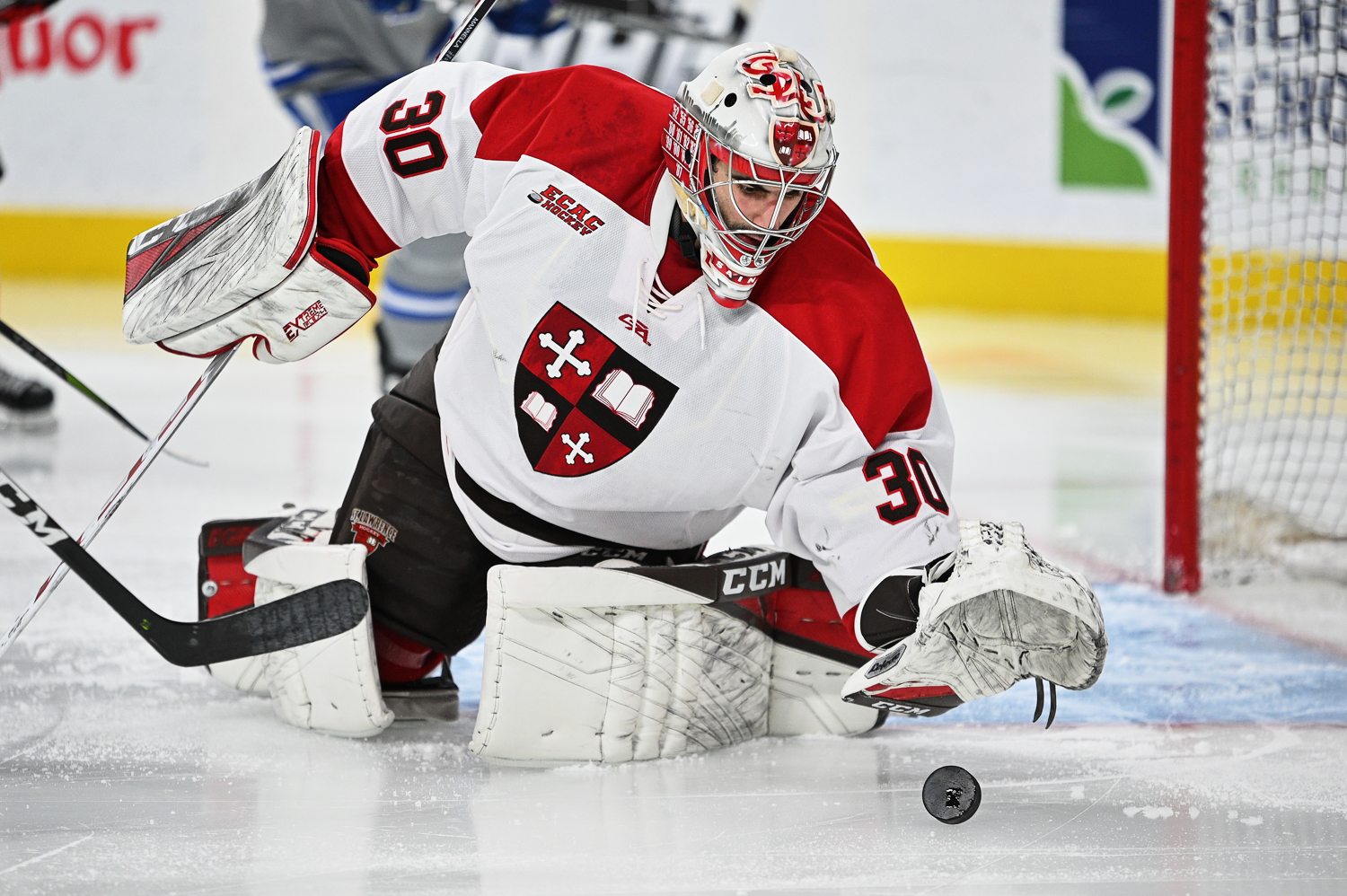
more hockey, different teams, different lens. i used a tamron 70-200 g2 for these. i can say without question the tamron g2 is sharper than my nikkor vr2, however the vr2's perceived tracking and focus acquisition is faster to me. Plus my reason for not upgrading to the FL reared its ugly head on this shoot, where twice, a puck, almost smashed my left hand because the zoom ring is on the front of the barrel of the g2.



 )! Which adapter are you using?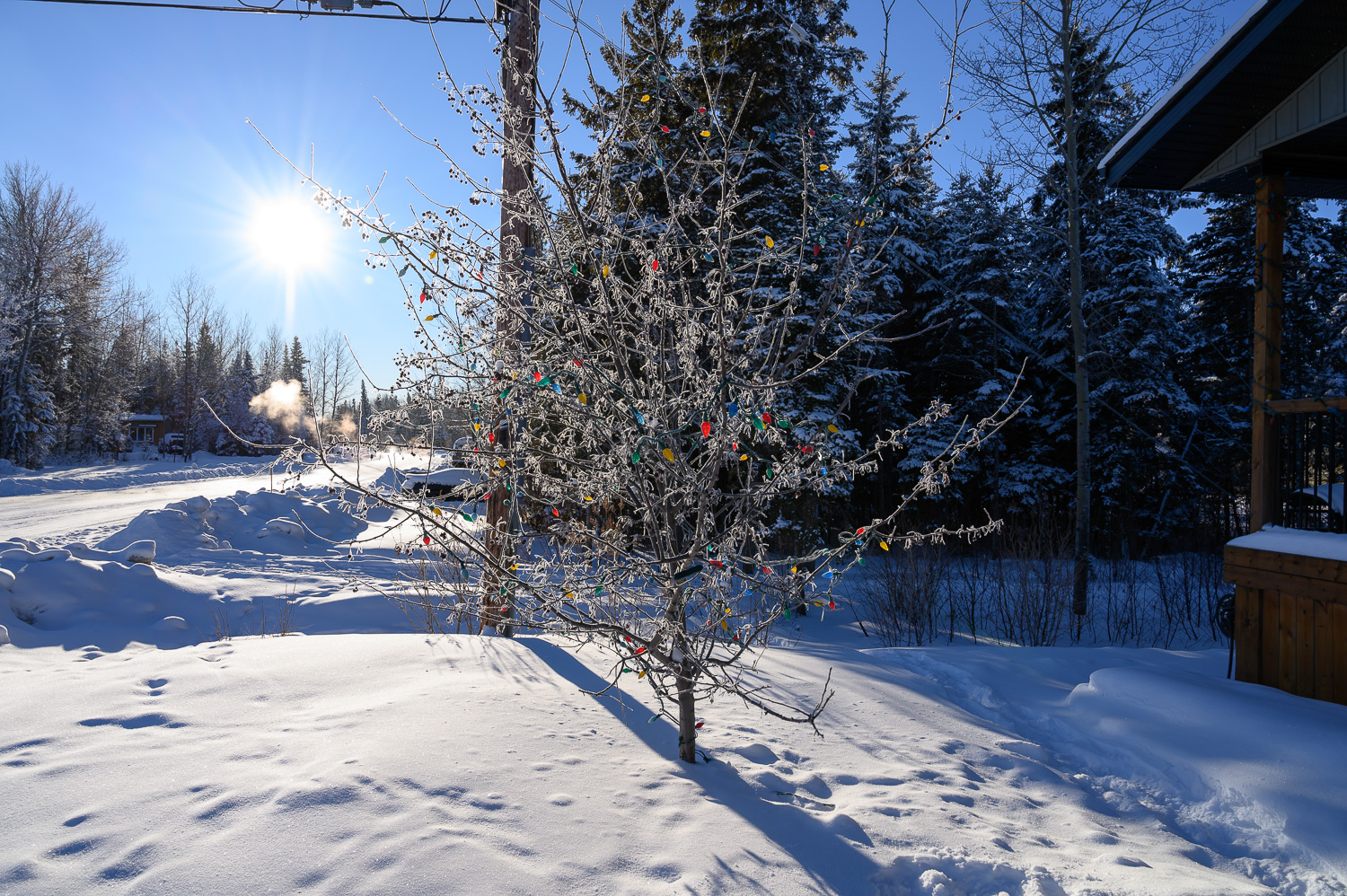
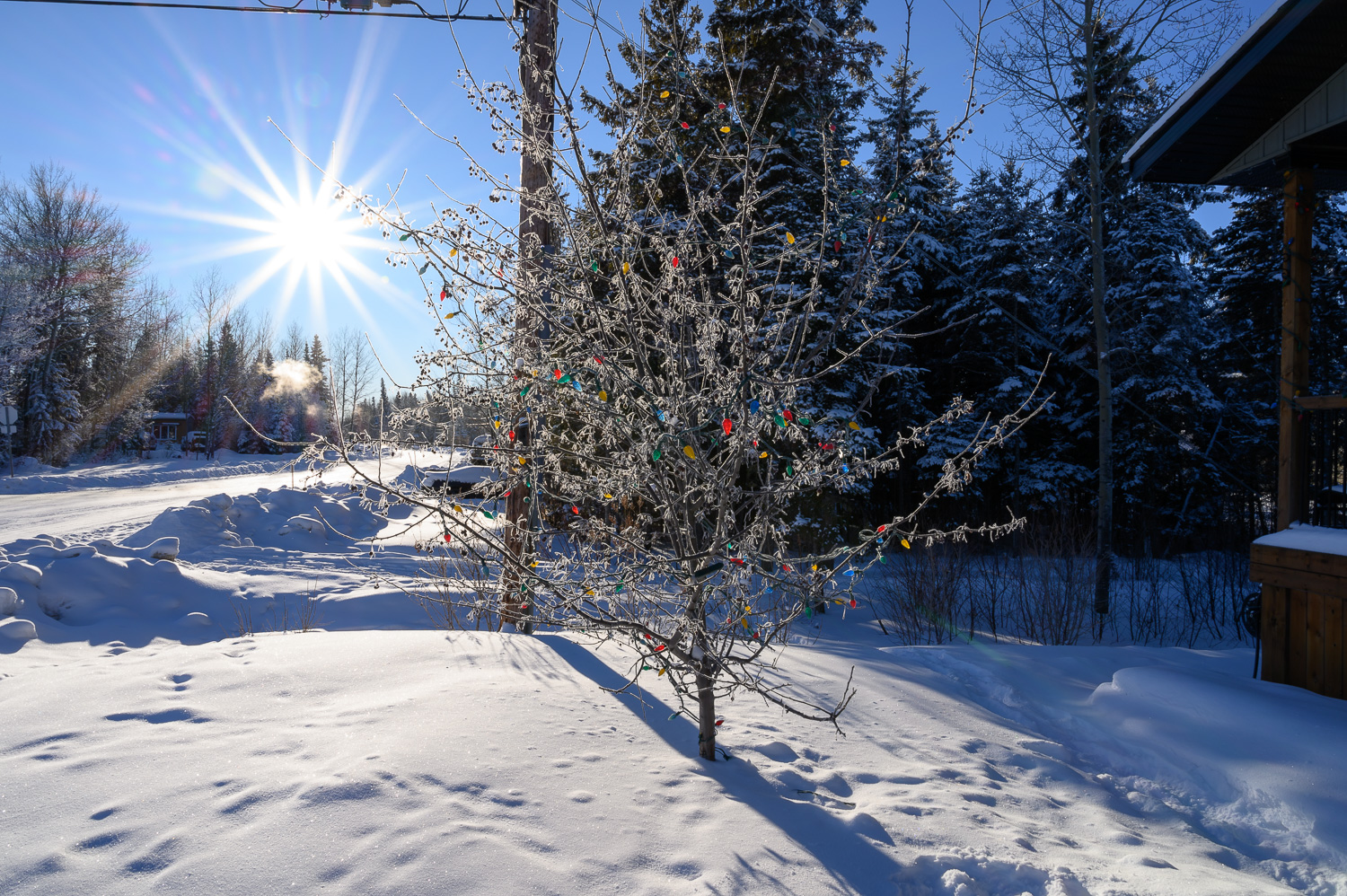
 Still going (chronologically) through photos - more to come.