nburwell wrote:
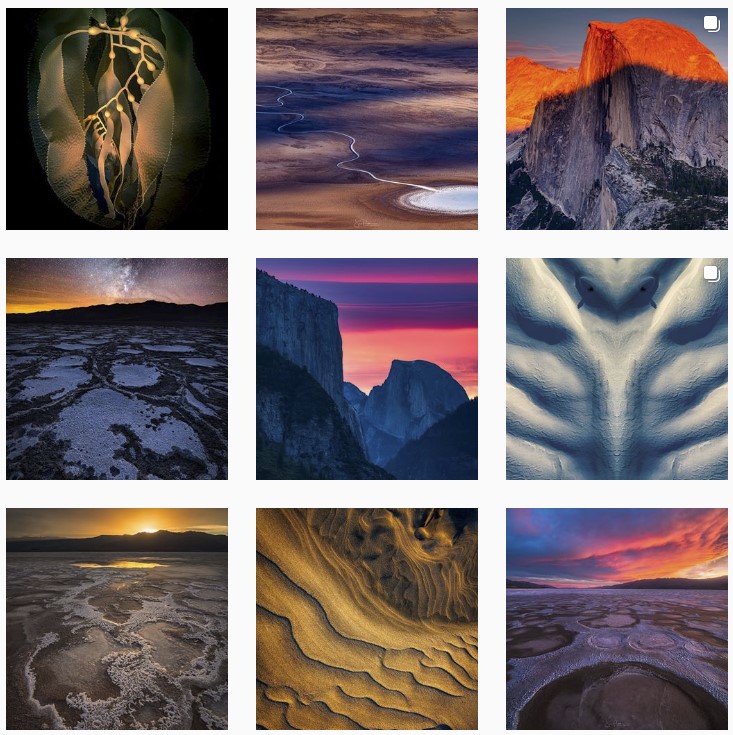
Not sure if I already shared, but here is mine. Mostly cityscape and travel images. I'm happy to follow anyone one here, just let me know!
raminolta wrote:
How do you upload your camera photos to Instagram considering by default photos can only be uploaded from a mobile phone?
I crop my images specifically for IG (1080 px X 1080 px or 1080 px X 1350 px) in Photoshop, then connect my phone to the computer and simply copy & paste them into a IG folder I created, and post 'em from there on IG.
Already following a bunch of these great accounts! just rebuilt my Instagram to keep it to photography only (as opposed to random street snaps and the occasional personal, dog portrait, etc ). I don't know if I will put studio stuff in there, but definitely lots of roaming the globe! Really appreciate follows, too!
raminolta wrote:
How do you upload your camera photos to Instagram considering by default photos can only be uploaded from a mobile phone?
The pics I'm gonna post to IG I process them in LR to the IG spec I'm gonna use then email it to myself. That puts it in my phone which can then be uploaded to my IG feed.
I try to post one every day but that is a lot of work, especially if I'm traveling!!!
A few days ago my phone broke so I can't even get into IG until I figure out how, and then have the time to do a cloud restore!!! LoL
John