This topic is in the 2017 archive. You can read it and like its posts here. It is read only.
Archive 2017Stitching or Merging Images. Your Panoramas are Welcome!

p.28 #1Stitching or Merging Images. Your Panoramas are Welcome!
Photographed this morning from Eagle Bluffs in West Vancouver. 6 frames @ 75mm. Z6 + 70-200 f4.

Vancouver & Burrard Inlet
Aug 16, 2020 at 03:16 PM
p.28 #2Stitching or Merging Images. Your Panoramas are Welcome!
A "safety shot" pano ... en route to the second shot (not pano, included for reference).
 |
||
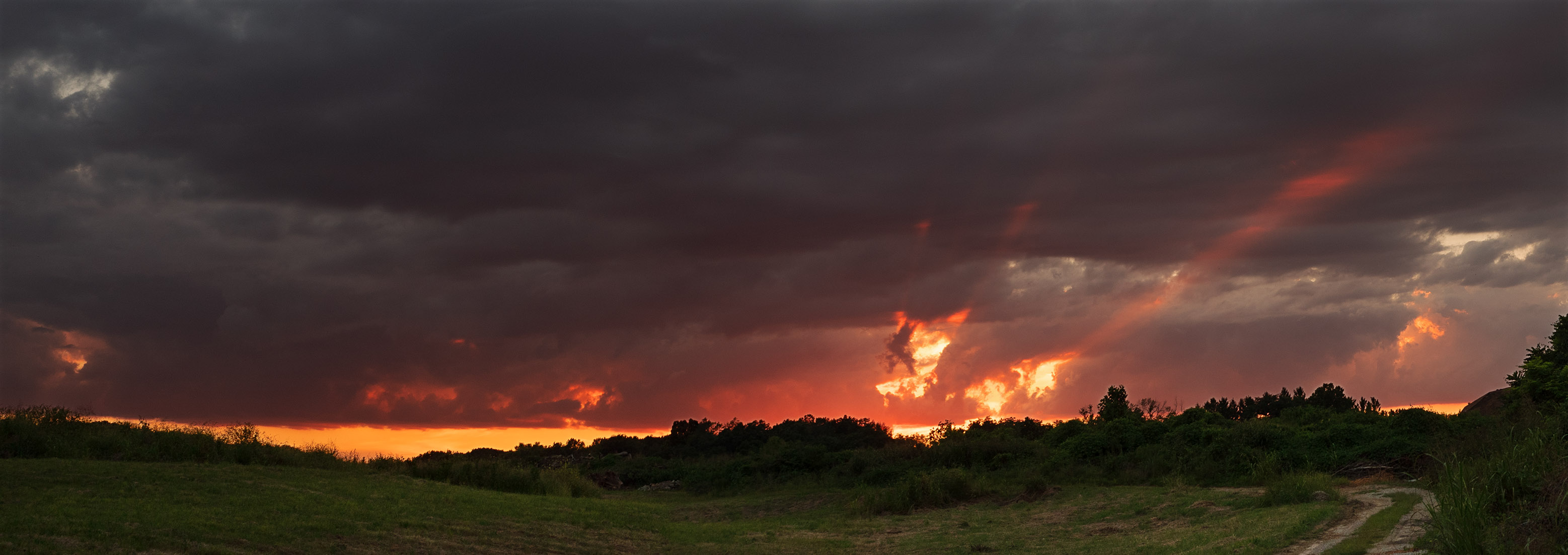 Kent Southers 2020 |
||
|
|
||
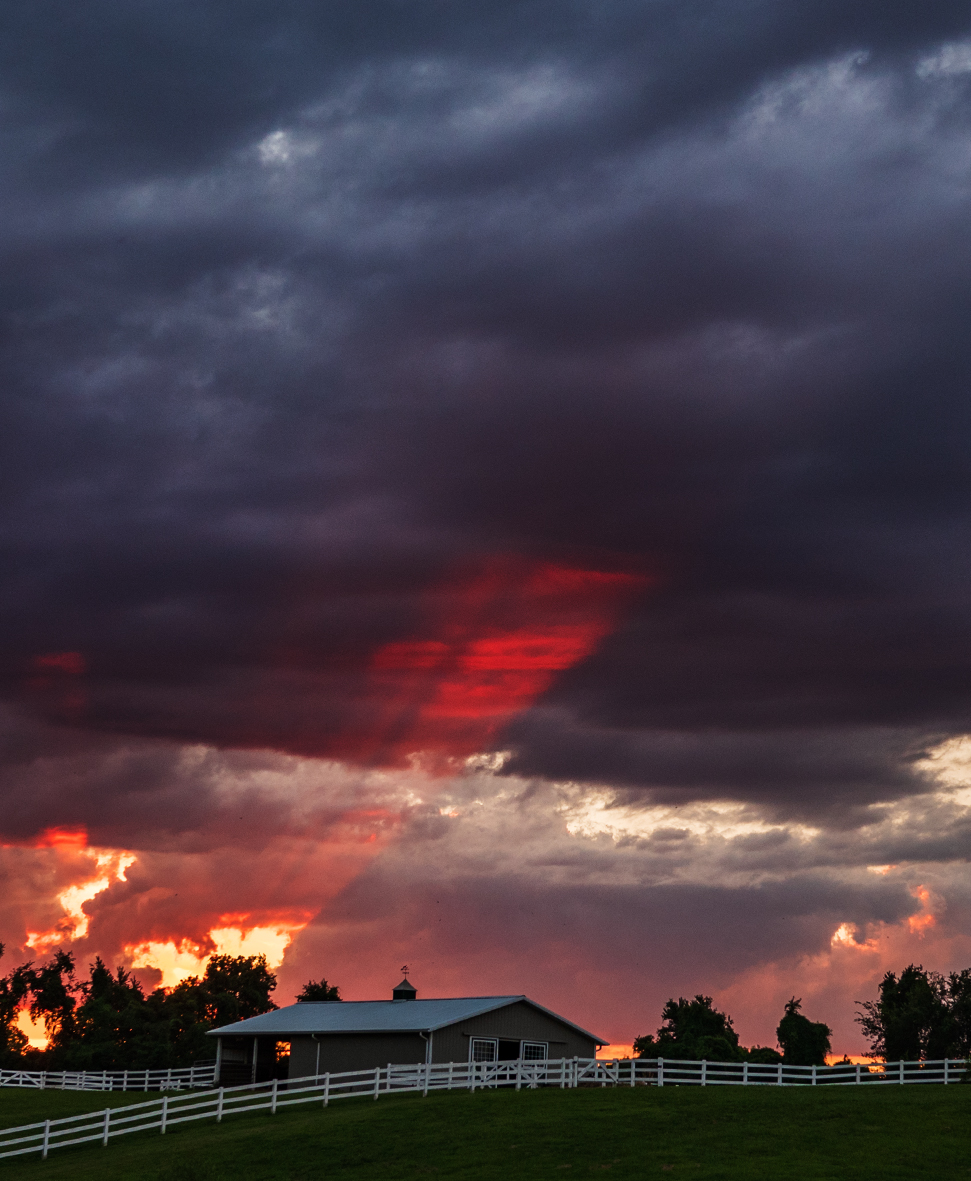 Kent Southers 2020 |
||
|
Aug 20, 2020 at 09:16 PM
p.28 #3Stitching or Merging Images. Your Panoramas are Welcome!
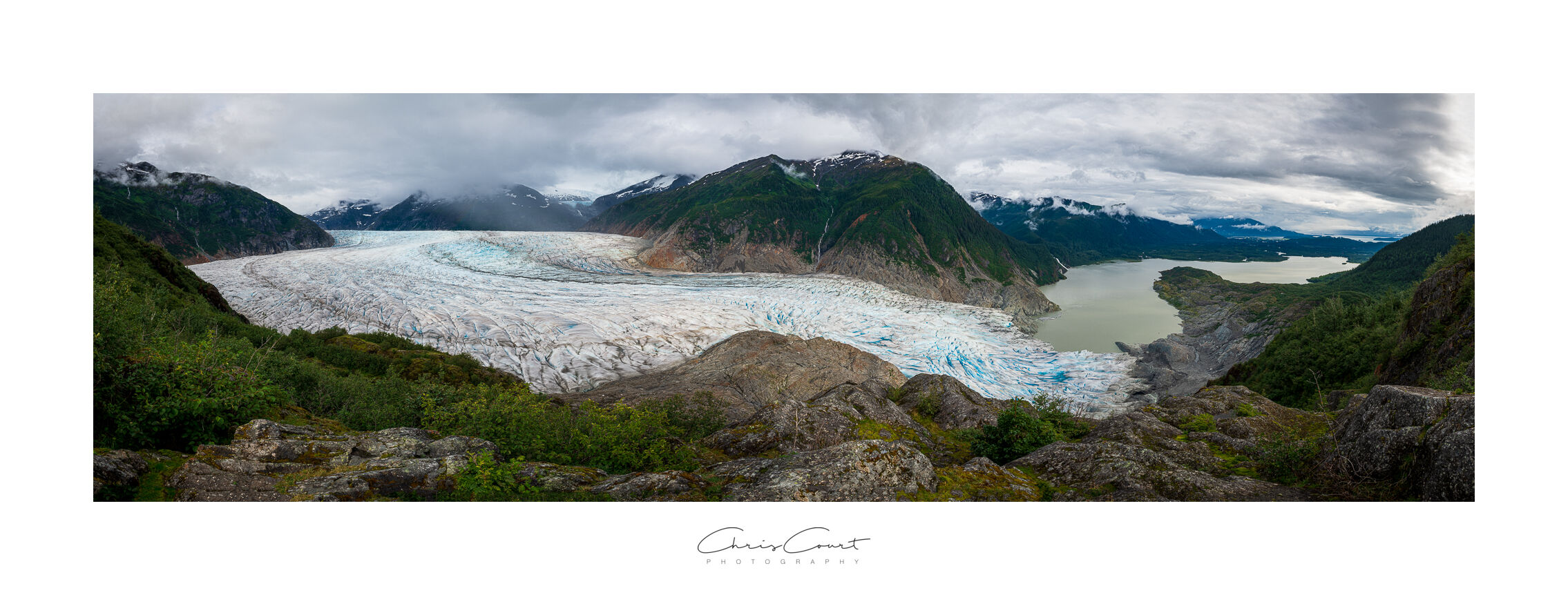
Here's a mildly unusual view of SE Alaska's mighty Mendenhall glacier. This viewpoint is a solid 2-hour hike from where the road ends at the right-most point of the lake. Unfortunately the light sucked the day I was up there, but the good news is that the trailhead is only a 10-minute drive from my house, so I'll be sure to get up there again before too long.
In common with most of the world's glaciers, the Mendenhall is receding at an accelerating pace. Only 100 years ago the glacier face was down toward the far end of the lake.
Pic is a 20 shot pano, and has some pretty amazing detail when zoomed in.
C
Edited on Oct 11, 2020 at 10:40 AM · View previous versions
In common with most of the world's glaciers, the Mendenhall is receding at an accelerating pace. Only 100 years ago the glacier face was down toward the far end of the lake.
Pic is a 20 shot pano, and has some pretty amazing detail when zoomed in.
C
Edited on Oct 11, 2020 at 10:40 AM · View previous versions
Aug 29, 2020 at 12:42 AM
p.28 #4Stitching or Merging Images. Your Panoramas are Welcome!
2-shot pano composites.
D800e, 35 PC @ f8.0, LR
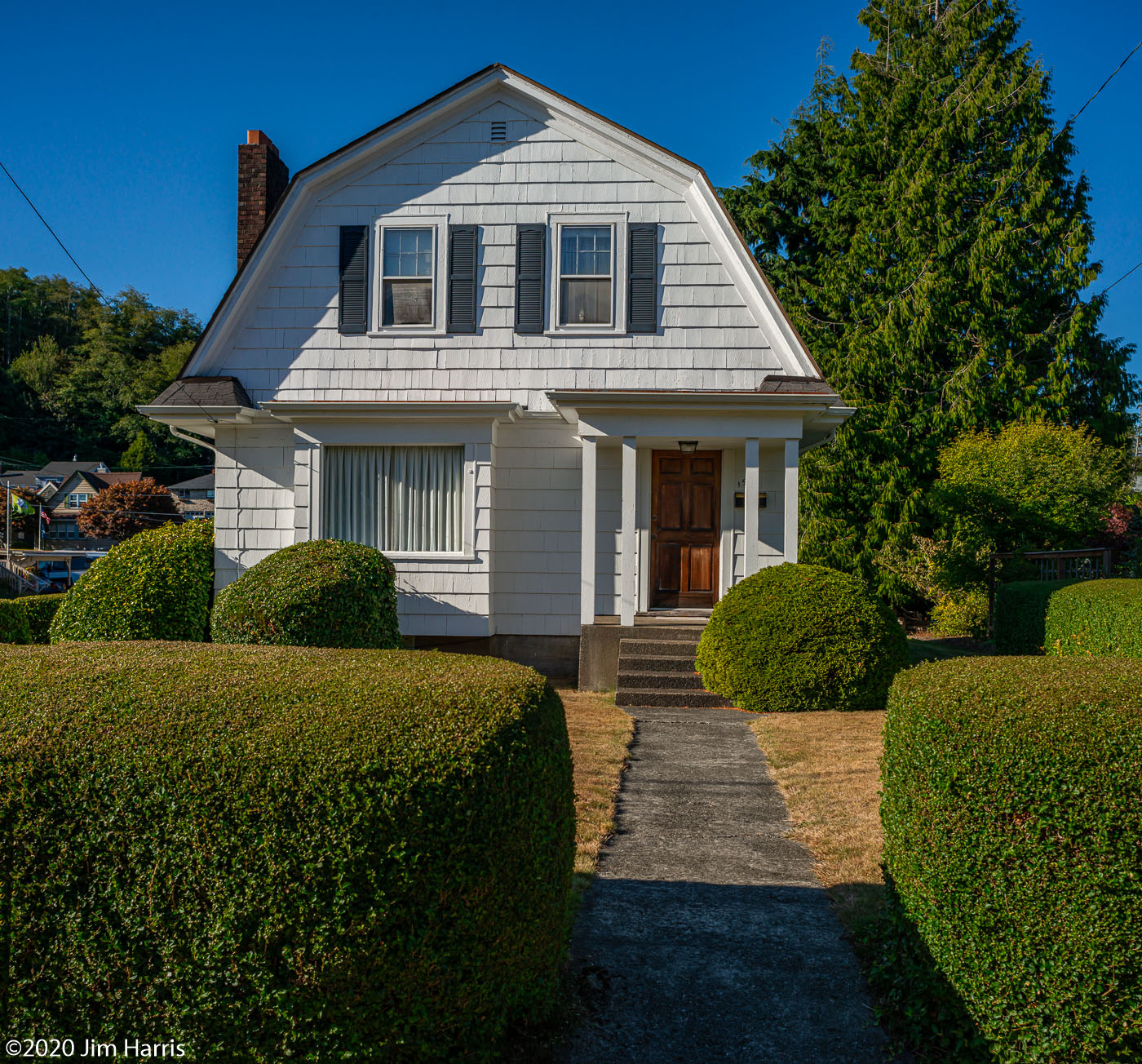
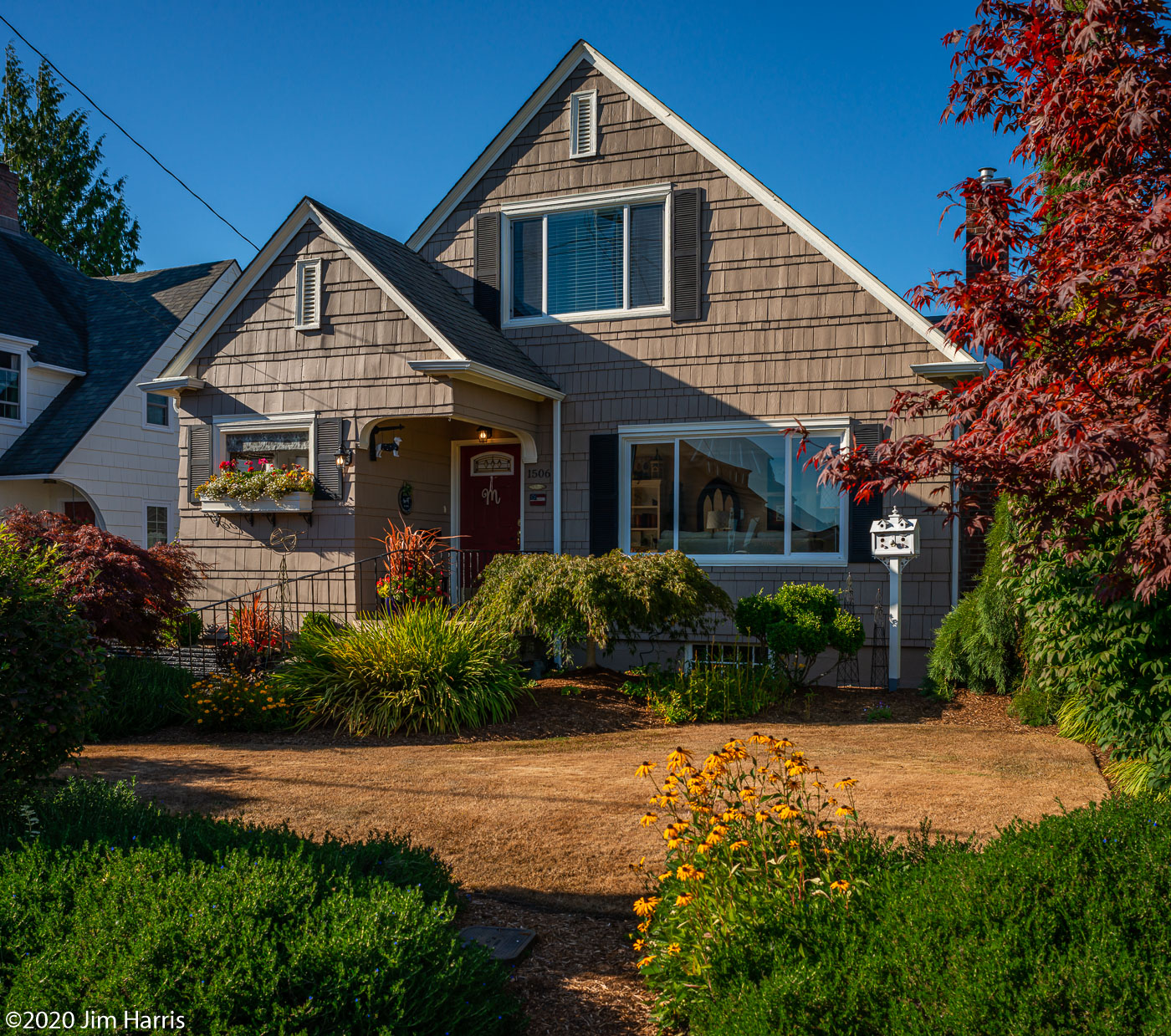
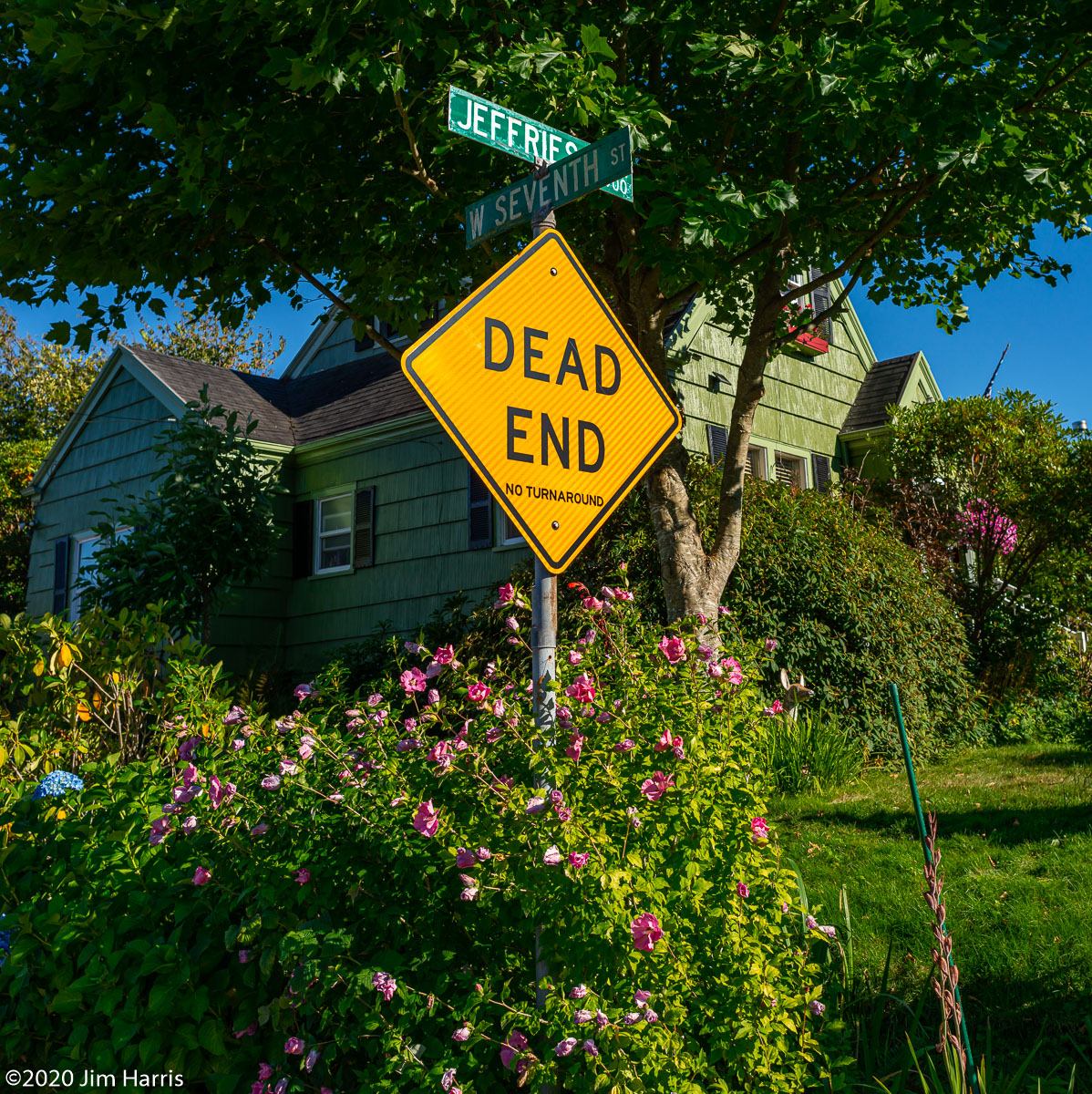
D800e, 35 PC @ f8.0, LR
Aug 29, 2020 at 09:01 AM
p.28 #5Stitching or Merging Images. Your Panoramas are Welcome!
Chris Court wrote:
Here's a mildly unusual view of SE Alaska's mighty Mendenhall glacier. This viewpoint is a solid 2-hour hike from where the road ends at the right-most point of the lake. Unfortunately the light sucked the day I was up there, but the good news is that the trailhead is only a 10-minute drive from my house, so I'll be sure to get up there again before too long.
In common with most of the world's glaciers, the Mendenhall is receding at an accelerating pace. Only 100 years ago the glacier face was down toward the other end of the lake.
Pic...Show more →
Fantastic scene, great pano.
Aug 29, 2020 at 06:04 PM
p.28 #6Stitching or Merging Images. Your Panoramas are Welcome!
I haven't shared in a while. This is one I shot a long time ago. I've never really been 100% pleased with any of the results. I have several series I shot to be stitched, all in wildly changing light. The sky was as brilliant as I've ever seen it. Like I said, I've had these for so long, but I've never been fully pleased with any of my processing or crops. This one is halfway decent though. Enjoy!
 IMG_4138-Pano-20180716-FULL by Andrew Macaluso, on Flickr
Aug 30, 2020 at 12:09 PM
p.28 #7Stitching or Merging Images. Your Panoramas are Welcome!
Lance B wrote:
Fantastic scene, great pano.
Thanks Lance. Means a lot, coming from you.
C
Fantastic scene, great pano.
Thanks Lance. Means a lot, coming from you.
C
Aug 30, 2020 at 12:41 PM
p.28 #8Stitching or Merging Images. Your Panoramas are Welcome!
A couple more from the past couple of years.
1.) A 3 image shot, edited and stitched in Lightroom
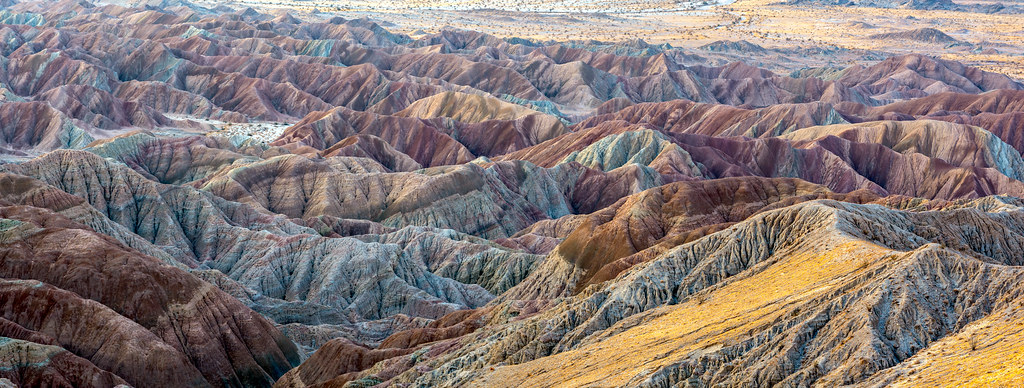 Painted Hills by Jon Schulman, on Flickr
Nikon D700
70.0-200.0 mm f/2.8
ƒ/11.0 200.0 mm 0.6 ISO 200
2.) A 2 image shot with one of my favorite lenses, the Nikkor 28mm f2.8 AIS
 Joshua Tree Thunder by Jon Schulman, on Flickr
Nikon D700
0.0 mm f/0.0
ƒ/22.0 28.0 mm 4 ISO100
ƒ/11.0 200.0 mm 0.6 200
1.) A 3 image shot, edited and stitched in Lightroom
Painted Hills by Jon Schulman, on FlickrNikon D700
70.0-200.0 mm f/2.8
ƒ/11.0 200.0 mm 0.6 ISO 200
2.) A 2 image shot with one of my favorite lenses, the Nikkor 28mm f2.8 AIS
Joshua Tree Thunder by Jon Schulman, on FlickrNikon D700
0.0 mm f/0.0
ƒ/22.0 28.0 mm 4 ISO100
ƒ/11.0 200.0 mm 0.6 200
Aug 30, 2020 at 06:31 PM
p.28 #9Stitching or Merging Images. Your Panoramas are Welcome!
Here's a four shot, hand held pano captured with a near 40 year old Nikon 50mm f1.4 ai-s. The Busselton jetty is the longest wooden jetty in the world at a little over 1.8 km in length....
 Busselton Jetty Panorama by David Hamments, on Flickr
Cheers and good light,
David
Busselton Jetty Panorama by David Hamments, on FlickrCheers and good light,
David
Oct 11, 2020 at 08:50 AM
p.28 #10Stitching or Merging Images. Your Panoramas are Welcome!
Following a week on the Isle of Skye, Scotland
I went up and over the Quarriang. Stopped and shot the view from there to the mainland of Scotland
Looking toward the Applecross peninsula, The Torridons, and to the right the islands of Raasay and Rona
Such a beautiful place to be - (unless it is raining sideways)
Taken on D4s with 25-50mm f4 Ai-s manual focus lens
A 16 shot pano merged in Photoshop CC
Steve
Nikon on Nikon always
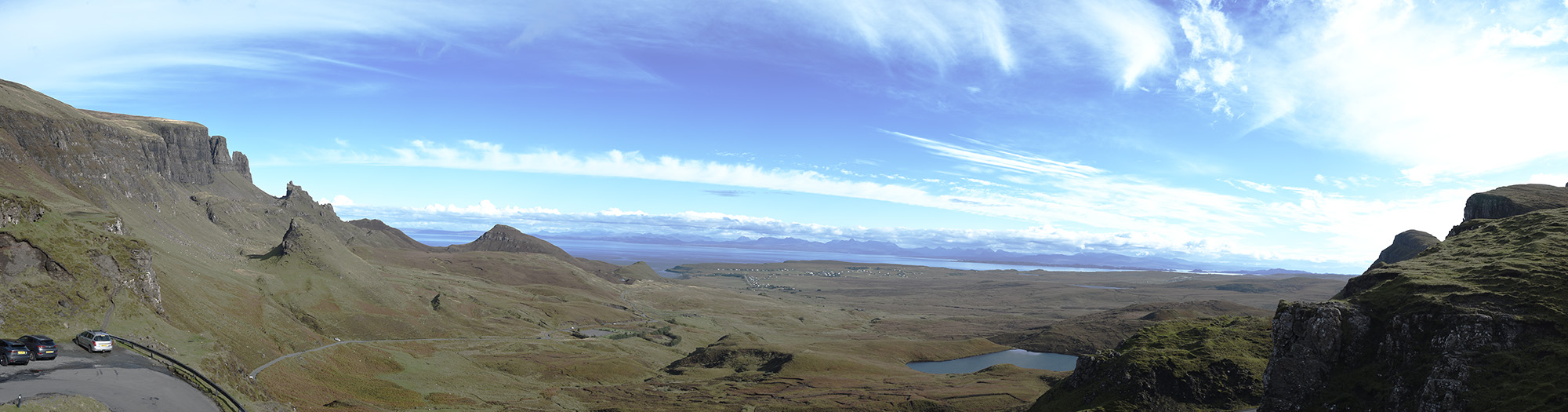
Isle of Skye - The Quarraing view looking east
I went up and over the Quarriang. Stopped and shot the view from there to the mainland of Scotland
Looking toward the Applecross peninsula, The Torridons, and to the right the islands of Raasay and Rona
Such a beautiful place to be - (unless it is raining sideways)
Taken on D4s with 25-50mm f4 Ai-s manual focus lens
A 16 shot pano merged in Photoshop CC
Steve
Nikon on Nikon always
Stokesey 2020
Isle of Skye - The Quarraing view looking east
Oct 13, 2020 at 10:14 AM
p.28 #11Stitching or Merging Images. Your Panoramas are Welcome!
Bump... here's a three shot, hand held pano of the fall foliage in Hullett Marsh Conservation Area, in Northern Ontario. Captured with the Nikon Z6 and kit 24-70 f4S zoom...
 Hullett Marsh Fall Panorama by David Hamments, on Flickr
Cheers and good light,
David
Hullett Marsh Fall Panorama by David Hamments, on FlickrCheers and good light,
David
Oct 25, 2020 at 05:34 PM
p.28 #12Stitching or Merging Images. Your Panoramas are Welcome!
Each series in the triptych is a stitched image. Shot vertical with a 70-200mm f/2.8 at 200mm, each one about 6-8 images. Though, I cropped pretty heavily to the point that what you see there is likely closer to only about 3 vertical shots wide. In fact, I think the last image was shot with only 2 or 3 shot in the horizontal orientation. I was working quickly as the light was changing fast. The timestamps indicate that about 6 minutes passed between the first image and the last image shown below.
(I usually can never find a composition I'm happy with at this location, so I intentionally captured overly large images with the intention to later find an appealing crop.)

Misty Moonset Triptych by Andrew Macaluso, on Flickr
(I usually can never find a composition I'm happy with at this location, so I intentionally captured overly large images with the intention to later find an appealing crop.)
Misty Moonset Triptych by Andrew Macaluso, on Flickr
Nov 02, 2020 at 01:31 PM
p.28 #13Stitching or Merging Images. Your Panoramas are Welcome!
Shenandoah valley panorama at afternoon golden hour yesterday.
This is a 6 shot panorama stitched and processed in LR.
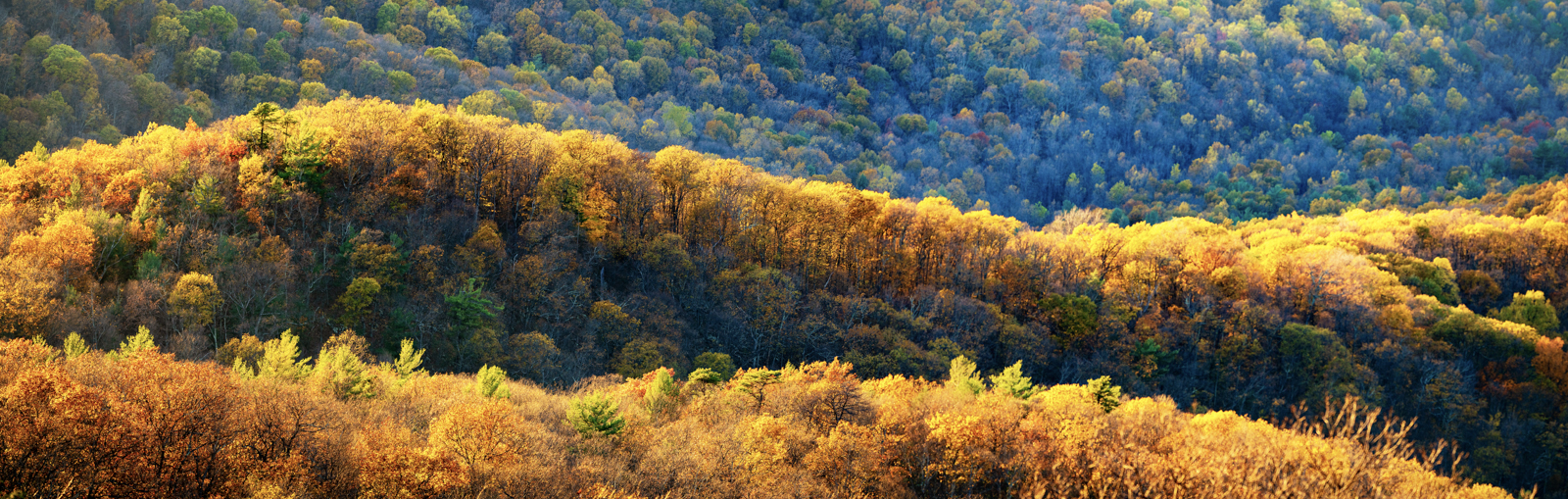
This is a 6 shot panorama stitched and processed in LR.
Nov 07, 2020 at 09:21 PM
p.28 #14Stitching or Merging Images. Your Panoramas are Welcome!
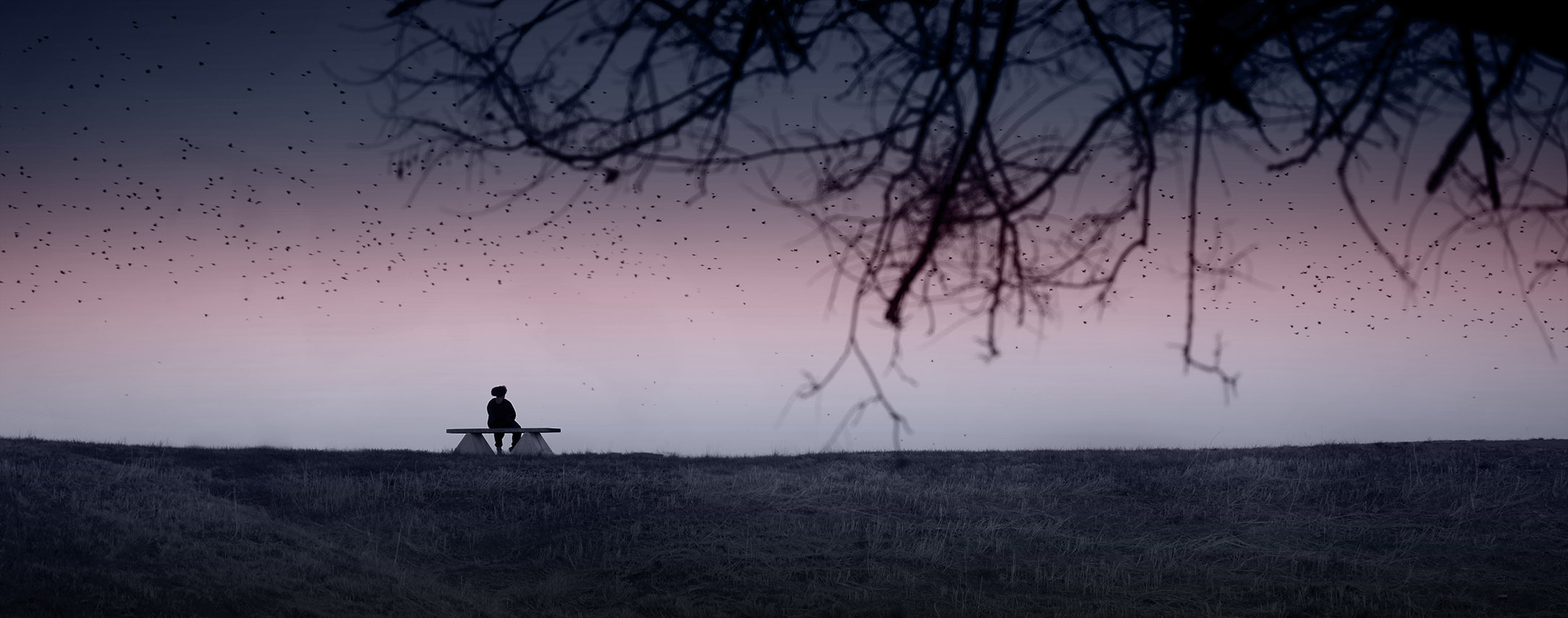
A couple frames to get plenty of birds.
 |
||
 |
||
 |
Nov 18, 2020 at 05:19 PM
p.28 #15Stitching or Merging Images. Your Panoramas are Welcome!
RustyBug wrote:
A couple frames to get plenty of birds.
Love this one!!!

C
A couple frames to get plenty of birds.
Love this one!!!
C
Nov 18, 2020 at 05:52 PM
p.28 #16Stitching or Merging Images. Your Panoramas are Welcome!
I've done this about 20 times and this procedure is based on info from Adobe. I use ACR but the procedure in Lightroom is the same. The advantage of doing it this way is that ACR creates a .dng file, which is a RAW file and affords you all the power of ACR or LR to process your image. About the only change to make to the images before merging to panorama is to set the lens profile and check correct for chromatic aberration box. Best results are obtained using a tripod. You can handhold and you might get acceptable results and ACR will adjust the merge if you do but tripod is better. Select your images and right click and choose merge to panorama. It is necessary to overlap your images by about 1/3. I've had great results and few aberations using ACR. Depending on the speed of your computer and the size of your files, ACR will create a preview image in a few seconds or a short forever. The preview will have some choices about how it will merge the images. If you click on a new choice, ACR will recreate the preview. Once you click OK, ACR will create a .dng file for you which you can process just as if it were a Nikon (or Canon) RAW file. Incidentally, if you need to expand the dynamic range of one or more of the images, before you merge to panorama, execute a merge to HDR first. ACR will create a .dng file which you can incorporate into your merge to panorama. Either way, the resulting file, which you can open in PS and correct to your heart's content, will be a very large file and will likely have to be saved as a .psb not .psd file.
Nov 18, 2020 at 06:13 PM
p.28 #17Stitching or Merging Images. Your Panoramas are Welcome!
Chris Court wrote:
Love this one!!!
C
Thanks Chris.
RustyBug wrote
A couple frames to get plenty of birds. C
Thanks Chris.
Nov 20, 2020 at 12:10 AM
p.28 #18Stitching or Merging Images. Your Panoramas are Welcome!
I went a little nuts with this one. 21 shot panorama using my 70-200 @70mm. 5d iv.
Merged in Lightroom with a perspective projection and then trimmed to 5x7. The stitch caused my 2010 Mac Pro to wheeze in protest, and the output is 93Mpix. Insane amount of detail which was promptly resized to web-friendly 1920 px on the long end.
St Johns bridge from Cathedral Park, Portland.

Merged in Lightroom with a perspective projection and then trimmed to 5x7. The stitch caused my 2010 Mac Pro to wheeze in protest, and the output is 93Mpix. Insane amount of detail which was promptly resized to web-friendly 1920 px on the long end.
St Johns bridge from Cathedral Park, Portland.
Nov 22, 2020 at 06:05 PM
p.28 #19Stitching or Merging Images. Your Panoramas are Welcome!
A 5 frame wildlife pano.
Because sometimes they get close and 500mm is too long.

Sleeping Bear 5 frame Pano 94mp
Because sometimes they get close and 500mm is too long.
Sleeping Bear 5 frame Pano 94mp
Nov 24, 2020 at 11:49 AM
p.28 #20Stitching or Merging Images. Your Panoramas are Welcome!
@lighthound - that's pretty badass !
Nov 24, 2020 at 04:31 PM