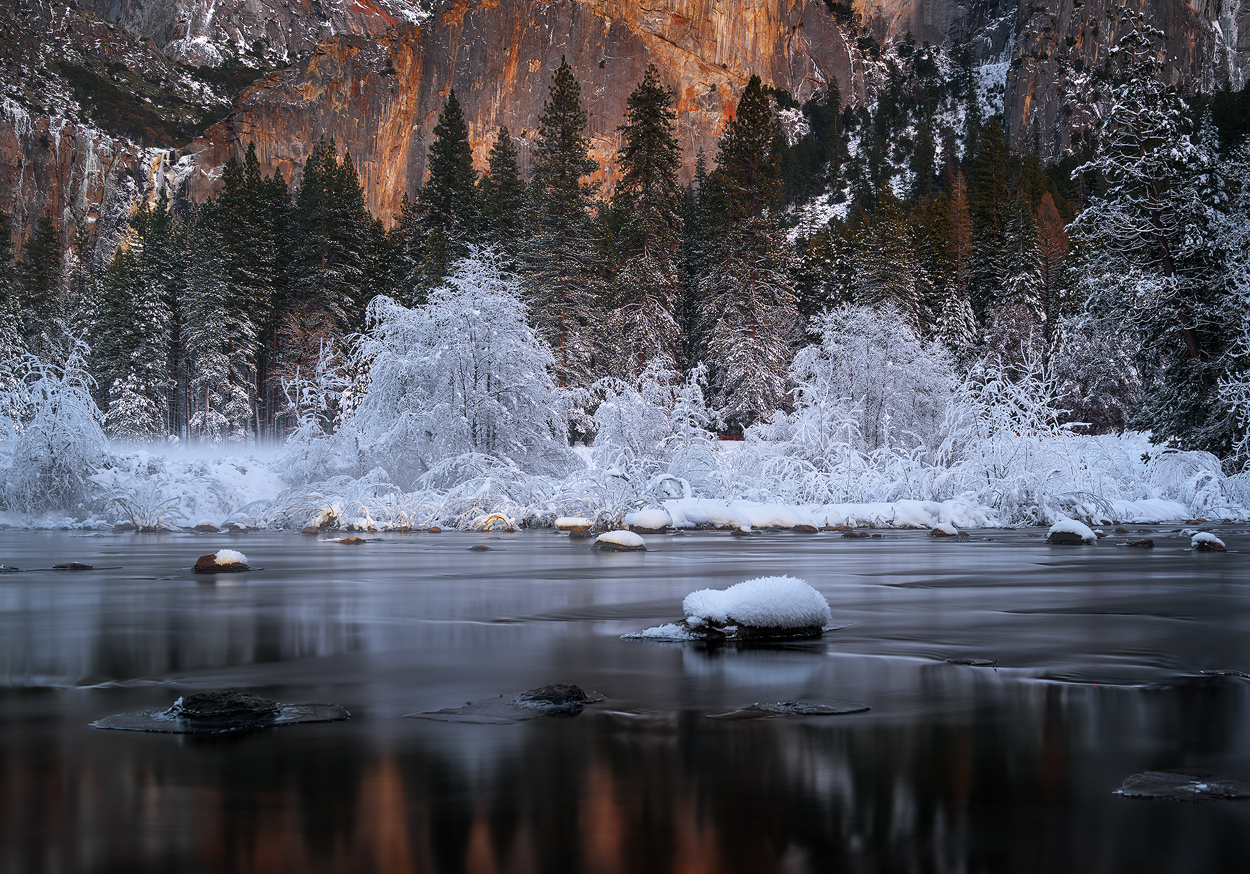
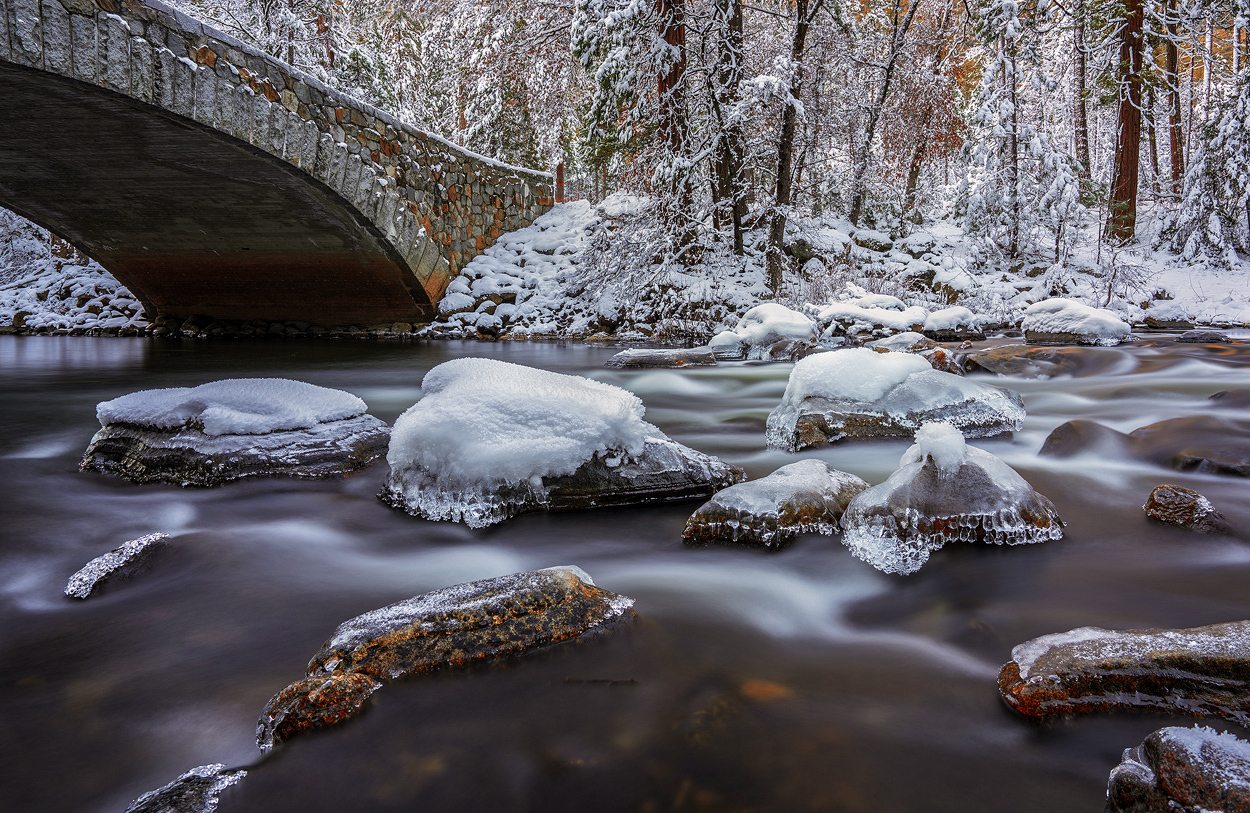
Mark,
Make sure both cameras are set to: RAW+Jpeg as file type on the app menu options.
mark1958 wrote:
Today I went to the coast and shot with the A7RII and Rx1R II. I was using both ND filters and the sky app. On the RX1R--- the files were only saved as jpg. My non sky app images were saved as both-- that is what i had it set to. Not sure why the difference between the two cameras
After testing both apps with real images I have a suspicion that there is a reduction in dynamic range from the resulting images. I'm not 100% sure about this yet.
I know the file is RAW but it seems that the latitude for the highlights is narrower when comparing to normal RAWs.
I had seen this with the Sky HDR and now have encounter this issue with the Smooth Reflection app as well.
I agree they look good regardless of any alteration in the DR. I am curious if you compared a lesser number of shots and any combo with an ND filter in a direct comparison.
I put two Tiffen 2.1 and 1.8 ND filters, f10 and 30 sec exposures with 8 shots using the APP. The problem is that the camera processes each image before taking the next exposure. So for 8 shots x 30 seconds took about 10 minutes to take the 8 images.
Is there anyway to recover the number of APP shots in the exif information? I could not find
I did a couple tests today and this is what I've leaned.
It's not the SR App that is reducing latitude in the highlights. The issue is that after the images are blended, you lose the ability to recover highlights. That is using the App or PS. (The RAW file from the App does not have the 2-stop highlight headroom as a normal RAW)
I captured 32 shots using the SR App and 32 shots blended in PS using stack mode "mean". The resulting images are pretty much identical with very small highlight recovery from the files.
You definitely can't use the ETTR technique I posted here while using the App. Trust me, I learned this the hard way.
So, when using the Smooth Reflections app, expose to the highlights as they can't be recovered in post. With the App, shadows will be so clean anyways so recovering them instead is the way to go.
I forgot to write that If you want to have the same latitude for the highlights as a normal RAW file and don't want to use physical filters there is a way though but it's NOT using the app. You must capture the images manually and recover the highlights (for all of images) BEFORE blending them in Photoshop. That way you will get great noise levels, ND effect, and benefit from the normal 2-stop highlight headroom.
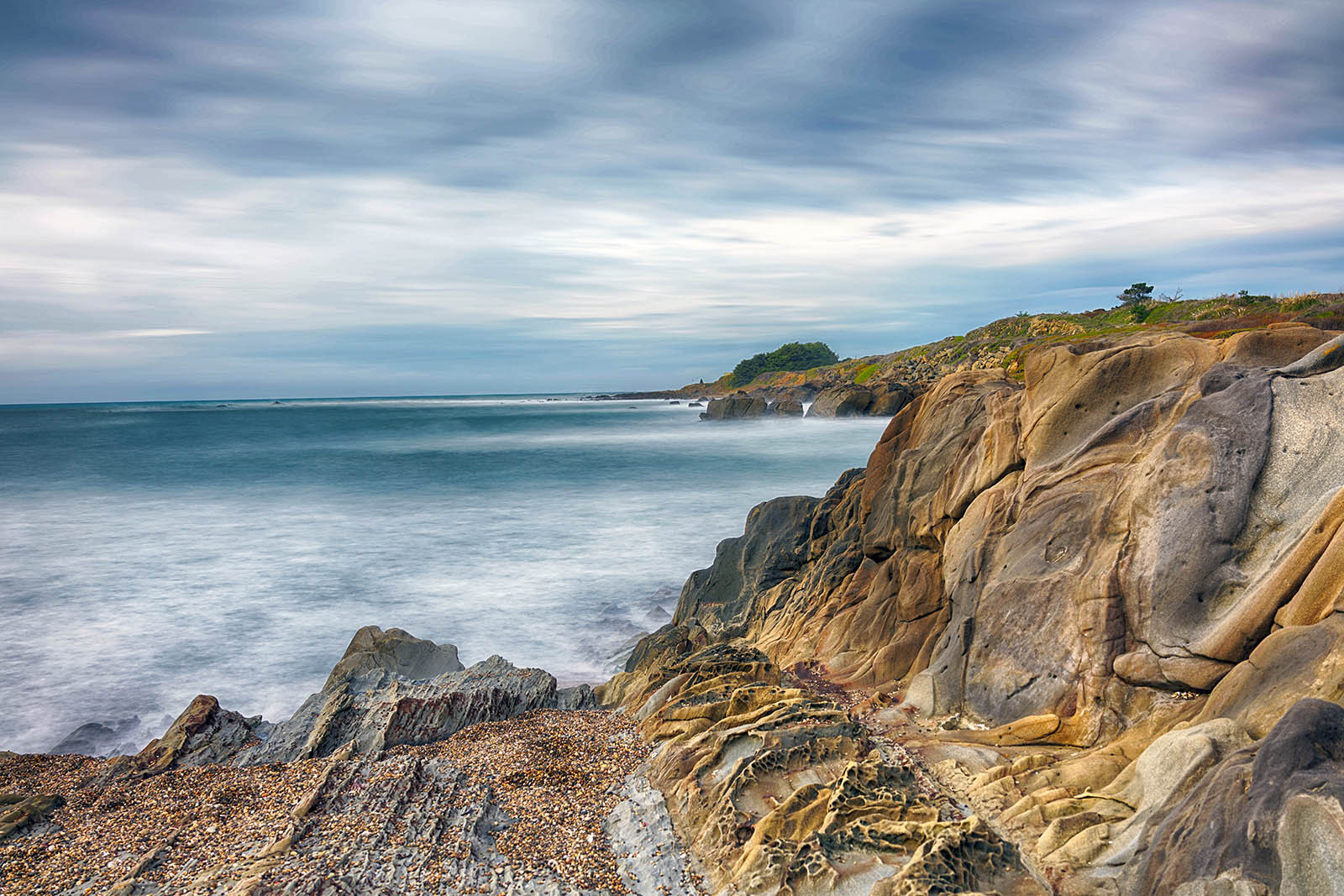
This is a shot I took with the APP with the RX1R II. f9, 1/80 and iso 100. I don't remember how many shots were fired via the app. I am pissed at myself but had the app set to Fine jpg --- so no RAW. It is not cropped -- slight HDR filter and then downsized. The focus point was middle of the side rocks
Fred Miranda wrote:
I did a couple tests today and this is what I've leaned.
It's not the SR App that is reducing latitude in the highlights. The issue is that after the images are blended, you lose the ability to recover highlights. That is using the App or PS. (The RAW file from the App does not have the 2-stop highlight headroom as a normal RAW)
I captured 32 shots using the SR App and 32 shots blended in PS using stack mode "mean". The resulting images are pretty much identical with very small highlight recovery from the files.
You definitely can't use theETTR technique I posted here while using the App. Trust me, I learned this the hard way.
So, when using the Smooth Reflections app, expose to the highlights as they can't be recovered in post. With the App, shadows will be so clean anyways so recovering them instead is the way to go....Show more →
Fred, appreciate all your work and sharing of knowledge (and photos) !
Here is another sample using Smooth Reflections (32 shots)
PS: As you can see some highlights are borderline blown. (I didn't expose properly for the reasons I detailed above)
Has anyone tried these apps during a night in a city with a scene where cars would make light trails. Will the app leave caps between the shots or are the trails continuous?
I did a daylight one today with lots of traffic on the main road near to where I live, the photo ended up showing almost a empty road, not sure if it would be different at night tho...