Fred Miranda wrote:
All I know is that it has to do with the source DIR (SD card). Once I moved the ARWs to my desktop, it worked. It's odd because restarting the computer and removing / reinserting the SD card didn't do the trick. It would always give me the error even though the script was correct.
It's interesting that the resulting stacks are all 122.8 MB for me regardless of how many images were in the stack.
Here's what's causing the filenames with the prepended period on the media card:
It's metadata that OSX is generating. Normally this metadata is stored in a hidden branch of the file inside the filesystem but since the media cards use FAT32/exFAT that mechanism doesn't exist so it's created as sidecar files instead.
It's metadata that OSX is generating. Normally this metadata is stored in a hidden branch of the file inside the filesystem but since the media cards use FAT32/exFAT that mechanism doesn't exist so it's created as sidecar files instead.
As far as I can tell there is not way to avoid it. Only by deleting the files which we don't want...
Fred Miranda wrote:
As far as I can tell there is not way to avoid it. Only by deleting the files which we don't want...
You can avoid it by copying the files to a native filesystem, ie not using the media cards as the source directory for the script. I'll probably also add logic to ignore files with leading periods since that isn't a common naming structure outside of for hidden files.
Fred Miranda wrote:
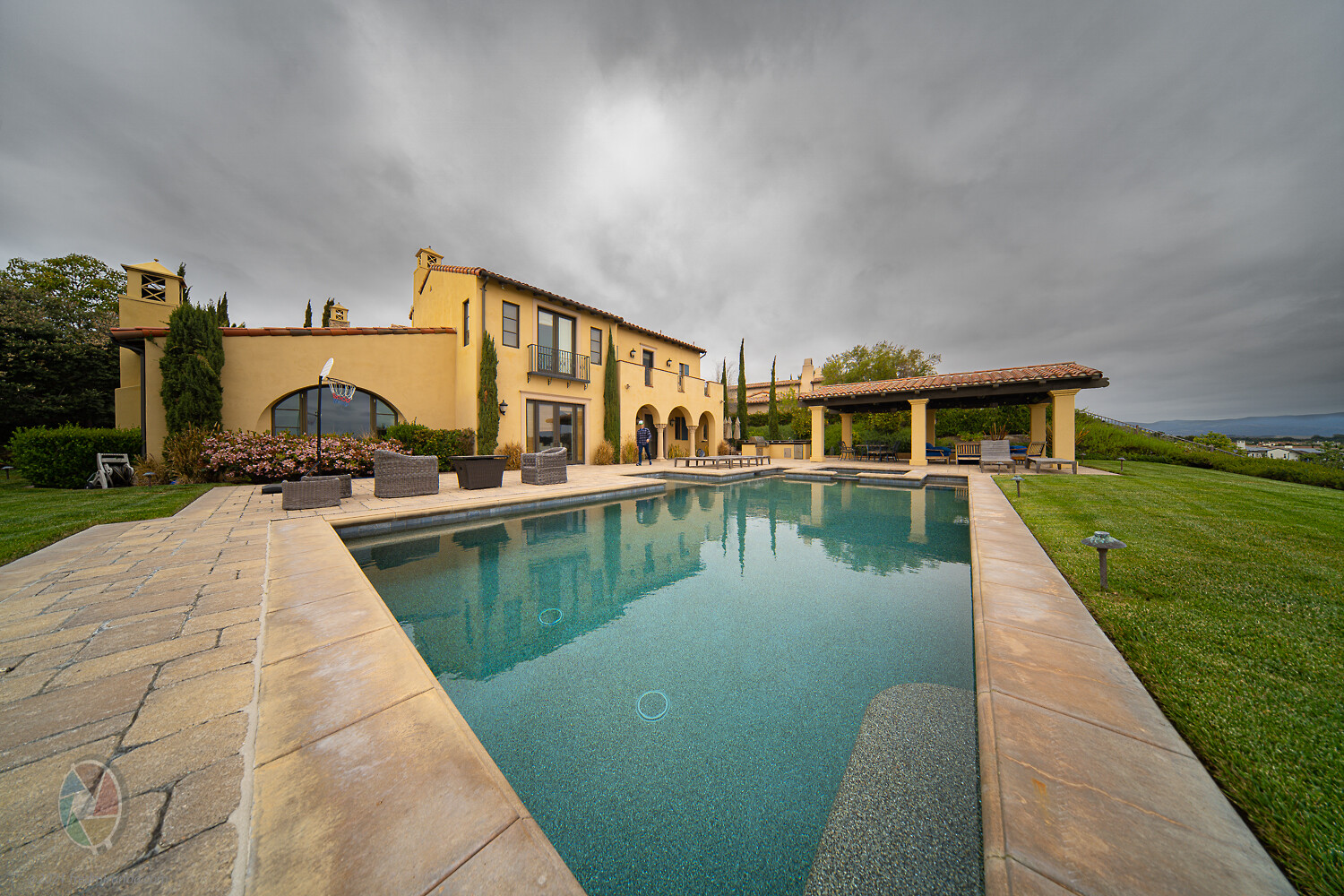
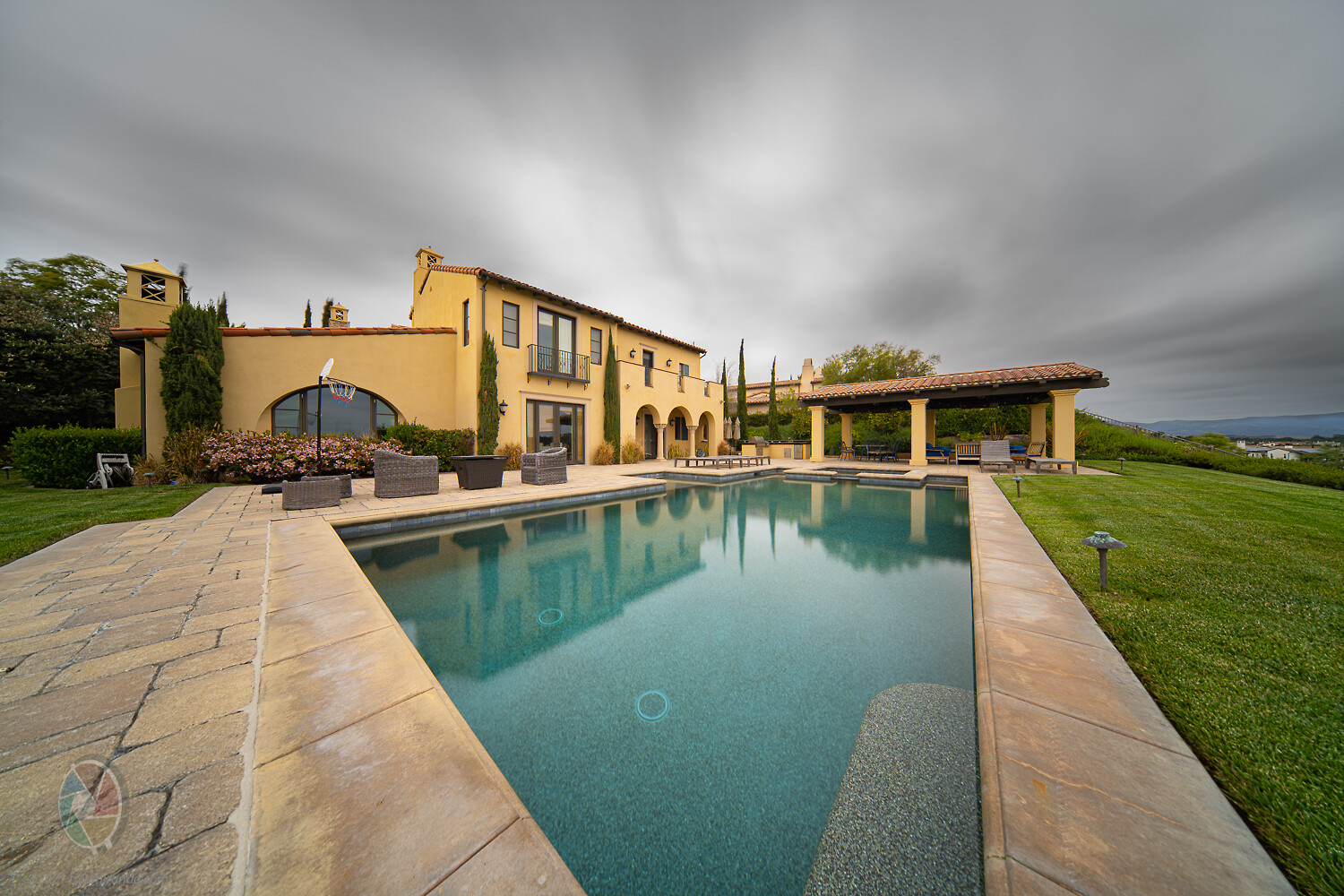
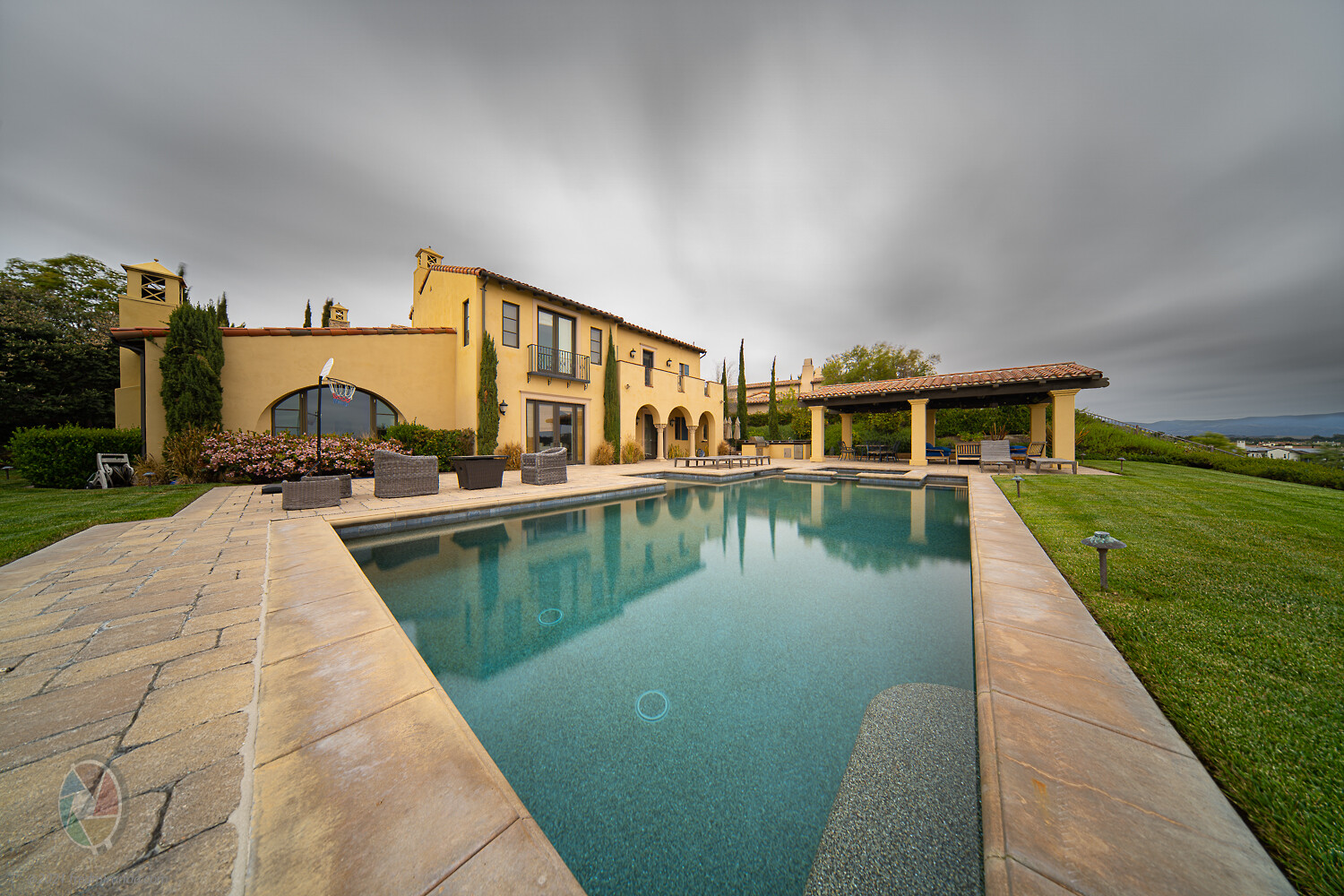
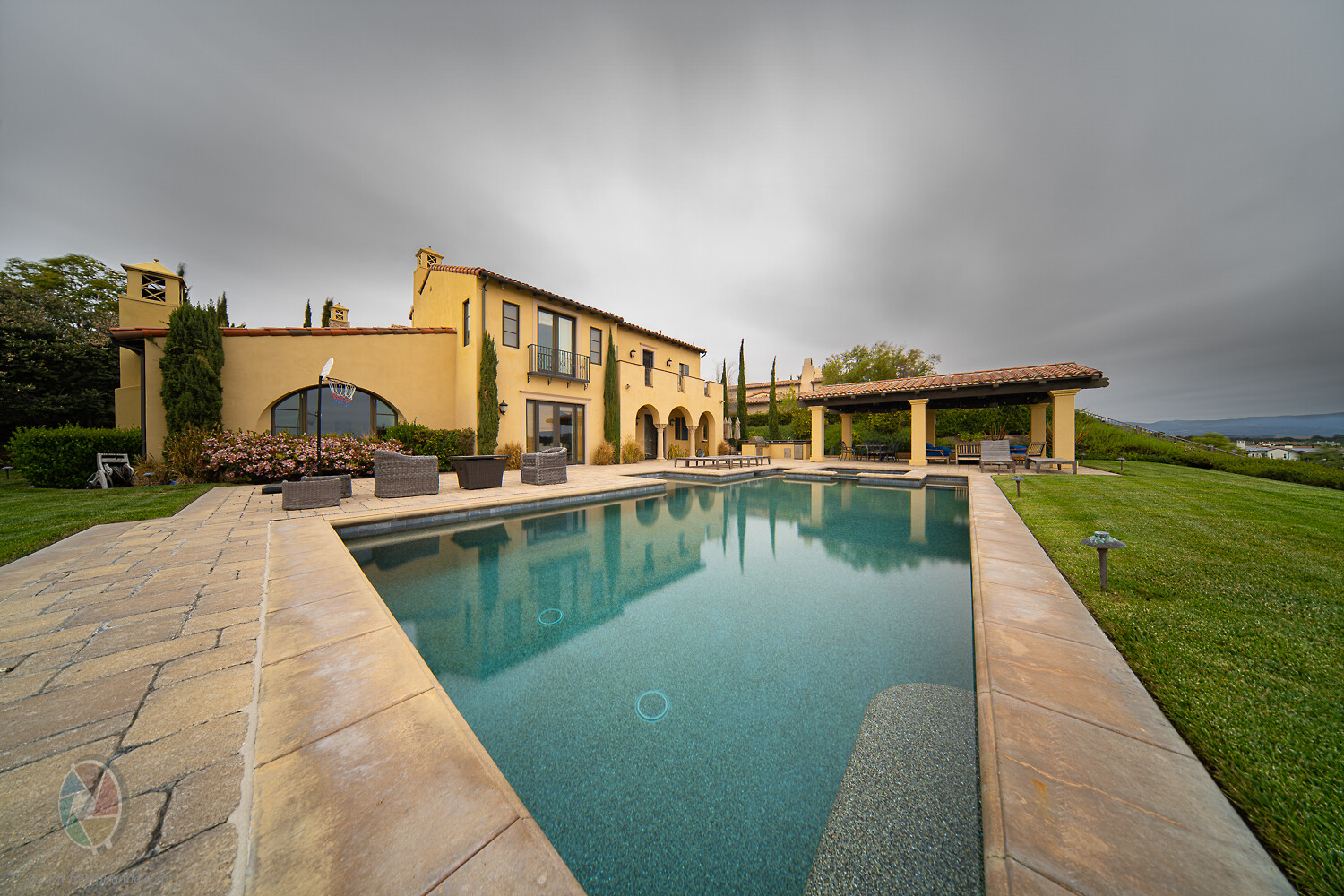
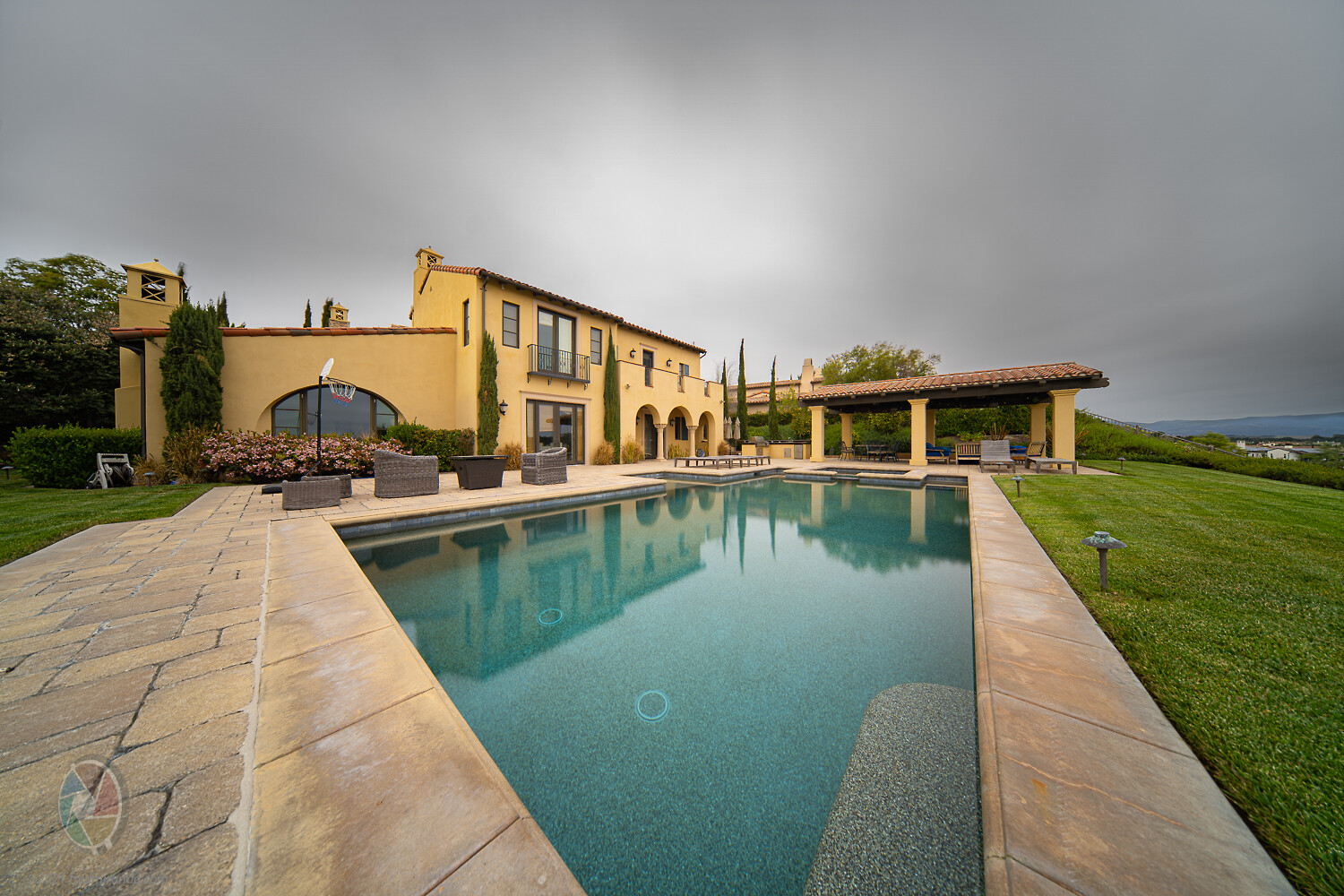
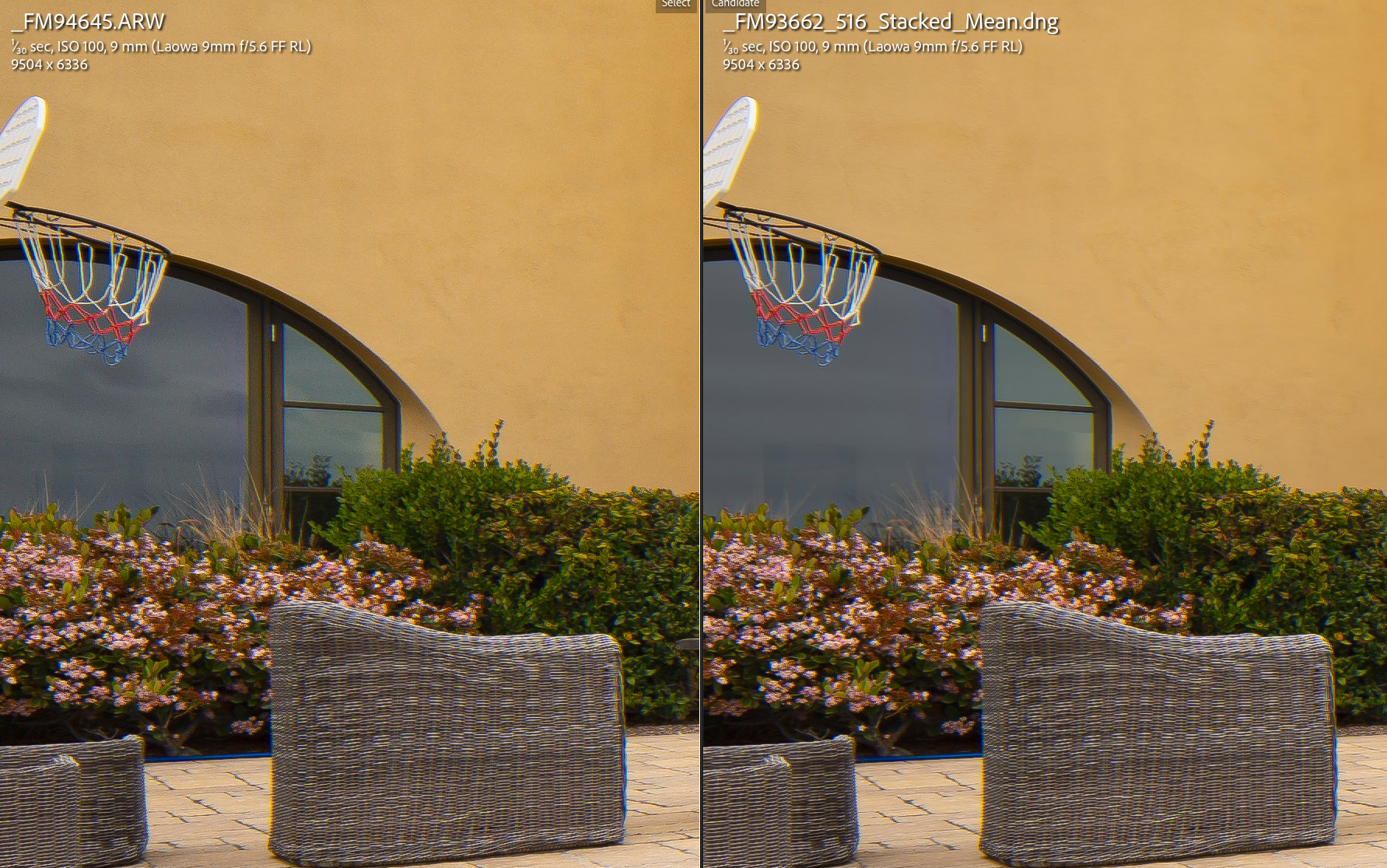
Updating with more advantages of doing the averaging in post (instead using the internal Smooth Reflections app -- only available for older Sony bodies now)
5) Option to use "uncompressed RAW"
6) Option to use "silent shutter". This was is a big one because it will save your mechanical shutter.
7) The in-camera intervalometer tells you the remaining time (With SR we had to guess this)
Found another advantage:
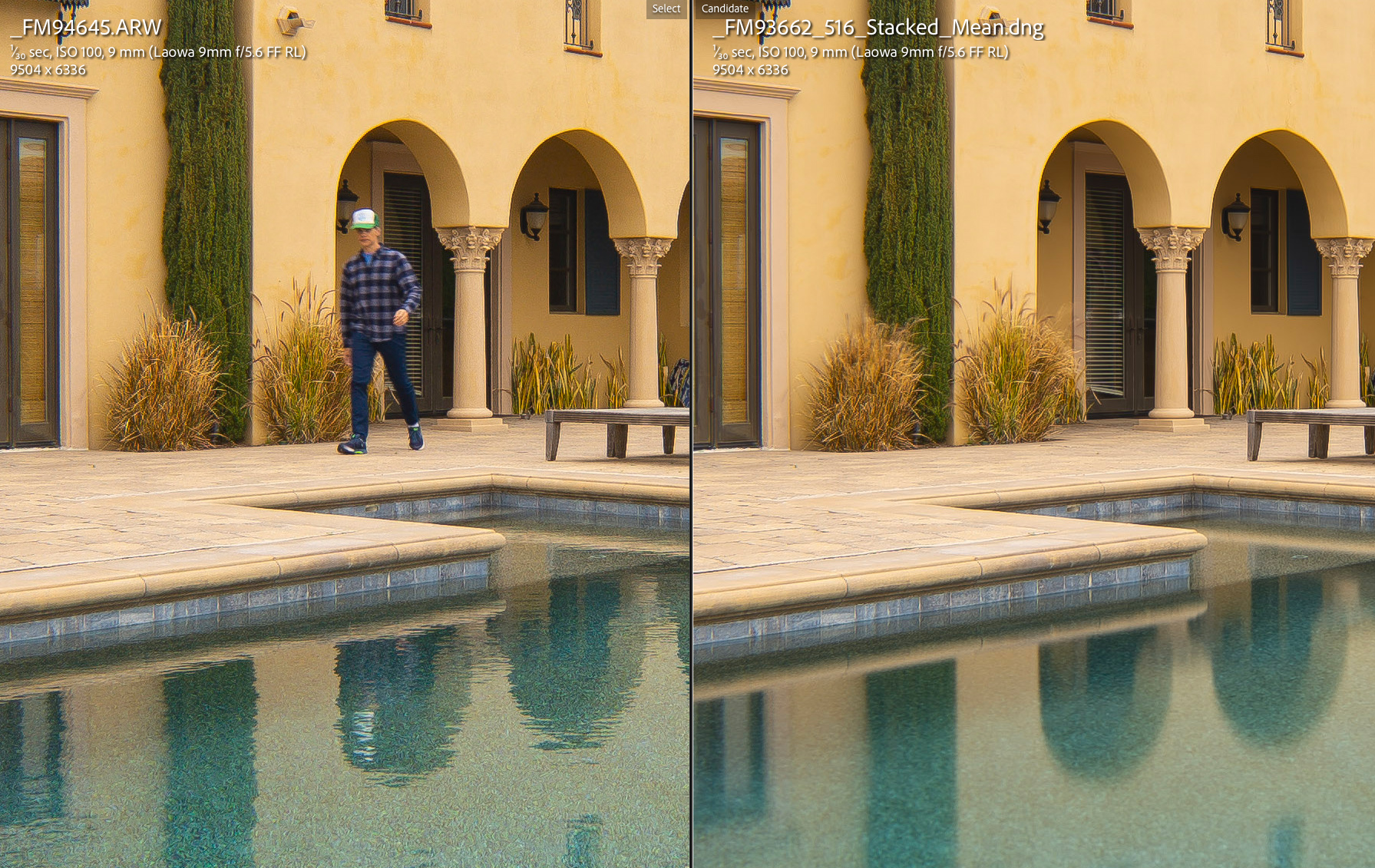
8) With the SR app, if foliage or anything moved during the captures, it would look blurry on the final DNG. (No way to edit it in post unless taking another shot without SR, which I usually did)
Now, it's easy to edit the blurred sections of our images by replacing those areas using the original RAW or a stack with less images (less blur)
snapsy wrote:
You can avoid it by copying the files to a native filesystem, ie not using the media cards as the source directory for the script. I'll probably also add logic to ignore files with leading periods since that isn't a common naming structure outside of for hidden files.
Yes, that's how I made it work. I moved the files from the SD card (formatted by Sony) to my Desktop. However, it's nice to run it from the SD card. (One less step)
+1 from me Adam, haven’t tried it yet as I said but been reading all the posts and it looks great. Going to set some time aside and dive in. I love night photography so most excited about the low light noise improvement possibilities
andyptak wrote:
Coming back to an old thread here. For the non tech savvy, like me, how do we go about using Adam's scripts and where do we find this? Thanks.
Here's a link with instructions on installation and use:
After reviewing many of my landscape images created using the Smooth Reflections app, I decided to search for a used A7R II and recently purchased one. I ensured that the SR app was pre-loaded by the seller since it seems that Sony no longer allows new purchases of PlayMemories apps.
However, I didn't anticipate that this change had already taken place. When I navigate to the camera app menu and attempt to connect with the PlayMemories page to download more apps, the page cannot be found. It seems that Sony may have already discontinued this functionality. Can anyone confirm this?
"Sales of paid PlayMemories™ Camera Apps for use with some digital imaging products will end on September 30, 2023. The download service for paid and free PlayMemories™ Camera Apps will end on August 31, 2025. Updates to existing apps have already ended."
snapsy wrote:
Sony has a page that says the following:
"Sales of paid PlayMemories™ Camera Apps for use with some digital imaging products will end on September 30, 2023. The download service for paid and free PlayMemories™ Camera Apps will end on August 31, 2025. Updates to existing apps have already ended."
Thanks for the info, Adam. If you bought a Playmemories app before, you can load it onto your camera until 2025. However, you can no longer add the app directly from the camera or purchase it for the first time. I just checked, and it seems you can still add apps from a computer to the camera.