burningheart wrote:
Alan, Karl, KKfung, Atodzia, Brolly99 thanks for posting images and your findings thus far.
Alan I see you are using Lightroom and Karl is using Capture One, Atodzia is using Capture One with Topaz Denoise and NIK Sharper. KKFung and Brolly99 what are you using?
It is good to see some variety in PP packages.
Alan that is good news if you are willing to go upto ISO 6400 from 1250. Sounds rangefinder like you say. I look forward to hearing that sound to see how close it comes to my rangefinder.
Karl I find from time to time the same thing with a Capture One, Photoshop combination where the cropped image looks less in focus but often I find that it is the setting I use with my Retina display that causes it as I am always at 2880 resolution and it appears to stretch the image to display it by doubling pixels. Not always but it depends on the shot.
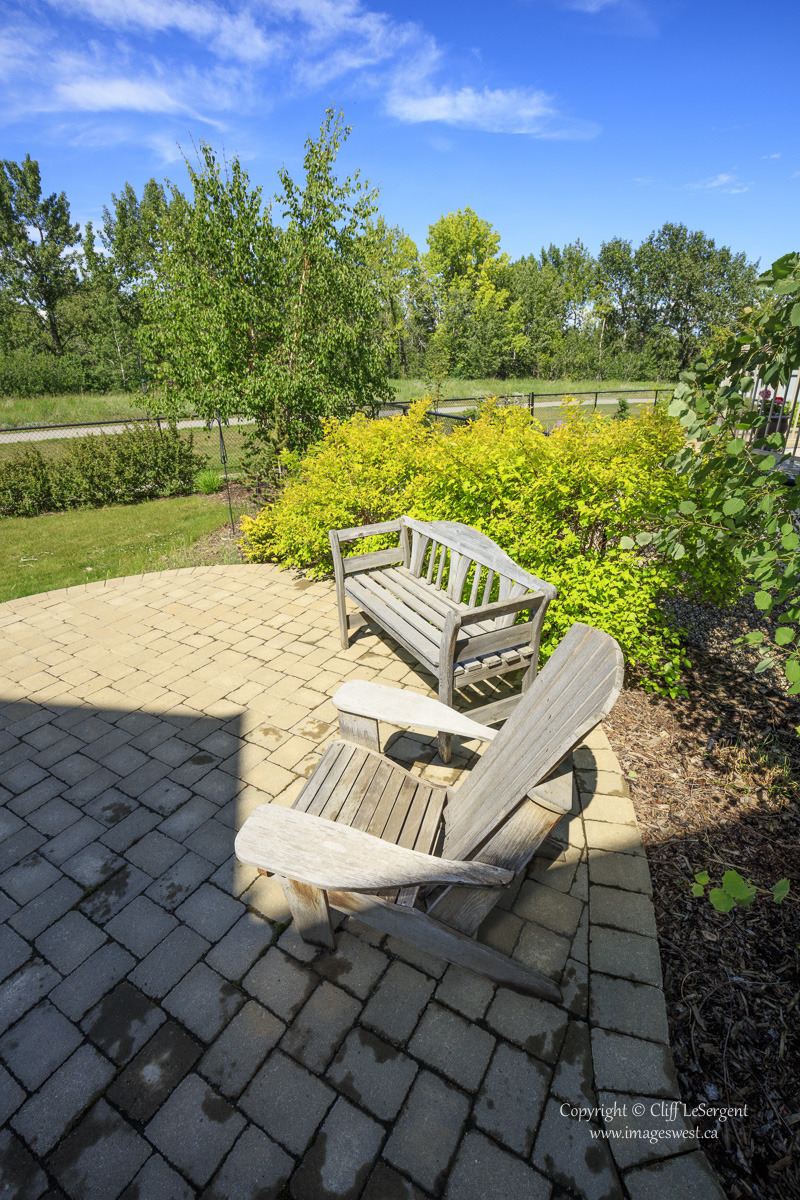
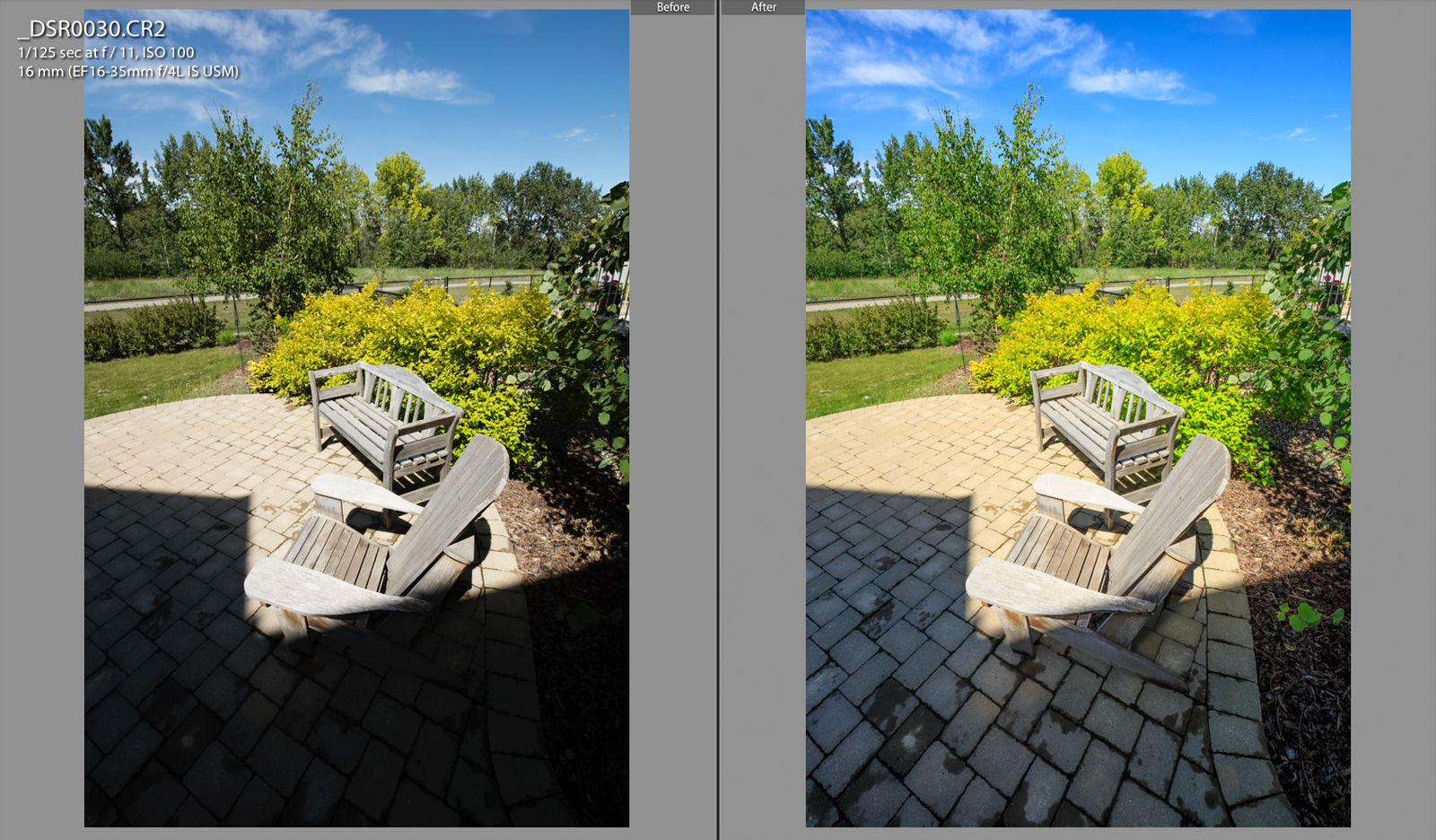
Nice shadow recovery KKFung.
Keep the shots coming folks. I am excited with what you have posted....Show more →
Thanks Bumingheart! I don't have Lightroom CC (using 5.7.1 now) so I convert the raw file CR2 into DNG by the Adobe DNG Converter 9.0 and then PP in Lightroom
In my resolution test with the 50L and 85L, even I had 1/200s shutter I could only take absolute sharp shot until I used a mono pod, otherwise the keeper rate was just 50/50 (my son was starting yell with me)
burningheart wrote:
Alan I see you are using Lightroom and Karl is using Capture One, Atodzia is using Capture One with Topaz Denoise and NIK Sharper. KKFung and Brolly99 what are you using?
It is good to see some variety in PP packages.
I have noticed color diffferences between Lightroom CC (Adobe) and Capture One. I should do an import with DPP. I dont own a current copy of DxO Optics. Yeah, my usual workflow is preview the batch in LR, then run keepers through Capture One - TIFF/ProPhooRGB to Photoshop, then finally back to LR for final adjust/crop and proofing.
If I can pull an image through all the converters, look for a compoarison post tonight.
I just used the new version of Lightroom to process mine. I had just done my usual LR PP which takes me about 5 mins per image. Here was another shot with a crop using the canon 135mm handheld at f/3.5.
My first impression is that this camera brings a whole different degree of stress on the computer. My (newest generation) RMBP and 5K iMac are just blowing hot air while Lightroom is doing its thing. Thing is, LR (or ACR) is still calmly using only half the available CPU (or less), so throwing more at it won't help much, given that in single thread performance there isn't much faster stuff out there than the 5K iMac...
stanj wrote:
My first impression is that this camera brings a whole different degree of stress on the computer. My (newest generation) RMBP and 5K iMac are just blowing hot air while Lightroom is doing its thing. Thing is, LR (or ACR) is still calmly using only half the available CPU (or less), so throwing more at it won't help much, given that in single thread performance there isn't much faster stuff out there than the 5K iMac...
An interesting side effect to track. Thus far I have seen a modest reduction in speed. Currently have a component-built Core i7 Sandy Bridge-E on an ASRock Extreme 11, 32 GB RAM, SSD System Drive, large multi-TB hard drives, and FirePro W5000. Might be time to build that redundant mirrored RAID. But what I did notice last night is collapse of FireFox after lots of loading images with PS, Capture One, and LR CC. So I do expect having plenty of RAM is critical. Time to fill out to 64 GB? Whatever, if you dont have a beastly computer, these images may whoop ya. Speakling of which, my road Macbook 2009 13" will probably cry under this weight.
UPS just dropped off my camera, but a thunderstorm rolled in right behind them and all I had time for was a few snapshots outside before the rain started.
I must say, I'm very happy at how quickly these large RAW files open in LR6 - less than two seconds. By comparison, a typical Sony A7R JRAW file takes 10-15 seconds to open on my machine.
molson wrote:
UPS just dropped off my camera, but a thunderstorm rolled in right behind them and all I had time for was a few snapshots outside before the rain started.
Bah, thunderstorms make for some of the best photo ops!
In terms of processing, while playing with the various RAW files that are available for download, I had no problem in LRCC with a 2.0GHz i7 (Sandy Bridge mobile quad) with 6GB of RAM and a single SSD. Not quick, certainly, but more than enough to get the job done.
I'm running a 6 core with 16 GB of RAM, but ordinary disk drive. With Lightroom 6, for a moment when going from "Fit" image to "1:1" the CPU hits 100% (all six cores). But loading 1:1 takes longer than that, and is slower than a 5D2 Raw, noticeably. I've got about 9 GB memory in use.
I think time for a couple of SSD, one for the OS, and one for some current subset of the catalog. And I might consider upping to 32 GB.
johnctharp wrote:
In terms of processing, while playing with the various RAW files that are available for download, I had no problem in LRCC with a 2.0GHz i7 (Sandy Bridge mobile quad) with 6GB of RAM and a single SSD. Not quick, certainly, but more than enough to get the job done.
Funny. On my 2.8GHz i7 with 16GB RAM and SSD, from the moment I click on an image in Develop module and until it shows up in full fine detail (note that it goes thru three - maybe four - states of "paging in"), a whopping 11s+ pass. Watch this:
Monito wrote:
I'm running a 6 core with 16 GB of RAM, but ordinary disk drive. With Lightroom 6, for a moment when going from "Fit" image to "1:1" the CPU hits 100% (all six cores). But loading 1:1 takes longer than that, and is slower than a 5D2 Raw, noticeably. I've got about 9 GB memory in use.
I think time for a couple of SSD, one for the OS, and one for some current subset of the catalog. And I might consider upping to 32 GB.
SSDs are big enough and cheap enough for you to keep your OS and catalog file on just one drive, and they're all fast enough.
But you can keep your RAWs (and other work) on the spinners without any real problem, as they can still manage accessing a RAW file in less than a second on their own.
About to upload some random snapshots... sadly..... I couldn't wait to do a proper shoot. I just picked up a Zeiss 135mm and had to give the combo a try.
So... the shots.
Again... I deeply apologize for the goofy images. If you want to play with the RAW files... let me know and I'll upload those. The high resolution shots are on Flickr. The only adjustments... I sharpened the images in LR @ 60. That is it...
I need to MA all the lenses just to make sure everything hits. I figured with the battery nearly dead... I could get a couple of shots in...
Now... looking at this photo... my first thoughts were.... holy shit... where is all the CA? If I would have taken this with the 85LII or even the 135L the evil purple would be all over it. The Zeiss 135 floored me here. Manual focus isn't bad as I shoot a lot of manual focus macro. So... I think with a couple of real sessions... It should become second nature. Looking forward to using the hell out of this lens.
BBQ grill knob... I warned you... these were going to be horrible snapshots. ROFL
Full Res.... and yes... my grill needs a good cleaning. But... take a second to look at the grain structure in the metal... and no CA again thanks to the Zeiss. Made me smile...even if it's a trash shot.
So.... first impressions... the lens /camera combo is going to be a blast. I still need to MA all the gear... use a tripod /monopod... and practice my manual focus.... oh... and shoot some decent subjects.
But... I can say right now out of the box.. with a dead battery... I have a huge smile on my face.


 )
)