SteveF wrote:
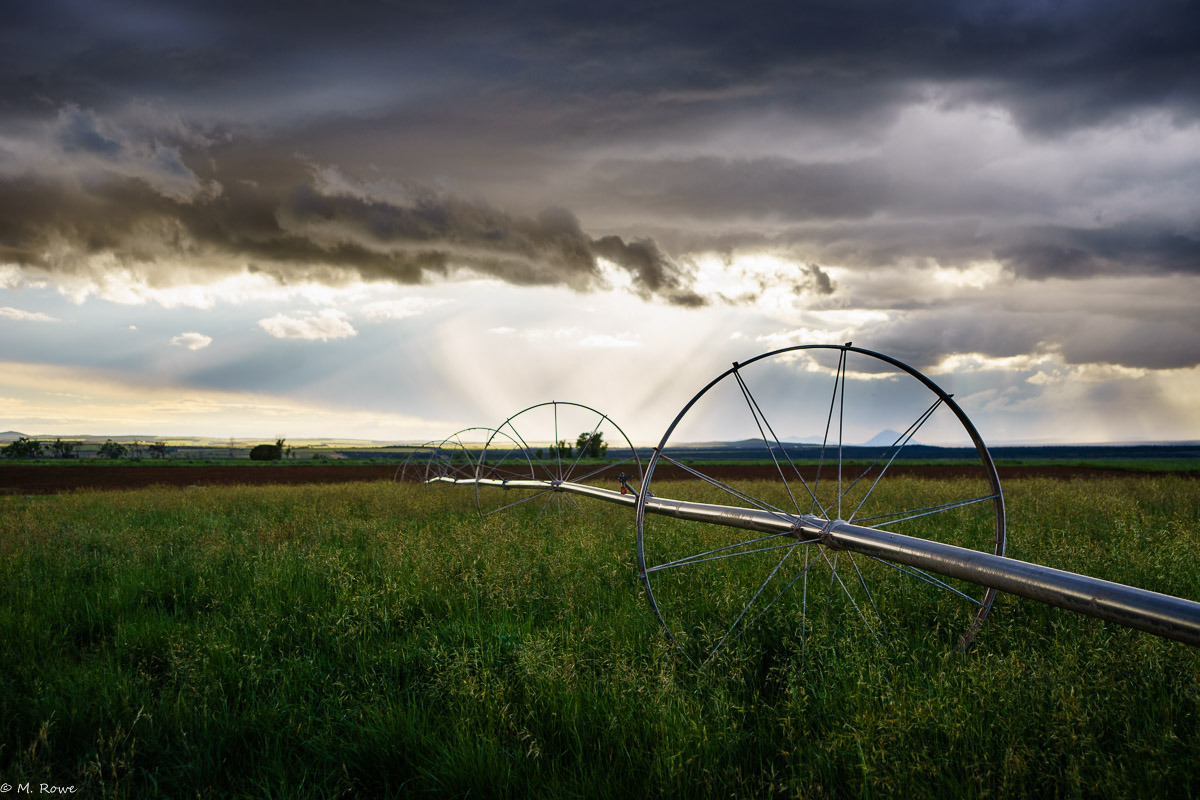
Although I like my tripod, sometimes I wish it was a tad taller, so of late I've been strapping the a7r onto a DJI S1000+ Octocopter.
Steve, nice photos! Definitely a little different than shooting from ground level. I have been considering similar solution for my landscapes photography. I have question for you; I assume you use Zenmuse Z15-A7 gimbal (?), does it allow you to use any other lens than FE35?
I would be most interested to shoot with Batis 25 and Contax G45, which are little heavier than FE35.
SteveF wrote:
I don't know how to recored the altitude yet in the exif, so the first was at about 20m, the second at about 130m and the last was a 2 shot pano at about 70m.
I include GPS info into EXIF on all my photos, very handy for other people to see where the shot was taken - and for myself too; on summertime I photograph almost every day and trying to visit exactly same location in big forest outside trails I had been shooting in 2012 would be impossible without GPS coordinates, at least with my memory...
Two solutions come to my mind: manual and automated. There are many tools to do this, but I strongly recommend exiftool by Phil Harvey. It's simplest, most robust (if you do modify your RAWs like I do, you want it to be robust) and it's free. You can add the info to your JPGs but I would recommend adding it to RAWs before you import to Lightroom (or whatever library program you use), because then you can use your library program's "map" function. Also if you later change from Lightroom to Capture One for example, your coordinates come along, and don't get stuck to your library software database (happened to me when I was moving from Apple Aperture to Lightroom).
manual:
1. download and install exiftool
2. enter coordinates manually by using the command line:
exiftool -GPSLatitude=61.47747 -GPSLongitude=23.72879 -GPSAltitude=80 image.jpg
or
exiftool -GPSLatitude=61.47747 -GPSLongitude=23.72879 -GPSAltitude=80 DCS01234.ARW
automated:
1. if DJI doesn't record GPX-path where you have flown, then buy GPS data logger, and attach it to DJI 1000 (for example something like this)
2. After shoot download images and GPX-track from DJI or the GPS data logger
3. Automatically add EXIF to all RAW-files (or JPG-files), this command does all images in the directory:
exiftool '-geotime<${DateTimeOriginal}+02:00' -geotag track.gpx directory_where_your_images_are/
in which the 02:00 is difference to UTC time vs. local time. So for example to my Finnish photos shoot at winter I use 02:00, but during daylight saving I use 03:00. Notice if you use Windows, the last character is \ not /
When you are sure what you are doing and feel secure (and have backups of your RAW-files in original format) you can add tag -overwrite_original, and it will modify directly your files. (without this it will create copy of original file called "image.ARW_original" which need to be manually removed).
If you have any questions please PM me. I'm currently recording video series about this topic (EXIF-manipulation is just small part of it, the video/article series mainly concentrates on how to do professional quality image processing in Linux with free tools), but it won't come out before July-August, and you most likely want the info before that.
Using above mentioned process(es) you get altitude from sea level to your photos. In order to calculate "tripod height" you need to know the altitude of your location. Simple procedure for that is to take one photo on ground before the flight, and then you have reference.
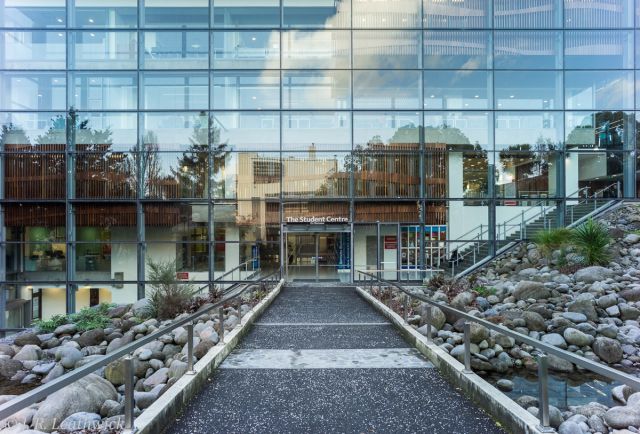
As promised, here are two early shots with the Voigtlander Ultron 21mm that arrived yesterday. The first is of a wall of the library at the nearby University that I find provides an excellent test of distortion - I applied very slight distortion correction in LR6 (+4) and rotated slightly to compensate for my poor framing. This was shot at F/5.6 and showed some magenta cast around the periphery, which cleaned up easily in LR6 using a radial filter. It also showed some minor colour fringing along the high contrast edges that almost completely disappeared when I turned on LR's auto-correction.
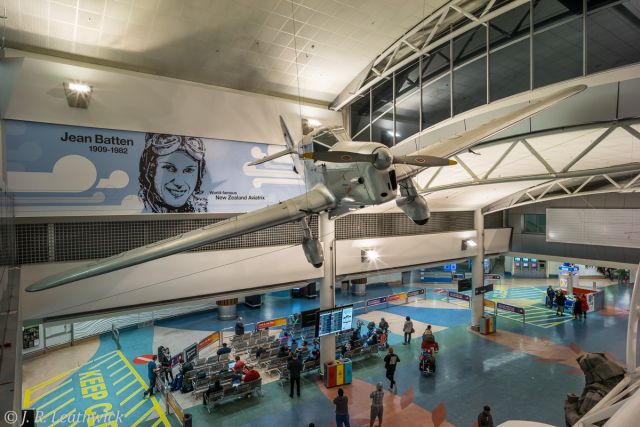
The second was taken using Sony's lens compensation app of which I was initially sceptical. However, once I pointed it at a grey wall and adjusted the overall vignetting and the magenta cast it proved very straight forward to use, with the illumination and cast correction changes written into the raw file. Post-processing correction here is largely limited to the addition of a graduated filter to correct the uneven illumination and to apply some local clarity.
My overall impression is of a very useable option in this focal length - way ahead of the Canon FD 20 in terms of corner sharpness, and none of the moustache type distortion shown by the 21mm distagon - and much lighter and at 1/3 the cost. Corner sharpness is excellent once stopped to F/5.6 and both infinity and close sharpness in the central part of the image is exceptional. The contrast might not be as high as for some of my lenses, but nothing to complain about - it shows reasonable resistance to flare. The major downsize is the fixed hood, though I'm in discussion with an engineer friend about how best to rectify that. I'll wait until I'm really sure that I'll keep it before attempting any modification. Overall I'm very happy with it! John
navmannz wrote:
As promised, here are two early shots with the Voigtlander Ultron 21mm that arrived yesterday. The first is of a wall of the library at the nearby University that I find provides an excellent test of distortion - I applied very slight distortion correction in LR6 (+4) and rotated slightly to compensate for my poor framing. This was shot at F/5.6 and showed some magenta cast around the periphery, which cleaned up easily in LR6 using a radial filter. It also showed some minor colour fringing along the high contrast edges that almost completely disappeared when I turned on LR's auto-correction.
The second was taken using Sony's lens compensation app of which I was initially sceptical. However, once I pointed it at a grey wall and adjusted the overall vignetting and the magenta cast it proved very straight forward to use, with the illumination and cast correction changes written into the raw file. Post-processing correction here is largely limited to the addition of a graduated filter to correct the uneven illumination and to apply some local clarity.
My overall impression is of a very useable option in this focal length - way ahead of the Canon FD 20 in terms of corner sharpness, and none of the moustache type distortion shown by the 21mm distagon - and much lighter and at 1/3 the cost. Corner sharpness is excellent once stopped to F/5.6 and both infinity and close sharpness in the central part of the image is exceptional. The contrast might not be as high as for some of my lenses, but nothing to complain about - it shows reasonable resistance to flare. The major downsize is the fixed hood, though I'm in discussion with an engineer friend about how best to rectify that. I'll wait until I'm really sure that I'll keep it before attempting any modification. Overall I'm very happy with it! John ...Show more →
Thank you for this review and keep them coming. I've been looking at this lens for a long time now and once again, I have to put it high on my list! Perhaps you can post an image that shows some of the effects you mention before and after cleaning up in LR. Glad to hear that any cleanup needed is minimal.
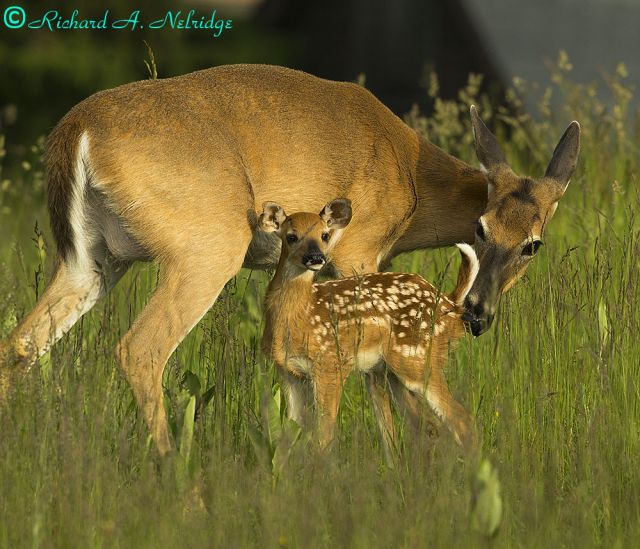
This is my first posted photo from my recent trip to Shenandoah National Park; image taken on June 6, 2015 of a Doe White Tail Deer and her recently born Fawn at the Byrd Visitor Center, Big Meadows, Shenandoah National Park, Virginia. Image cropped and taken with my tripod mounted Leica R 280mm f4 Apo Telyt lens with my Leica R 1.4X Apo Extender and my Sony A7r camera; ISO 400, lens set to effective aperture of f8 at 1/800 second. Image processed in LR6. Other images to come as I wade through the hundreds of new images and selectively process the images. This and other images will be cross posted in the Leica R thread and there will be a separate thread made for this trip to Shenandoah National Park.
Samuli Vahonen wrote:
Steve, nice photos! Definitely a little different than shooting from ground level. I have been considering similar solution for my landscapes photography. I have question for you; I assume you use Zenmuse Z15-A7 gimbal (?), does it allow you to use any other lens than FE35?
Hi Samuli,
This is with the Zenmuse Z15-A7 gimbal. It fits the A7s and A7r, but not the A7ii and A7rii.
They sell these gimbals for a specific camera / lens combo, and this one is perfectly balanced for the 35/2.8. I have watched Youtube videos where folks re-balance their Zenmuse gimbals for other cameras, but the "new" camera has to be pretty close to the original for this to work. To give you an idea of the precision, the gimbal is perfectly balanced if I use the OEM Sony battery, but not with the Wasabi knock-off battery which is a couple grams heavier. If you were comfortable with voiding any warranties, adjusting some flight parameters, risking crashes and rebalancing the gimbal I suspect you could get other lenses to work.
The other way to go is to use a Ronin-M gimbal on an S1000+. The Ronin-M hasn't been out that long but can balance to almost any camera / lens combo. It is not designed to work on the S1000+, but folks have quickly realized that they want it to, and so the experimenters are working on solutions. One company has already come up with the mount adapter, and another with the extended landing gear needed to provide clearance on landing.
The other reason this lens was chosen is weight. Every gram added is seconds taken away from your flight time. Something to consider.
Thanks for the exif tips. I have the altitude data on a display - just need to get it the habit of doing a screen capture with each shot.
Greggf wrote:
Stellar images this page!
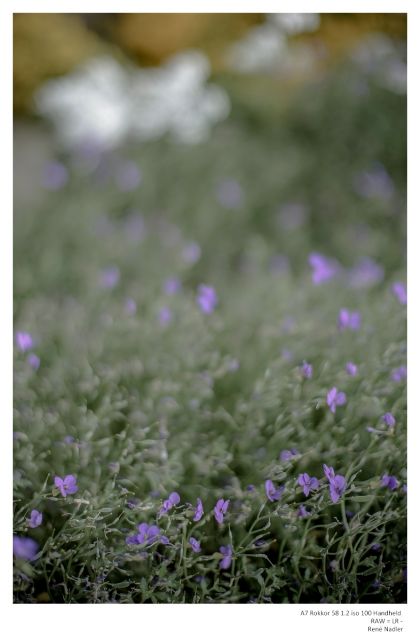
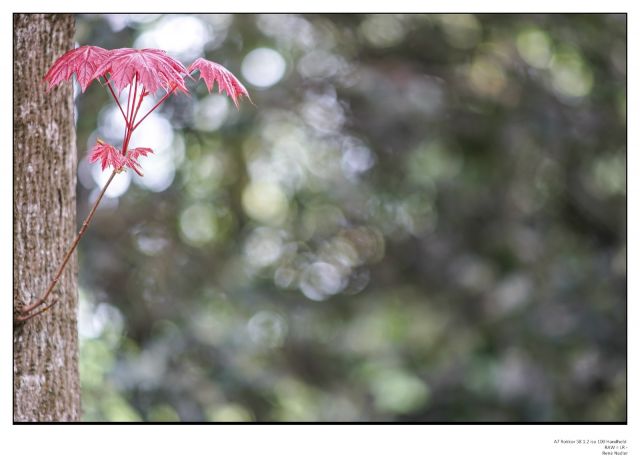
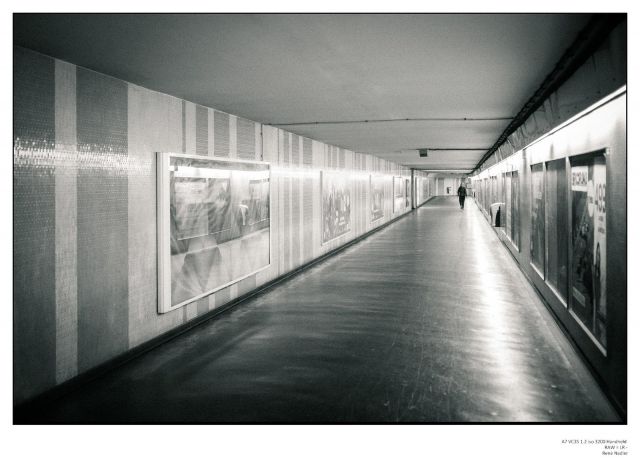
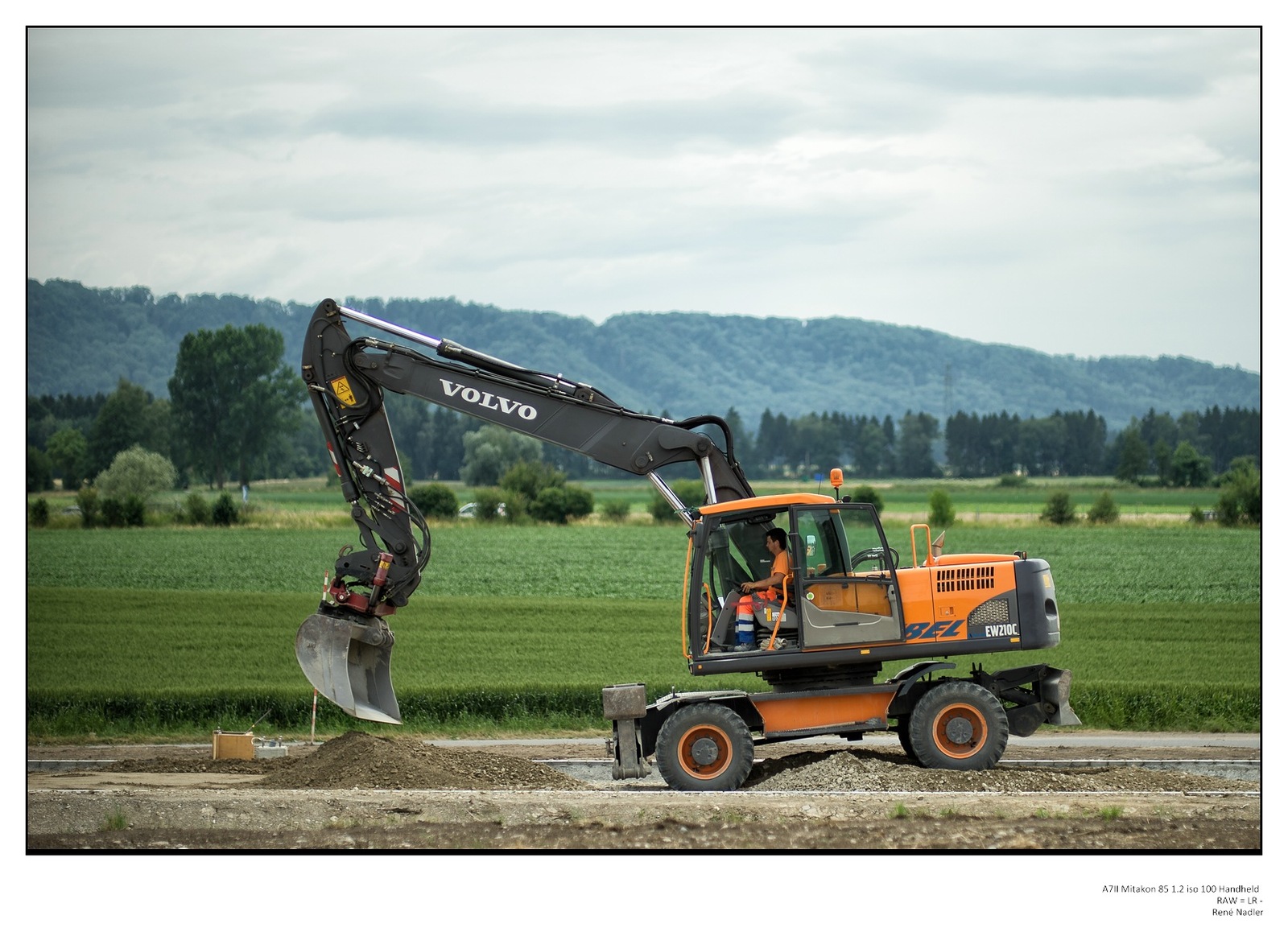
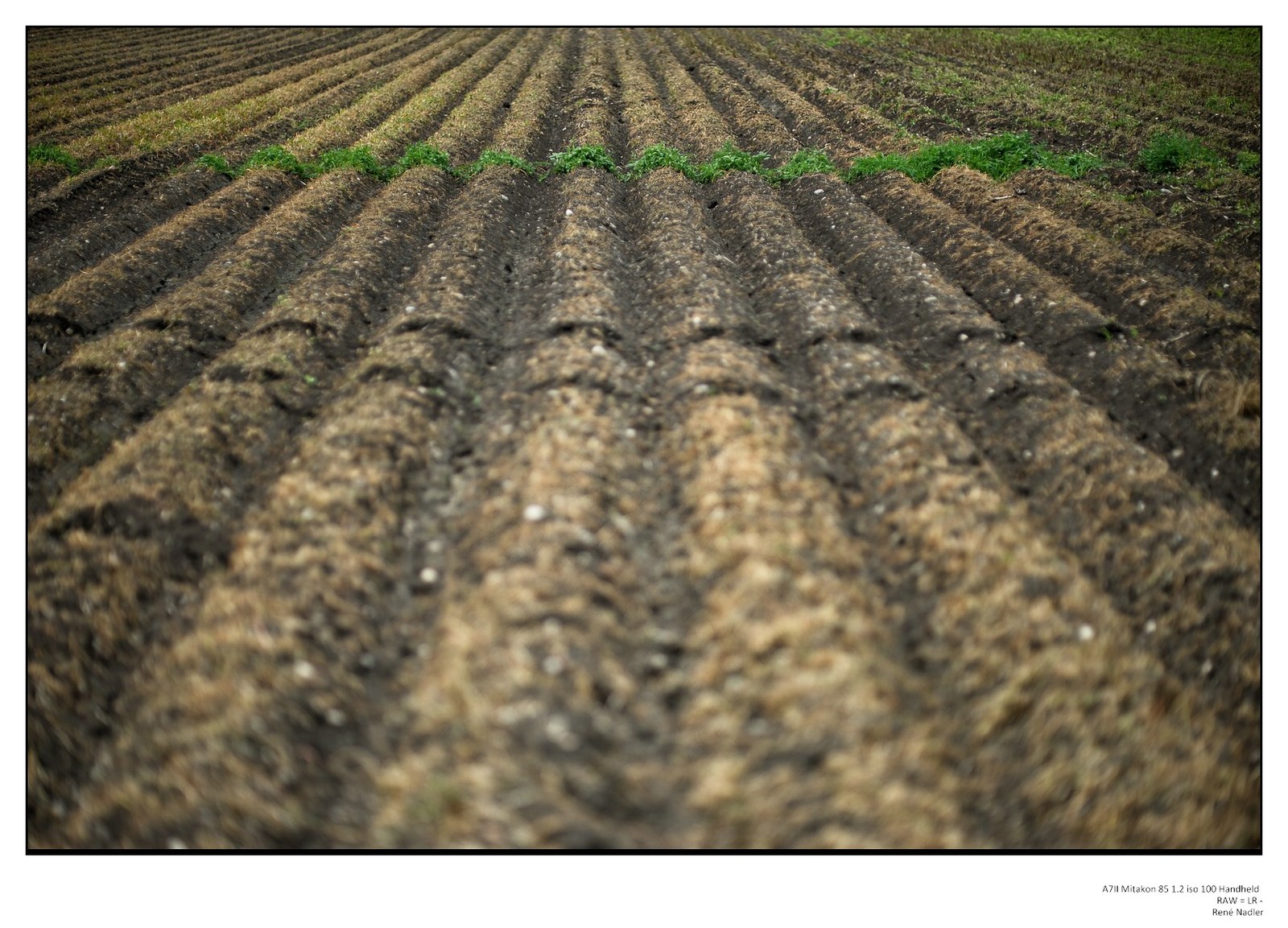
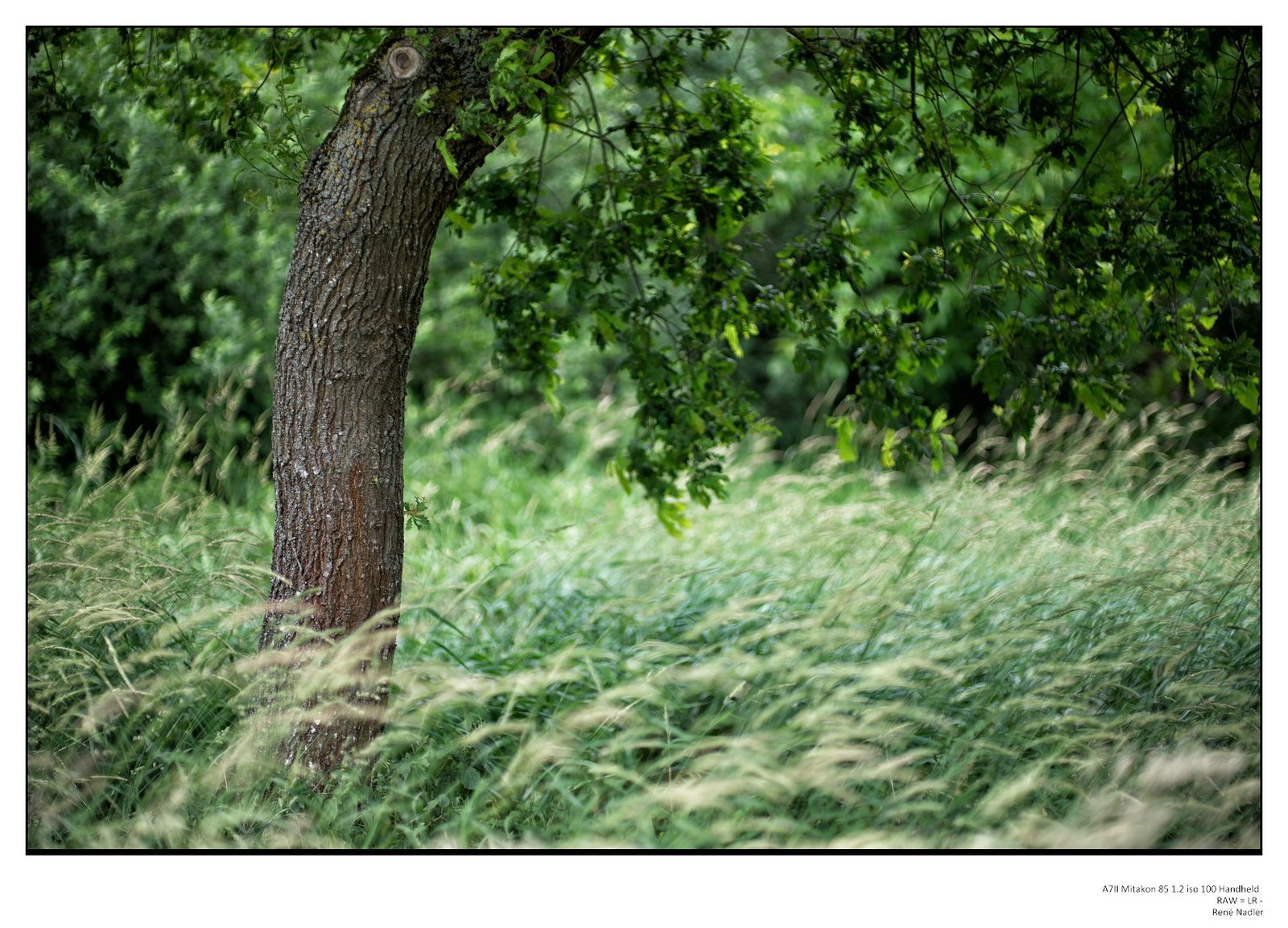
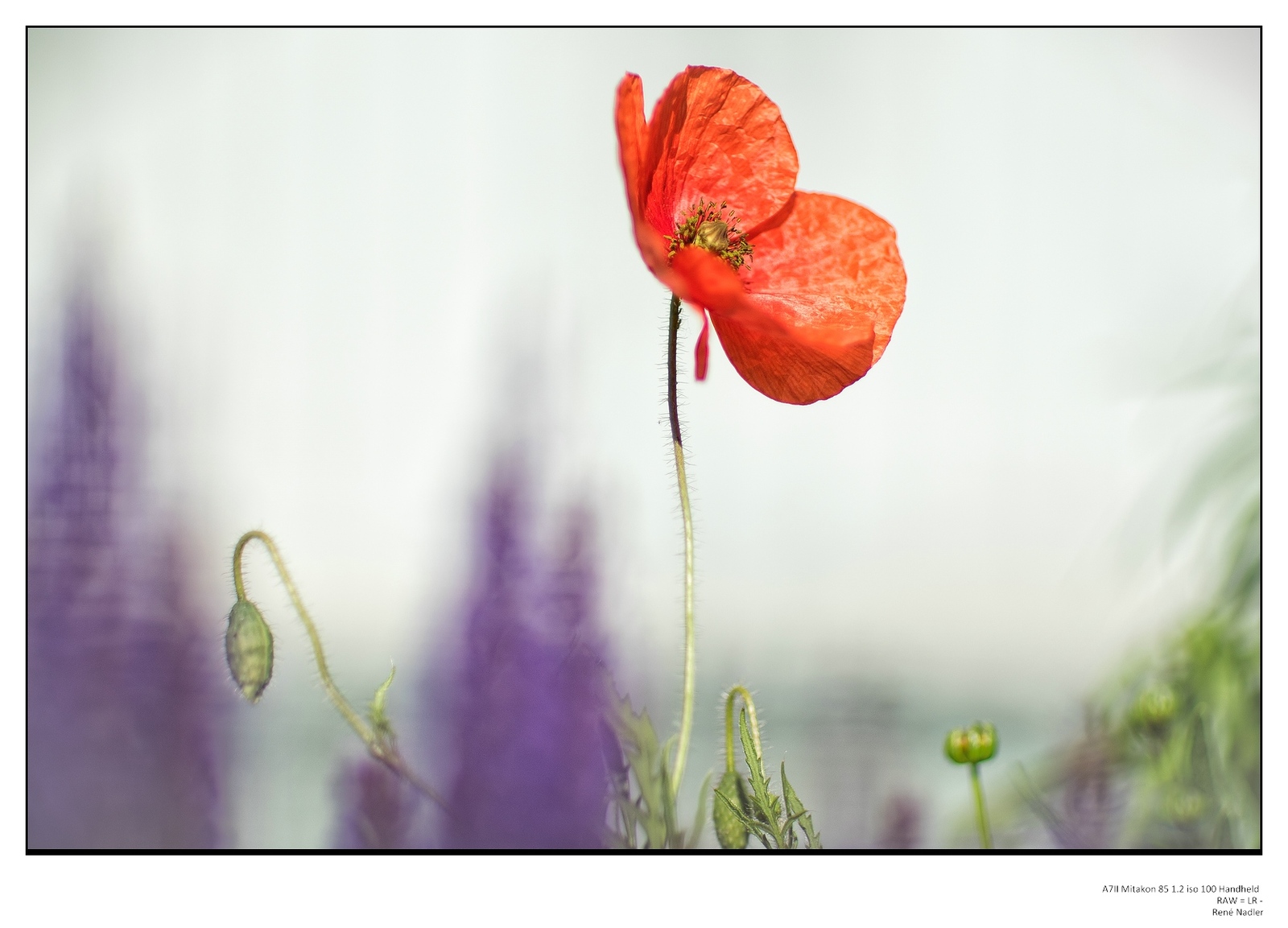
Rene...damn...didn't know the Mitakon 85 1.2 was available yet. What's your impression??
A few Gio pics(on vaca and they're all I have at the moment!)
All FE 28 except first which is Summilux M 50 E46 pre
Gregg
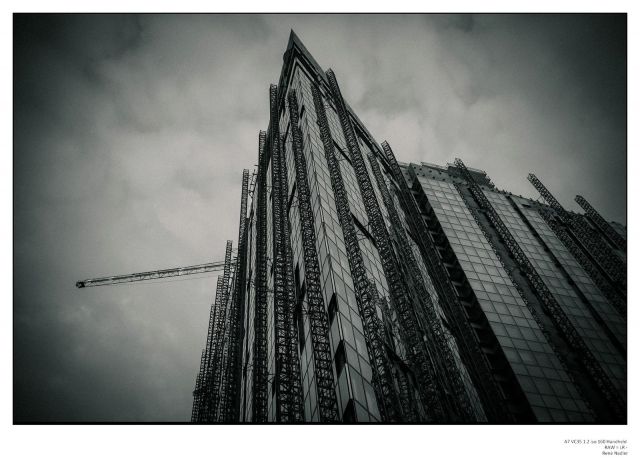
gregg, have the number 177. preordered in April . arrived a week ago from Hong Kong. quite large , heavy, lots of glass . very sharp in the center from open aperture . Closest focusing distance limit 1 meter . would have less . but I like it a lot ! like all my toys. :-)
Werner_Utsch wrote:
Yeah, the Mikaton looks good, love the last shot Renè!
But then comes the Batis 85 ... and the R MK II ...
First one is great Gregg....
thank you Werner . yes the Batis comes . is reserved . oh there is so much beautiful stuff . and have been much nice stuff . plain weird ... my image will never get better :-)