Sony FE Images Thread
p.4558 #1Sony FE Images Thread
Piñon/Pinyon Jay Mob
We have a neighberhood flock of about 50 Piñon/Pinyon Jays that travel as a unit. They can create havoc at any location they descend upon. They are very alert and evasive. It's challenging to document their fairly large numbers. He is my unsuccesful attempt.


K-H.
We have a neighberhood flock of about 50 Piñon/Pinyon Jays that travel as a unit. They can create havoc at any location they descend upon. They are very alert and evasive. It's challenging to document their fairly large numbers. He is my unsuccesful attempt.
K-H.
Dec 12, 2022 at 05:42 AM
p.4558 #2Sony FE Images Thread
Photo taken at 5:00 PM.
Looking down from the top of the Trexler Nature Preserve, across the Lehigh County Zoo, across the Preserve into the the distance with trees in beautiful Autumn Color. Jordan Creek can be seen near the upper left third.
Tripod mounted A7rII Kolari Vision UT Sensor modified camera and Voigtlander 28mm f2 Ultron II Asph VM lens; silent shutter.
ISO 100, f8, 1/60 second.
October 29, 2022
From the top of the Trexler Nature Preserve, Schnecksville, PA.
Rich
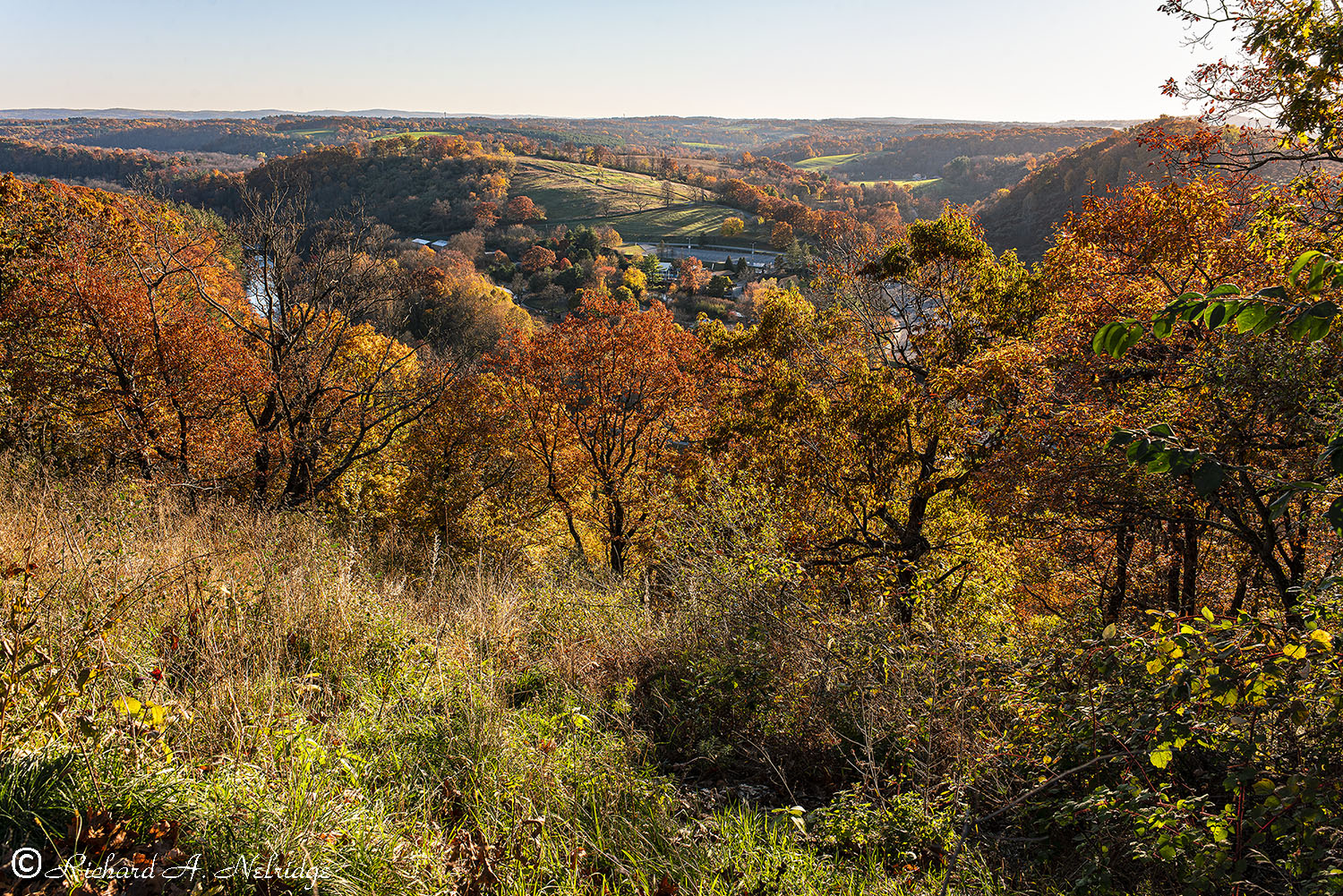
Looking down from the top of the Trexler Nature Preserve, across the Lehigh County Zoo, across the Preserve into the the distance with trees in beautiful Autumn Color. Jordan Creek can be seen near the upper left third.
Tripod mounted A7rII Kolari Vision UT Sensor modified camera and Voigtlander 28mm f2 Ultron II Asph VM lens; silent shutter.
ISO 100, f8, 1/60 second.
October 29, 2022
From the top of the Trexler Nature Preserve, Schnecksville, PA.
Rich
Dec 12, 2022 at 06:49 AM
p.4558 #3Sony FE Images Thread
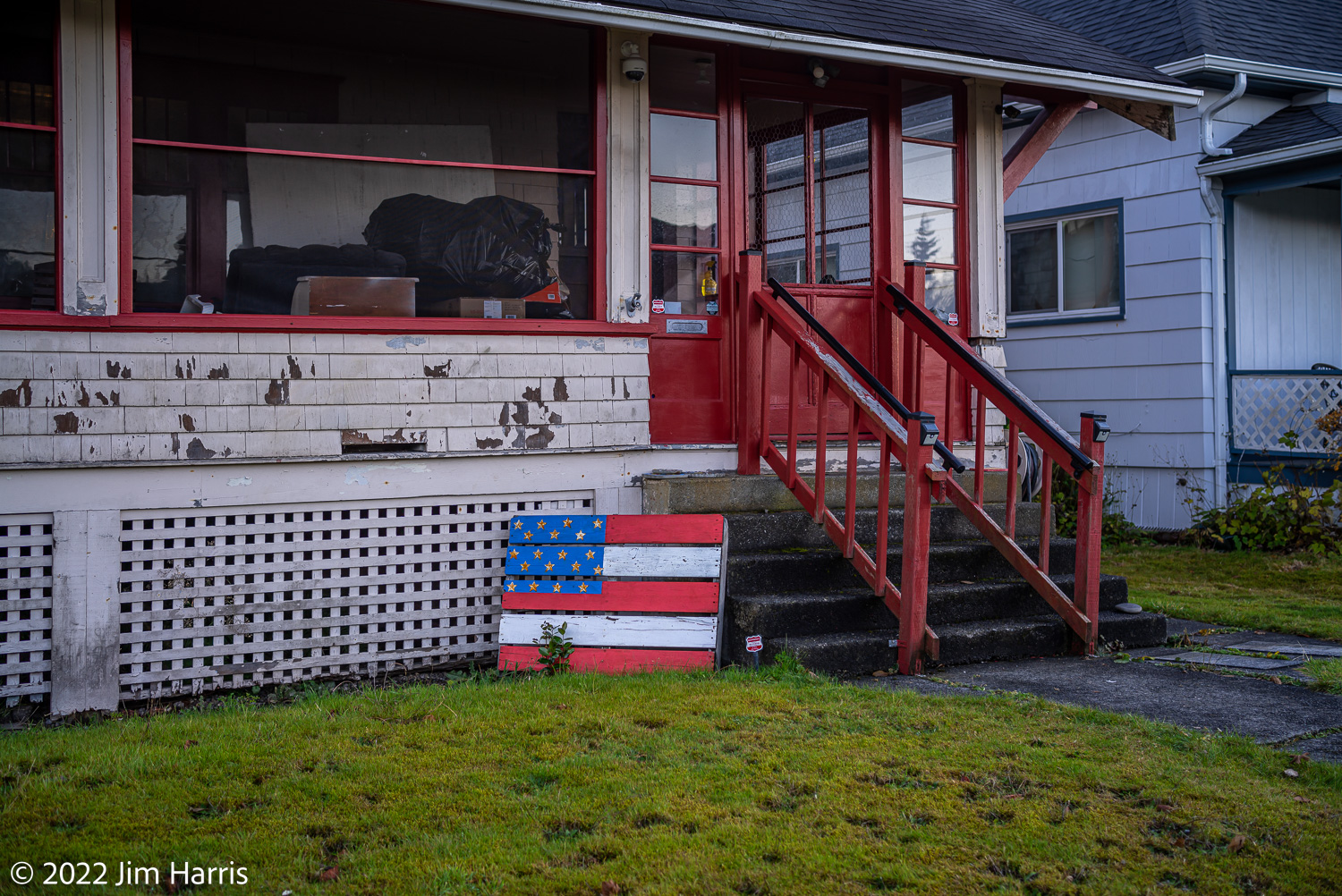
Pallet Pride
a7R4, CV 40, LR
a7R4, CV 40, LR
 |
||
 |
||
 |
ILCE-7RM4 Voigtlander NOKTON 40mm F1.2 Aspherical lens 40mm f/2.8 1/60s 125 ISO -0.3 EV
Dec 12, 2022 at 08:07 AM

p.4558 #4Sony FE Images Thread
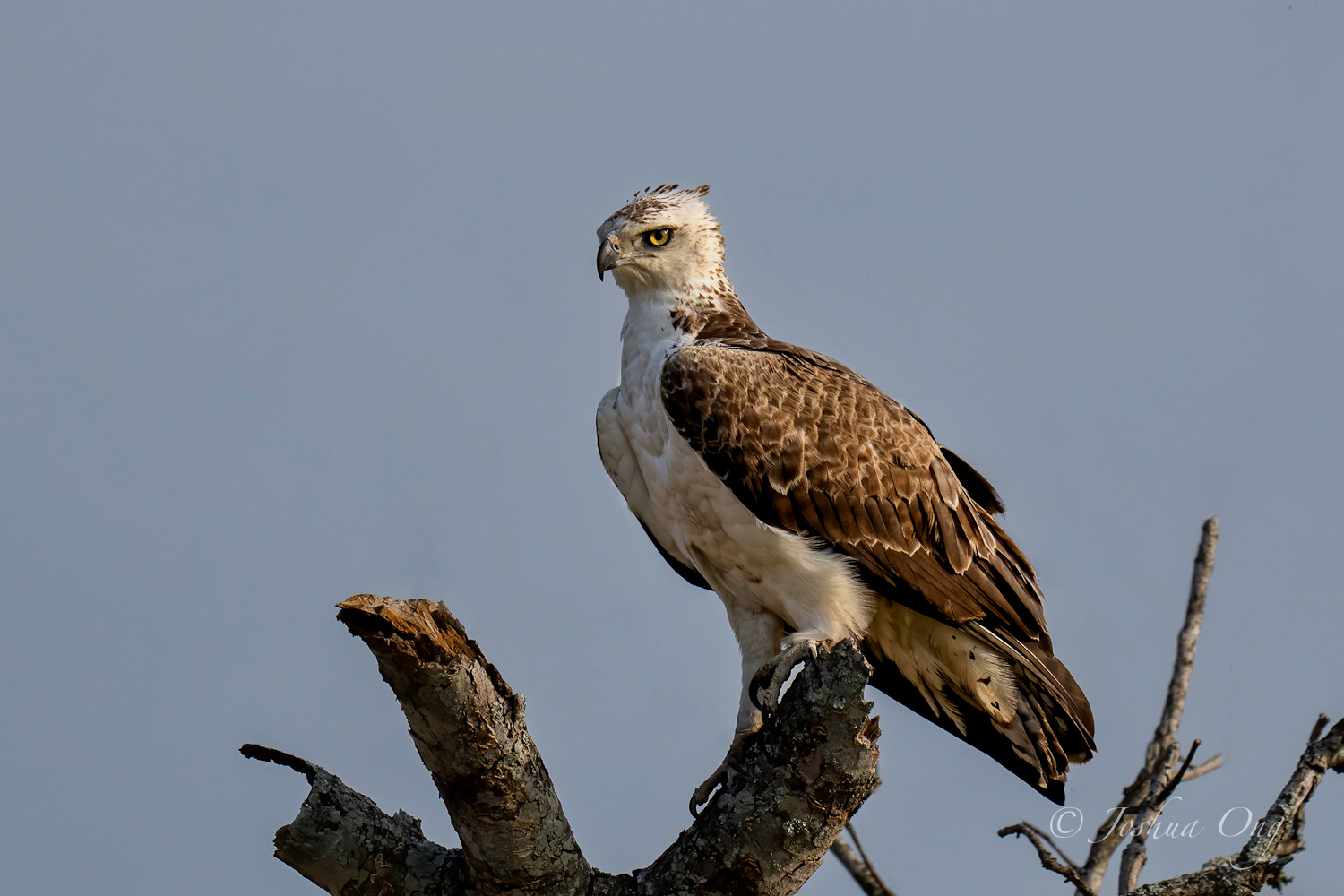
From Idube camp, Sabi Sand Reserve…
African hawk eagle
|
||
 © AGeoJO 2022 |
||
|
African hawk eagle
ILCE-1 FE 400mm F2.8 GM OSS lens 400mm f/2.8 1/6400s 500 ISO 0.0 EV
Dec 12, 2022 at 08:15 AM
p.4558 #5Sony FE Images Thread
Various scenes from before the snow arrived.
The colors and white balance in the first ones are real. The light is crazy warm this time of year even in mid-day. The sun sets at 14:15 (2:15 PM) already and the days are quickly getting even shorter.
A7RII and CV 50mm/1 VM
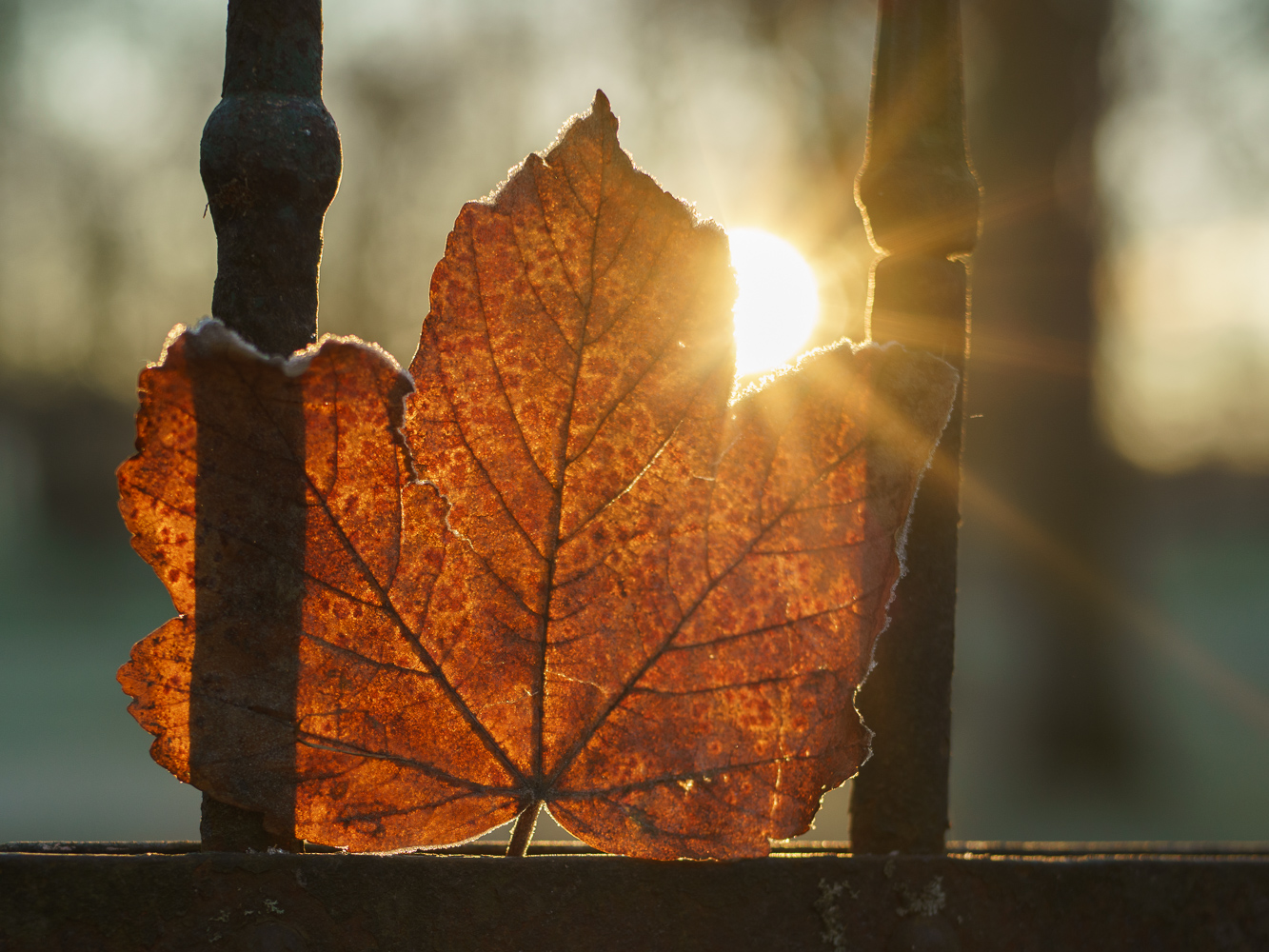
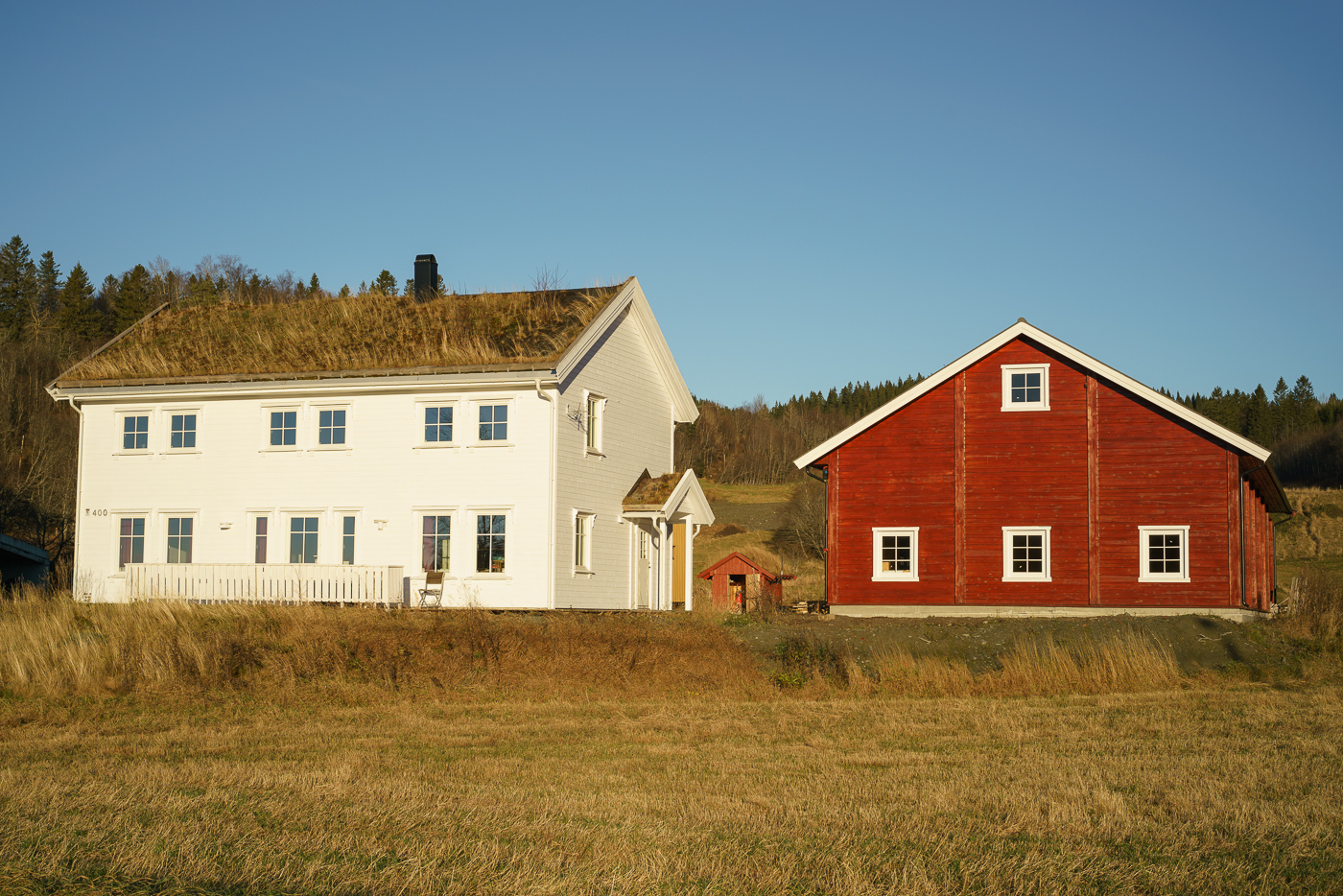
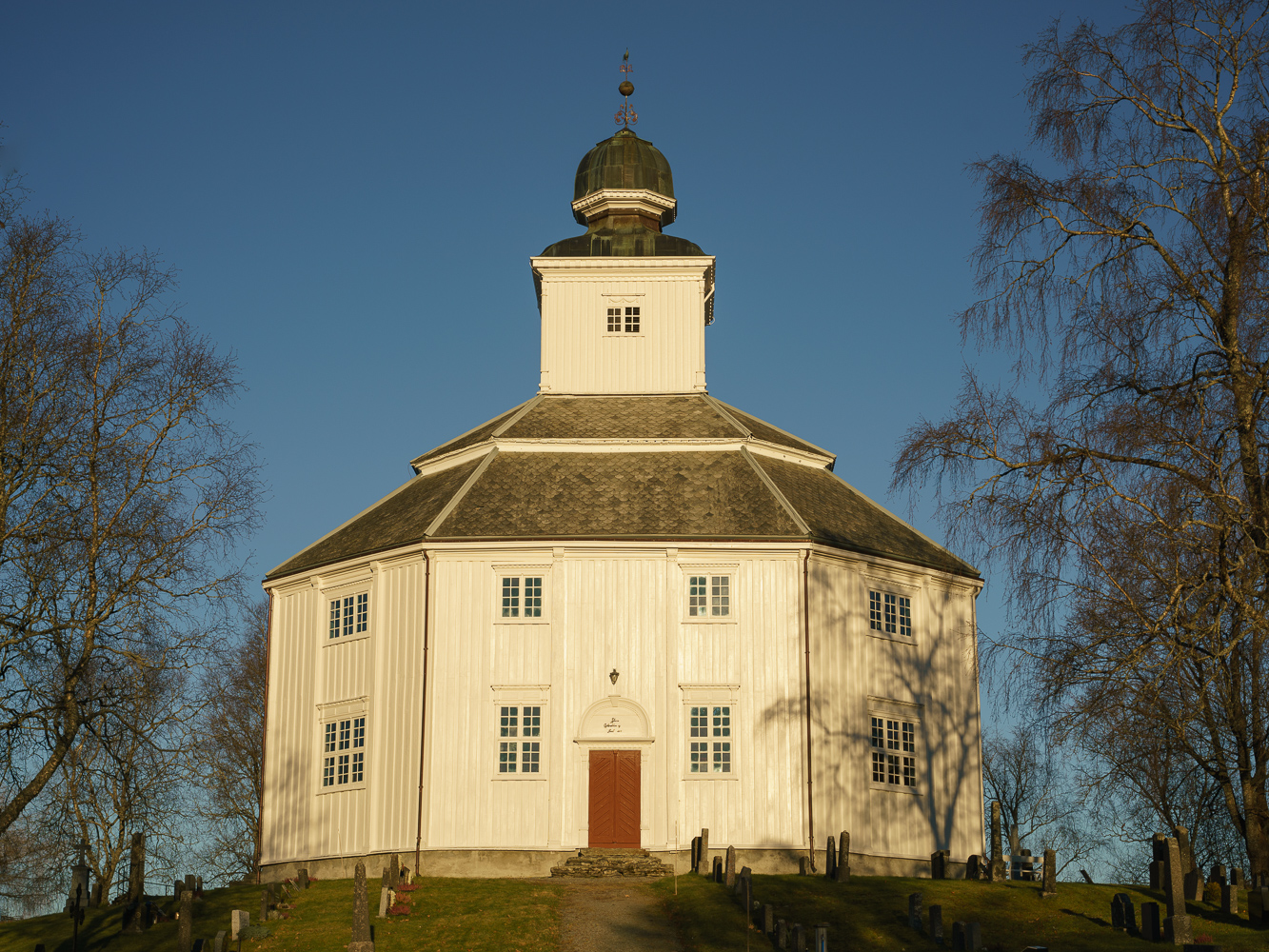
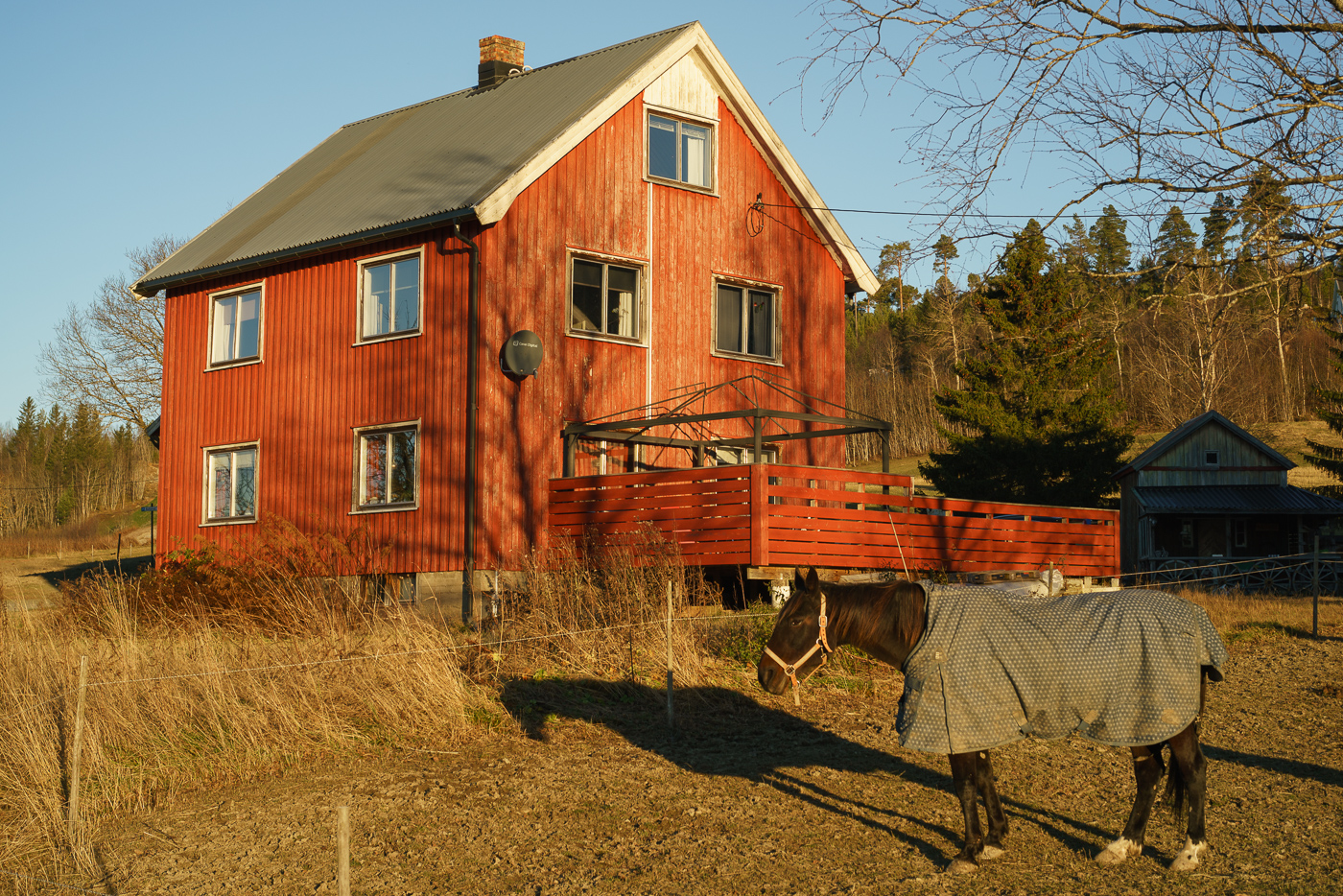
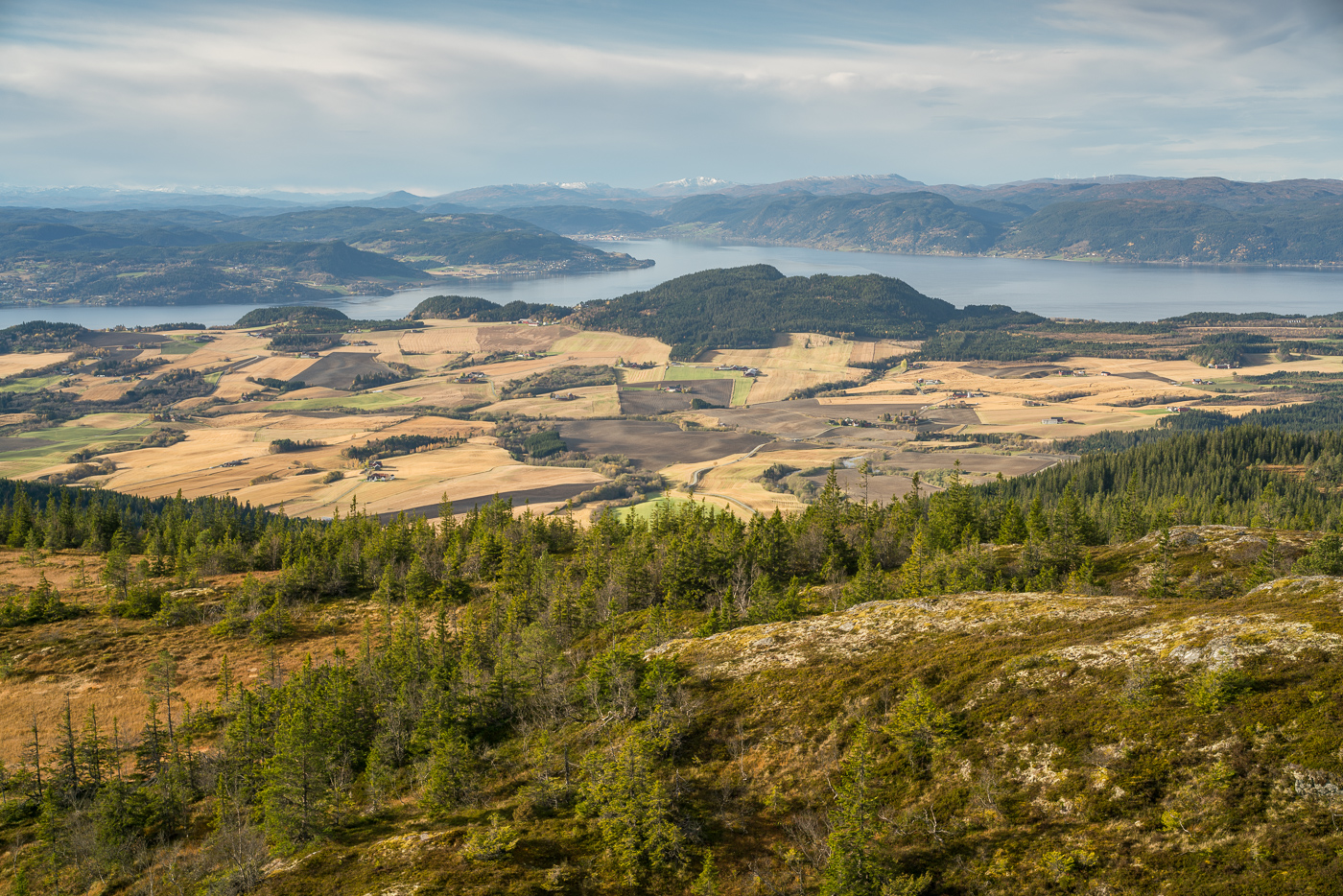
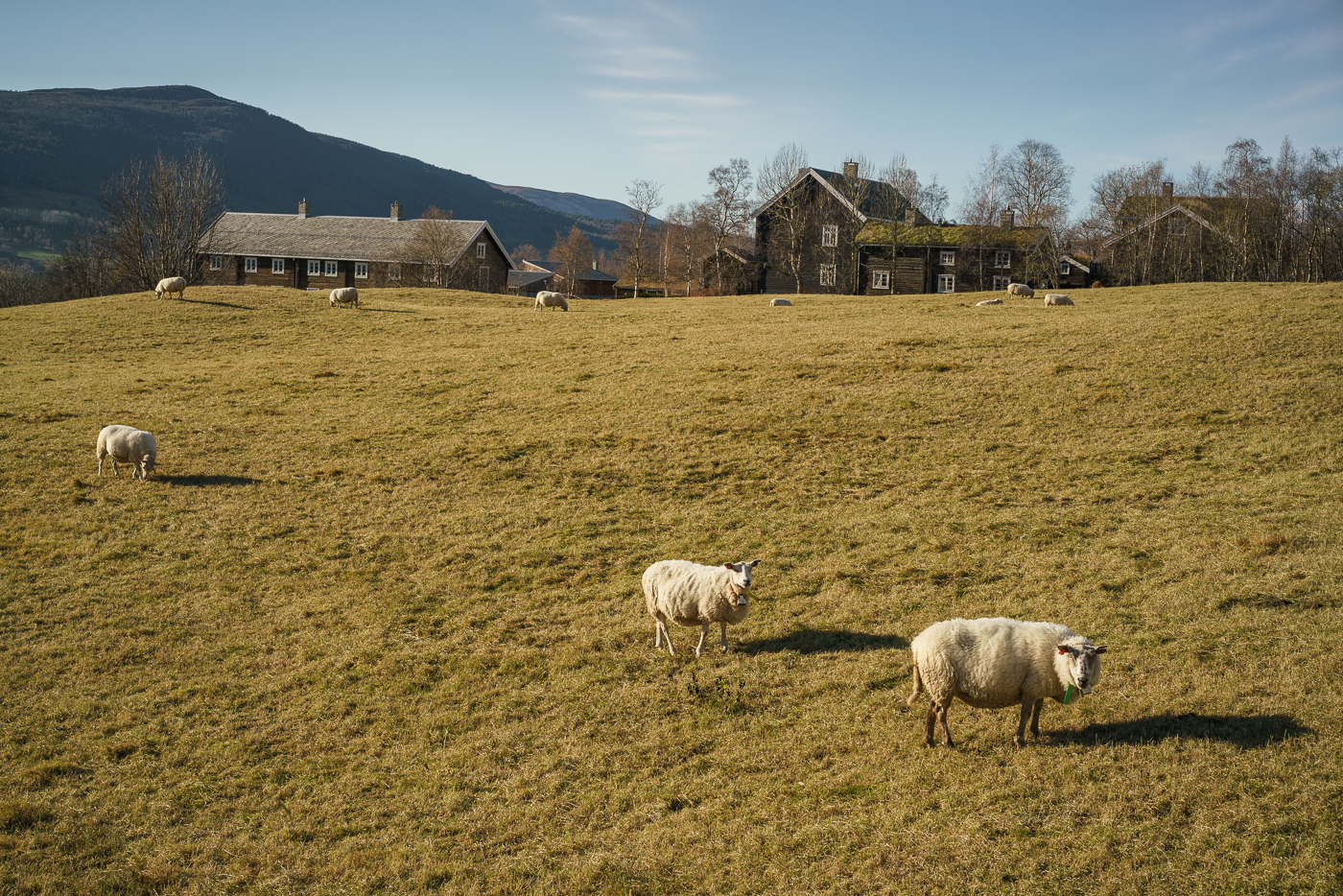
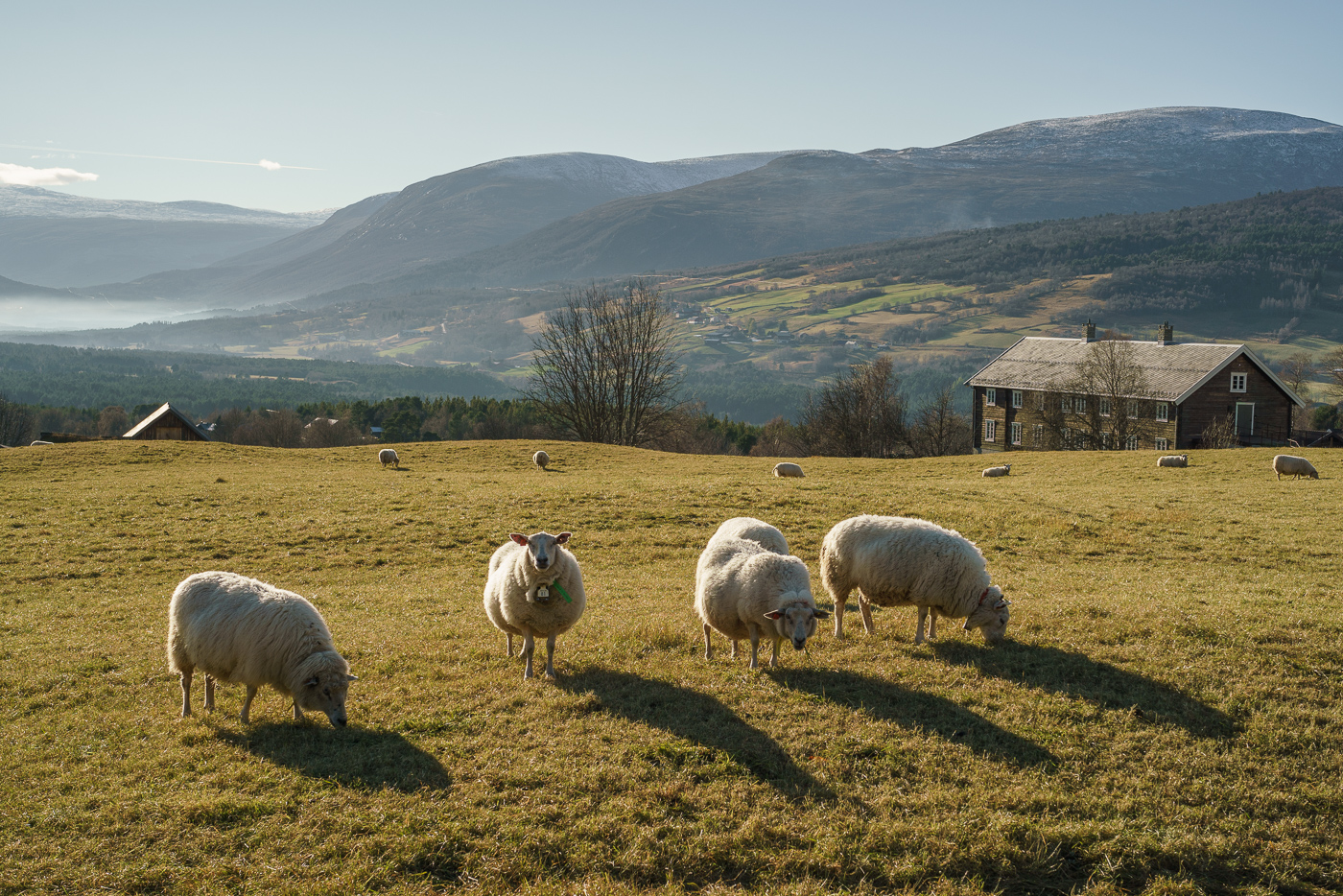
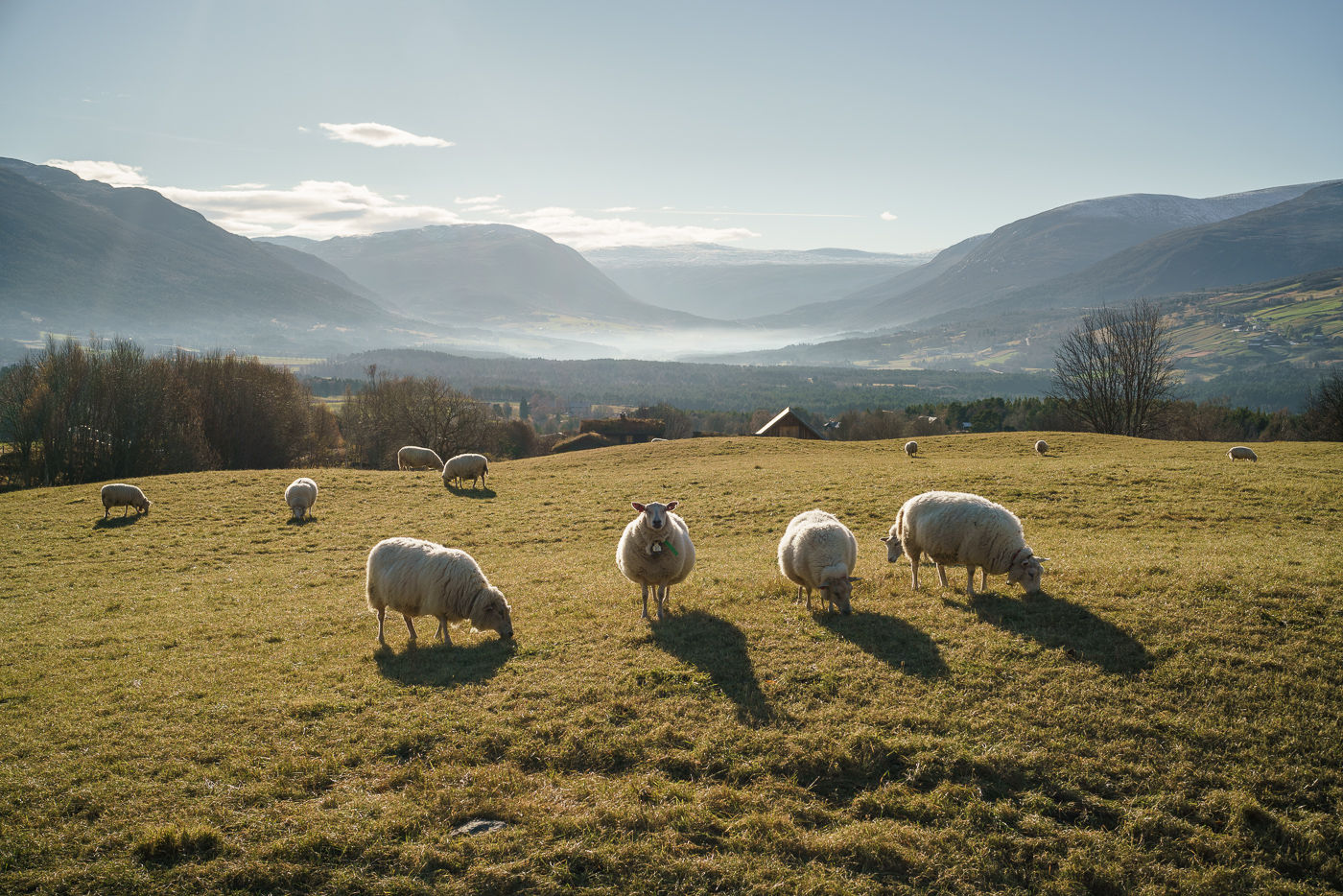
The colors and white balance in the first ones are real. The light is crazy warm this time of year even in mid-day. The sun sets at 14:15 (2:15 PM) already and the days are quickly getting even shorter.
A7RII and CV 50mm/1 VM
Dec 12, 2022 at 10:59 AM
p.4558 #6Sony FE Images Thread
A7IV with Techart AF adapter and Leica 40/2

Sunset view from the hills of Oakland by Graham Gibson, on Flickr
Sunset view from the hills of Oakland by Graham Gibson, on Flickr
Dec 12, 2022 at 12:41 PM
p.4558 #7Sony FE Images Thread
Some mushrooms from the last few days. All with Sony A7RM2 and Mamiya A 120mm f4 Macro.
 Burgwald VIII by Olaf Gnau, auf Flickr
 Taunus XCI by Olaf Gnau, auf Flickr
 Burgwald IX by Olaf Gnau, auf Flickr
Burgwald VIII by Olaf Gnau, auf FlickrTaunus XCI by Olaf Gnau, auf FlickrBurgwald IX by Olaf Gnau, auf FlickrDec 12, 2022 at 03:53 PM
p.4558 #8Sony FE Images Thread
Piñon / Pinyon Jay

A1 + FE 200-600 G OSS.
K-H.
A1 + FE 200-600 G OSS.
K-H.
Dec 12, 2022 at 06:46 PM
p.4558 #9Sony FE Images Thread
Today It Snowed.

A1 + FE 200-600 G OSS.
BTW this GIF is made from the Photoshop 2023 aligned images. No problem here at all.
It thought alignment was was needed that impacted 1 or 2 pixels around the edges.
K-H.
Edited on Dec 12, 2022 at 08:51 PM · View previous versions
A1 + FE 200-600 G OSS.
BTW this GIF is made from the Photoshop 2023 aligned images. No problem here at all.
It thought alignment was was needed that impacted 1 or 2 pixels around the edges.
K-H.
Edited on Dec 12, 2022 at 08:51 PM · View previous versions
Dec 12, 2022 at 06:53 PM
p.4558 #10Sony FE Images Thread
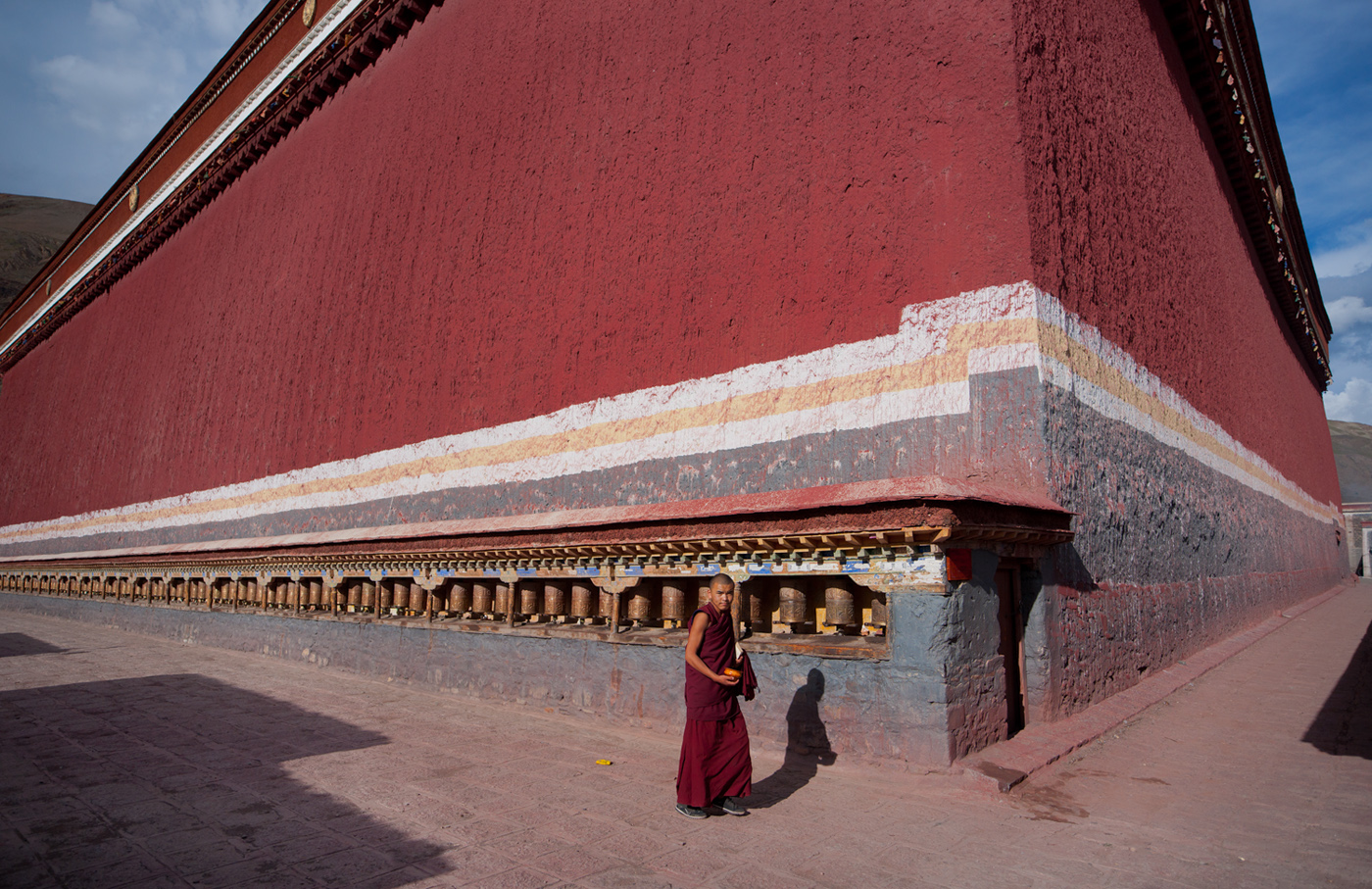
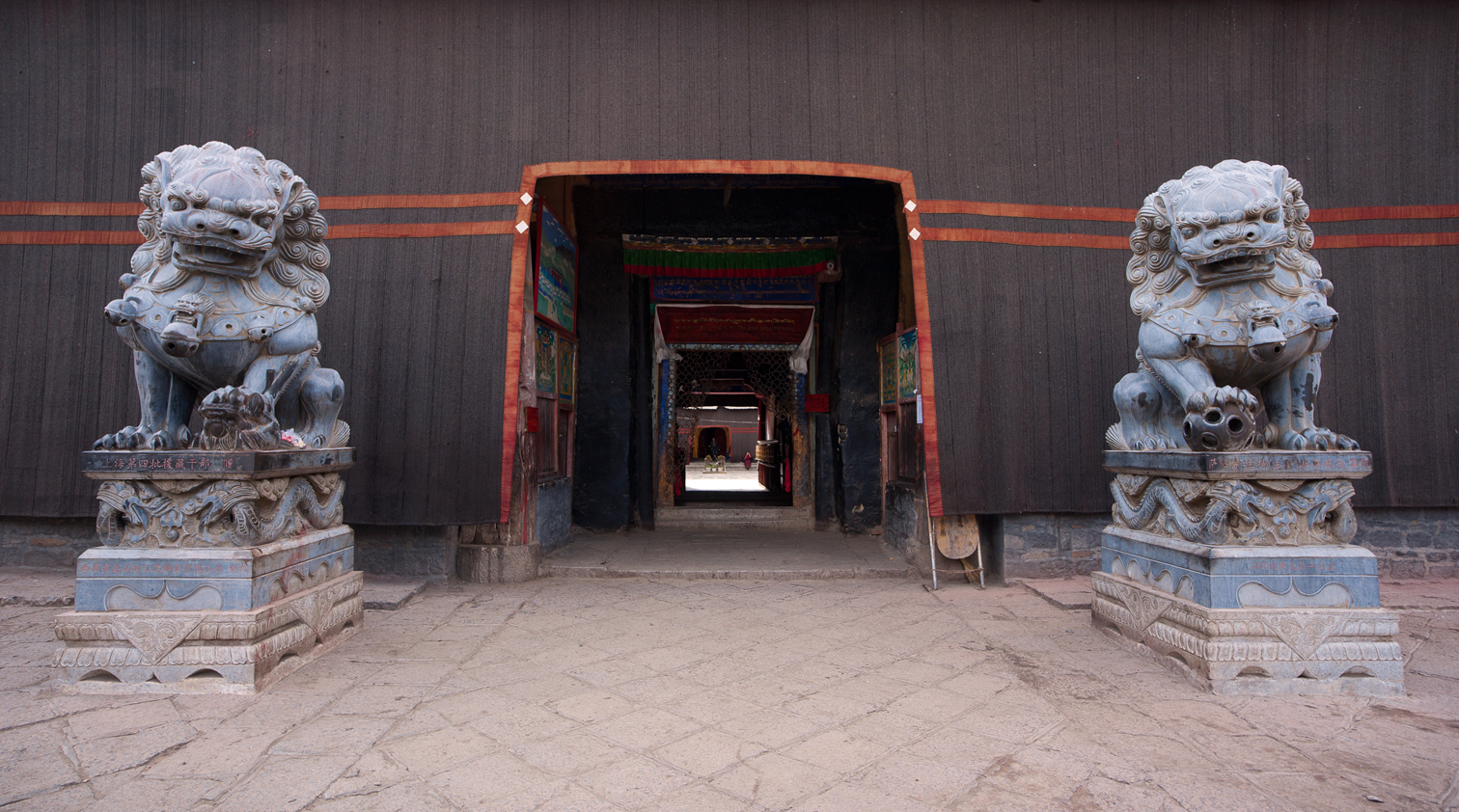
CY 21/2.8. (i) outside the 13th century Sakya great hall (or dukhang), thankfully spared by the Red Guards. (ii) entrance to the complex.
..
..
Dec 12, 2022 at 08:42 PM
|
p.4558 #11Sony FE Images Thread
It's Snowing on 3 Piñon / Pinyon Jays Feeding on Oily Black Sunflower Seeds.

Time slowed down by a factor of 2.
So far unremarkable from an image post-processing point of view.
However applying Adobe Photoshop 2023's alignment algorithm yields this GIF.

Obviously the algorithm chose the Bird Feeder Cage as its dominant component, tried to align it, and in the process coordinate transformed the rest of the images, consisting of a static tree and fence.
K-H.
PS: In defense of Adobe's PS 2023 I should say that presumably I am using their software outside of its design space. My assumption is that their software was built to align identical or very similar images that are slightly misaligned. I am convinced that PS works just fine for that. Frankly I am amazed how well it works for the evolving images I have thrown at it. I decided to try some of my images out on it without having any expectations what the results would be. I am glad I did that and have learned a lot in the process.
Edited on Dec 12, 2022 at 10:29 PM · View previous versions
Time slowed down by a factor of 2.
So far unremarkable from an image post-processing point of view.
However applying Adobe Photoshop 2023's alignment algorithm yields this GIF.
Obviously the algorithm chose the Bird Feeder Cage as its dominant component, tried to align it, and in the process coordinate transformed the rest of the images, consisting of a static tree and fence.
K-H.
PS: In defense of Adobe's PS 2023 I should say that presumably I am using their software outside of its design space. My assumption is that their software was built to align identical or very similar images that are slightly misaligned. I am convinced that PS works just fine for that. Frankly I am amazed how well it works for the evolving images I have thrown at it. I decided to try some of my images out on it without having any expectations what the results would be. I am glad I did that and have learned a lot in the process.
Edited on Dec 12, 2022 at 10:29 PM · View previous versions
Dec 12, 2022 at 09:11 PM

p.4558 #13Sony FE Images Thread
Photo taken at 12:40 PM.
Looking at the Central Courtyard of the Pompeii Archeological site. Taken on this heavily overcast, rain threatening day.
Hand Held relying on Camera IBIS, A7rII Kolari Vision UT Sensor modified camera and Voigtlander 28mm f2 Ultron II VM lens; silent shutter.
ISO 200, F8?, 1/320 Second.
Exposure Corrected +0.61 Stops.
March 19, 2022
At Pompeii, Italy.
Rich
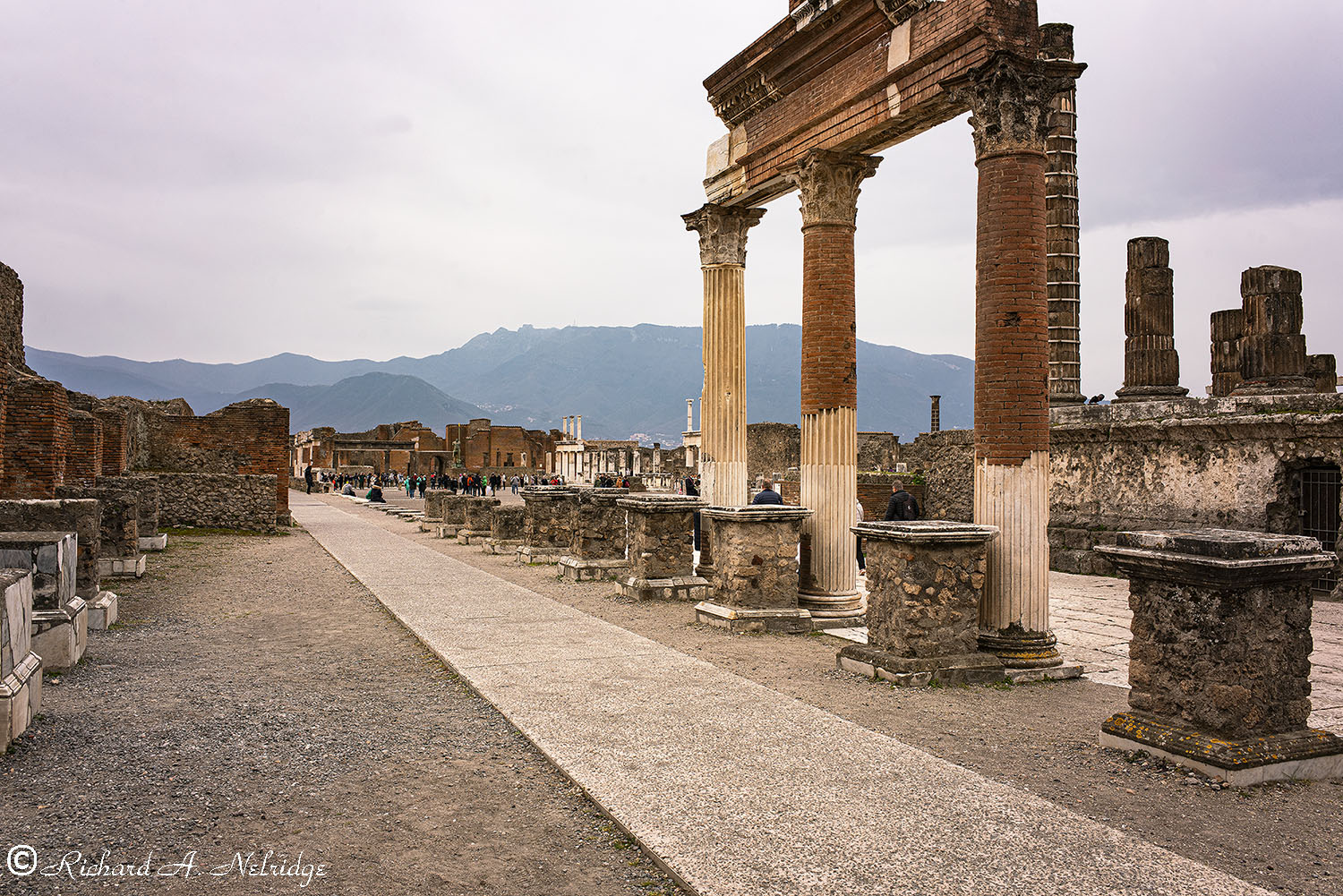
Looking at the Central Courtyard of the Pompeii Archeological site. Taken on this heavily overcast, rain threatening day.
Hand Held relying on Camera IBIS, A7rII Kolari Vision UT Sensor modified camera and Voigtlander 28mm f2 Ultron II VM lens; silent shutter.
ISO 200, F8?, 1/320 Second.
Exposure Corrected +0.61 Stops.
March 19, 2022
At Pompeii, Italy.
Rich
Dec 13, 2022 at 06:44 AM
p.4558 #14Sony FE Images Thread
Foggy morning.
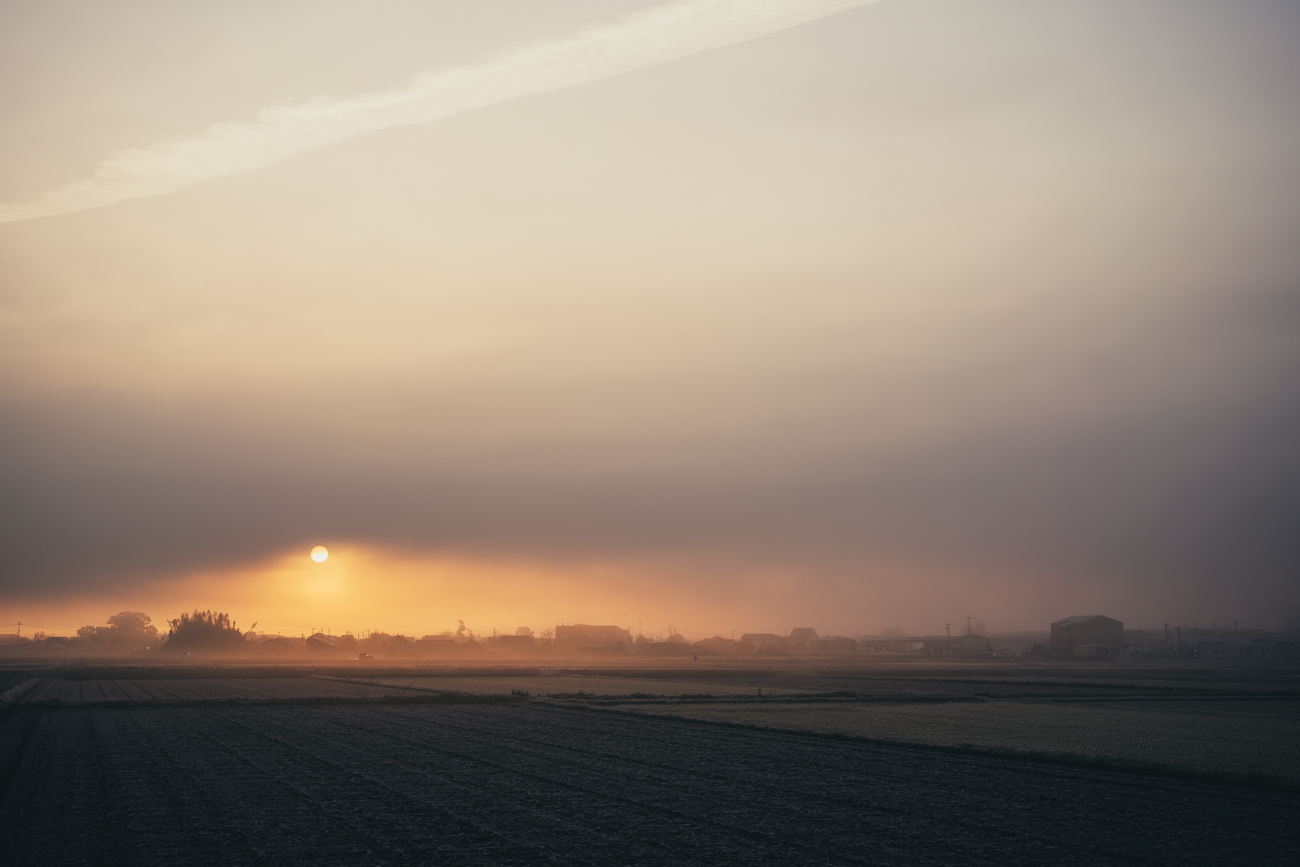
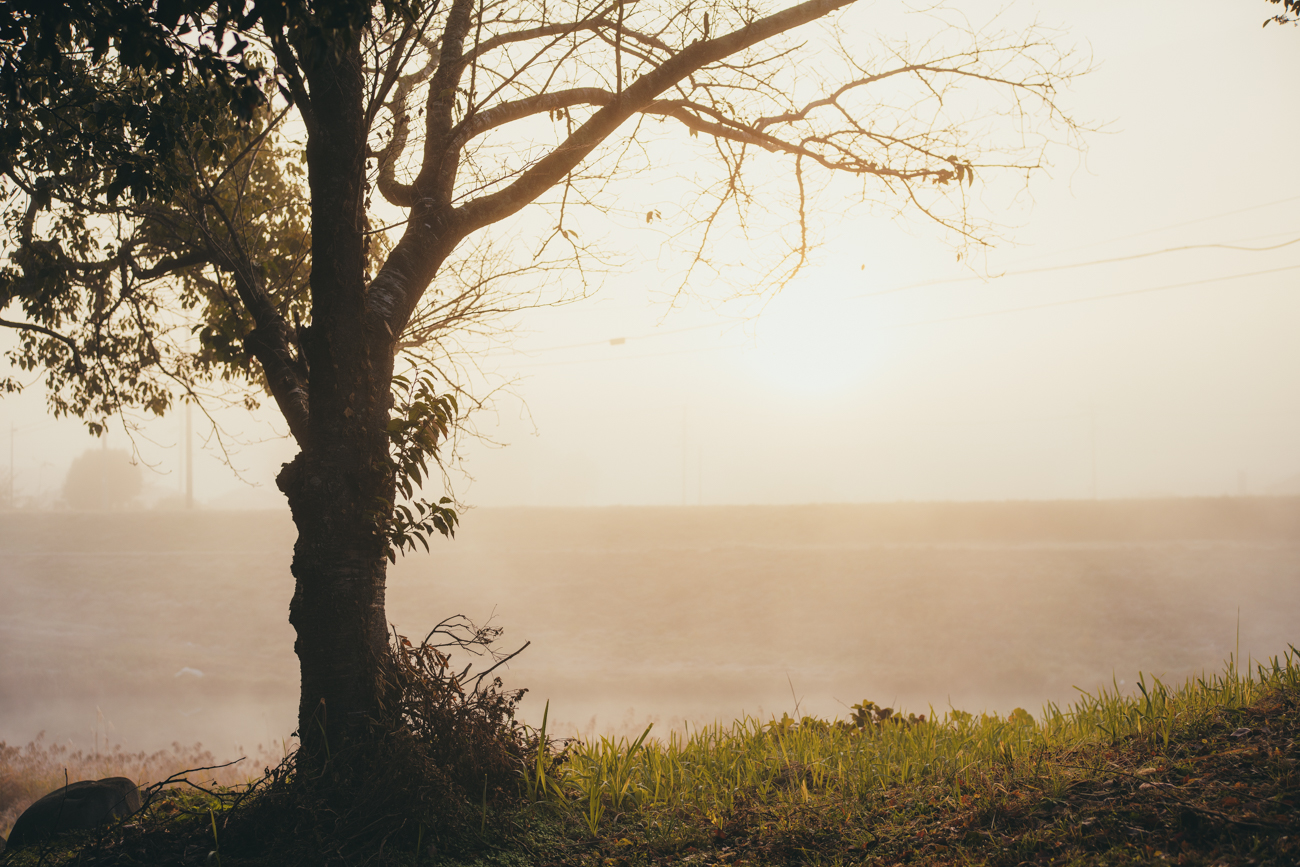
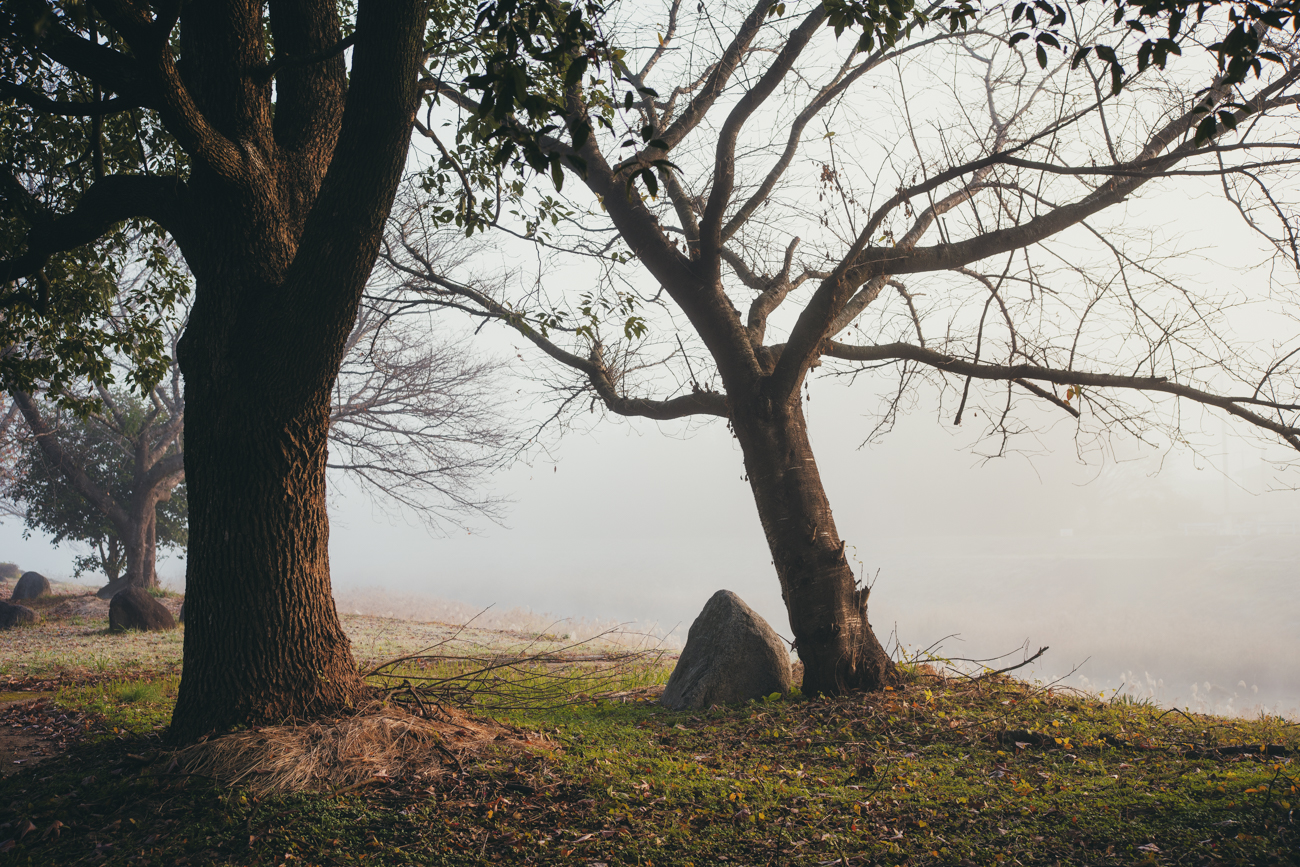
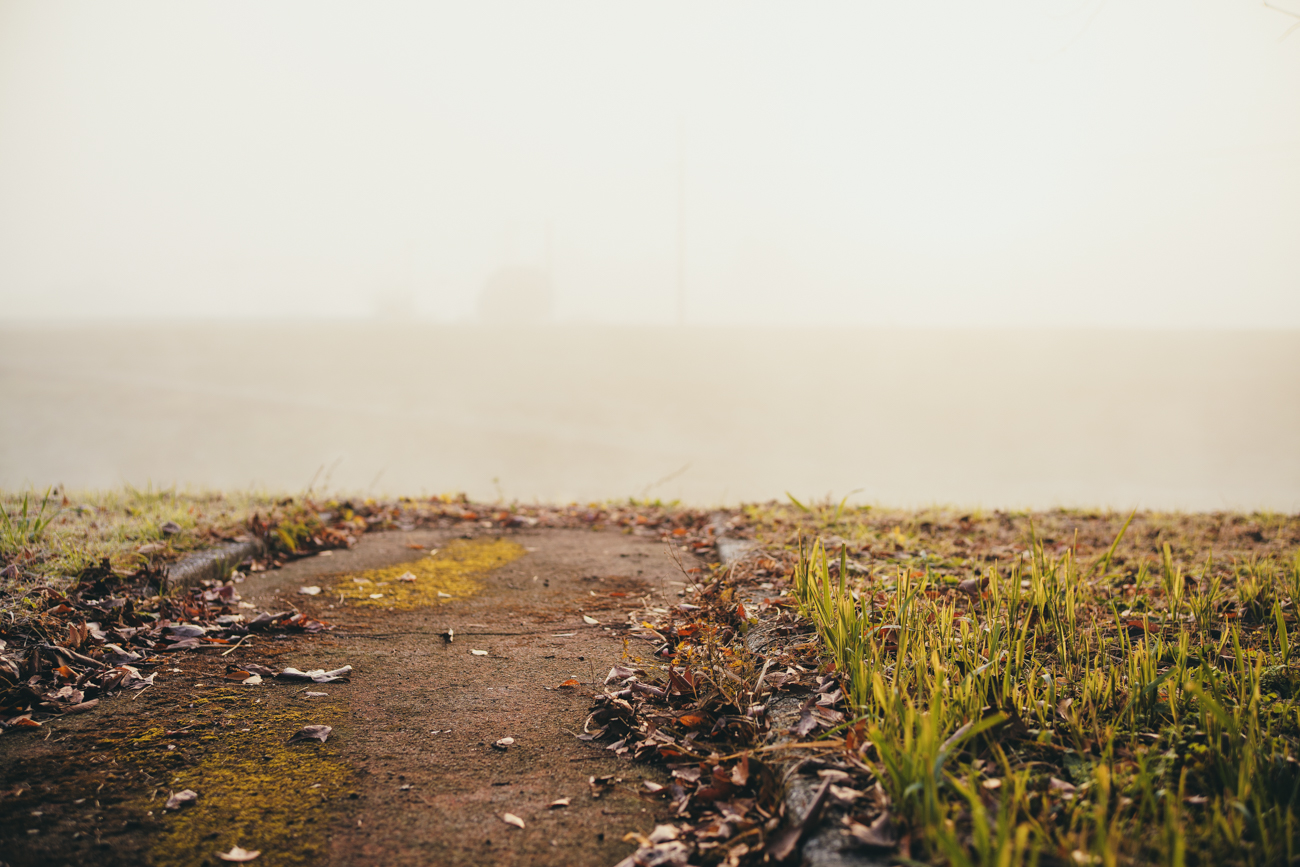
ILCE-7RM3 Voigtlander NOKTON 50mm F1.2 Aspherical lens 50mm f/8.0 1/100s 100 ISO +0.7 EV
ILCE-7RM3 Voigtlander NOKTON 50mm F1.2 Aspherical lens 50mm f/3.5 1/500s 100 ISO +1.3 EV
ILCE-7RM3 Voigtlander NOKTON 50mm F1.2 Aspherical lens 50mm f/5.0 1/80s 100 ISO +0.7 EV
ILCE-7RM3 Voigtlander NOKTON 50mm F1.2 Aspherical lens 50mm f/2.5 1/640s 100 ISO +1.0 EV
Dec 13, 2022 at 07:09 AM
p.4558 #15Sony FE Images Thread
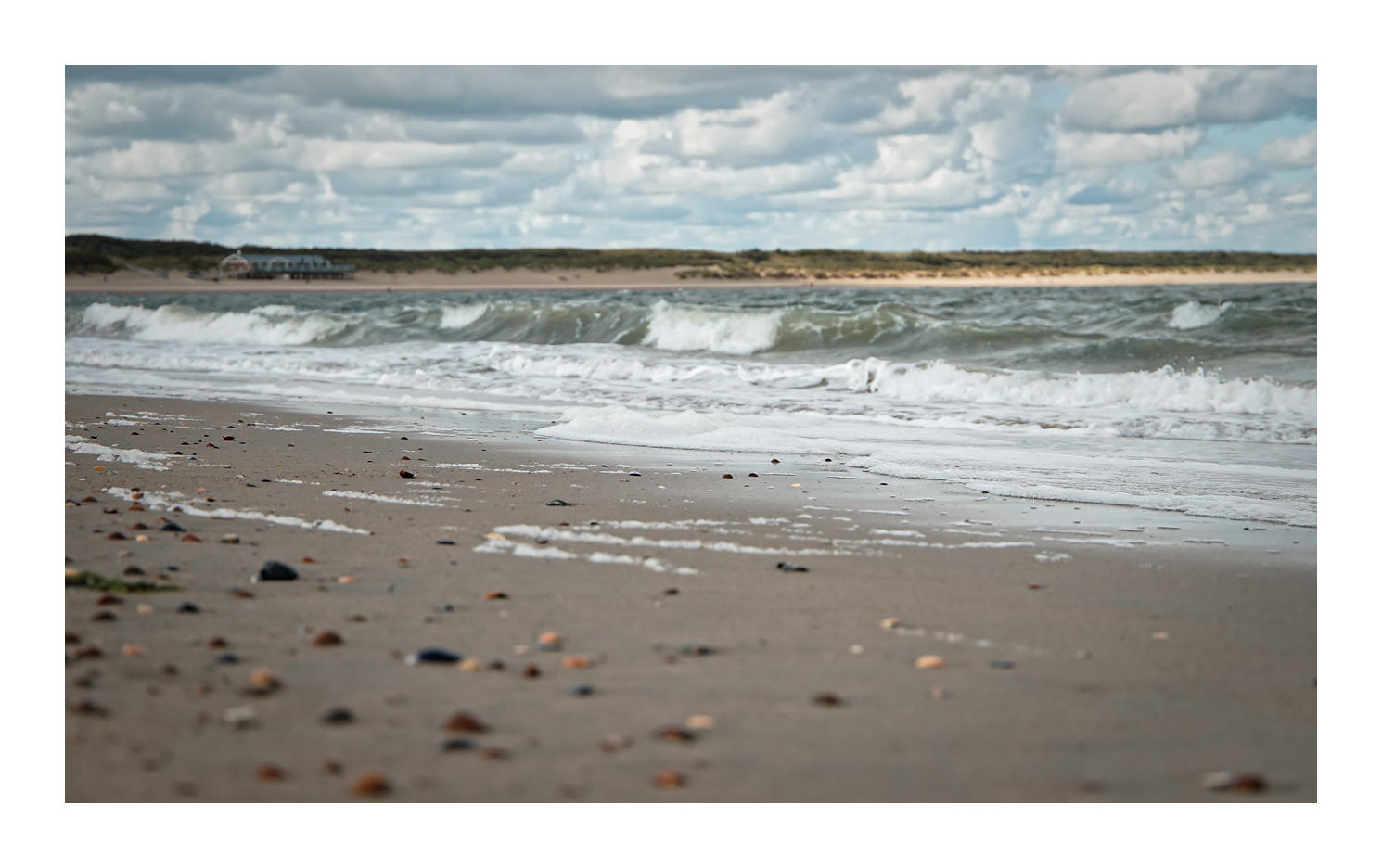
MikeReif 2022
ILCE-7M2 DT 24-105mm F3.5-5.6 SAM lens 59mm f/5.0 1/1000s 200 ISO 0.0 EV
Dec 13, 2022 at 08:07 AM
p.4558 #16Sony FE Images Thread
k-h.a.w wrote:
It's Snowing on 3 Piñon / Pinyon Jays Feeding on Oily Black Sunflower Seeds.
https://photos.smugmug.com/KHW/Pics-by-Date/2022-12-12-A1200-60056-63-FE-G-OSS-IMBY-It-Snows/i-88sxt4S/0/833c3a90/O/Q-_DSC7255-7291-Snowing-Red-2-B-ARW_DxO_DeepPRIME.gif
Time slowed down by a factor of 2.
So far unremarkable from an image post-processing point of view.
However applying Adobe Photoshop 2023's alignment algorithm yields this GIF.
https://photos.smugmug.com/KHW/Pics-by-Date/2022-12-12-A1200-60056-63-FE-G-OSS-IMBY-It-Snows/i-M5XgS6d/0/4f1d9059/O/Q-T-to-F__0000_T__DSC7255-7291-Snowing-Red-2-B-ARW_DxO_DeepPRIME.tif.gif
Obviously the algorithm chose the Bird Feeder Cage as its dominant component, tried to align it, and in the process coordinate transformed the rest of the images, consisting of a static tree and fence.
K-H.
PS: In defense of Adobe's PS 2023 I should say that presumably I am using their software outside of its design space. My assumption is that their software...Show more →
Following up on my previous example I have a similar image sequence, the difference being a foreground tree trunk included on the left side. A GIF clip without using the Adobe PS 2023 alignment function is given next.

Following is a GIF clip of the images aligned.

Here Adobe PS 2023 is picking the desired dominant component and does a pretty good job. The only annoying feature seems to be the expanding and contracting of the left foreground and right background tree.
K-H.
It's Snowing on 3 Piñon / Pinyon Jays Feeding on Oily Black Sunflower Seeds.
https://photos.smugmug.com/KHW/Pics-by-Date/2022-12-12-A1200-60056-63-FE-G-OSS-IMBY-It-Snows/i-88sxt4S/0/833c3a90/O/Q-_DSC7255-7291-Snowing-Red-2-B-ARW_DxO_DeepPRIME.gif
Time slowed down by a factor of 2.
So far unremarkable from an image post-processing point of view.
However applying Adobe Photoshop 2023's alignment algorithm yields this GIF.
https://photos.smugmug.com/KHW/Pics-by-Date/2022-12-12-A1200-60056-63-FE-G-OSS-IMBY-It-Snows/i-M5XgS6d/0/4f1d9059/O/Q-T-to-F__0000_T__DSC7255-7291-Snowing-Red-2-B-ARW_DxO_DeepPRIME.tif.gif
Obviously the algorithm chose the Bird Feeder Cage as its dominant component, tried to align it, and in the process coordinate transformed the rest of the images, consisting of a static tree and fence.
K-H.
PS: In defense of Adobe's PS 2023 I should say that presumably I am using their software outside of its design space. My assumption is that their software...Show more →
Following up on my previous example I have a similar image sequence, the difference being a foreground tree trunk included on the left side. A GIF clip without using the Adobe PS 2023 alignment function is given next.
Following is a GIF clip of the images aligned.
Here Adobe PS 2023 is picking the desired dominant component and does a pretty good job. The only annoying feature seems to be the expanding and contracting of the left foreground and right background tree.
K-H.
Dec 13, 2022 at 10:07 AM

p.4558 #18Sony FE Images Thread
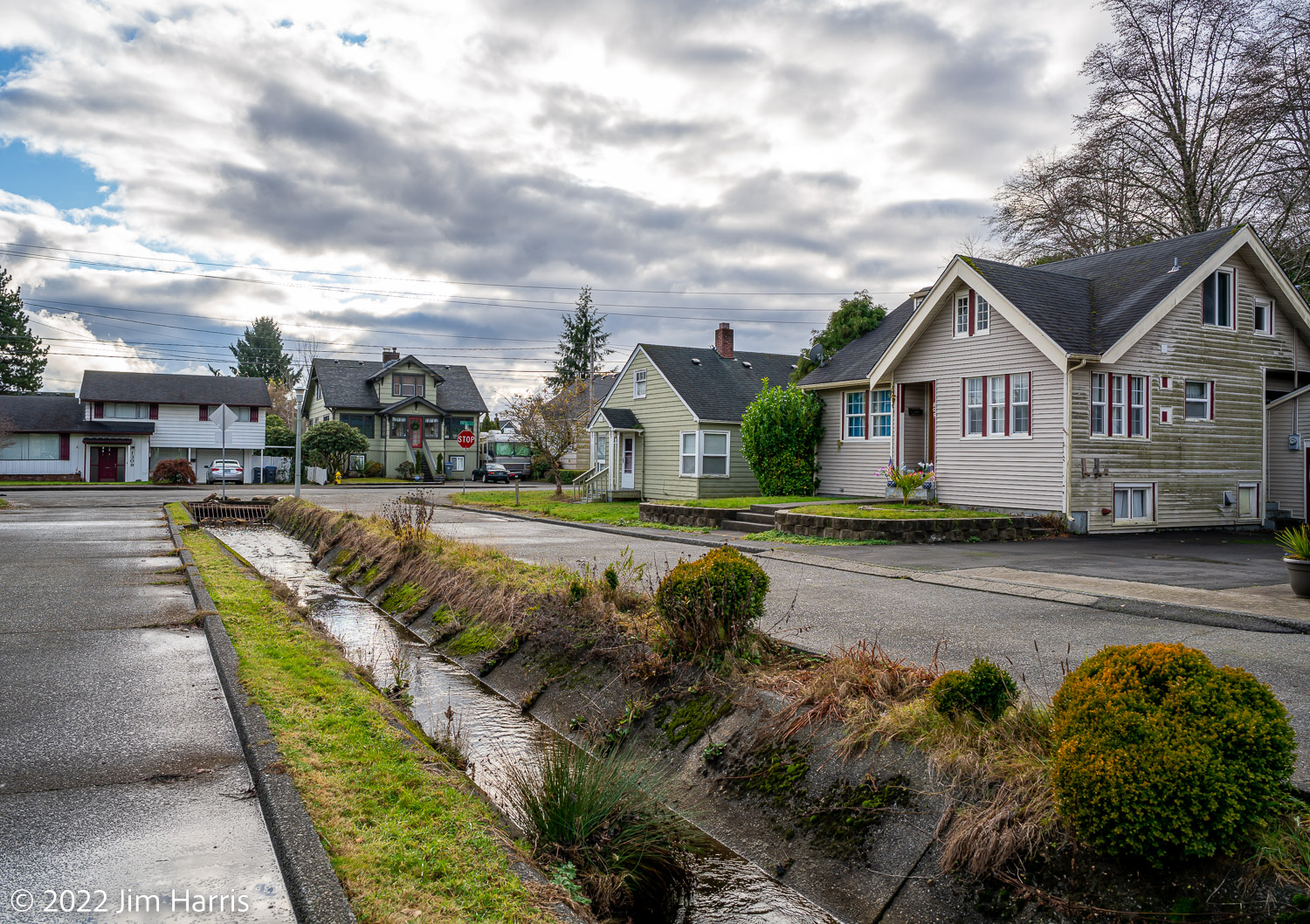
Nobody likes to be last on a page! 
Here's a quick post to move us along to greater things.
Winter skies in the neighborhood.
a7R2, Batis 25, LR
Here's a quick post to move us along to greater things.
Winter skies in the neighborhood.
a7R2, Batis 25, LR
|
||
 |
||
|
ILCE-7RM2 ZEISS Batis 2/25 lens 25mm f/5.6 1/200s 100 ISO 0.0 EV
Dec 13, 2022 at 02:24 PM
p.4558 #19Sony FE Images Thread
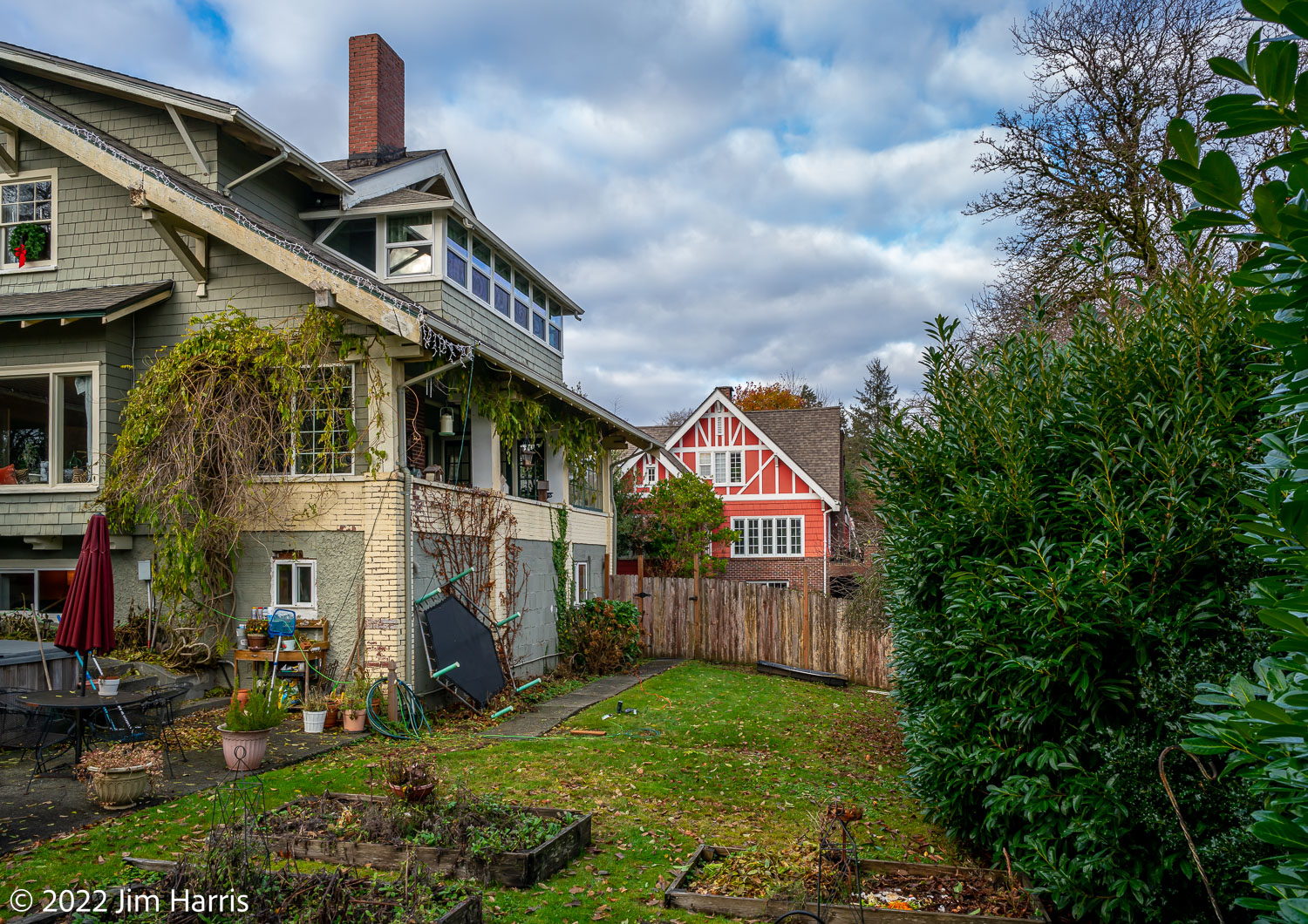
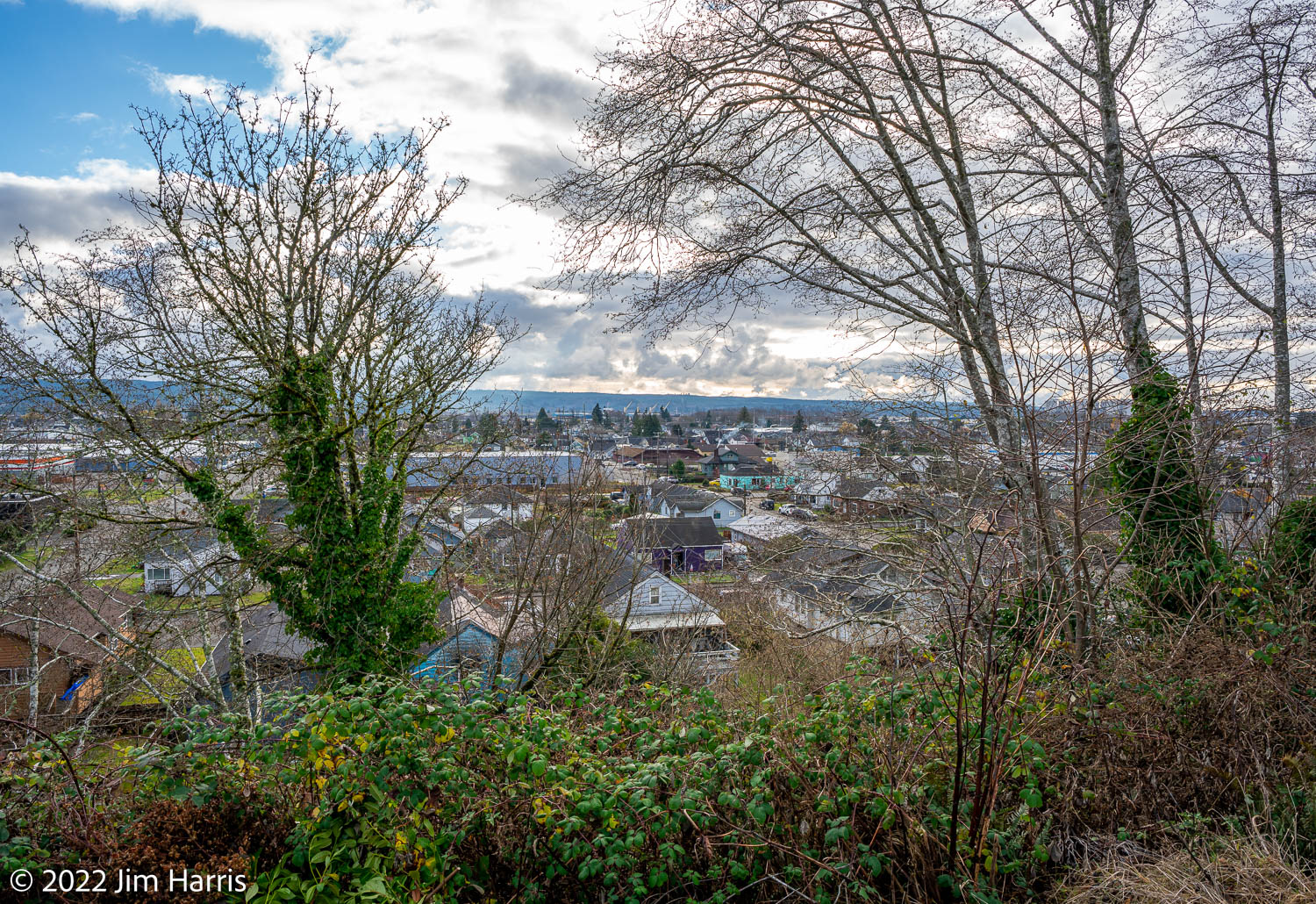
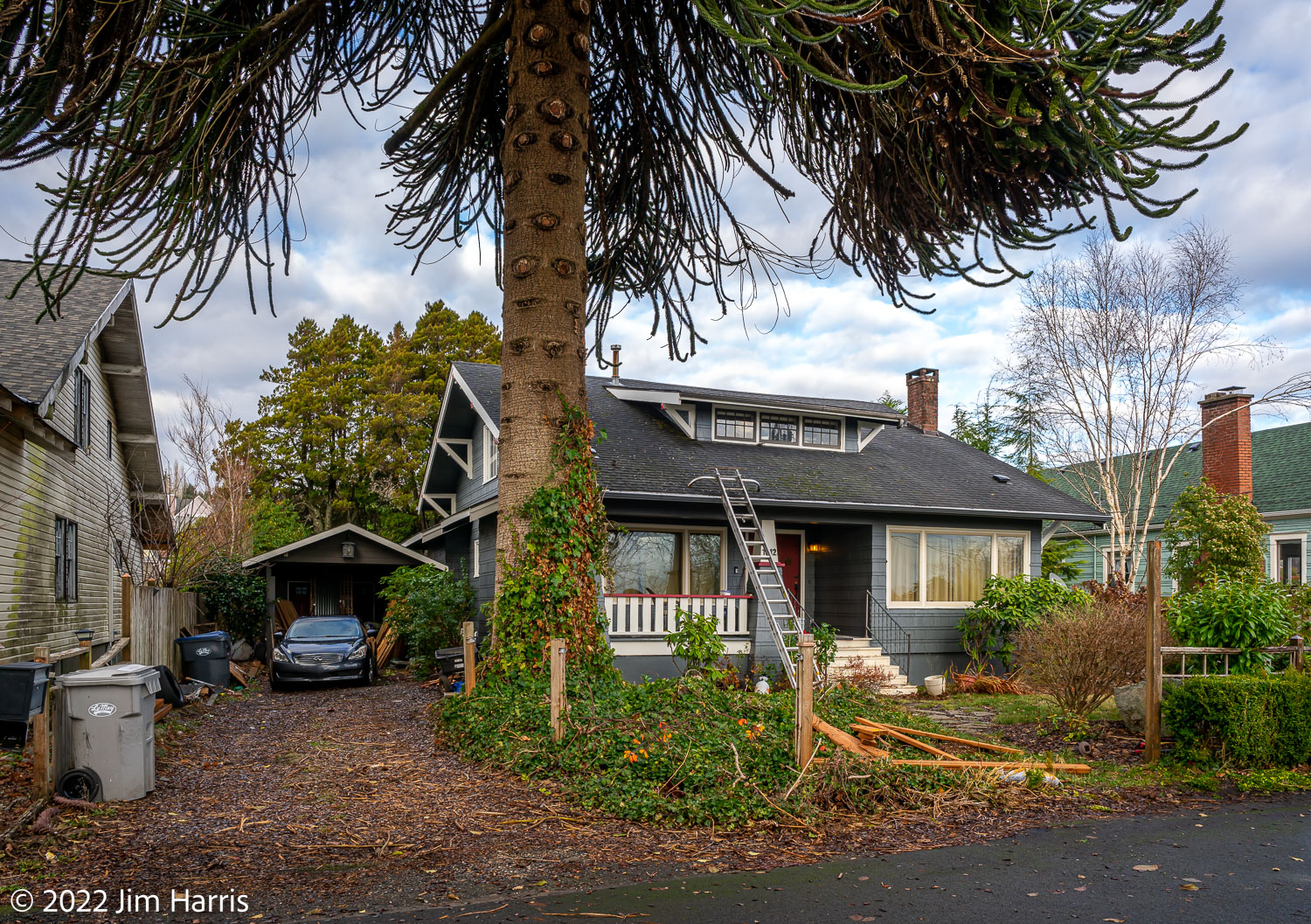
a7R2, Batis 25, LR
|
||
 |
||
|
ILCE-7RM2 ZEISS Batis 2/25 lens 25mm f/8.0 1/125s 320 ISO 0.0 EV
|
||
 |
||
|
ILCE-7RM2 ZEISS Batis 2/25 lens 25mm f/8.0 1/125s 200 ISO 0.0 EV
|
||
 |
||
|
ILCE-7RM2 ZEISS Batis 2/25 lens 25mm f/8.0 1/125s 250 ISO 0.0 EV
Dec 13, 2022 at 02:31 PM
p.4558 #20Sony FE Images Thread
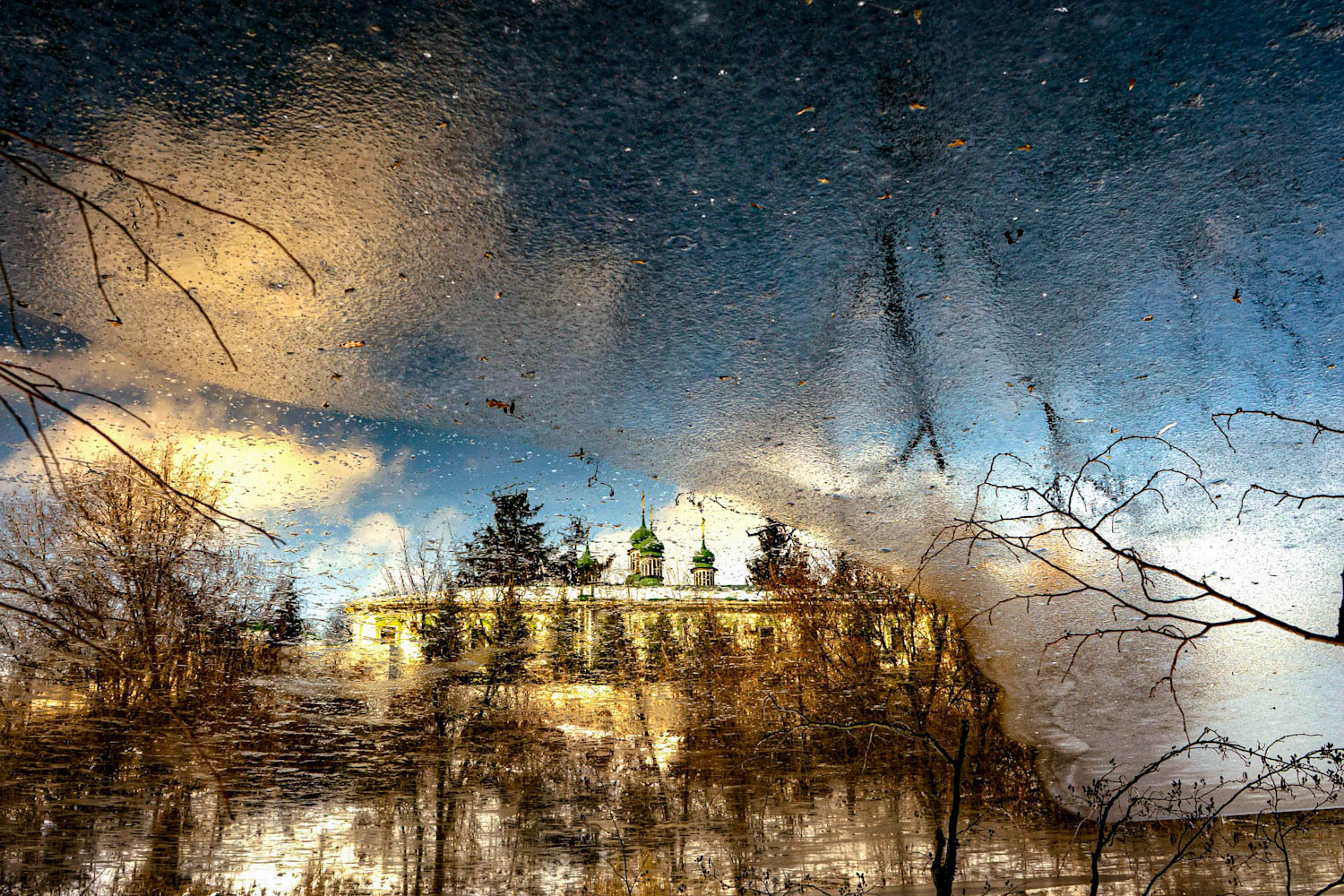
Pre-war Kiev
First Ice
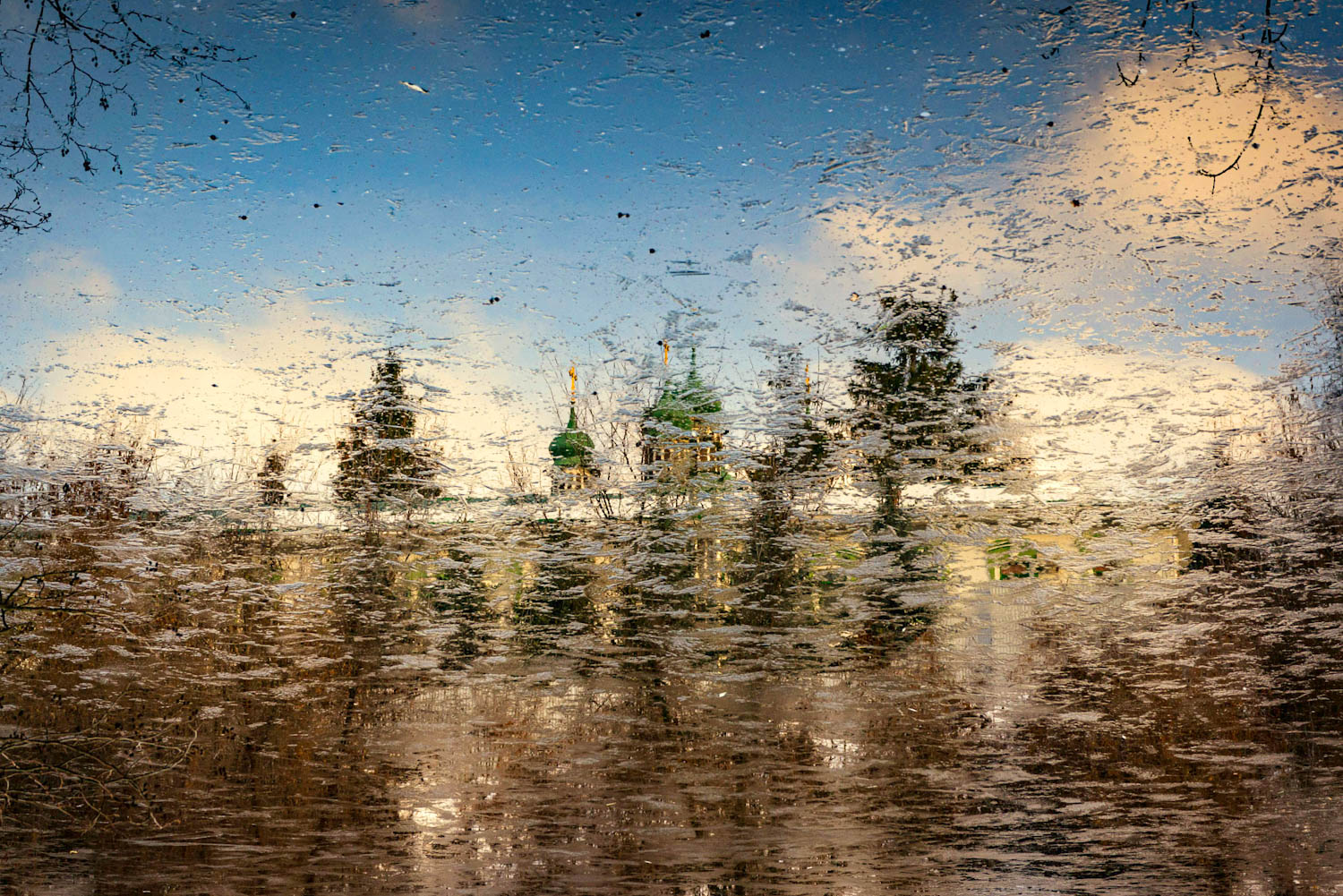
First Ice
ILCE-7 34mm f/8.0 1/125s 320 ISO 0.0 EV
ILCE-7 70mm f/8.0 1/125s 320 ISO 0.0 EV
Dec 13, 2022 at 03:08 PM