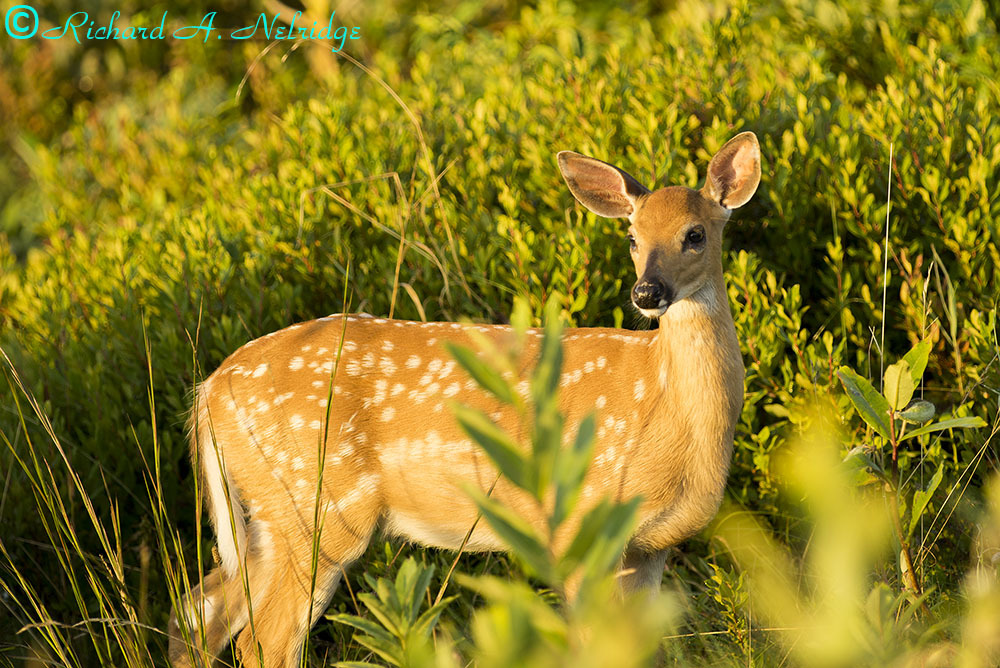
Photo taken at 7:14 AM (about 47 minutes after sunrise) on August 16, 2015 of a Fawn White Tail Deer, Big Meadows, Shenandoah National Park, Virginia. Image cropped and taken with my tripod mounted Canon new FD 500mm f4.5 L lens and my A7r, ISO 250, lens set to f4.5 for 1/200 second. Processed in LR6.
Some of my favorite things about Hawaii were the trees. Honolulu was littered with the grandest trees I've ever seen. Big sprawling things, full of texture and presence. I hope I get the chance to come back with more free time to spend walking around and enjoying their shade.
arduluth wrote:
Some of my favorite things about Hawaii were the trees. Honolulu was littered with the grandest trees I've ever seen. Big sprawling things, full of texture and presence. I hope I get the chance to come back with more free time to spend walking around and enjoying their shade.
Olympus OM 24mm f/2.8 at f/5.6 or f/8
Believe this is just a Sony thread, perhaps there is an Olympus one? Maybe the image is just labeled incorrectly.
Ahhh I love the ziess 55. Could all lenses be this small and good?
Clayton G wrote:
Believe this is just a Sony thread, perhaps there is an Olympus one? Maybe the image is just labeled incorrectly.
This is a Sony thread, and this is a Sony image, and it's labelled correctly. A lot of us (most of us in this thread?) use non-Sony lenses adapted to our Sony bodies.
Nice Jordan. A question for you (and all others).... When processing HDR's, is the best approach to combine as few images as you need? Is more usually better? I am finding that I lose a lot of the vivid color during sunrise/sunset when I combine images (in LR). The color I typically see with a single image is usually better than the resulting HDR. I typically use five (1stop) frames but could probably get away with three for most of my shooting. Advice?
It depends on the image. With Lightroom, I've gotten the best results when shooting with two stop intervals. This was a LR HDR (I also tried it in HDR Efex Pro 2, but I find it much harder to get natural results with that, and while sometimes I like the more stylized HDR looks, a natural approach is better for my taste). The key to remember is that the resulting image is a DNG, so you can push or pull it much like you already would any other RAW file. By default it bumps exposure then pulls down highlights, but you may get better results by pulling down the exposure and then selectively bringing exposure up in the shadow areas with the brush/circle/grad filter selection tools. Because it's a 32 bit DNG, you can use those tools with pretty major exposure swings with minimal detriment to the image.
Also, pushing the contrast slider and choosing the Medium Contrast curve can give you a bit more of the punch back. In my image, I didn't want the foreground to actually be very well lit...I wanted a bit of that 'almost silhouette, but not quite' look, so I pulled the shadows back down (even though my bright exposure easily had enough detail to fully bring that up).
The A7 series has so much DR, that I can actually get quite close to the final image posted above just from the middle image RAW, but it lacks a bit of the depth and the raised shadows have considerably more noise.
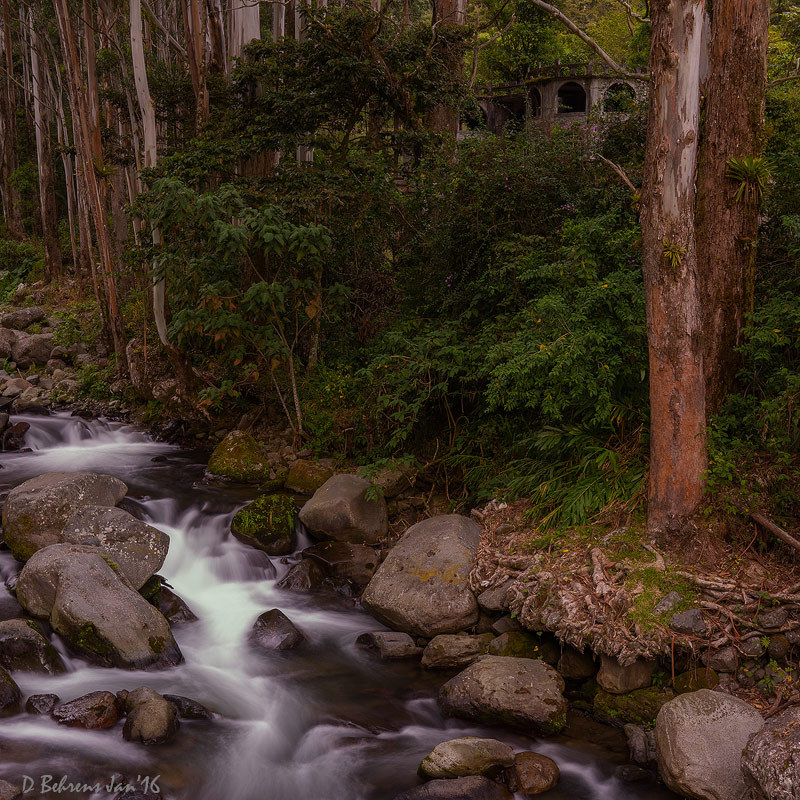
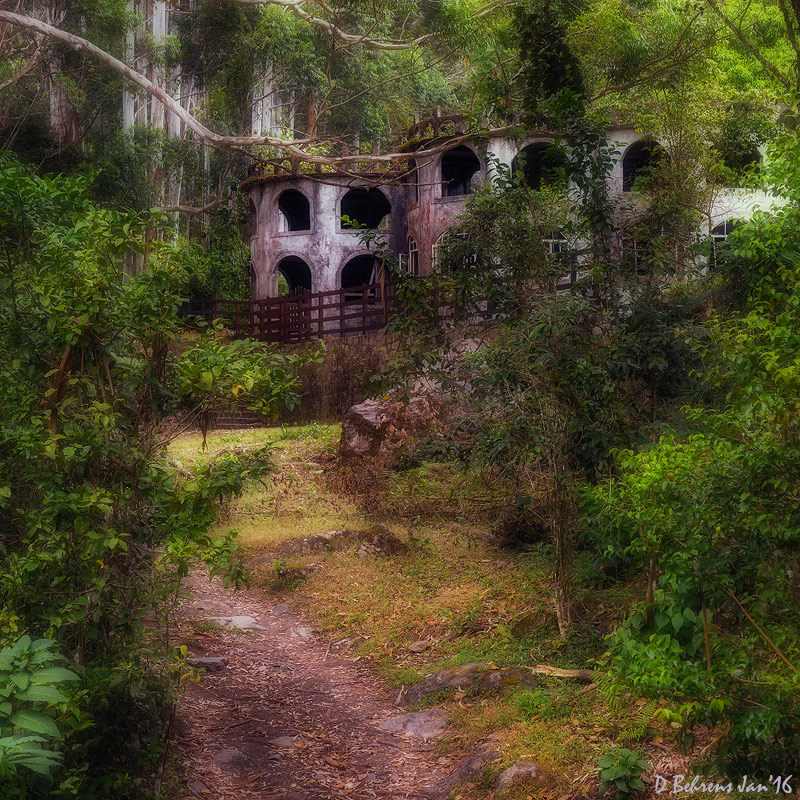
This castle was built 45 years ago along the Caldera River (Boquete, Panama) by a wealthy landowner for his wife and family. During the construction of the castle the landowner died of a sudden heart attack and the Castle was never completed, nor inhabited.