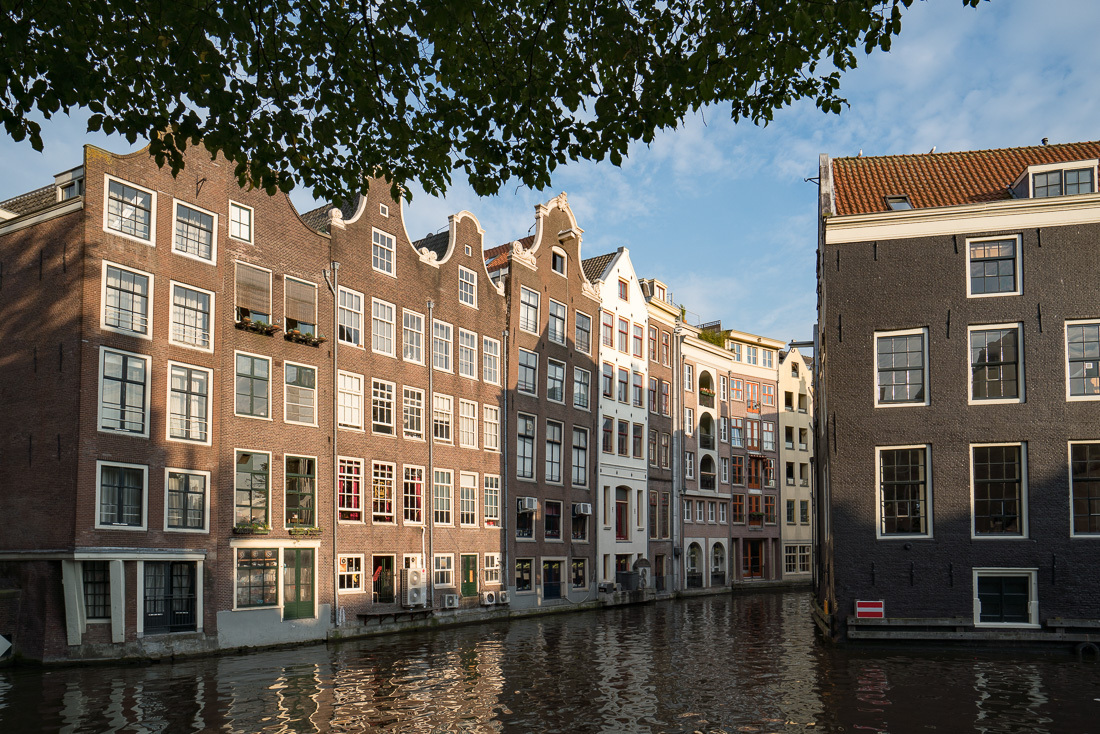
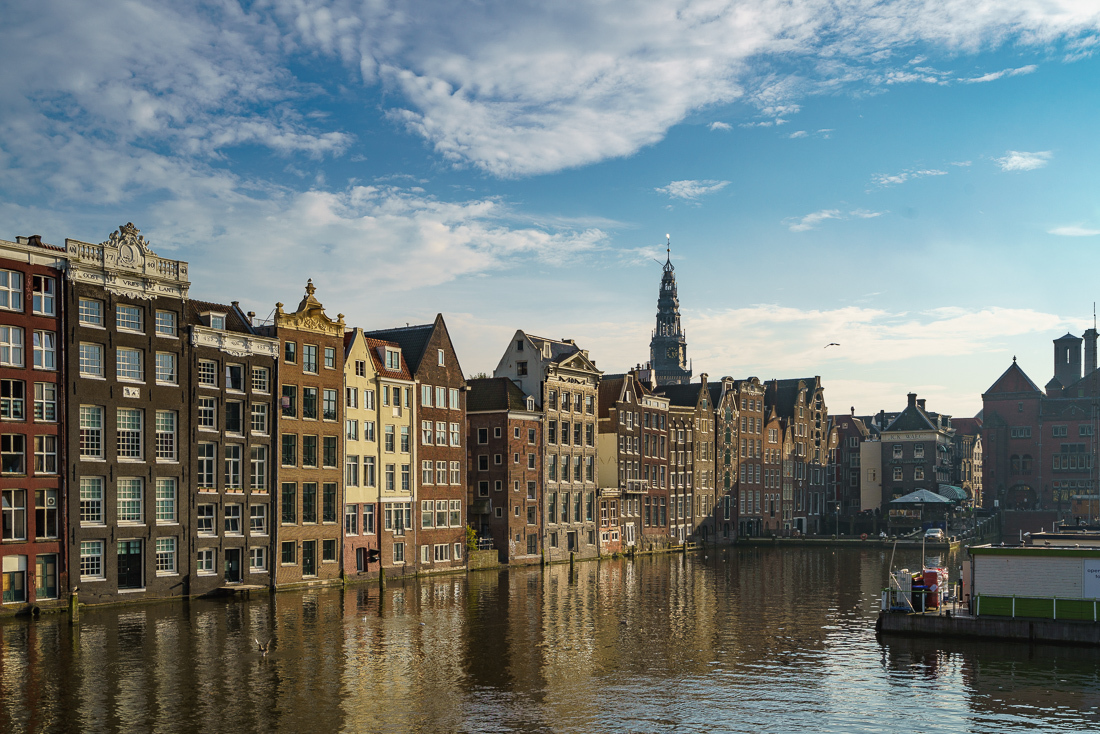
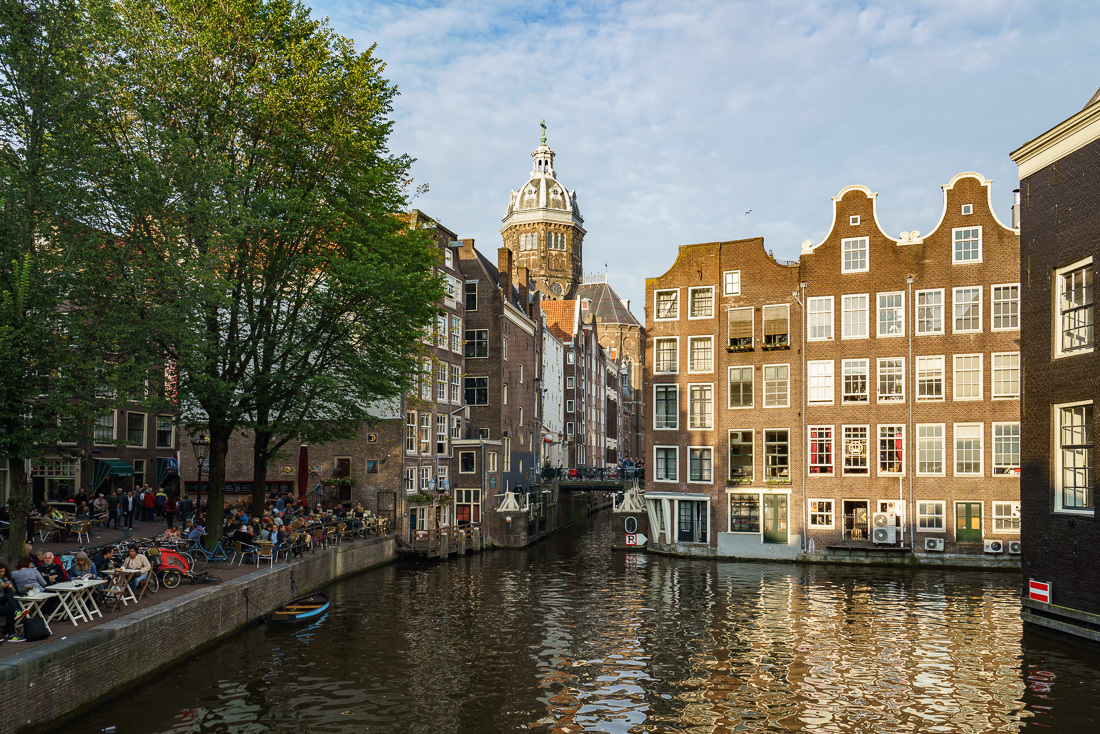
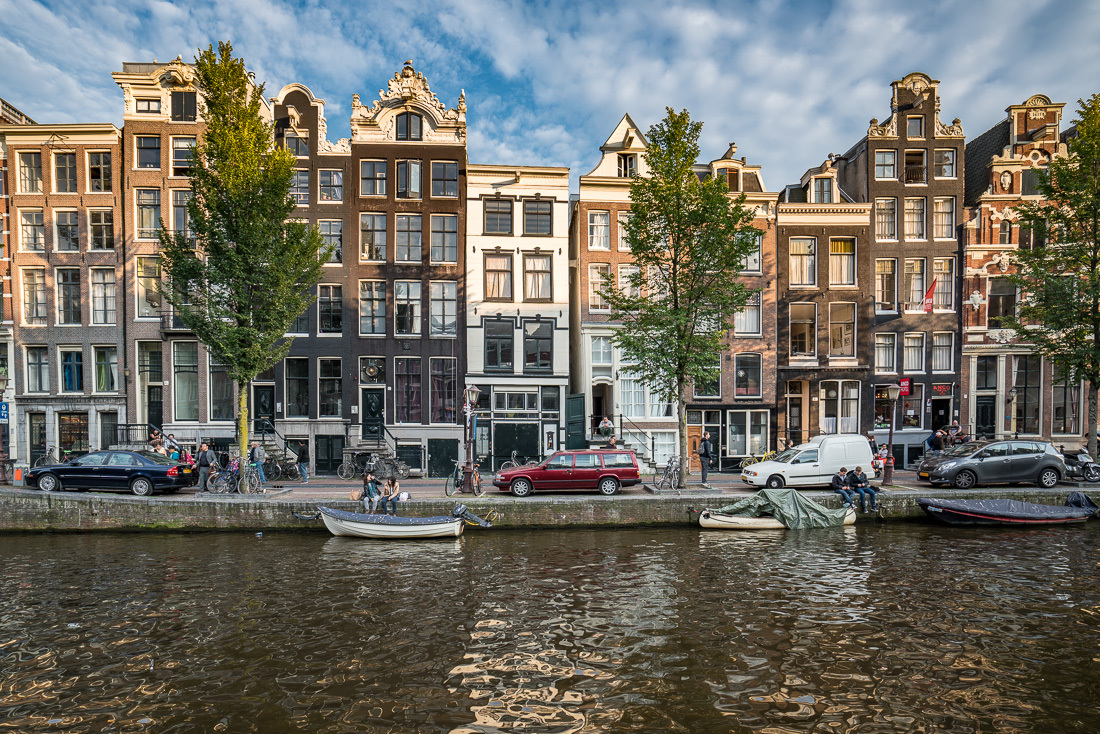
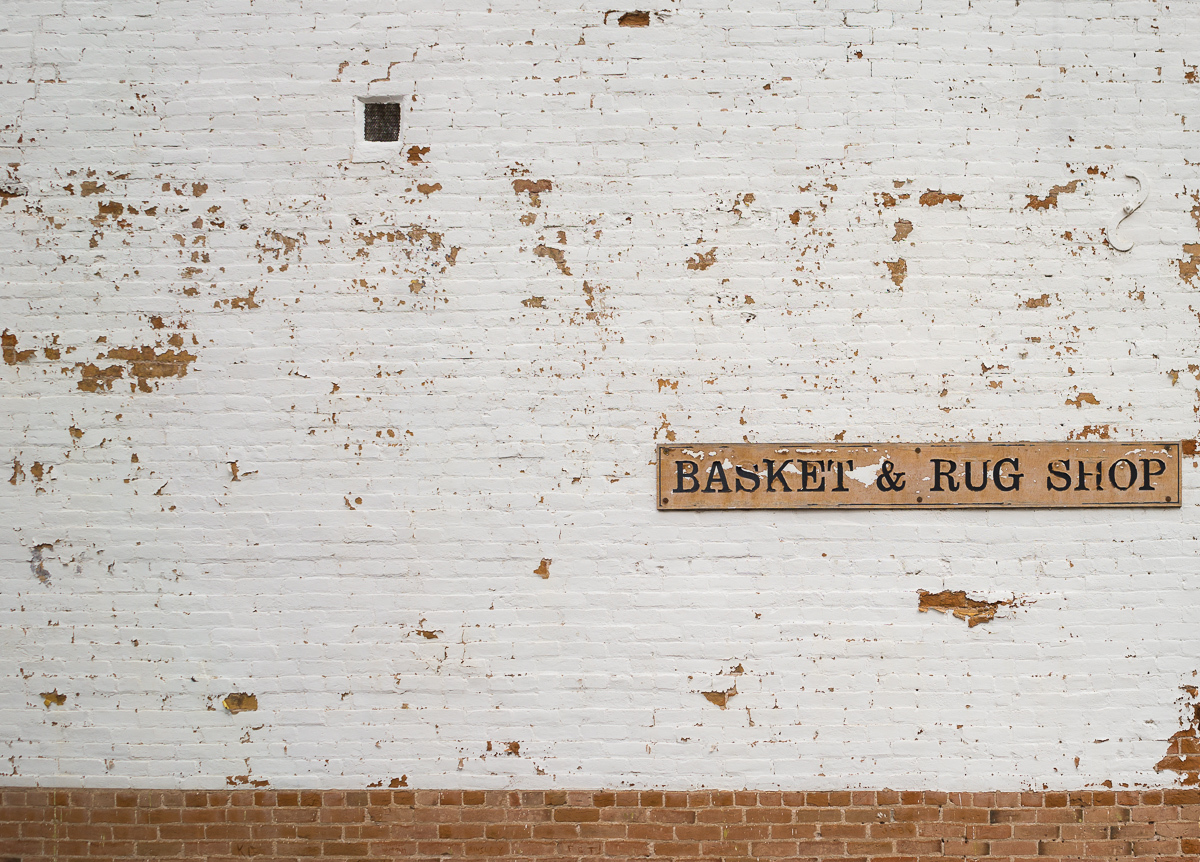
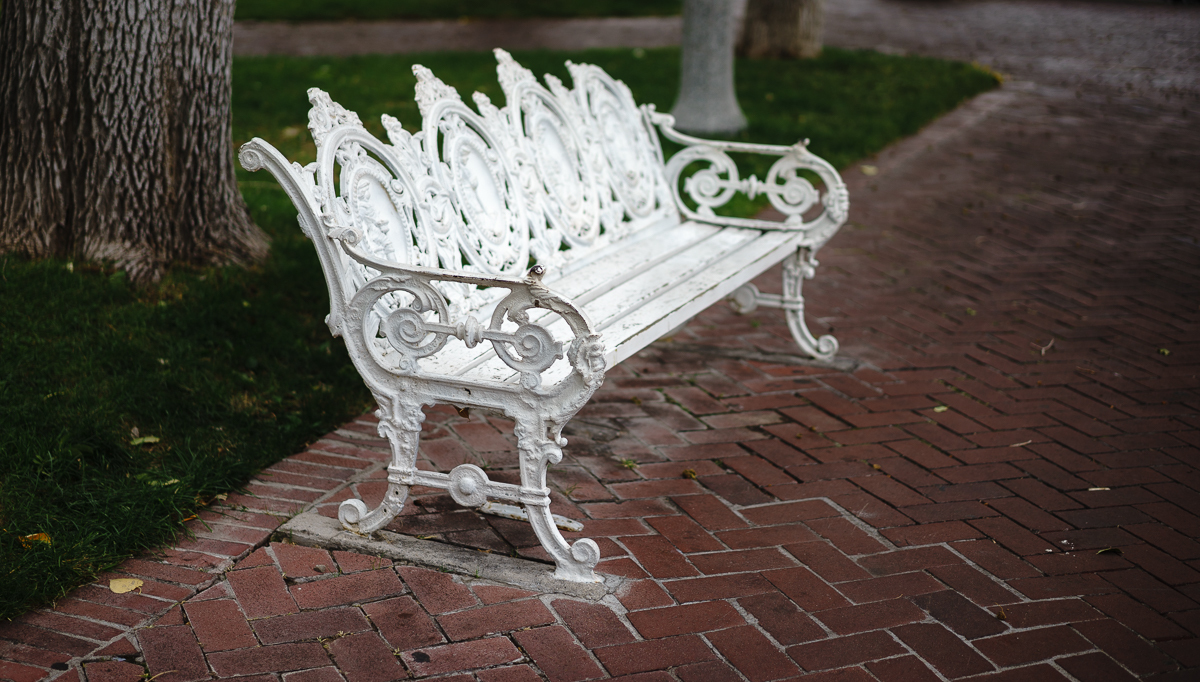
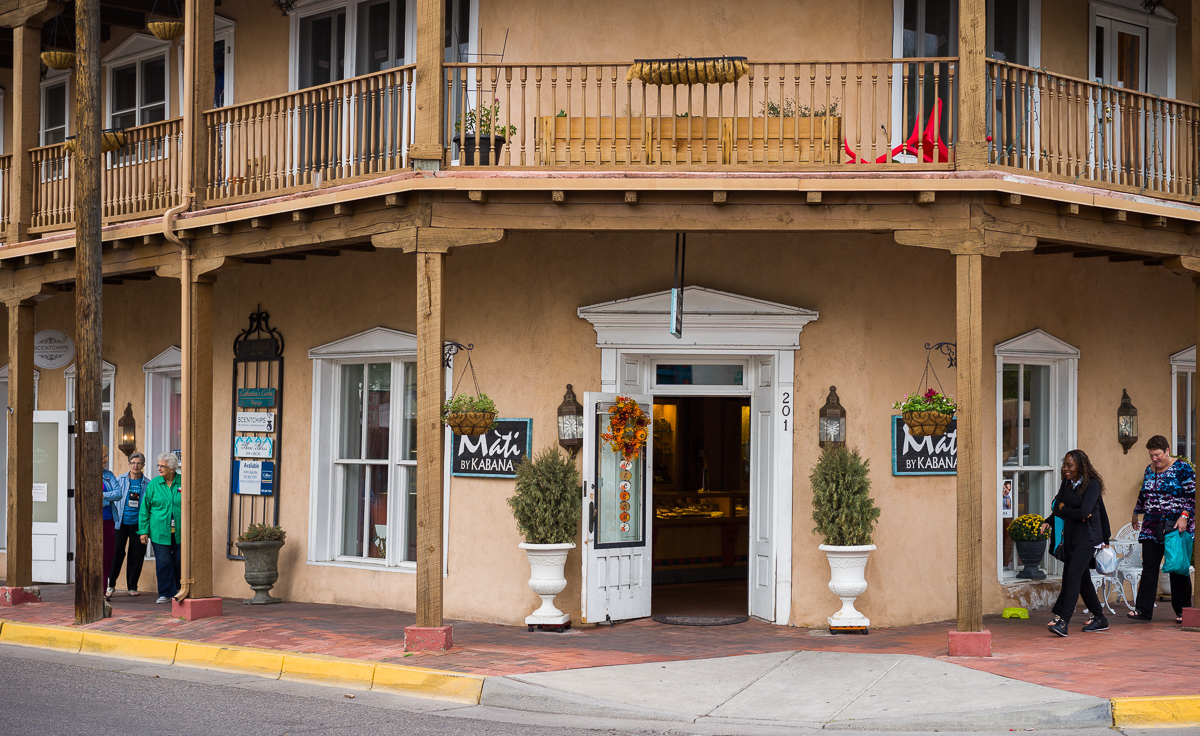
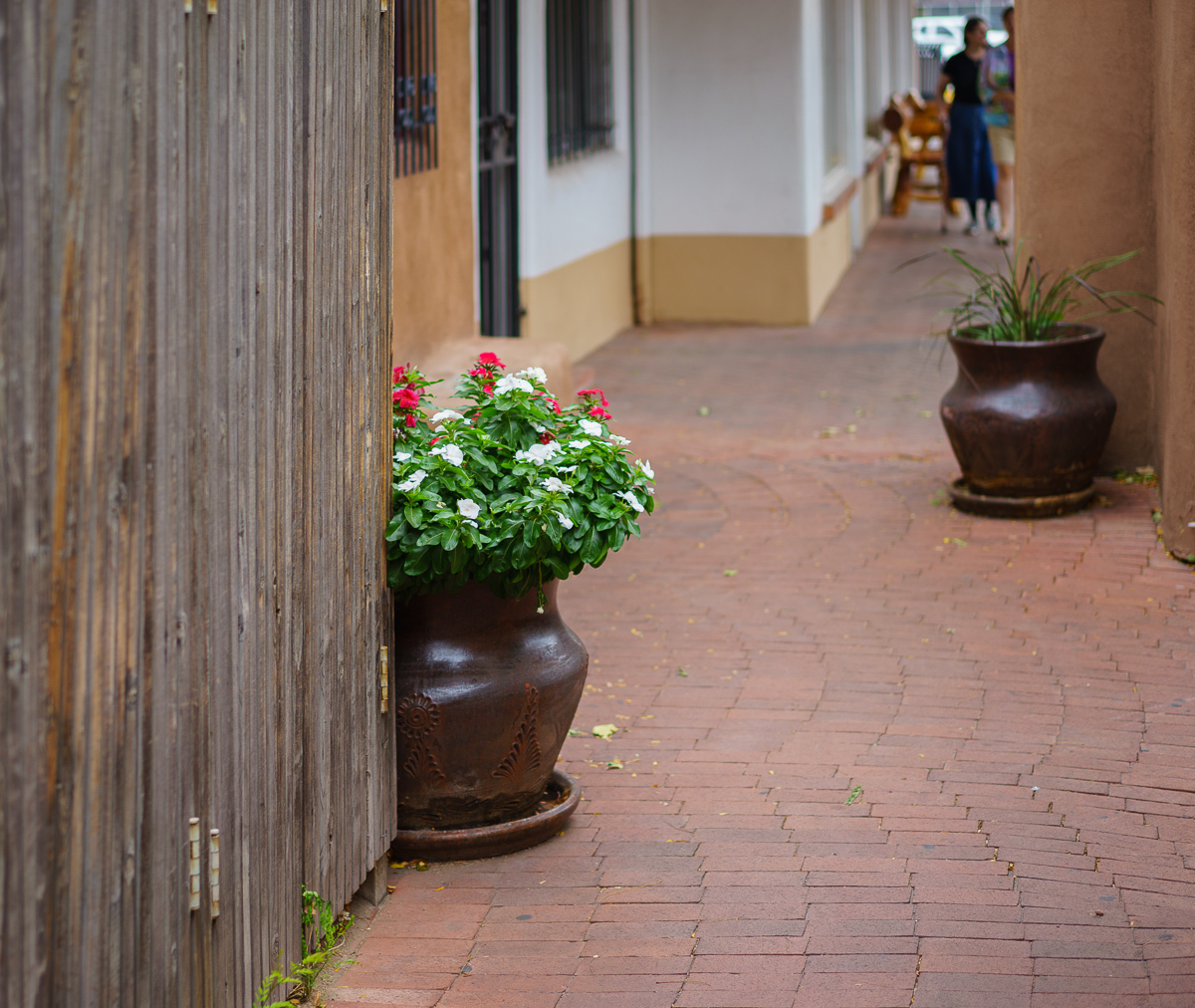
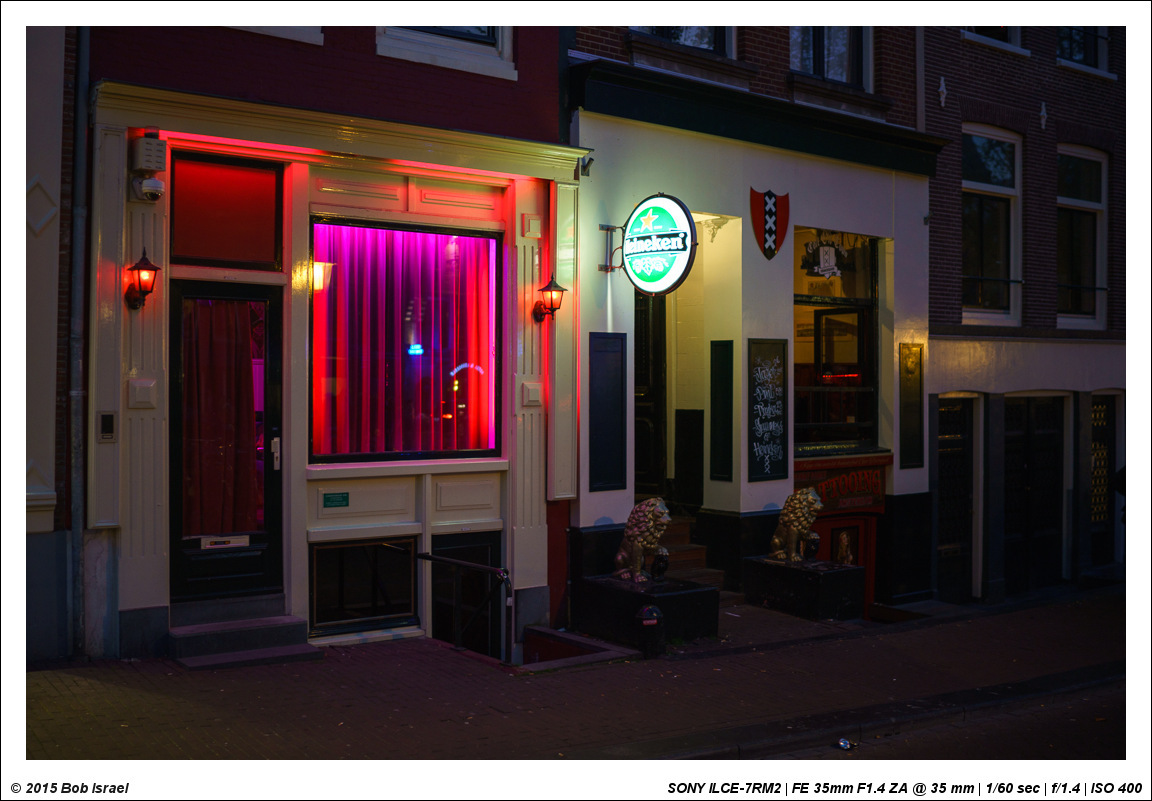
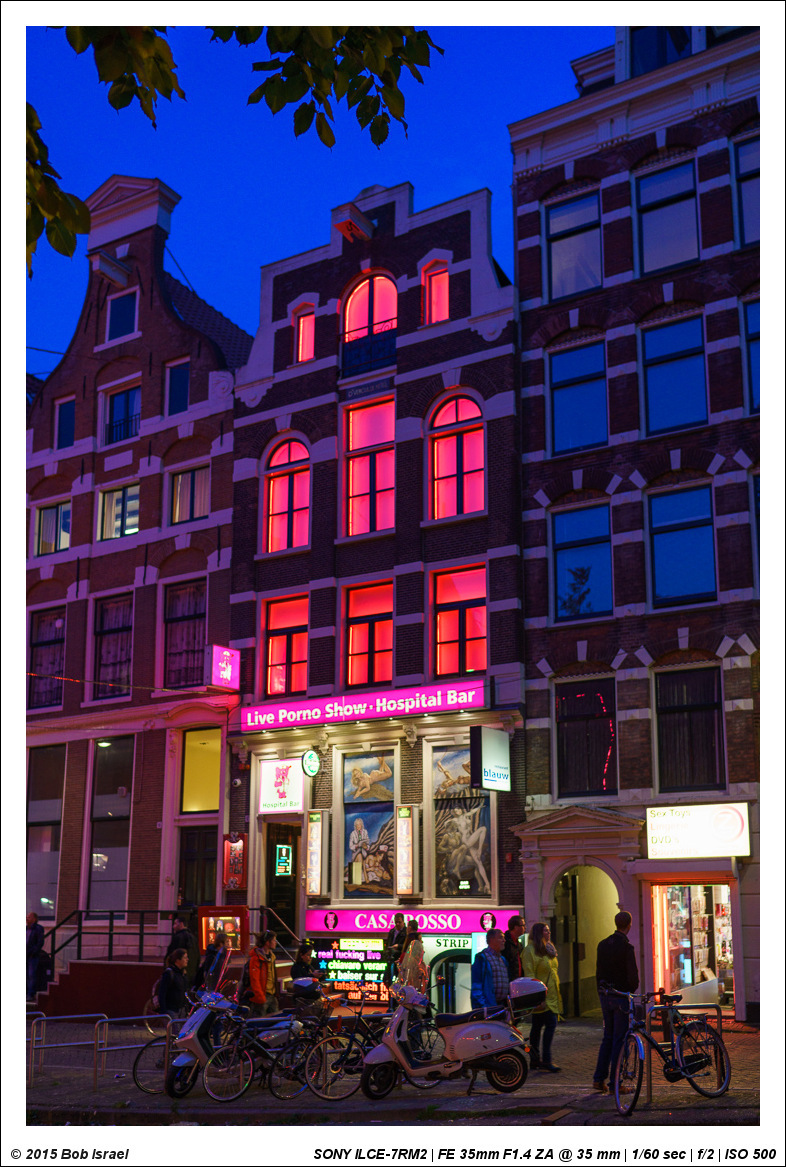
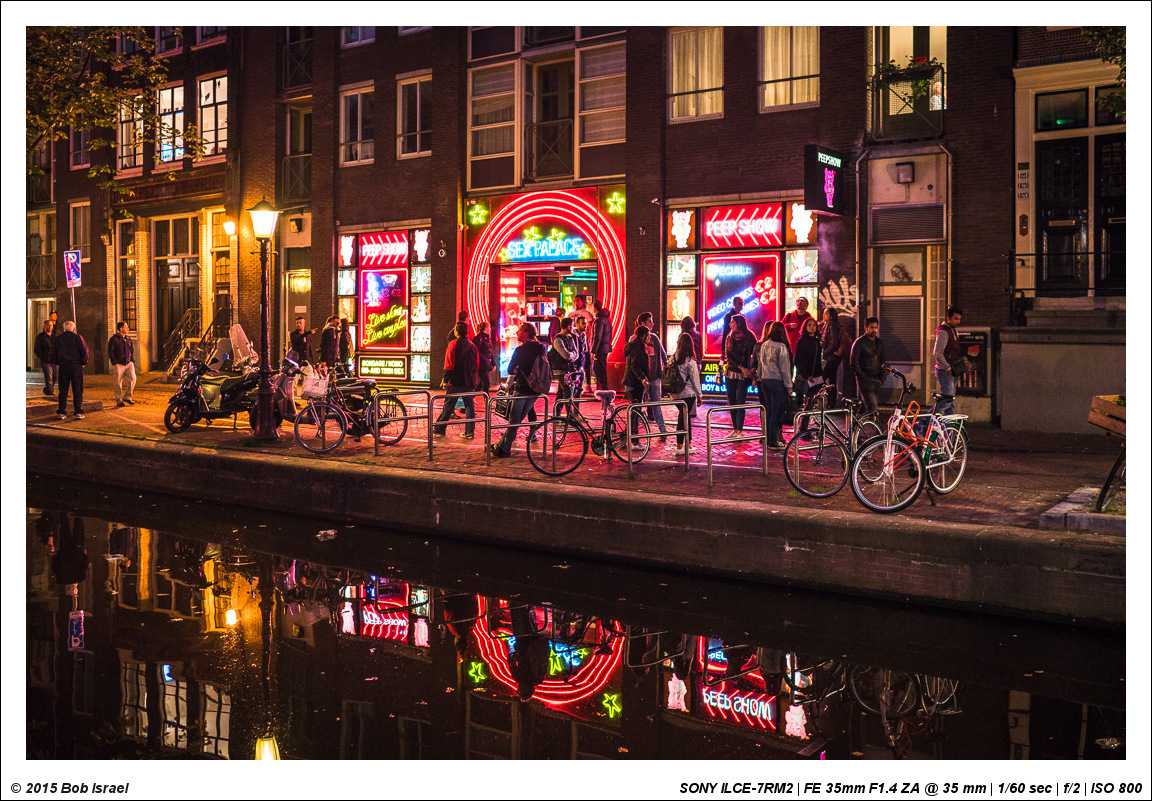
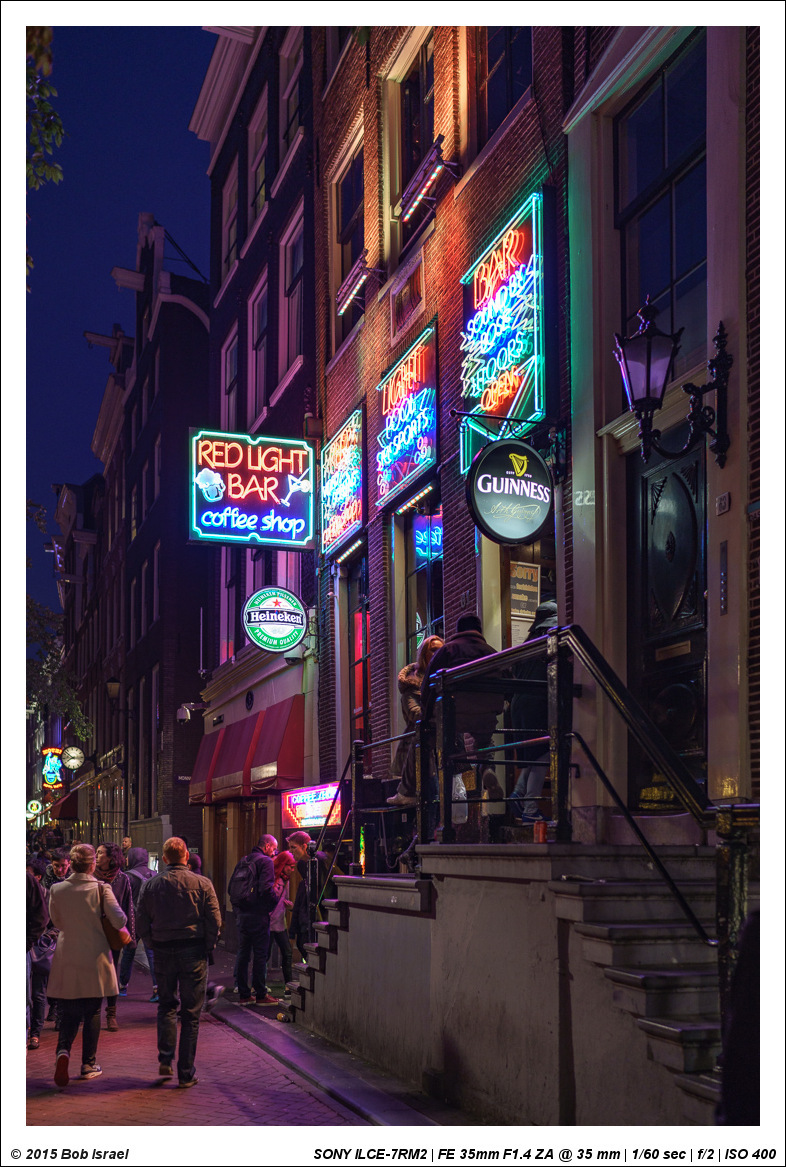
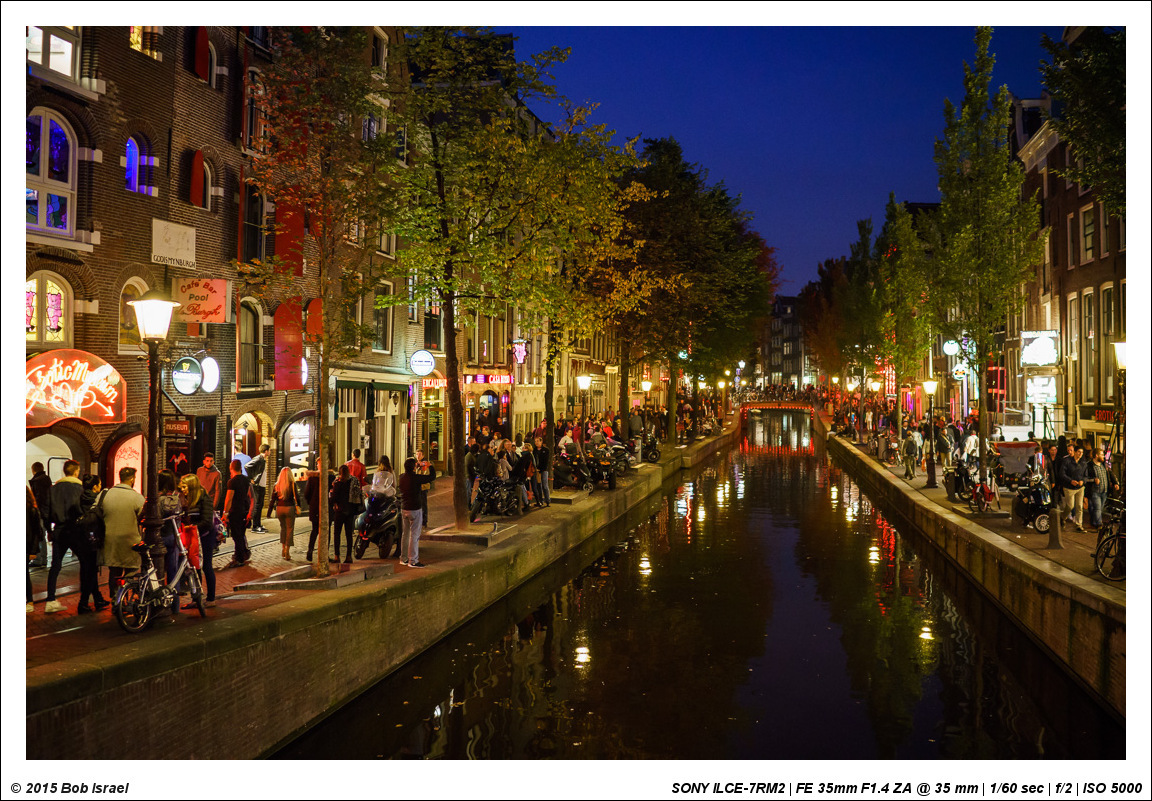
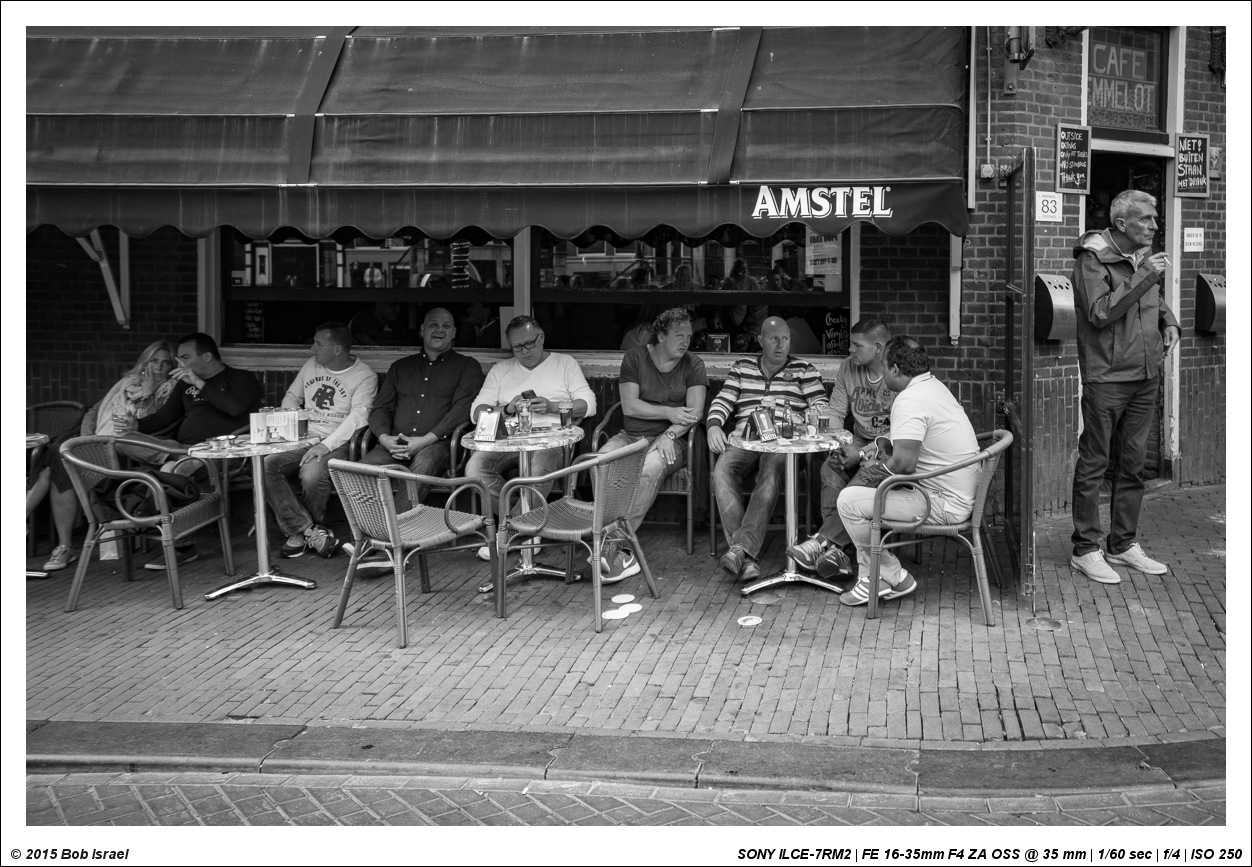
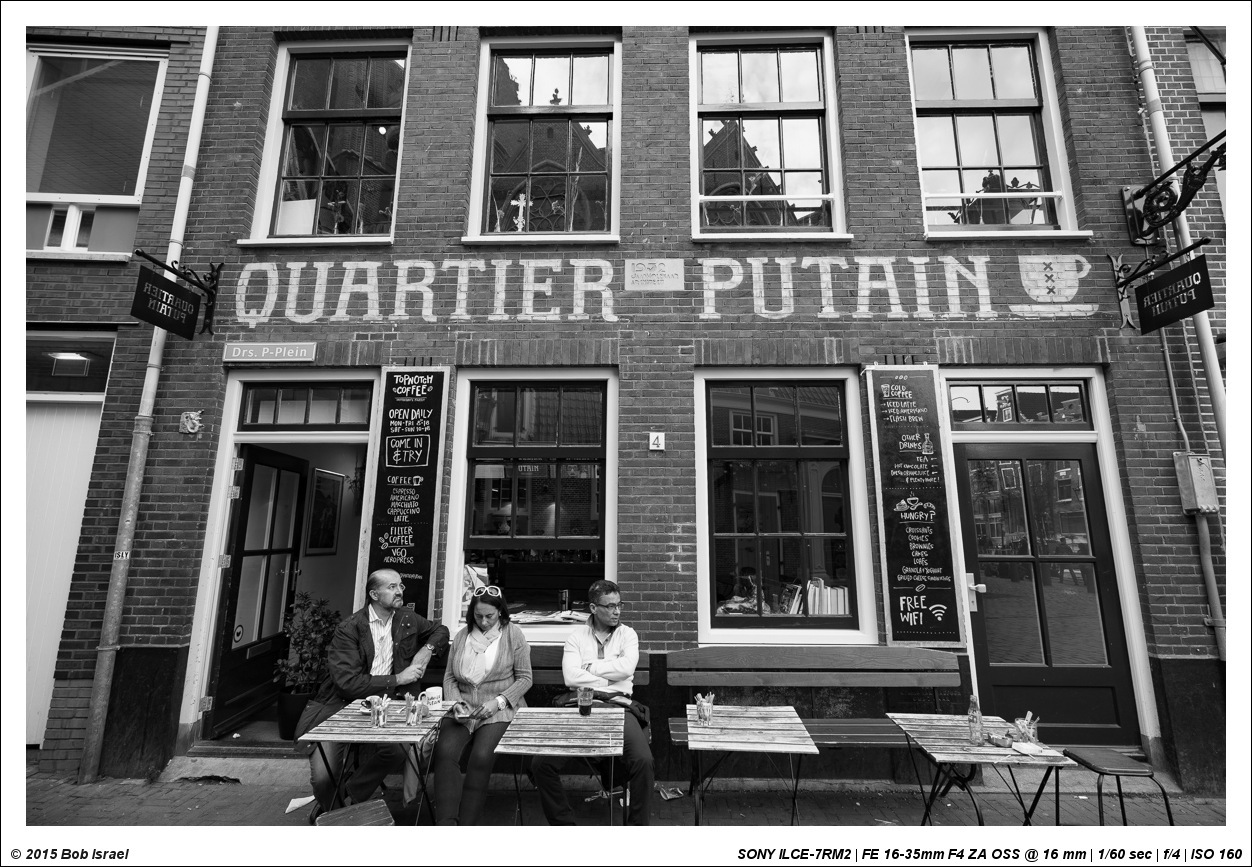
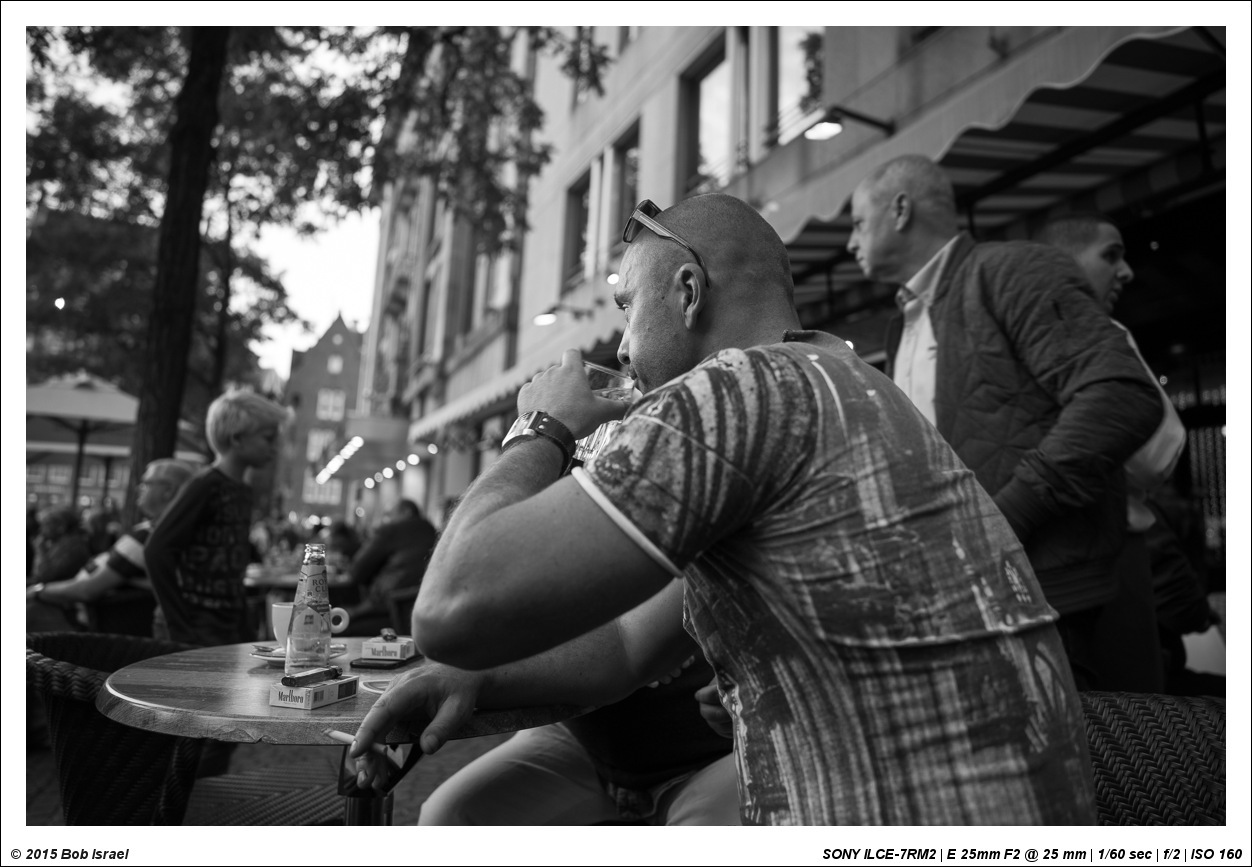
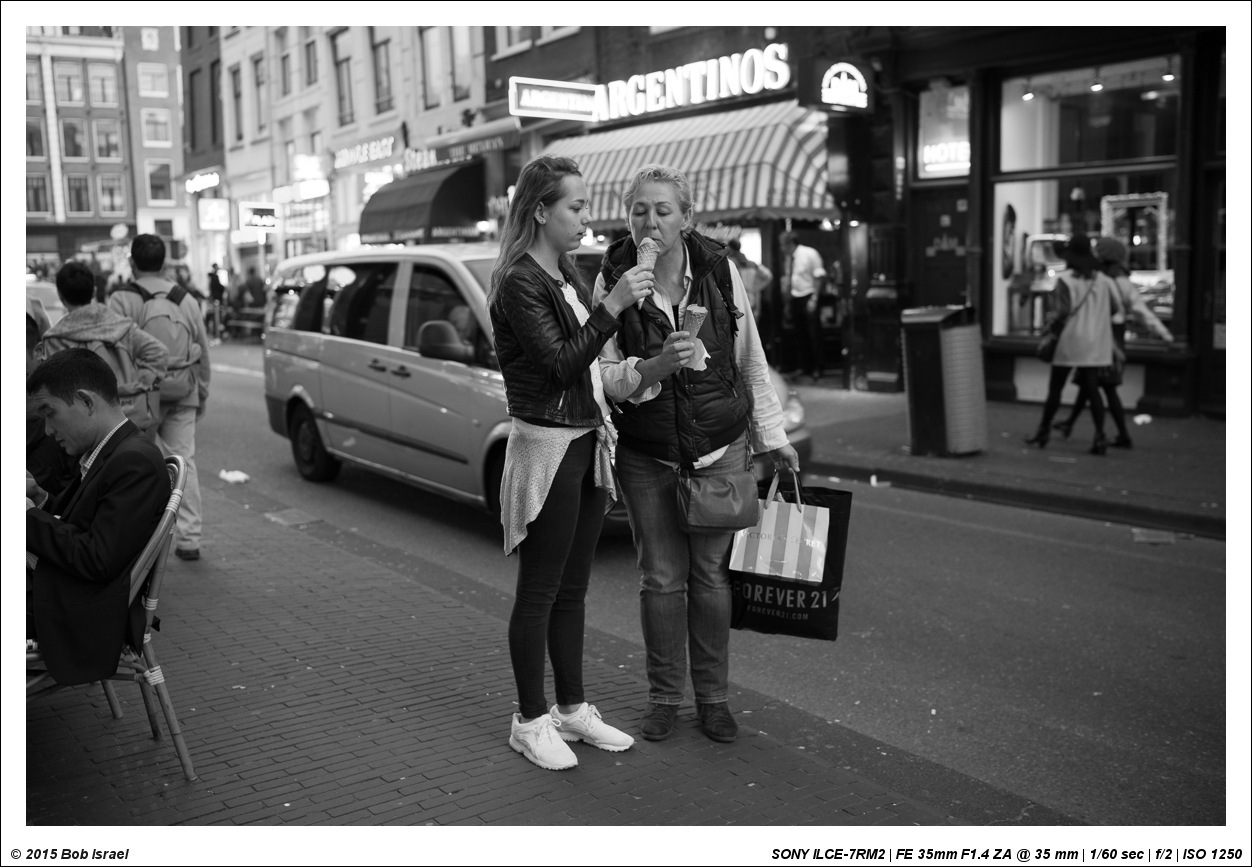
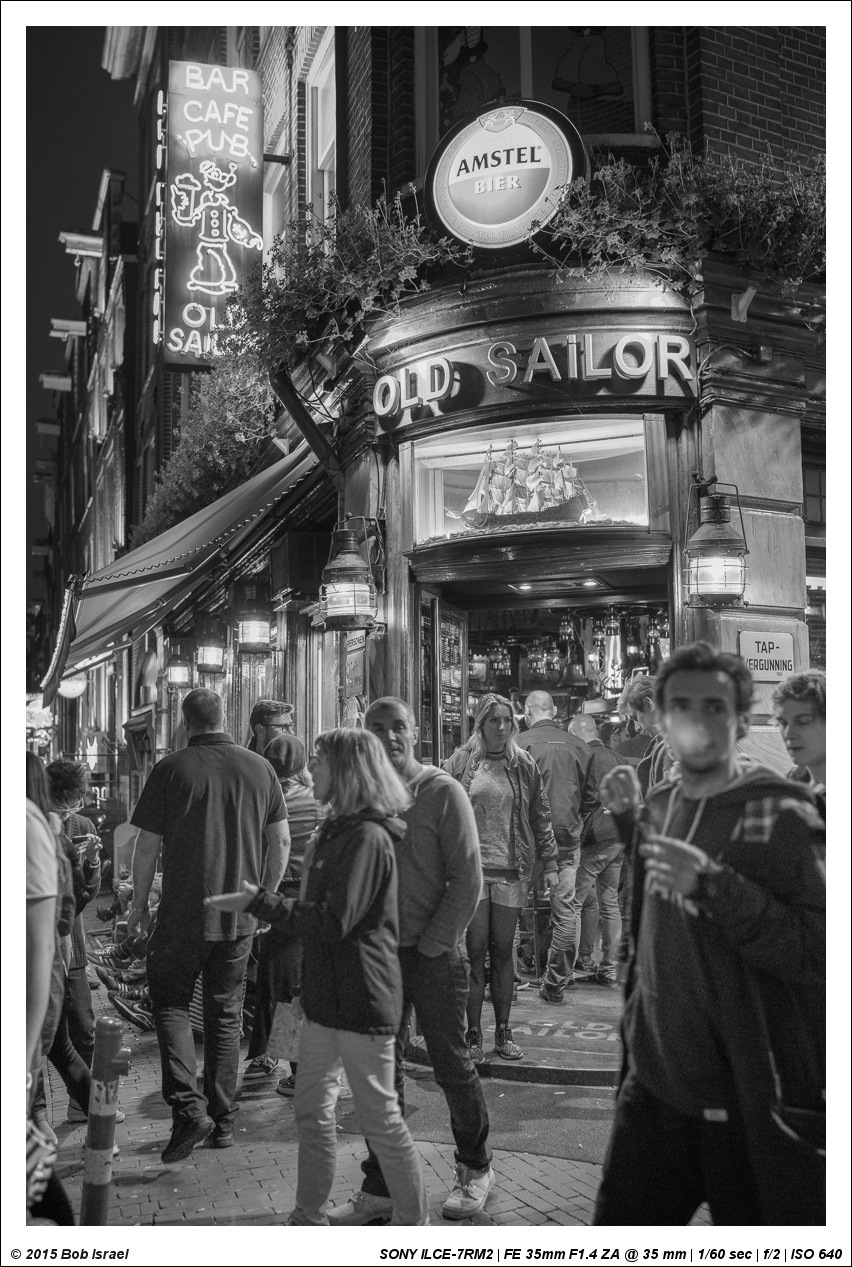
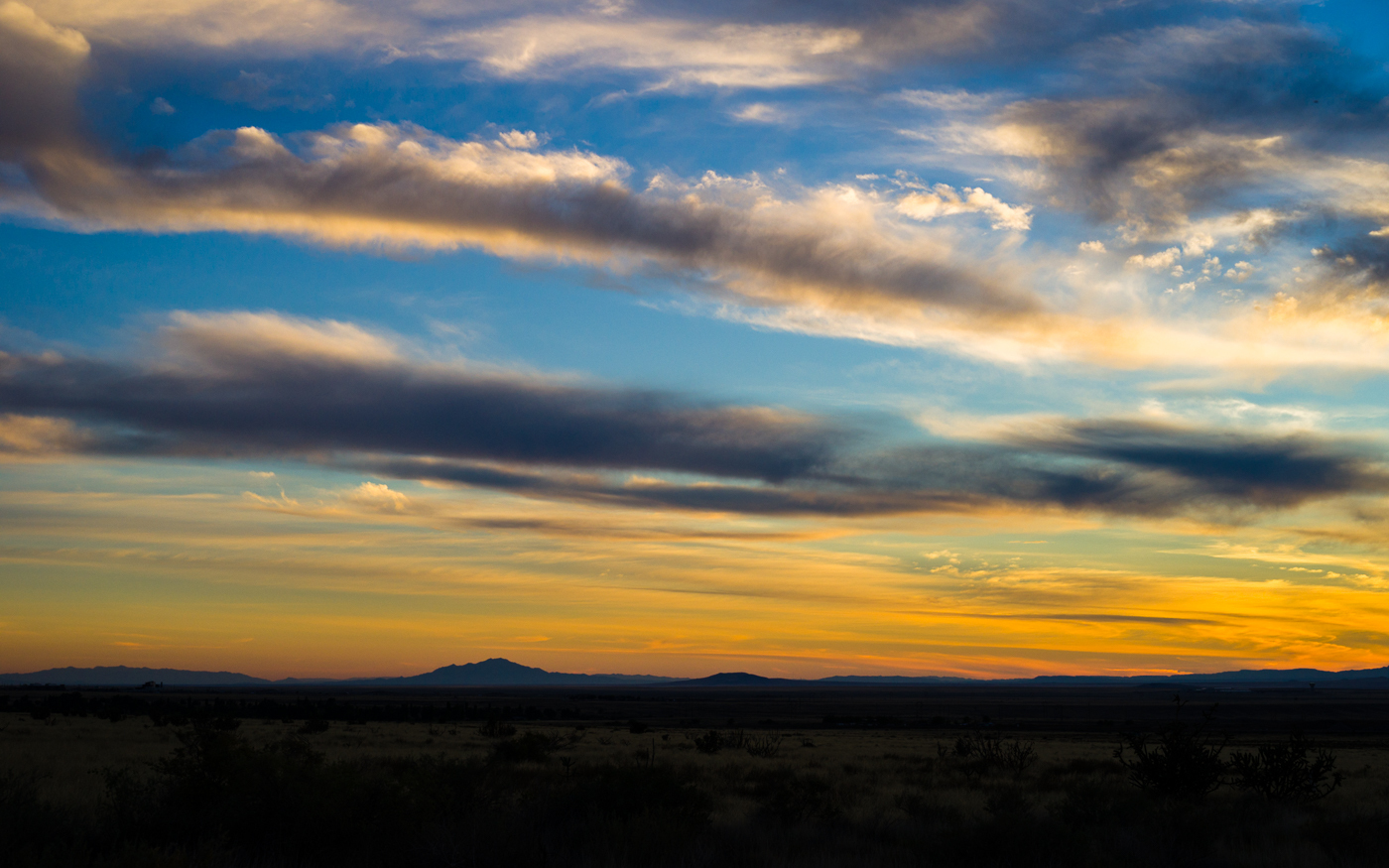
BTW - How do the images in my post above look to folks here with regard to sharpness? On my Retina display, these images are bitingly sharp but in this forum, they appear a bit muddy to my eye. I admit, all I do is use Lightroom to export the images to a 1100x1100px at 72dpi with a maximum file size of 750kb. I've been posting here via this method for a long time. How do these appear to you? Thoughts, suggestions much appreciated.
rji2goleez wrote:
BTW - How do the images in my post above look to folks here with regard to sharpness? On my Retina display, these images are bitingly sharp but in this forum, they appear a bit muddy to my eye. I admit, all I do is use Lightroom to export the images to a 1100x1100px at 72dpi with a maximum file size of 750kb. I've been posting here via this method for a long time. How do these appear to you? Thoughts, suggestions much appreciated.
Bob
They look beautifully sharp on my display, Bob - a 1080 * 1920 Dell monitor - nice shots!
John
rji2goleez wrote:
BTW - How do the images in my post above look to folks here with regard to sharpness? On my Retina display, these images are bitingly sharp but in this forum, they appear a bit muddy to my eye. I admit, all I do is use Lightroom to export the images to a 1100x1100px at 72dpi with a maximum file size of 750kb. I've been posting here via this method for a long time. How do these appear to you? Thoughts, suggestions much appreciated.
Bob
Just fine, Bob. Thanks for your always great contribution to the forum! Much inspiring!!
gocolts wrote:
I was in Vancouver for a conference back in July. I believe I posted one pic after I got back that I took. Anyways, the wildfires had things hazy, but it made for some interesting shots I guess. Here's another I took...single shot, I'm still surprised of the detail considering the silly amount I cropped it. Was more for fun just to see what a 36mp sensor could handle. Detail is obviously a lot better if you click on the link.
Right, we had some thick smoke from fires in northern BC around that time. Nice capture of False Creek; one of my fav areas to shoot.
Tim: Great waterfall shot on the previous page. I was looking forward to seeing one of those again from you come fall season.
Bob: Those are excellent shots from inside the cathedral. I particularly like the mood and lightning of No.4
Werner: As always, every shot very impressive, the bokeh in the Green and Red No.1 shot is wonderful.
Ronny: I'm always impressed by your work, but those icicles on these beach complete with this otherworldly lightning are my absolute favorites.
ebookman: Beautiful images from Byrce. I particularly like the harsh contrast between light and shadow.
I tried something similar by emphasizing the contrast between light and shadow, but I'm not sure whether I did a good job. This was taken with the a7rii and the good old Minolta 200 APO.
This too was taken with the a7rii and the Minolta 200 APO.
rji2goleez wrote:
BTW - How do the images in my post above look to folks here with regard to sharpness? On my Retina display, these images are bitingly sharp but in this forum, they appear a bit muddy to my eye. I admit, all I do is use Lightroom to export the images to a 1100x1100px at 72dpi with a maximum file size of 750kb. I've been posting here via this method for a long time. How do these appear to you? Thoughts, suggestions much appreciated.
Bob
Retina is a double-edged sword. Depending on your resolution, etc. it can really make a photo appear amazing, or it can rescale photos and make them look worse than they really are (for you).
As long as you maintain your output resolution, your photos will look fine to most people (they look great on my 1920x1200 Dell).
Couple of tips I use:
When I edit on my 15" MBPr, I actually use the app SwitchResX to get to native 2880x1800 resolution on the monitor when in Lightroom. That way, I get a clear 1:1 pixel representation of the image (controls are tiny at this resolution, but the 1:1 pixel mapping means I'm actually seeing the real image).
When viewing FM, though, I'm usually using the "1920" equivalent resolution, which is a strange scaled resolution with regards to many web images.
To counter this, I CMD "-" to zoom out two levels in Safari -- everything of course gets a little smaller, but that downrez counters the scaling going on with the 1920 resolution and images look great (I also use this trick in the 1440 mode)
Some images from me "one-handing" it while walking -- not easy!
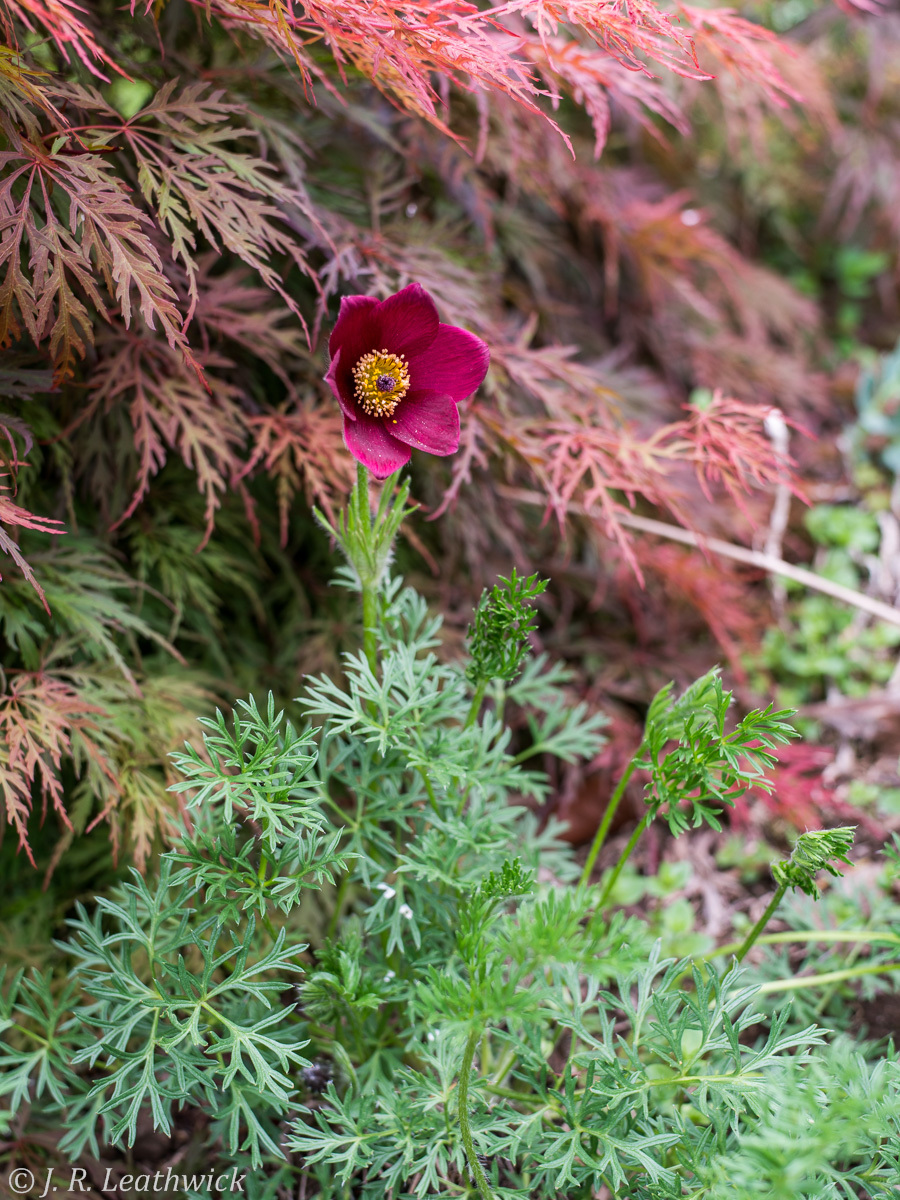
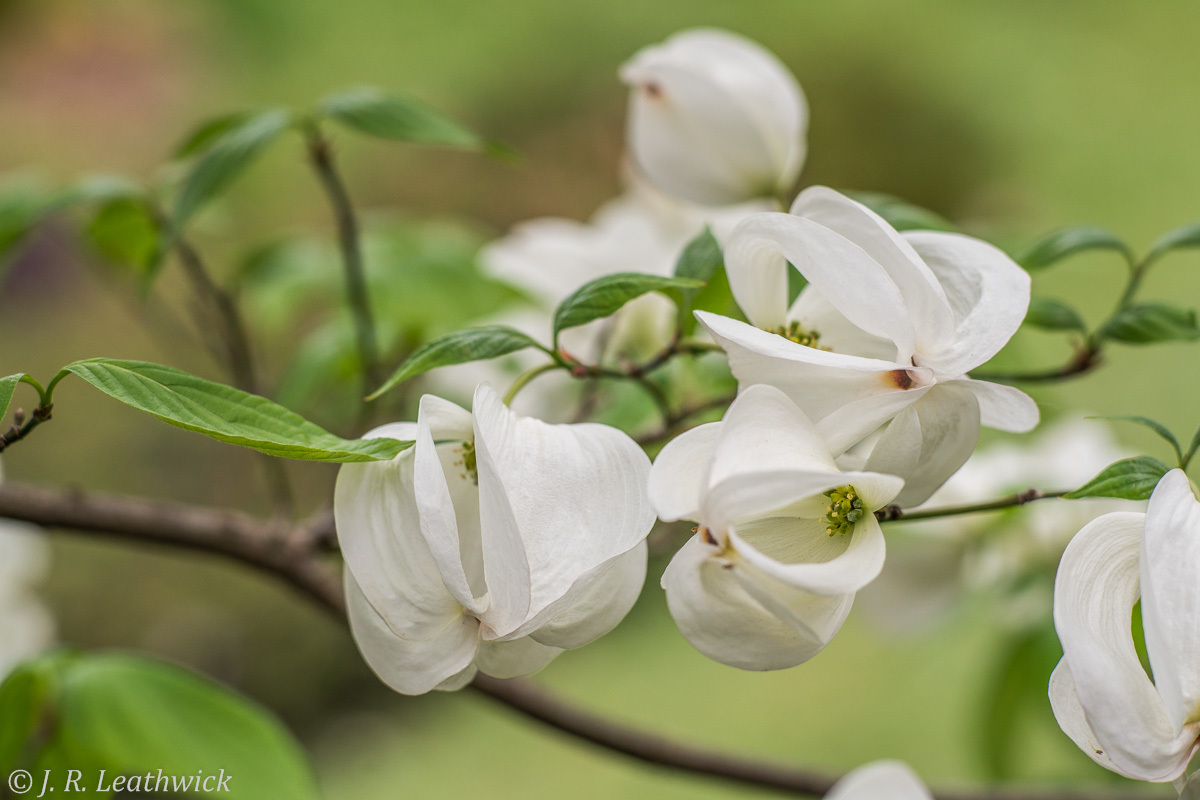
Two spring garden shots from the southern hemisphere. I'm really enjoying the A7RII's much better performance for closeup than the A7R, now pensioned off to a friend. First is with the new Ultron 35 at minimum focus distance, and the second is my FD 100 F/2 on a 15mm extension tube