Elijah wrote:
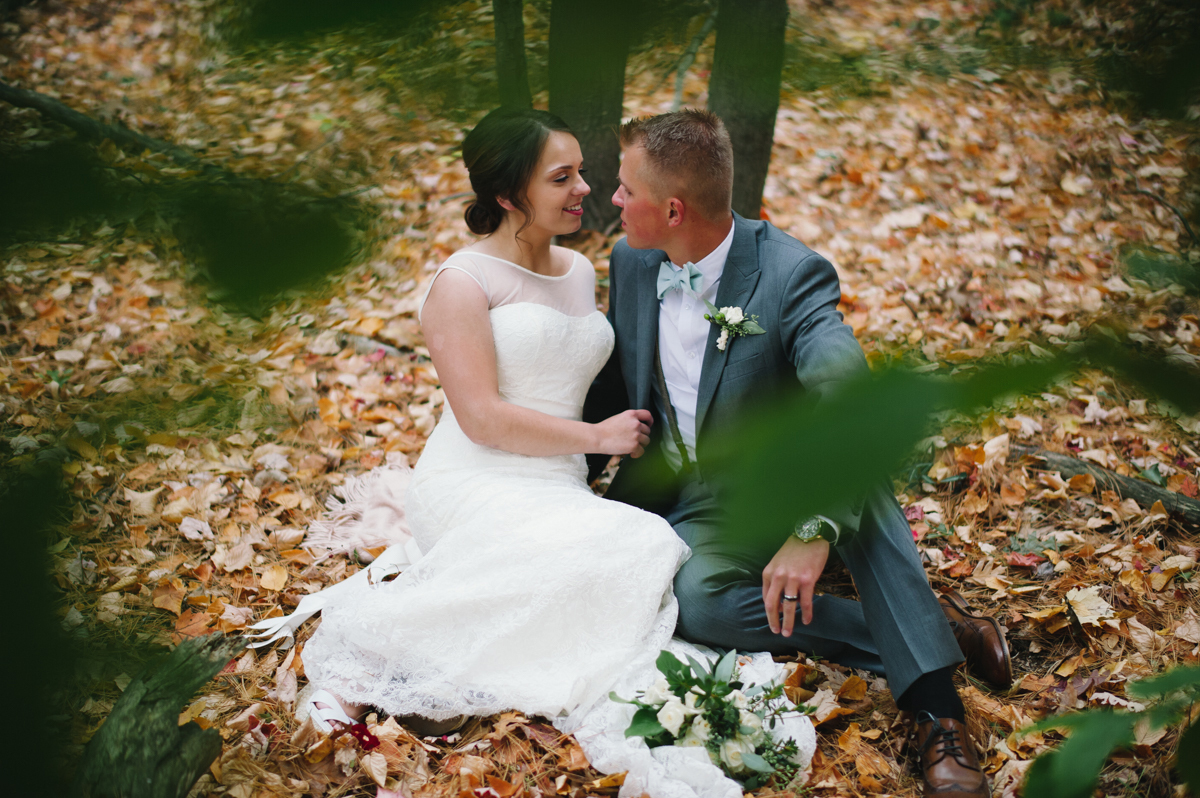
Do any of you have retina displays? here's a wedding I thought would be ideal for me to prove to you guys that my 58G aint soft. This wedding blog post has 70-80% of the shots taken with a 58G.
hijazist wrote:
Those are gorgeous Elijah! I really like the clean processing, you started with Portra?
Thanks Hussein. My processing consists of a clean slightly modified Film 01 N - Fuji 160+
---------------------------------------------
Jason_Brook wrote:
Um yeah, those are much sharper than what you post here and you've posted some of those here.
Yup... Nobody listens to me. I've said this a bunch of times before, I export at 1.2k pixels for FM and 2k for blog post, which is optimized for retinas.
This is why I normally do not listen to anyone who criticizes (and hates) the 58G. I know it's an amazing lens and sharp enough for my needs. It becomes more and more of a focal length for me than anything else. I've always wanted something that's in between 50 and 85.
Elijah wrote:
Do any of you have retina displays? here's a wedding I thought would be ideal for me to prove to you guys that my 58G aint soft. This wedding blog post has 70-80% of the shots taken with a 58G.
Elijah wrote:
Thanks Hussein. My processing consists of a clean slightly modified Film 01 N - Fuji 160+
---------------------------------------------
Yup... Nobody listens to me. I've said this a bunch of times before, I export at 1.2k pixels for FM and 2k for blog post, which is optimized for retinas.
This is why I normally do not listen to anyone who criticizes (and hates) the 58G. I know it's an amazing lens and sharp enough for my needs. It becomes more and more of a focal length for me than anything else. I've always wanted something that's in between 50 and 85.
Visible difference in sharpness between your images here and on blog might come from resolution you are uploading them. Here they are at 300 pixels / inch while on your blog they are 72.
Another difference might come from the way this site processes uploaded images. Some websites do not touch images at all, some tend to reduce / process images which exceed recommended resolution or size.
Facebook for example does that. Trick is to upload images in PNG format which Facebook does not touch Don't know how exactly it works here.
Image on page 155-156 (guy with colourful socks) has 300 pixels / inch resolution.
Image from your blog with 'reception' text has 72 pixels /inch. Im too lazy to go through all of them but i think they are all like that.
Try to upload here any other image 1200px wide (exactly like you always do) and then open the very same image in PS, from top menu select IMAGE/IMAGE SIZE
-in option for resolution you should see 300, change it to 72
-in options for width change it back to 1200px (make sure you have CONSTRAIN PROPORTION CHECKED)
save image and upload it again.
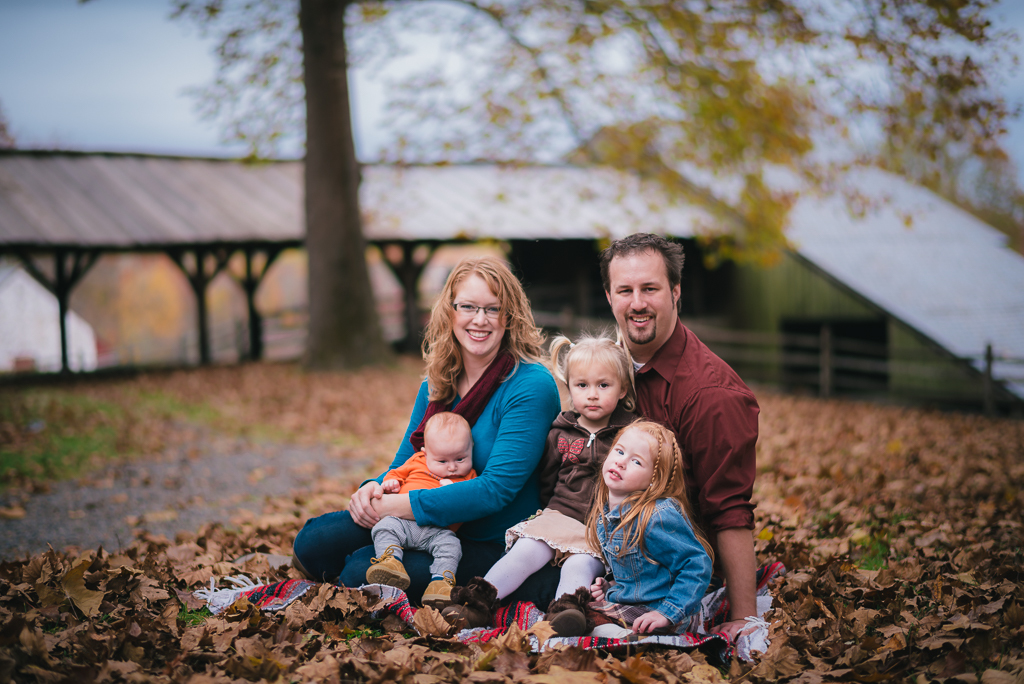
This is the second year in a row doing a photo-swap with this family. Our styles couldn't be more different; he's posed and strobed. I'm more of the let the client do whatever the hell they want and I'll snap when it gets good. I warned him everything from the 58 would be wide open
I used to shoot that way on family sessions, wide open. eventually I had to suck it up and stop down. now everyone's faces are in focus (people like that).
Good idea to swap services. I wish you were closer, I bet I'm on the opposite side of PA.
milkod2001 wrote:
Image on page 155-156 (guy with colourful socks) has 300 pixels / inch resolution.
Image from your blog with 'reception' text has 72 pixels /inch. Im too lazy to go through all of them but i think they are all like that.
Try to upload here any other image 1200px wide (exactly like you always do) and then open the very same image in PS, from top menu select IMAGE/IMAGE SIZE
-in option for resolution you should see 300, change it to 72
-in options for width change it back to 1200px (make sure you have CONSTRAIN PROPORTION CHECKED)
save image and upload it again.
I thought when you resize to pixels, DPI doesn't matter. DPI comes into play when you are resizing for print. If you select a 11x14 you can select a 300dpi or 72 dpi or 150dpi depending on your image/print medium.
If you size in image to 1400 pixels it will show on your web browser at a size that is dependant on your screen's dpi. A lower resolution screen and your image will look larger. A higher resolution screen, your image will look smaller.
I use blog stomp to resize my images. for blogs i use 960px on the long end and for flicker and facebook I use 2048. when blogstomp resizes them I remove the sharpening option and it automatically formats to 72 DPI down from my native 300 DPI i use in Photoshop on the originals.
I have always had pretty crispy images when posting the 2048px 72 dpi images from flicker on here.
Hardcore wrote:
I thought when you resize to pixels, DPI doesn't matter. DPI comes into play when you are resizing for print. If you select a 11x14 you can select a 300dpi or 72 dpi or 150dpi depending on your image/print medium.
If you size in image to 1400 pixels it will show on your web browser at a size that is dependant on your screen's dpi. A lower resolution screen and your image will look larger. A higher resolution screen, your image will look smaller.
Yes, you are right.
For most websites DPI or better PPI does not matter. The same image 1400 pixels wide will display the very same way no matter what PPI it has(72, 150 or 300). It will obviously display bigger /smaller depending on native resolution of your screen.
What makes a difference is the way some websites process uploaded images . When you try to upload image some websites will check if your image does not exceeds recommendations / limits. If it does, website will not upload image or it will down-sample it first.This is were difference in quality(sharpness) comes from. The reasons behind this are: storage cost and bandwidth performance.
Example: you want to upload 1400px @300ppi image on website. System will check if it fits its pre-set limits. If it thinks your 300ppi image might take too much of storage, it will down sample it. It will also rename file(most of times) so it is no longer 'UncleJack.jpg' but some 1323524523413.jpg. It happens quickly without you even knowing about that.Nothing wrong with that though, it's standard procedure.
|magine someone would want to upload 30 full sized JPGs(over 10 mb each) from holiday in Italy. Add a few thousands users like that and you will end up with super slow website and will pay a fortune for storage.
For the best results I'd recommend to simply use 72 or 96 ppi images.
milkod2001 wrote:
Yes, you are right.
For most websites DPI or better PPI does not matter. The same image 1400 pixels wide will display the very same way no matter what PPI it has(72, 150 or 300). It will obviously display bigger /smaller depending on native resolution of your screen.
What makes a difference is the way some websites process uploaded images . When you try to upload image some websites will check if your image does not exceeds recommendations / limits. If it does, website will not upload image or it will down-sample it first.This is were difference in quality(sharpness) comes from. The reasons behind this are: storage cost and bandwidth performance.
Example: you want to upload 1400px @300ppi image on website. System will check if it fits its pre-set limits. If it thinks your 300ppi image might take too much of storage, it will down sample it. It will also rename file(most of times) so it is no longer 'UncleJack.jpg' but some 1323524523413.jpg. It happens quickly without you even knowing about that.Nothing wrong with that though, it's standard procedure.
|magine someone would want to upload 30 full sized JPGs(over 10 mb each) from holiday in Italy. Add a few thousands users like that and you will end up with super slow website and will pay a fortune for storage.
For the best results I'd recommend to simply use 72 or 96 ppi images....Show more →
I understand that Fred miranda and some other sites resample the images if they are too large. That is why if you don't stay under the 700k limit on FM the site will automatically resample to lower quality.
PPI does not matter for web though. It has no bearing at all on how the image is displayed. Resizing for pixel height and width is the only thing that will affect images.