p.4 #1 · The how-would-you-process-my-image thread
Fiddle on, you'll do good :-)
I edited previous so there's another one to try too.
Mar 18, 2013 at 03:10 AM
a.RodriguezPix Offline • • • • [X]
p.4 #2 · The how-would-you-process-my-image thread
Phillip Reeve wrote:
these are some really interesting results, i would have expected them to be much more similar.
Can anyone provide another raw file?
p.4 #8 · The how-would-you-process-my-image thread
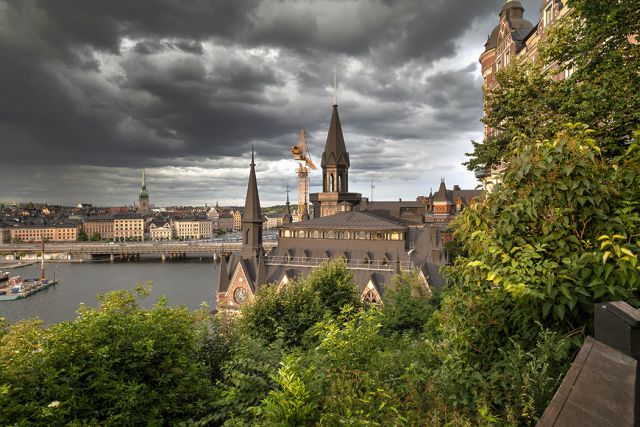
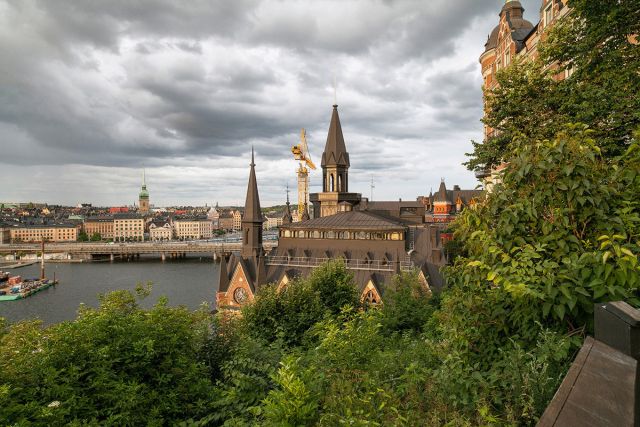
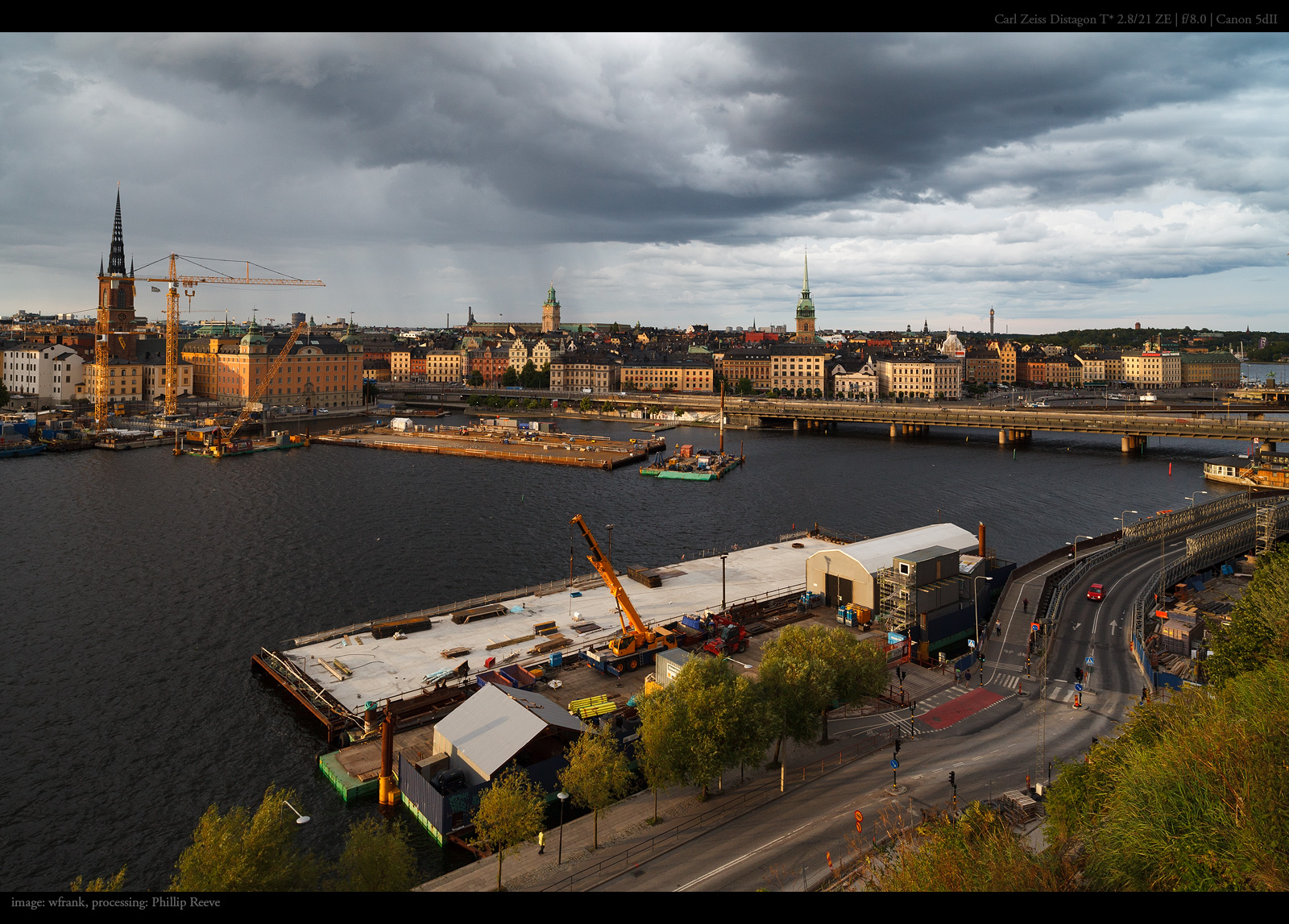
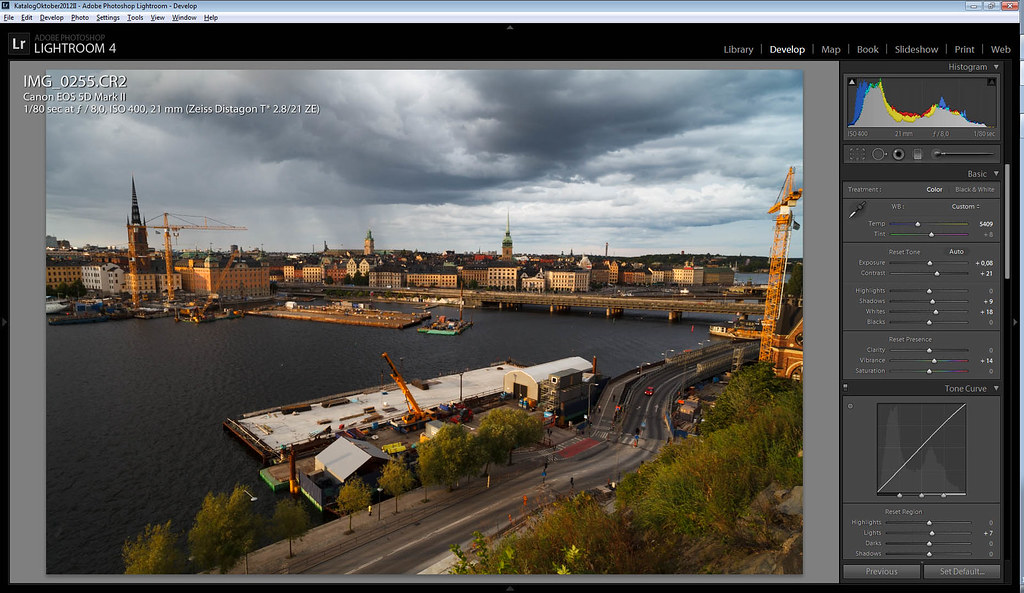
Thanks for doing my image, very interesting to see the various choices. You might have guessed it was exposed with the sky in mind. Pretty dense rainy skies with afternoon sun from the side. I like the natural look in Rustybugs image, and almass you made it very warm almost like an aged 70's postcard, as soft too :-). My complements to atlantel for the greens, really luscious look (slightly oversharpened buildings though in my mind).
Mar 18, 2013 at 11:41 AM
a.RodriguezPix Offline • • • • [X]
p.4 #9 · The how-would-you-process-my-image thread
fefo.1979 wrote:
Camera Raw,Sns Hdr and Photoshop CS6
p.4 #15 · The how-would-you-process-my-image thread
Phillip Reeve wrote:
these are some really interesting results, i would have expected them to be much more similar.
Can anyone provide another raw file?
p.4 #17 · The how-would-you-process-my-image thread
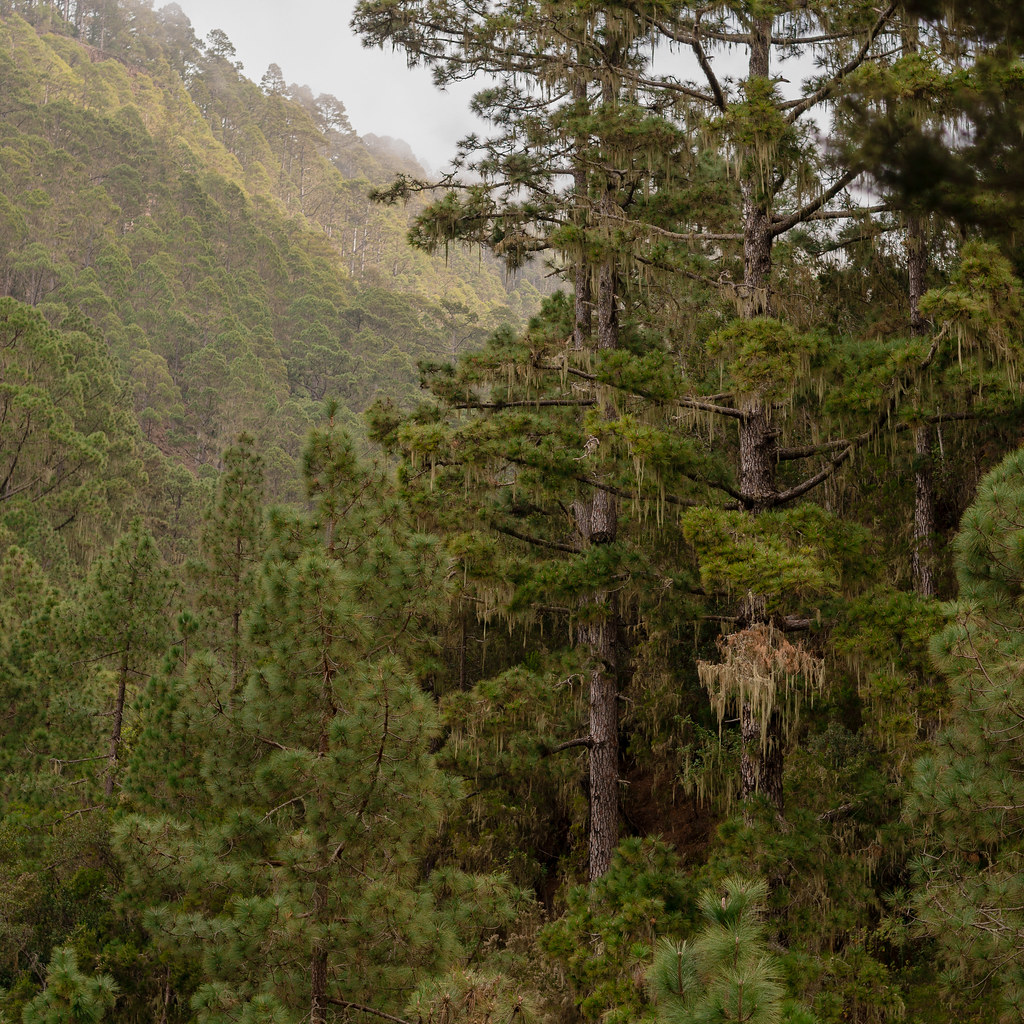
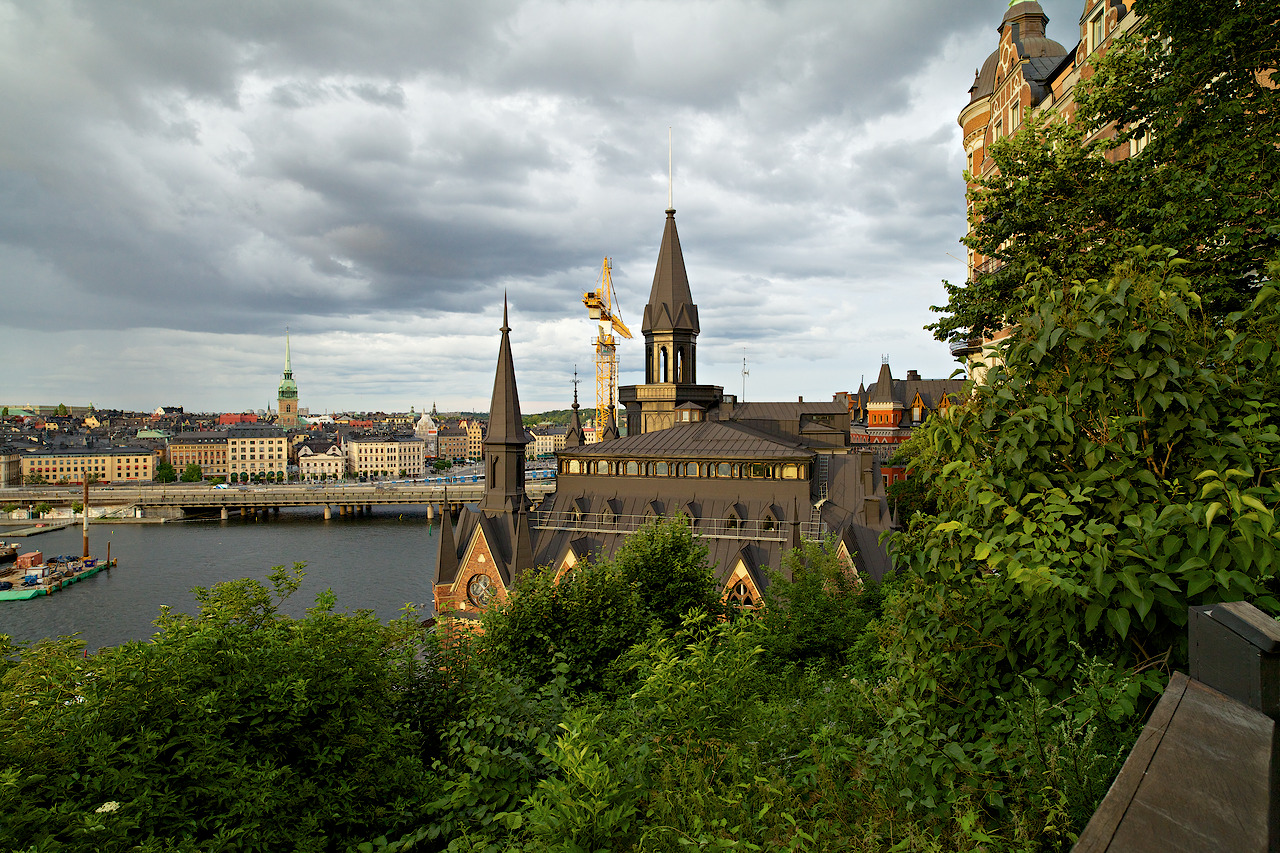
Have not shoot anything with 21mm for long time, but this image made me want to do it... the other was rather boring with no far-near dynamics.
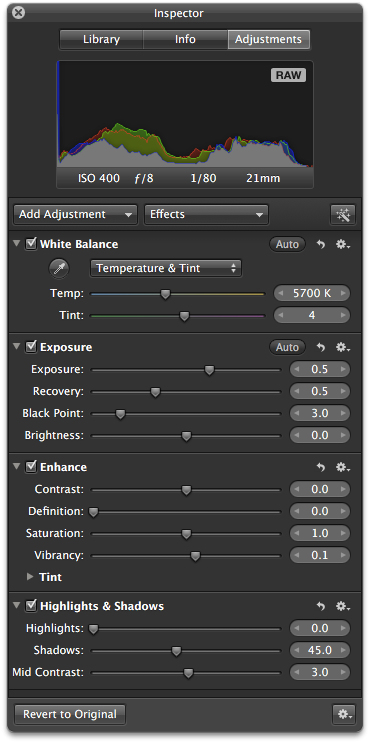
Apple Aperture settings
Processing: (little simplified but these would be steps if I would do all manually and skip some file handling relevant issues)
1. Import RAW to Apple Aperture and use same settings as in picture above
2. Export 16-bit TIFF in AdobeRGB
3. PhotoShop -> USM 15%, 40px (adds local contrast)
4. ImageMagick -> downsize to 1280px by command "convert input.tiff -define filter:filter=Lanczos -resize '1280x1280' output.tif"
5. PhotoShop -> change to ICC profile having gamma 1.0 (this is the key, don't do 250% with gamma 2.5 it won't work) and USM 250%, 0.2px and convert to sRGB and turn to 8-bit and save as TIFF
6. ImageMagick -> convert TIFF to JPG by command "convert input.tif -quality 92 output.jpg"
7. restore original EXIF information to image with exiftools command "exiftool -tagsFromFile original_from_aperture.tiff output.jpg"
This may sound very complicated and difficult. However by scripting I have made this very easy and fast for myself. Steps 1 and 2 took ~40 seconds. Step 3 and 5 are PhotoShop " target="_blank" rel="nofollow">droplets and takes ~10 seconds. Steps 4,6 and 7 I have automated (I have virtual machine running Linux, in which I have crontab processes monitoring directories and they almost immediately process images coming to the directories) as well taking few seconds each.
So whole process takes roughly 2 minutes when including thinking time involved in the process. Brain usage is needed at:
- step 1 (Apple Aperture settings: wb, recovery, blackpoint, vibrancy are the ones I usually use - this image was so underexposed that had to touch exposure, shadows and mid contrast)
- step 3 (to choose which of the local contrast droplets to select OR no local contrast at all - this is not needed for 90% of photos)
- step 5 (to choose which kind of minor edge sharpening is needed - this is my default but if I don't like results I have few other variants as well)
p.4 #18 · The how-would-you-process-my-image thread
Just came across this thread and I think it's a wonderful idea. I had a great time going through the previous edits...we all have different vision...which is good, otherwise the world would be pretty boring.
Anyway, here is my contribution from a.RodriguezPix's RAW file.
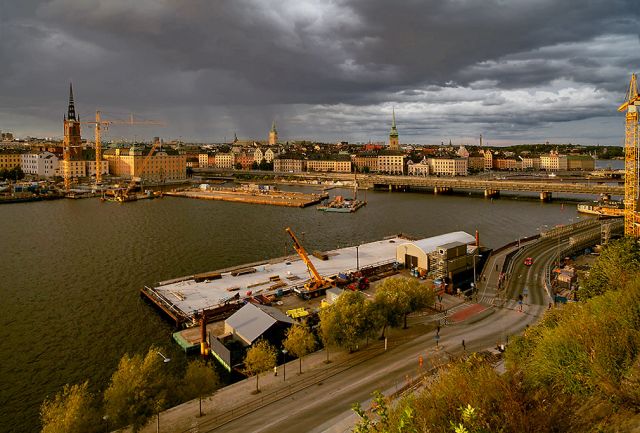
Did a big crop to remove sky and get closer to the action. ACR adjustments to shadows, contrast, saturation, clarity and some levels work. Finished off with a little detail enhancement using NIK. BTW, I really like the energy in this shot. I feel like I'm there.
Mar 19, 2013 at 03:33 PM
a.RodriguezPix Offline • • • • [X]
p.4 #20 · The how-would-you-process-my-image thread
shmn wrote:
Just came across this thread and I think it's a wonderful idea. I had a great time going through the previous edits...we all have different vision...which is good, otherwise the world would be pretty boring.
Anyway, here is my contribution from a.RodriguezPix's RAW file.