p.11 #1 · The how-would-you-process-my-image thread
I'll play here too Love the different interpretations.
Lr 5.3 level and local adjustments, and then exported in CS6 for Lab adjustments for color and contrast.
p.11 #2 · The how-would-you-process-my-image thread
Jon, thanks for trying.
What I did is set the levels for black and white to the end of the quite narrow Histogramm, so that the Histogram broadens and takes up the whole space from left to right. That fixed most of the problems and then you can play around. I am using Capture one. Should also be quite easy with Fotoshop, no idea about other software.
Hi Charles!
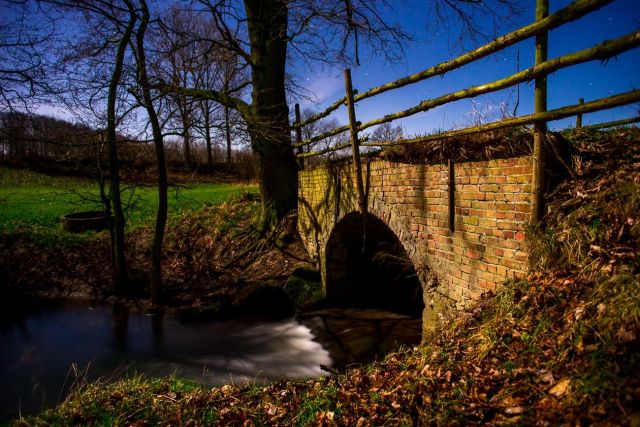
for the moonshine bridge my intent was to make it look like night, since you can see the stars on the sky.
most processings look somewhat to bright and sunny to me, but nevertheless look "right" in their entety, it is all interpretetion...
p.11 #3 · The how-would-you-process-my-image thread
cyra wrote:
I have one quite the oposite.
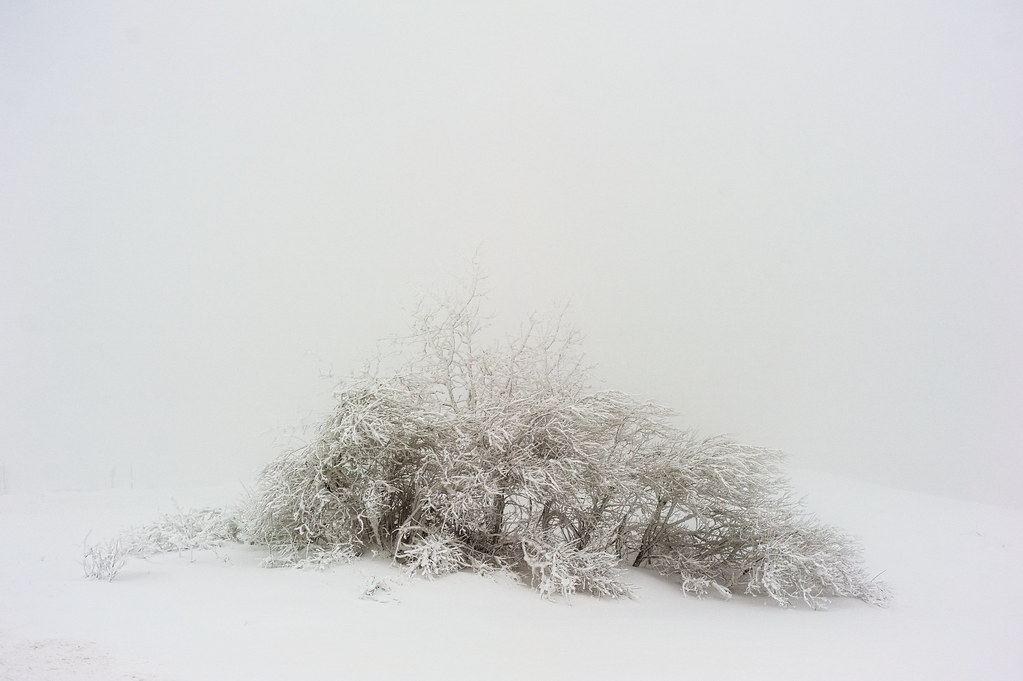
I call it white out, since it was shot in total fog.
Interested what you will make out of it.
I also link to a downsized raw, because I don't know where to upload larger files.
Sorry was there a raw copy of that somewhere I'd like to give it a try (can't see a link in the post).
With regards to sharing and hosting larger files 10's-100's of MB Dropbox can work rather well if you place it in dropbox's public directory you can get a public link/url for a file that every one can use to download it. The default 2GB of space is enough for a fair number of smaller files. https://www.dropbox.com/
p.11 #7 · The how-would-you-process-my-image thread
My quick interpretation, with a comparison of how the raw and jpeg files compare. Those few extra bits in the raw file go a long way for images like this.
p.11 #8 · The how-would-you-process-my-image thread
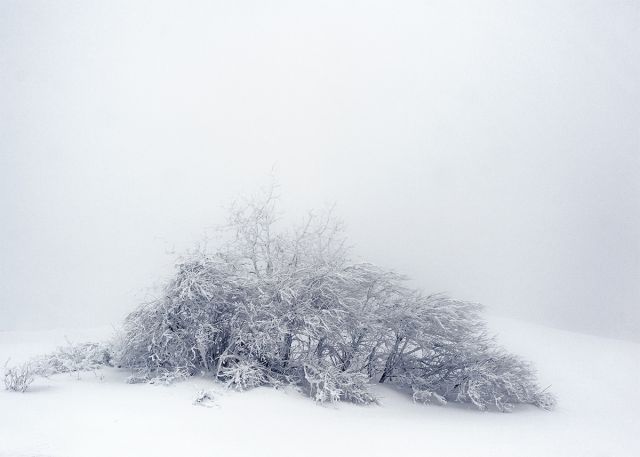
aeonsim, I prefer the first one, that looks realy frosty. I found the hard part is to get the tint right, since there is almost no colour in it. The detail comes out very well in your try.
Steve, your colour tint is nice too. That is about the colour I came up with.
Jon, gosh, I wasn't aware there are so many spots on that image! Must give my sensor a good cleaning. I didn't see them at all during editing.
Yes, that really makes a difference, sorry about the useless effort with the jpg.
let's see if we get more tries.
Jan 29, 2014 at 12:58 PM
Steve Spencer Online • • • • • • • Upload & Sell: On
p.11 #9 · The how-would-you-process-my-image thread
The spots come out when you turn down the highlights in Photoshop. In my version I cloned them out. I thought they might have been snowflakes on the lens given the seen.
p.11 #11 · The how-would-you-process-my-image thread
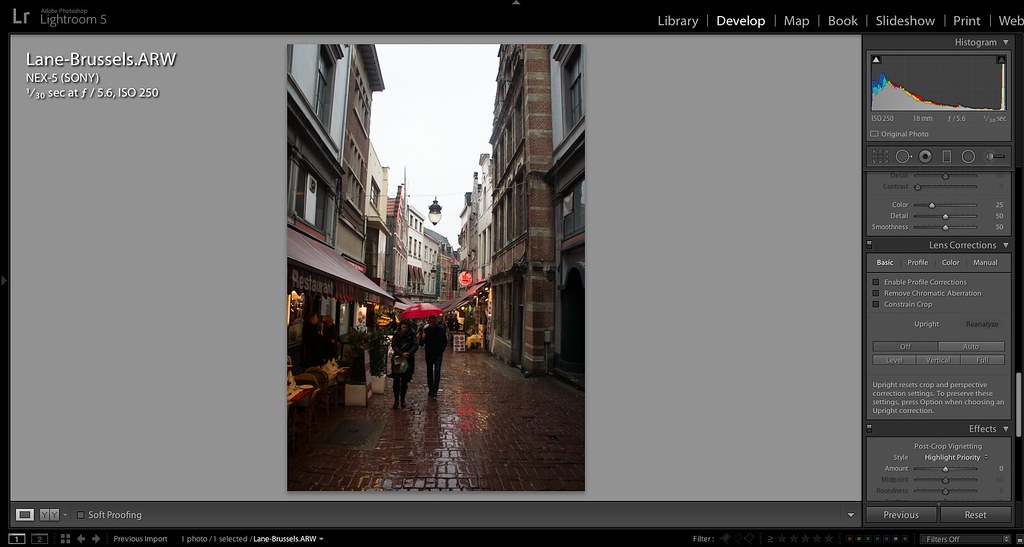
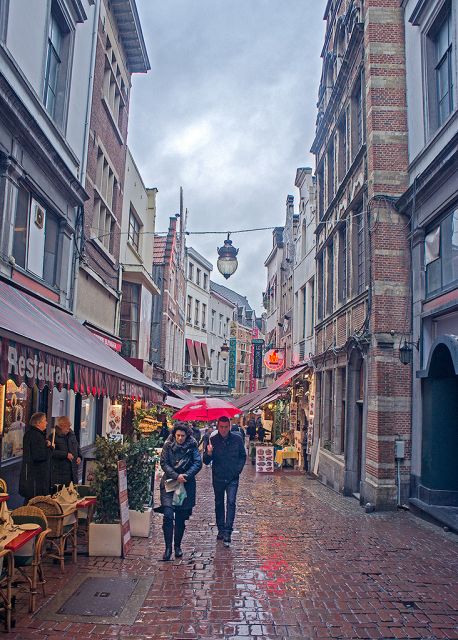
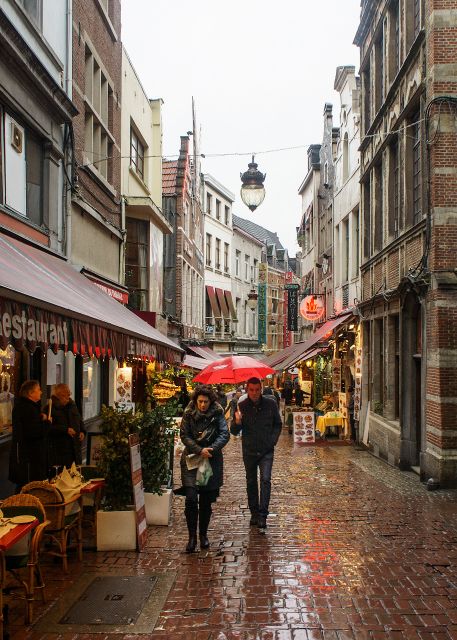
If any one wants to try something a bit different have a look at the following RAW. It's an older image I took that I've never quiet been happy with when processing, partly because it's not the best image and partly due to street level photography not being something I usually have much interest in.
As such I'd be very interested to see what people can do with it. Brussels Lane
p.11 #14 · The how-would-you-process-my-image thread
Decided to take a crack at Cyra's shot. Fantastic shot, but it needs quite a bit of twiddling to bring it out. I found the previous attempts a bit harsh, and went for a gentler look, partly losing the top branches as a consequence:
p.11 #16 · The how-would-you-process-my-image thread
carsten, I really like yours, it transfers much of how the conditions where there - cold snowy and misty. DId you do it in Lightroom? How?
interesting, that even though there is not much room for interpretation, because most work is invested in bringing out some contrast, that still people come up with differnt versions.
here is my own one, it is probale to blue, comparing it with your BW, I like yours better.
It was actually pretty easy in Capture One to do the basic pp: you can do levels (like in Photoshop), Tonwerte in German. When I move the black point to the left of the hIstogram, and the white point to the right of it, the bases are pretty much fixed. Then it is finetuning.
p.11 #17 · The how-would-you-process-my-image thread
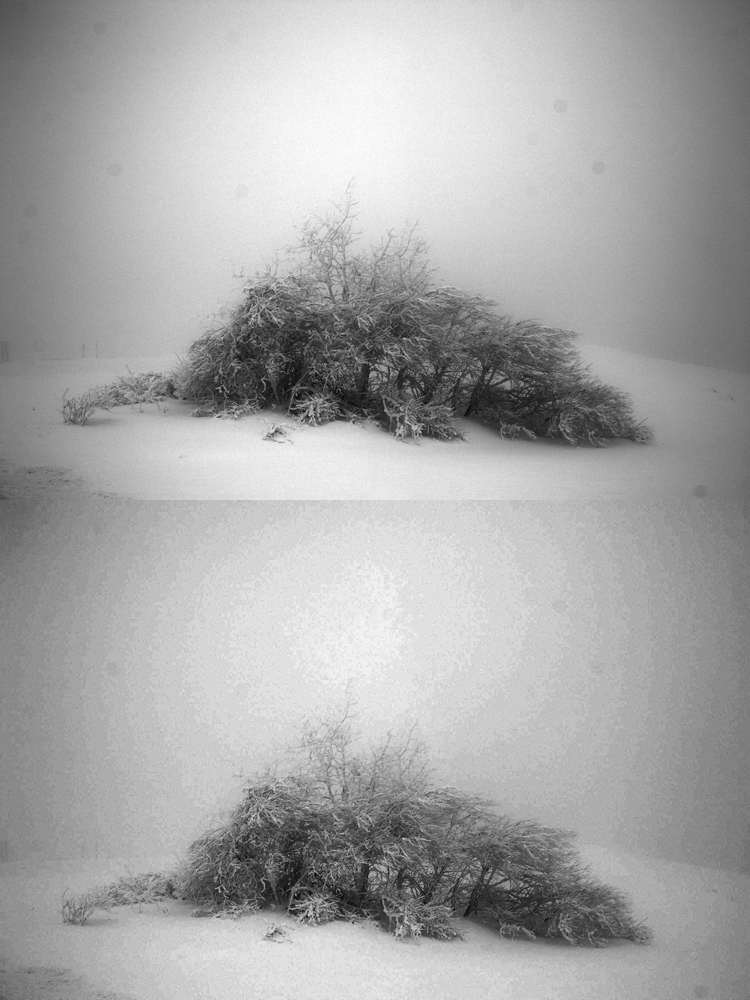
I experimented a lot, and had some seriously twisted settings in between, but I kept trying to move as many sliders as possible back to zero, and ended up with the following in LR5:
I decided to go B&W, because I didn't feel that the colour added anything, and even subtracted from the expected whiteness. I also love high-key photography although I myself am not very good at it (nor do I have much opportunity to practice it); I also love low-key imagery, btw.
Actually, I think that if you were to desaturate and bring up the exposure or highlights, you might have a nicer image than mine.


 Love the different interpretations.