GeorgeBo wrote:
No stitching required! Love it Samy!
If you get the time please share a picture of that kit. Drool worthy for sure!
Do you use a center filter for the lens shooting that format?
Thanks George, no, never used a center filter but have thought about it. Seems rare and expensive. PSE does the trick without that expense. I also haven't tested to see the vignetting at different apertures, I think its a bit less when you close the lens more.
leighton w wrote:
I assume you don't have a very long growing season there.
Nope. Technically, we can get snow any month of the year, though obviously summer snow is rare. We can often get frosts through til Memorial Day. This year's planting has been hampered by the rain - enough to rot anything in the ground. But now it's sunny and warm and I expect a blisteringly hot summer eventually.
I think we are in USDA Zone 4.
James Markus wrote:
Flowers in a vase (Barb's birthday) with the 20mm f2.8 ais. The large central flower (far right in first
photo) reacted to small lighting changes dramatically, and I ended up playing on that front instead of
doing a more subtle lighting. I'm not positive, but I think stopping the lens down increased the contrast.
Apologizes if it is too garish.
These are sequential frames while I waved a small led light panel with my left hand - shooting
with my right hand but watching outside the viewfinder at the changes. I just thought side
by side would show it better.
graytrekker wrote:
Nope. Technically, we can get snow any month of the year, though obviously summer snow is rare. We can often get frosts through til Memorial Day. This year's planting has been hampered by the rain - enough to rot anything in the ground. But now it's sunny and warm and I expect a blisteringly hot summer eventually.
I think we are in USDA Zone 4.
Zone 4 makes sense the way you describe the weather there. We're in zone 6.
James Markus wrote:
Flowers in a vase (Barb's birthday) with the 20mm f2.8 ais. The large central flower (far right in first
photo) reacted to small lighting changes dramatically, and I ended up playing on that front instead of
doing a more subtle lighting. I'm not positive, but I think stopping the lens down increased the contrast.
Apologizes if it is too garish.
These are sequential frames while I waved a small led light panel with my left hand - shooting
with my right hand but watching outside the viewfinder at the changes. I just thought side
by side would show it better.
Love what you are doing with that lens Matt! I usually shoot it on the Monochrom, but will now have to see how my copies perform in color. Just great stuff there.
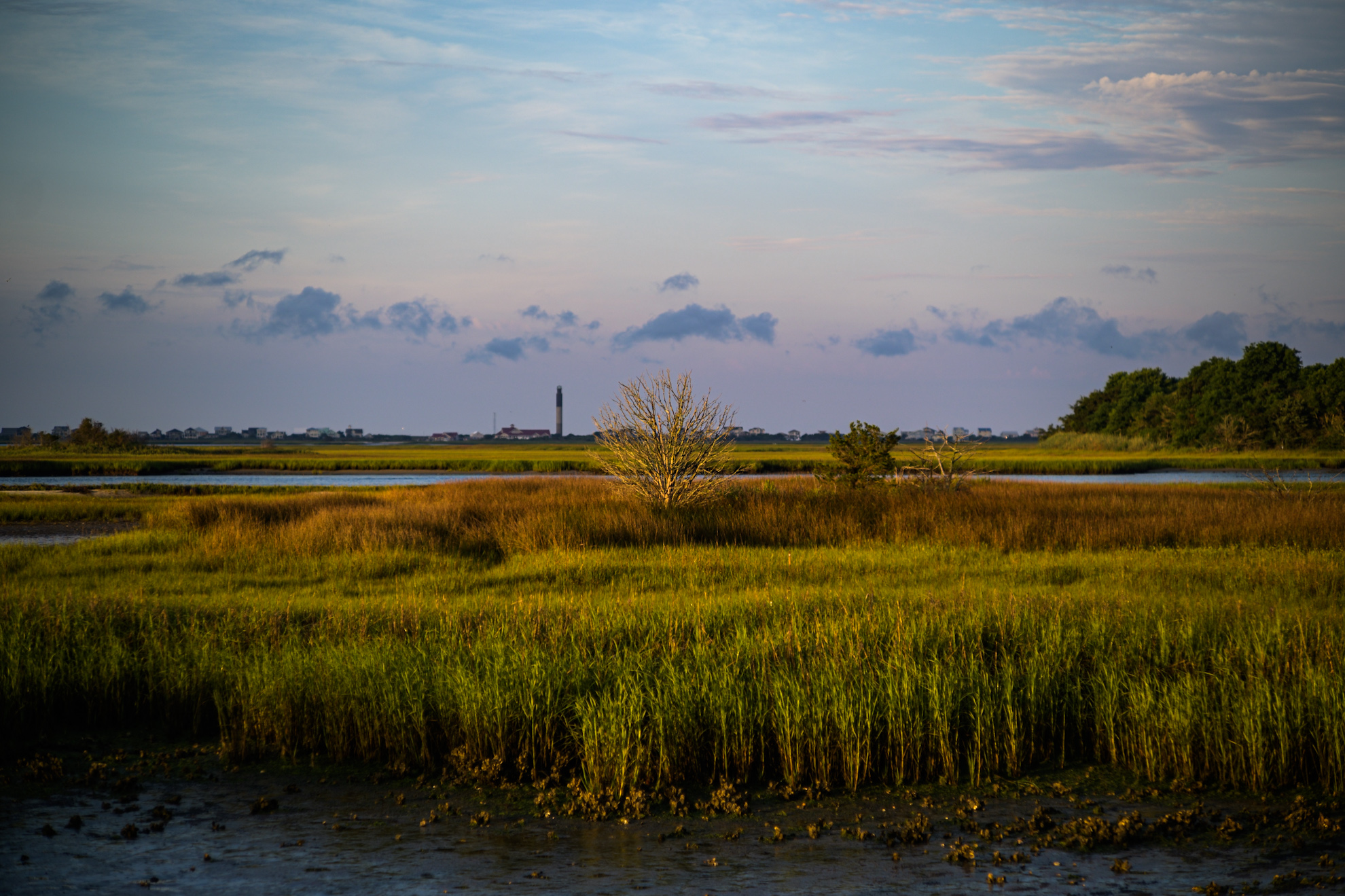
Oak Island Lighthouse looks great in the background on that first shot.
G
AdaptedLenses wrote:
Your morning dose of Nippi. I can’t remember when I received but it’s been fun.
Thanks George & Leighton! George, for what it’s worth I enjoy the Nikon Picture Control for Kodachrome, it’s low contrast and is a good starting point for me, even like shooting RAW + JPEG, but Apple is causing some issues there so have to move away from that. At any rate it does well.
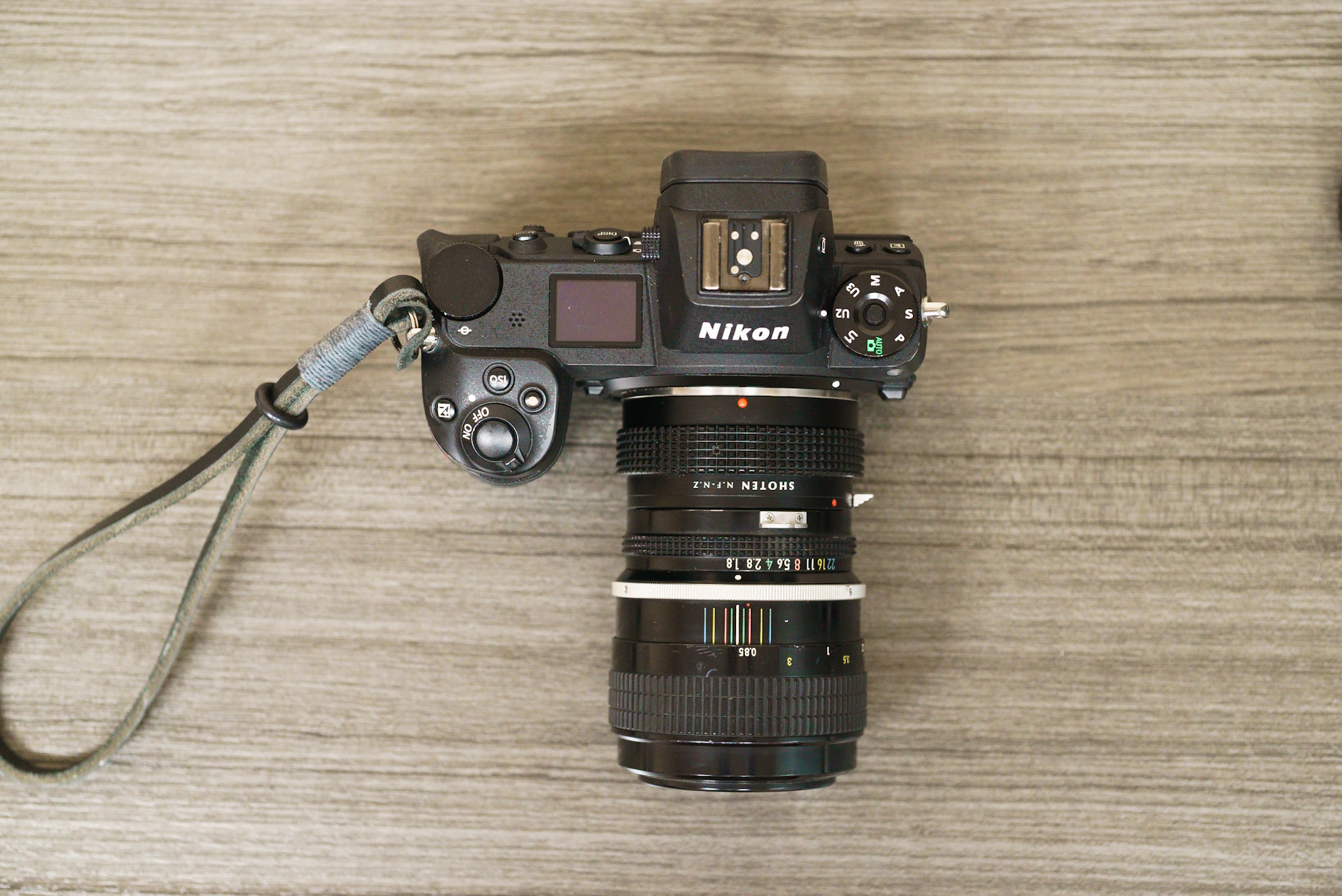
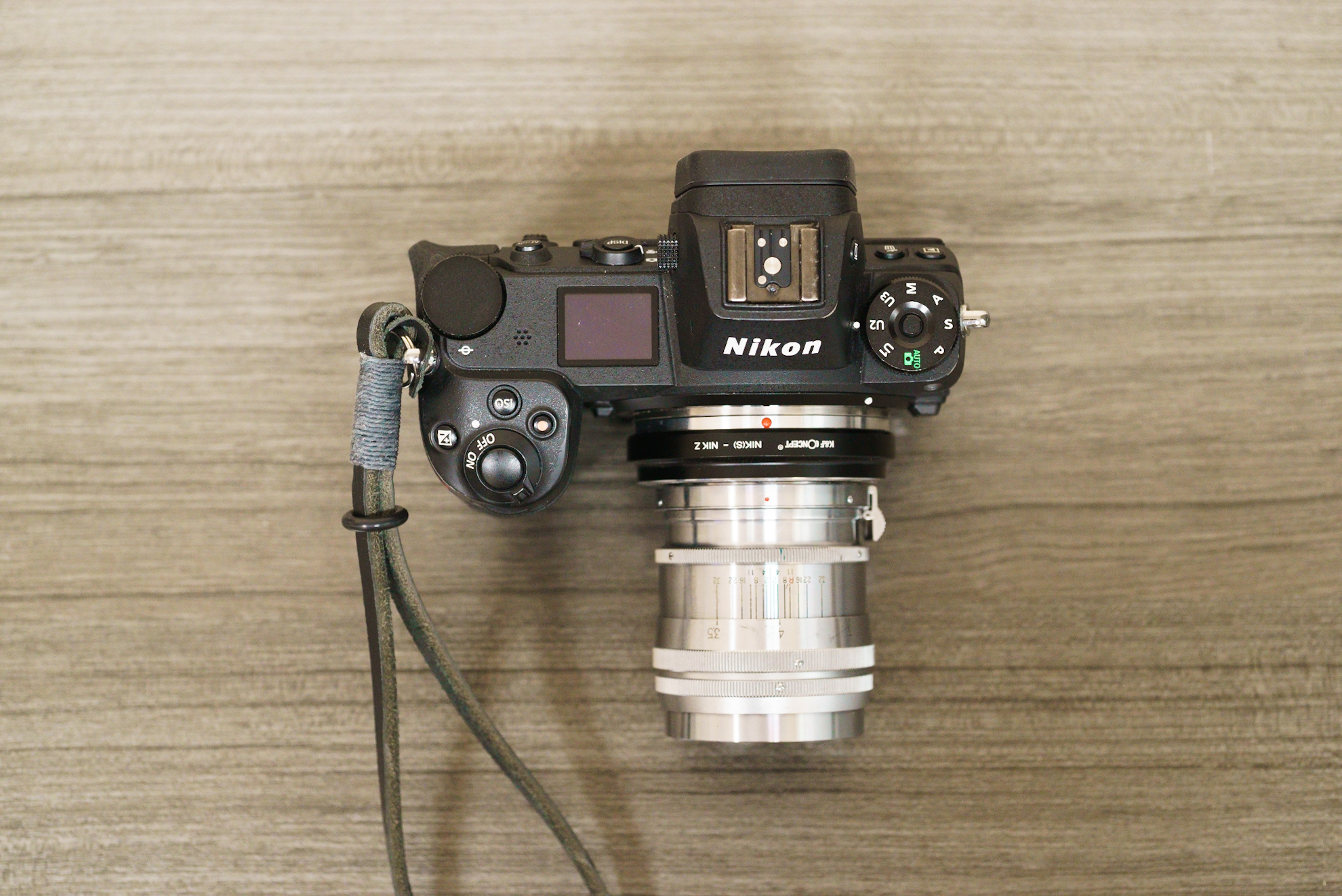
A couple random comparison shots. I’d been thinking about an 85mm for a bit and since Nippi is temporary it got me to pick up a K mount 85mm f/1.8. I don’t do much reviewing like this anymore but it’s fun from time to time. Set both to match Nippi’s MFD, Nikon gets about 6-8” closer.
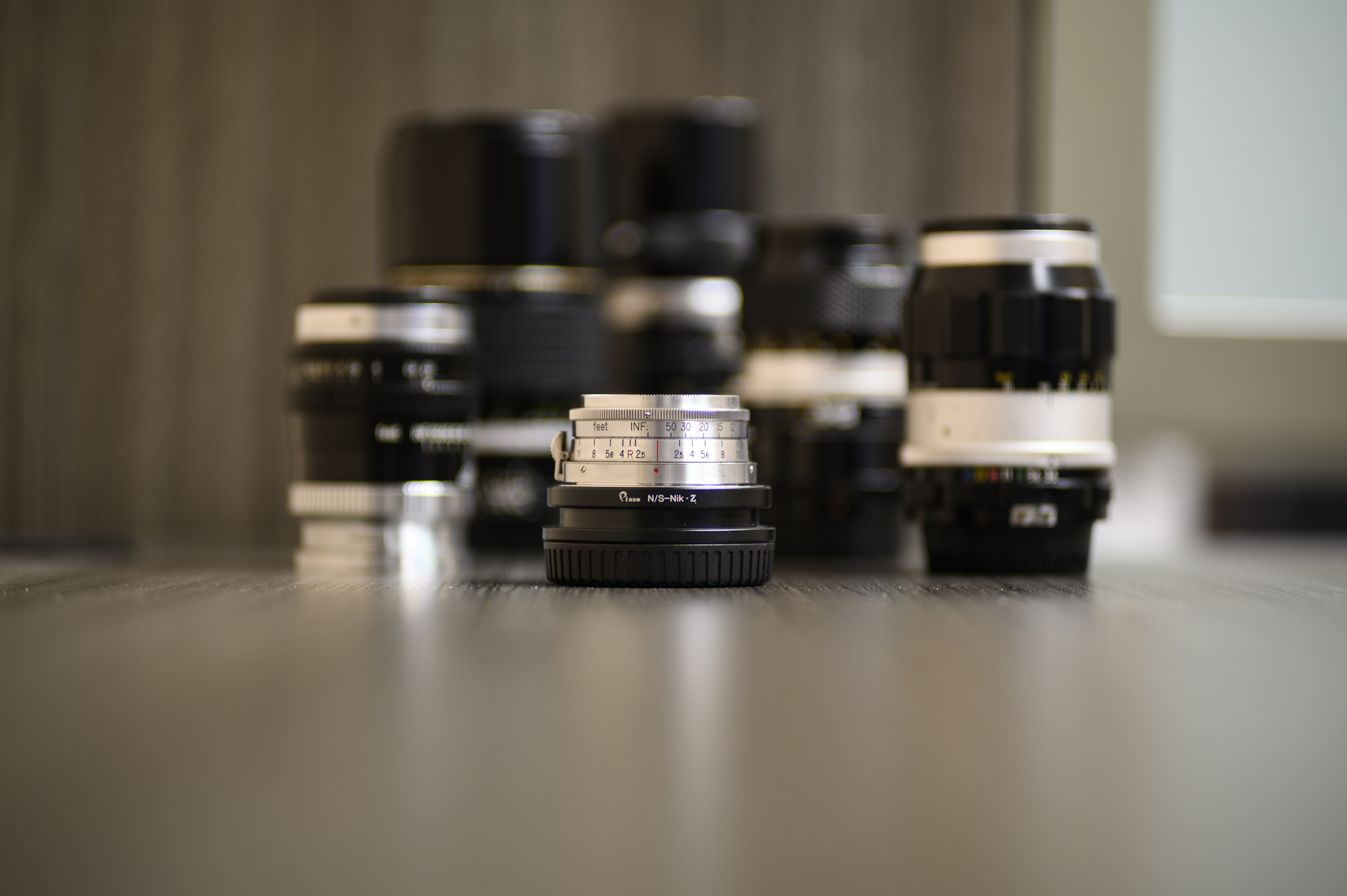
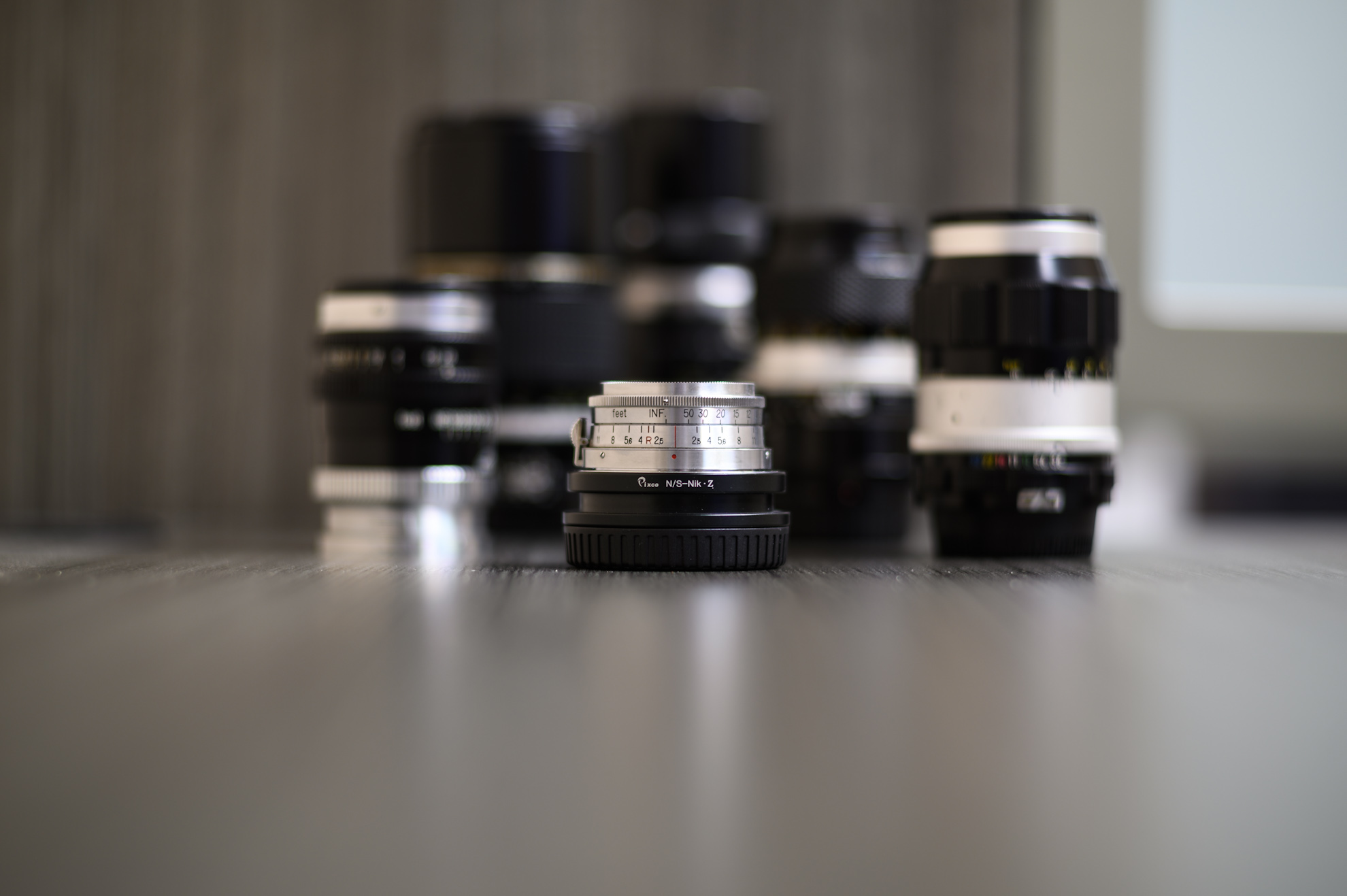
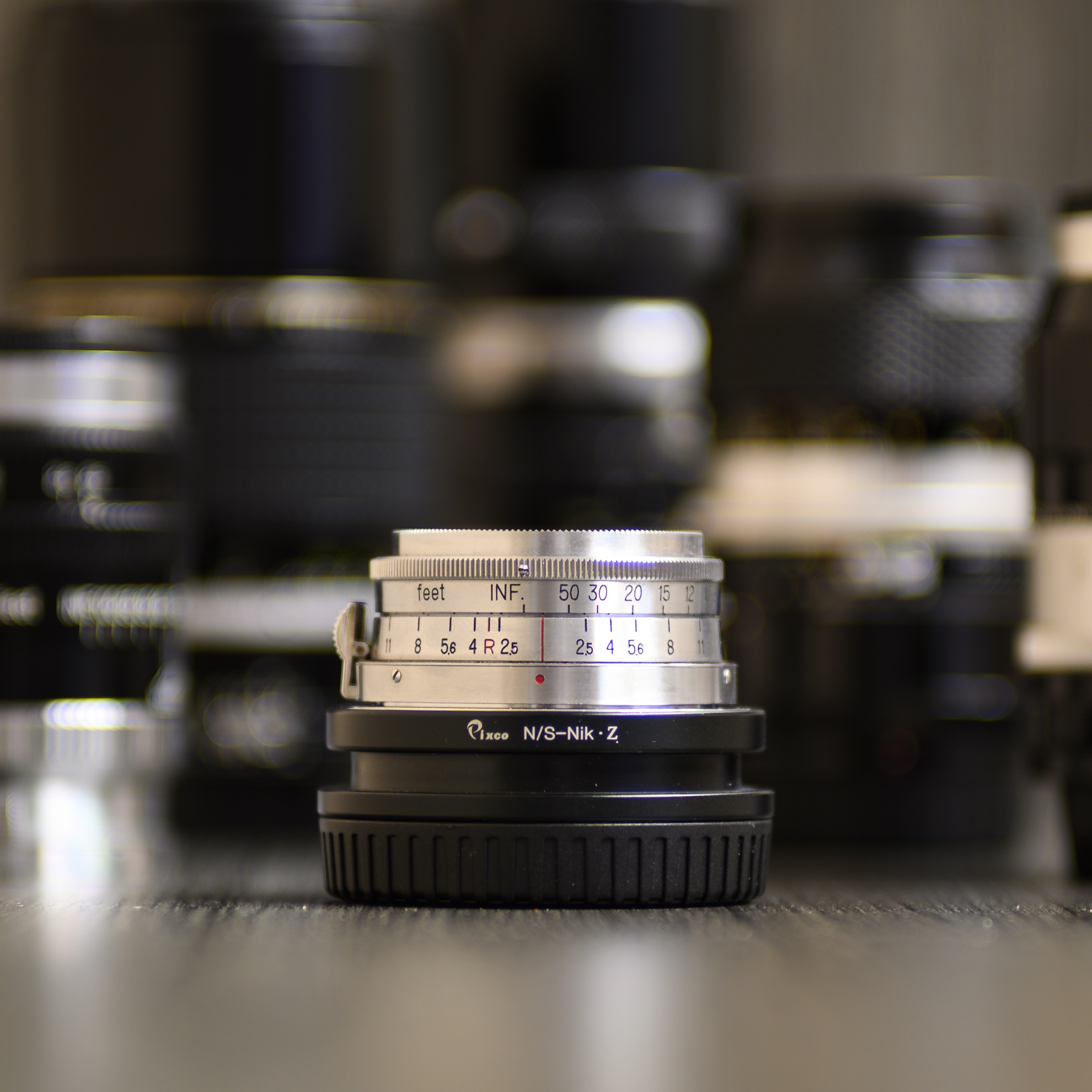
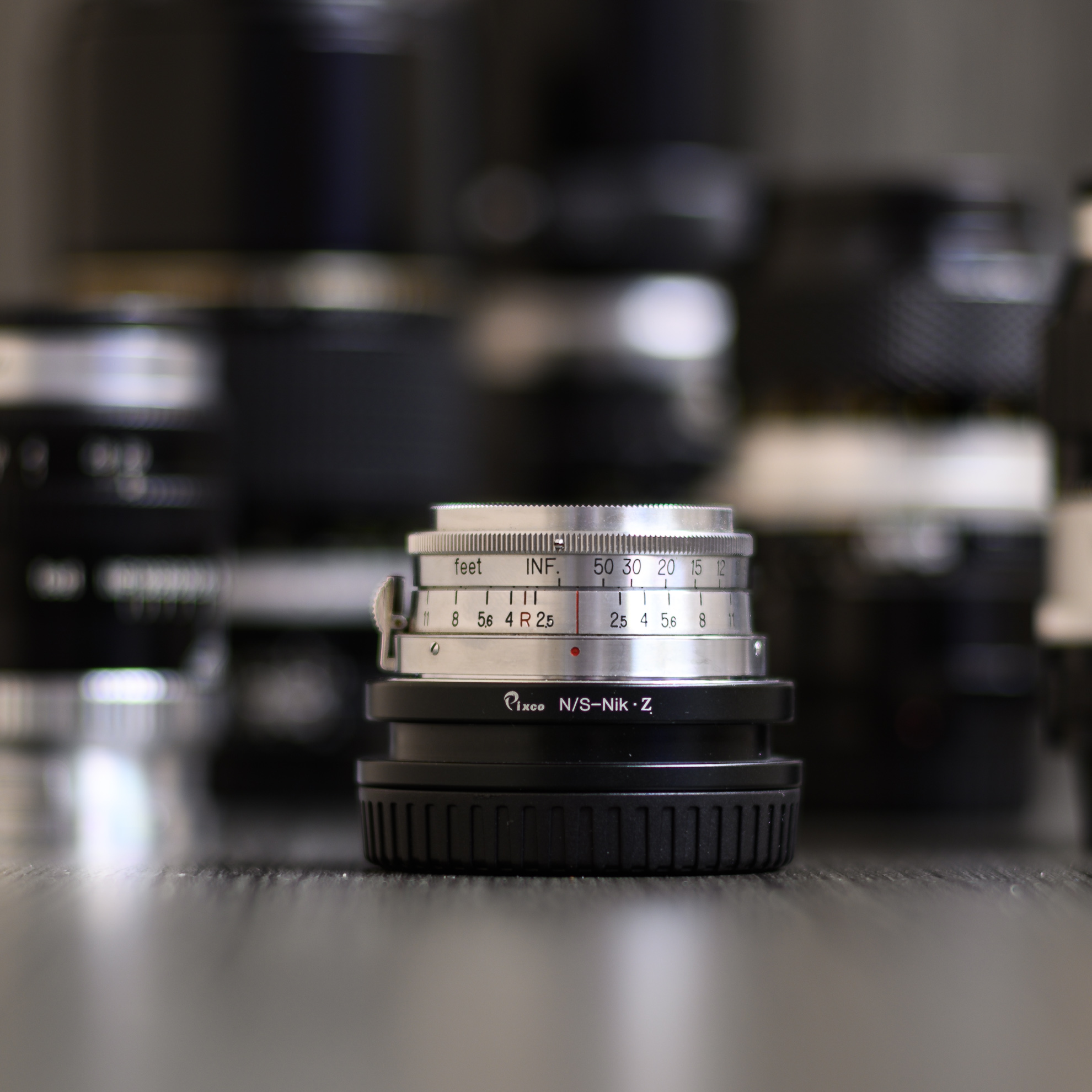
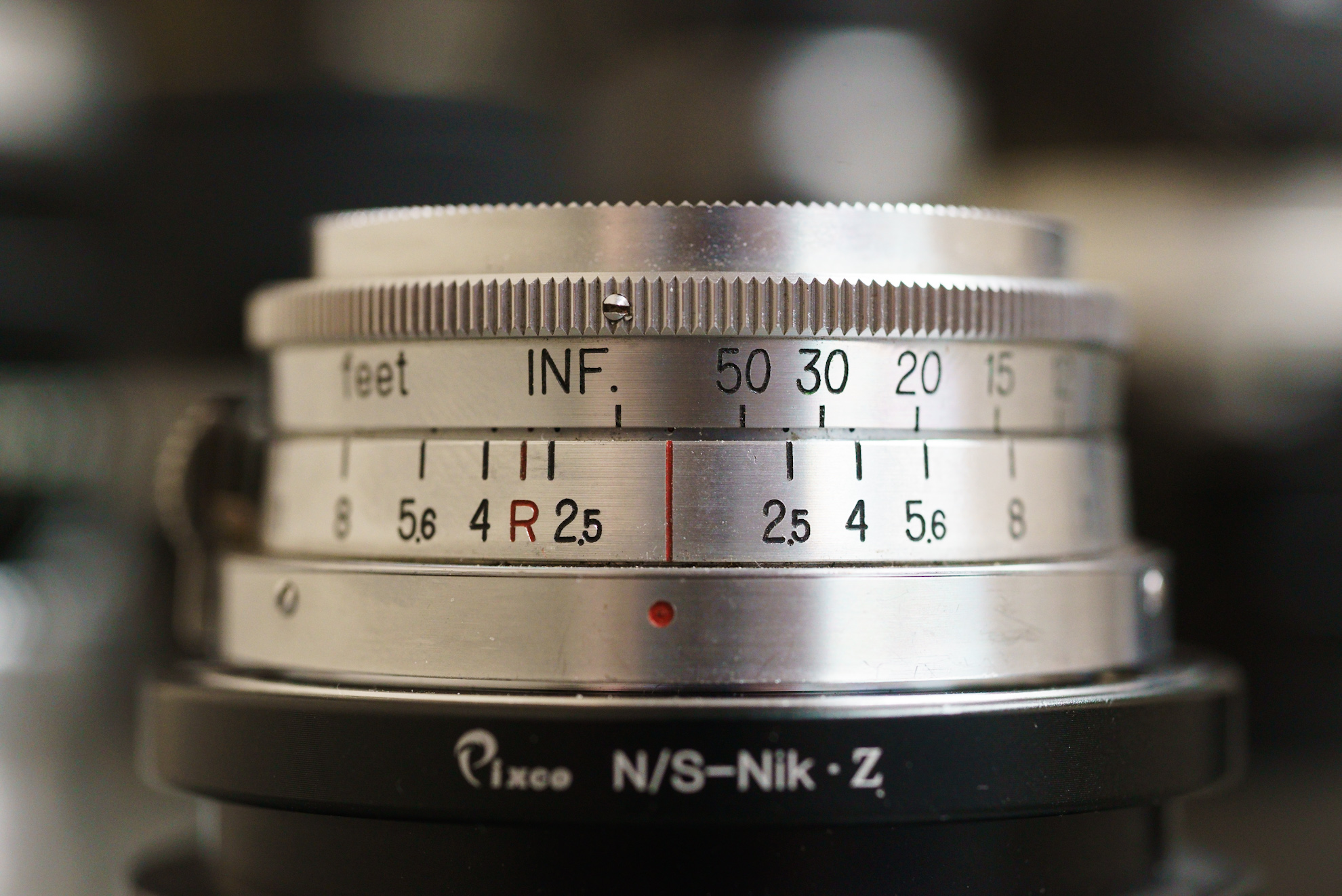
And of course a couple shots of how they look on the body. As an aside, the Gen II Sony’s are still my favorite control set, but editing these I don’t miss the AWB (though Nikon isn’t perfect.) And for fun, since I mounted the 55mm Micro for the on body shots, a real close up…
What are the issues you are seeing with Apple? I ask as I manage a bunch of digital photo labs and try to stay in front of the students.
AdaptedLenses wrote:
Thanks George & Leighton! George, for what it’s worth I enjoy the Nikon Picture Control for Kodachrome, it’s low contrast and is a good starting point for me, even like shooting RAW + JPEG, but Apple is causing some issues there so have to move away from that. At any rate it does well.
A couple random comparison shots. I’d been thinking about an 85mm for a bit and since Nippi is temporary it got me to pick up a K mount 85mm f/1.8. I don’t do much reviewing like this anymore but it’s fun from time to time.
I mostly ingest and edit on iPad these days, so should clarify that it may be specific to iPad.
That said, iPad doesn’t seem to know how to handle the RAW + JPEG file. On import it doesn’t show the RAW tag like it will for RAW only files. Fortunately Lightroom sees the RAW and ingests it as a RAW. However, I then copy the original to Files and move it to offline backup. At this point Apple prioritizes the JPEG over the RAW so I’m only getting the JPEG in my backups, no idea where the RAW went. I’ve verified via file extensions and file sizes.
Not a huge deal as I have the RAW in Lightroom and I can count on my hands and feet the number of times I’ve actually gone looking for old images, especially random shots like these. But still annoying.
kwoodard wrote:
What are the issues you are seeing with Apple? I ask as I manage a bunch of digital photo labs and try to stay in front of the students.
Have you gone into the files app directly to see if you can find the raw files to move? Does Lightroom on iPad make the xml sidecar files like Lightroom Classic does?
AdaptedLenses wrote:
I mostly ingest and edit on iPad these days, so should clarify that it may be specific to iPad.
That said, iPad doesn’t seem to know how to handle the RAW + JPEG file. On import it doesn’t show the RAW tag like it will for RAW only files. Fortunately Lightroom sees the RAW and ingests it as a RAW. However, I then copy the original to Files and move it to offline backup. At this point Apple prioritizes the JPEG over the RAW so I’m only getting the JPEG in my backups, no idea where the RAW went. I’ve verified via file extensions and file sizes.
Not a huge deal as I have the RAW in Lightroom and I can count on my hands and feet the number of times I’ve actually gone looking for old images, especially random shots like these. But still annoying.
I have and iPad files only sees the small jpeg. That said I haven’t tried loading through the files app, I usually import to library so I can cull then upload to Lightroom. Files isn’t as friendly to view the images. I’ll have to test and see if it retains RAW file though.
kwoodard wrote:
Have you gone into the files app directly to see if you can find the raw files to move? Does Lightroom on iPad make the xml sidecar files like Lightroom Classic does?
After this weekend I will have some free time to play with this. I’m also trying out Lightroom on my iPad Pro (which I went through the setup process for Reference mode and got the offsets for it…makes looking at images here very nice, and as a side benefit, movies and reading are also improved). I did a little research and there should be a way to export the RAW images, but I’m unsure if that is with adjustments. What’s interesting is that there is a divide between LR Classic and the Cloud version…seems you can’t export/import between the two platforms with edits…even on desktop.
AdaptedLenses wrote:
I have and iPad files only sees the small jpeg. That said I haven’t tried loading through the files app, I usually import to library so I can cull then upload to Lightroom. Files isn’t as friendly to view the images. I’ll have to test and see if it retains RAW file though.