Hi Folks
Well I'm in the lucky position where I currently own an X-E1 and an X-A1, one being X-Trans and one being traditional bayer.
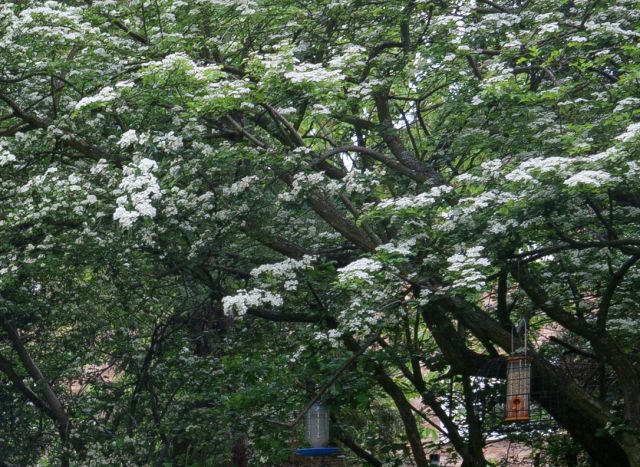
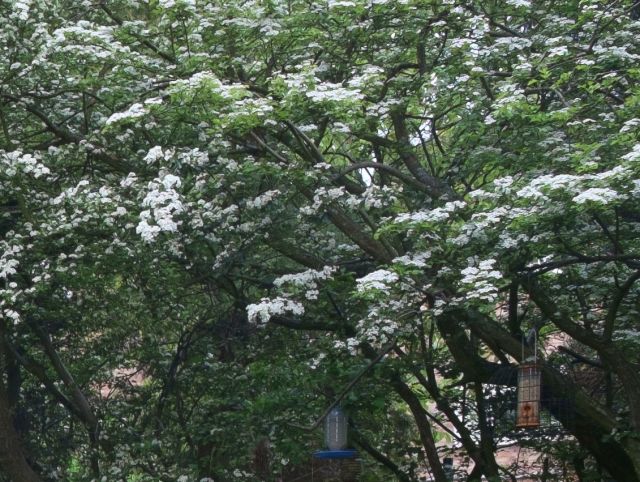
I shot both side by side today on tripod, test shots were 5 mins apart, manually focussed, AWB, both on standard/Provia colour, both RAW, 2 second timer.
Both were sharpened to 45/1/25 in LR5.4 and set to Provia colour in LR5.4 camera calibration.
Both were 1/50s at f8, ISO400 using the fuji 14mm
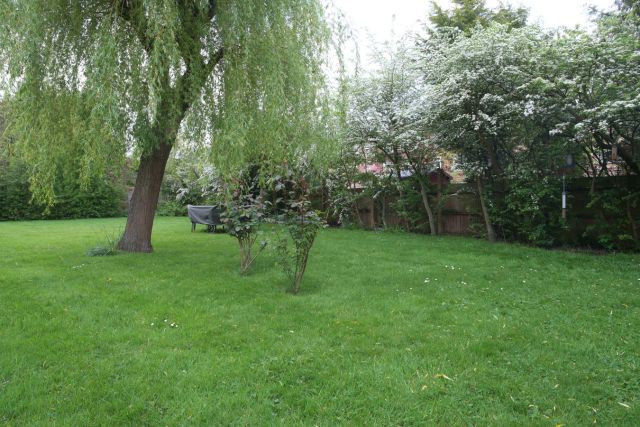
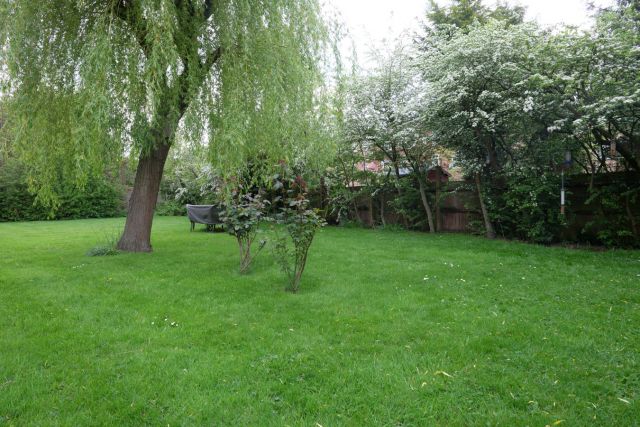
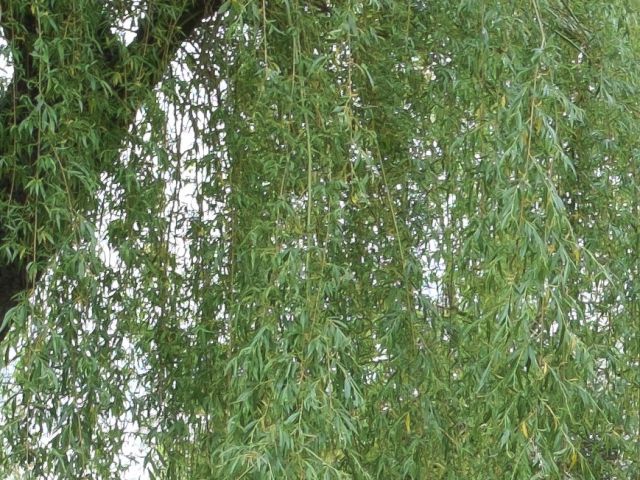
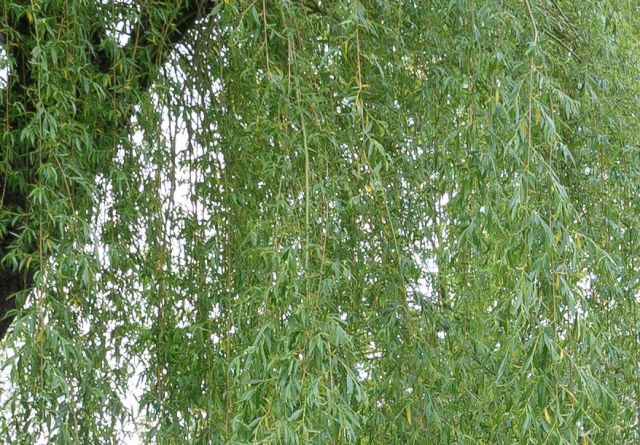
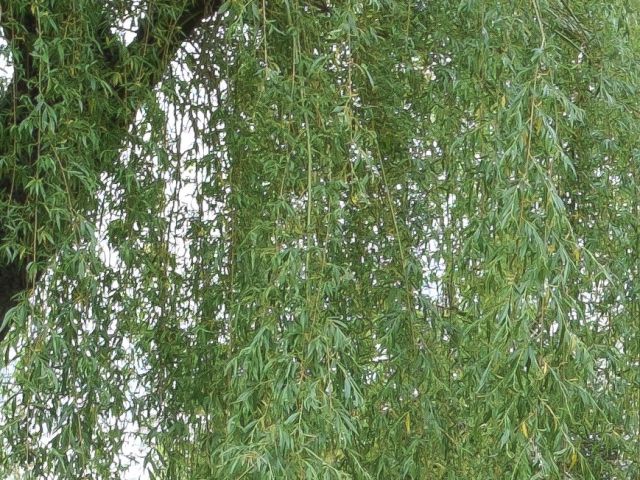
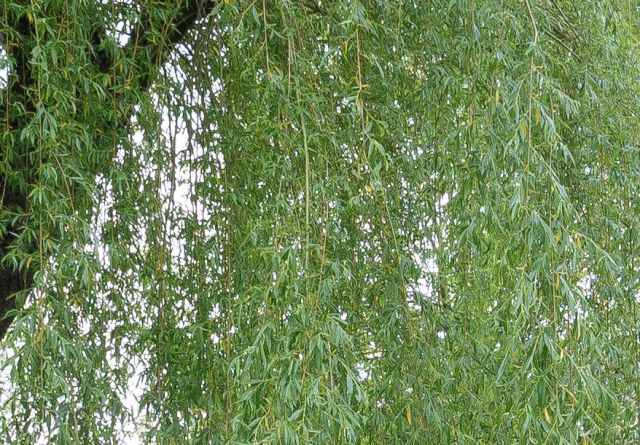
Here's the overall scene and i'm surprised how muted the colours are in the x-trans shot.
If so, you may find some interesting information in it. The thread also has a number of comparisons between the X-A1 and X-E2. I ended up buying a Mac and getting both PN, Iridient and Aperture as a result. IMO, the shots you have posted above really don't look too bad as far as x-trans vs bayer goes. I have to say, I don't notice the water color effect once prints are made but I still wanted to get the most out of my RAW conversion as possible and therefore switched to a Mac platform. It has been a challenging switch after so many years with C1 and PS.
Seeing this comparison makes me share my story with the X-Trans:
I switched from a Canon dSLR system to a Fuji X-Pro1 some months ago. I was having a lot of fun using the camera (the camera controls and hybrid viewfinder are my cup of tea) and kept thinking I was glad I've made the switch.
Then, some weeks later, when I was finnally seeing my photos on Lightroom I was surprised at the poor quality I was getting from the X-Trans RAW files, it really seemed like something from a point-and-shoot. Not only the lack of resolution and "watercolor effect" but also the files reacted in a strange and different way to my usual adjustments in Lightroom. At that point I was thinking "what have I done" and started planning to sell all the Fuji equipment and maybe try something else like a Sony NEX.
But then I remembered some folks here talking about the X-Trans issues and did some investigation. After some trial and error I finnaly tried Photoninja and it was night and day: this RAW developer is able to extract a great amount of detail from the X-Trans files, even better than the Fuji internal JPG conversion. I just export 16bit TIF files from Photoninja without any treatment except "color correction" and the standard sharpen (it's very good and "natural looking") and open them in Lightroom to apply my usual settings. Now can get an excelent level of detail and also the TIF files react normally to Lightroom adjustments.
I now can definitely and honestly say I couldn't be happier with the switch. I think I could hardly notice any difference between the detail I was getting from my Canon 5D MkII and the X-Trans files upscaled to 20MP. The high-ISO quality is almost as good too and the extra dynamic range from the X-Trans is really a plus to me.
All this to say: try to make this test again with Photoninja and you can verify the X-M1 results are at least as good as the ones you get with the X-A1.
The issue is that the best raw converter for X-trans depends on the scene, although the same could be said for Bayer, but the differences in artifacts and whatnot are more obvious between converters with X-trans.
I've read (too) many of these X-trans threads, and you'll see people swear by Capture One, Iridient, Photo Ninja, Aperture...some are even ok with LR, but I've yet to see any X-trans examples, at least at low to mid ISO, from any converter that I'd pick over a regular old Bayer file out of LR. Things to seem to be trending in the right direction for X-trans, though.
Galenapass' example of showing the same scene with the X-A1 out of LR and the X-E2 out of PhotoNinja still shows that "different" X-trans look. link
Cheers folks, I have seen some of the other threads about the xtrans conversions.
I thought while I have both sides of the fuji world I'd give it a try myself. It's pretty much the reason I picked up the x-a1 while there was a deal on it.
I have been shooting with the x-e1 for a while and had some really great shots, and also seems more fun to use than my heavy dslr gear.
What I am liking about LR these days is the fuji colours are really working well for me.
So my next question, if you had an x-e1 and an x-a1 and you had a yearning to convert one to infrared, which would you convert?
douglasf13 wrote:
The issue is that the best raw converter for X-trans depends on the scene, although the same could be said for Bayer, but the differences in artifacts and whatnot are more obvious between converters with X-trans.
I've read (too) many of these X-trans threads, and you'll see people swear by Capture One, Iridient, Photo Ninja, Aperture...some are even ok with LR, but I've yet to see any X-trans examples, at least at low to mid ISO, from any converter that I'd pick over a regular old Bayer file out of LR. Things to seem to be trending in the right direction for X-trans, though.
Galenapass' example of showing the same scene with the X-A1 out of LR and the X-E2 out of PhotoNinja still shows that "different" X-trans look. link...Show more →
That link is a good example of just how close PN gets x-trans to bayer output. Those were 100% crops and PN did a reasonable job providing bayer type output. In print I don't think anyone would would notice a difference. A few moths back my goal was to figure out how best to process my x-trans files, as Adobe continues to be deplorable. Consequently, I did a lot of pixel peeping of various scenes, comparing the X-A1 and X-E2. PN and Iridient get me > 90% there at 100% crops and I was not able to really find a scenario either converter could not handle.
Now I have zoomed out, look at my shots as a whole and forget about the less than 10% that is not really visible anyway.
galenapass wrote:
That link is a good example of just how close PN gets x-trans to bayer output. Those were 100% crops and PN did a reasonable job providing bayer type output. In print I don't think anyone would would notice a difference. A few moths back my goal was to figure out how best to process my x-trans files, as Adobe continues to be deplorable. Consequently, I did a lot of pixel peeping of various scenes, comparing the X-A1 and X-E2. PN and Iridient get me > 90% there at 100% crops and I was not able to really find a scenario either converter could not handle.
Now I have zoomed out, look at my shots as a whole and forget about the less than 10% that is not really visible anyway. ...Show more →
I think some of us just must be more sensitive to the different "look" of the X-trans files, even at smaller sizes. Tariq's post from that same thread pretty much nails how I feel about it: link
douglasf13 wrote:
I think some of us just must be more sensitive to the different "look" of the X-trans files, even at smaller sizes. Tariq's post from that same thread pretty much nails how I feel about it: link
The improvement of X-Trans over my 5DII files is subtle but satisfying, particularly when camera ergonomics are taken in to account.
galenapass wrote:
That link is a good example of just how close PN gets x-trans to bayer output. Those were 100% crops and PN did a reasonable job providing bayer type output.
To me, the X-E2 image in that link is a disaster. It looks more like good old aliasing than artifacts due to demosaicing specifics alone. Statements that X-Trans does not need an AA filter are plain marketing gibberish. There is no cure for aliasing, only symptomatic treatment of color moiré. PN cannot heal the jagged blinds in the window.


 (which can give cool results on selected shots)