Jonas B wrote:
It's an unfortunate situation thinking of other images you mention where it sometimes may be even impossible to get the colours "right".
That's true but even with my Canon 5DII and Leica M9 I had images were it was impossible to get the colors "right" in PP. It's just a bit more often with the DP2M.
Re Colors: Do you have an X-rite passport or other profiler? I'm wondering if this is a way to alter colors. I know it works on raws in Lightroom, but one has to convert to TIFF yes from Sigma's software first? I have no idea if this would work, I've never tried it on a TIFF.
Or is it possible to run Sigma raws through the DNG converter?
No, I have no X-rite passport. But since the neccessary color adjustments change a lot depending on the subject and light I'm pretty sure one standard profile won't really help you.
Sigma raws (of the DP2M) can't be converted to DNGs using an Adobe converter.
By making camera/lens dual illumination profiles I always get better starting points when processing my images compared to if using the Adobe Standard profiles.
With better I mean images much closer to what I saw when taking the image and thus in need of less adjustments during the PP. I guess it's a matter of time before the DNG converter supports the DP2M. It's an interesting camera!
Bobu wrote:
No, I have no X-rite passport. But since the neccessary color adjustments change a lot depending on the subject and light I'm pretty sure one standard profile won't really help you.
The point of the passport (as opposed to the standard X-Rite Color Checker 24, is to carry it with you, and to be able to profile afterwards. Shoot one photo in the correct light with the Passport, then a clean one.
I have one, and it works well, but to be honest, I am usually able to get the white balance set in PP, and so I don't use it a lot.
carstenw wrote:
The point of the passport (as opposed to the standard X-Rite Color Checker 24, is to carry it with you, and to be able to profile afterwards. Shoot one photo in the correct light with the Passport, then a clean one.
I have one, and it works well, but to be honest, I am usually able to get the white balance set in PP, and so I don't use it a lot.
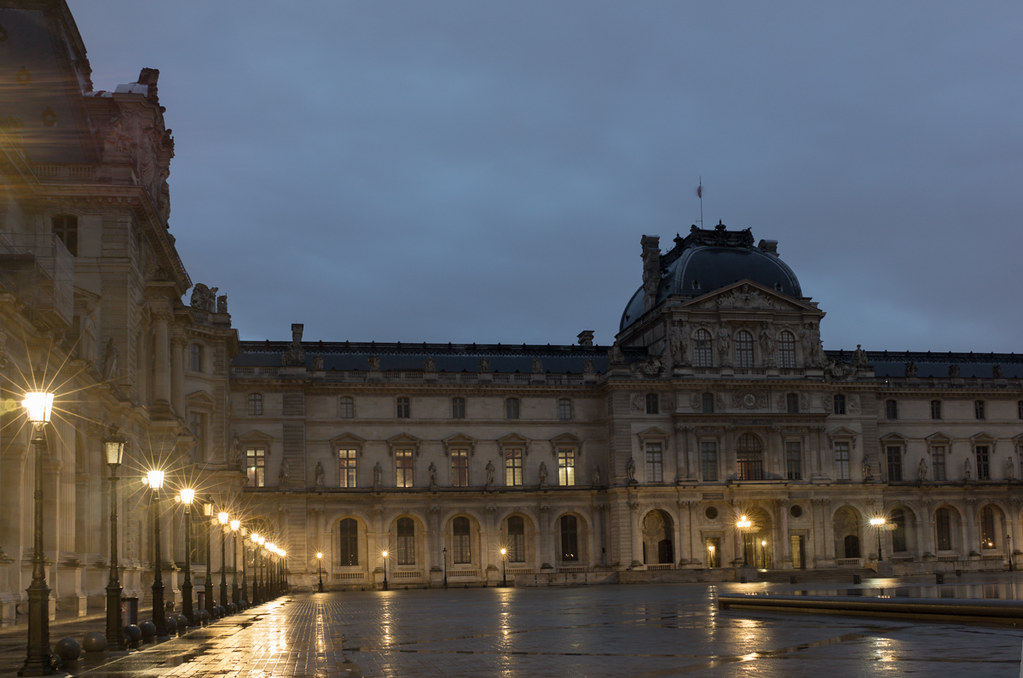
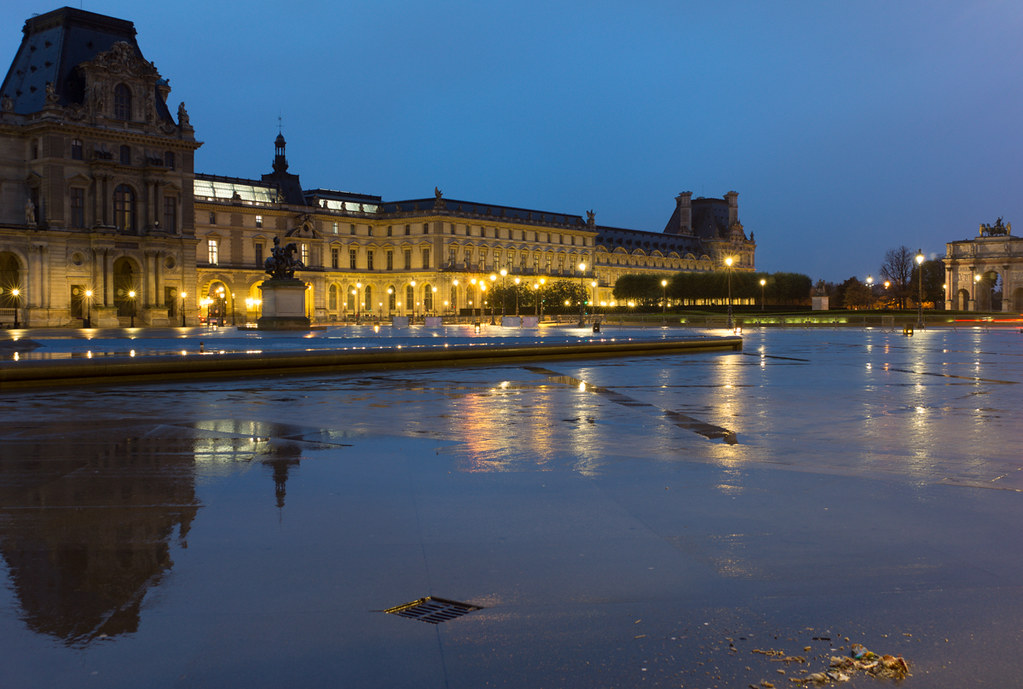
Carsten, would this really help if you have a mix of different lights (street lights and natural light) in one image, like in the Louvre images?
Philippe, nice images with great star effects from the Elmar,
Thank you for the great images, Boris and Philippe! Enjoyable scenes and tehnically impeccable shots.
I recently bought an X-Rite ColorMunki, and a Passport was included in the kit. I haven't experimented with it yet, as I'm currently only getting to grips with the basics of color management and printing, but I'm also under the impression that the passport is like a "profiling grey card" that you can use to create a camera-and-lighting-specific profile.
I think the concept is great, and it enables you to control the colors in every step of the image-making process. Regardless, I pretty much trust my eyes and keep my monitor calibrated.
I wrote, about passport and profiles: With better I mean images much closer to what I saw when taking the image and thus in need of less adjustments during the PP.
I usually use my own made custom dual illumination profiles. These profiles are made for each lens and camera combo using two different images of a GCC chart, for example one taken in halogen light and one in the shadow a clear day. According to X-rite the result is a profile suitable for a lot of lighting situations.
My earlier experience is that the Passport software is not very scientific. I use it all the time as I think I get better starting points for further post processing by giving me a reasonably consistent starting point. Load the image in Lightroom or ACR, apply the profile instead of using the Adobe Standard profile, white balance.
Does it really work or is the function just serve the purpose of satisfying the photographer having spent money on the system? In most cases it works, and pretty well to that. In other I'm not so sure. I don't know if it possible to do anything out of this experiment but as I performed it you can as well have a look:
I put the camera on tripod, placed the GCC under a bulb, mounted a flash and fired away a couple of images with the camera in manual mode. I took three series of images making sure I could get something possible to work with exposure and blend-wise. All images got their correct profile applied, then they were white balanced (patch 22) and then I adjusted the "exposure" until patch 19 showed a value around 200. None of the images was adjusted for exposure more than a third of a stop.
I see quite some differences between the nine images, and in all the three series as well. Oh well. Maybe somebody can tell me what I did wrong, or if Passport, objectively, is useless. All I know at this moment is that most often prefer the colors with my custom dual light profile when I process my images. It happens that I see an odd colored image and then discover I forgot to apply the profile.
Bobu wrote:
No, I have no X-rite passport. But since the neccessary color adjustments change a lot depending on the subject and light I'm pretty sure one standard profile won't really help you.
Sigma raws (of the DP2M) can't be converted to DNGs using an Adobe converter.
Boris
Ah bummer about DNG - I didn't think it would be possible.
Yes for profiling you have to do multiple profiles for various lighting types (sun, incandescent, etc), but once you've made those profiles, it helps greatly, for me at least. Profiles were especially useful when I shot Nikon because I hate their skin rendering and the X-rite seemed to correct it nicely
You guys discussing color impress me. When I talk about colors I have no insights in balancing color charts or think about WB couplings. Either I am shooting in plain simple light conditions all the time, or, more likely dont have the fidelity to adjust in the way you do or think. I rarely touch the WB lever in ACR. I adjust colors in various ways til I like them. No science involved at all, just personal preferences. There is a part of the "muted" colors of the DP2M that I like.
For Canon (which I use) I tend to be observant about reds and skin. For Nikon I sometimes react to greens but overall I think Nikon handles colors better. Sony is better than both (in my tiny neanderthalish world [with a 5N crop sensor that is]). But DP2M stands out as an odd-bird on the subject. But what it may lack in color, it compensates in detail. And when handled by someone like Boris is a pleasure to watch.
philber wrote:
Thanks Wilhelm! I work so hard at producing them! Nothing to do with using a great lens, of course!
You are an integral part of it as always Philippe.
I need to go to Paris. Been on the de Gaulle airport plenty but only once in the city itself. Long time ago post-film-interest and pre-digital-went-good. I'll connect and who knows, you might even allow me to finally compensate for that very special G-lens I still enjoy immensely when the big gun is too heavy :-)
wfrank wrote:
For Canon (which I use) I tend to be observant about reds and skin. For Nikon I sometimes react to greens but overall I think Nikon handles colors better. Sony is better than both (in my tiny neanderthalish world [with a 5N crop sensor that is]).
I generally agree, although I think that Canon's boosted reds often lead to nicer skin tones. I think that goes a long way towards explaining why the 5DII was so loved by pros. There are colour and noise problems, but skin tones could be wonderful. I wish Nikon would tune their colours a little more for skin tones.