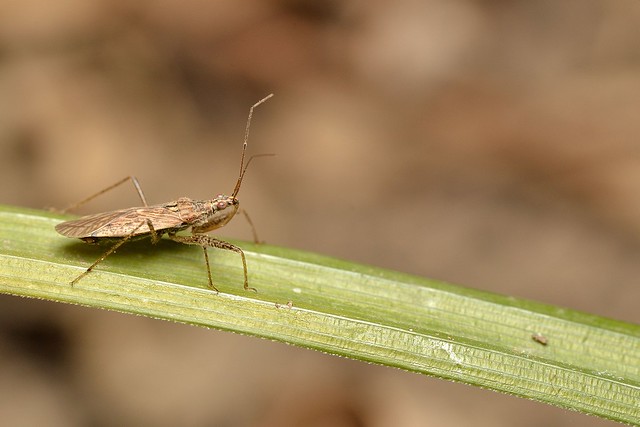
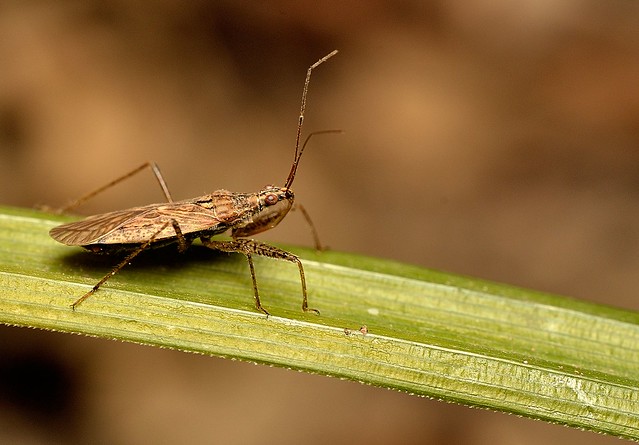
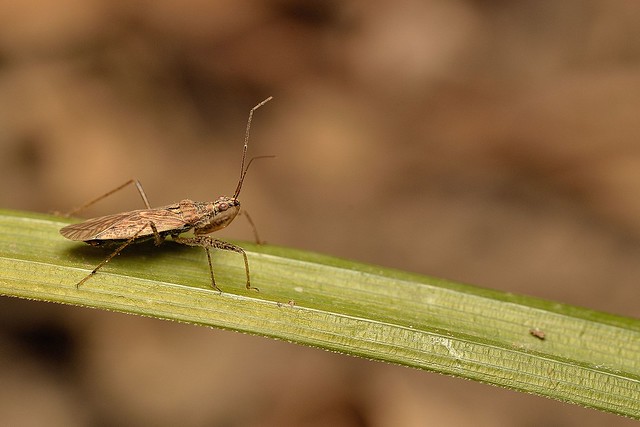
More color contrast between background and bug would make it stand out more. A tighter crop would also help for that. Less leaf, more bug = more impact.
Above I lightened the background to make the bug contrast more. I'm not suggestion you edit your shot this way, but in future when shooting ask yourself: 1) What is most important here? and 2) How can I make it contrast from the background and be noticed?
In the tighter crop I played the bottom right edge off the bottom right corner of the frame and the curve of the top antennae off the upper right to create a sense of connection between the content and the frame.
I agree that something in between and I actually prefer the more wide open version but I don't have Photoshop to clone out that small little dirt or whatever it is.
The problem is lack of separation between the brown bug and the the brown background. Because the background is so large relative to the size of the bug the bug disappears into it. That's what its coloring is designed to do in nature, but that makes for a less interesting photo.
Global adjustments of the color shift bug and background together so there's no net increase in contrast. That's why in my edit I masked out the bug and leaf and changed the background in CS5.
Absent the ability to do that with your editing program one solution would be to crop tight and show more bug than background then use the dodging tool to lighten the tone of the background.
As a very disappointed Capture NX user (through 2.2.6) in the way Nikon has mismanaged that application (which has the capacity to be better than CS5 in color rendition if they'd only done it right), I suggest you consider LR 3 Academic Version if you can qualify ($89). I am not sure what else is available at a reasonable cost.