I use a 55mm f/3.5 with extension tubes and a film holder I made from a PVC pipe coupling with an LED panel for a light source.
Exposure with a D800 is ISO 100 f/11 1/2 sec.
Some settings to try with color negatives:
Set all Camera Raw sliders to the middle of their range.
Expose a non-image area and use Adjustment Layer Levels WP dropper to correct orange cast.
Drag this Level setting into each same exposure negative image to neutralize orange cast.
Image Adjust Invert
Crop so all image
Auto Tone
Auto Contrast
Auto Color
Duplicate
Do an LCAST procedure to eliminate color cast, that is Filter Blur Average, Levels, set gray point on average and apply to image.
16. Re: Color Film Negatives
An alternative technique which works with all versions of Photoshop, and something I picked up a good few years ago from one of Martin Evening's books, is to use a color fill layer to negate the mask.
1. Added a color fill layer set to the color sampled from the negative rebate (i.e. just the mask). This layer is set to Color blending mode and 50% opacity
2. Above the color fill layer add an Invert adjustment layer clipped to the color fill layer
3. Above that add a further invert layer
4. Finally add a curves layer to balance the color and bring out the contrast
17. Re: Color Film Negatives
You get better contrast this way:
First sample the mask color of film.
Create a layer and fill it with mask color.
Change layer's blending mode to divide.
Above that add Invert-layer.
Then levels or curves layer to tune the white balance and high and low end.
====
My 1st method seems to work best.
-----------------------------------------------------------
D3 16mm f/3.5
Phong interesting shots and good work with what I think is a new lens for you.
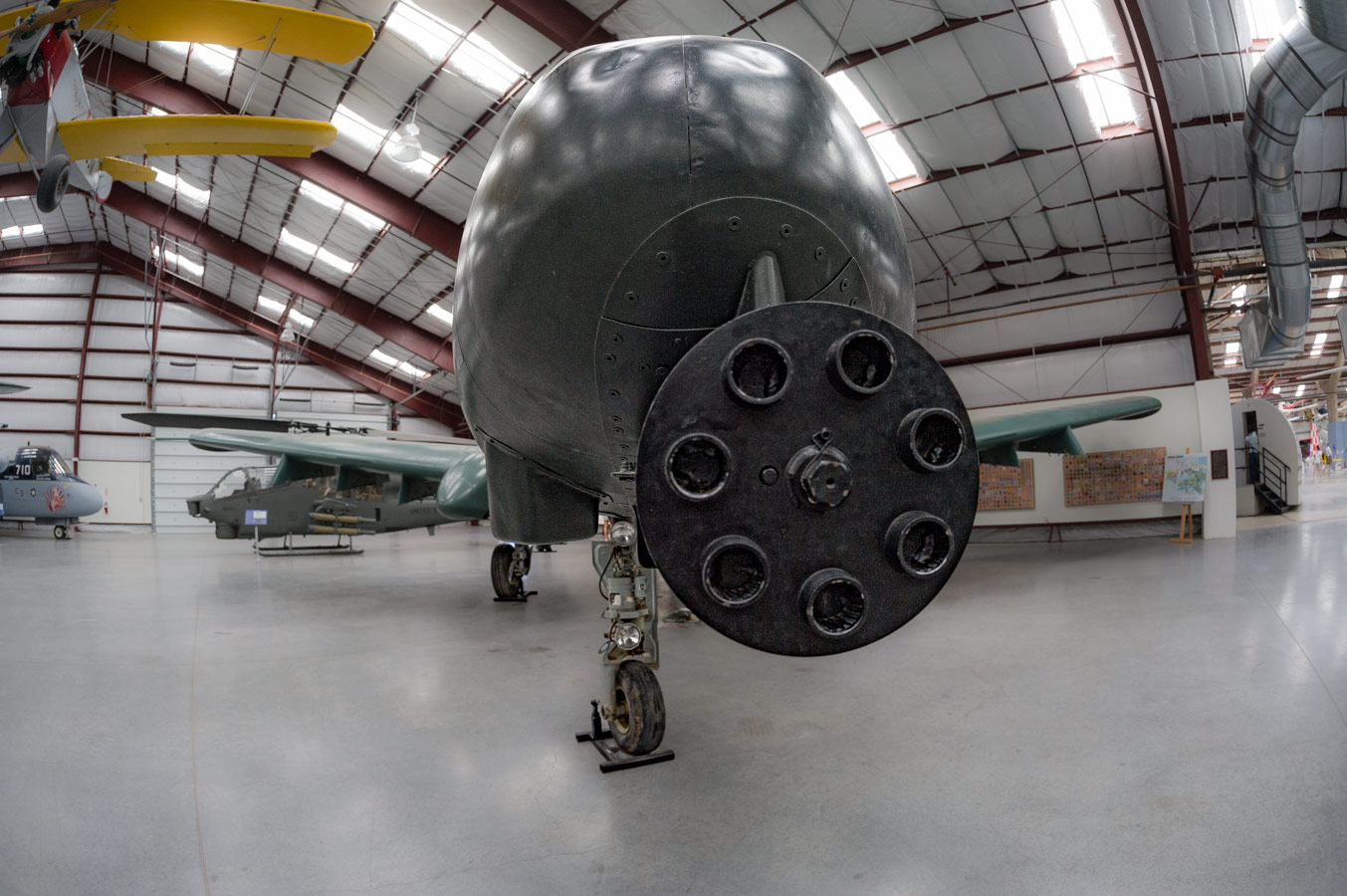
Jay I like the aviation shots. A bit of a departure for you!
Well tomorrow is the Kiwi Camera Swap so I'll take along the camera and share what I find there. It will be interesting if the Covid scare keeps the turnout down..
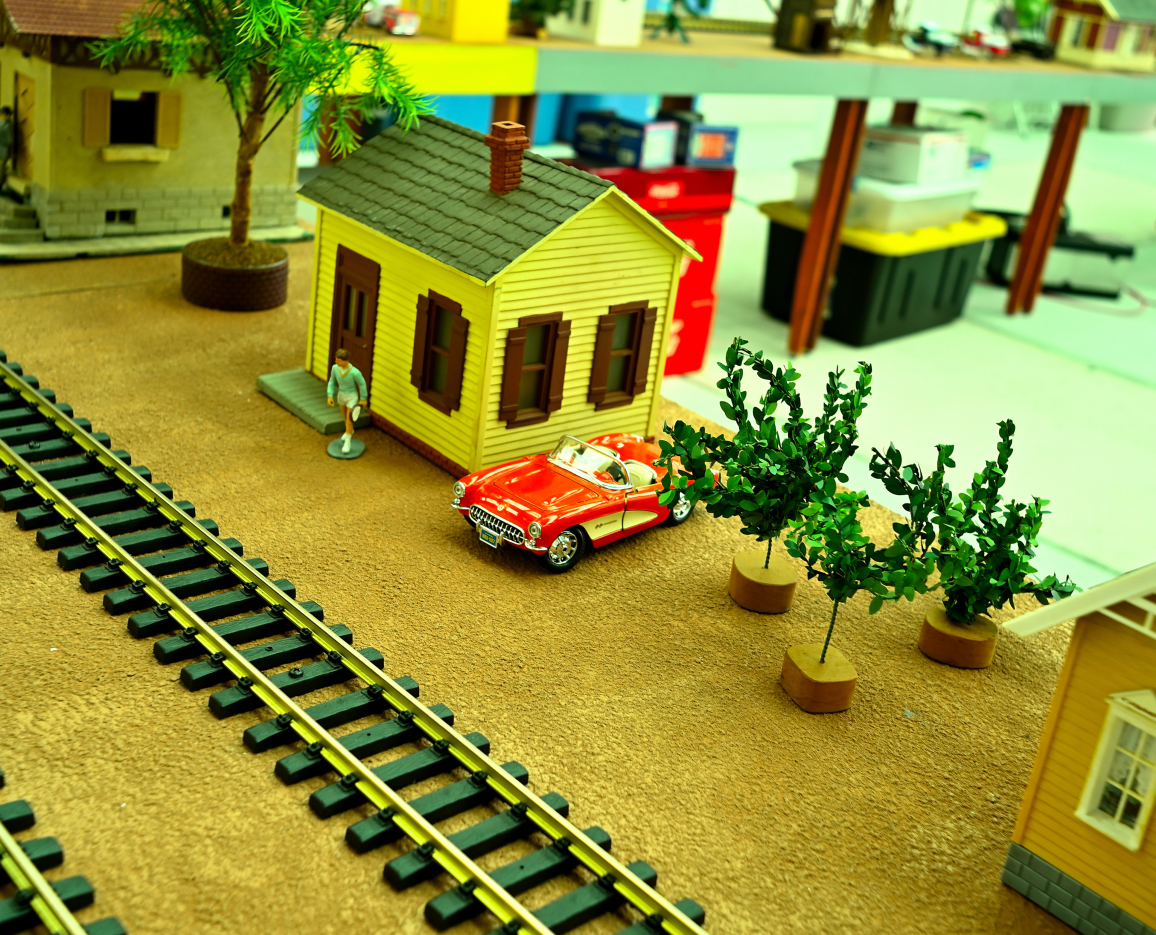
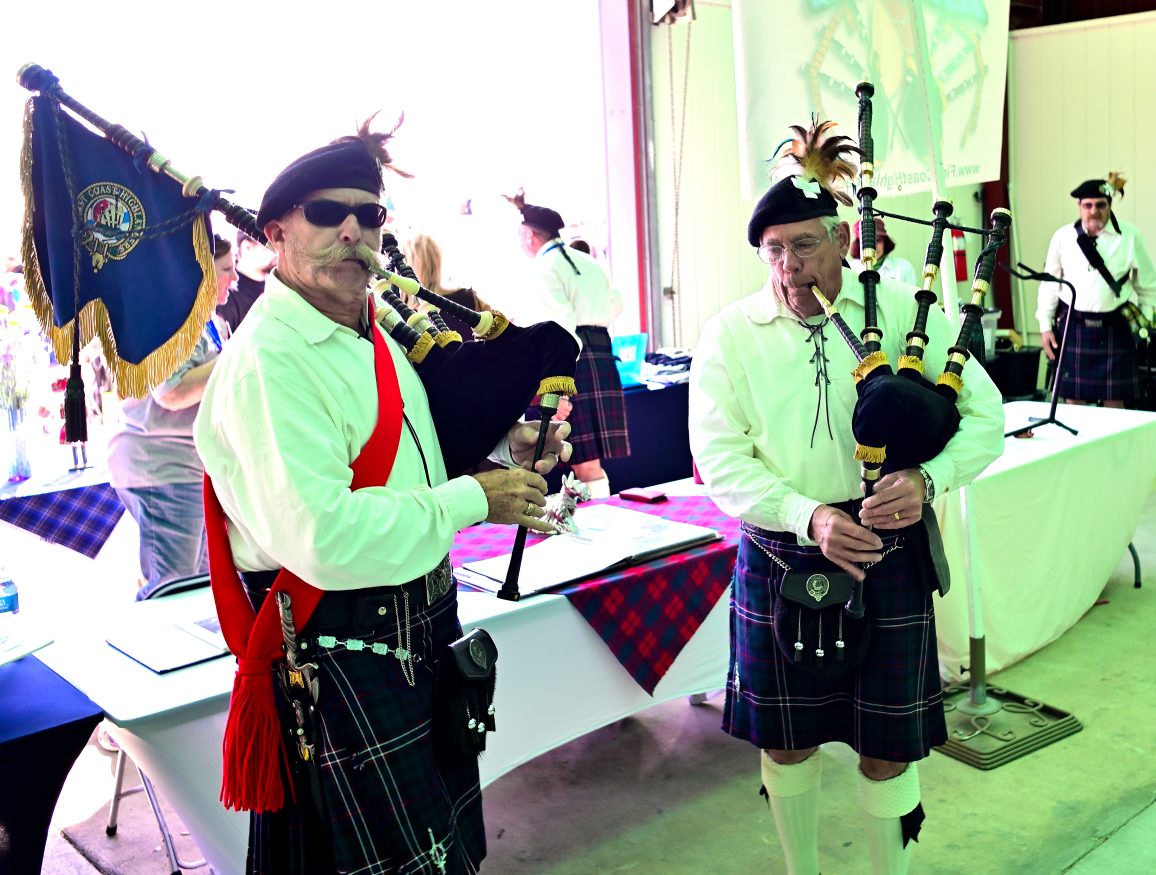
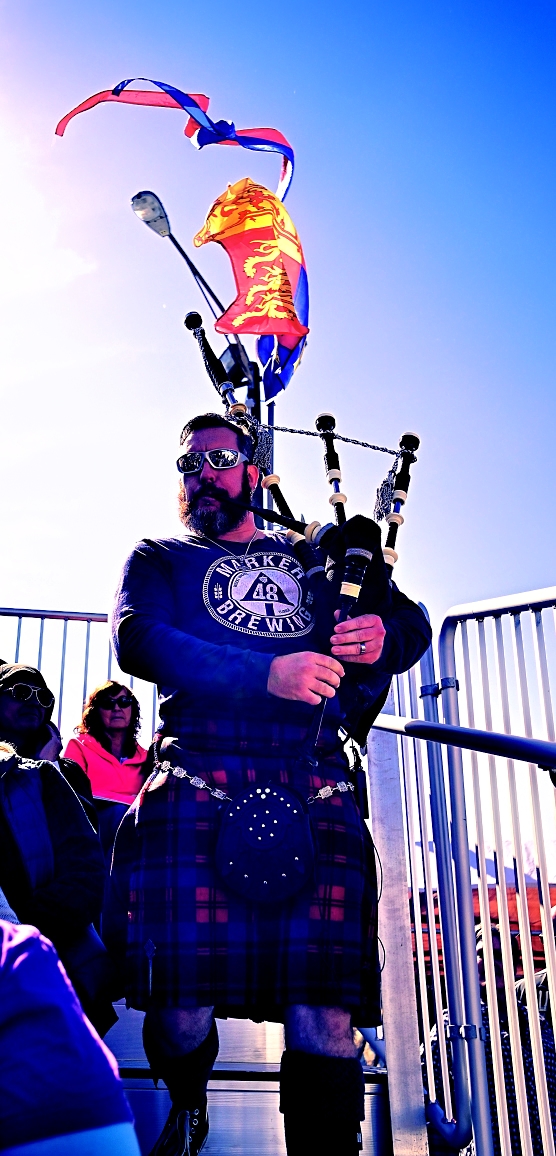
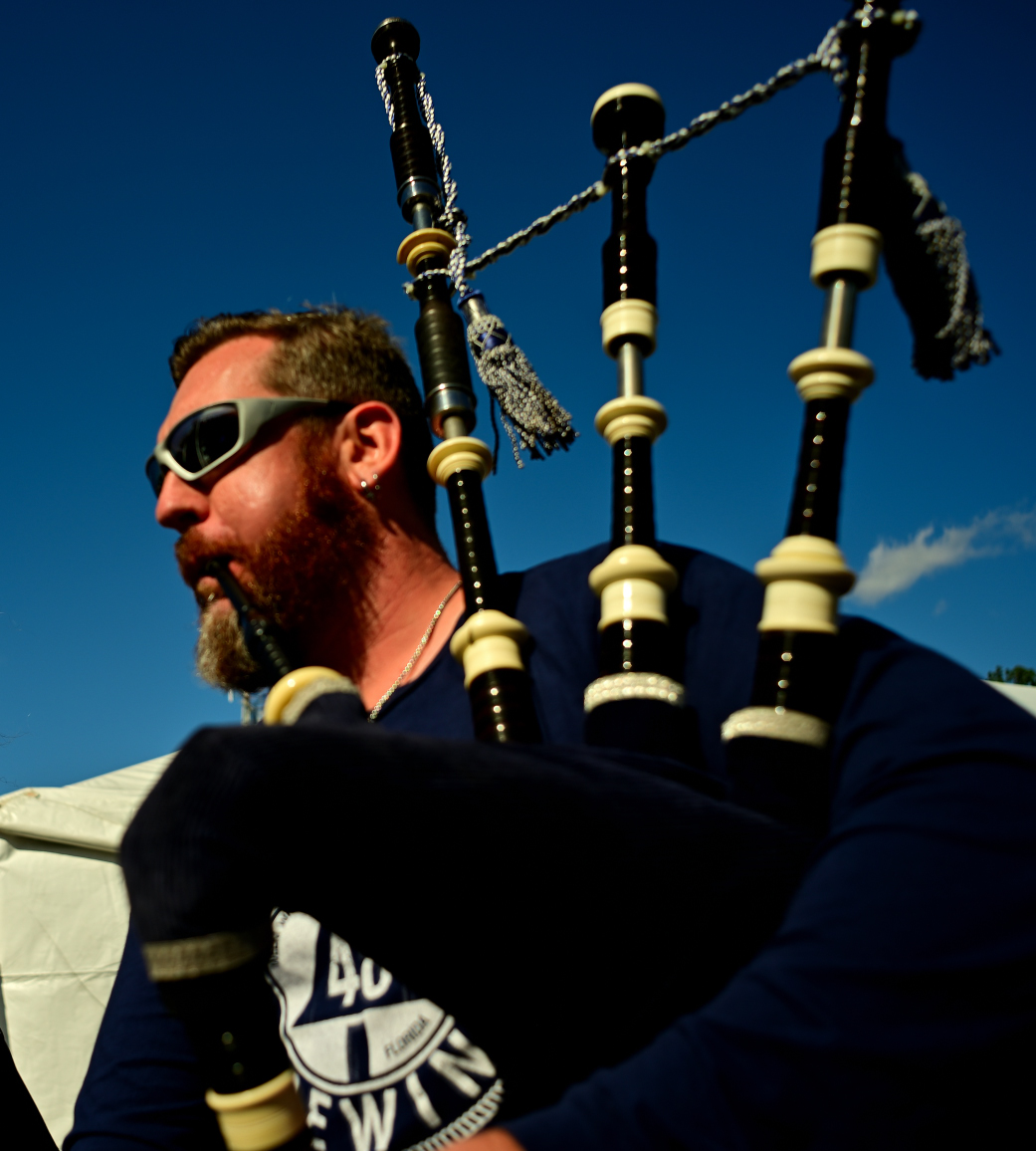
Here are some more from the Highland Games. Leaving the best for last! A Corvette from the train board on display and of course pipers.
I can tell when Ken posts as his film look is very specific, not sure if intentional but consistent.
Ken, if you see a mint 58mm 1.2 for $2000 or less please buy it for me, or a 10mm 5.6 OP for the same limit.
I'll follow on with Rafael's old rangefinder theme.
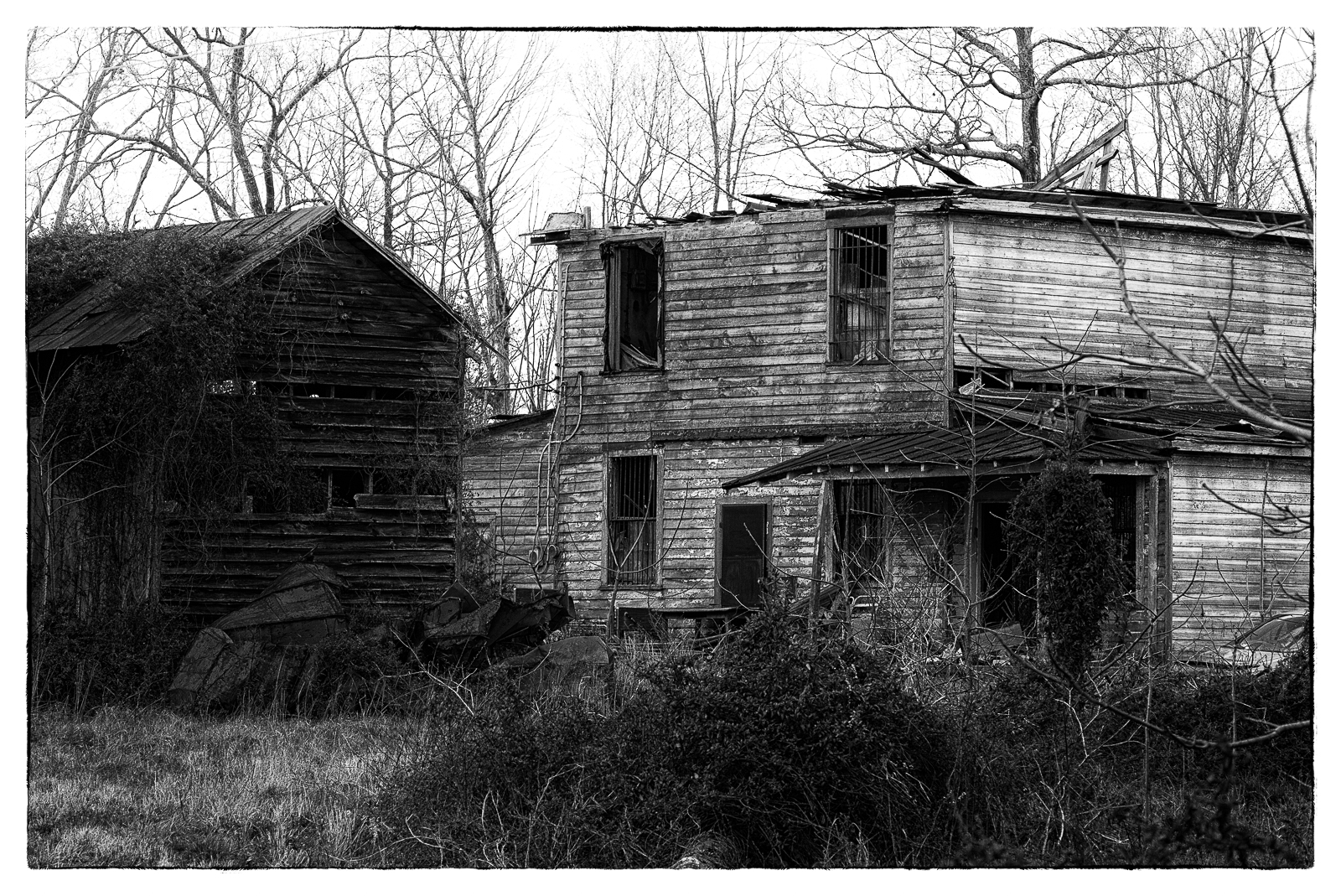
Posting a shot from yesterday evening using a lens I don't take out often. The Nikkor Q·C LTM 13.5 f/3.5. Can be hard to focus, but good to have when you need the longer reach on the M. Best processed in black and white with this old lens.
Old building shot with the Leica M
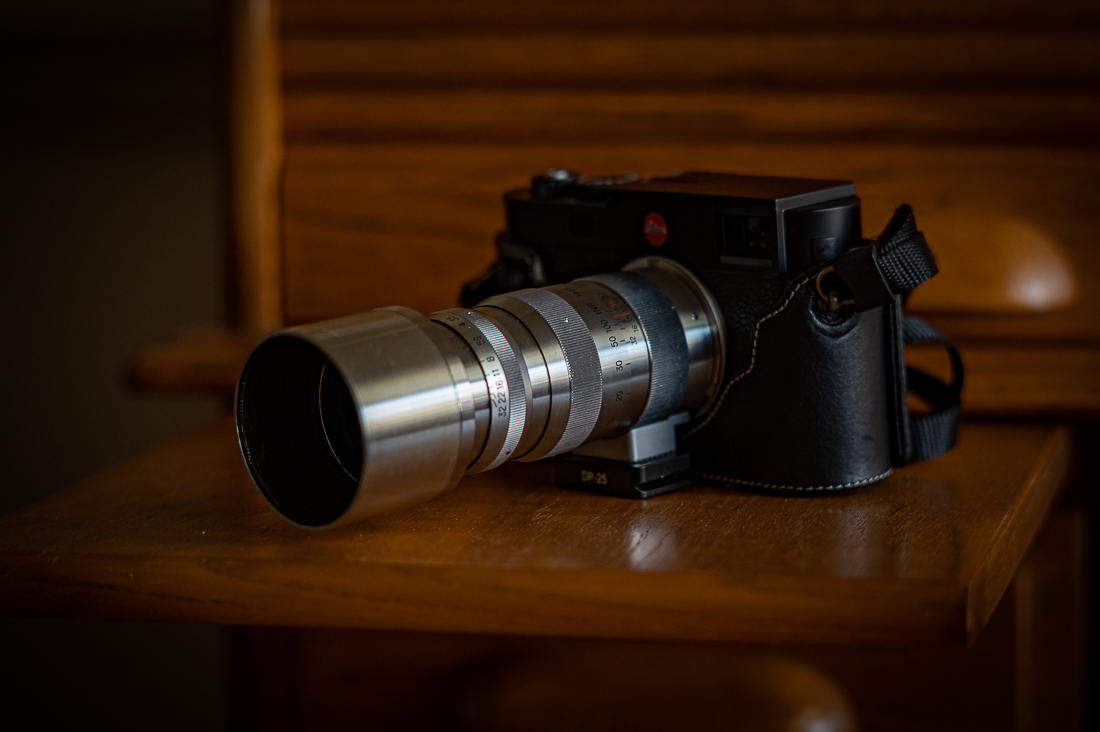
Picture of the lens on the Leica taken with the Z6 and Nikkor 8.5cm f/2 S-mount rangefinder lens
HCE HCE wrote:
Some settings to try with color negatives:
Good info there. One thing to remember regarding removing that orange color cast: it is a different shade of orange on almost ever roll of film. Differences in chemicals used during processing means that even the same film type made in the same batch can have a different color cast, unless processed the same day in the same machine. Adjustment layers thus are best created fresh for each roll, unless the job is a quick and dirty batch process.
I got the 55mm f/2.8 from Japan today. Absolutely perfect lens, likely used a dozen times since it was sold. $80 shipped
Still don't have my slide holder but I'll play with the extension tube and the lens before that gets here.
Raphael, Pretty much intentional. For example the piper descending the steps was right into the sun. Some say make omelettes etc.
There is always old gear there. So I’ll bring $4k with me in case there are two NOCTs for sale! What I will do is get an email or phone # and send them on to you
rafaelcasd wrote:
I can tell when Ken posts as his film look is very specific, not sure if intentional but consistent.
Ken, if you see a mint 58mm 1.2 for $2000 or less please buy it for me, or a 10mm 5.6 OP for the same limit.
Ken. If you find a really nice 58mm 1.2 Noct. for $2k or less call me on the spot 760 213 0668 si that I can talk to the seller.
Ken Hill wrote:
Raphael, Pretty much intentional. For example the piper descending the steps was right into the sun. Some say make omelettes etc.
There is always old gear there. So I’ll bring $4k with me in case there are two NOCTs for sale! What I will do is get an email or phone # and send them on to you
Nikon 10.5cm 2.5 PC great wide open at closer distances, needs f/8 for far landscapes.
Really contrasty and saturated. 5 elements glued into three groups.
This is a neighbors water saving garden. The trend in SoCal. Looks like a coral octopussy undersea garden in the shade.
I use a 55mm f/3.5 with extension tubes and a film holder I made from a PVC pipe coupling with an LED panel for a light source.
Exposure with a D800 is ISO 100 f/11 1/2 sec.
Some settings to try with color negatives:
Set all Camera Raw sliders to the middle of their range.
Expose a non-image area and use Adjustment Layer Levels WP dropper to correct orange cast.
Drag this Level setting into each same exposure negative image to neutralize orange cast.
Image Adjust Invert
Crop so all image
Auto Tone
Auto Contrast
Auto Color
Duplicate
Do an LCAST procedure to eliminate color cast, that is Filter Blur Average, Levels, set gray point on average and apply to image.
16. Re: Color Film Negatives
An alternative technique which works with all versions of Photoshop, and something I picked up a good few years ago from one of Martin Evening's books, is to use a color fill layer to negate the mask.
1. Added a color fill layer set to the color sampled from the negative rebate (i.e. just the mask). This layer is set to Color blending mode and 50% opacity
2. Above the color fill layer add an Invert adjustment layer clipped to the color fill layer
3. Above that add a further invert layer
4. Finally add a curves layer to balance the color and bring out the contrast
17. Re: Color Film Negatives
You get better contrast this way:
First sample the mask color of film.
Create a layer and fill it with mask color.
Change layer's blending mode to divide.
Above that add Invert-layer.
Then levels or curves layer to tune the white balance and high and low end.
====
My 1st method seems to work best.
-----------------------------------------------------------
D3 16mm f/3.5...Show more →
You should try negativelabpro.com
Super easy, super quick, super results.
Desmolicious wrote:
You should try negativelabpro.com
Super easy, super quick, super results.
Yup. I switched from Photoshop to NLP a few months ago. My Photoshop methods were fine, but NLP has been such a big time-saver, and it also let me use LR's tagging and cataloging features. That alone is a pretty big deal.
Out at the local Botanical Gardens yesterday doing some macro. I always park and start with a subway sandwich sitting on the bench next to this little pond.


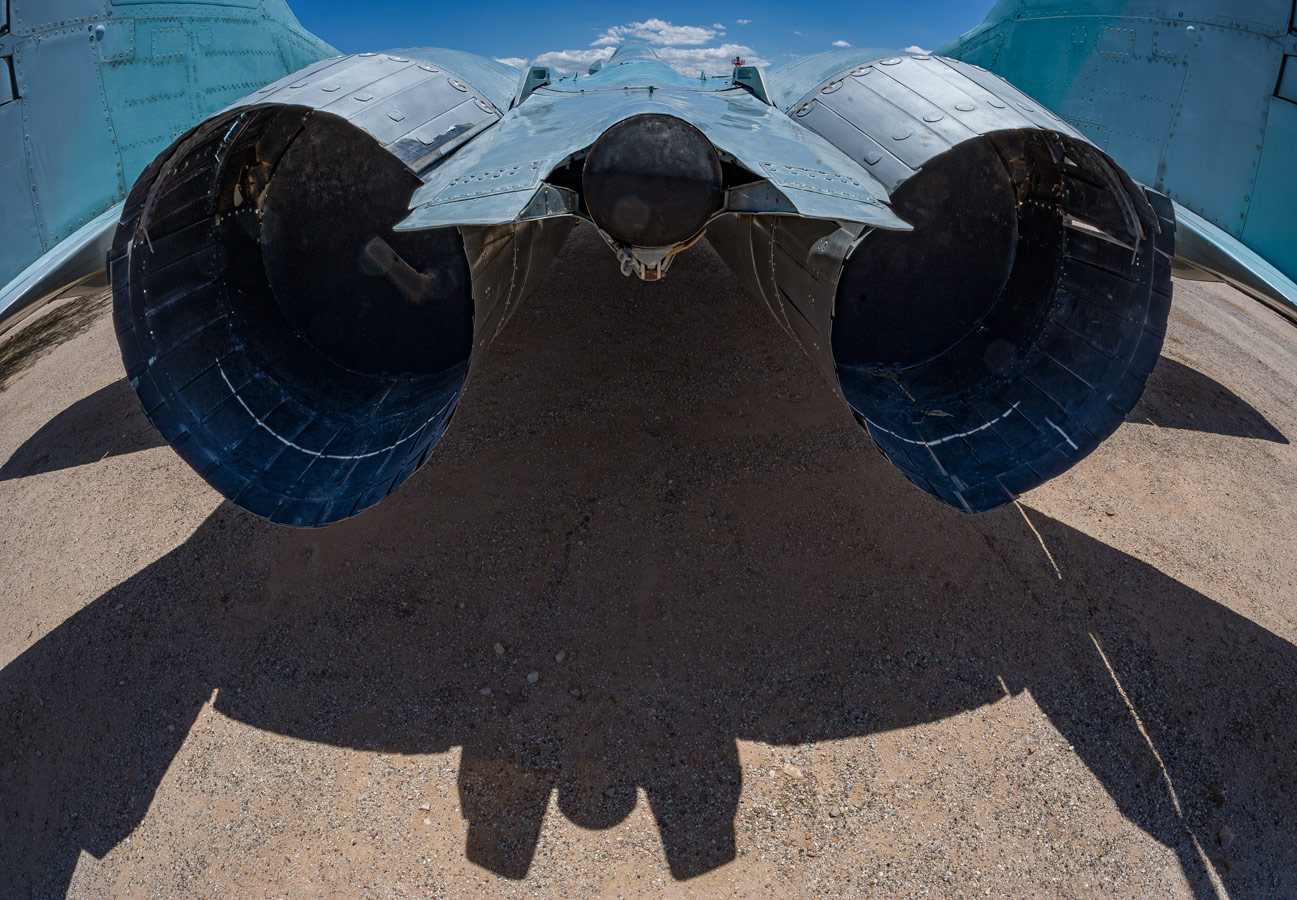
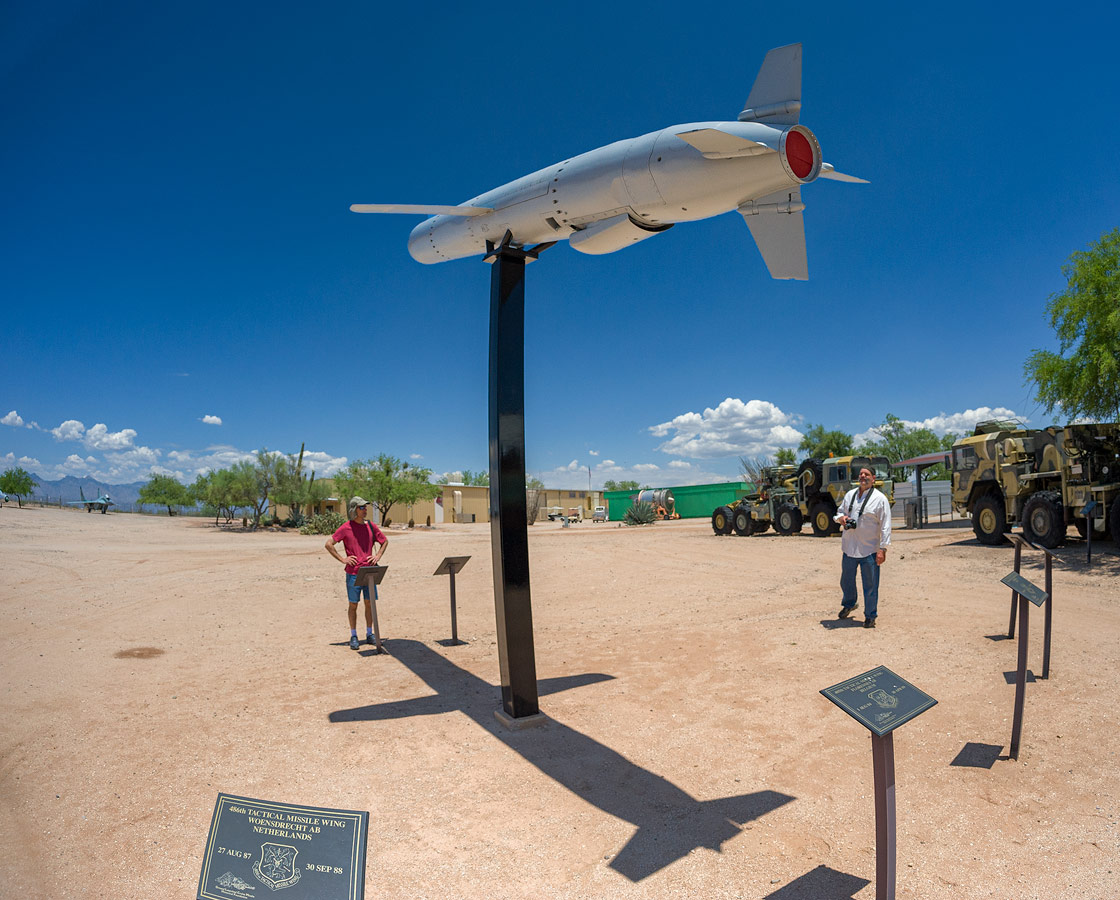

 This one is not in a museum yet.