Before I start this, can anyone tell me how to export my side by side comparison of two images (f2 and f2.8) that I create in Lightroom. It is only exporting one of the two. I would like to export them together as 1 image.
Before I start this, can anyone tell me how to export my side by side comparison of two images (f2 and f2.8) that I create in Lightroom. It is only exporting one of the two. I would like to export them together as 1 image.
thanks
Doug
One option is to use the PRINT module in LR and place the 2 images together in a frame (choose #rows and #columns) then export via the print-to-file as a jpeg. Somewhere you can probably control the jpeg quality.
DeltaSigma wrote:
One option is to use the PRINT module in LR and place the 2 images together in a frame (chose #rows and #columns) then export via the print-to-file as a jpeg. Somewhere you can probably control the jpeg quality.
Colin
P.S. I just tried this and the jpeg came out as 7 MB for me..... so not too shabby.
DeltaSigma wrote:
One option is to use the PRINT module in LR and place the 2 images together in a frame (chose #rows and #columns) then export via the print-to-file as a jpeg. Somewhere you can probably control the jpeg quality.
graytrekker wrote:
Thx - I'll give it a try later today
The print job sub-menu has options for the physical size of the output image and dpi settings too so you shold be sorted!
Looking forward to your comparison reports.
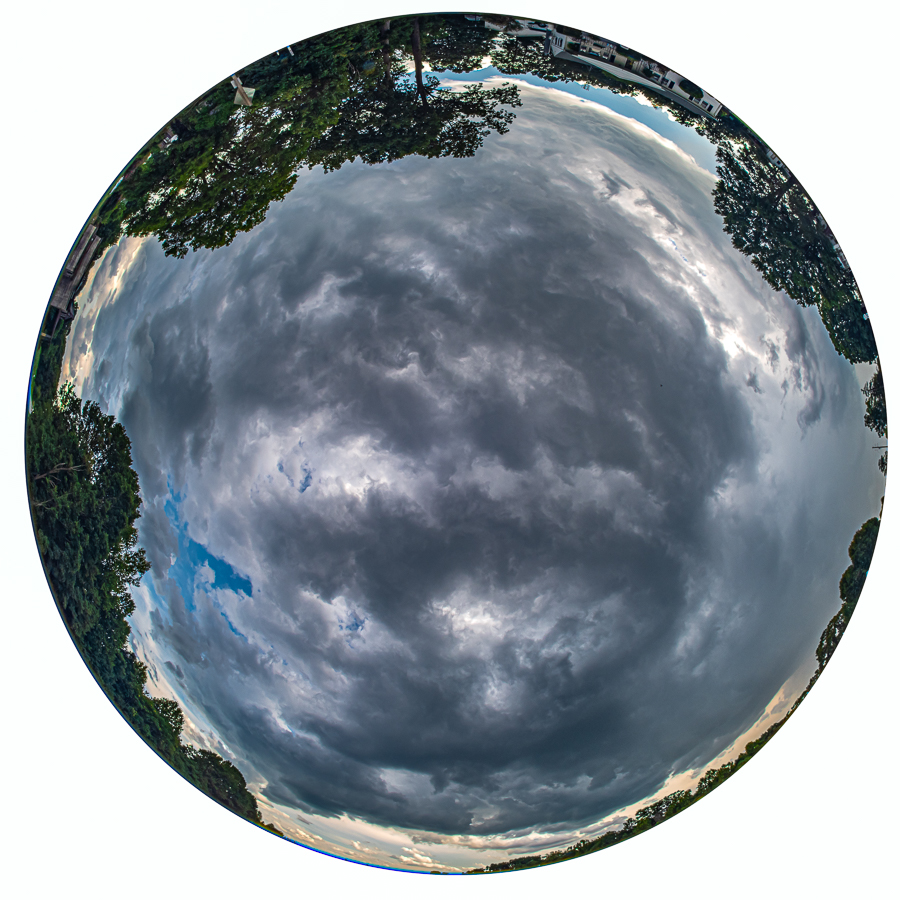
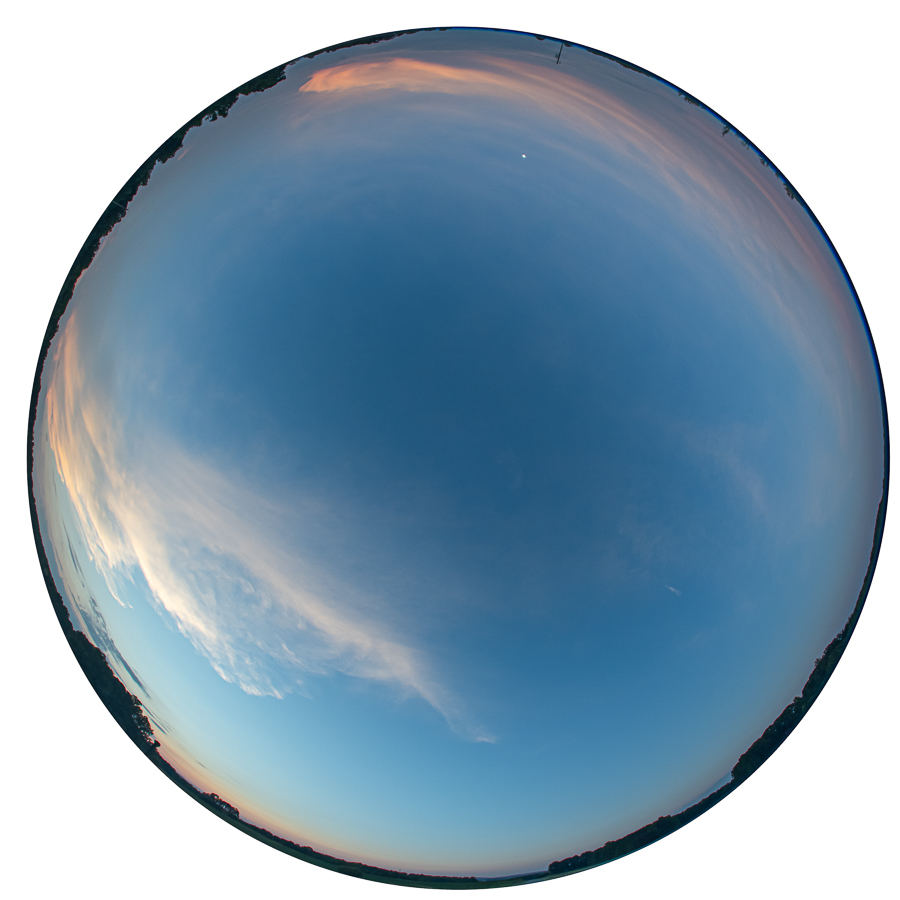
Ok, adjust your eyeballs and change your perspective on these two
My local club theme this month is Sky and Clouds. So I dusted off the 8mm/2.8 fisheye (Ai modified) for these two shots. 180 degree view angle gives 360 degree horizon view. Not sure how much more sky I could get
First one had some storm clouds covering the majority of the sky. Was going to do a time-lapse but rain started to fall and did not want the huge front element on that lens to get drenched.
Second one was a few hours later at a different location to catch the sunset. Was hoping for more clouds and colors but thought I would post it anyway. That little white dot at the top of the image is the moon.
gbohannon wrote:
Ok, adjust your eyeballs and change your perspective on these two
My local club theme this month is Sky and Clouds. So I dusted off the 8mm/2.8 fisheye (Ai modified) for these two shots. 180 degree view angle gives 360 degree horizon view. Not sure how much more sky I could get
First one had some storm clouds covering the majority of the sky. Was going to do a time-lapse but rain started to fall and did not want the huge front element on that lens to get drenched.
Second one was a few hours later at a different location to catch the sunset. Was hoping for more clouds and colors but thought I would post it anyway. That little white dot at the top of the image is the moon.
Raphael, the 59 "LD" was the last of the tail fin craze and a keeper by any car collector. Thanks for showing!
Colin, the sea-scapes are beautiful! Truly a great shot that captures the sky and the sea and there is little blend from the horizon. Nicely done!
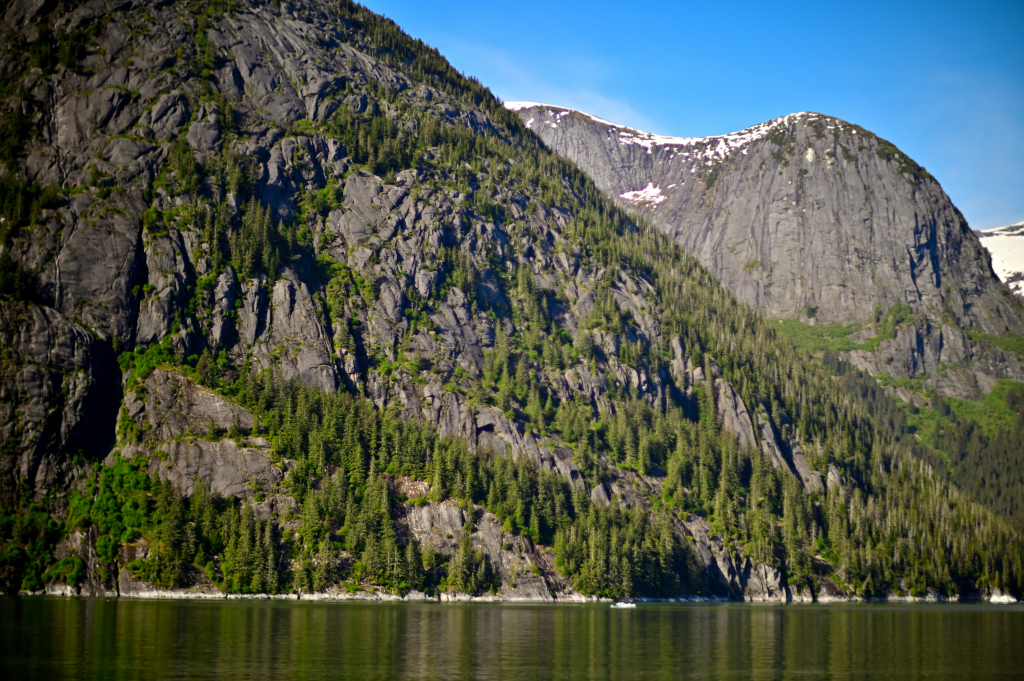
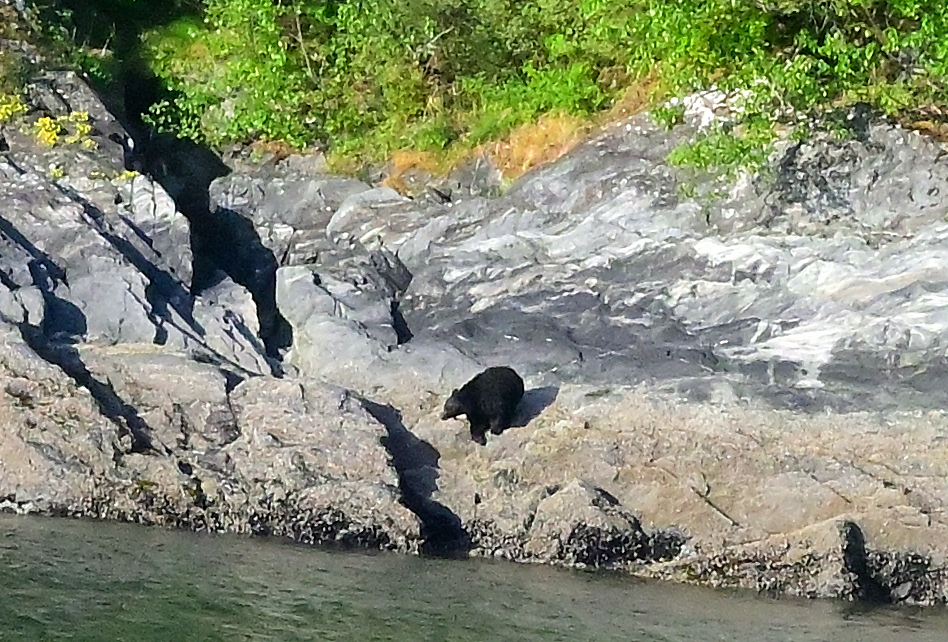
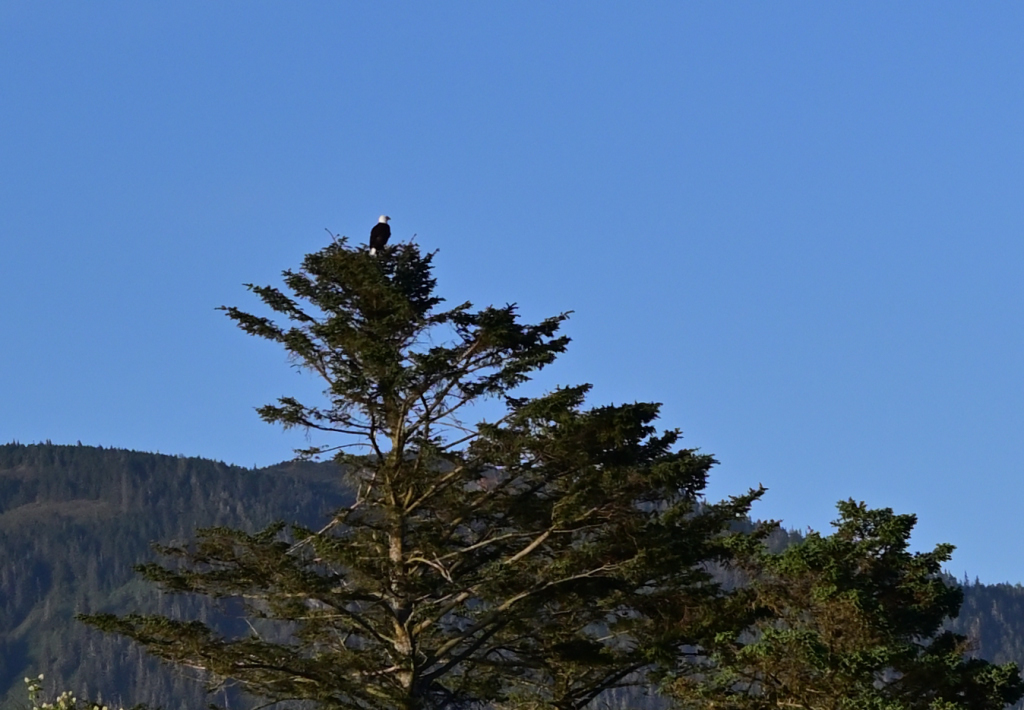
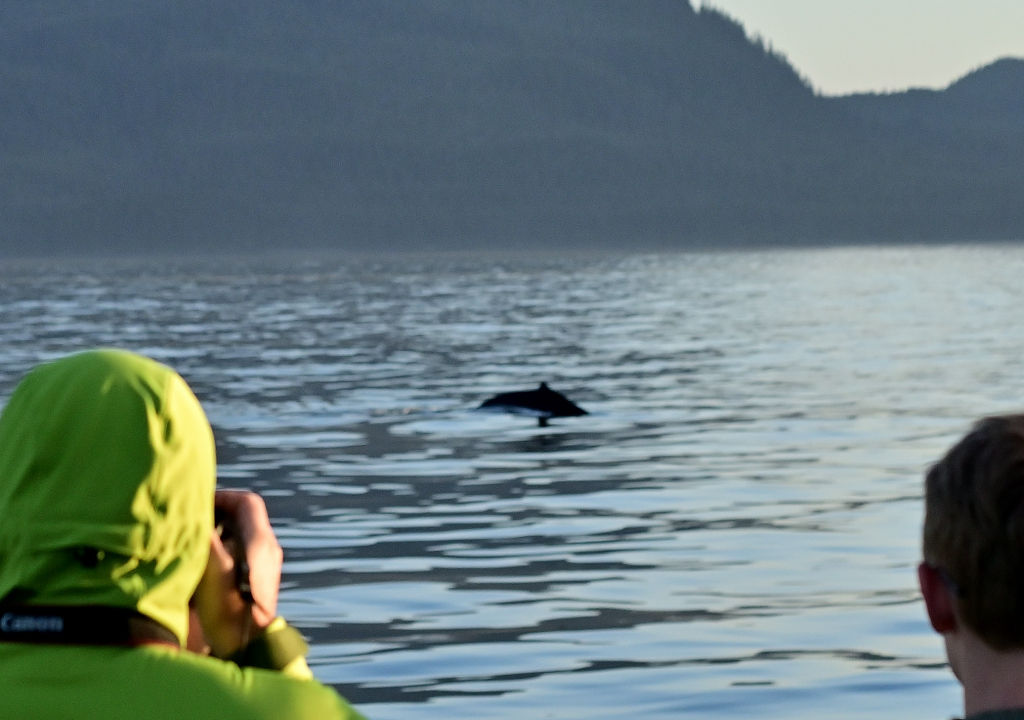
Some of the landscape from Tracy Fjord along with a bear and a couple of eagles and the best I could do with a whale!
Ken,
Thanks for the praise but Mother Nature was in control - it just turned out that way.
Perhaps the recent volcanic activity had something to do with amplifiying the early morning haze and sea mist.
Thanks for the praise but Mother Nature was in control - it just turned out that way.
Perhaps the recent volcanic activity had something to do with amplifiying the early morning haze and sea mist.
You had me going at volcanic activity . In doing an internet search to learn more about the area, I have not seen pictures any better than what you have been sharing
I also shot with the 24-70mm-f4/S on the Z6, but I really liked the results and relative ease of the old manual focus lenses, both on the D750 and the Z6.
The big comparison: (not sure how this is going to work out as I don't think I can preview my post)
OK, here we go. I could not figure out (even with Colin's expert advice) how to present this in the way that I wanted. So here is what I am going to do. I minimally processed these - just tweaked the auto setting when needed and removed CA. I didn't even remove sensor spots. I exported as jpegs at max resolution yielding files in the range of 12 -14 MB. I uploaded them to my flickr and have links below. I am posting small thumb nails but you should be able to access the full res version.
For the Df, I shot the 4 lenses at ISO 100, F5.6, 8, 11 & 16. I set the focus ring set to a hard infinity for all. I then put these lenses on my Sony A7RII (Fotasy adapter) and repeated at f 8 and 11. Unfortunately I must not have set the focus ring properly for the 24mm f2.8 lens, so I had to repeat the 24mm comparisons on the Sony. For that, I had a change of venue. I had also intended to compare these with my Sony 24-105 zoom set at 24mm. However, again, for some reason, those were soft and I am not showing those. (maybe had a wrong setting somewhere, like stabilization "on" or something).
I was trying to find a spot that had both some near objects in the corner (grass lower left at 8 ft - wish I had included more), some distant corner stuff (in case depth of field did not include the grass) and a distant "infinity" object near center.