DeltaSigma wrote:
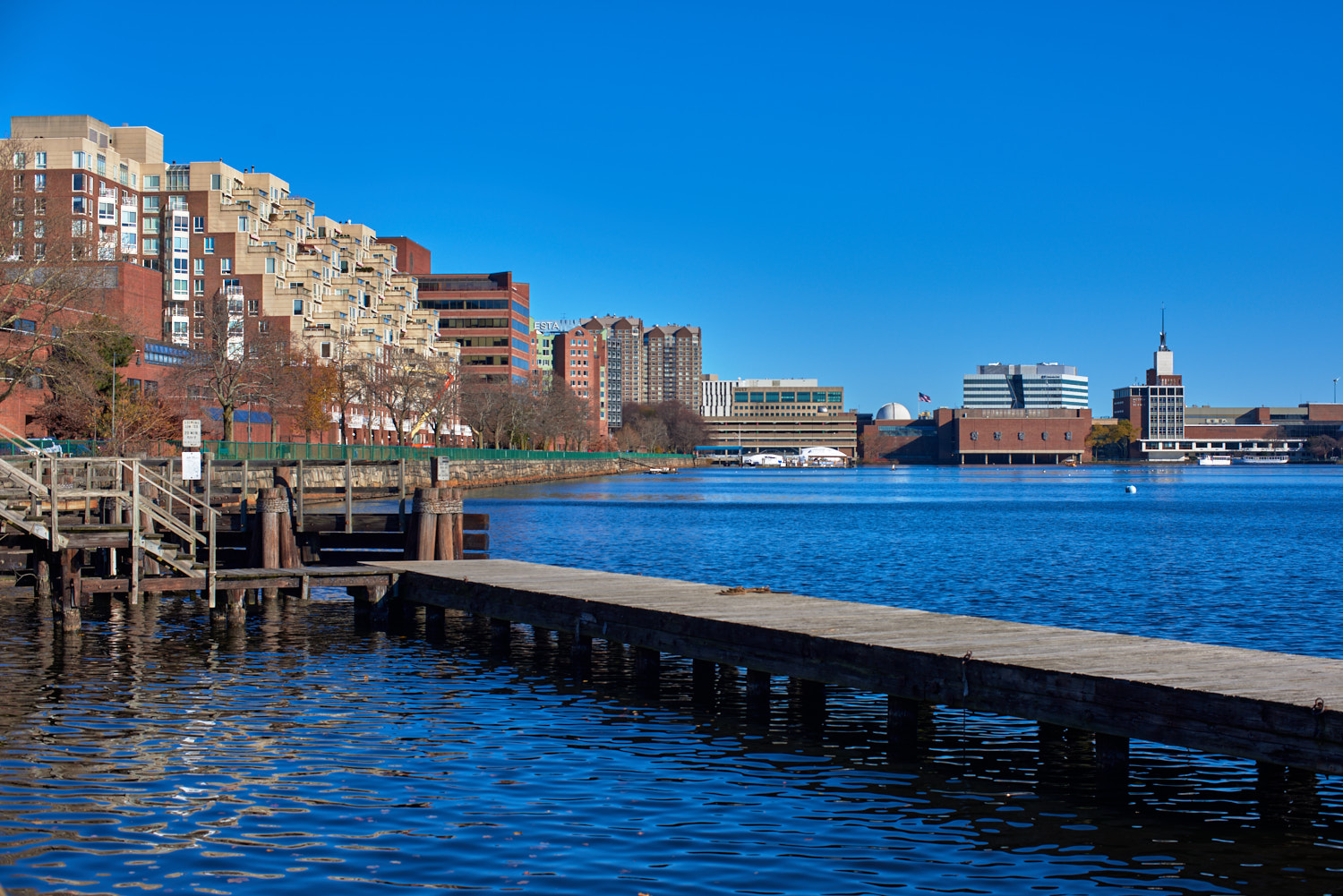
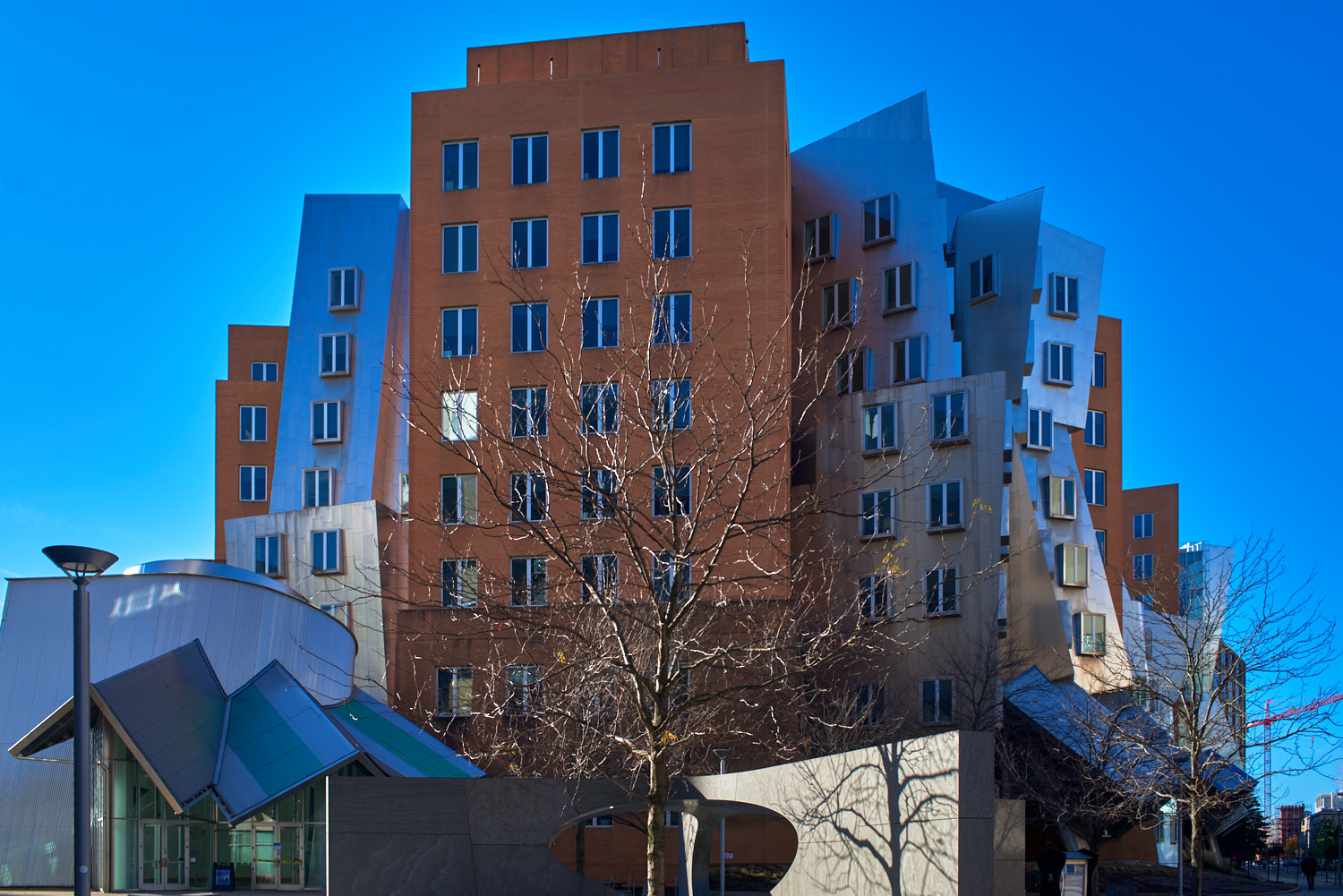
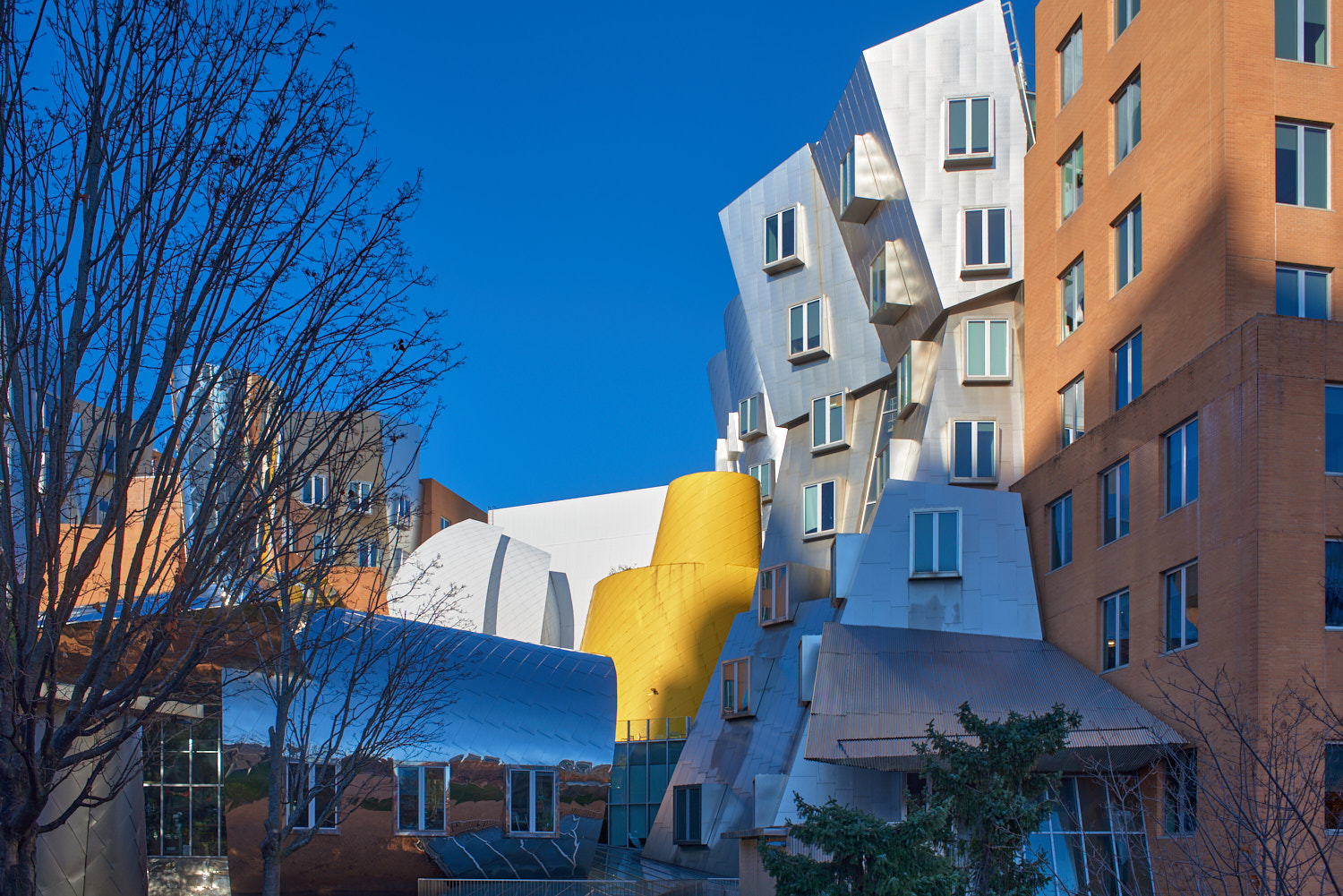
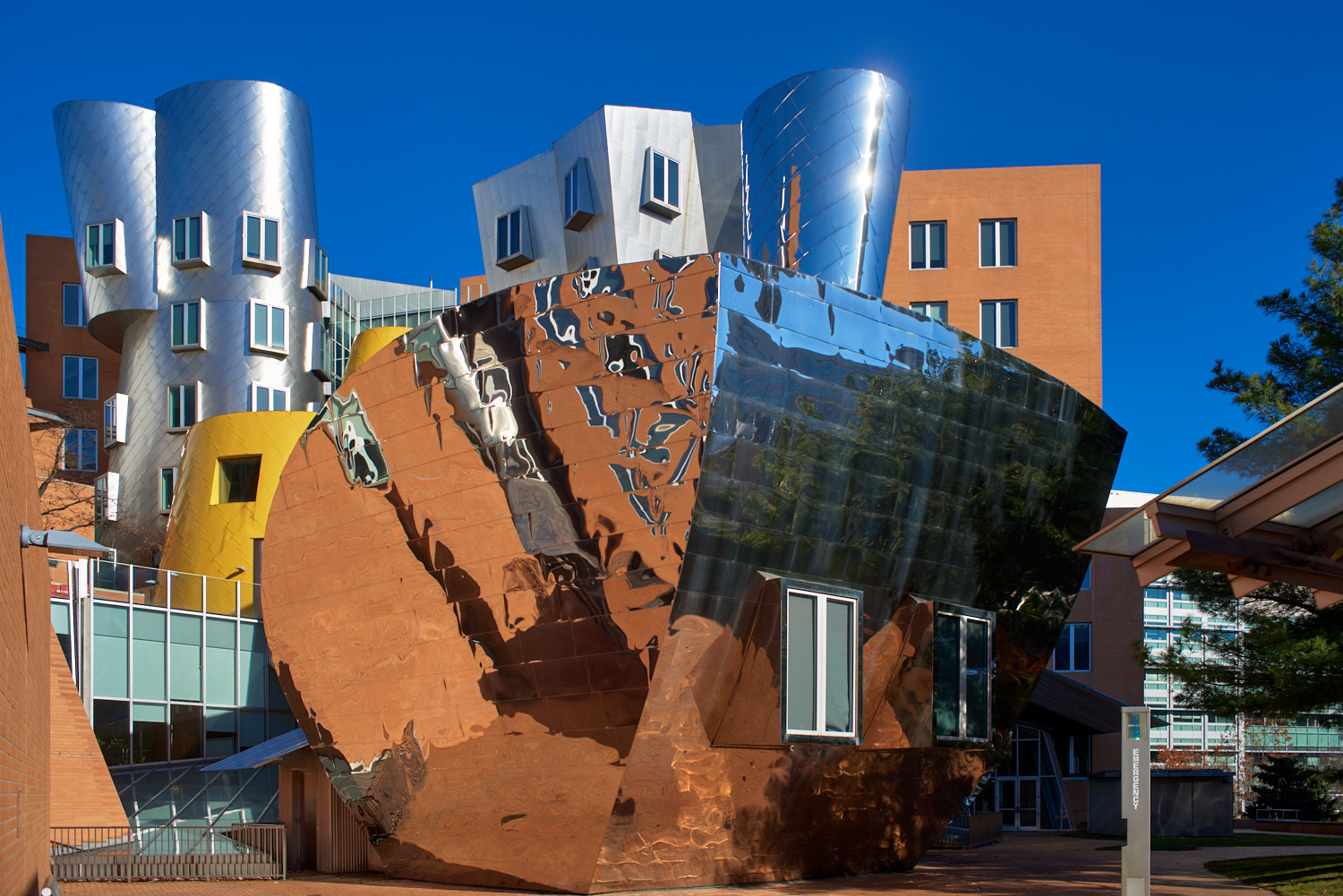
I see the Ray Stata building in the background. Lovely colors compared to the B&W IR shots I have of it.
p.s. I have given more than half of my life working for the company he founded.
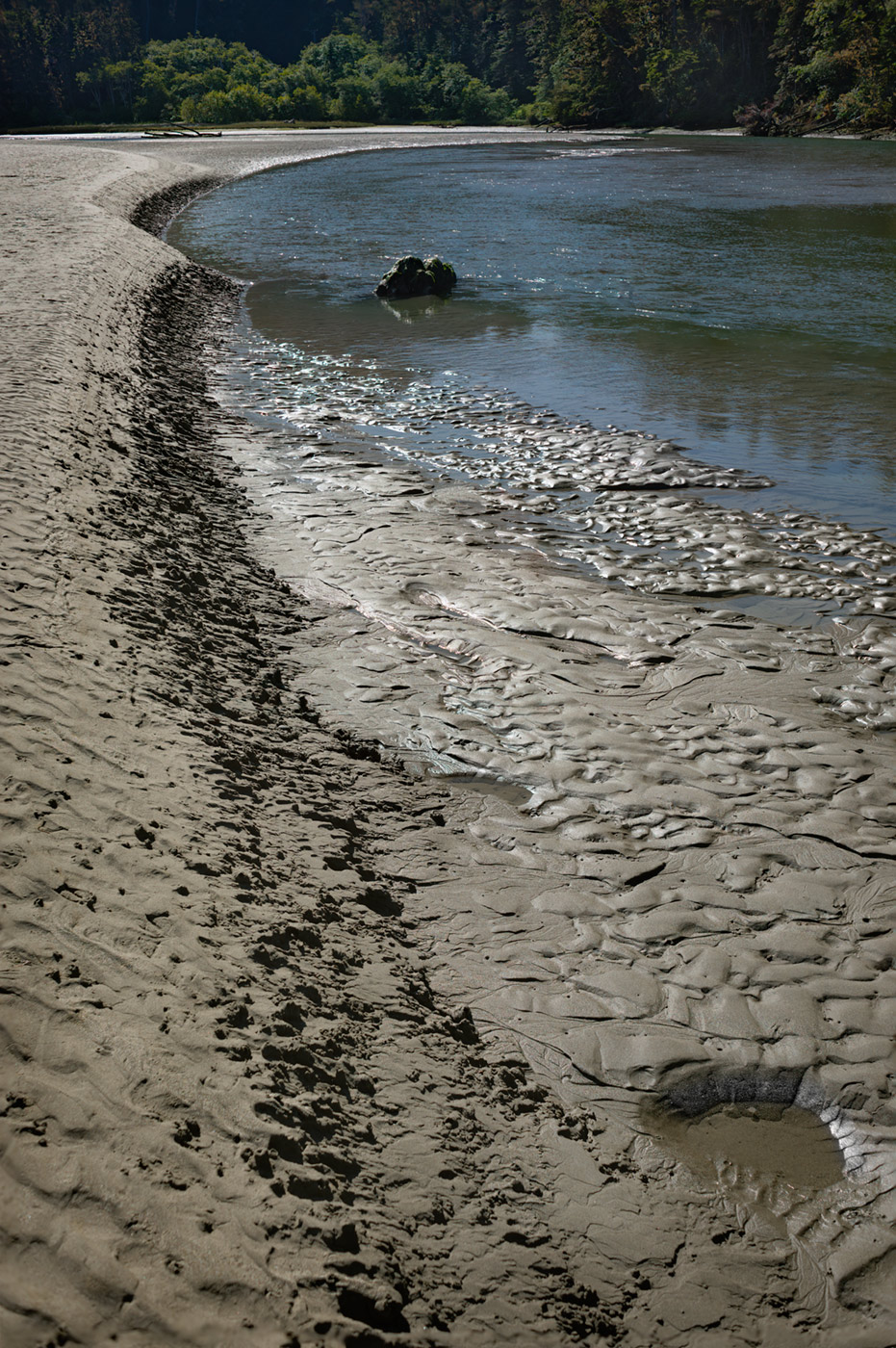
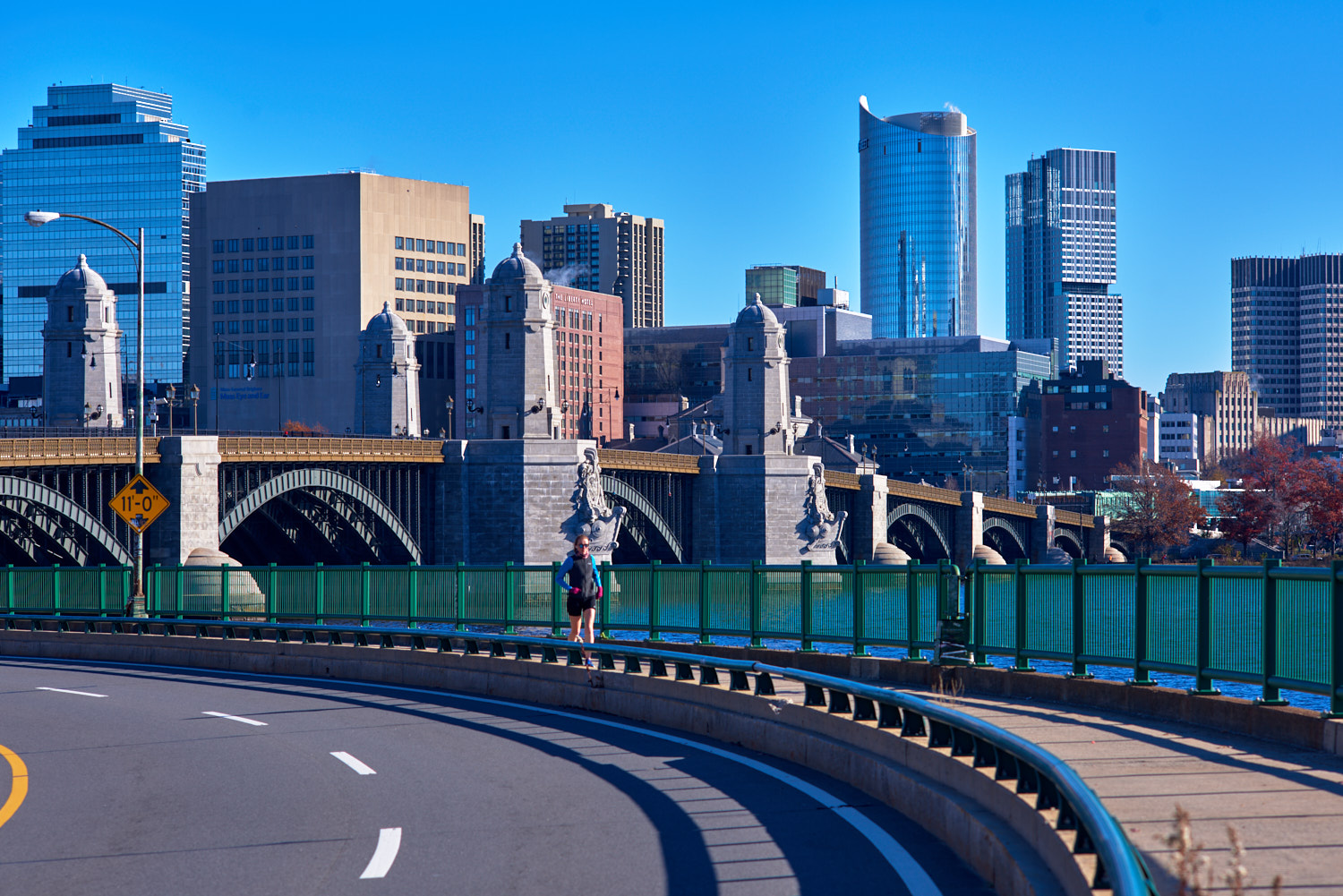
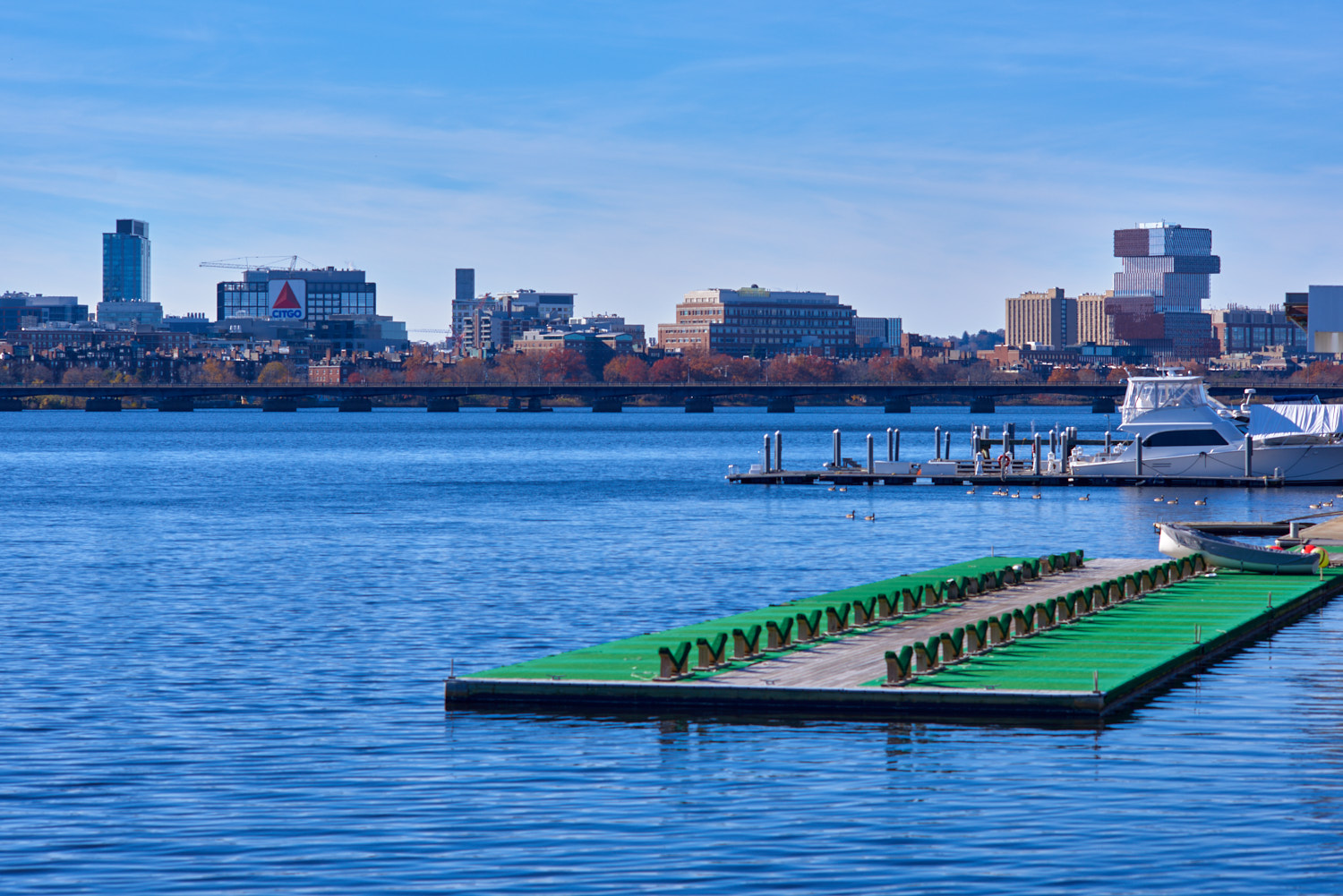
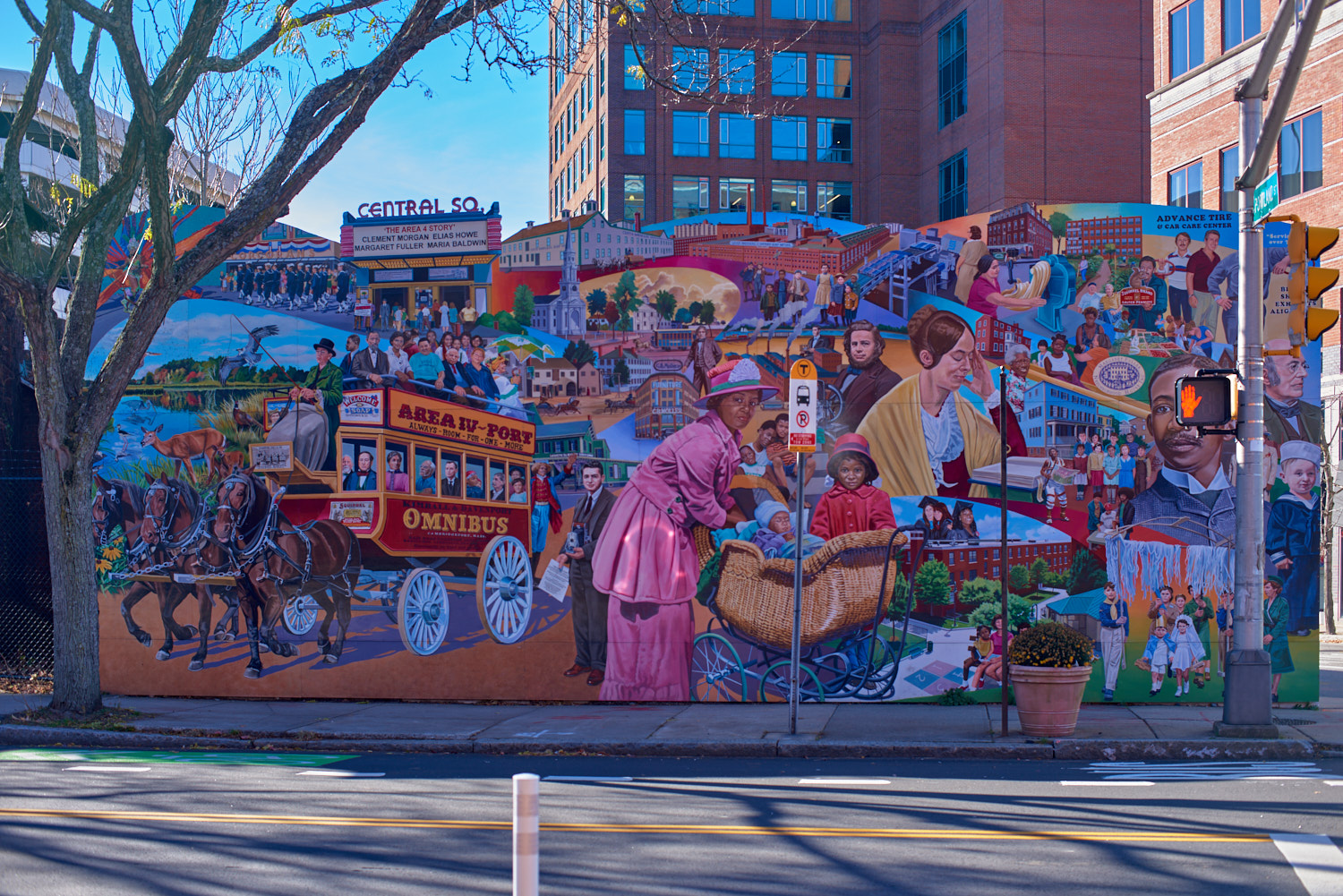
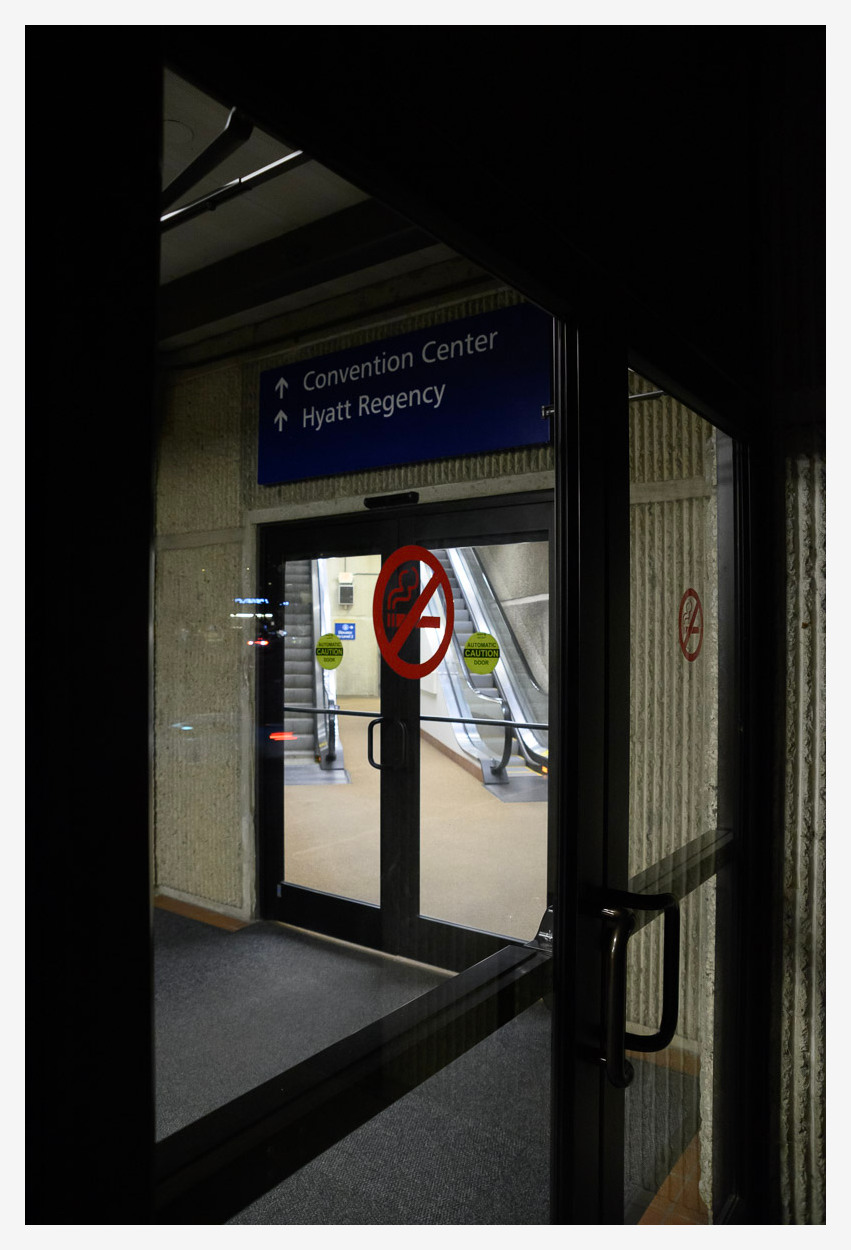
Thank you. Today the weather is real nice. Here are few more taken with Nikon 28/2.8 AIS lens + D810.
milt wrote:
It is a nice day today. Hope you are enjoying your trip to Boston area.
Regina.
Thank you, Regina! I always enjoy visiting Boston/Cambridge area. I have been coming visiting my daughter pretty regularly here as she started her graduate school few years ago.
cadman342001 wrote:
No worries. That's the impression I have had too so good to have it confirmed.
Andy, after this exchange started using Adobe nonoise ai, it is really good. The output DNGs is extra and enormous , so not for every photo but for the special ones it is an excellent processing step.
Here are a couple of samples from a classic Tijuana restaurant, very low light processed in this manner.
On the Z6 at 1600 it made a difference, at 5200 it was a life saver.
Main advantage for me is that the look remains natural and there are no artifacts, something I did not experience with other AI noise apps.
ocean2059 wrote:
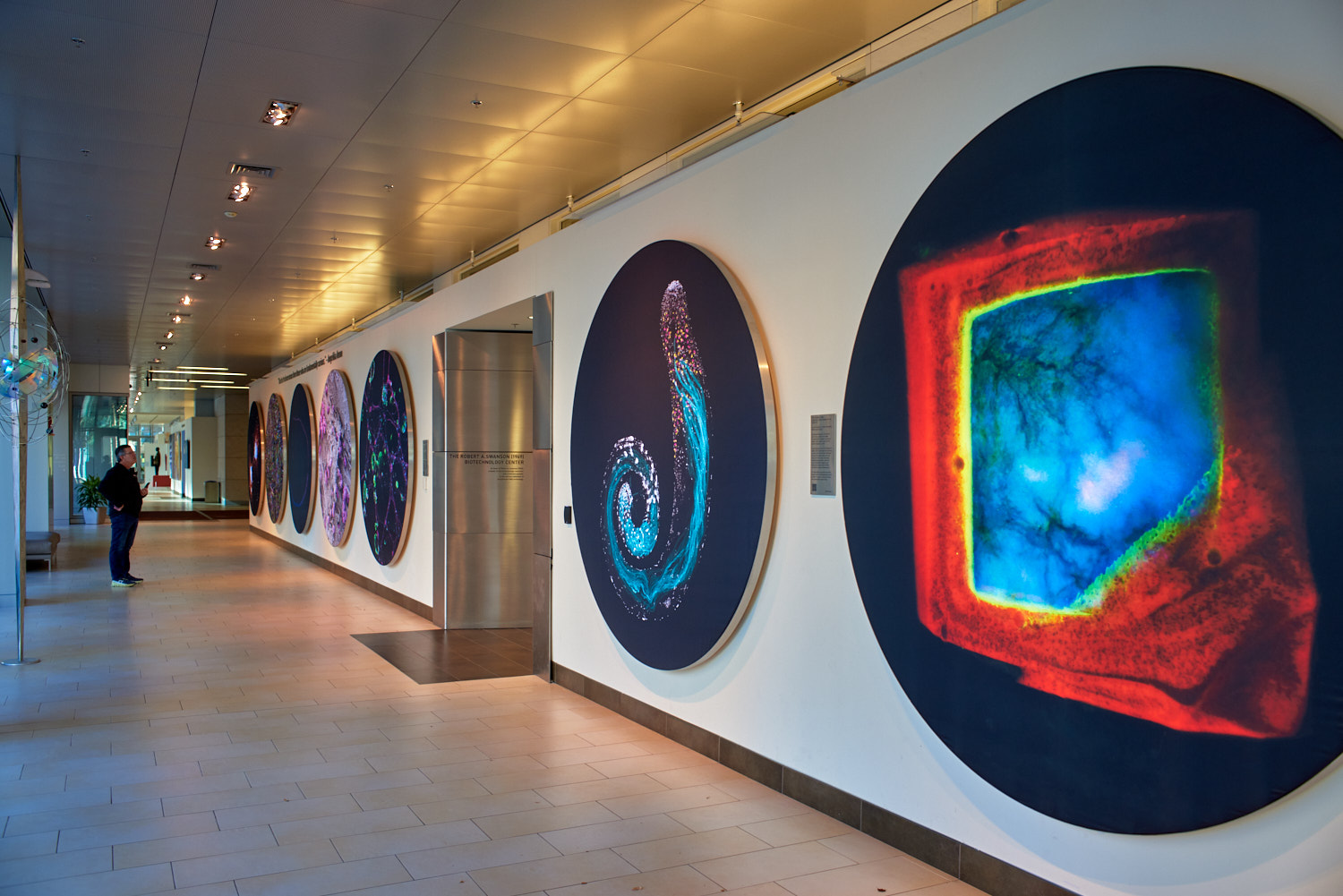
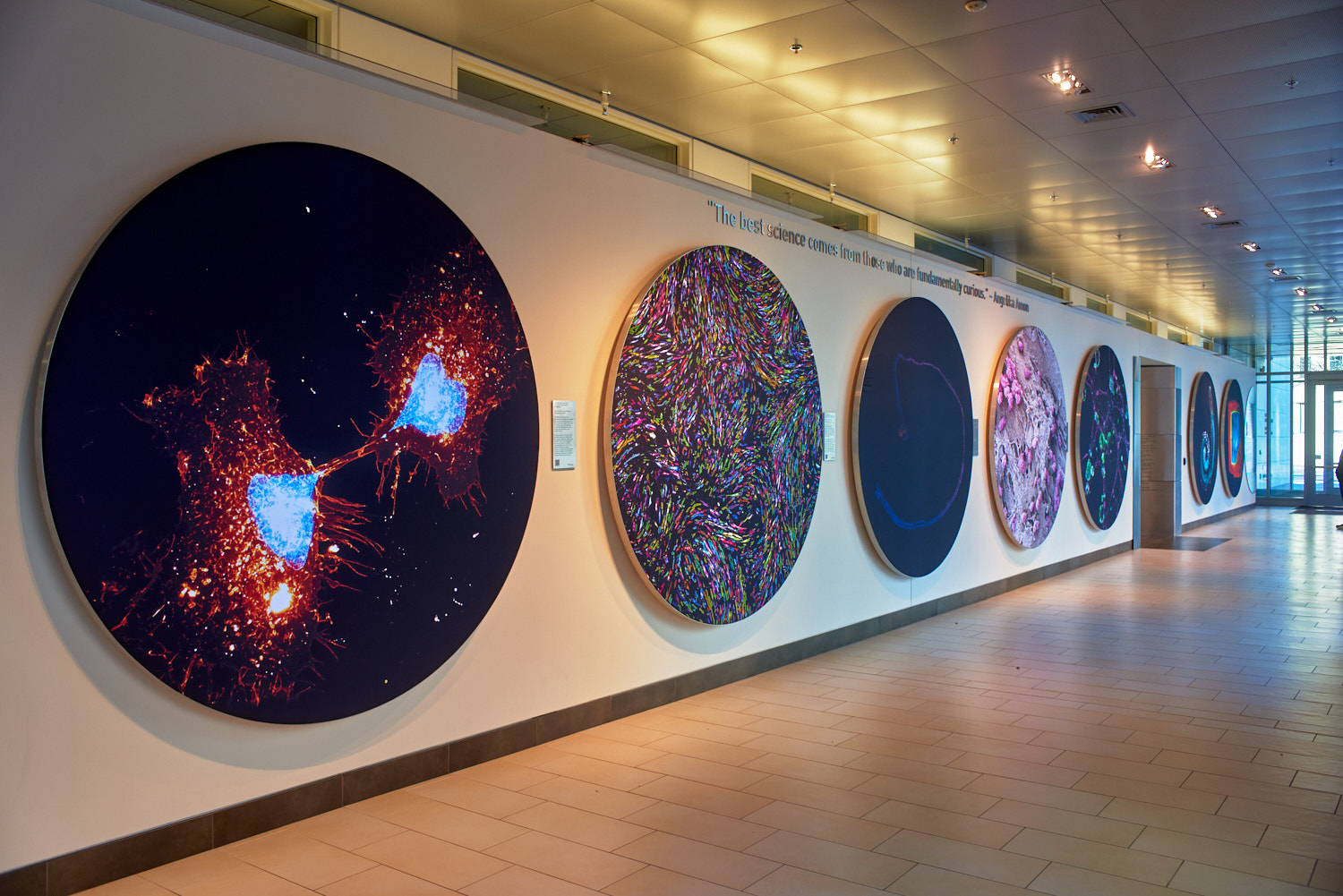
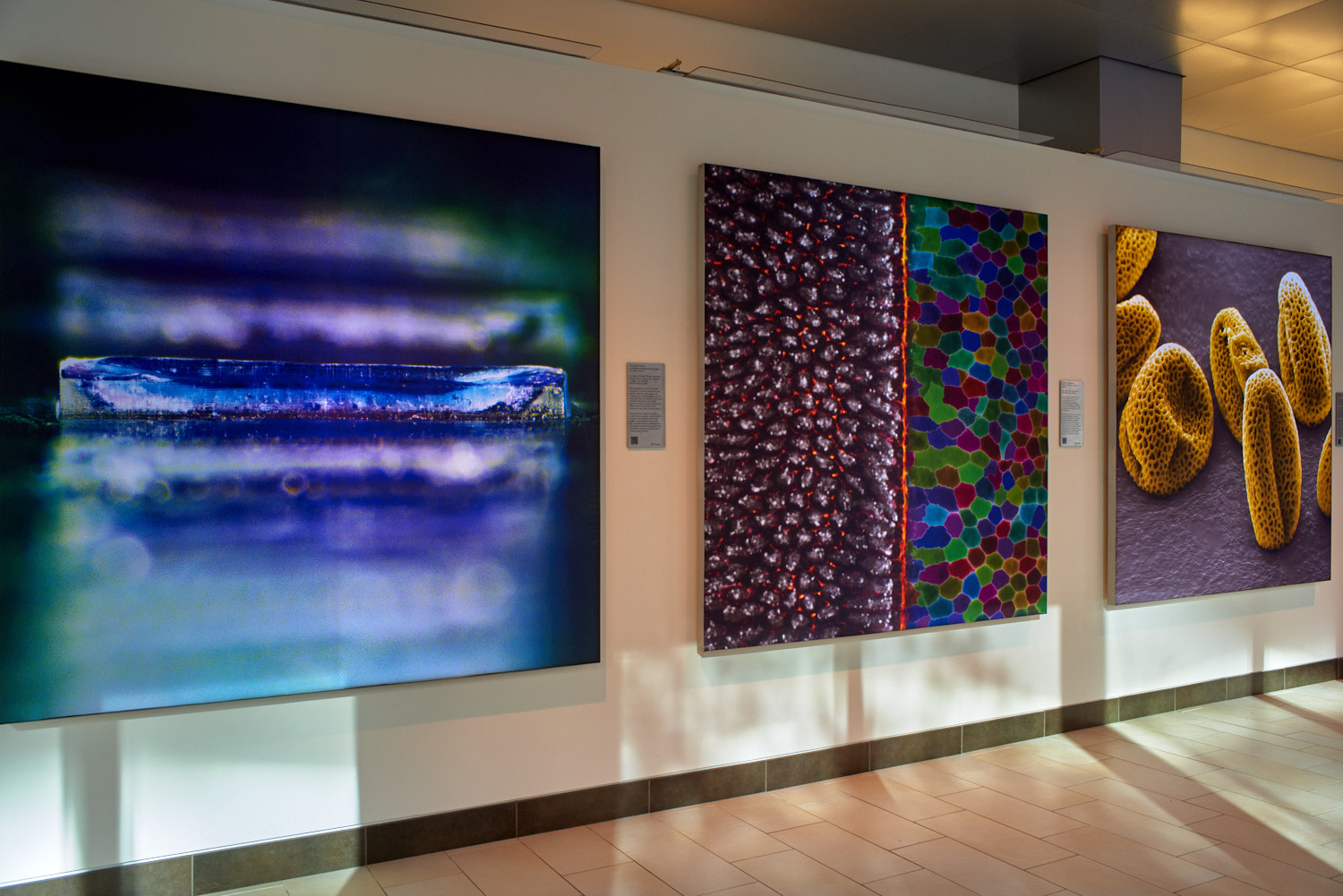
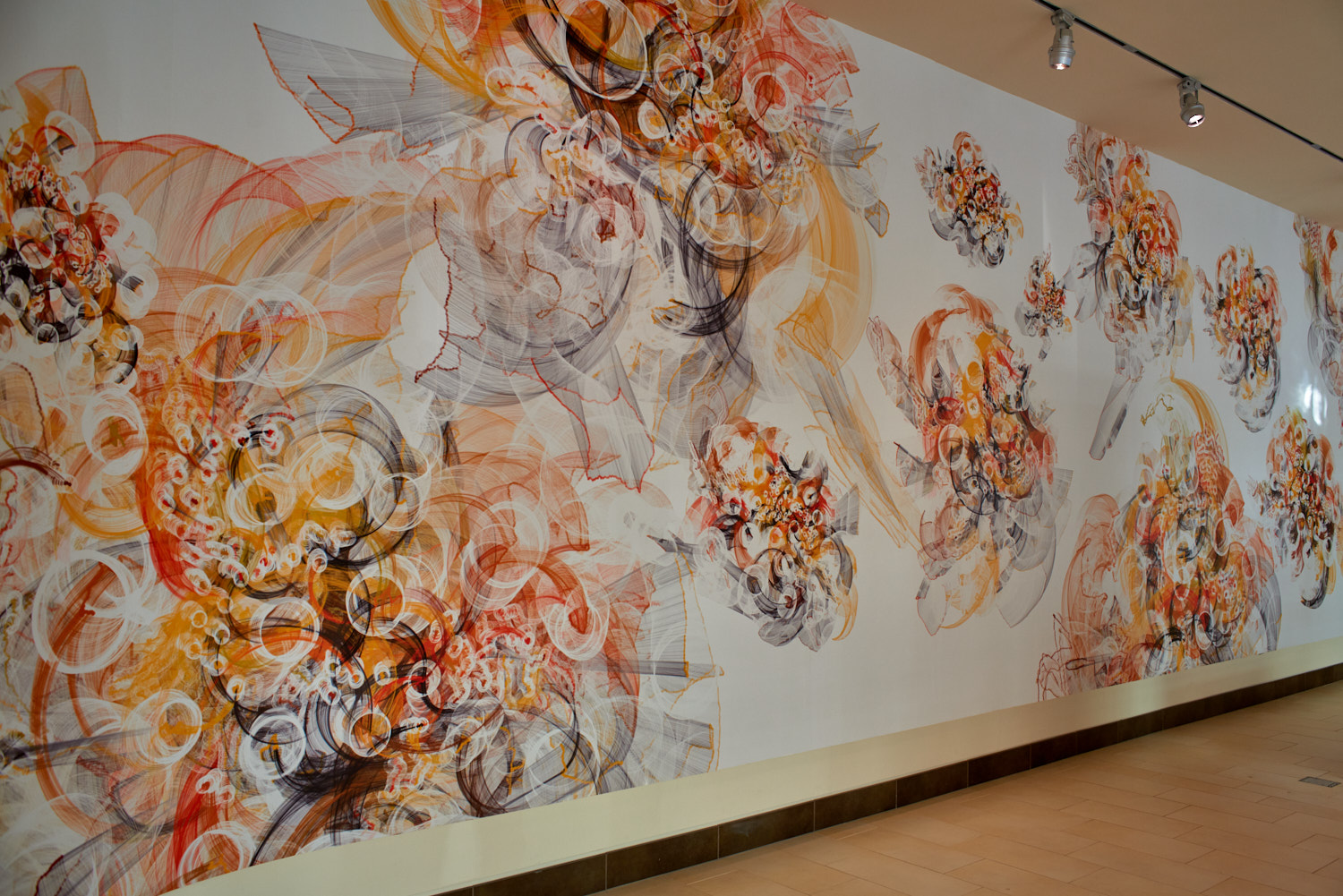
Few more from this morning in the Koch Institute for Integrative Cancer Research at MIT with Nikon 28/2.8 AIS lens + D810
Well captured and presented murals Ocean, thanks for sharing!
Andy opened my eyes to Nonoise AI. It really opens up possibilities for rescuing noisy photos. It is not only the noise reduction, it cleans it so well that it adds more processing capability for exposure, contrast, color.
I could never get any detail on the red part of the red moon, it was so dark that regular noise reduction rendered only color. Other AI noise reductions introduced ugly artifacts.
rafaelcasd wrote:
Well captured and presented murals Ocean, thanks for sharing!
Andy opened my eyes to Nonoise AI. It really opens up possibilities for rescuing noisy photos. It is not only the noise reduction, it cleans it so well that it adds more processing capability for exposure, contrast, color.
I could never get any detail on the red part of the red moon, it was so dark that regular noise reduction rendered only color. Other AI noise reductions introduced ugly artifacts.
rafaelcasd wrote:
Andy, after this exchange started using Adobe nonoise ai, it is really good. The output DNGs is extra and enormous , so not for every photo but for the special ones it is an excellent processing step.
Here are a couple of samples from a classic Tijuana restaurant, very low light processed in this manner.
On the Z6 at 1600 it made a difference, at 5200 it was a life saver.
Main advantage for me is that the look remains natural and there are no artifacts, something I did not experience with other AI noise apps.
I am impressed by the output from the Adobe noise reduction.
Agree that the DNGs it produces are large but after doing the NR I export a JPG and then delete the DNG. It only takes 10secs GPU/CPU for me re-do the NR if I ever wanted to.
I was going to comment that I tried the Adobe AI no-noise to compare with the On1 version I use but the adobe version is very slow on my laptop or at least the predicted time estimates put me off trying it more than a handful of times.
Much improved moon shot Rafael and yes, I do sometimes do a little more pp on shots after the NR has cleaned up an image.
Now here's Summit Road looking back the other way !
My van is 2nd in the line. Keen to get it finished so I can out and take more photos !
I think I am going to have to bite the bullet and get another copy of the PC 28 after all. Close inspection seems to show it's not sharp at all anywhere except the point of focus, even focused at infinity, (I always use the 100% zoom to check critical focus on the GFX), even at f8. Looks ok full screen but zoom in and it's ugh !
EDIT - def the right side of the frame seems the worst
Maybe I'll check against the Fuji GF23 f4 first (which I forgot to get out the other day )
cadman342001 wrote:
I was going to comment that I tried the Adobe AI no-noise to compare with the On1 version I use but the adobe version is very slow on my laptop or at least the predicted time estimates put me off trying it more than a handful of times.
Much improved moon shot Rafael and yes, I do sometimes do a little more pp on shots after the NR has cleaned up an image.
I have an old reliable desktop that I use to hold and handle several hard drives. Effectively it is my NAS with 28TB of storage. This NAS is connected to a 10G Ethernet switch where I connect a gaming laptop.
I don't normally site at either of these computers, but use WIFI to remote desktop into the desktop to manage storage, and remote desktop into the gaming laptop to edit photos. This way I can use my beautiful display 17" LG Gram as a remote KVM to sit anywhere while working on photo storage and editing.
On the desktop the estimated Nonoise times are 10 minutes, on the laptop with an NVIDIA RTX card, it is 10 seconds. ON1 AI noise reduction was eye opening at the time, but often it introduces artifacts.
cadman342001 wrote:
Now here's Summit Road looking back the other way !
My van is 2nd in the line. Keen to get it finished so I can out and take more photos !
I think I am going to have to bite the bullet and get another copy of the PC 28 after all. Close inspection seems to show it's not sharp at all anywhere except the point of focus, even focused at infinity, (I always use the 100% zoom to check critical focus on the GFX), even at f8. Looks ok full screen but zoom in and it's ugh !
EDIT - def the right side of the frame seems the worst
Maybe I'll check against the Fuji GF23 f4 first (which I forgot to get out the other day )







 )
)