Samuli Vahonen
Offline
• • • •
Upload & Sell: Off
|
StevenPA wrote:
Most all of the images Samuli has displayed have the look that I want, call it 3D or whatever (or maybe "glossy", as if they look wet??). I want to know how to achieve that look in all of my photographs, and I strive to construct a simple set of post processing techniques to do just that. Zeiss lenses like the C/Y 50/1.4, 21/2.8, 28/2.8, etc. have these "3D qualities" inherently it seems.
I don't want to involve your arguing and fighting - sorry - definition discussion, but here is how I do it. I do not claim it suits everybody or every situation (it doesn't - I don't do handheld shooting for example), also this is slowly improving process always changing. This process does not guarantee 3D-ish look, subject and light needs to have some qualities as well:
1. Frame/compose your shot carefully - slowing down and using tripod helps - think
2. Use light which enhances the texture & shape of your subject (might be included in #3, I have forgotten what they did teach to us in school, maybe I have to buy a book about these...)
3. If you can affect then use the classic art cues to enhance the effect (this I have not done systematically but based on this discussion thread I think I'll add this to my process as well - sometimes it of course comes automatically, when you just see the photo what you want to take)
4. Make sure you have enough depth of field to cover the whole subject, my most common mistake is to use too shallow depth of field in situation into which it doesn't suit - if you don't know your lense take few photos with different apertures, this might be also needed since in web f/2 image might be the right one but for print you may want f/4
5. Try to use when possible optimum aperture of your lens, if you want optimum results with current 20-25Mpix cameras diffraction starts to decrease contrast and it seems (in italic since I have not done any studies about this - just how I find it happening in practice) to decrease more to the micro contrast, which cannot really be enhanced well in post processing. Try to avoid using smaller aperture than f/11, also use f/5.6-8 if there is no need for f/11. For example with CZ MP 2/100 there is slight drop in contrast already at f/5.6 if you compare to f/4
6. Adjust exposure so that color channels do not clip - this is very difficult since histogram is displayed based on the JPG settings (the small JPG thumbnail embedded into RAW images produces in-camera histogram) - however it's more important that channels are not clipped than how the JPG is clipped - this is difficult, you either have to use UniWB which makes the image in camera green (very hard to focus)
7. Focus to the subject - if you print large and/or want ultimate sharpness you can forget any hyperfocal techniques - use live view for accurate focusing
8. Use tripod, remote shutter/live view with 2s delay etc. to make your shot as sharp as possible
My processing of the photos is not anything special. I don't need to do anymore any extra effort since I use Zeiss, earlier I worked hours with each image - lenses have similar color balance, contrast etc. typically it's enough that I adjust one photo exposure and white balance, then I copy it to other images and then adjust exposure if I see clipping (sometimes you have to adjust images so that they clip, otherwise the image comes generally too dark). Do not use any shadows adjustment, it makes image look unnatural. Do not oversaturate --> unnatural. In Apple Aperture I use "vibrancy" instead of "saturation", I typically add little vibrancy to images if it enhances the image and doesn't make it look plastic toy camera picture (jcmaccarney's awful modification of philber's red dog). Don't use badly implemented vignetting removal tools (e.g. Apple Aperture), these make image look unreal, however good vignetting removal which removed vignetting so that image looks like it would have been shot at f/11 are OK - or then don't remove vignetting - typically lenses natural vignetting looks natural and is not distracting. All this is done in Apple Aperture this far. Then I export 16bit TIFF in large gamut ICC.
Then I use PhotoShop action to sharpen and resize the image, I use always same parameters with Zeiss and Leica lenses. Earlier with Canon I had to tweak the sharpening each image separately. If image contains bokeh areas which should not become sharper due to that image is designed to have certain blur in bokeh areas OR bokeh becomes harsh, then I use the same sharpening action so that I create layer with layer mask to fullsize image, then I "paint" the area with Wacom tablet, which I don't want to get sharpened so that the top layer is only visible on areas in which I want to have the sharpening. Then I run the resizing and sharpening action to the layer which has only the parts visible which need to get sharpened. After sharpening I convert to sRGB and 8bit. Then I add vahonen.com logo and save to JPG (do not save for web, it will not embed sRGB profile properly and looses EXIF). Then I run script which removes the PhotoShop thumbnail image (typically images shrink from 260kb to 210kb due to this). Then image is ready for web and will be displayed correctly with ICC capable web browsers. Sometimes I see images even here which are in ProPhoto RGB and due to this look almost B&W when viewed with non-ICC browser, so it's important to pay attention how you save your image for web use.
For printing I still don't have consistent method how to get best results. Sometimes I print same image 5 times to get sharpening etc. correctly. This is mainly due to that I have not been systematic enough and kept notes how I have sharpened, adjusted local contrast etc. when I have printed. I will get there some day...
As you see I don't do anything special when I shoot the images, neither on post processing. One difference what I see is that people typically post very very very tiny images. With small images you have very small margin for mistages (e.g. bad resizing technique or JPG packing changes texture) and you may have to start tweaking for example sharpening differently for each image. Of course if your original sucks it starts to show if you show image in larger size.
StevenPA wrote:
Here are some random shots. Anything 3D in here? All with 5D and all with different lenses (all quality optics, no games). I'll reveal the lenses later.
Steven my subjective opinions concerning 3D-ish feeling, not classic art 3D cues: 1. no (maybe too long distance), 2. Yes something in the "building" into which you have focused, 3. No (this scene screams 3D-ish feeling possibilities, I don't know why it doesn't appear to me like that ?), 4. No - too shallow depth of field, there are thou some interesting on edges of leaves ?), 4. No - too shallow depth of field, there are thou some interesting on edges of leaves
RustyBug wrote:
Here's a litmus test ??
If you & your family were being held hostage and were going to be executed unless you were able to produce a 3D-ish image ... and you could only shoot ONE frame ... which lens would you choose?
a) it wouldn't matter ... they are all the same with regard to the ability to produce 3D-ish effect, or
b) you have a definite lens in mind (Oly, Zeiss, Mamiya, Leica, Canon, Nikon, Voigtlander, Hasselblad, Jupiter, Tair, etc.) that you would shoot the ONE, all important, shot with.
RustyBug, this is easy one: I select option B and Carl Zeiss Distagon T* 2.8/21. However the consistency in Zeiss family is pretty good, all below same subject roughly same magnification, f/11, 1.6s, ISO 100 - 21mm - 135mm (200C/Y didn't fit to my setup due to large shooting distance) - 21ZE:
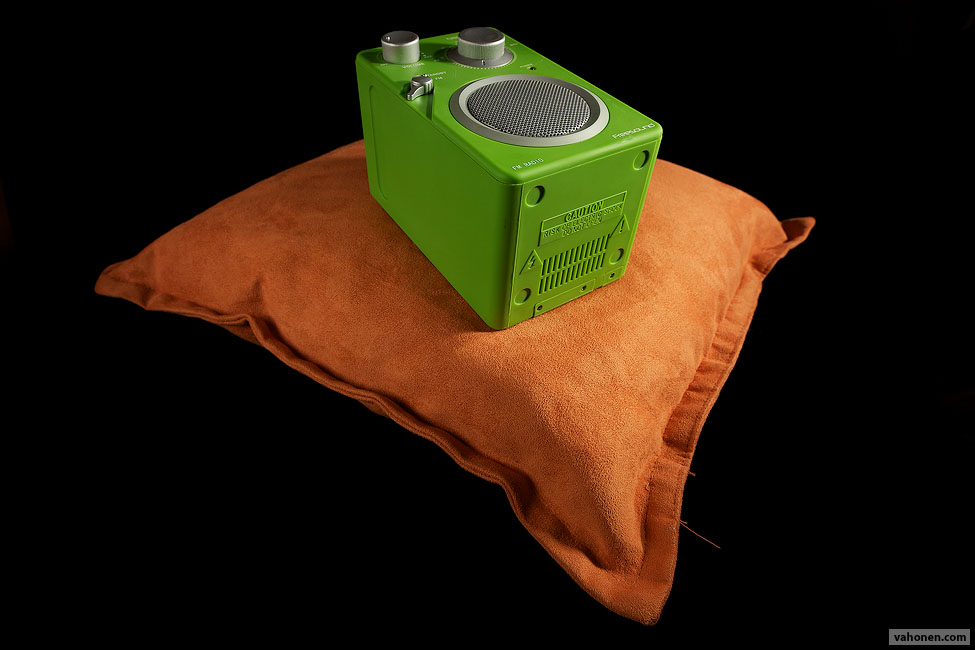
25C/Y:
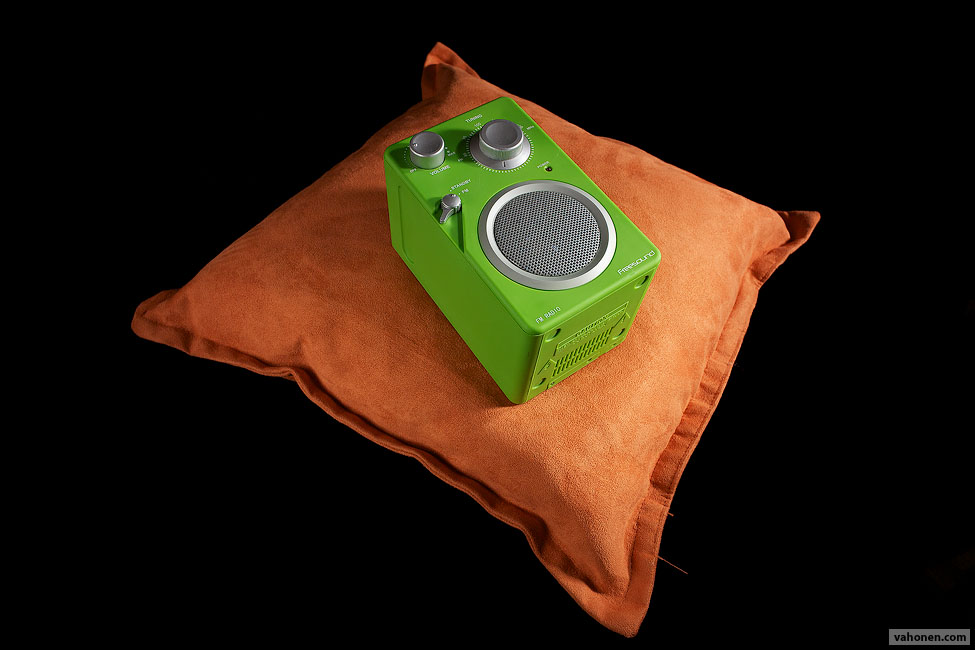
2.8/28C/Y:
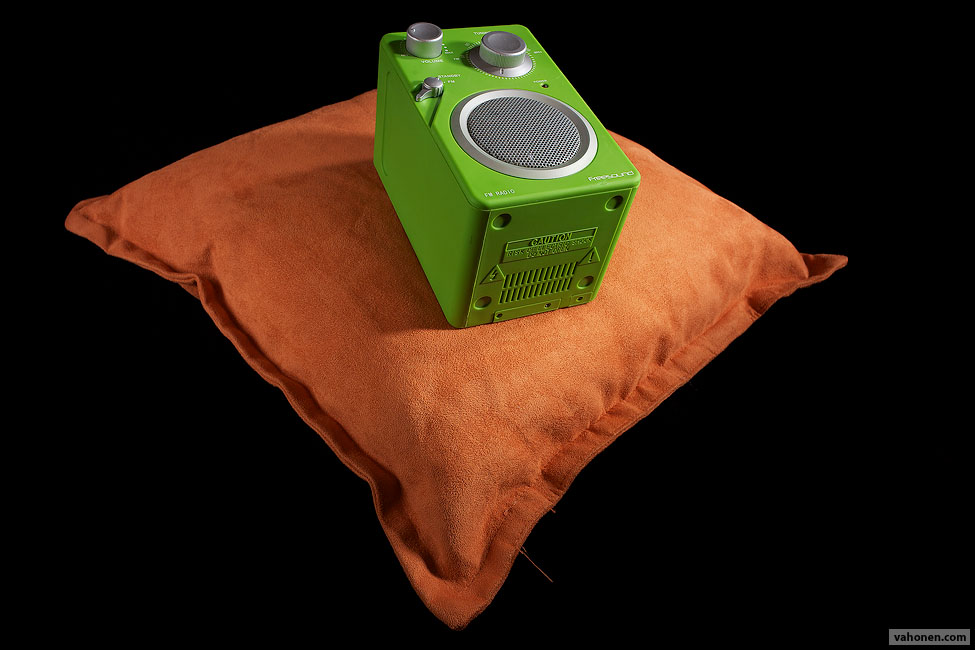
35ZF:
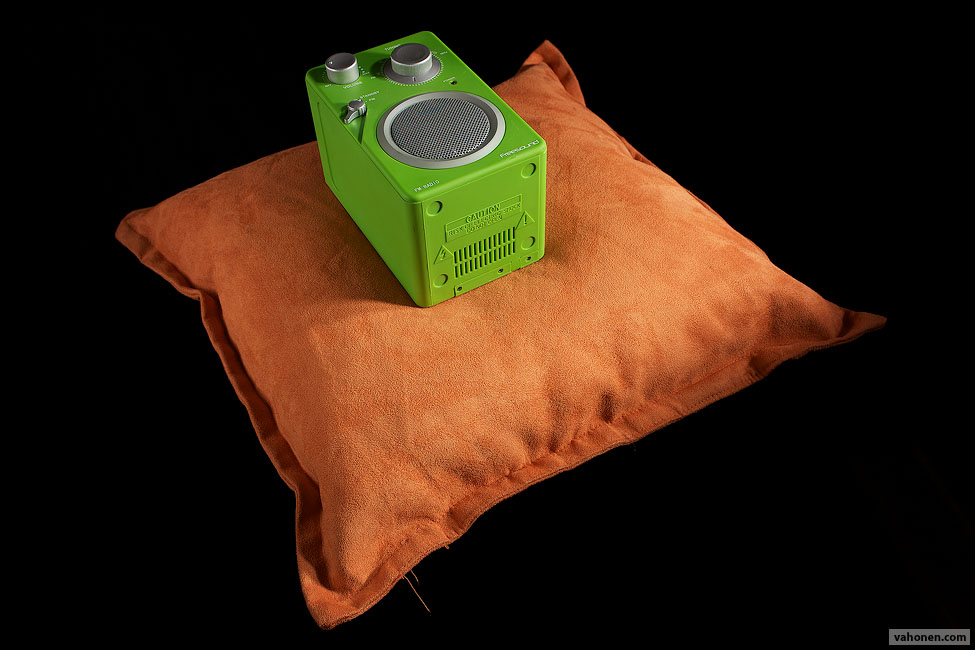
1.7/50C/Y:
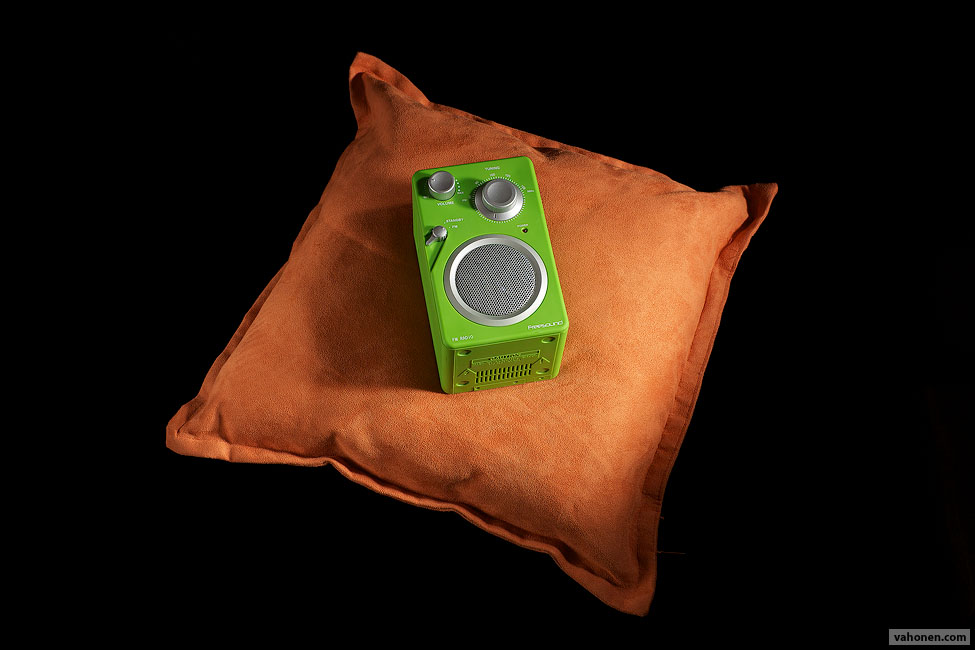
MP60 C/Y:
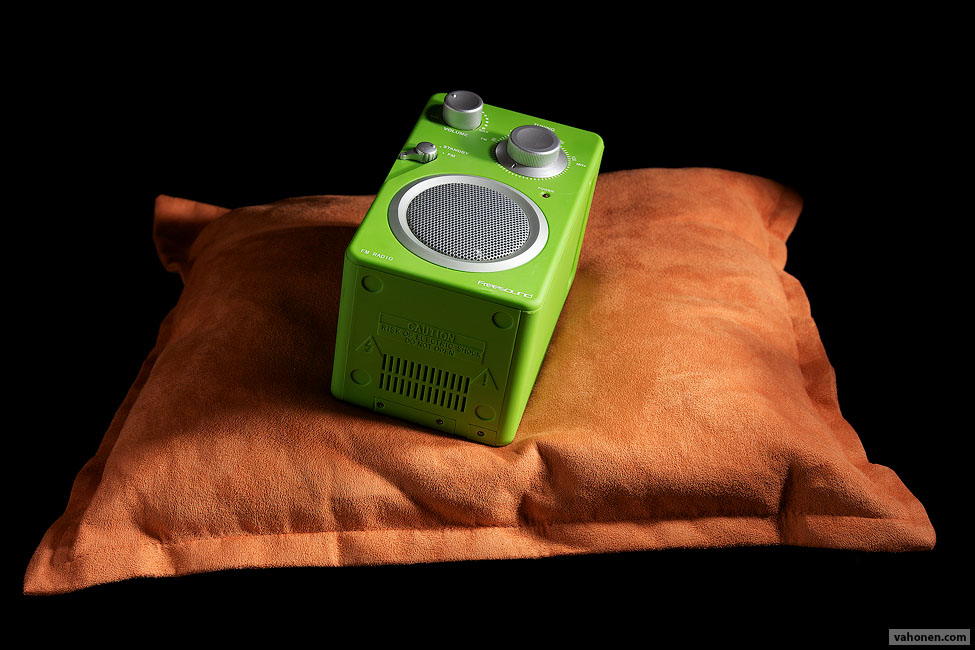
100ZF:
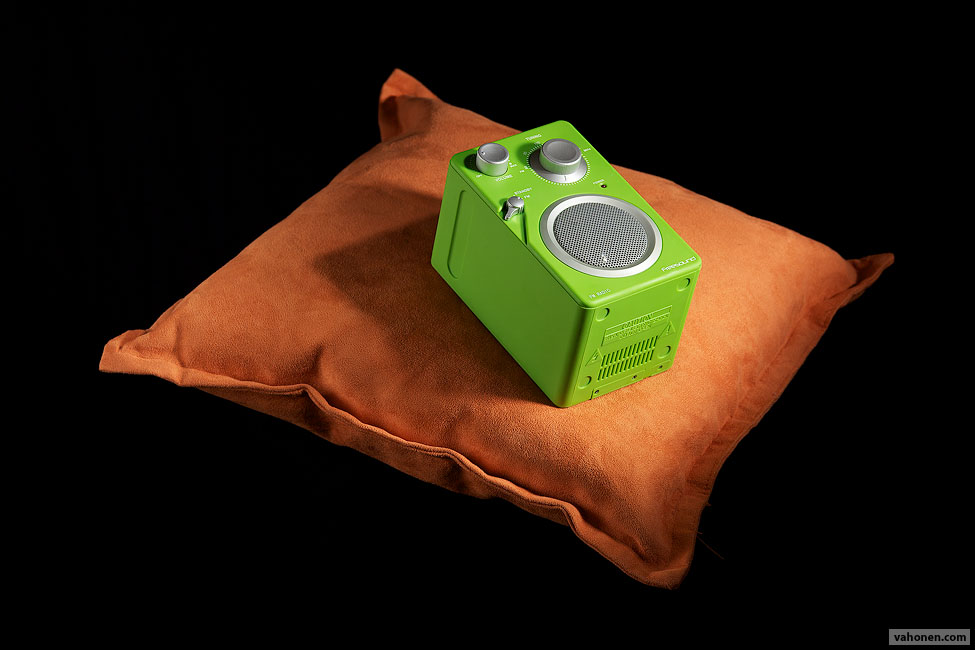
2.8/135C/Y:
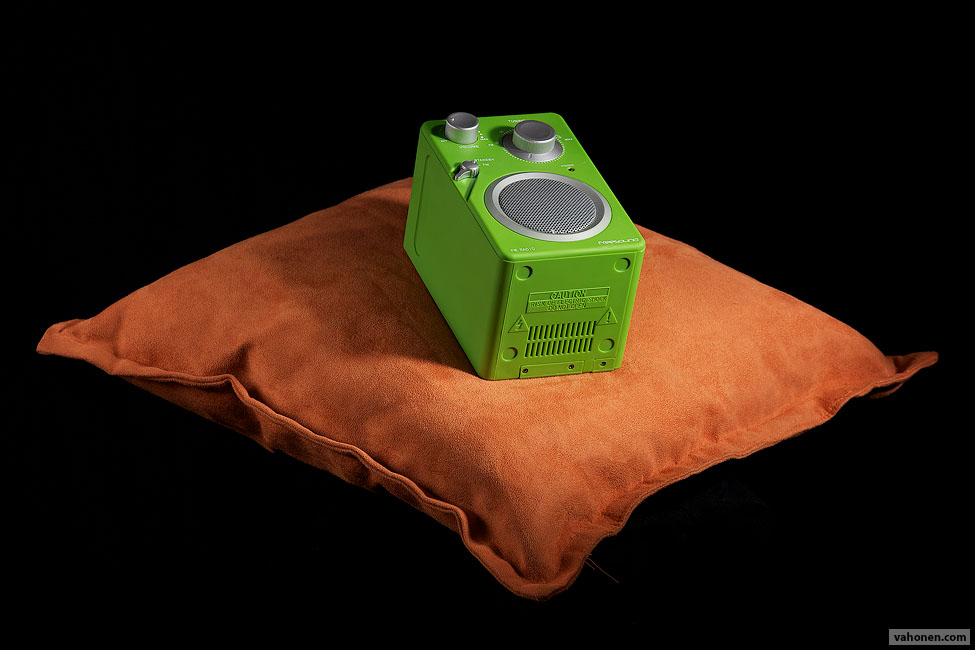
Setup used in my livingroom:
- 2x 25w 4000K energy saver "construction site lamp" on the right, these are excellent "hotlights" - could have used strobe(s) as well but didn't have charged AA-batteries
- 40cm long piece of aluminium folio from kitchen as reflector on left side
- black double bed sheet supported by two lightning stands (also tape & wall works)
- small chair over which I had drawn black T-shirt
- pillow from bedroom and bedroom radio
Processing:
Apple Aperture: adjusted white balance to 3700K, tint 25 towards magenta, adjusted EV slider so pictures match each other, since distance between light and subject varied slightly ---> export to TIFF --> PhotoShop action to create webimages
--
Samuli Vahonen
http://www.vahonen.com
|


 It helps when you misfocus and the exact plane of focus is on the edge of the foreground object
