Post your recent film shots!
p.691 #1Post your recent film shots!
jaehoppa wrote:
Thanks Abram.
Those 2 lenses are terrific.
Great performances wide open as well.
I also have a Mamiya 6 but I really prefer the traditional SLR form factor over RF.
It's a heavy camera but if a skinny dude like me can carry the camera with 4-5 lenses hiking through national parks you can definitely do it haha. Go for it!
Ironically I very much prefer working with rangefinders and was a huge fan of the Mamiya 7 and 7II systems I used to have but I’ve been priced out of being able to get them back! The P67II is one of those cameras that’s been on my “to try” list for many years. I just can’t break my Leica habit
Mar 10, 2018 at 01:52 PM
p.691 #2Post your recent film shots!
AbramG wrote:
Those 2 lenses are terrific.
Great performances wide open as well.
I also have a Mamiya 6 but I really prefer the traditional SLR form factor over RF.
It's a heavy camera but if a skinny dude like me can carry the camera with 4-5 lenses hiking through national parks you can definitely do it haha. Go for it!Ironically I very much prefer working with rangefinders and was a huge fan of the Mamiya 7 and 7II systems I used to have but I’ve been priced out of being able to get them back! The P67II is one of those cameras that’s been on my “to try” list for many years. I just can’t break my Leica habit
Sounds like a Texas Leica is the camera for you. Gw690 series. Same image ratio as Leica 35mm but a humungous 6x9 image that dwarfs the P67 wee little format.

Pretty cheap too and very sturdy cameras. Originally commisioned by Andre The Giant as just his thumb was bigger than a Leica M6.
jaehoppa wrote
Thanks Abram.Those 2 lenses are terrific.
Great performances wide open as well.
I also have a Mamiya 6 but I really prefer the traditional SLR form factor over RF.
It's a heavy camera but if a skinny dude like me can carry the camera with 4-5 lenses hiking through national parks you can definitely do it haha. Go for it!
Sounds like a Texas Leica is the camera for you. Gw690 series. Same image ratio as Leica 35mm but a humungous 6x9 image that dwarfs the P67 wee little format.
Pretty cheap too and very sturdy cameras. Originally commisioned by Andre The Giant as just his thumb was bigger than a Leica M6.
Mar 10, 2018 at 05:33 PM

p.691 #4Post your recent film shots!
Desmolicious wrote:
Those 2 lenses are terrific.
Great performances wide open as well.
I also have a Mamiya 6 but I really prefer the traditional SLR form factor over RF.
It's a heavy camera but if a skinny dude like me can carry the camera with 4-5 lenses hiking through national parks you can definitely do it haha. Go for it!Ironically I very much prefer working with rangefinders and was a huge fan of the Mamiya 7 and 7II systems I used to have but I’ve been priced out of being able to get them back! The P67II is one of those cameras that’s been on my “to try” list for many years. I just can’t break my Leica habit Sounds like a Texas Leica is the camera for you. Gw690 series. Same image ratio as Leica 35mm but a humungous 6x9 image that dwarfs the P67 wee little format.
Pretty cheap too and very sturdy cameras. Originally commisioned by Andre The Giant as just his thumb was bigger than a Leica M6.
Ehhh I tried one in the past. Fun camera but I just never got along with it. I preferred my Mamiya 7s and wish I never sold them.
AbramG wrote
jaehoppa wrote
Thanks Abram.Those 2 lenses are terrific.
Great performances wide open as well.
I also have a Mamiya 6 but I really prefer the traditional SLR form factor over RF.
It's a heavy camera but if a skinny dude like me can carry the camera with 4-5 lenses hiking through national parks you can definitely do it haha. Go for it!
Pretty cheap too and very sturdy cameras. Originally commisioned by Andre The Giant as just his thumb was bigger than a Leica M6.
Ehhh I tried one in the past. Fun camera but I just never got along with it. I preferred my Mamiya 7s and wish I never sold them.
Mar 10, 2018 at 06:25 PM
p.691 #5Post your recent film shots!
Hello All- I was going to post a nice photo of all the film I shot this week, but then realized that I don't have a VPN anymore so can't access flickr here in China. Can't upload the image.
Anyway, here's the damage after one week in China:
9 rolls of AgfaPhoto Vista 200
5 rolls of Fujifilm Neopan Acros
3 rolls of Kodak TMAX400
17 rolls of film in the can and I have not even hit Japan yet.
Anyway, here's the damage after one week in China:
9 rolls of AgfaPhoto Vista 200
5 rolls of Fujifilm Neopan Acros
3 rolls of Kodak TMAX400
17 rolls of film in the can and I have not even hit Japan yet.
Mar 11, 2018 at 07:44 AM
p.691 #6Post your recent film shots!
Sounds like a productive trip, photographically speaking 
Mar 11, 2018 at 09:27 AM
p.691 #7Post your recent film shots!
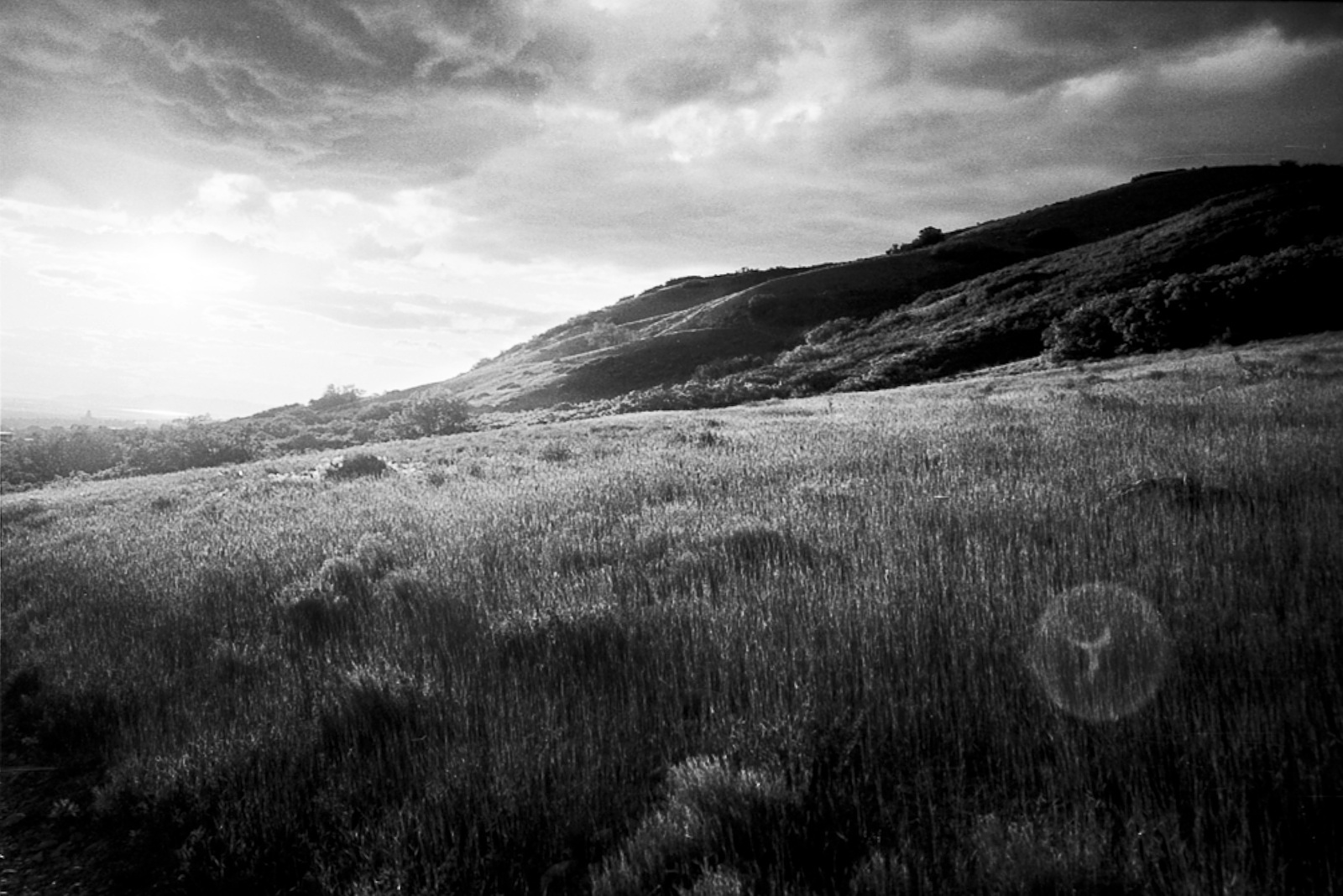
Leica M6 Millennium
28mm Summicron Asph
Kodak TMAX 100
D76 1:1
28mm Summicron Asph
Kodak TMAX 100
D76 1:1
Mar 11, 2018 at 11:06 AM


p.691 #10Post your recent film shots!
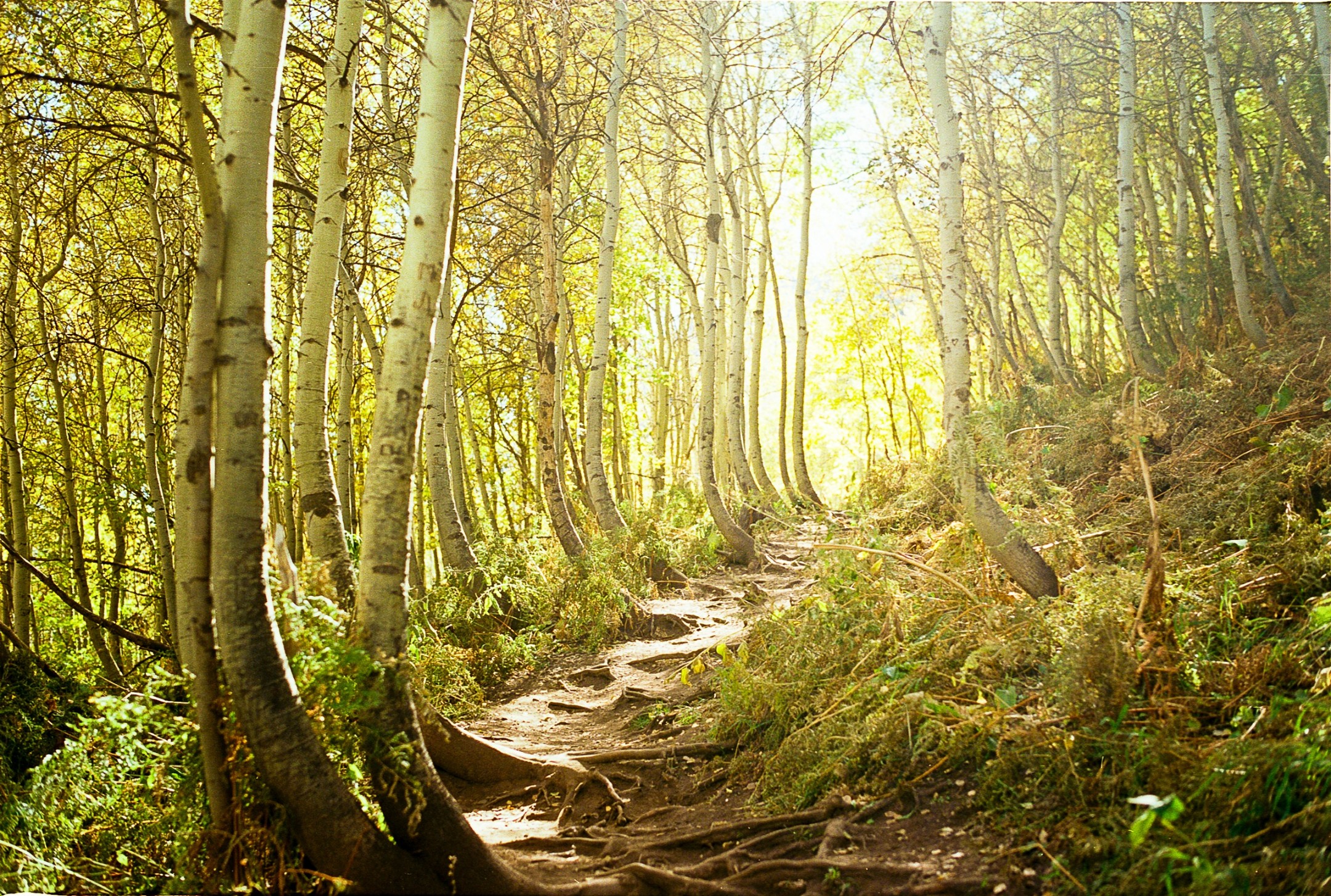
Fall 2017 in Sundance, Utah.
Leica M6 Millennium
28mm Summicron Asph
Kodak Ektar 100
Leica M6 Millennium
28mm Summicron Asph
Kodak Ektar 100
Mar 11, 2018 at 12:15 PM
|
p.691 #11Post your recent film shots!
Mamiya C220 / 80/2.8 lens - Kodak TMAX400 in Xtol Stock - scanned with a Nikon Coolscan 8000
 2018-03-11-0003 by Nicholas T, on Flickr
 2018-03-11-0009 by Nicholas T, on Flickr
 2018-03-11-0010 by Nicholas T, on Flickr
2018-03-11-0003 by Nicholas T, on Flickr2018-03-11-0009 by Nicholas T, on Flickr2018-03-11-0010 by Nicholas T, on FlickrMar 11, 2018 at 05:02 PM

p.691 #13Post your recent film shots!
Tested out my Mamiya RZ67 Pro today. Taken with 110/2.8 Mamiya Z lens and Fuji Velvia 100F film in 120 format (6x7). Home-developed with E-6 process. Digitized by taking two photos of the positive with Sony A7R and merging them in PS.
 |
||
 |
||
|
|
||
 |
||
|
|
||
 |
||
|
Mar 11, 2018 at 06:47 PM
p.691 #14Post your recent film shots!
retrofocus wrote:
Digitized by taking two photos of the positive with Sony A7R and merging them in PS.
Hello.
I have tried to digitize my Xpan shots that way - taking two shots of the neg then merging in LR. But often I can see a faint blurry seam where they have been joined. One has to look close, but I see it.
Are you getting that when you do this?
Interestingly enough, I never get it when I merge digital shots.
Mar 11, 2018 at 07:28 PM


p.691 #16Post your recent film shots!
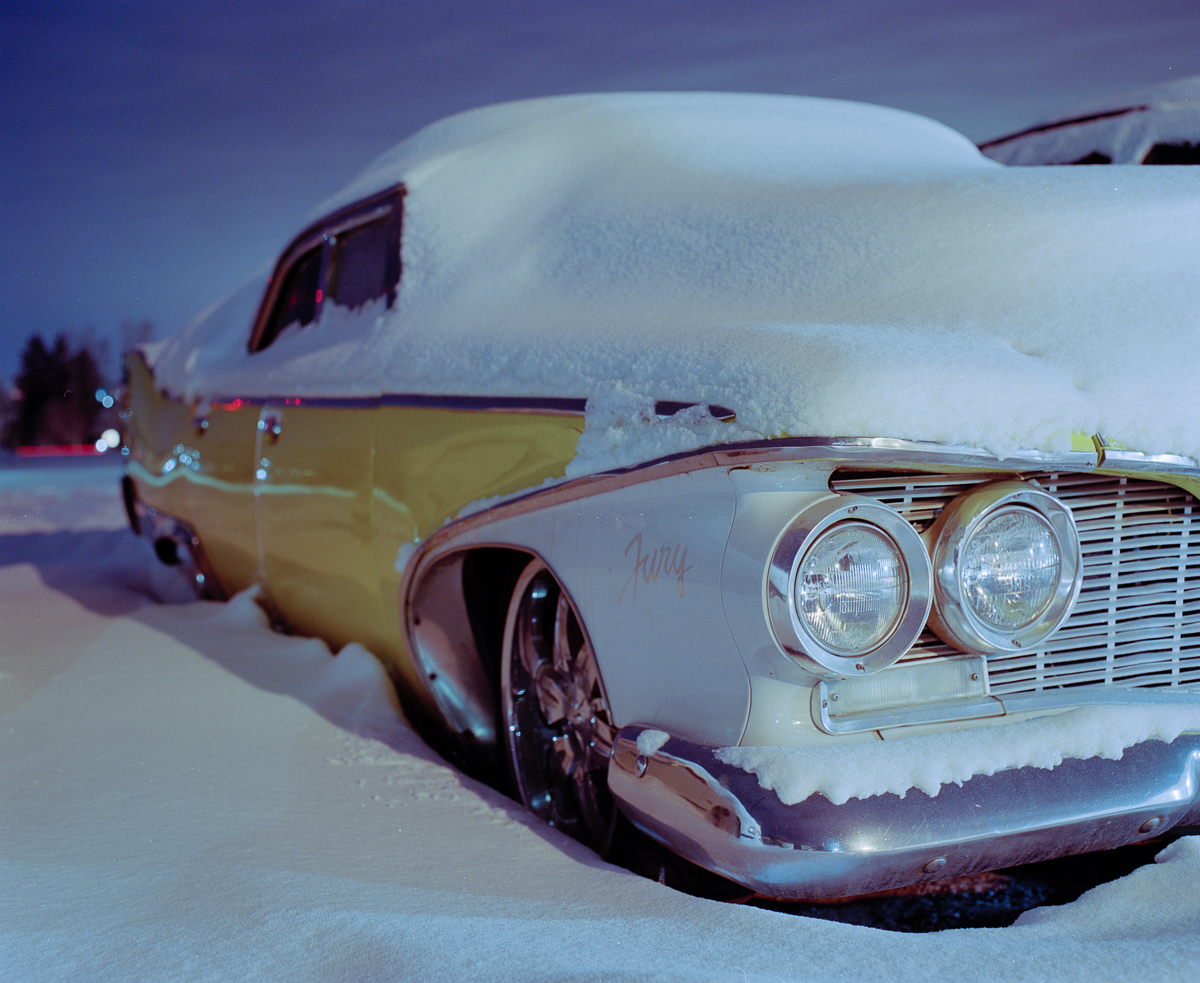
Portra 400, 6x7
Edited on Mar 12, 2018 at 09:07 PM · View previous versions
 |
||
 |
||
|
Edited on Mar 12, 2018 at 09:07 PM · View previous versions
Mar 11, 2018 at 09:11 PM

p.691 #18Post your recent film shots!
Desmolicious wrote:
retrofocus wrote
Digitized by taking two photos of the positive with Sony A7R and merging them in PS.I have tried to digitize my Xpan shots that way - taking two shots of the neg then merging in LR. But often I can see a faint blurry seam where they have been joined. One has to look close, but I see it.
Are you getting that when you do this?
Interestingly enough, I never get it when I merge digital shots.
I don't have this issue - I never used LR for the photo merge but CS6 version of PS. In the photo merge option, I select collage and then select the two RAW files. I make sure that I have a sufficient enough overlap area between the photos.
The challenge with the photo merging method is less to get the photos merged correctly, I find it much more challenging to keep both photos fairly straight to each other to avoid cropping too much area on the sides later on. This takes time - I decided to purchase the V850 scanner to have an all-around instrument to digitize all kind of negative/positive formats.
Mar 12, 2018 at 05:23 AM
p.691 #19Post your recent film shots!
Desmolicious wrote:
Nikon F6, Sigma Art 50, Fuji C200, D850 scan.
As a car fan, these are very nice images!
Nikon F6, Sigma Art 50, Fuji C200, D850 scan.
As a car fan, these are very nice images!
Mar 12, 2018 at 05:50 PM
p.691 #20Post your recent film shots!
jaehoppa wrote:
As a car fan, these are very nice images!
thank you!
Desmolicious wrote
Nikon F6, Sigma Art 50, Fuji C200, D850 scan.thank you!
Mar 12, 2018 at 05:54 PM