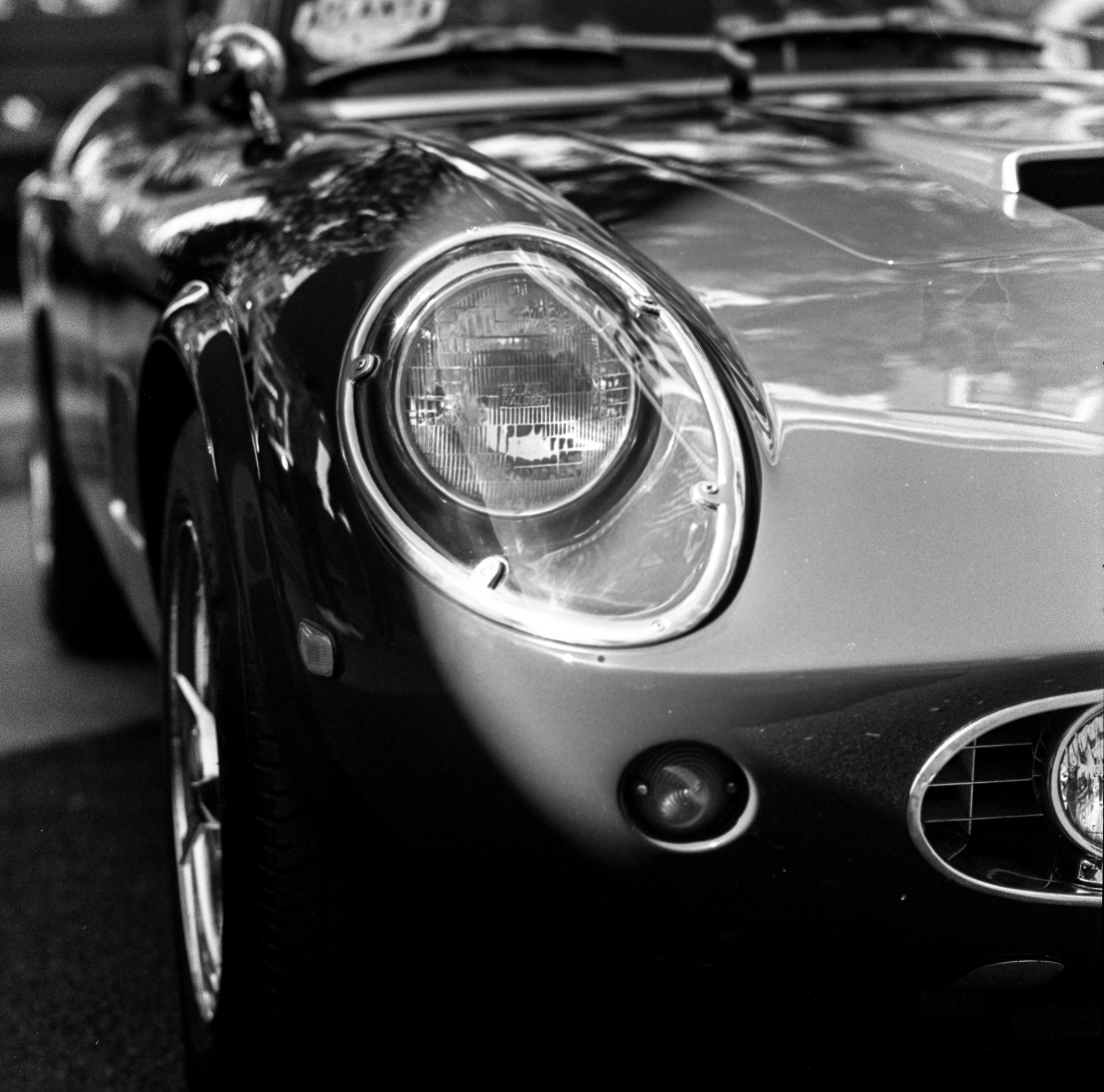
Anyone try to use Negative Lab Pro with the just released version of LRC (13.0)? It's not converting any scanned negatives for me. Just finished develop a roll of B&W. The negatives were scanned and imported into LRC. In the plugin panel, none of the sliders are causing any changes and clicking on convert does nothing to the imported image.
Anyone else try this yet?
_________
I just received this from Negative Lab Pro
An important notice for all users of Negative Lab Pro:
Do NOT upgrade to Lightroom Classic v13.0 just yet..
"Why shouldn't I upgrade to LrC v13.0?"
There is a bug with the SDK in LrC v13.0 that prevents Negative Lab Pro (and other development-based plugins) from making changes to tone curves. Until this bug is addressed by Adobe, all versions of Negative Lab Pro will NOT work in LrC v13.0.
"When will this be fixed?"
Adobe is aware of the issue and it has been escalated internally, so fingers crossed that it can be fixed soon. (This sort of thing has happened once before, and Adobe handled it very quickly).
I will send out an update email when I can verify that this has been fixed, and it is safe to update LrC.
"I've already updated to LrC v13.0... what should I do?"
For the time being, you will need to downgrade back to Lightroom Classic v12.5 to continue using Negative Lab Pro:
Open the Adobe Creative Cloud app
Make sure “Apps” is selected in the left pane
Find the “Lightroom Classic” app, and click the “…” on the right side
Select “Other Versions”, then install v12.5
If "auto-update" is on, you will want to turn it off so it doesn't reinstall v13.0. Go to "Creative Cloud > Preferences > Apps" and make sure Auto-Update is off.
rji2goleez wrote:
Reverted LRC back to version 12.5
Leica M4-P + Voigtlander Nokton 50/1.5
Kentmere Pan 100 Developed in Caffenol Std
Scanned via Sony A1 + Laowa 90/2.8 Macro + Valoi Easy35
I had the same problem! Installed Lightroom, downloaded NLP, then went searching for the Manage Plug In tab. Got a nice note from Nate and followed his directions, uninstalled the latest update and installed 12.5. Now I just have to figure out how to keep the Sony from sending captures to Apple Photos.
madNbad wrote:
I had the same problem! Installed Lightroom, downloaded NLP, then went searching for the Manage Plug In tab. Got a nice note from Nate and followed his directions, uninstalled the latest update and installed 12.5. Now I just have to figure out how to keep the Sony from sending captures to Apple Photos.
Sony sending captures to Apple Photos? Can you elaborate?
rji2goleez wrote:
[
Sony sending captures to Apple Photos? Can you elaborate?
I think when you're shooting tethered, Imaging Edge automatically sends the captures to Photos; it doesn't give you the option to shoot tethered to Lightroom. Not sure if there's a workaround. This doesn't happen of course if you shoot to an SD card and use a card reader, but tethering offers a convenient workflow.
bjhurley wrote:
I think when you're shooting tethered, Imaging Edge automatically sends the captures to Photos; it doesn't give you the option to shoot tethered to Lightroom. Not sure if there's a workaround. This doesn't happen of course if you shoot to an SD card and use a card reader, but tethering offers a convenient workflow.
Never used Imaging Edge but that's unfortunate if it can't be changed. I thought perhaps there was a watch folder set up or something like that.
rji2goleez wrote:
Never used Imaging Edge but that's unfortunate if it can't be changed. I thought perhaps there was a watch folder set up or something like that.
Sony won’t share their tethering codes with Adobe leaving users with having to use Imaging Edge as a workaround. With the camera tethered to the computer, Sony’s Remote gives you the ability to work with the image on a larger screen. To use Lightroom, those images go to a folder then are automatically imported. For years, I used the RAW Power plug in for Apple Photos, long before I tried tethering. Somewhere along the way, I was able to set the Sony to import the images directly to Photos for editing and conversion. Searching the internet for answers has left me empty handed and the images that are imported to Photos are exposed to work with NLP. For the time being, I’ll continue to delete the recent imports to Photos while looking for an answer.
Even with this glitch, I’m really happy with the switch. I can’t believe how much faster the workflow is and the conversions look better with a lot less manipulation.
Figured out how to keep Imaging Edge from sending captures to Apple Photos. I opened up Settings for Remote, there was an option to choose an app for Preview, I unchecked it and the problem is solved.