Fred Miranda
Offline
Admin
Upload & Sell: On
|
 p.3 #14 · FM Studio: review, tag and transfer photos on Mac p.3 #14 · FM Studio: review, tag and transfer photos on Mac | |
Here's the updated version with the picker fixes added, using ⦿ as the bullet.
FM Studio 1.3.4 is out
Version 1.3.4 is ready. It adds Canon Wi-Fi, more Metadata fields, a new Preferences option, and a much clearer way to pick between connected cameras.
What's new
⦿ Canon Wi-Fi. FM Studio now connects to Canon EOS cameras over Wi-Fi, with no beta label. I tested it on the EOS R6 Mark II, and other Canon EOS models with Wi-Fi should work the same way. Join the camera's Wi-Fi network on your Mac and open FM Studio. The first time, go to Connect to EOS Utility, then Add a device to connect to, on the camera and press OK when it shows "PC FM Studio found." After that, you just pick FM Studio in the camera's list.
⦿ Creator contact details in Metadata. You can now write the Creator contact fields into every photo as it downloads: email, phone, website, address, city, state/province, postal code and country. That brings Metadata to 25 fields, along with Creator's job title, Credit line, Copyright notice, Rights usage terms, Source, Headline, Title, Caption, Keywords, location fields, Job ID and Special instructions. Lightroom and Bridge show them under Creator Contact Info.
⦿ Hide Delete Mode and Format. There's a new checkbox in Preferences, under Sources. Tick it and the Delete Mode, Delete selected and Format buttons disappear from the main screen, so nothing can be erased from a camera or card by mistake. It's off by default.
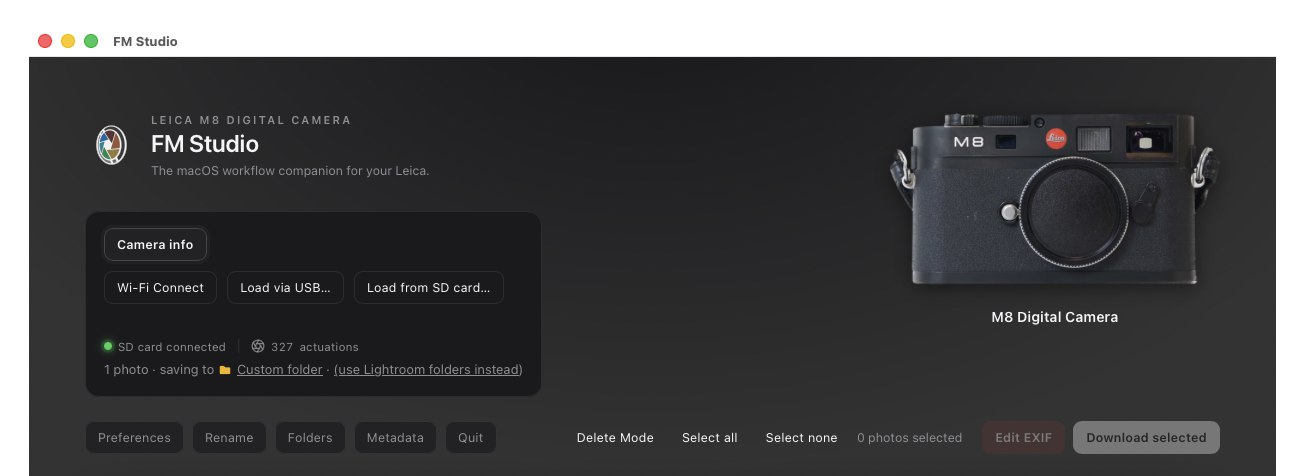
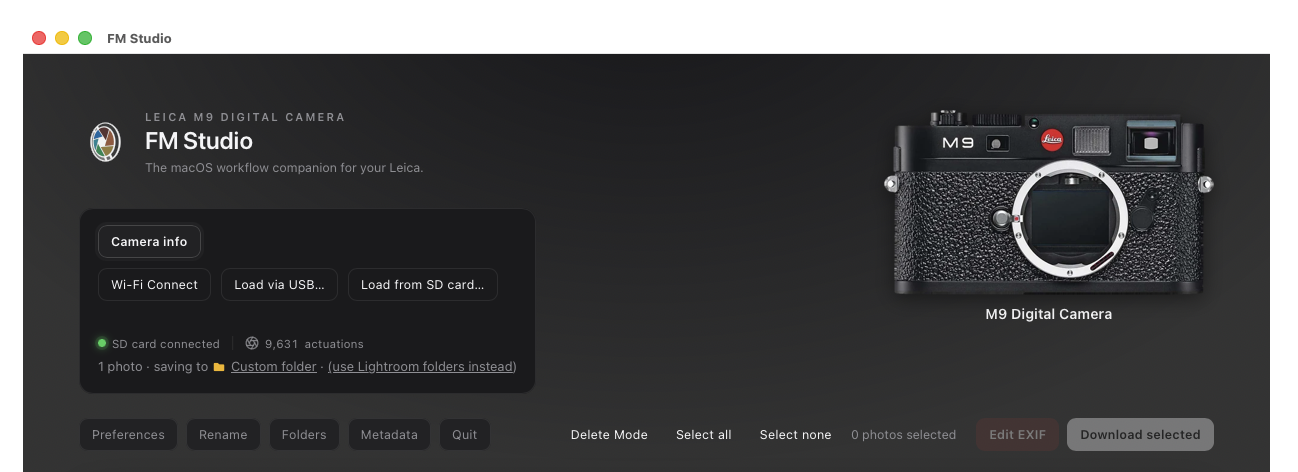
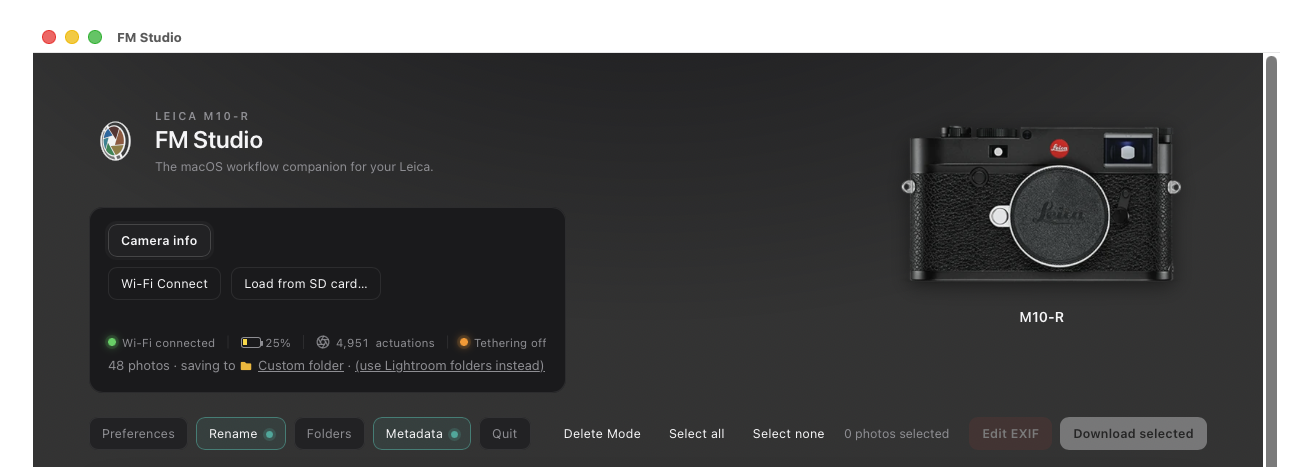
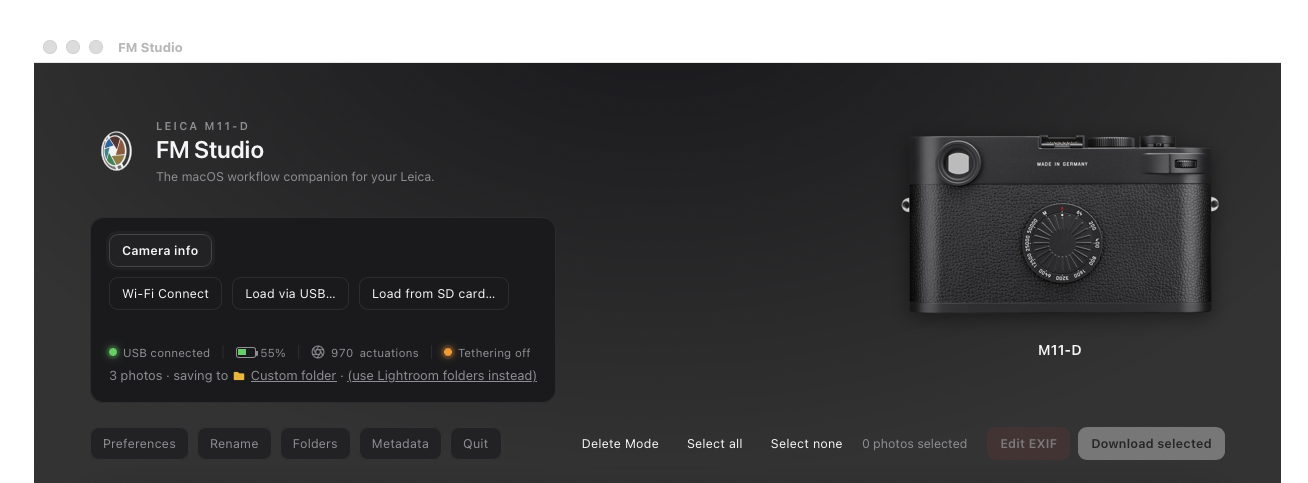
⦿ Better Camera info. Cameras now show their friendly model names.
⦿ Clearer connection choices. When more than one camera or card is connected, FM Studio now lists everything it found before you pick, with plain labels that say how each one is connected (for example USB, Mass Storage, or Wi-Fi). You choose which one to load.
Fixes
⦿ More than one USB camera. If two cameras are plugged in by USB, both now show up in the list. This includes mixing a camera that connects as a drive (Mass Storage, like many Sony cameras) with one that connects directly (PTP, like many Nikon cameras).
⦿ USB camera plus a Wi-Fi camera. If a camera was connected by USB while another was waiting on Wi-Fi (a Nikon over USB with a Leica or Canon on Wi-Fi, for example), FM Studio could jump straight to the USB camera without asking. It now shows the list so you choose.
⦿ Confusing names in the list. Entries like "USB camera" and "untitled" are replaced with labels that tell you what each device is.
⦿ One small trade-off. With a USB camera on a network that also has a Leica M10, the app can take up to about 2 seconds longer to open while it checks for both.
How to update
Download the new version from the FM Studio page. Your settings and license carry over.
Take a look at the new screenshots for Metadata and Canon on the FM Studio page.
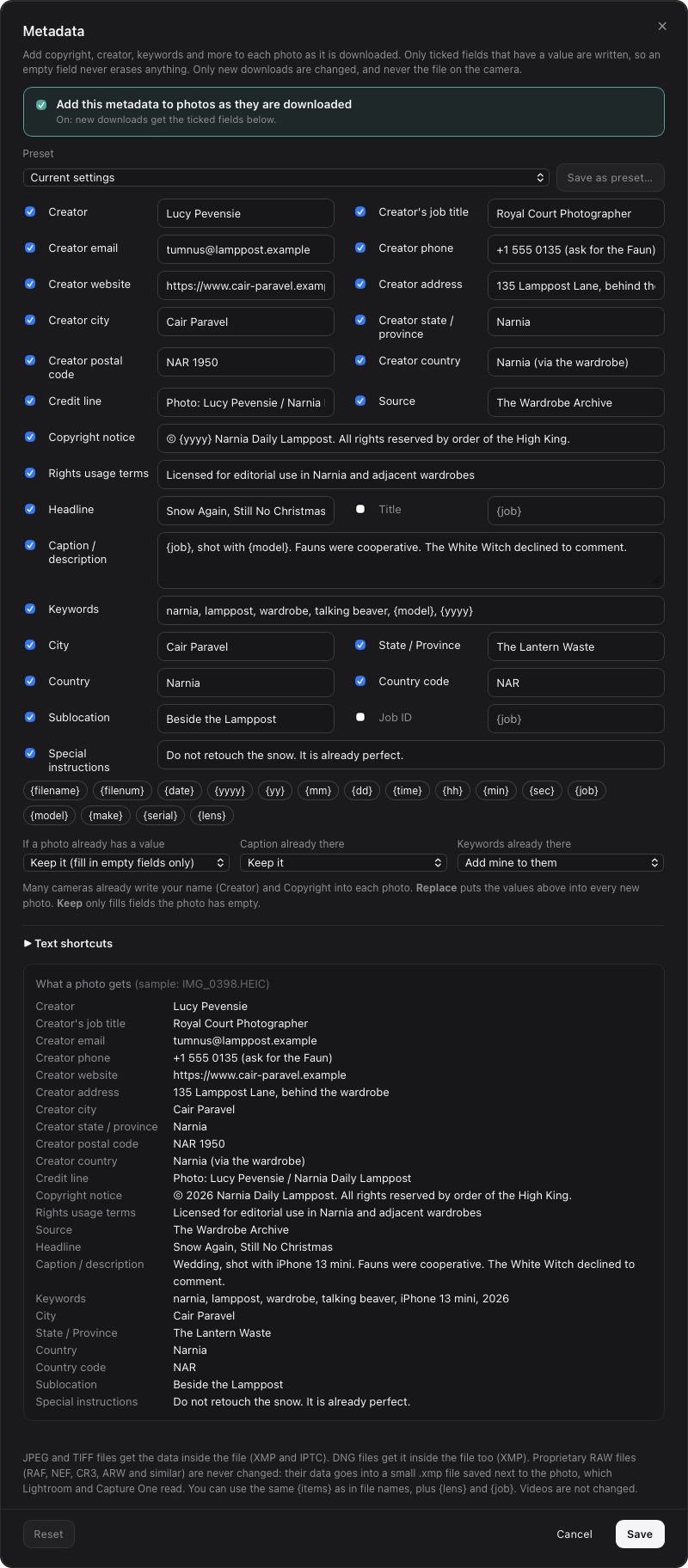
New Creator contact details in Metadata
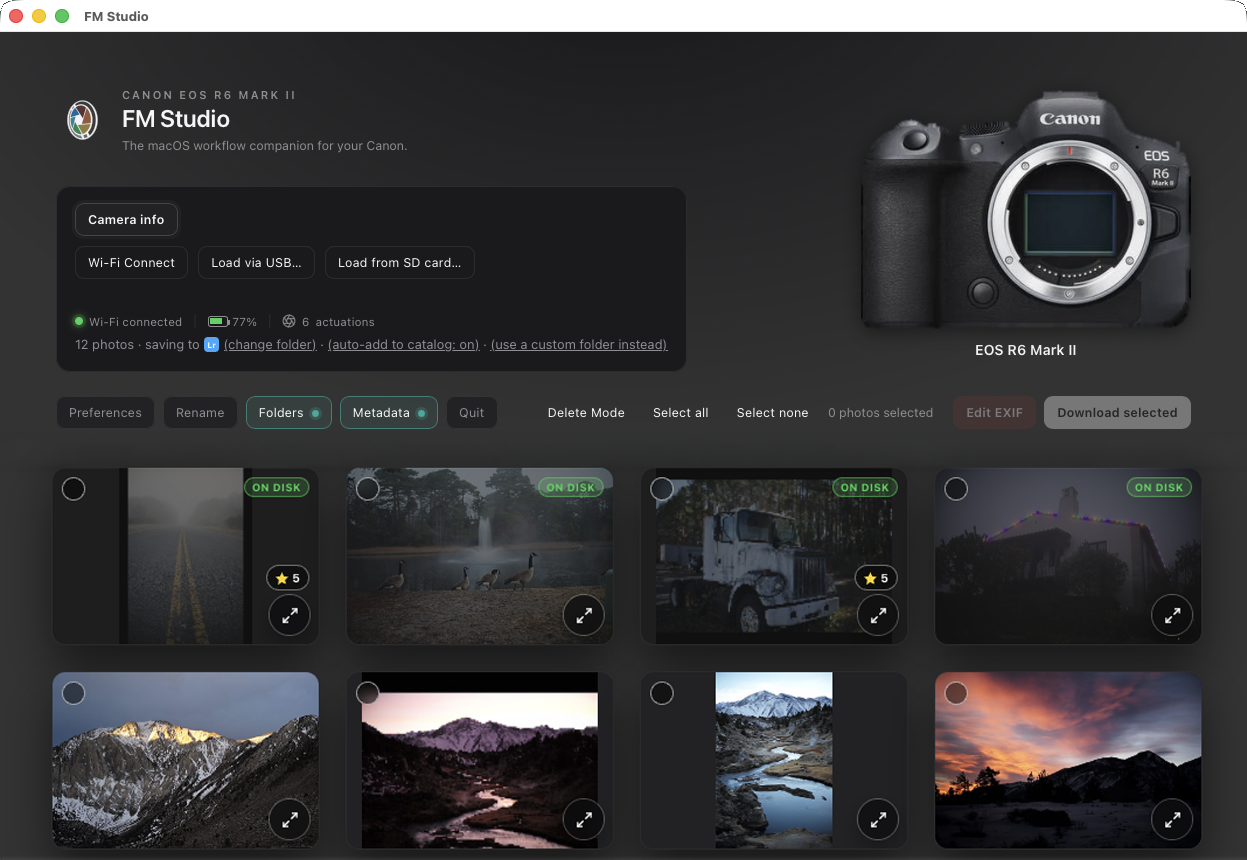
Canon EOS R6 Mark II Connected via Wi-fi
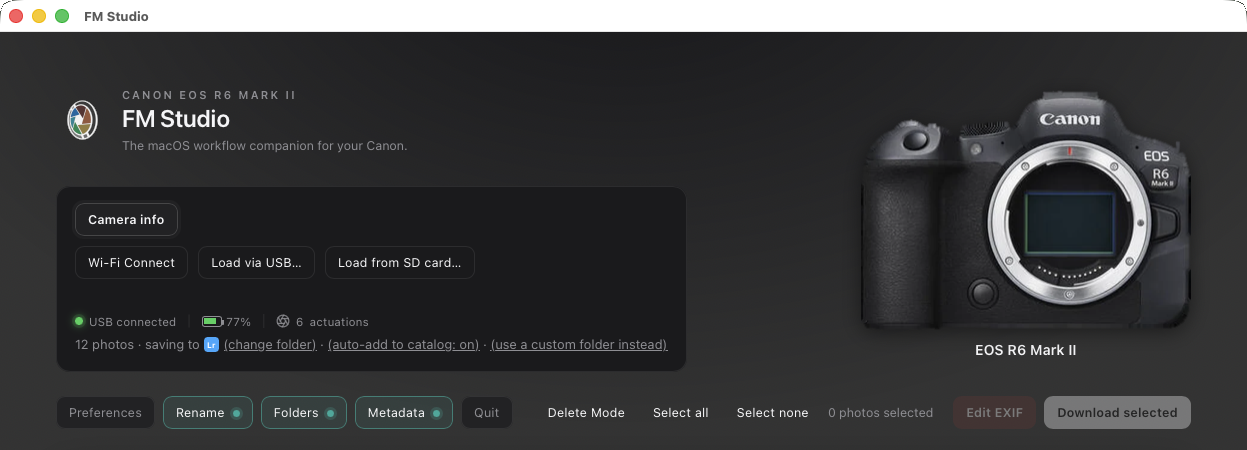
Canon EOS R6 Mark II Connected via USB PTP (Very fast transfer)
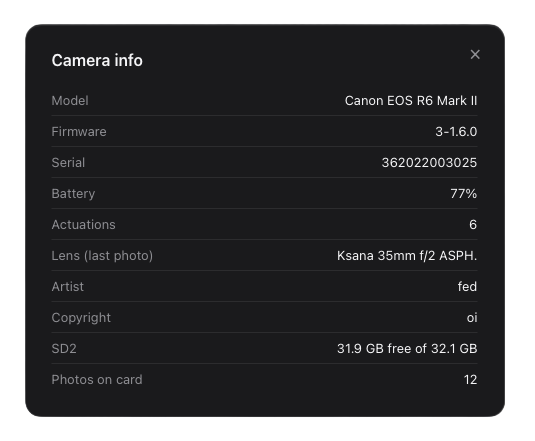
Example showing Canon EOS R6 Camera info in FM Studio
|