Fred Miranda
Offline
Admin
Upload & Sell: On
|
 p.2 #15 · FM Studio: review, tag and transfer photos on Mac p.2 #15 · FM Studio: review, tag and transfer photos on Mac | |
RexGig0 wrote:
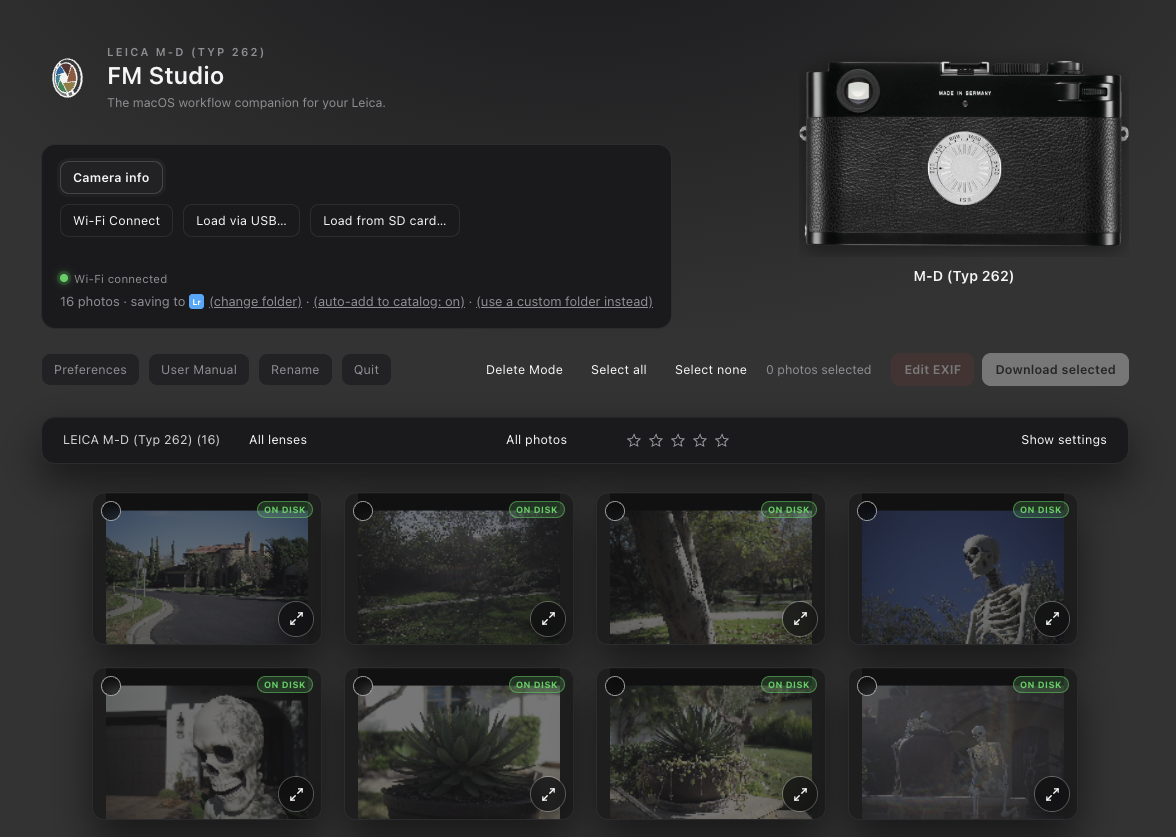
I bought the lifetime option. The download into my Mac Mini was painless, but, linking to my M10 Monochrom is, well, the little wheels kept turning, on each device, though the Mac told me they were connected… I am reminded why I loathe computers, so very much.
I downloaded into a current-until-today iPad Mini, which does pair seamlessly, with the camera, with the Leica FOTOS app, but, I still have to sort-out whether the FM app will cooperate, because, then the camera started complaining about its juice running low. Darned M10 batteries…
The iPad Mini would be my preferred way to interface with a camera, when out and about. An iPhone is annoying too small, and a larger tablet or laptop is more than I would rather carry. Perhaps I should buy an 11” iPad Pro sooner, rather than later.
The Mac Mini seems to be “telling” me that it would rather that I physically tether the camera, so that it can remain connected to wi-fi. Next up, after I walk the little dogs, I’ll try tethering my Nikon ZR, with the cable…
I remain optimistic....Show more →
Thanks for picking up the Lifetime license, and sorry about the Wi-Fi trouble. A few things that should help. FM Studio runs on a Mac only (Windows is next), so it won’t work on the iPad.
Also, the camera’s Wi-Fi usually works with one device at a time, so close the Leica FOTOS app and unpair the iPad before connecting the Mac. When the Mac joins the camera’s Wi-Fi, it drops your home Wi-Fi, so if you can, plug the Mac Mini into your router with a network cable to keep the internet on. Wi-Fi also uses a lot of battery, so for a big batch a card reader or USB is faster.
Let me know how the Nikon ZR goes over USB. If you have an other technical questions please reach me via PM. 
|