*New*
- Crop & straighten (⌘R): aspect presets (3:2, 4:3, 5:4, 65:24, custom, free), quarter turns and mirrors, and levelling by slider or by drawing along the horizon. The meters read only the crop.
- Presets: save settings by name and apply them to any image later.
- Copy and paste settings between images (⇧⌘C, ⇧⌘V).
- New film stocks: Kodak T-Max 100, Royal Gold 100 and Vericolor III 160, and HARMAN Phoenix 200, each built from its own datasheet.
- Tiffen 81C and 812 warming filters for slide film.
- Insta360 I-Log in the Motion mode and LUT export.
- V-Log LUT pack: now 46 tables, with the new stocks.
*Changed*
- Sharper preview: 2560 px by default, up to 4096, remembered between launches.
- New images start with Auto Exposure on, and Auto Brightness and Auto Contrast off.
- Toolbar reorganised; in Motion mode the export format now sits beside Export.
*Fixed*
- Slides could show as negatives after "Print on paper" had been set on a negative.
- Double-clicking a slider now resets it.
p.2 #2 · FLX Film Lab - physics-based film simulations
fjablo wrote:
A sneak peak for v1.1.0: a virtual trip to Rome, seen through old Kodak film stocks
I like Vericolor III quite a bit. It has more contrast and less latitude than Portra 160, especially in the shadows, and skin tones render a little bit more yellow. Blues don't go quite as cyan as they do with Portra and green stays more neutral too.
I was just thinking about Vericolor III as it was THE film all the wedding photographers in my region shot in the 1990s when I worked in photo retail. We sold TONs of it, literally by the cases, in 120 and 220. But it delivered very nice, warm skin tones. Then Fuji came along with their NPS films and caused some disruption. NPS had a 'cleaner' more neutral to slightly cool/pink/magenta quality to skin tone and cooler greens and blues, IIRC.
My understanding was that Kodak designed VPS according to North American preferences for warmer skin while Fuji tailored their films towards Asian preferences for cooler, pinker skin reproduction.
Eventually I'll get around to installing this app and trying it out with various people photos to see whether the various film stock simulations evoke the memories (perhaps not accurate!) I have of those emulsions.
p.2 #3 · FLX Film Lab - physics-based film simulations
Vericolor III is very, very nice! Sliders aren't resetting on double clicks for me, though. Would also be nice if, after enabling "auto" settings, if you disable it, it resets back to the non-auto settings.
I think you should also put the 35/120 toggle higher and in its own section as that drastically changes the overall sharpness of the image and it's kinda buried right now.
While at first I agreed that supporting the "edit in" LR/C1 functionality would be great, I actually think anyone doing deep color work should begin your workflow with color adjustments no matter the application, so for this app, bringing a RAW file in and doing the basic color grades would be step one. Save the TIFF, dump that into my normal folder that gets imported into LR and do all the cropping/keystoning/grain adding etc there and export the final JPEG. Just my 2 cents.
p.2 #4 · FLX Film Lab - physics-based film simulations
RoamingScott wrote:
Vericolor III is very, very nice! Sliders aren't resetting on double clicks for me, though. Would also be nice if, after enabling "auto" settings, if you disable it, it resets back to the non-auto settings.
I think you should also put the 35/120 toggle higher and in its own section as that drastically changes the overall sharpness of the image and it's kinda buried right now.
While at first I agreed that supporting the "edit in" LR/C1 functionality would be great, I actually think anyone doing deep color work should begin your workflow with color adjustments no matter the application, so for this app, bringing a RAW file in and doing the basic color grades would be step one. Save the TIFF, dump that into my normal folder that gets imported into LR and do all the cropping/keystoning/grain adding etc there and export the final JPEG. Just my 2 cents....Show more →
Damn that first pano is nice!
Weird about the double-click. It did work for me in development, but you're right it is broken again in the live version.. will check if I can fix it quickly..
35/120 will be part of the overall grain and sharpness review. But maybe I change the default to 120 for now.
And about LR/C1: Yes agree with that, the workflow should be RAW to TIFF in this app, then whatever other app for catalogue and further tweaking. Also, this app here is first and foremost for myself and I am not a fan of LR/C1 and the companies that run them, so my appetite to invest my time to develop anything for them is nonexistent
Edit: Slider issue is because Github uses a very old SDK and I have a much newer one locally.. working on a fix
p.2 #5 · FLX Film Lab - physics-based film simulations
Resetting sliders with double-click is working now, finally. Also uses 120 as default film size now. Both fixes in v1.1.1 on github.
With the new version you can also choose up to 4096px for the preview size. But make sure your machine has enough (V)RAM, probably need 16GB+ or it might crash (should use about 2-3GB).
Some new issues from moving to the new SDK, like export format text not rendering correctly. I will deal with them later
p.2 #6 · FLX Film Lab - physics-based film simulations
I just gave the app a try (once this Noob figured out to find and install an open source file). I like it and the choices that are included. Certainly very usable as is. Looking forward to seeing how this develops (pardon the pun). While using the RAW file certainly makes sense, I also set this up as a LR plugin transferring a TIFF file to FLX.
p.2 #9 · FLX Film Lab - physics-based film simulations
RomanMF wrote:
@fjablo@ how long did this app take to cook up? How much different is it in focus than spektra?
>100 hrs, don't know exactly.
I've documented what's shared and what's different in quite some detail on github, so probably easiest to read through over there. Or download & test spektrafilm directly: https://github.com/andreavolpato/spektrafilm
Imo quite different and increasingly so. The idea and physics model from spektrafilm is brilliant, but its implementation didn't work for me so I started building this app and kept adding features and new films over the last couple of months. Slide films were rebuilt and I'm planning to do an audit on some of the other film stocks too (of the 38 currently included stocks, 14 are direct ports from spektrafilm)
p.2 #10 · FLX Film Lab - physics-based film simulations
RoamingScott wrote:
Hopefully you aren't finding my feedback as nagging, thanks for the quick updates
Absolutely not - your feedback has been super helpful! Love the results you're getting with the app!
And man I can't tell you how much I hate that Nikon has no feature to shoot these in-camera - it would be so perfect with the Zf! My new Panasonic S9 setup is pretty much what I think you had in mind with your full frame Z30 request and Nikon's Picture Profiles. I really like some aspects of the S9, like its size and weight, and the 40mm f2 and 18-40mm are lovely too, but omg it is not a very ergonomic camera
p.2 #11 · FLX Film Lab - physics-based film simulations
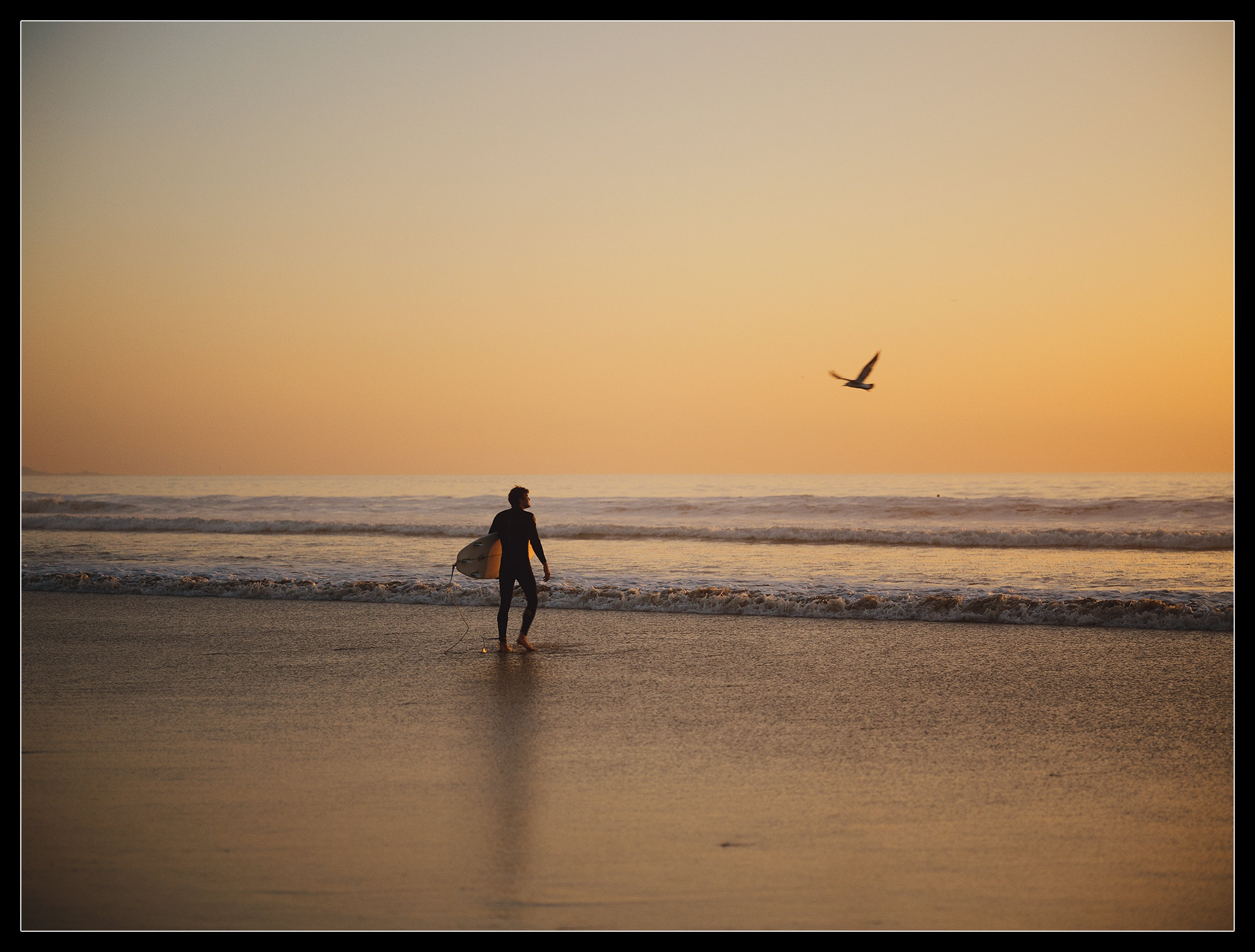
I'm assuming the standard grain and halation values are relative to the stocks applied? Or is the only variable the film format? I wonder if anyone's tried to simulate the look of remjet removal to recreate the vibe of Cinestill 800T. Point Break-X2DII_KodakPortra800 by Roman France, on Flickr