Outstanding
Online
• • •
Upload & Sell: Off
|
 p.1 #4 · A comprehensive review of lens adapters for Nikon Z cameras p.1 #4 · A comprehensive review of lens adapters for Nikon Z cameras | |
Wezre wrote:
Can you provide a summary for those who don't want to watch to 20+ minute video?
There is AI button available under all YouTube videos, it can summarize the videos for you. I use it all the time as I am old and my brain absorbs more from reading than watching. Newspaper was my media.
Anyways here is copy paste -
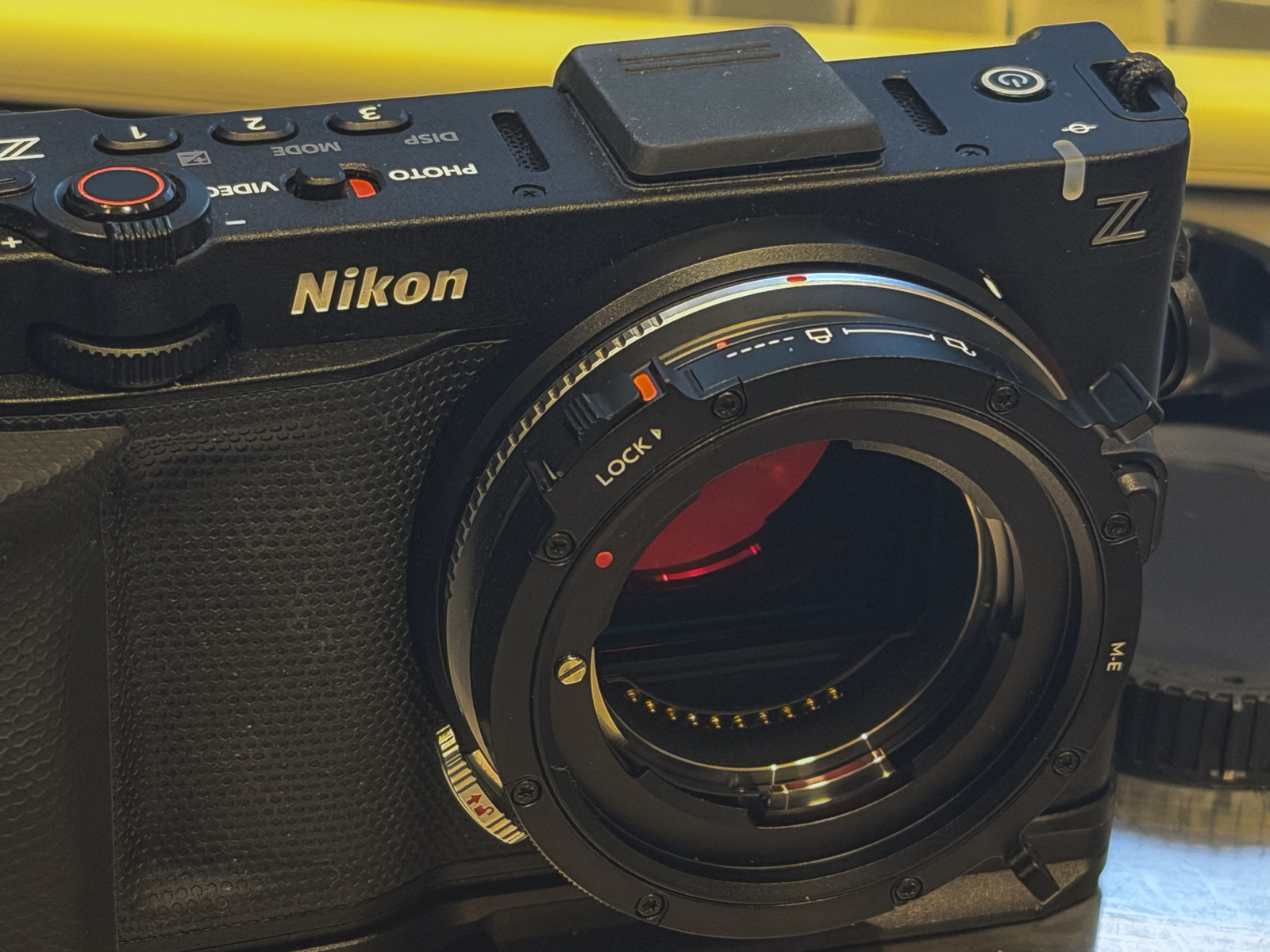
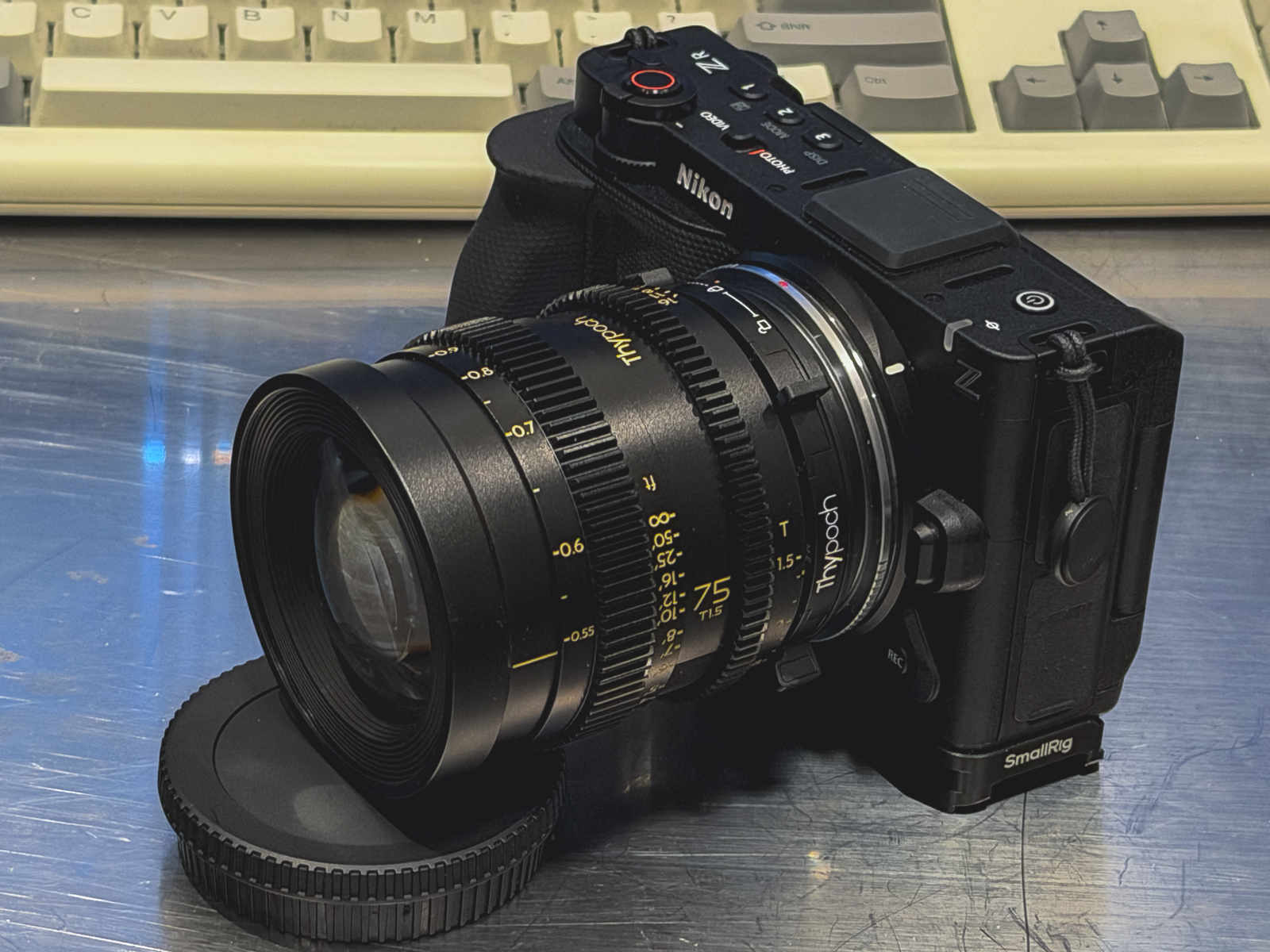
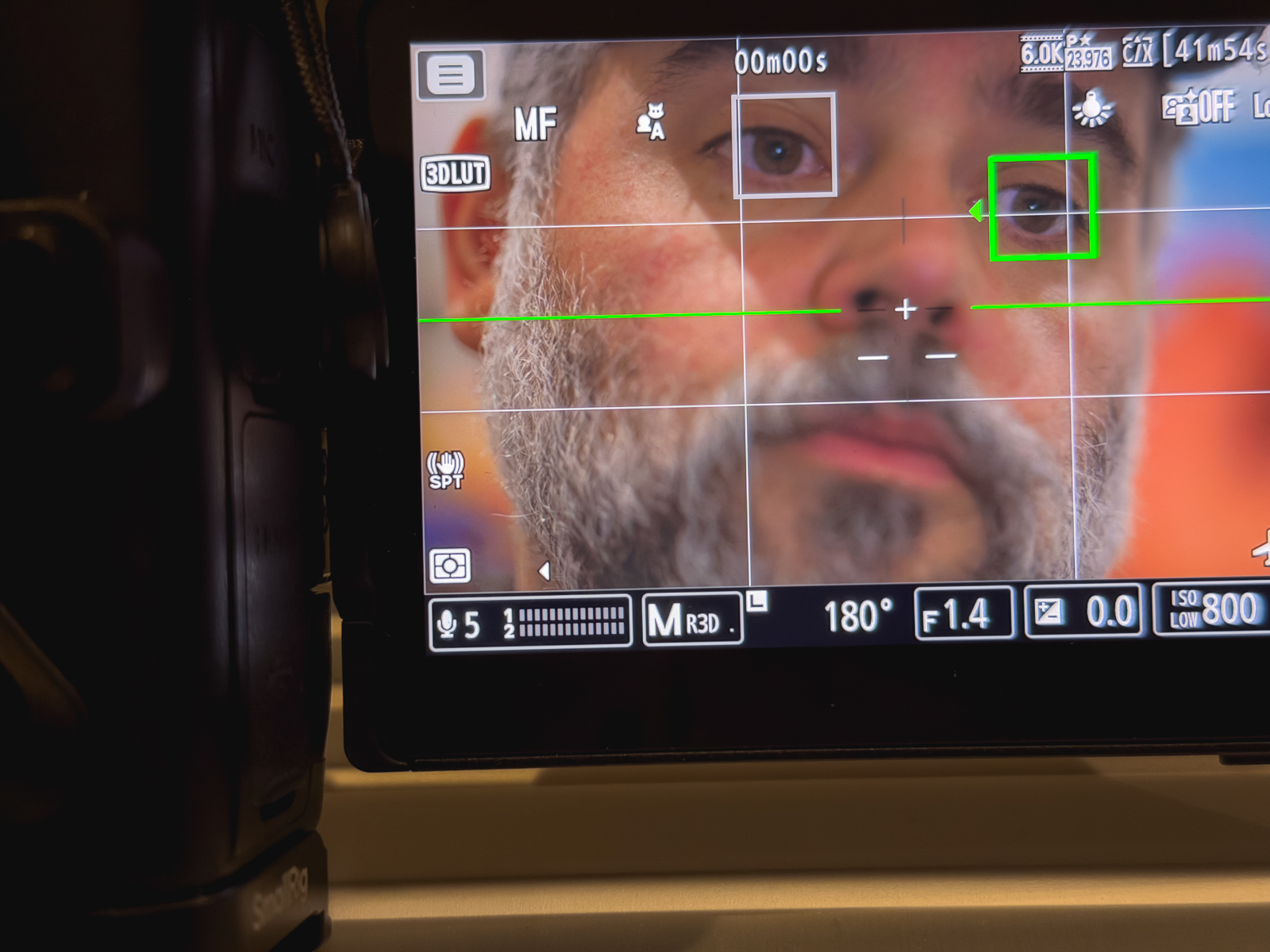
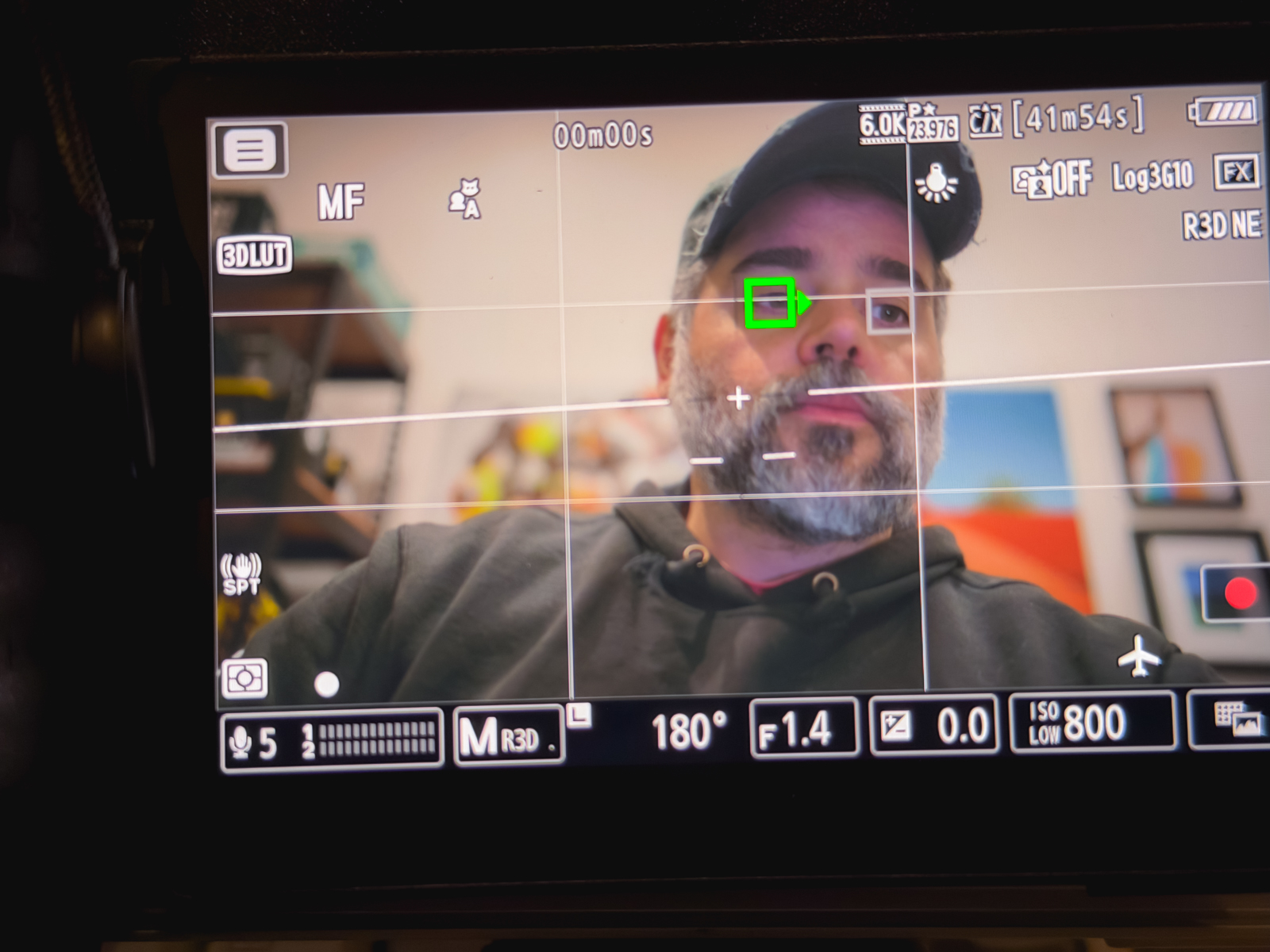
This video by Bokeh Therapy with Jack Wang delves into the world of lens adapters for the Nikon ZR camera, focusing on how they can "breathe new life into old lenses" (0:05) by enabling features like green focus boxes, in-body image stabilization (IBIS), and autofocus. Jack highlights seven key adapters, sharing his experience and recommendations based on extensive testing.
Here’s a more in-depth look at each adapter and their performance:
Voigtlander M to Z Close Focus Adapter (1:36)
Features: This adapter is well-machined and includes an extension helicoid for fine-tuning focus distance (1:38-1:43).
Limitations: It's a "dummy unchipped metal spacer" (1:44), meaning it doesn't communicate electronically with the camera. As a result, it doesn't provide exit data, focal length, or aperture information, and crucially, the green focus boxes don't appear (1:44-1:50). While IBIS works if manually set in the camera's non-CPU lens data menu (2:06), the absence of green boxes is a significant drawback for many users (2:11).
Comparison to Voigtlander Z-mount lenses: The native Voigtlander Z-mount lenses are chipped and offer full electronic communication, including automatic focal length and aperture settings, and green focus boxes when focus is achieved (1:07-1:16).
TTArtisan M to Z 6-bit Adapter (2:15)
Affordability & Features: This is the most budget-friendly option among the smart adapters reviewed (2:23). It has a focal length switch (2:27) and communicates with the camera to enable IBIS and green focus boxes (2:37-2:40).
Limitations: It cannot autofocus (2:40). It's also not as well-machined as some other adapters; Jack notes that it can be "too tight" with some lenses and "scratched the finish" (3:47-3:51). The plastic switches are prone to wear (3:52). Additionally, changing the aperture requires adjusting it on both the lens and the camera (4:30-4:37), and aperture adjustments below f/5.6 are not possible in-camera (4:38-4:41). Zone focus alignment can be inaccurate and needs case-by-case testing for each lens (3:59-4:21).
Unique Focus Assist: Unlike the Voigtlander, this adapter provides directional arrows (left/right) and a dot symbol in the bottom left corner of the screen to indicate focus accuracy, which is highly useful when magnified (4:54-5:05).
Techart TZM-02 Adapter (2:45)
Unique Feature: This adapter's standout capability is enabling autofocus for manual lenses (3:03-3:05). By setting the manual lens to infinity, the adapter's motors move the lens to achieve focus (2:56-3:00). It also allows for closer focusing distances (3:05-3:07).
Data Handling: It handles exit data by remapping the aperture setting to override the in-camera focal length selector (3:10-3:14), which allows IBIS to function effectively (3:19-3:22).
Drawbacks: It's the second most expensive adapter (7:25-7:29) and quite heavy, weighing "almost 200g" (7:32-7:35), which can make it feel cumbersome with lighter lenses (7:37-7:40). Autofocus performs best in "well-lit areas with high contrast" using AFC and 3D tracking (8:38-8:42), but it's "less sure" with AFS and can "pulse more" and flash the screen on the ZR (8:45-8:52), making manual focus preferable for critical night work (8:58-9:00).
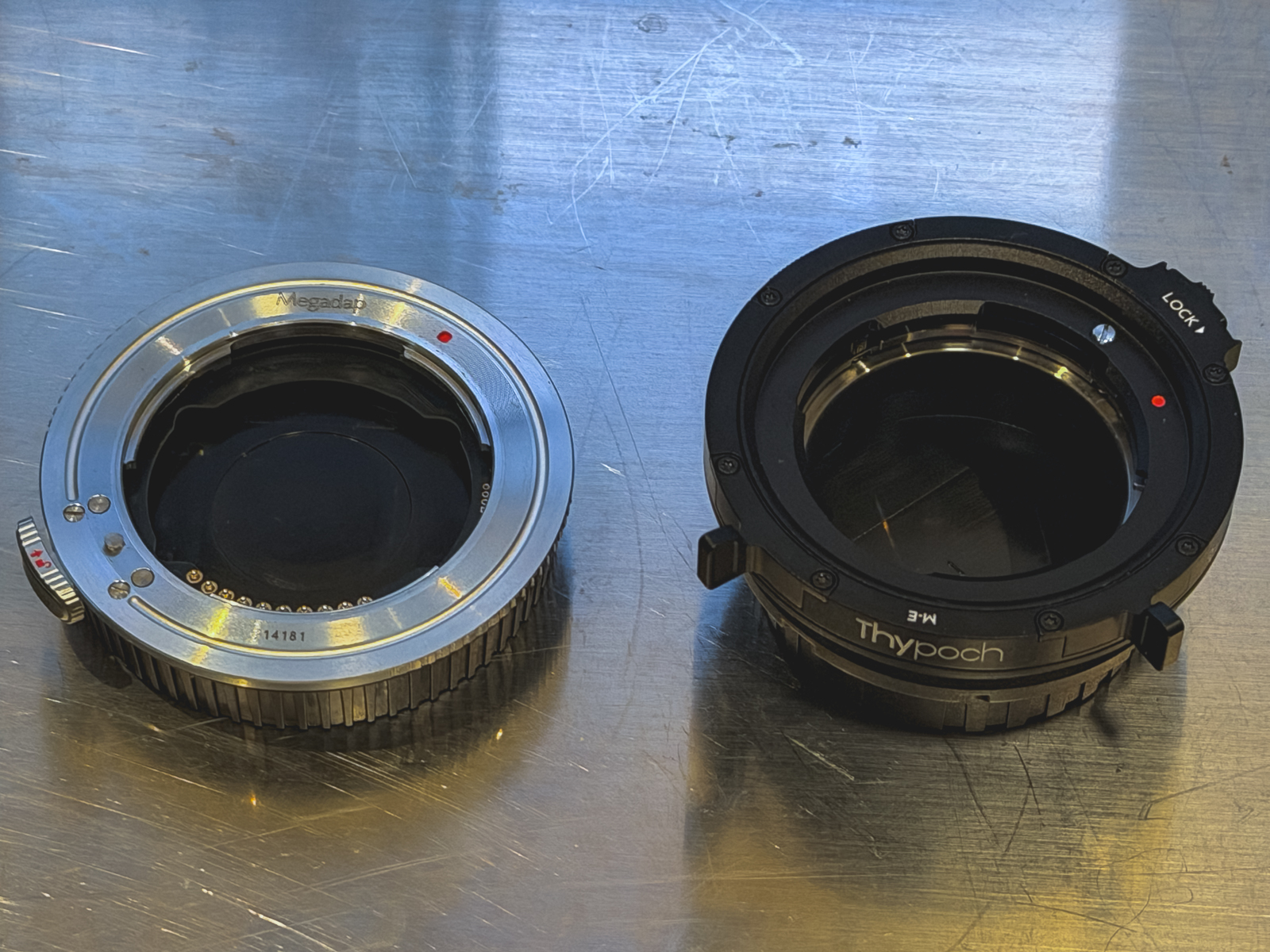
Viltrox ETZ, Neewer ETZ Pro, and Megadap ETZ21 Pro+ Adapters (9:19)
These adapters convert Sony E-mount lenses to Nikon Z-mount. Jack only took the Megadap to Japan for testing (9:21-9:28).
Viltrox ETZ: This is the cheapest of the three (10:35) and is designed purely for autofocus with chipped E-mount lenses. It does not provide green boxes for manual focus (10:29-10:41).
Neewer ETZ Pro & Megadap ETZ21 Pro+: Both offer green focus boxes for manual focus (10:41-10:44).
Data Setting: On the Neewer, setting focal length and maximum aperture for IBIS requires connecting to a computer and editing a text file, which is "slow [and] unfeasible in the field" (11:10-11:20). The Megadap offers a quicker workaround by remapping the f/10 focus ring rotation to correspond to different focal lengths (11:24-11:31).
Recommendation: The Megadap ETZ21 Pro+ is the most expensive but is deemed the "most versatile and well-built" (12:00-12:04). Its autofocus performance with E-mount lenses is "indistinguishable from Sony" (9:56).
MonsterAdapter LA-FZ1 (18:13)
Niche Use: This is the "most expensive adapter tested today" (18:14) and is highly specialized. It's designed to drive autofocus for a "subset of screw drive F-mount lenses" (18:24-18:26) but cannot autofocus newer AF-S F-mount lenses (18:27-18:32).
Autofocus Performance: It performs well during the day, even with fast-moving subjects like trains and commuters (18:55-19:01), outperforming the Techart in this regard (18:33-18:36). However, its low-light performance is "slower, less confident in staying locked on" (20:20-20:23).
Drawbacks: It's "quite noisy" with "little swishing noises" and occasional "squeaks" (19:10-19:12). There's also "occasionally persistent aperture chatter" that requires manual aperture adjustment to resolve (19:25-19:31). Similar to the Techart, it's heavy at "almost 200g" (20:43-20:45).
Build Quality: Jack praises its "build quality" and aesthetics, noting its "tight tolerances" and tactile switches (19:33-19:38). It also features an auto-to-manual focus switch for more physical control (19:38-19:43).
Manual Focus with Vintage Lenses: While it can provide green box confirmation in manual focus mode with old AF-D lenses, it doesn't allow for manual focal length setting, so it's not recommended for unchipped manual lenses (19:43-19:50). It needs a chipped lens (from a specific list on its website) for accurate exit data and IBIS (19:50-19:57).
Nikon ZR for Photography (14:30)
Jack also highlights why the Nikon ZR, despite its video-first design, is excellent for photography with manual focus lenses:
Large Screen: Its "massive" 4-inch LCD is the largest on a consumer-grade camera (14:45-14:53), making manual focusing easier.
Convenient Zoom Rocker: The built-in zoom rocker is "very conveniently placed near the shutter button" (14:54-15:00), allowing for quick magnification without needing a function button (15:00-15:07).
Manual Focus Assist Tools: The ZR (like the ZF, Z6III, Z8, and Z9) offers "class leading manual focus assist tools" (15:17-15:21), reducing the need for constant magnification.
Non-Blackout Viewfinder Experience: In H+ mode, there's no blackout in the viewfinder or on the LCD (15:24-15:33), mimicking the non-blackout optical viewfinder experience of a rangefinder (15:36-15:43).
Discreet Composing: Using the LCD to compose shots allows for a more discreet approach in street photography, as the camera isn't lifted to the eye (15:48-15:54).
Silent Shutter: The ZR's electronic-only shutter means "no mechanical shutter" (15:56-15:58), allowing for very discreet shooting, even close to subjects at night (15:58-16:02).
Banding: While electronic shutters can cause banding, the ZR's "partially stacked sensor" reduces its severity, making banding "thick" but not always ruinous (16:23-16:29).
Final Recommendations (23:04)
Manual-only glass: Consider the TTArtisan or Techart adapters.
Mix of auto and manual focus lenses: The Megadap is recommended for its versatility.
Old screw drive Nikon glass on mirrorless: Only then consider the Monster Adapter.
|