IR filters on full spectrum conversion

p.1 #1IR filters on full spectrum conversion
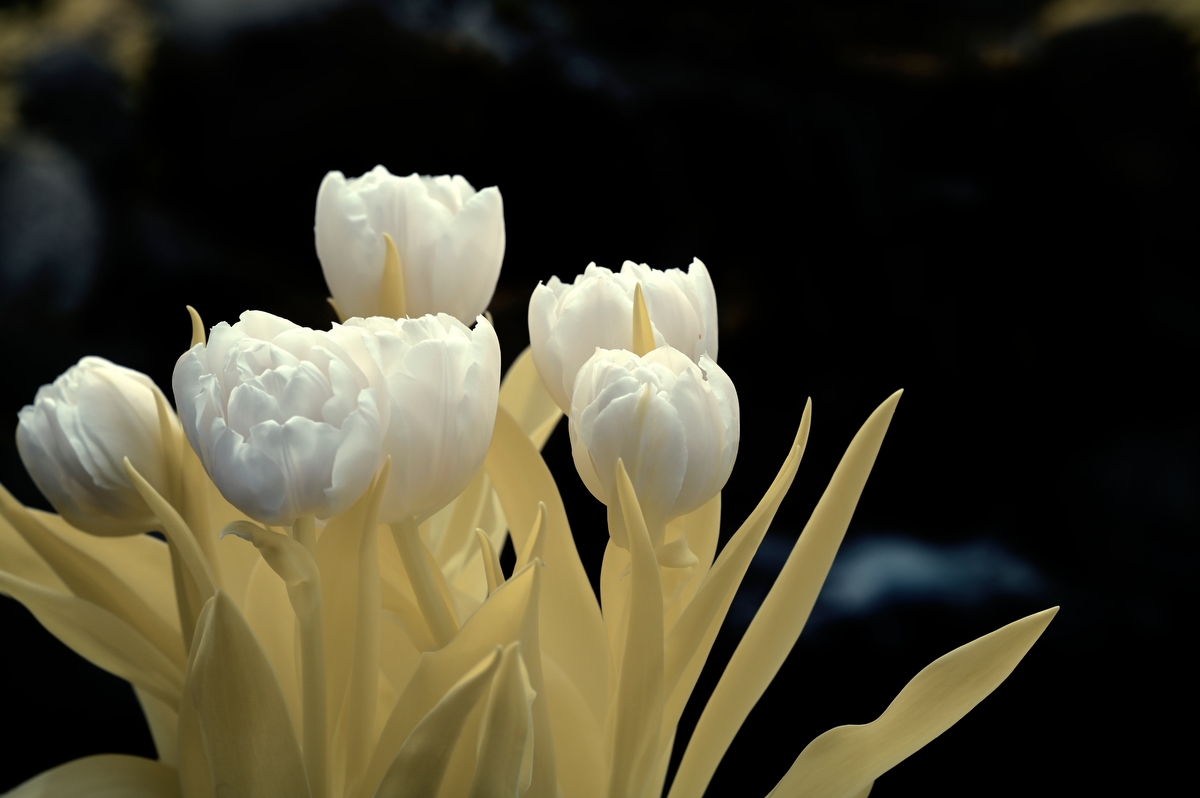
I recently decided to take a second plunge in infra-red photography, this time with a full spectrum conversion to explore the varying effects of nanometer filters. The Nikon D850 came with 7 filters and while I have shot in the field with them, I had not done a side by side comparison on a singular subject. This flower arrangement looked like a good candidate. The photos were taken with ambient window light. I wanted to keep the comparisons consistent so other than setting the white point, auto exposure and an auto curve, there was no additional post done to the images.
The lens used was the Nikon 24-120 racked out to 95mm.
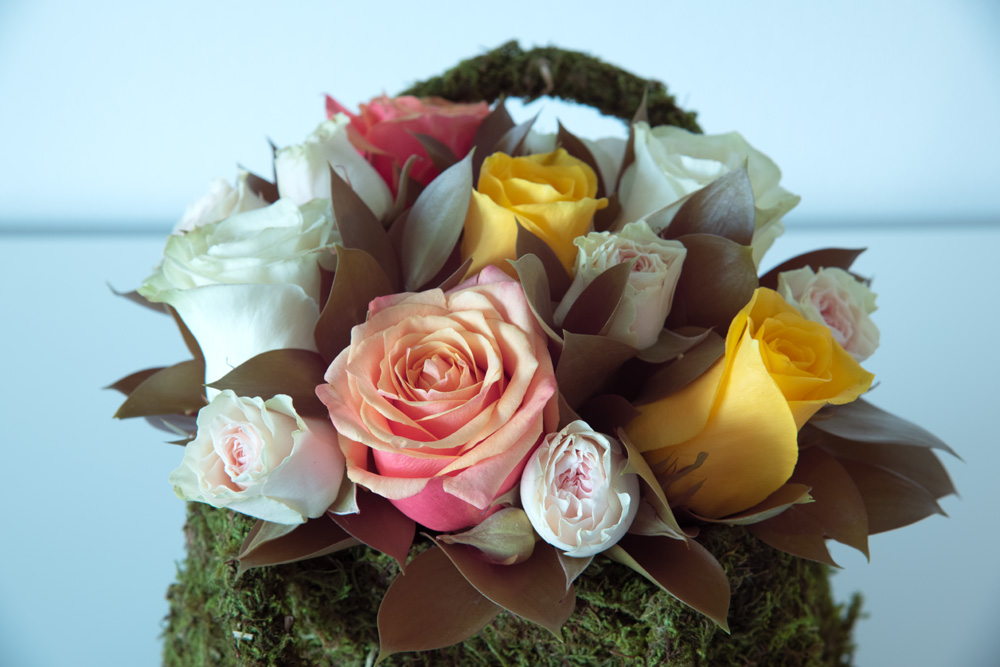
This is the unfiltered full spectrum output
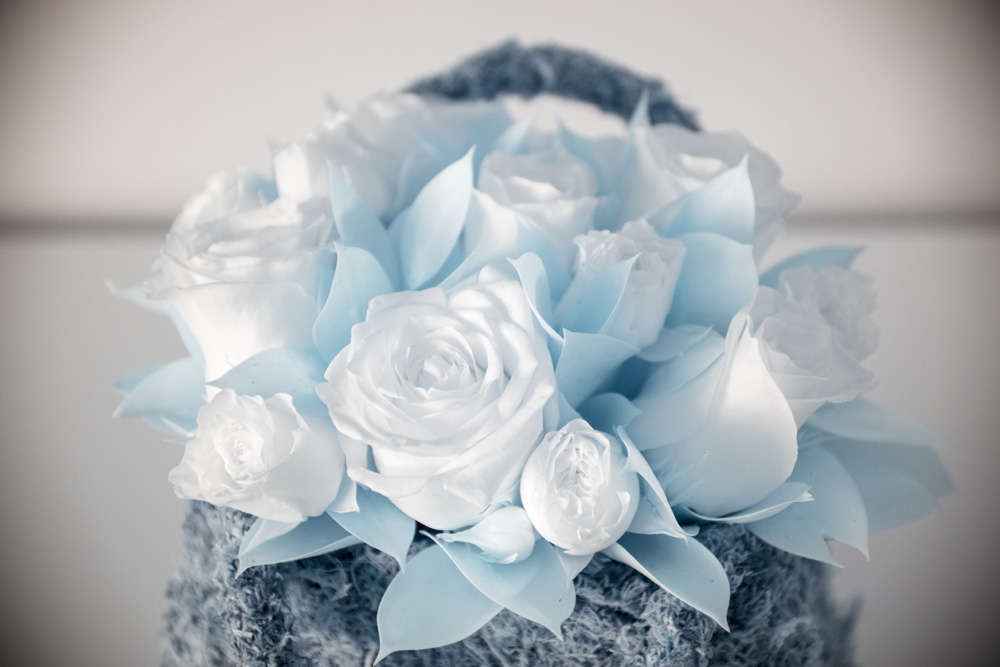
720nm, typically used for B&W with some color retained
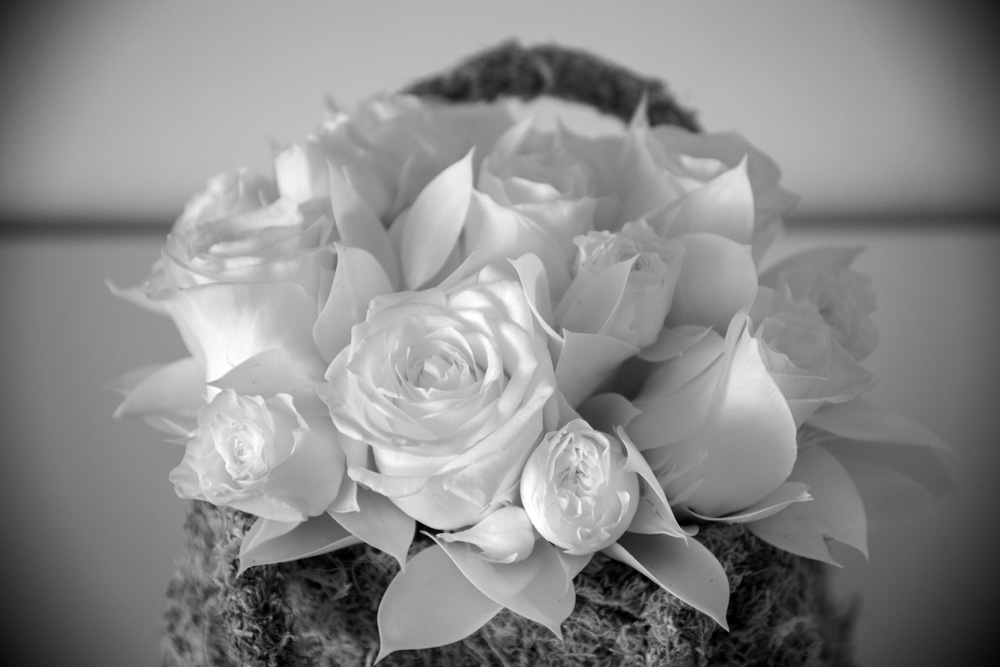
850nm, full B&W, auto white balance
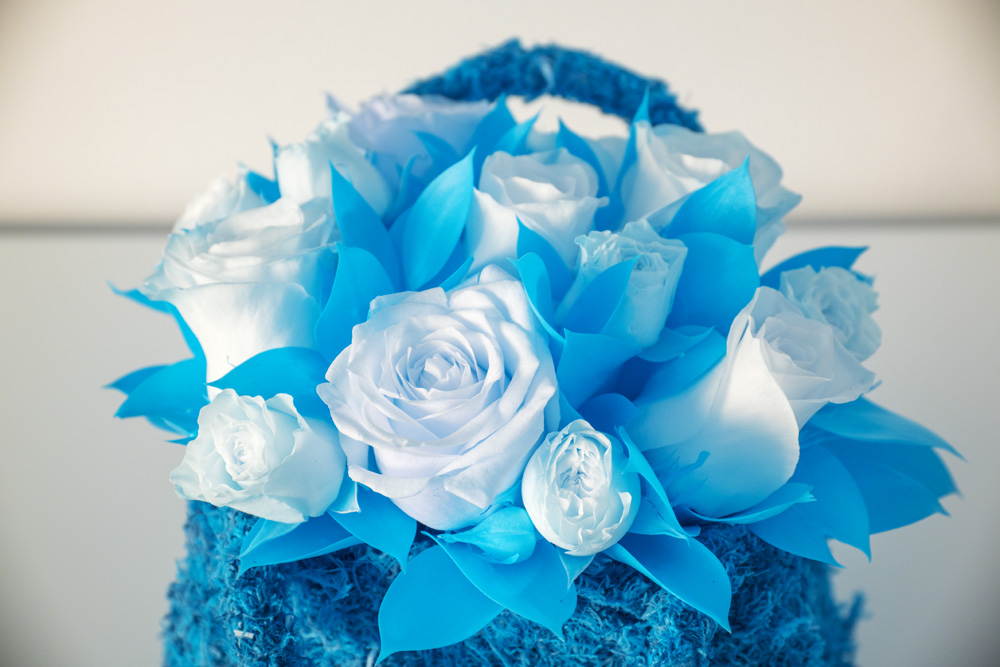
470 nm (yellow), this will retain a good amount of color when processed
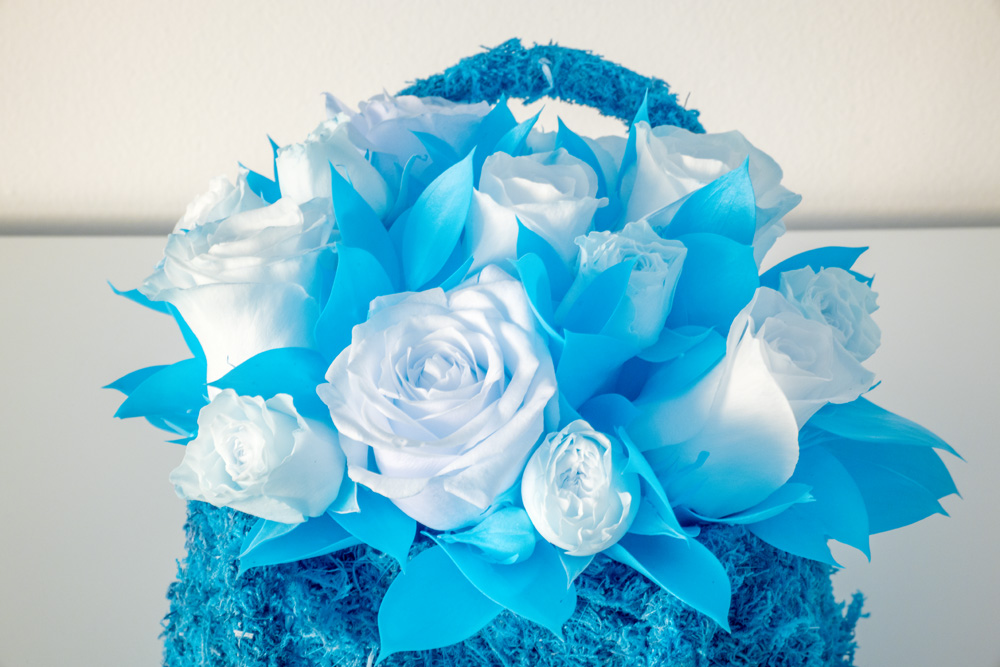
590nm (red) this will retain a good amount of color when processed, a bit less than 470nm.

Chrome, this filter emulates Kodak Aerochrome film. Better used outdoors for strongest effect
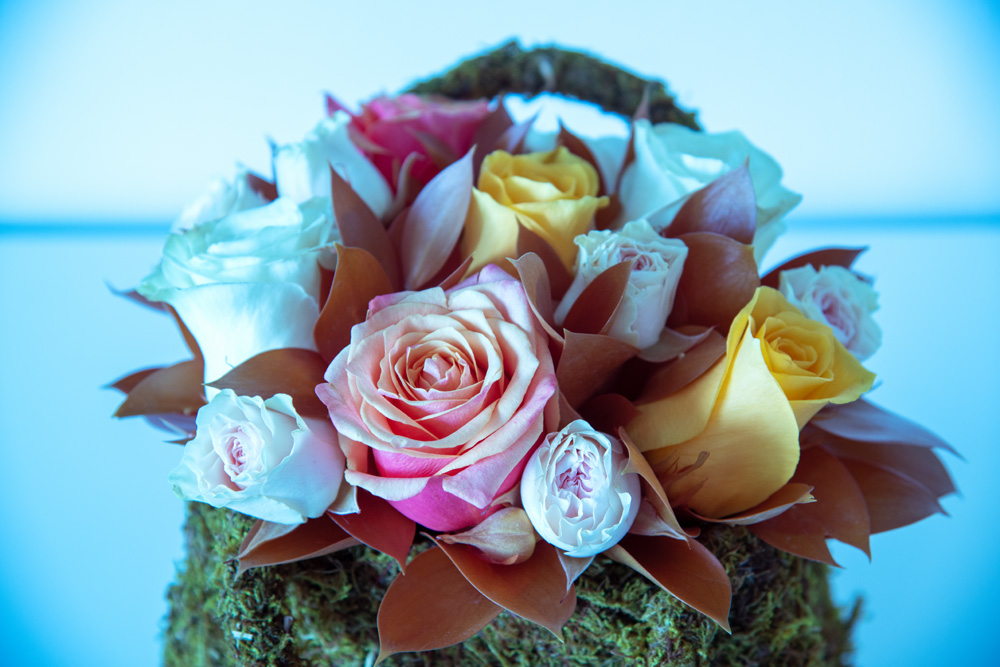
Teal UV/IR CUT. This is supposed to emulate regular color, but I think it needs more sunlight.
The lens used was the Nikon 24-120 racked out to 95mm.
©Photo by Aboud Dweck, All Rights Reserved
This is the unfiltered full spectrum output
©Photo by Aboud Dweck, All Rights Reserved
720nm, typically used for B&W with some color retained
©Photo by Aboud Dweck, All Rights Reserved
850nm, full B&W, auto white balance
©Photo by Aboud Dweck, All Rights Reserved
470 nm (yellow), this will retain a good amount of color when processed
©Photo by Aboud Dweck, All Rights Reserved
590nm (red) this will retain a good amount of color when processed, a bit less than 470nm.
©Photo by Aboud Dweck, All Rights Reserved
Chrome, this filter emulates Kodak Aerochrome film. Better used outdoors for strongest effect
©Photo by Aboud Dweck, All Rights Reserved
Teal UV/IR CUT. This is supposed to emulate regular color, but I think it needs more sunlight.
Jan 16, 2026 at 07:53 AM
p.1 #2IR filters on full spectrum conversion
Neat comparisons, Aboud!
Douglas
Douglas
Jan 16, 2026 at 08:30 AM
p.1 #3IR filters on full spectrum conversion
The chrome look is really interesting
Mar 01, 2026 at 02:27 AM
p.1 #4IR filters on full spectrum conversion
Thanks for the comparison.
I am not sure if your processing is not complete, or you posted the wrong images.
Your Chrome image should have far more red and far fewer colors.
Similarly, your 470nm and 590nm images look the same. The 470, also known as HyperColor, should have more of a pastel look, without much processing. 590 requires channel swapping, which you have done, but the blue foliage would be yellow/gold if processed to faux color. You can also easily process 590 images to aerochrome, white foliage or black & white with a few adjustments in Photoshop.
Did you set a custom white balance in the camera specific to the filter you are using, or are you relying on getting that right in post?
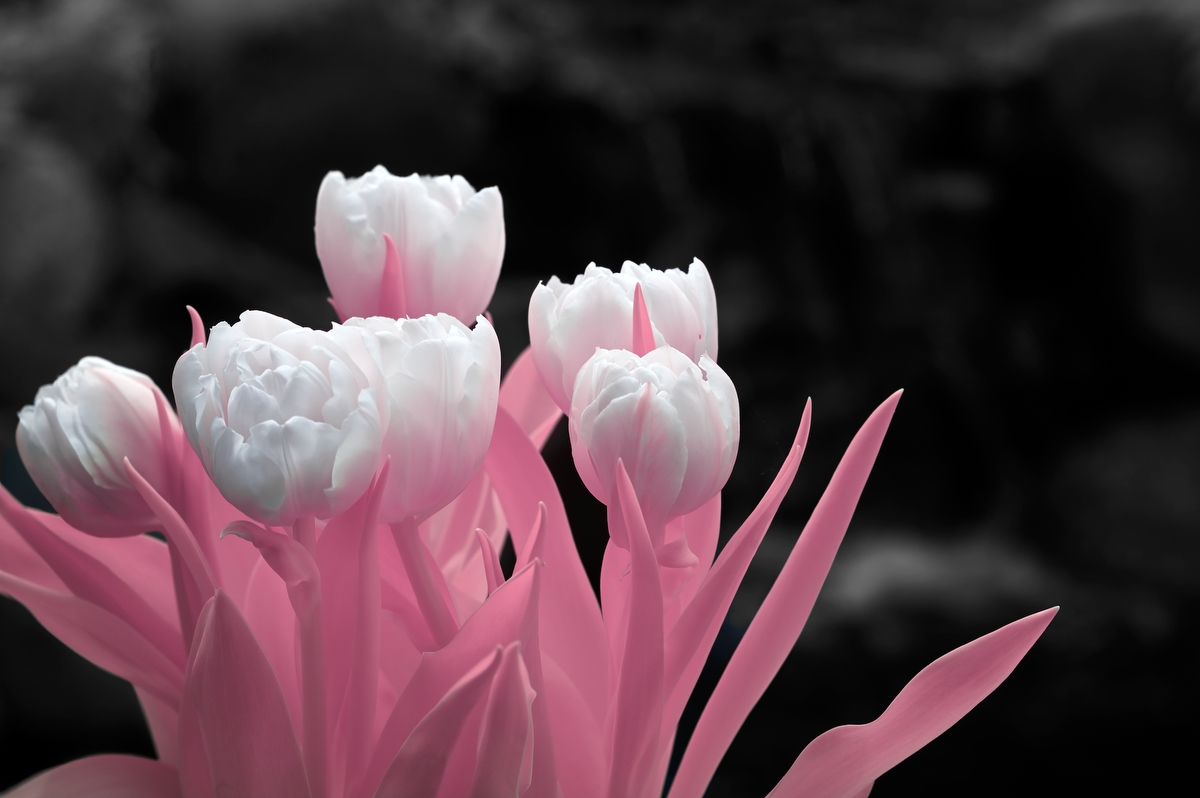
Aerochrome - fully processed
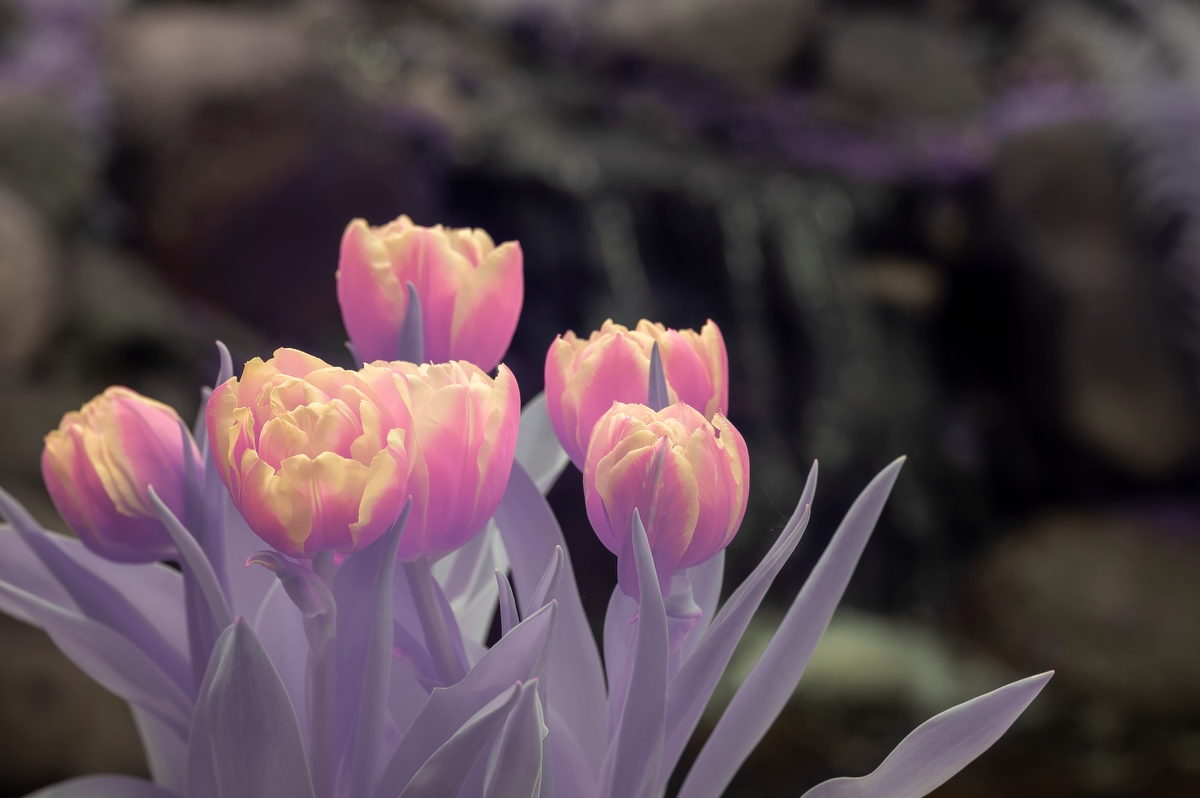
470nm Hyper Color - fully processed
590nm SuperColor - fully processed
I am not sure if your processing is not complete, or you posted the wrong images.
Your Chrome image should have far more red and far fewer colors.
Similarly, your 470nm and 590nm images look the same. The 470, also known as HyperColor, should have more of a pastel look, without much processing. 590 requires channel swapping, which you have done, but the blue foliage would be yellow/gold if processed to faux color. You can also easily process 590 images to aerochrome, white foliage or black & white with a few adjustments in Photoshop.
Did you set a custom white balance in the camera specific to the filter you are using, or are you relying on getting that right in post?
© mklass 2026
Aerochrome - fully processed
© mklass 2026
470nm Hyper Color - fully processed
© mklass 2026
590nm SuperColor - fully processed
Mar 01, 2026 at 06:13 AM