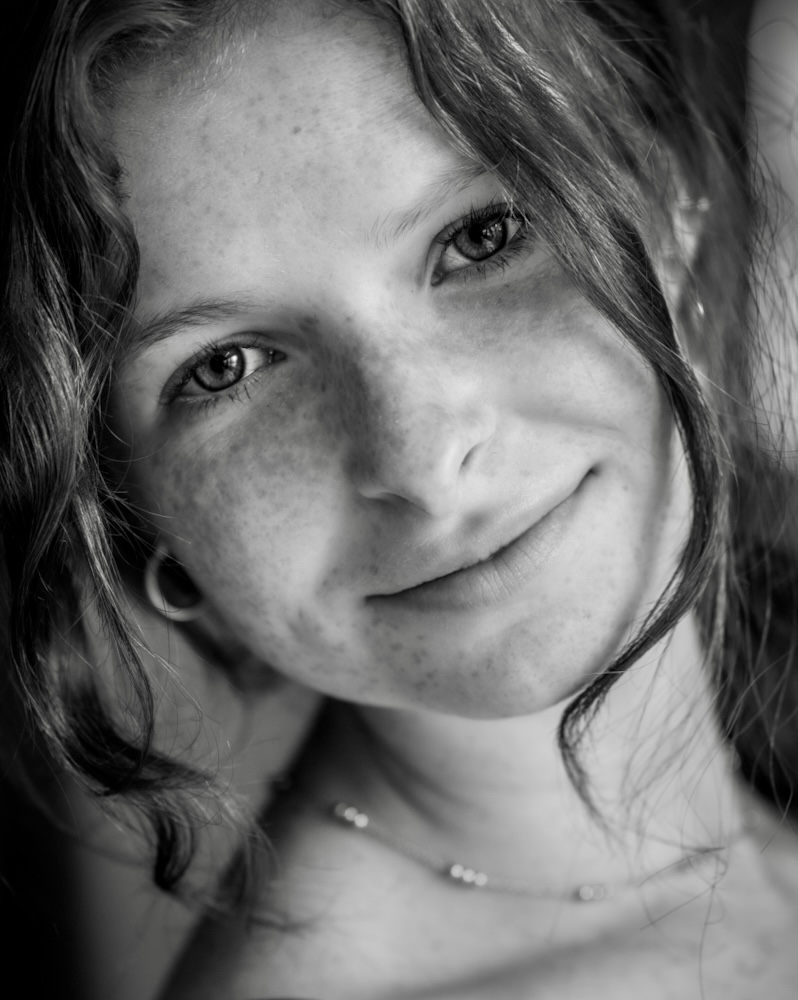
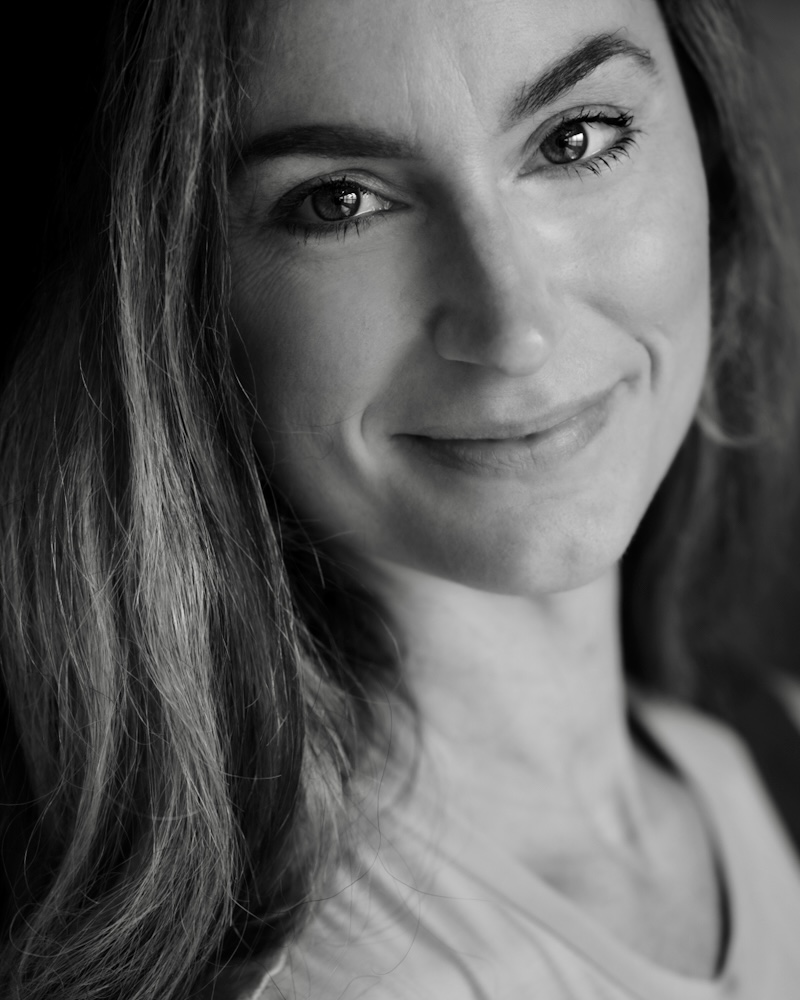
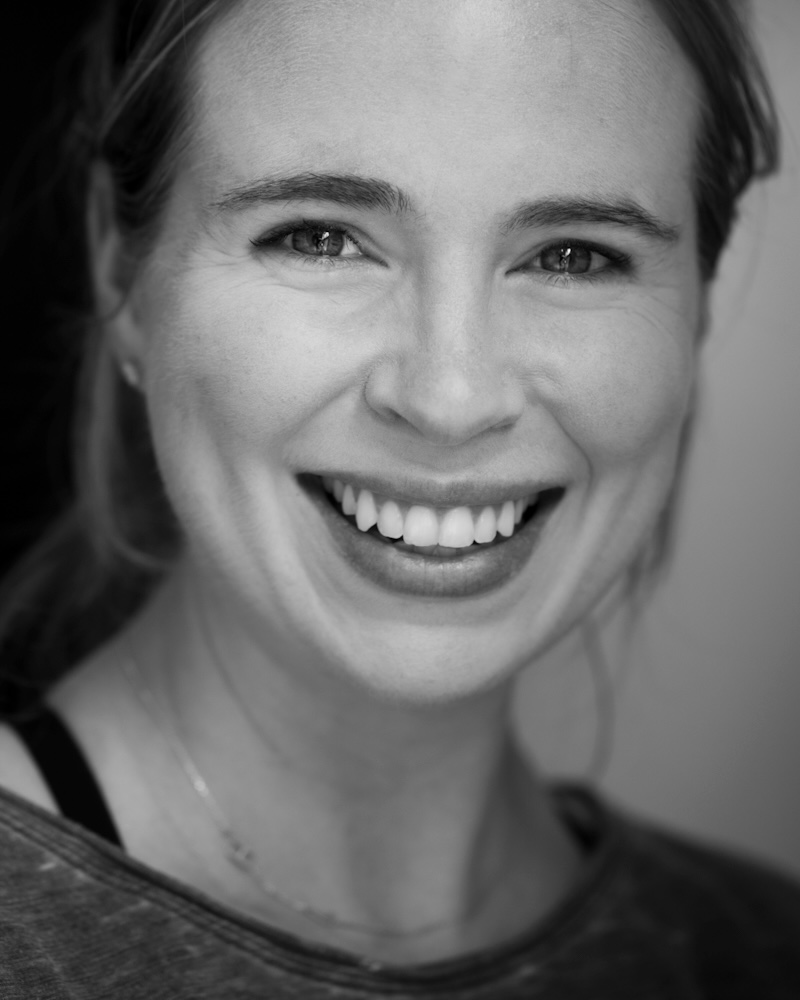
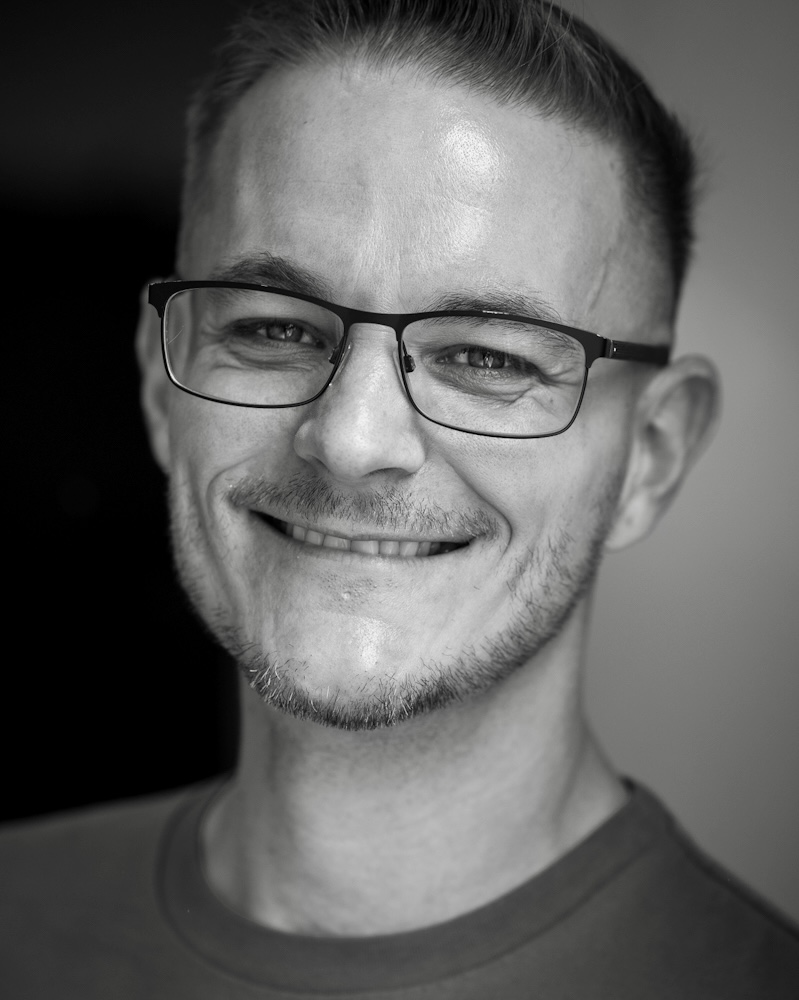
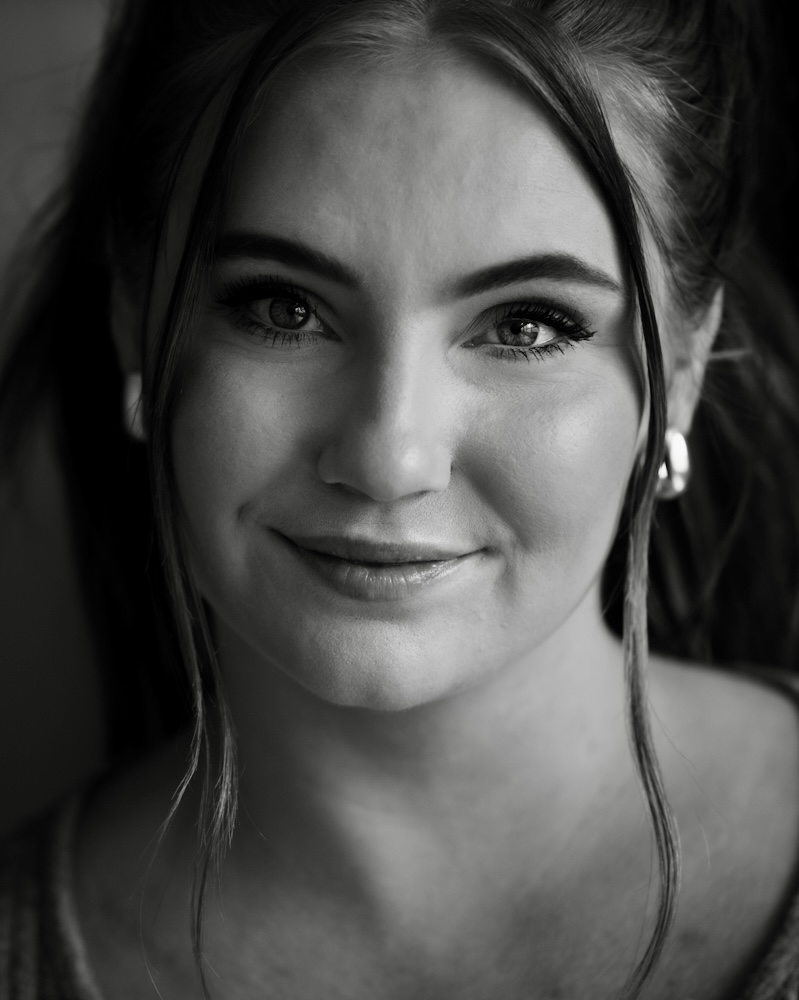
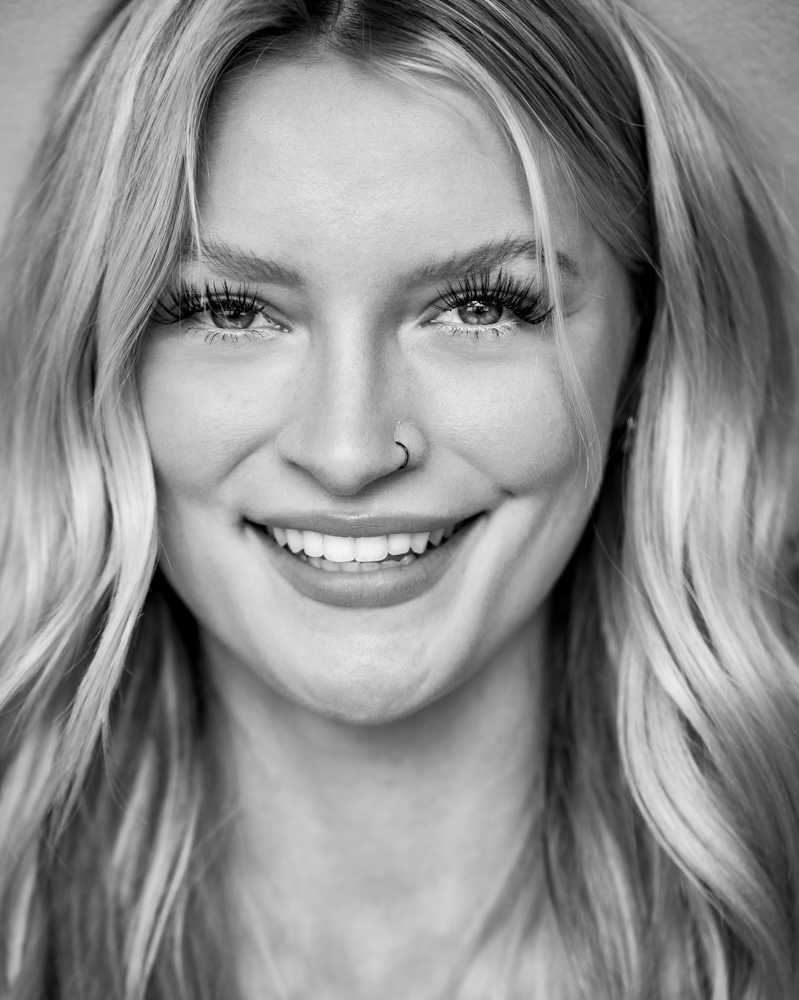
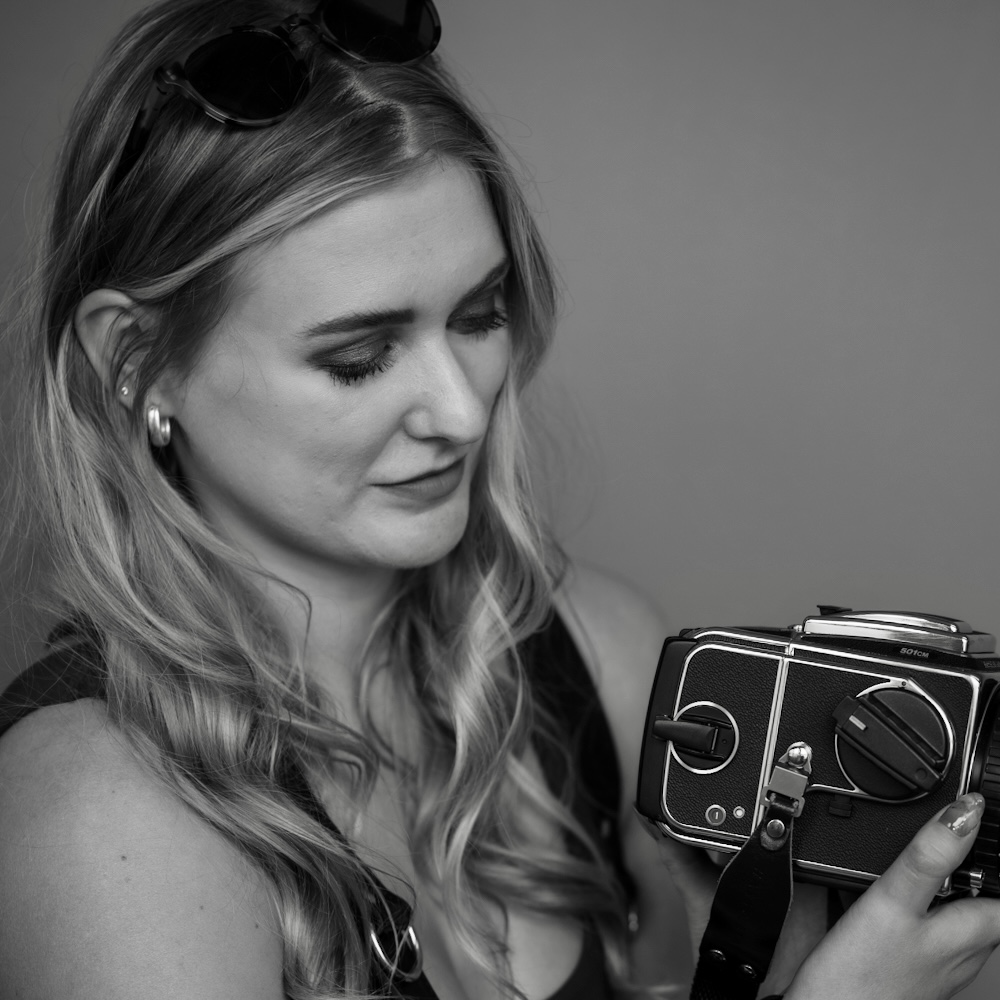
At a recent event for photographers, I pulled as many of them as possible aside, one at a time, to make natural light portraits. Here are the results. C&C is always greatly appreciated. Derek
These portraits are excellent in technical terms--great light, perfect b&w tonal qualifies, tack sharp. Beyond that they show your rare skill at getting people to relax in front of your camera and let their personalities show through. That's the single most difficult part of portrait work to achieve and you have mastered it.
Cheers,
Brent
Derek, I really just have one question here.....and I am seeing more and more of this lately (not just from you)...........why such ENORMOUS images? I can not see the entire image on my 27" 3840x2160 screen which makes it impossible to make an informed observation.
But I have to agree with Larry there. I just realised that I cannot see the images on my WQHD screen.
Unfortunately, the forum software doesn't scale images at all, so it might be better to upload them at 1'000px on the vertical, to fit onto 1080p displays.
I realised that mistake too late after uploading a ton of images from Sossusvlei. They don't fit even my large screen...
bnfotografie wrote:
These portraits are excellent in technical terms--great light, perfect b&w tonal qualifies, tack sharp. Beyond that they show your rare skill at getting people to relax in front of your camera and let their personalities show through. That's the single most difficult part of portrait work to achieve and you have mastered it.
Cheers,
Brent
LarryBeemer wrote:
Derek, I really just have one question here.....and I am seeing more and more of this lately (not just from you)...........why such ENORMOUS images? I can not see the entire image on my 27" 3840x2160 screen which makes it impossible to make an informed observation.
I am afraid that I am frequently confounded by how my images are uploaded here. I have uploaded them again now at 1000px on the vertical as suggested, but I see no difference. I f anyone has further advice or instruction I would be grateful.
But I have to agree with Larry there. I just realised that I cannot see the images on my WQHD screen.
Unfortunately, the forum software doesn't scale images at all, so it might be better to upload them at 1'000px on the vertical, to fit onto 1080p displays.
I realised that mistake too late after uploading a ton of images from Sossusvlei. They don't fit even my large screen...
As mentioned I am confounded by all of this. Is there advice or suggestions for best methods here on the website that I and apparently others are overlooking? Maybe a moderator could advise. Thank you for the kind words.
Dneufarth wrote:
As mentioned I am confounded by all of this. Is there advice or suggestions for best methods here on the website that I and apparently others are overlooking? Maybe a moderator could advise. Thank you for the kind words.
They were rescaled and now they look just fine.
Before, they were so incredibly large, that only half of an image was already filling my entire screen.
Now, they comfortably fit on the screen and I can look at one image at a time in its entirety.
mbphoto_2.8 wrote:
They were rescaled and now they look just fine.
Before, they were so incredibly large, that only half of an image was already filling my entire screen.
Now, they comfortably fit on the screen and I can look at one image at a time in its entirety.
It seems like it is only noticeable on certain devices, so I will stick with the 1000 pixels. Thanks again.
Dneufarth wrote:
They are indeed a good looking group. But since you asked, check out my other post that just went up called Four Models.
The photos in the Four Models post are very well done, but I'd say the make-up person went overboard. All that glitter and flowery stuff pulls attention away from the models. I think your group of photographers looks a lot more appealing and attractive--and more like real people. Their personalities show through whereas the actual models look like they're just posing and going through the motions. Not your fault, it's just the situation.
Cheers,
Brent
FM or your browser, don't know which, can scale images, depending on how the image is embedded in message. In this thread, the images are scaleable.
In any thread, if you hover over an image and the cursor changes from an arrow to a hand, you can click on the image and it will scale to the size of the window. In addition, you can scroll horizontally through all the images on the page using navigation arrows on a drop down bar at the top of the screen. In my mind, this is a great way to look through a series of images.
An added browser feature: if you you toggle the browser using the f11 key, you will get only the active window on the screen, with a black bacground...a great way to actually see the image for critical viewing without distracting browser elements like menu and side bars.
There a some who post images that seem to be in-line with page code, the cursor doesn't change to a hand, and those images are not scaleable. I don't know what that posting methodology is but I suspect is embedding from FM's own uploaded image galleries.