LarryBeemer wrote:
Derek, I really just have one question here.....and I am seeing more and more of this lately (not just from you)...........why such ENORMOUS images? I can not see the entire image on my 27" 3840x2160 screen which makes it impossible to make an informed observation.
bnfotografie wrote:
When I try that a black border appears and just crops off a lot of the image.
Brent, I couldn't duplicate the cropping behavior your are reporting. The closest I come is that on initial display, or if your cursor is at the top of the screen, a drop-down banner appears at the top and bottom with navigation controls or comments, respectively, but those retract within a few seconds. Keep in mind that, particularly for the 1st images, the OP cropped in very tightly even to cropping off the tip of the forehead.
I verified the auto-scale functionality across 3 browsers...Opera (my default), Edge and Chrome (which I never use). I also checked it on a 2nd higher resolution screen (2736 x 1824) and adjusted the scaling factor up and down but couldn't duplicate your reported behavior.
Brent, I couldn't duplicate the cropping behavior your are reporting. The closest I come is that on initial display, or if your cursor is at the top of the screen, a drop-down banner appears at the top and bottom with navigation controls or comments, respectively, but those retract within a few seconds. Keep in mind that, particularly for the 1st images, the OP cropped in very tightly even to cropping off the tip of the forehead.
I verified the auto-scale functionality across 3 browsers...Opera (my default), Edge and Chrome (which I never use). I also checked it on a 2nd higher resolution screen (2736 x 1824) and adjusted the scaling factor up and down but couldn't duplicate your reported behavior.
Note: this is all on Win10.
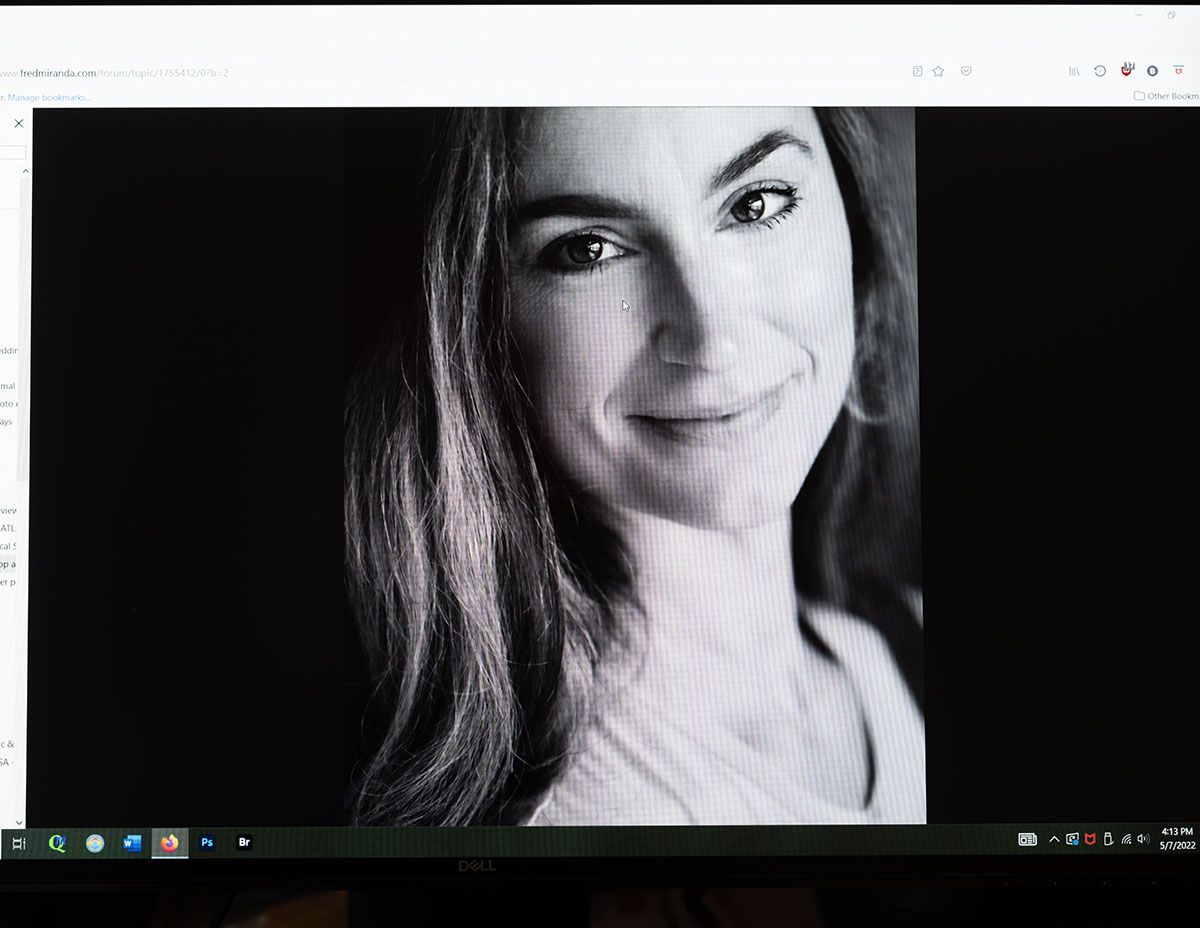
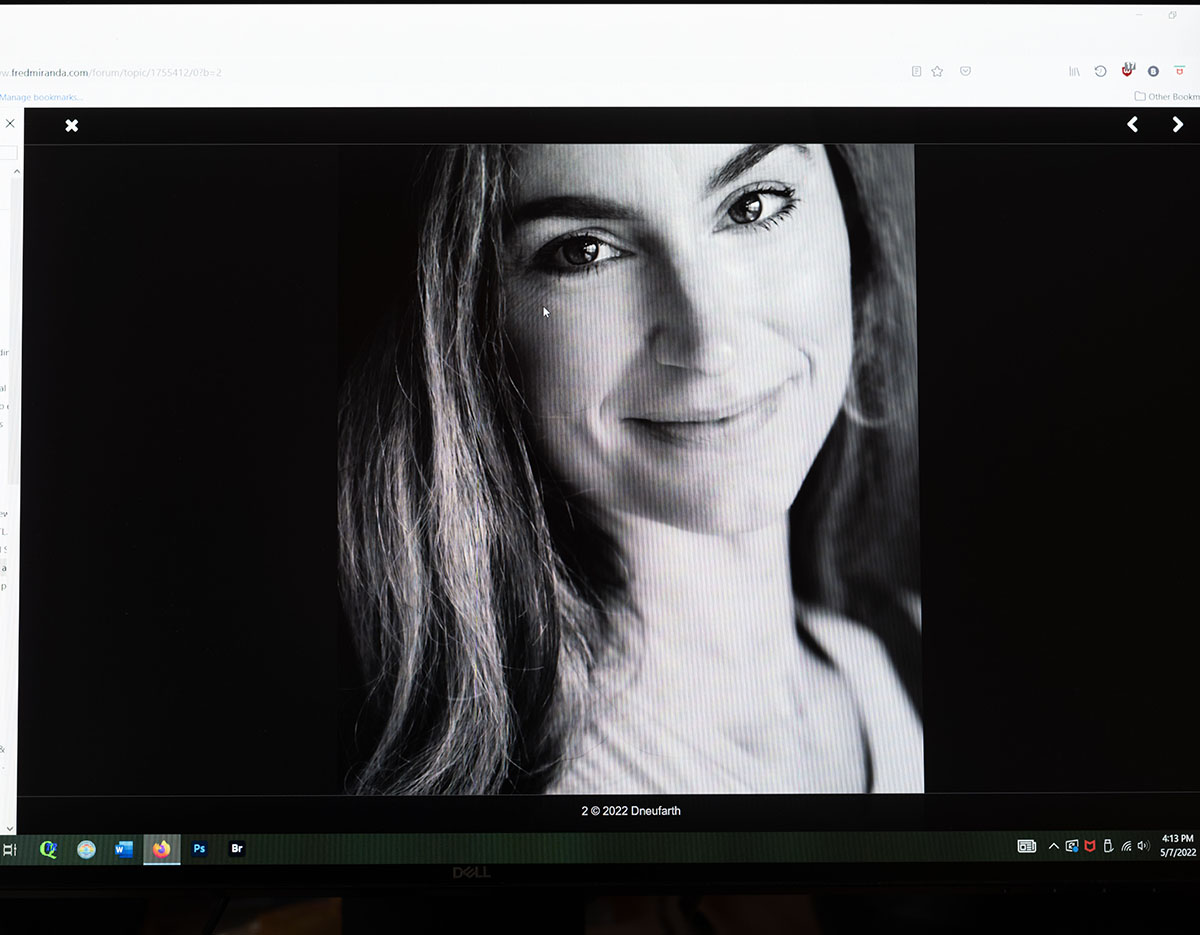
That's very strange. I'm also on Windows 10 Pro. The first image below is the way it initially appears. The second image shows what happens when I click on it. The black border only stays for a couple of seconds and then reverts to the original window.
Brent
Brent -- what you demonstrated and described is the same as I was describing. As you said, "The black border only stays for a couple of seconds and then reverts to the original window". You are then in a mode where you can easily view each image separately using the navigation arrows on the top top-down banner.
No, you don't see the entire posting...but that is the point. It lets you see only the images individually and without all the distracting page overhead. But you are seeing all[/] of each image.
StephenS_CP wrote:
Brent -- what you demonstrated and described is the same as I was describing. As you said, "The black border only stays for a couple of seconds and then reverts to the original window". You are then in a mode where you can easily view each image separately using the navigation arrows on the top top-down banner.
No, you don't see the entire posting...but that is the point. It lets you see only the images individually and without all the distracting page overhead. But you are seeing all[/] of each image.
I think we're taking about different issues. I have no problem getting the images to scroll so that I can view them all in succession. The problem I have, as others mentioned, is that I can't view the entire image all at once because it's too large to fit the window. Clicking on it does not give me a lightbox view that makes it fit my monitor screen. It just crops the top and bottom portion of the image temporarily.
Brent
Dneufarth wrote:
I am afraid that I am frequently confounded by how my images are uploaded here. I have uploaded them again now at 1000px on the vertical as suggested, but I see no difference.
I'm not sure I grasp the meaning of the "....frequently confounded......" part, but I will say that the updated file size renders an easily viewable full size image on my screen. Thanks for that!
For what it's worth, I save my originals for web display at a resolution of 72 pixels/inch with the longest side (either horizontal or vertical) at 1024 pixels and let the short side fall where it may....unless it's for the WA then it's 800 pixels for the long side.
As to the images themselves....they are a nice collection of well exposed and processed casual portraits where the subjects appear to be very comfortable in their environment. Photographers typically avoid that side of the lens at all costs so you should be proud of the fact you can put people....especially photographers....at ease.
bnfotografie wrote:
When I try that a black border appears and just crops off a lot of the image.
Must be a system specific issue then. It works just fine on my Mac desktop in both Safari and Brave browsers (Chrome should be okay as well), and also on iPad and iPhone.
Rajan Parrikar wrote:
Must be a system specific issue then. It works just fine on my Mac desktop in both Safari and Brave browsers (Chrome should be okay as well), and also on iPad and iPhone.
You and Stephen are correct about the lightbox sizing showing the full image. I was wrong. I thought the top and bottom of the images was being cropped but when I examined them more carefully I saw that they were not. Sorry for the confusion on my part.