This topic is in the 2022 archive. You can read it and like its posts here. It is read only.
Archive 2022OM-1 Image Thread
p.7 #1OM-1 Image Thread
Yeah Tom simply overdid the Ultra Contrast mode a tad. As for blurring the backgrounds the comment I made that still stands is so far I've found ON1 new fast AI Masking to be the fastest and easiest way to get there. And they provide some nice tools to refine it if needed.
Oct 17, 2022 at 11:14 AM

p.7 #2OM-1 Image Thread
The other point that I forgot is that you also need a program that adds noise back to the image. As you blur a background, you tend to lose the image noise. In the end one often ends up with a subject with some noise and a nice smooth noiseless background. To do a professional job, one needs to match the background noise with the subject noise, otherwise it looks fake.
Oct 17, 2022 at 11:30 AM
p.7 #3OM-1 Image Thread
 I'm anti noise altogether so I end up eliminating or significantly reducing it in the entire image. Lets me sleep at night.
Oct 17, 2022 at 11:32 AM
p.7 #4OM-1 Image Thread
dcisive wrote:
Yeah Tom simply overdid the Ultra Contrast mode a tad. As for blurring the backgrounds the comment I made that still stands is so far I've found ON1 new fast AI Masking to be the fastest and easiest way to get there. And they provide some nice tools to refine it if needed.
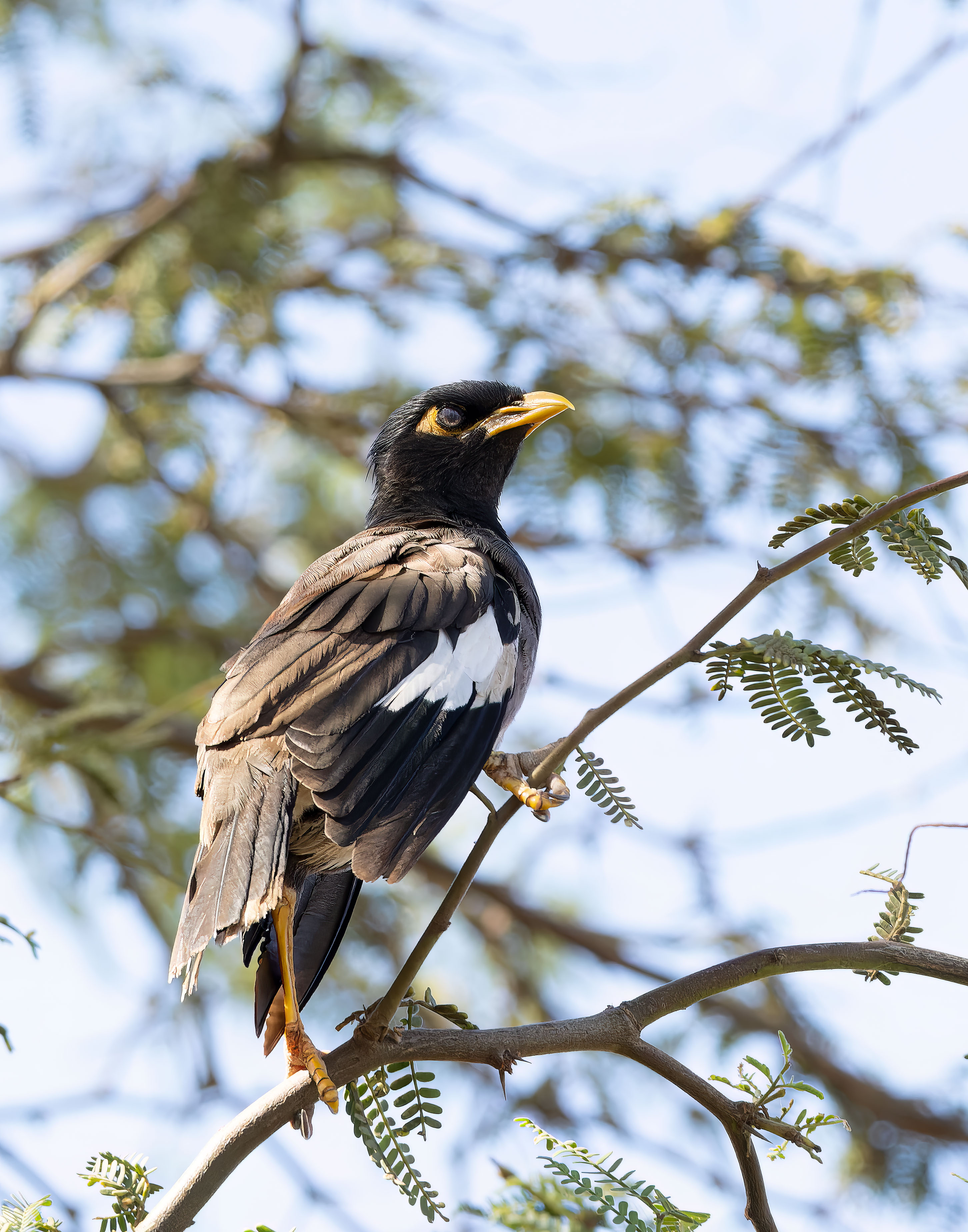
In this picture I can select the background with ON1 and blur it. I also like reducing structure to zero, reducing contrast to zero and reducing other areas, blacks for example, to get a background I like. There is a bokeh blur, but I haven't used it yet.
My problem is that I want to remove the branches, twigs and leaves that are on the same focus plane as the bird from the blurred area. I think I need to do that by paint in/paint out but I can't seem to work it out.
Yeah Tom simply overdid the Ultra Contrast mode a tad. As for blurring the backgrounds the comment I made that still stands is so far I've found ON1 new fast AI Masking to be the fastest and easiest way to get there. And they provide some nice tools to refine it if needed.
In this picture I can select the background with ON1 and blur it. I also like reducing structure to zero, reducing contrast to zero and reducing other areas, blacks for example, to get a background I like. There is a bokeh blur, but I haven't used it yet.
My problem is that I want to remove the branches, twigs and leaves that are on the same focus plane as the bird from the blurred area. I think I need to do that by paint in/paint out but I can't seem to work it out.
Oct 17, 2022 at 11:39 AM
p.7 #5OM-1 Image Thread
Tom Reynolds wrote:
In this picture I can select the background with ON1 and blur it. I also like reducing structure to zero, reducing contrast to zero and reducing other areas, blacks for example, to get a background I like. There is a bokeh blur, but I haven't used it yet.
My problem is that I want to remove the branches, twigs and leaves that are on the same focus plane as the bird from the blurred area. I think I need to do that by paint in/paint out but I can't seem to work it out.
...and that is where content aware fill really shines. You could clean this up in 2 minutes or less using that feature and PS gives you complete control over what parts of the picture it is sampling. Again, I am not a proponent of PS, but a reluctant user because I can't find the same feature set elsewhere.
dcisive wrote
Yeah Tom simply overdid the Ultra Contrast mode a tad. As for blurring the backgrounds the comment I made that still stands is so far I've found ON1 new fast AI Masking to be the fastest and easiest way to get there. And they provide some nice tools to refine it if needed.My problem is that I want to remove the branches, twigs and leaves that are on the same focus plane as the bird from the blurred area. I think I need to do that by paint in/paint out but I can't seem to work it out.
...and that is where content aware fill really shines. You could clean this up in 2 minutes or less using that feature and PS gives you complete control over what parts of the picture it is sampling. Again, I am not a proponent of PS, but a reluctant user because I can't find the same feature set elsewhere.
Oct 17, 2022 at 11:48 AM
p.7 #6OM-1 Image Thread
I've PM'd Tom to let him know there is a "Refine" function that allows for that with 3 tools to choose from. So once again I'll poo on Adobe just to stay away from it.
Oct 17, 2022 at 11:50 AM
p.7 #7OM-1 Image Thread
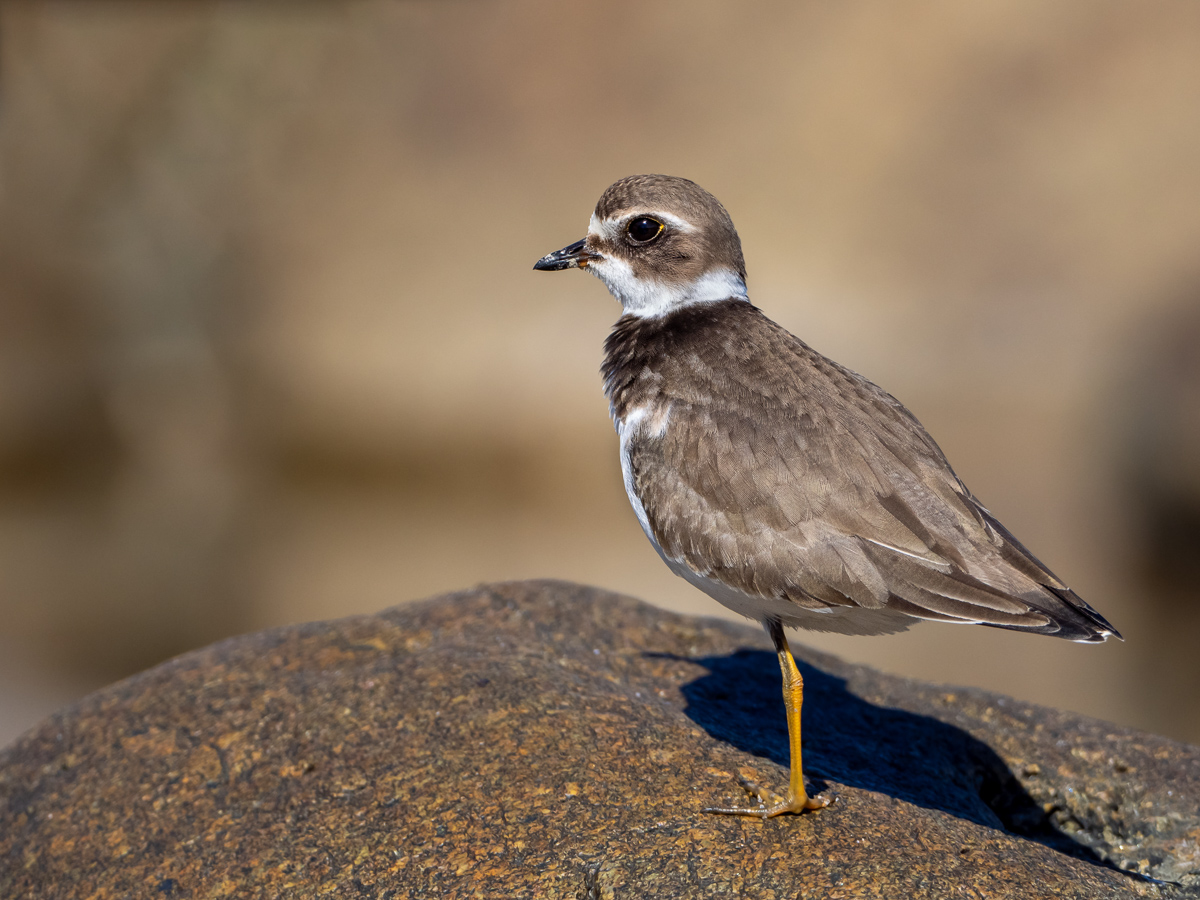
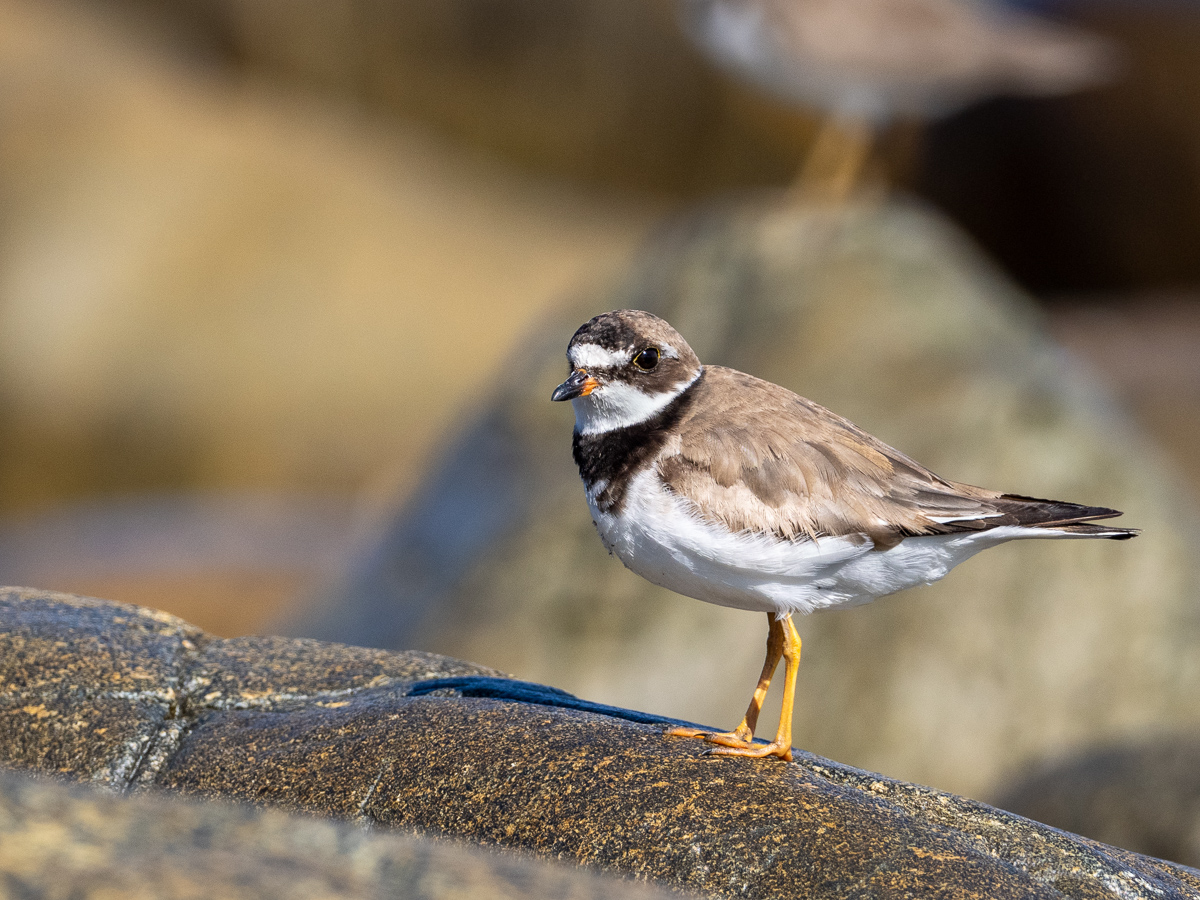
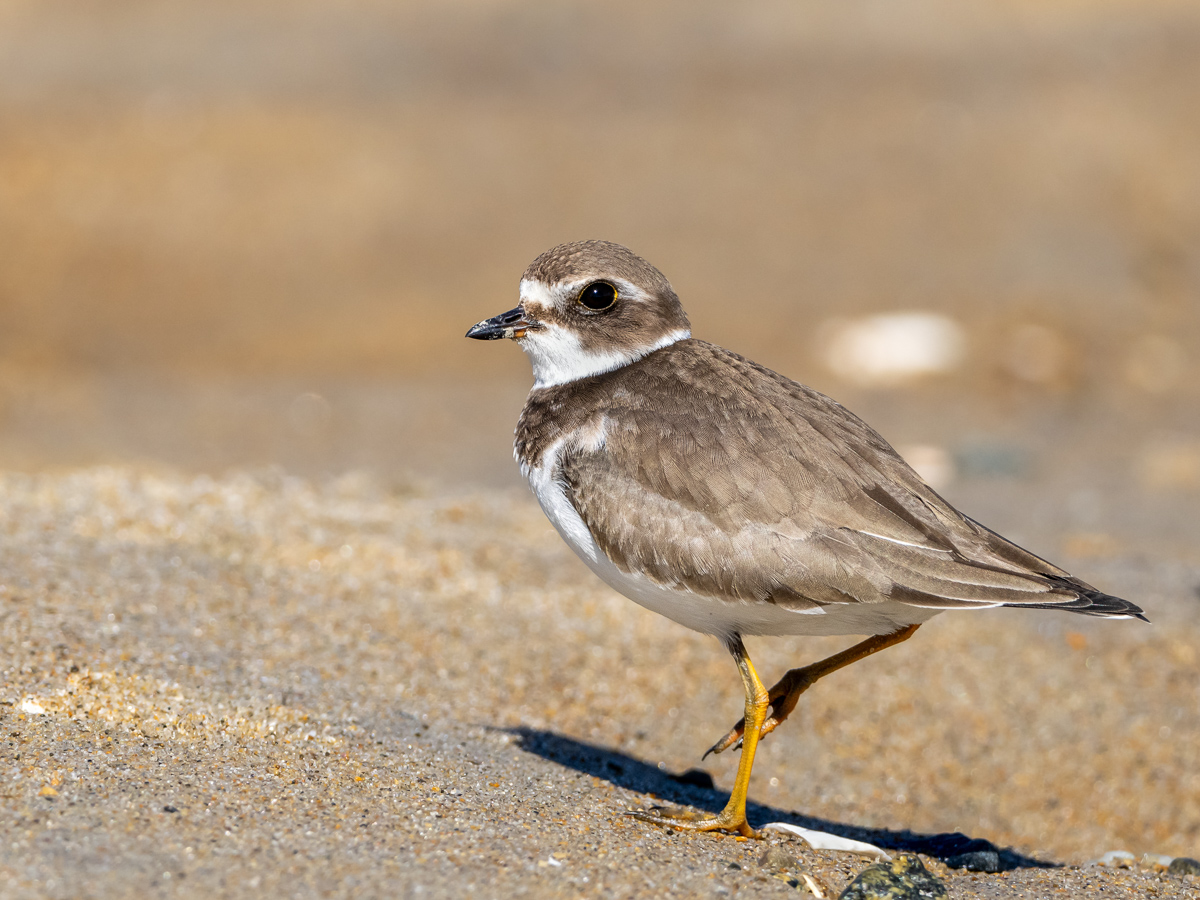
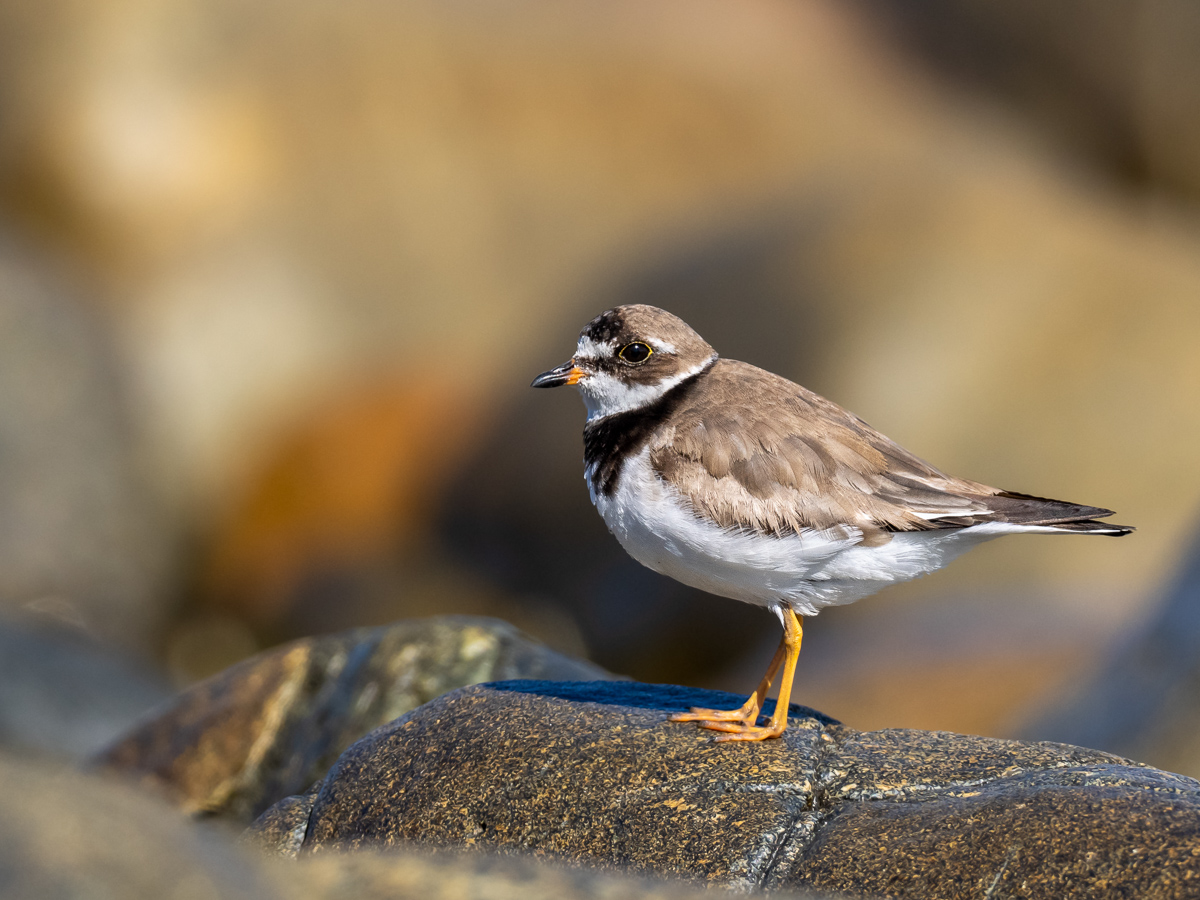
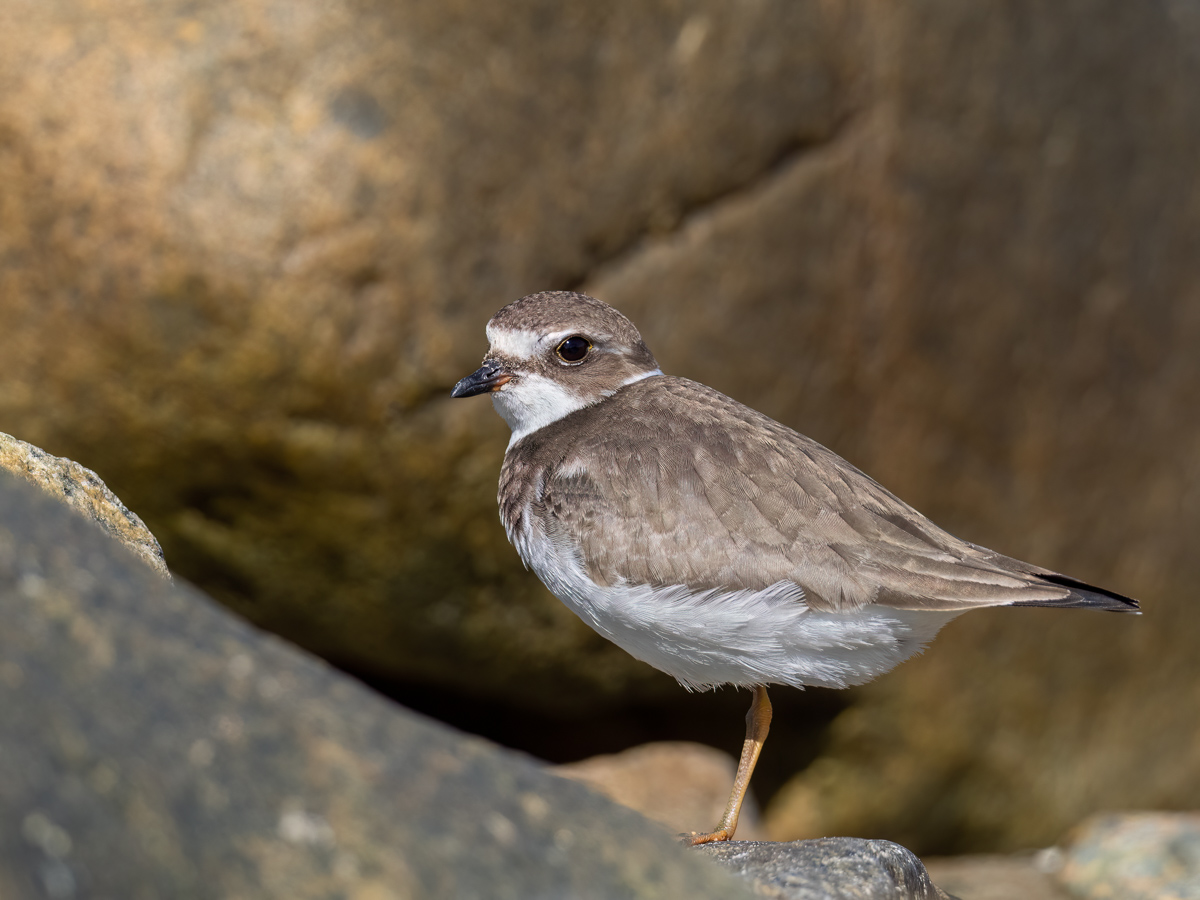
Some Semipalmated Plovers. 300f4 + 1.4x TC
Edited on Oct 17, 2022 at 12:13 PM · View previous versions
OM-1 M.300mm F4.0 + MC-14 lens 420mm f/5.6 1/2000s 200 ISO -1.0 EV
© palmor 2022
OM-1 M.300mm F4.0 + MC-14 lens 420mm f/5.6 1/2000s 250 ISO -1.0 EV
OM-1 M.300mm F4.0 + MC-14 lens 420mm f/5.6 1/2000s 320 ISO 0.0 EV
© palmor 2022
OM-1 M.300mm F4.0 + MC-14 lens 420mm f/5.6 1/2000s 250 ISO -1.0 EV
© palmor 2022
OM-1 M.300mm F4.0 + MC-14 lens 420mm f/5.6 1/2500s 400 ISO -1.0 EV
Edited on Oct 17, 2022 at 12:13 PM · View previous versions
Oct 17, 2022 at 11:54 AM
p.7 #8OM-1 Image Thread
No need of blurring the background on those sweet shots. That 300mm f4 Pro sure is a sweet lens. I'm just not into primes but if I were I'd certainly have one in my bag.
Oct 17, 2022 at 11:58 AM
p.7 #9OM-1 Image Thread
dcisive wrote:
I've PM'd Tom to let him know there is a "Refine" function that allows for that with 3 tools to choose from. So once again I'll poo on Adobe just to stay away from it.
I am not sure what you are talking about? The three tools are: refine brush, chisel and blur mask - all of which work on the edges of the mask. I am not sure how you are going to clean up distracting elements by working on the mask edges?
Oct 17, 2022 at 11:59 AM
p.7 #10OM-1 Image Thread
You could always just hit the regular Mask tool and go that route too. Lot's of options.
Oct 17, 2022 at 12:01 PM
p.7 #11OM-1 Image Thread
dcisive wrote:
You could always just hit the regular Mask tool and go that route too. Lot's of options.
OK, if you are going to mask out the distractions, and Tom mentioned the branches and twigs in the plane of focus with the bird, then you ultimately have to replace those pixels with new pixels. So by talking about a mask you tell us how to get rid of the pixels, now where do the new ones come from?
Oct 17, 2022 at 12:05 PM
p.7 #12OM-1 Image Thread
In ON1 you could easily mask that branch, and apply "Blur" to the mask and dial it in with it's many fine adjustments available. That's how I would approach that issue. I'm not trying to eliminate the branch, just blur it out a bit. If you haven't played with the new 2024 On1 I suggest you download a trial. I find it a very valuable adjunct to my DXO Photolab 6
Oct 17, 2022 at 12:08 PM
p.7 #13OM-1 Image Thread
dcisive wrote:
In ON1 you could easily mask that branch, and apply "Blur" to the mask and dial it in with it's many fine adjustments available. That's how I would approach that issue. I'm not trying to eliminate the branch, just blur it out a bit. If you haven't played with the new 2024 On1 I suggest you download a trial. I find it a very valuable adjunct to my DXO Photolab 6
OK, but it does not work to blur out parts that are in the same plane of focus as the bird. If you do blur them out, they are still there as a potential distraction. If you blurred out the main small branch that is right of the birds breast then you have what is obviously a blurred object that belongs to nothing. As a general rule, you have to replace pixels to get rid of distractions.
It seems like this discussion should go into another thread.
Oct 17, 2022 at 12:26 PM
p.7 #14OM-1 Image Thread
galenapass wrote:
OK, but it does not work to blur out parts that are in the same plane of focus as the bird. If you do blur them out, they are still there as a potential distraction. If you blurred out the main small branch that is right of the birds breast then you have what is obviously a blurred object that belongs to nothing. As a general rule, you have to replace pixels to get rid of distractions.
It seems like this discussion should go into another thread.
I will start another thread
I do NOT want to blurr out anything is the same focus plane as the bird.
1-I select the background which creates an automatic mask around the bird, very cool!
2-I blur the background to suit. The bird is not blurred because it is masked.
3-The branches/leaves in the bird's focus plane are also blurred, not good!
4-I want to extend to mask to include the parts I don't want blurred. How to do that is my problem.
Tom
dcisive wrote
In ON1 you could easily mask that branch, and apply "Blur" to the mask and dial it in with it's many fine adjustments available. That's how I would approach that issue. I'm not trying to eliminate the branch, just blur it out a bit. If you haven't played with the new 2024 On1 I suggest you download a trial. I find it a very valuable adjunct to my DXO Photolab 6It seems like this discussion should go into another thread.
I will start another thread
I do NOT want to blurr out anything is the same focus plane as the bird.
1-I select the background which creates an automatic mask around the bird, very cool!
2-I blur the background to suit. The bird is not blurred because it is masked.
3-The branches/leaves in the bird's focus plane are also blurred, not good!
4-I want to extend to mask to include the parts I don't want blurred. How to do that is my problem.
Tom
Oct 17, 2022 at 12:42 PM
p.7 #15OM-1 Image Thread
Some fall color with a couple of bald eagles as a bonus. OM-1 and 12-100

Foggy Fall on the Kennebec by lennycarl08, on Flickr
Foggy Fall on the Kennebec by lennycarl08, on Flickr
Oct 19, 2022 at 09:04 AM
p.7 #16OM-1 Image Thread
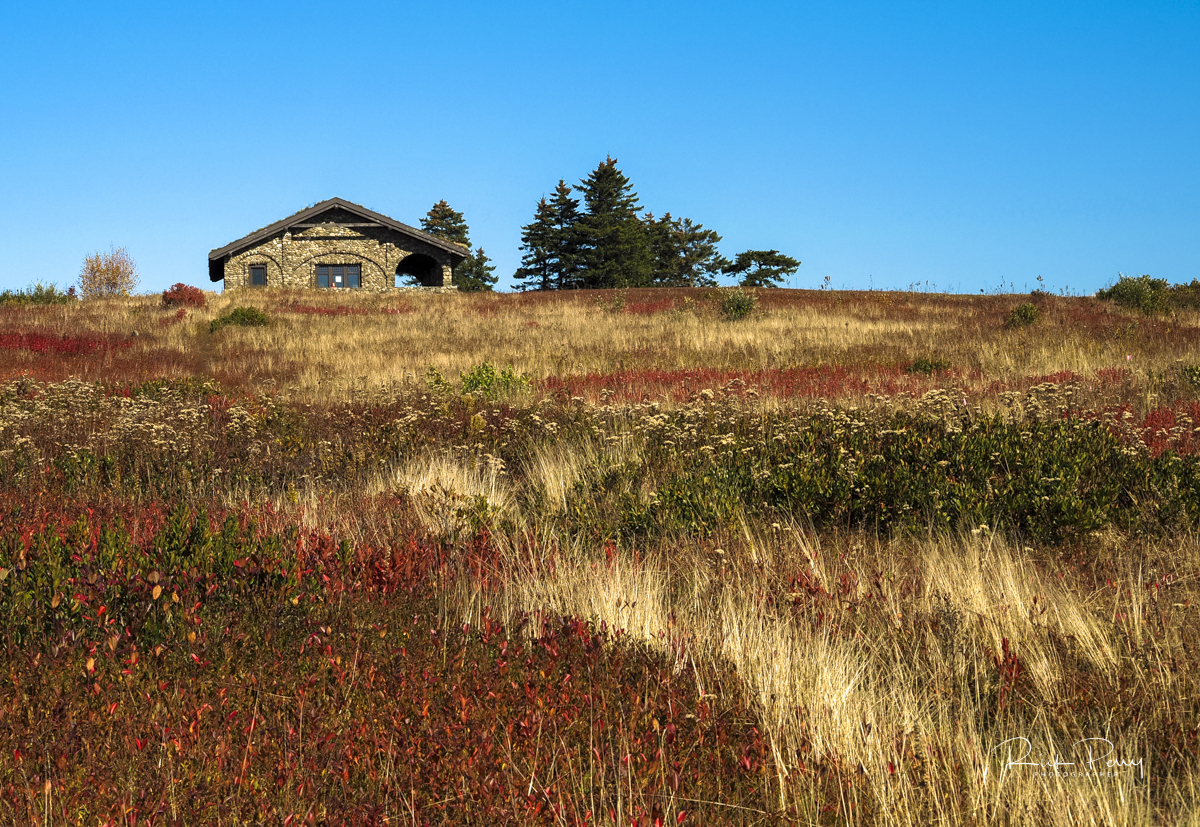
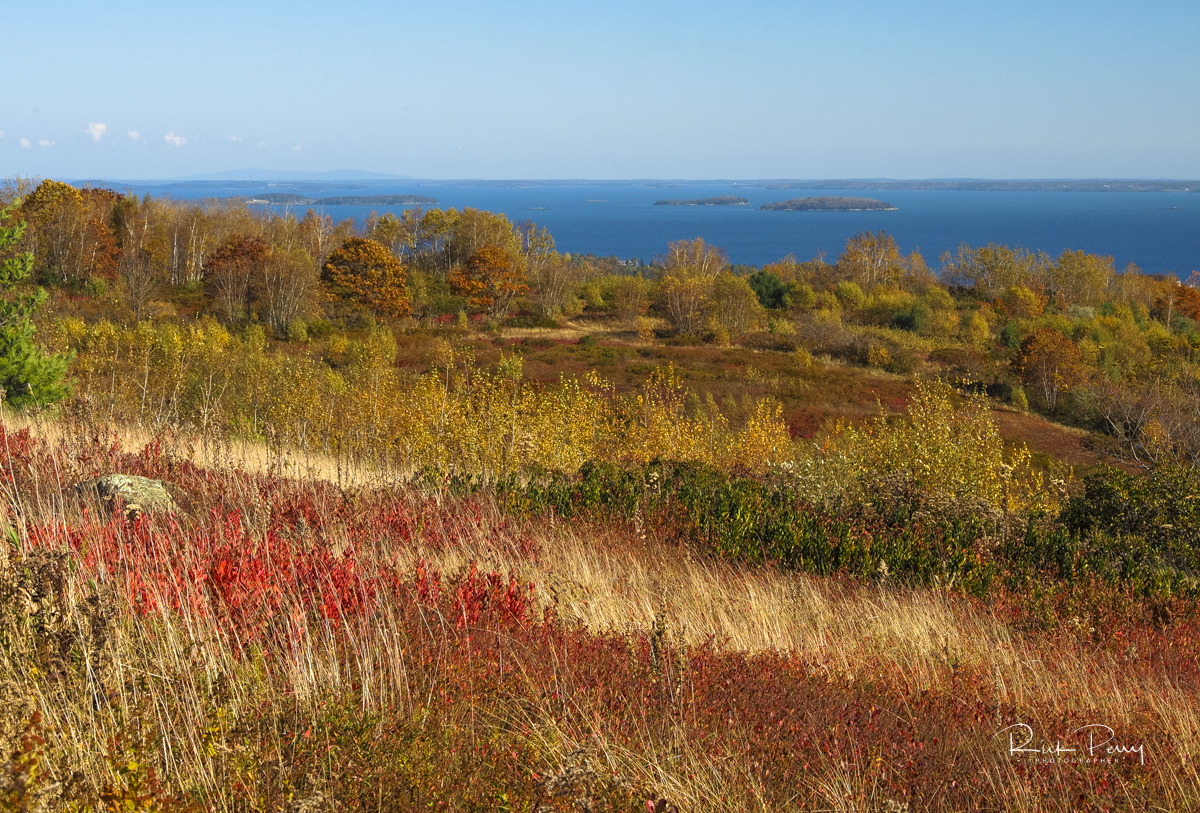
A few shots from Beech Hill today ..
'Coastal Mountains Land Trust'
Rockport, Maine
OM 1 mkiii .. Zuiko 12-45 f 4
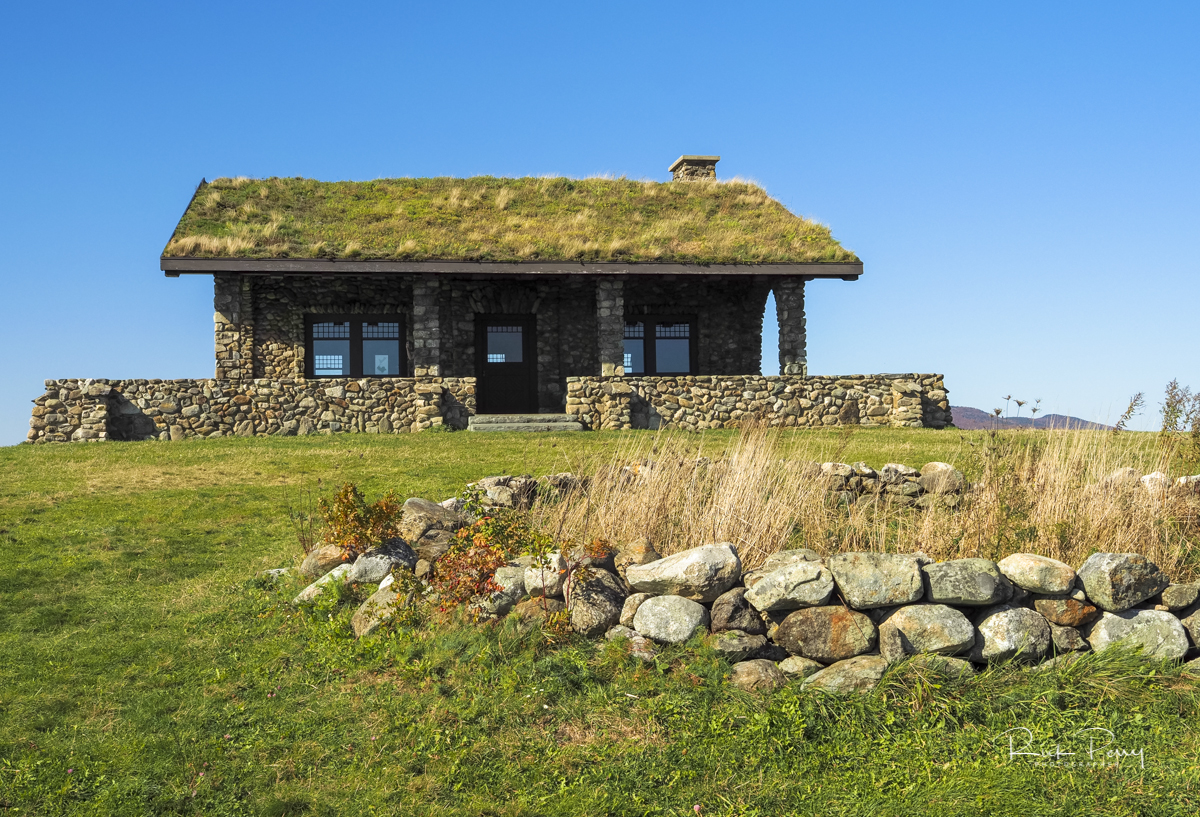
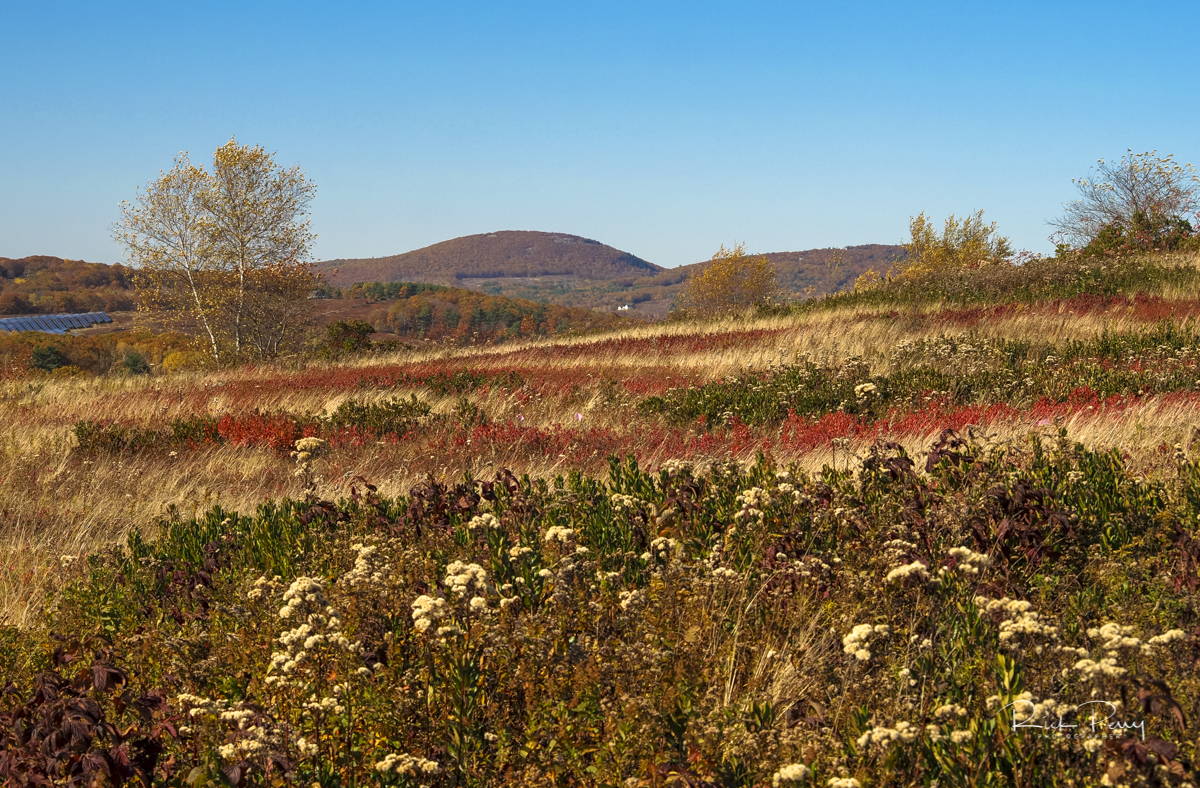
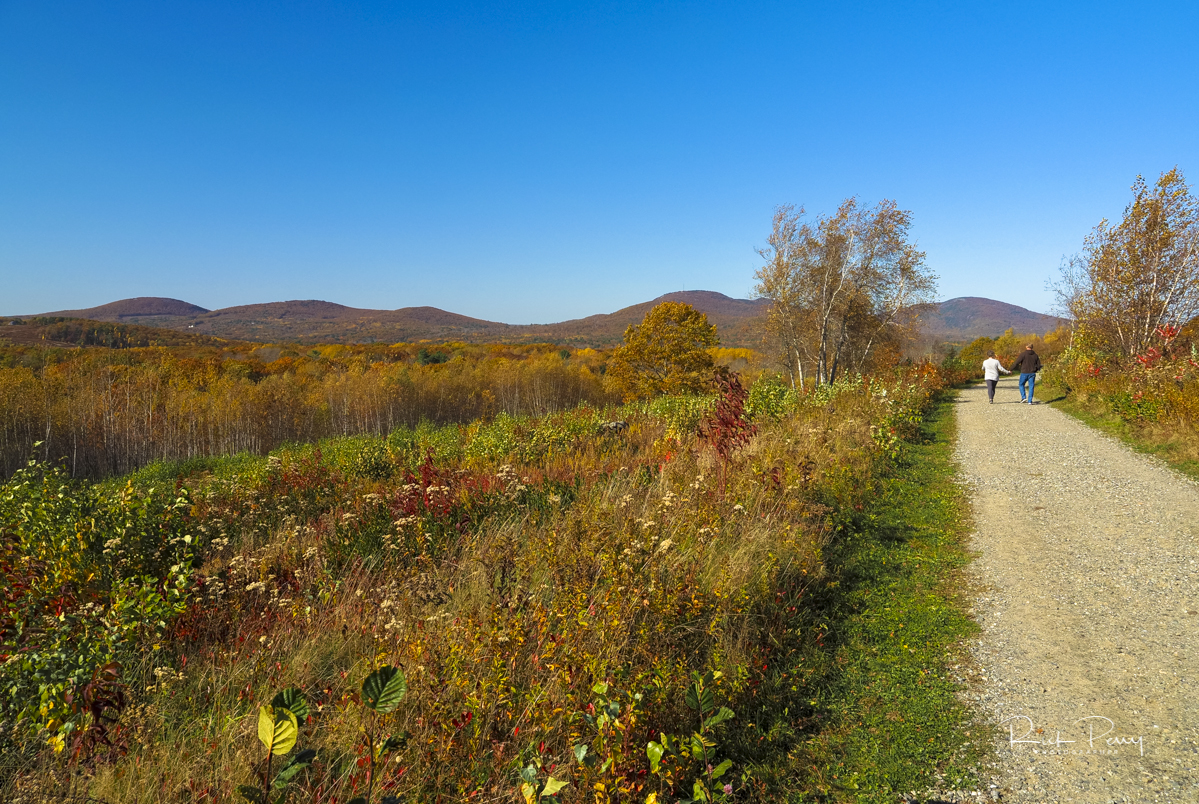
'Coastal Mountains Land Trust'
Rockport, Maine
OM 1 mkiii .. Zuiko 12-45 f 4
E-M1MarkIII OLYMPUS M.12-45mm F4.0 lens 28mm f/8.0 1/160s 125 ISO 0.0 EV
E-M1MarkIII OLYMPUS M.12-45mm F4.0 lens 36mm f/8.0 1/160s 160 ISO 0.0 EV
E-M1MarkIII OLYMPUS M.12-45mm F4.0 lens 19mm f/8.0 1/160s 125 ISO 0.0 EV
E-M1MarkIII OLYMPUS M.12-45mm F4.0 lens 33mm f/8.0 1/160s 160 ISO 0.0 EV
E-M1MarkIII OLYMPUS M.12-45mm F4.0 lens 12mm f/8.0 1/200s 160 ISO 0.0 EV
Oct 22, 2022 at 07:31 AM
p.7 #17OM-1 Image Thread
Very nice photos and its fine to post here but this thread is for the new OM-1 camera.
Oct 22, 2022 at 09:06 AM
p.7 #18OM-1 Image Thread
Did a little Staycation up to Ketchum ID. an hour and a half north of our home. Their colors were changing very nicely indeed. We did travel a bit further north towards Stanley but the view of the Sawtooth was shrouded in a lot of haze, so not as good to shoot in. The 2nd shot was done there in the Galena Pass area.
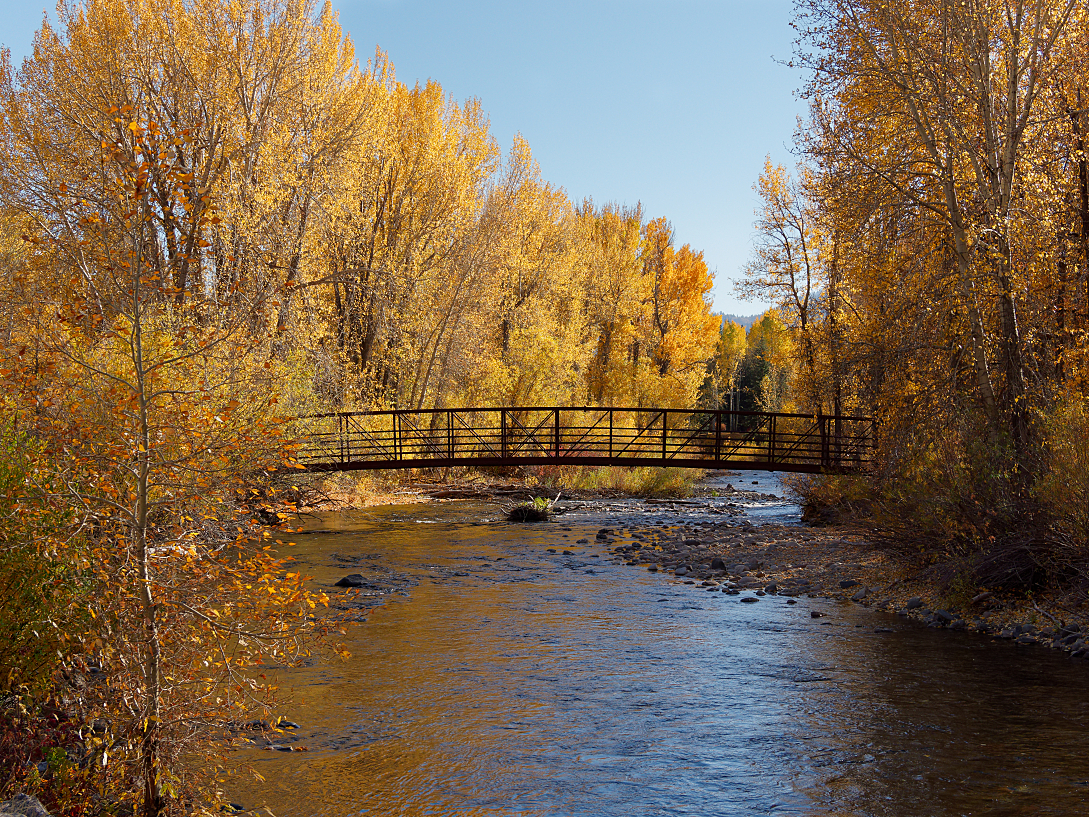
Big Wood Bridge Ketchum, ID
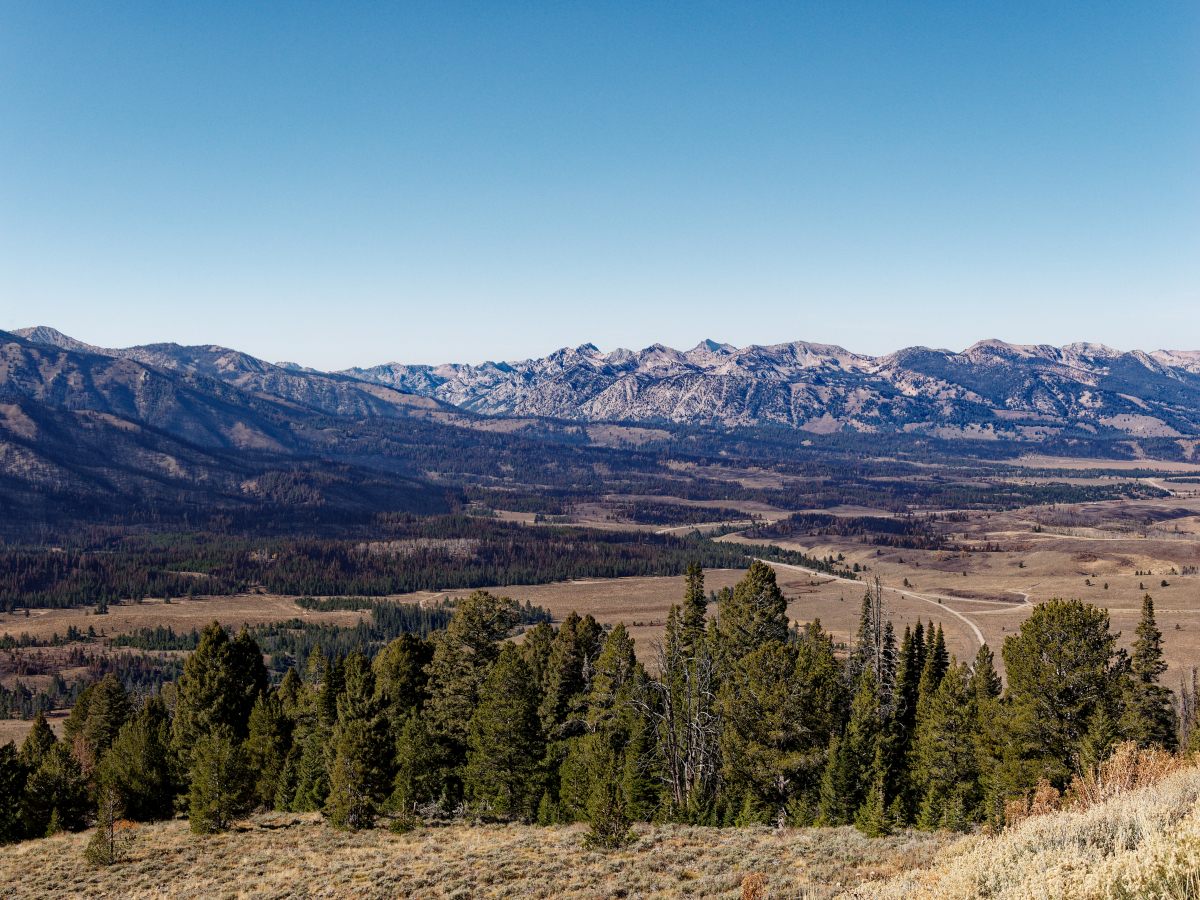
Galena Valley area traveling to Redfish Lake, ID
© dcisive 2021
Big Wood Bridge Ketchum, ID
OM-1 OLYMPUS M.12-100mm F4.0 lens 28mm f/5.6 1/750s 200 ISO -0.5 EV
© dcisive 2021
Galena Valley area traveling to Redfish Lake, ID
OM-1 OLYMPUS M.12-100mm F4.0 lens 24mm f/4.0 1/3000s 200 ISO -0.5 EV
Oct 22, 2022 at 03:59 PM
p.7 #19OM-1 Image Thread
dcisive wrote:
Forgive me for taking the opportunity to present a quick edit of such a shot with the new ON1 Photo RAW 2023 that has this wonderful new masking tool that is virtually automatic for choosing various areas and subjects in a shot. I applied the slight blur you mentioned to give a simulated larger aperture effect as you desired. I've been working with it a lot since the download Monday and find it's a great tool for exactly as you mentioned you also want. On occasion I too have a shot I need to blur the background out more but...Show more →
Much prefer the beautiful original image to the fake
Oct 23, 2022 at 03:03 PM
p.7 #20OM-1 Image Thread
You are certainly entitled to your opinion. Today's photography involves a lot of artistic interpretation. I would agree with you in one area of photography. I don't care for the fluffy look people always tend to go for regarding a waterfall. I prefer to see it in a photograph exactly as my eyes saw it, not a bunch of mushy white due to slower shutter speeds using an ND filter. It's art but its by NO means reality. So I can't argue with you. But the times I would apply "some" blurring in the background is when the bokeh is too busy. Then I'd consider it completely allowable. We can't all afford f1.4 or f2.8 lenses across the board.
Oct 23, 2022 at 05:54 PM