Before everyone jumps on to the new forum ... a quick technical question.
Has anyone figured out how to lock the focus point on a Z9? I find it "drifting" -- via user error -- in the heat of action. Used to be able to do this on the DSLR. I kind of miss it
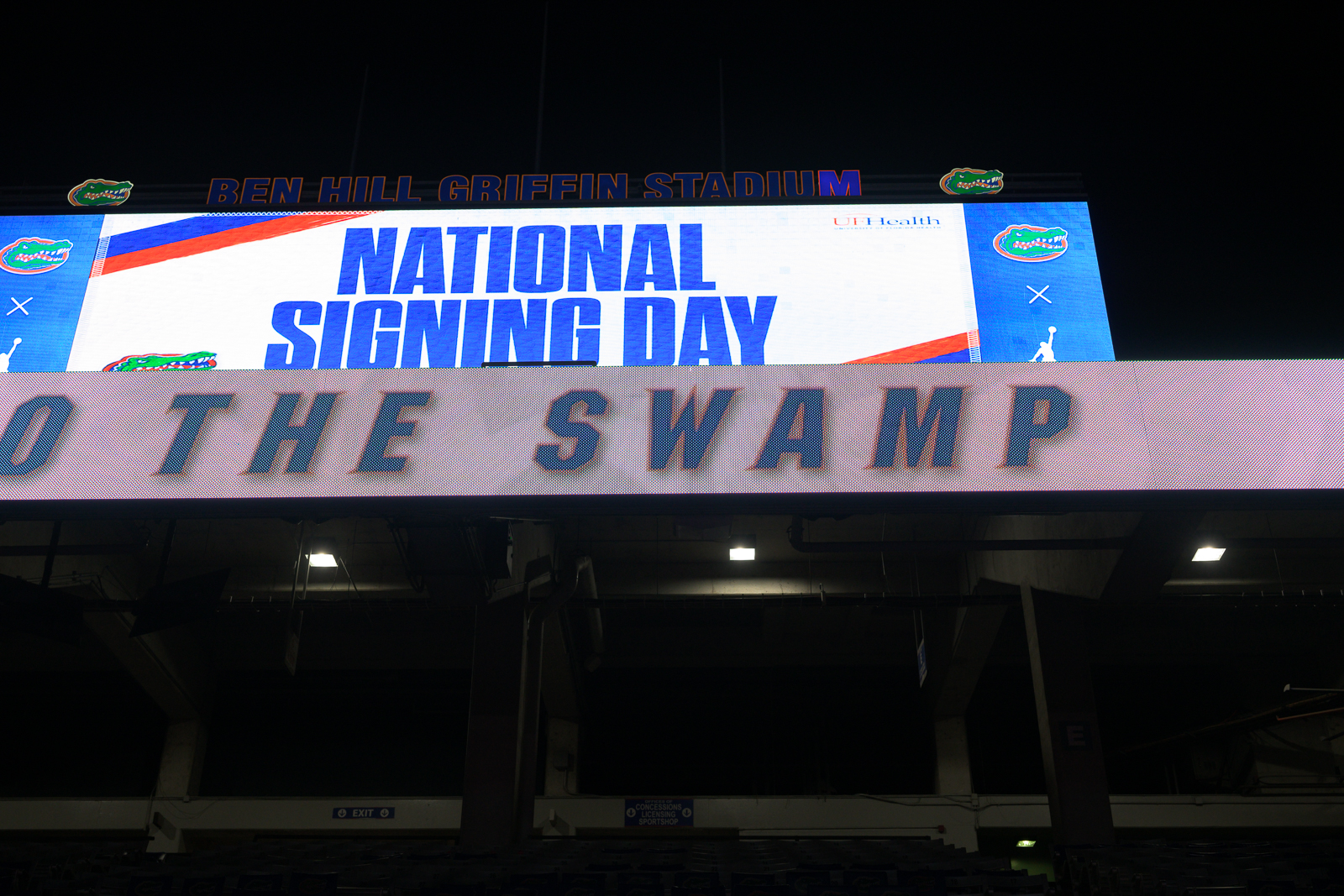
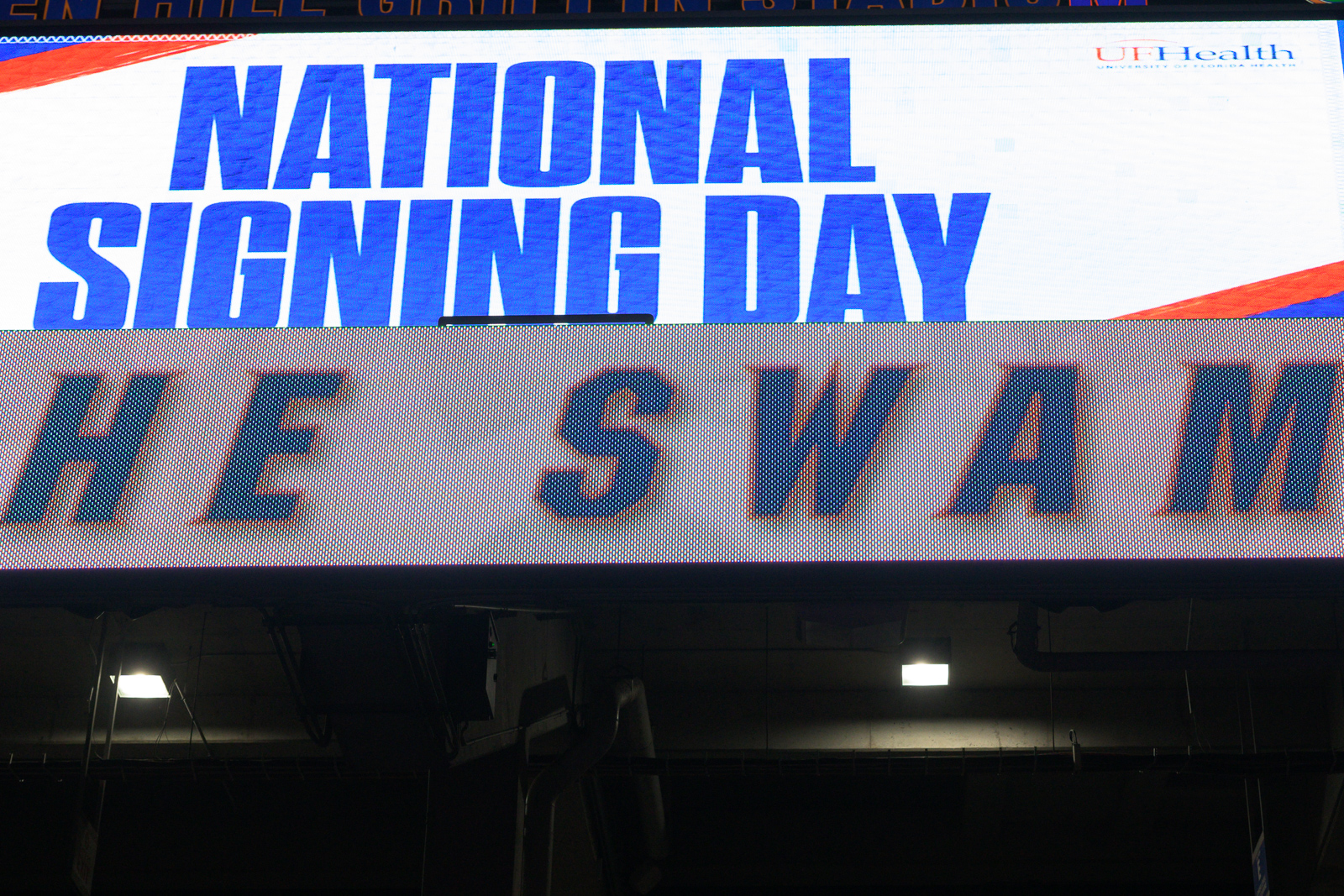
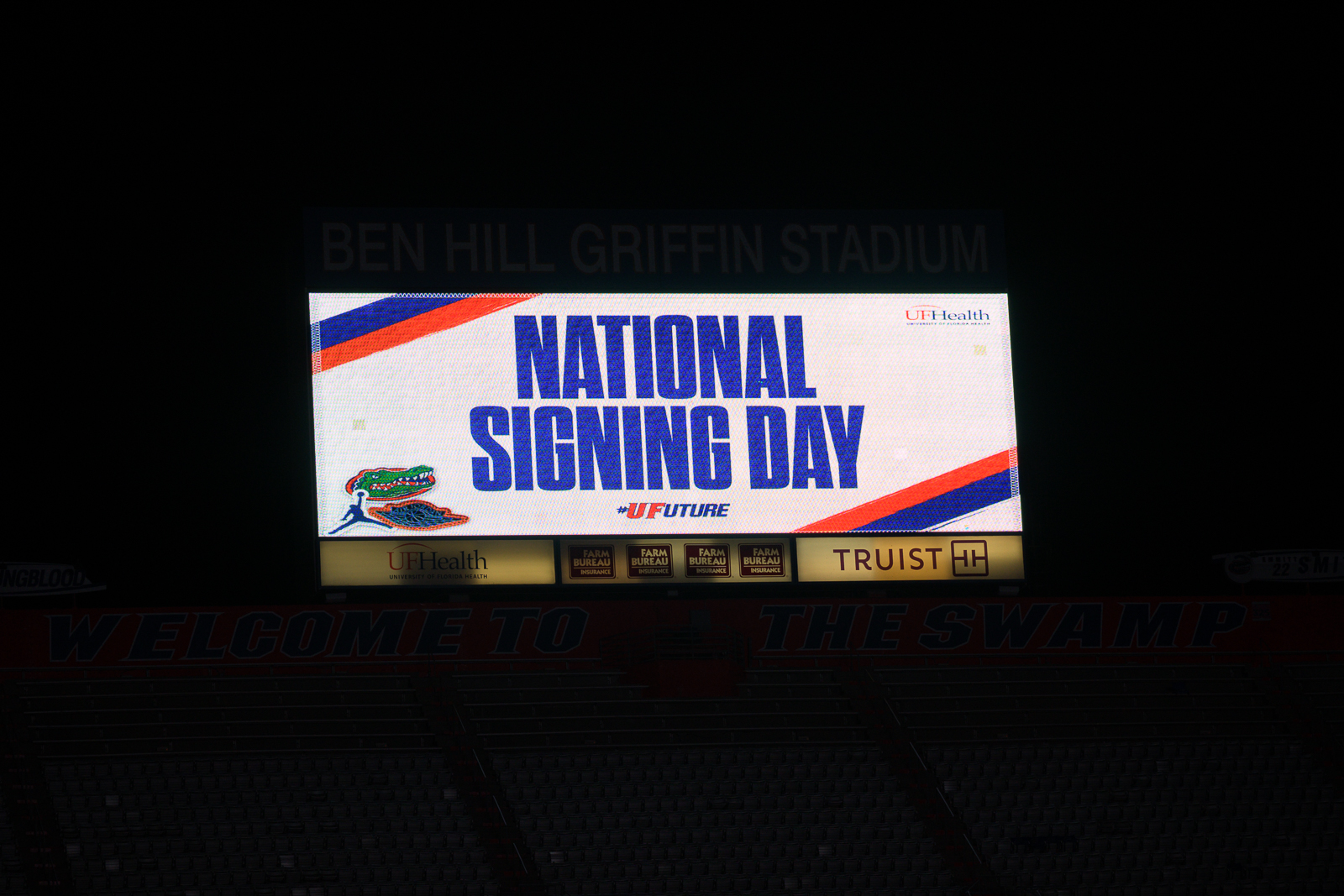
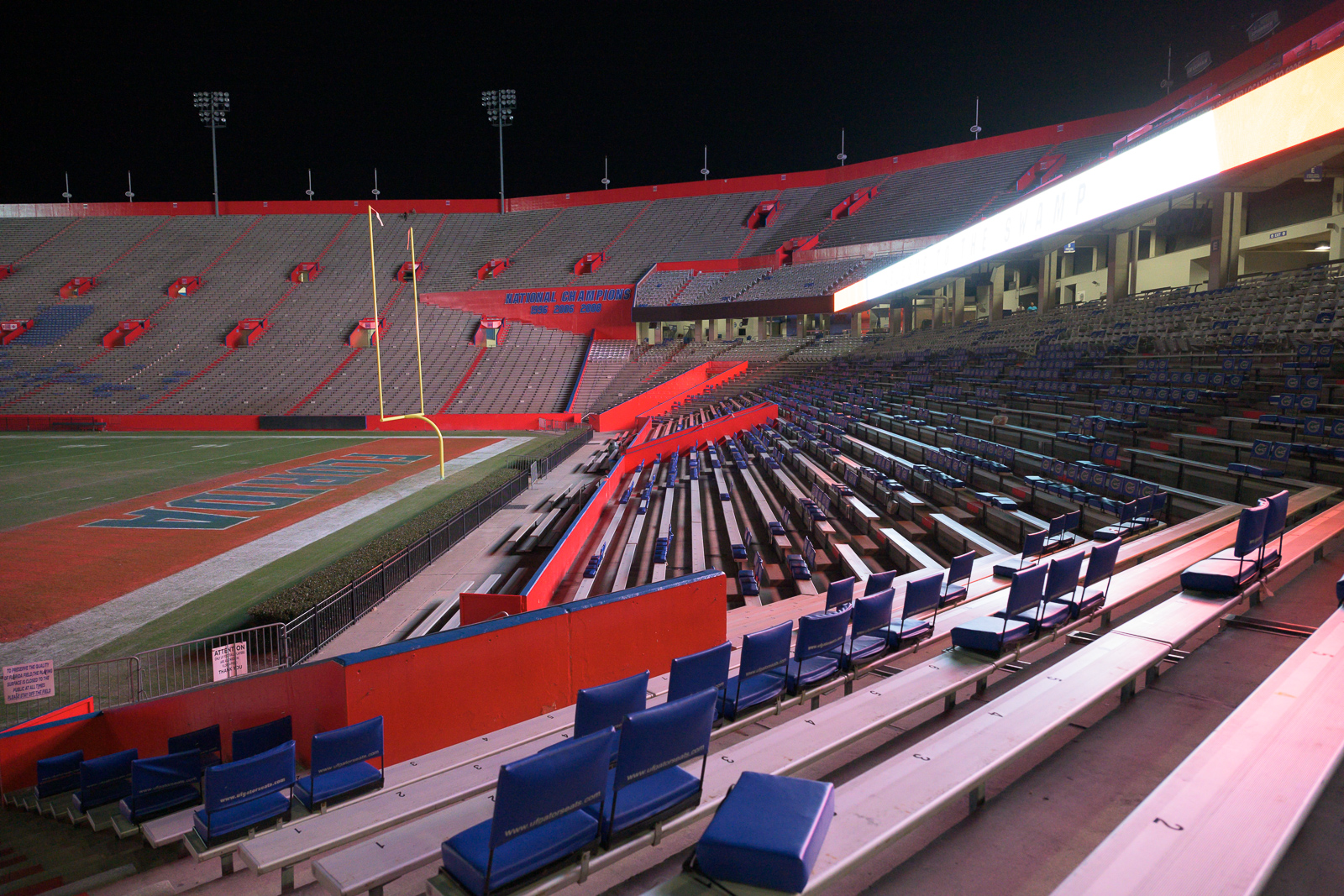
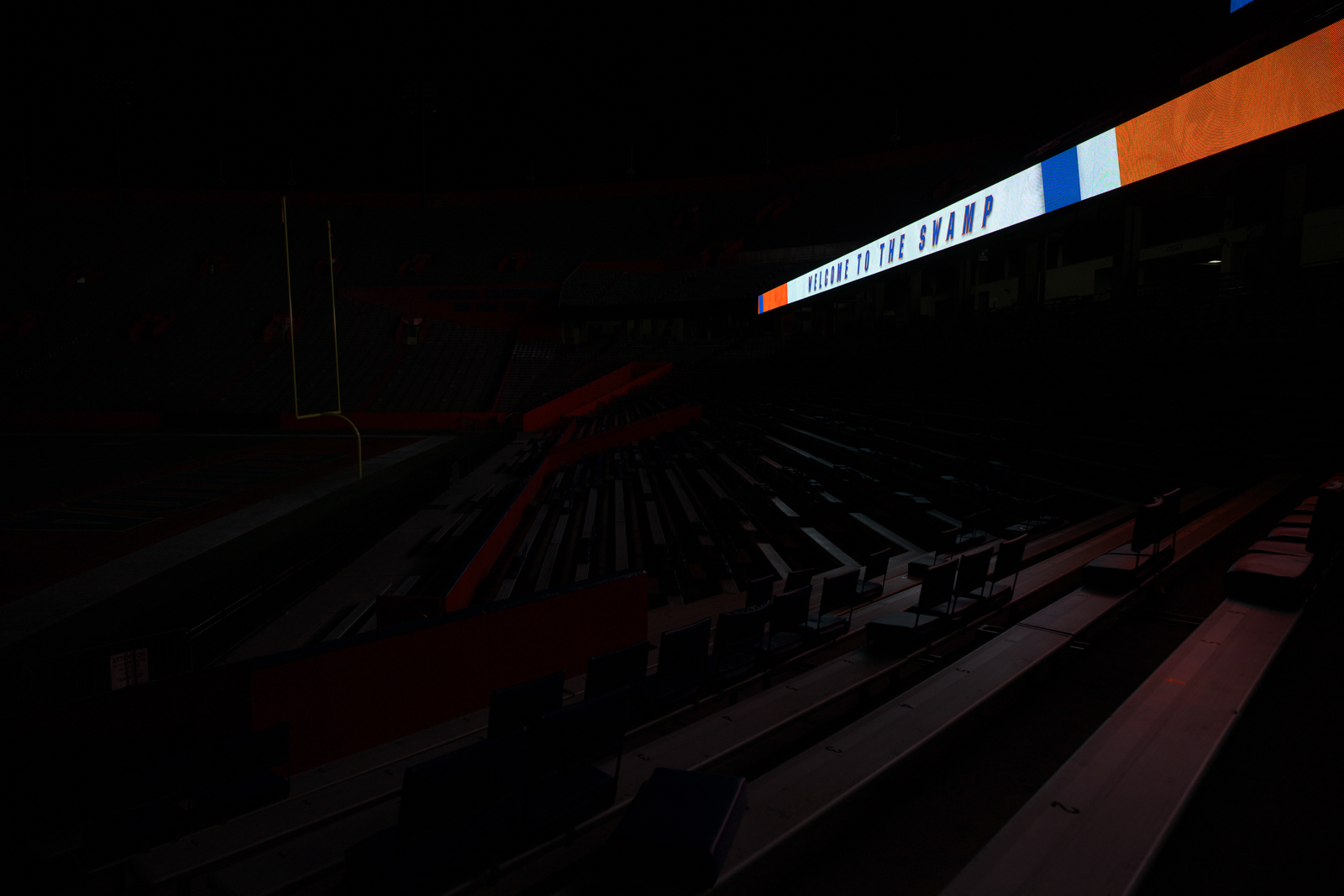
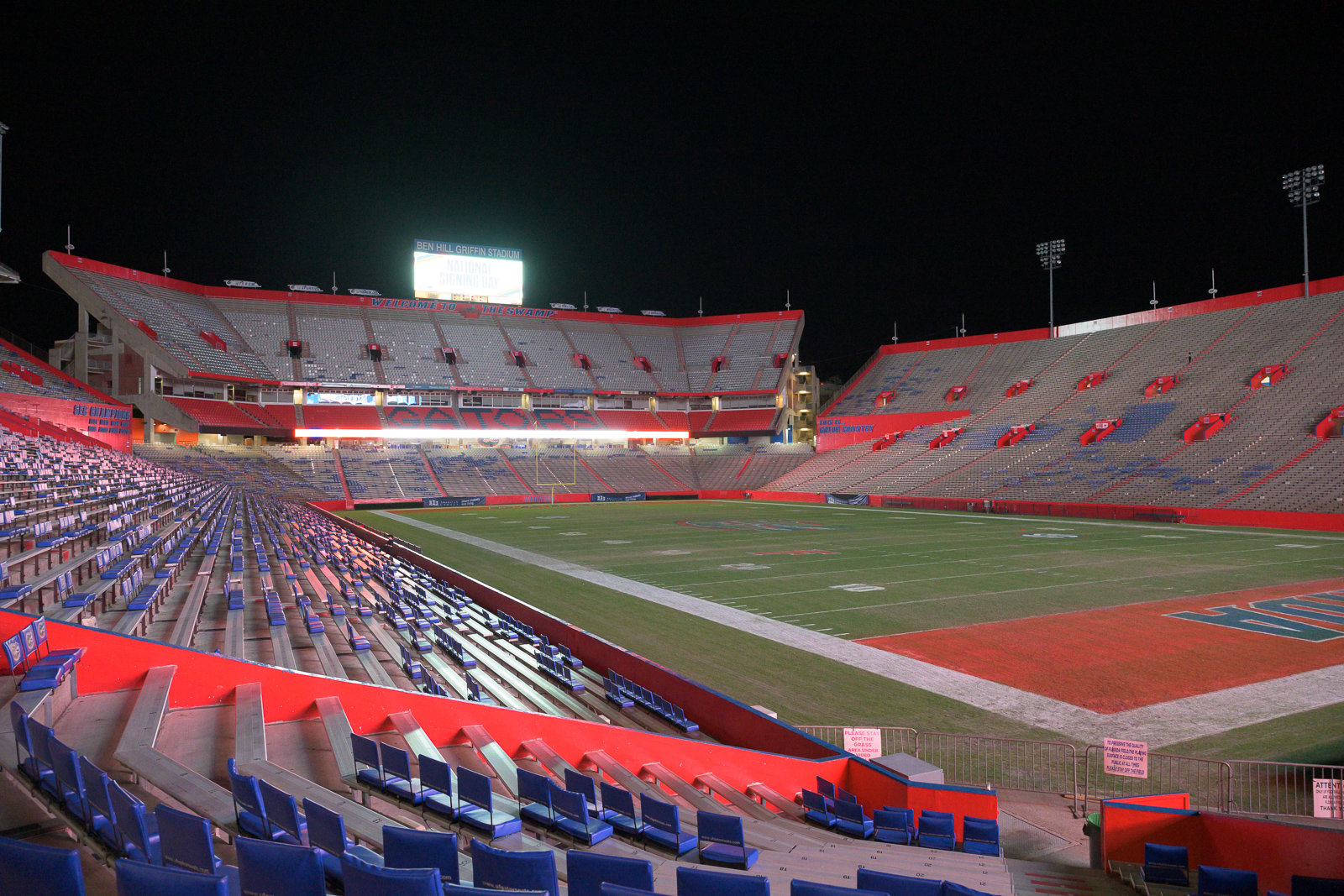
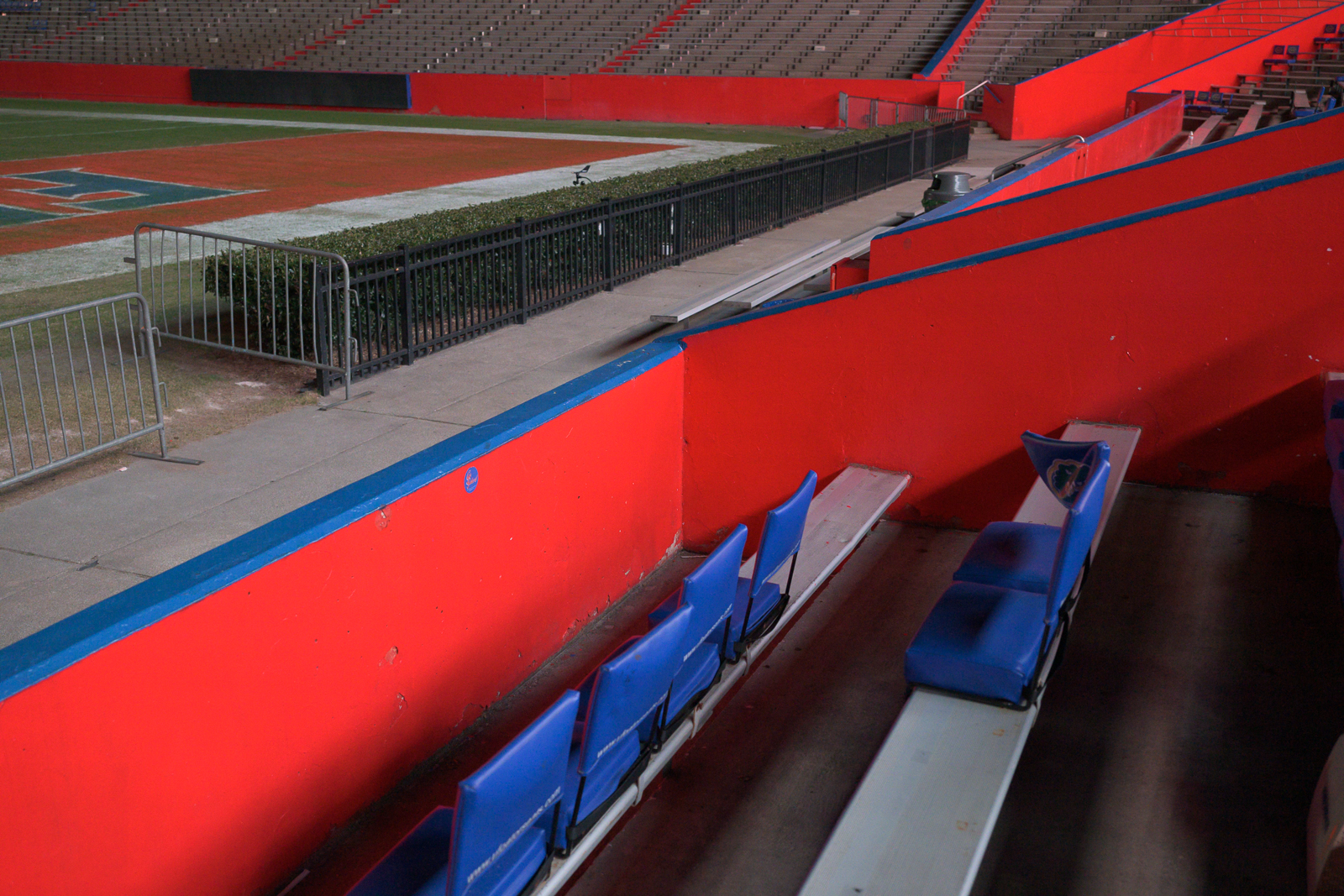
After seeing that article posted here about banding and LED panels, I decided I would do some quick shots for myself. The following pictures were taking at the home of the Florida Gators. For those not in the know, this a stadium that get frequently televised and photos are taken at it.
I know it's not like soccer where the panels are on the ground, but I thought it would be interesting to see what happens when I photograph the LED panels.
I didn't see anything and when I thought maybe there was, at 100% crop it was obvious there was nothing. I only lines for where the panels end and start.
PureMichigan wrote:
Before everyone jumps on to the new forum ... a quick technical question.
Has anyone figured out how to lock the focus point on a Z9? I find it "drifting" -- via user error -- in the heat of action. Used to be able to do this on the DSLR. I kind of miss it
Custom setting 'F4: Control lock' will allow you to lock focus setting.
[Focus-point lock]
- Select [ON] to lock focus-point selection on the currently-selected focus point.
- Focus point lock does not apply when [Auto-area AF] is selected for AF-area mode.
- When [3D-tracking] is selected, the focus point will track subject motion while the shutter-release button is pressed halfway.
Ludvig83 wrote:
After seeing that article posted here about banding and LED panels, I decided I would do some quick shots for myself. The following pictures were taking at the home of the Florida Gators. For those not in the know, this a stadium that get frequently televised and photos are taken at it.
I know it's not like soccer where the panels are on the ground, but I thought it would be interesting to see what happens when I photograph the LED panels.
I didn't see anything and when I thought maybe there was, at 100% crop it was obvious there was nothing. I only lines for where the panels end and start.
In that article on DPREVIEW, the photographer was shooting higher shutter speeds than you have posted. Try 1/1000- 1/2500 and see what you get. I suspect that is a contributor to the issue, the refresh rate of the panels to the shutter speed used.
Thanks for the input. I was near the stadium and I decided to randomly pull up to it and take some shots. I'll try again earlier in the evening with the higher shutter speeds you recommended.
mikephotos23 wrote:
The bottom "tan" banding is bad enough but look at the red/white bands towards the top
Rimpson wrote:
And Gary....I would have thought you were a true patriot
I had to go back and study it again, to see what you fellows were talking about. I may be Old but I am not DEAD! A pretty face trumps the background every time, even for a True Patriot!
Alistair1 wrote:
For those experiencing issues with this LED flicker and want to understand it more, keep an eye on Jim Kasson's blog. He is currently analyzing the readout pattern and speed of the sensor. Initial indication being a 12 row scan which would accord with the fine lines showing up on some signs. Maybe with next major firmware we will see some functionality to deal with this.
This is of course fixable in firmware but only for one light source at a time. Two different LED signs in the same frame with unsynchronized flicker rates, one will still band.
Fixable in firmware..... it's a bit more complicated.
The variable shutter function of Sony and Canon is possible due to the architecture of the sensor that supports fractional variations in timing, however the variables become more and more limited as the shutter speed increases.
So I the z9 would have to have a sensor that supports this function.
Also the big problem is when shooting action of players when they are on the sidelines, corner or even some goal lines when the LED panels light is strong enough to cause banding on their faces and uniforms. Looks terrible.
Here are some high res images Polin uploaded showing this issue with the Sony a9. The z9 has a faster readout speed so it would be not quite as many bands but it would still be bad.
Some of the money shots of sports are the celebratory charges the players do after scoring when they even deliberately engage the photographers lenses.
Ludvig83 wrote:
After seeing that article posted here about banding and LED panels, I decided I would do some quick shots for myself. The following pictures were taking at the home of the Florida Gators. For those not in the know, this a stadium that get frequently televised and photos are taken at it.
I know it's not like soccer where the panels are on the ground, but I thought it would be interesting to see what happens when I photograph the LED panels.
I didn't see anything and when I thought maybe there was, at 100% crop it was obvious there was nothing. I only lines for where the panels end and start.
Those images are all shot with relatively slow shutter speeds. LED high frequency banding is a problem at the higher shutter speeds used to freeze action.
Also the problematic LED screens are not the big ones far from the field, it is the sideline video advertising banners that are a problem.
You can see how this can be a problem in these images by Polin taken with an a9 that also has a very fast stacked sensor. The z9 is faster so you would see less lines, but you would still see them. https://www.flickr.com/photos/jaredpolin/albums/72157682618704614/
The photos in this interview don't realistically show how bad the problem is.
First of all this is a state of the art stadium with better sideline video screens and the games were not in sunlight, so the video banners are running at low power.
The article also does not show the real problem, and that is sideline action photos. You know those great shots right up close to the sidelines, those celebratory charges by the players right upto the cameras after scoring, you know the real money shots.
In these situations the LED banners light up the face enough for the banding to be all over the players.
Here are a bunch of photos showing the problem with another stacked sensor camera, the a9 The a9 has a sensor readout speed that is a bit slower than the z9, so there would be fewer lines, but still terrible.
I almost never shoot humans, but I went out and shot some baseball since wildlife kind of sucks here in my corner of NorCal... Shutter lag? I did a Google and didn't find much about a lag on the z9, so I'm not sure if it's fully normal or if something I've done in Focus settings has impacted it?
Depress shutter while bb mitt is on the ground, first shot is with mitt at waist height, or the pitcher is getting ready in enter his windup, I know he looks down before he lifts his leg, I start shooting when he starts to look down, but I don't get the first shot till the leg is already coming up...bbf, focus "locked" on target...... Yes, the z9 is my 1st mirrorless....
JoshmkII wrote:
I almost never shoot humans, but I went out and shot some baseball since wildlife kind of sucks here in my corner of NorCal... Shutter lag? I did a Google and didn't find much about a lag on the z9, so I'm not sure if it's fully normal (I know there is a lag) or if something I've done in settings has increased it?
Depress shutter while bb mitt is on the ground, first shot is with mitt at waist height.... Yes, the z9 is my 1st mirrorless....
I am not sure that shutter lag would be the issue here. I think it more likely to be a focus setting. Check to see if you have shutter releas set to focus rather than release. The time delay may be the camera locking on the glove.
1bwana1 wrote:
I am not sure that shutter lag would be the issue here. I think it more likely to be a focus setting. Check to see if you have shutter releas set to focus rather than release. The time delay may be the camera locking on the glove.
And to add to this, I leave my settings so shutter release only occurs when focus is achieved (because I don’t want out of focus shots), but use back button to “pre-focus” that way there is no delay when I press the shutter button.
This is not different then when using a DSLR.
I am not a sports photographer, but I use this same approach with wildlife. Some of the real sports photographers may have better approaches.
Also, this made me laugh “I almost never shoot humans.” That is a good policy.
@gdsf2
Ah hells... I got a reply elsewhere about the focus v release options to change it to Release instead of Focus..
And I do bbf and in most of the situations I noticed the delay, I was "locked" on target...which is one of the reasons why I noticed that I wasn't getting the 1st shot or even two