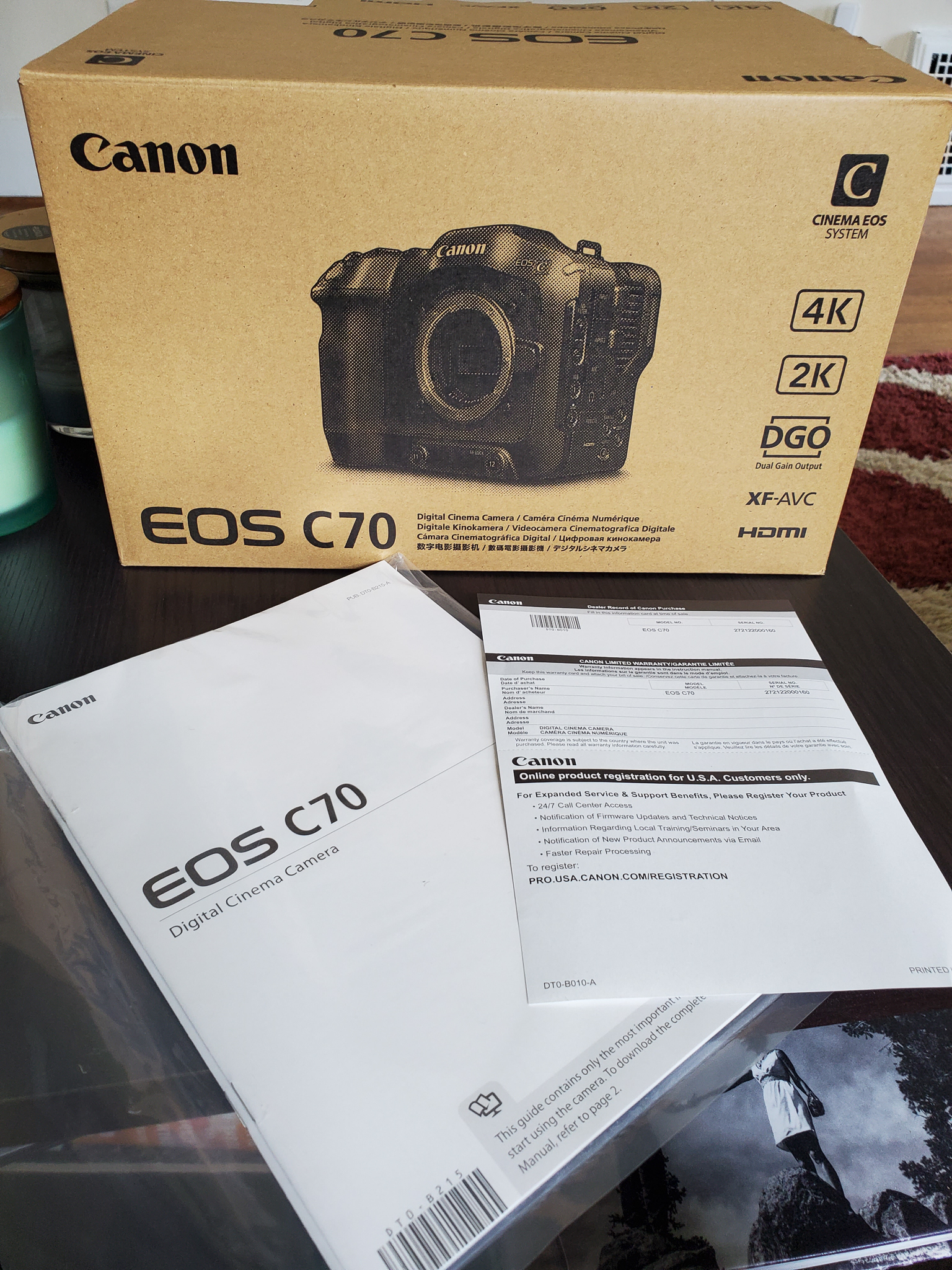
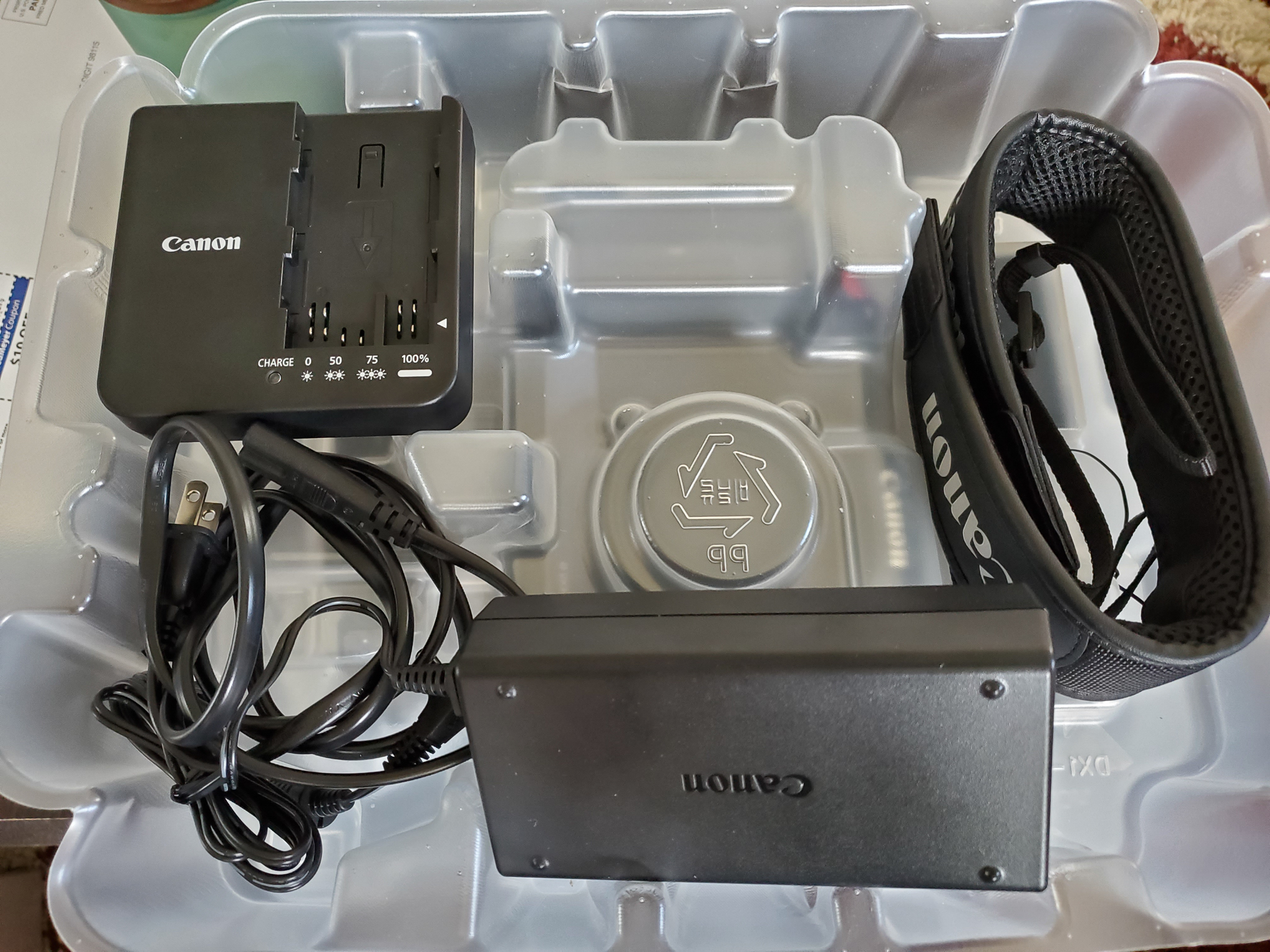
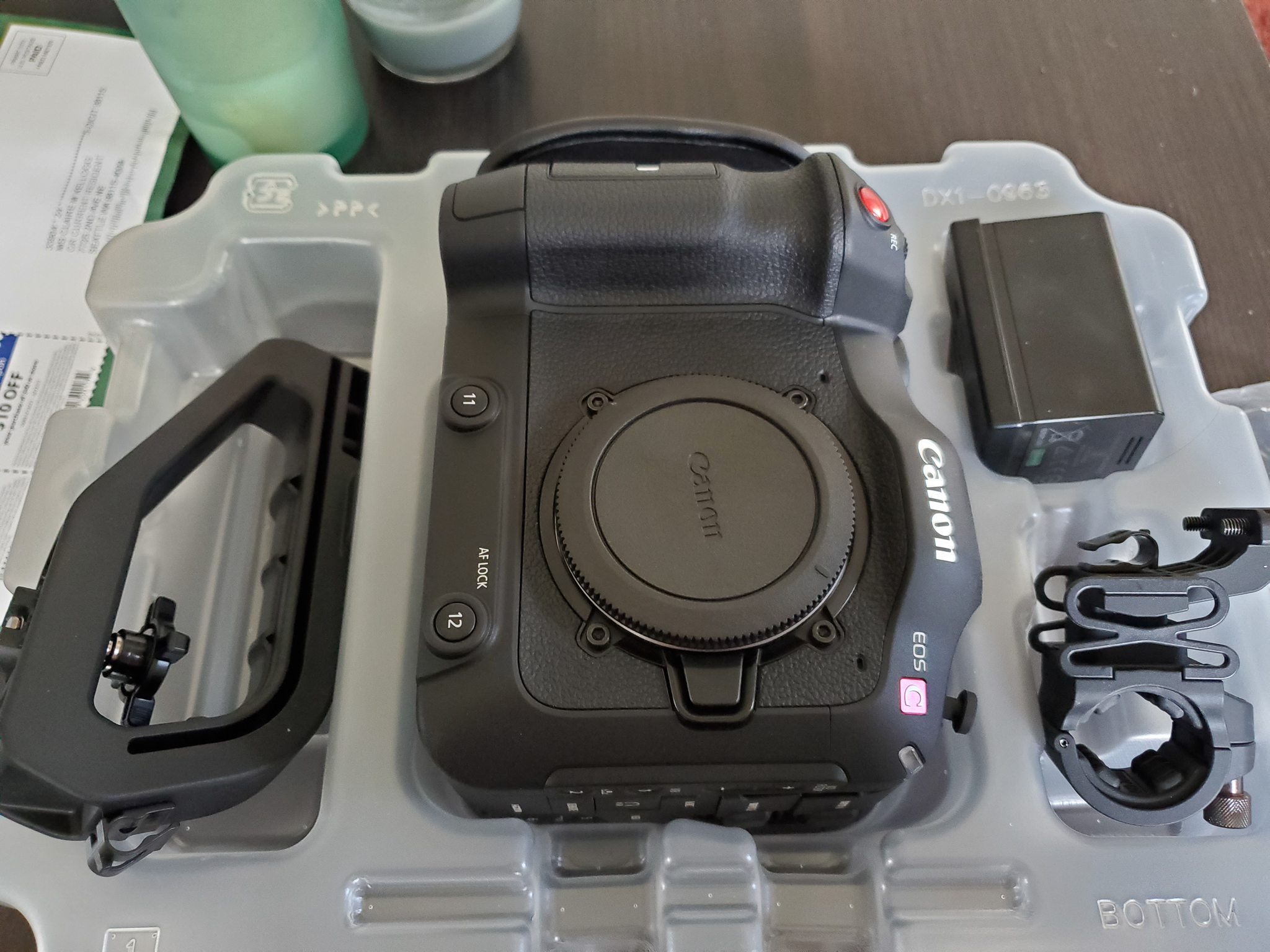
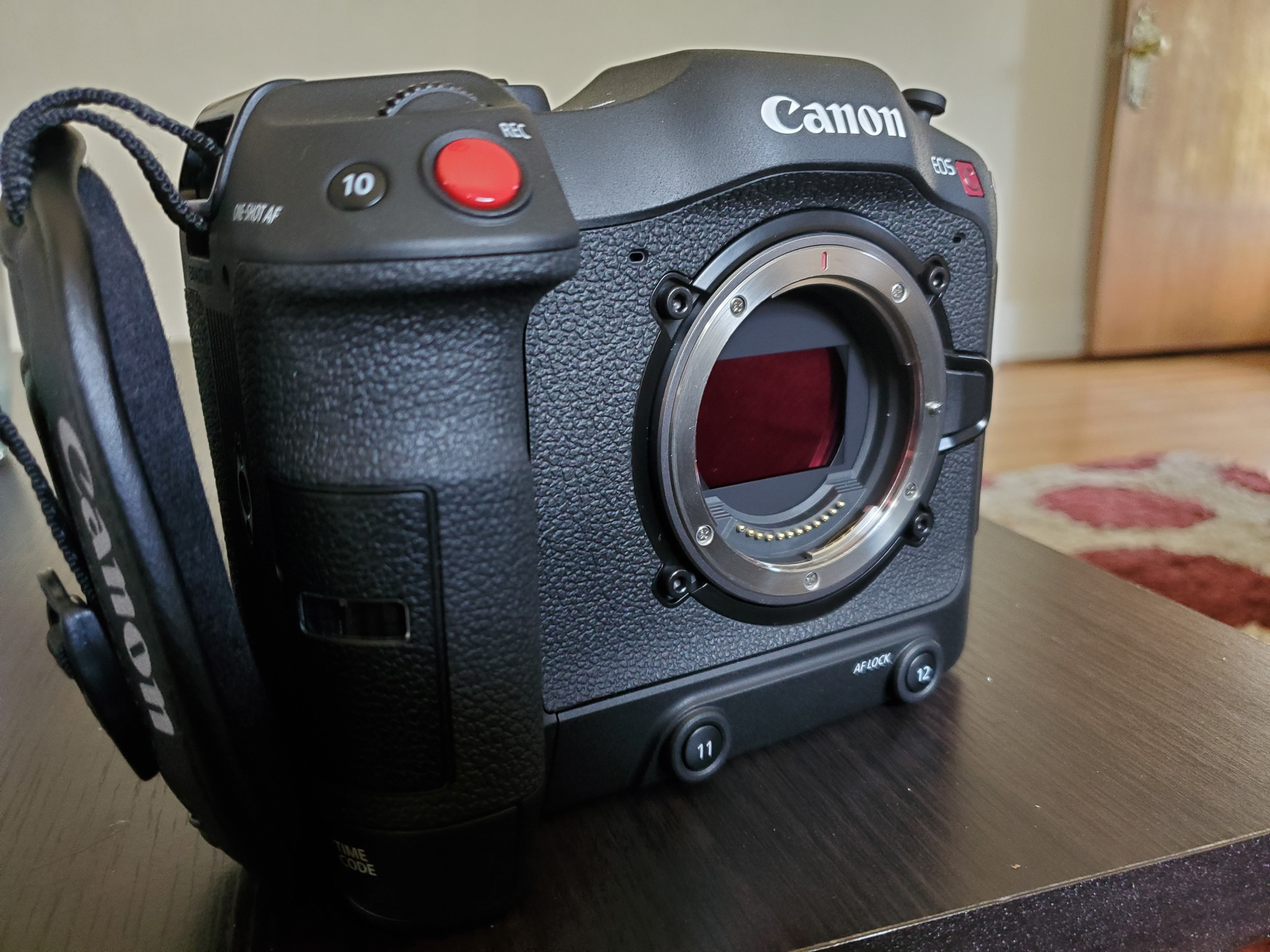
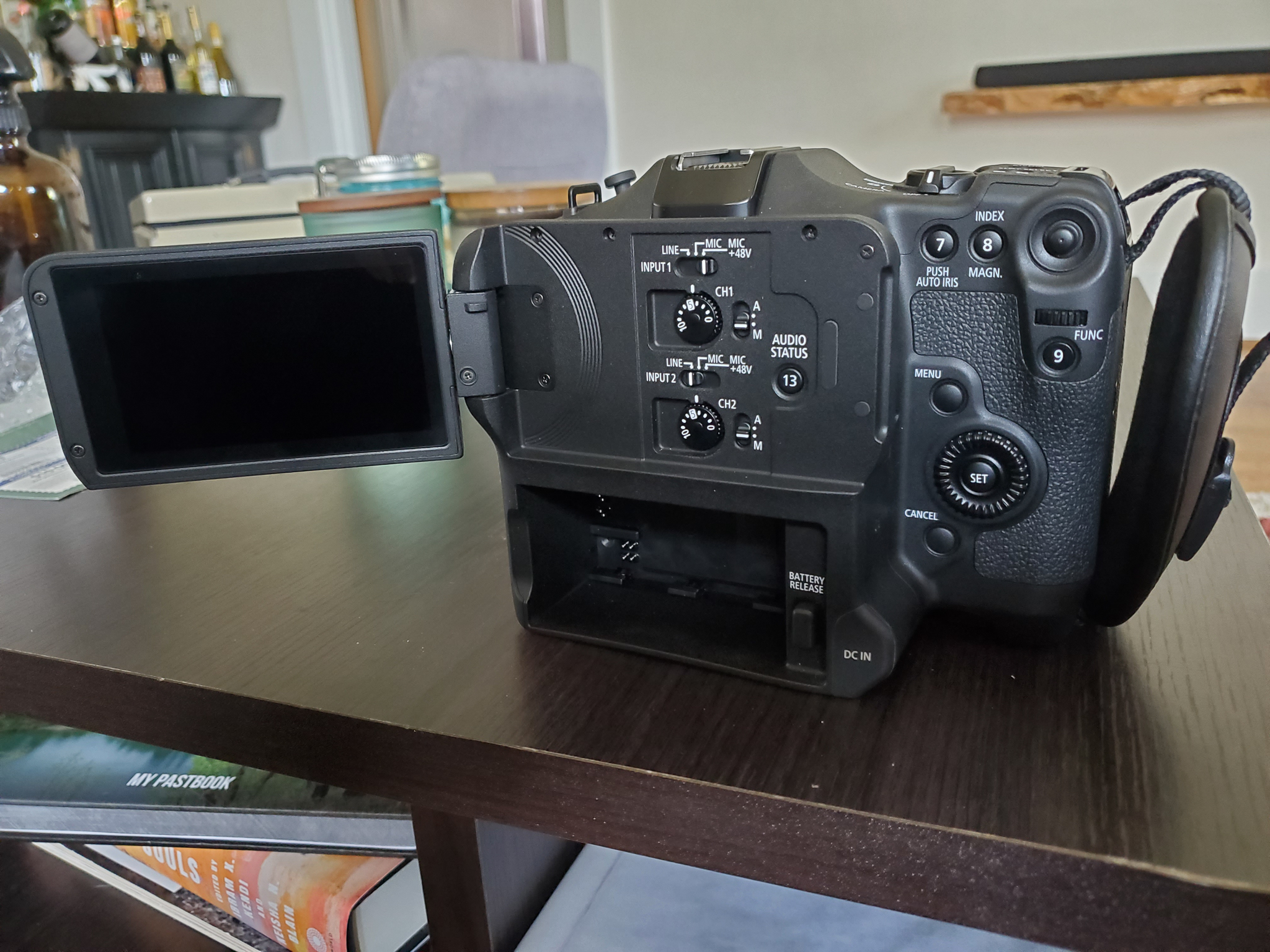
Canon EOS C70 in original box with all accessories
Sold
Price: $5,200.00 Payment method: PayPal Item condition: 10 Preowned equipment, but appears as new Shipping instructions: Fedex or UPS Insured shipping included
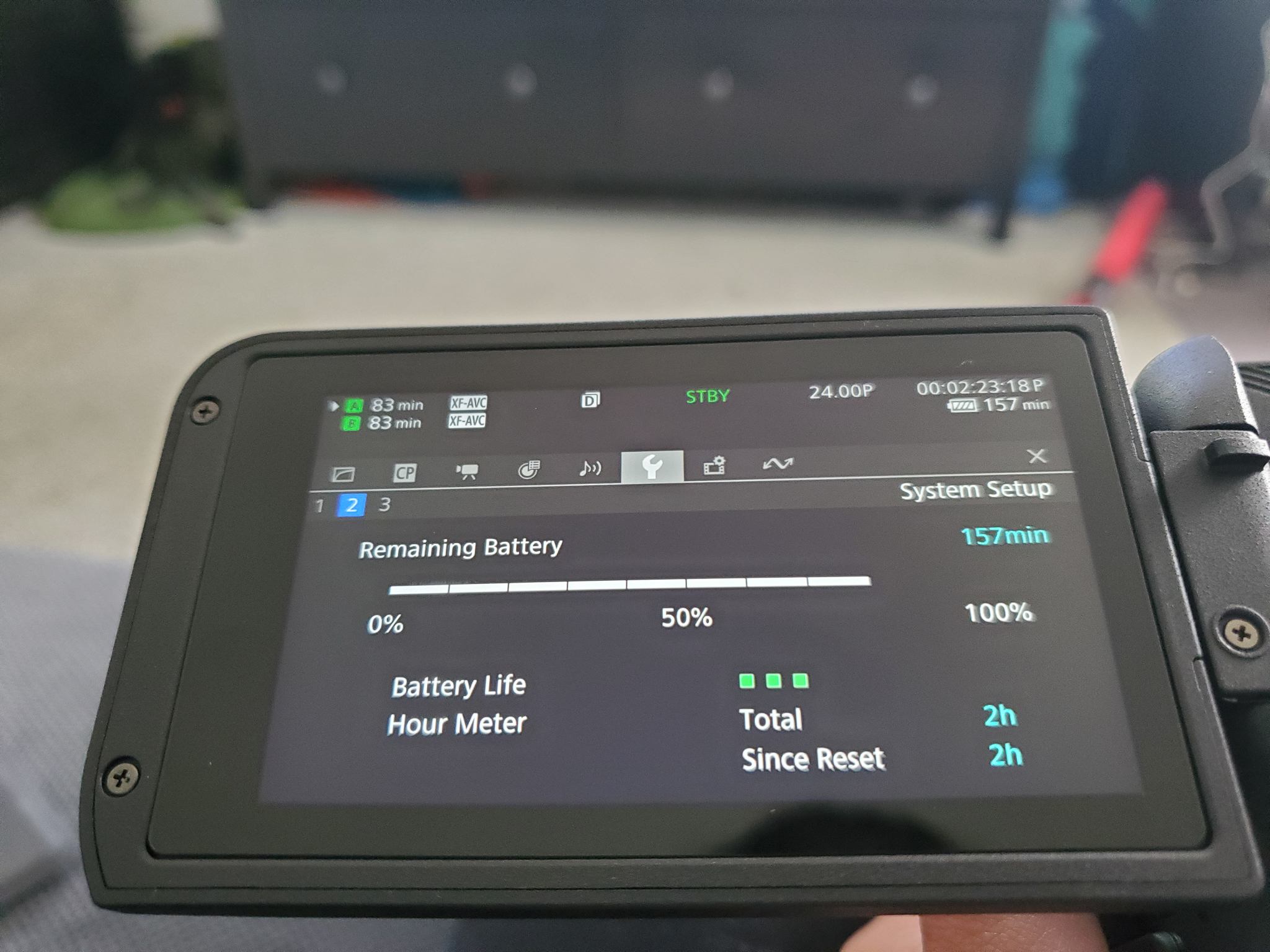
No longer shooting video so no longer have a need for this equipment. Only used a handful of times; no wear or damage. See last photo for total hours of filming on the camera so far (it's minimal). Includes original packaging and accessories.
Open to some amount of negotiation - please send a PM.
Shipping included in listing price. Buyer covers Paypal fees.
Hey MPpvg - I haven't been able to figure out how to find that information. If someone else knows and is able to tell me how, I'll gladly find and provide that info!
They don't make it real easy in the cinema cameras.
You have to first assign one of the 13 assignable buttons on the camera to "status" as it's assignment. Most likely button 11 because the others are labeled and generally used for what they are labeled for.
You can find how to assign some function to assignable buttons starting on page 105 of the manual.
You basically press and hold the menu button and while holding it press the assignable button whose function you want to change to pulling up camera status.
A list of options you can assign to the button will appear. Scroll down the list until you find "Status". Select Status and it is now assigned to the button you chose. Back out of menu then press the button you assigned to Status and the Status Display will open.
I believe Total Operation Time will be on Status Page 2. It is the page with the battery information and down in the lower right. Battery information will also be displayed. It shows the remaining charge as well as the "health" or "life" of the battery in 3 bars. You might want to note what the battery is reporting as well.
SoheilK, I searched the menu for the shutter count and wasn't able to find it, and I'm not familiar enough with the existing apps that are supposed to provide that information. If you know of a safe, reliable app that provides the shutter count for this specific type of camera, I'd be happy to look into it to see if I can get that information. Fwiw, I assure you that it's very low; the camera has barely been used.


 Canon EOS C70 in original box with all accessories