This is pretty intriguing, when some of the samples are the only film simulations I've ever seen that actually look like film. However, it's very unclear how the Cobalt profiles will work in C1 and I find the site pretty uninformative on the very basics.
I use a Fuji GFX 50R with C1 21, and while I like the native Fuji film simulations, I find almost all of them too heavily weighted towards green. Ice cold green, except for "Astia" that at least is a warmer green. There is also no neutral/standard profile (nope, "Provia" is pretty cooked too), so there is really nothing to compare to. Hence, I have no idea of if it's the film simulations or the general camera profile that gives this love for green in every single image. What I would ideally want is something like the Cobalt Velvia 50 (film) simulation (or possibly Ektachrome) with a lot more weight towards blue and red. The native "Velvia" simulation in C1 looks nothing like Velvia film. :-/
When looking at the Cobalt site, there doesn't seem to be any film simulations or "camera packs" for C1, only the basic camera profiles. So, how would this work with the native film simulations? Is the Cobalt camera profile replacing the GFX 50R profile in C1, still allowing me to use the native film simulations on top of that? And if Cobalt film simulations will be available later; will these show up amoing the native ones, or replace them? Mildly confusing.
Any example of the Cobalt camera profile versus original camera profile for a Fujifilm camera in C1 would be very helpful to understand what I could expect.
Here you can see what I mean. "ICC profile" is the current camera profile and "Curve" is the current film simulation...
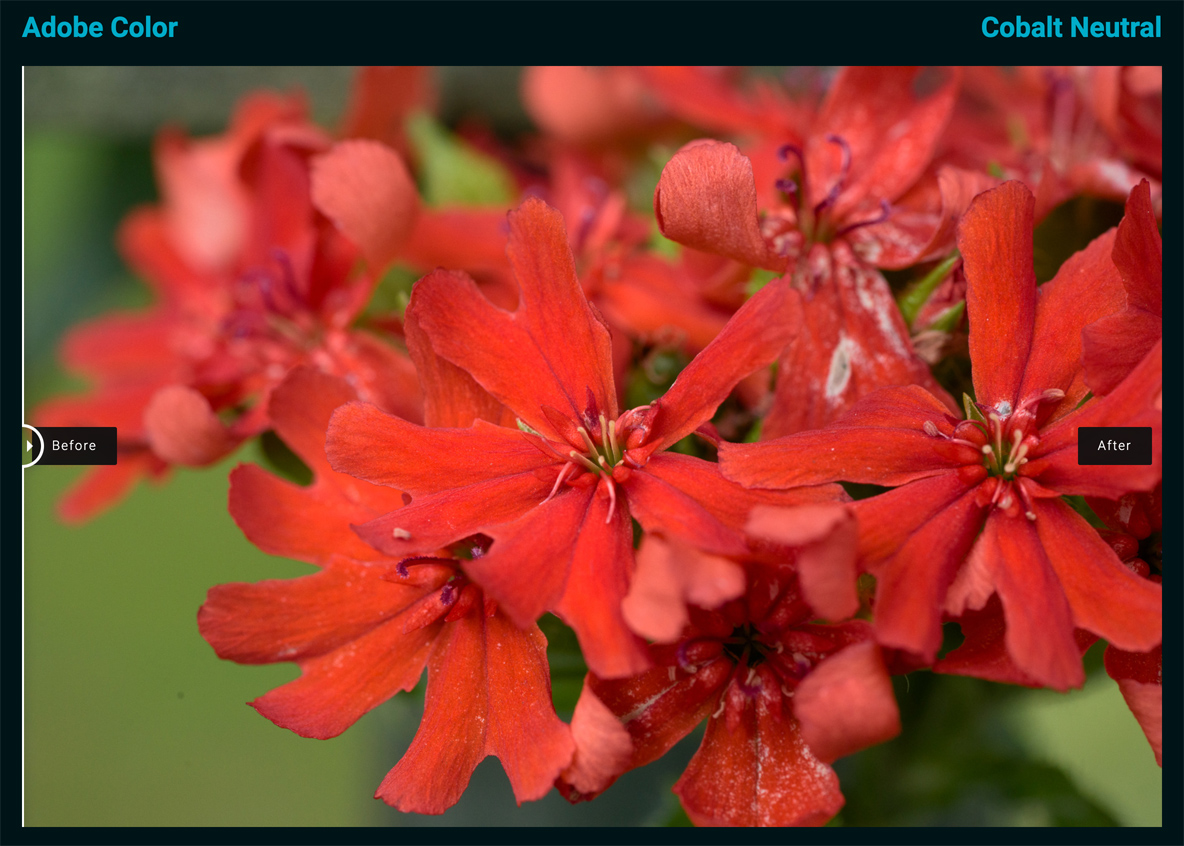
I also find the examples with sliders very confusing. If I have the slider to the left, is that Adobe or Cobalt? The titles on top would make me think it's Adobe, but then the results with Cobalt would be inferior in every single case. Doesn't make sense.
Makten, we offer basic profiles for C1 and tailored service to "cook" specific emulation just for your camera.
With basic profiles you'll have just the standard, neutral, and repro; the film emulation by Fuji will still be the original, external from our ICC profile.
About slider..
as logic suggest , the image starting from the left is the adobe, the one from the right is the cobalt
Ulysseita wrote:
Makten, we offer basic profiles for C1 and tailored service to "cook" specific emulation just for your camera.
With basic profiles you'll have just the standard, neutral, and repro; the film emulation by Fuji will still be the original, external from our ICC profile.
I see! I think a short text explaining that on the site would be helpful.
I've noticed that the "Film standard" in C1 is probably C1's own interpretation of the GFX files, and it actually often gives nicer colors. But the editing possibilities are very limitied because of lesser dynamic range for some reason. The highlights are very easily blown and can't be recovered nearly as well as with the film simulations for some reason.
If I get the basic profiles, how do I know how they will look in C1 when there is no film simulation applied? If it works more like the "film standard" I mentioned above, that would be a huge drawback even if the colors were better.
As you might understand, I won't buy into this without having any clue of what the output will look like. I'm probably one of very few people wishing for different colors out of the GFX + C1 combo, so not very likely to find someone else to show me examples.
About slider..
as logic suggest , the image starting from the left is the adobe, the one from the right is the cobalt
I figured it out when I got to the B&W conversions. Let's say there is room for making it a bit clearer though.
You can check the previous pages, where I compared on C1, the standard, cobalt and prostandard profiles.
I am not on the desk right now to show you.
Film standard on c1 means "film curve standard" for every profile; our basic profiles for c1 are not trying to "emulate" something, they are just CALIBRATED profiles with a very low delta E, compared with standard and prostandard too.
Ulysseita wrote:
You can check the previous pages, where I compared on C1, the standard, cobalt and prostandard profiles.
I am not on the desk right now to show you.
The problem is that there is nothing to compare to. With the Lightroom comparisons, you can clearly see the difference between Cobalt profiles and Adobe standard. But there is no "standard" in C1. Except possibly "film standard", even if I don't know how it's supposed to be interpreted.
Film standard on c1 means "film curve standard" for every profile; our basic profiles for c1 are not trying to "emulate" something, they are just CALIBRATED profiles with a very low delta E, compared with standard and prostandard too.
What I meant is that "film standard" is the only non Fujifilm specific film simulation in C1. Hence I wonder if that would be more reasonable to compare the Cobalt profiles to, than C1 Fujifilm Provia for example.
Oh, there is the "linear response" also, but that is completely flat and very hard to make out anything of, unless you pull every lever there is first.
After a long development process, we are close to the release of the Kodachrome Update to insert the curves as we already did for Kodak and Fuji packs.
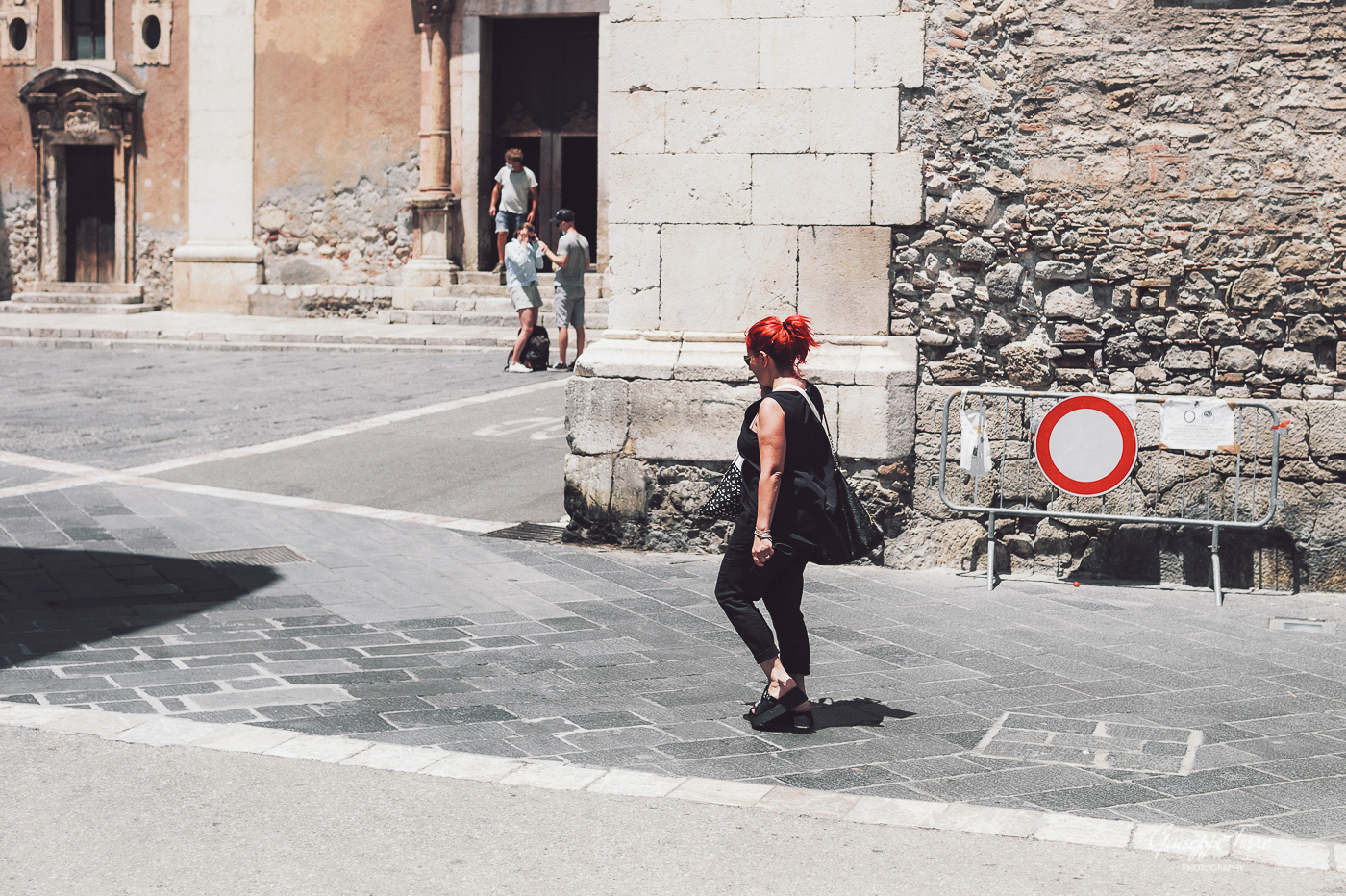
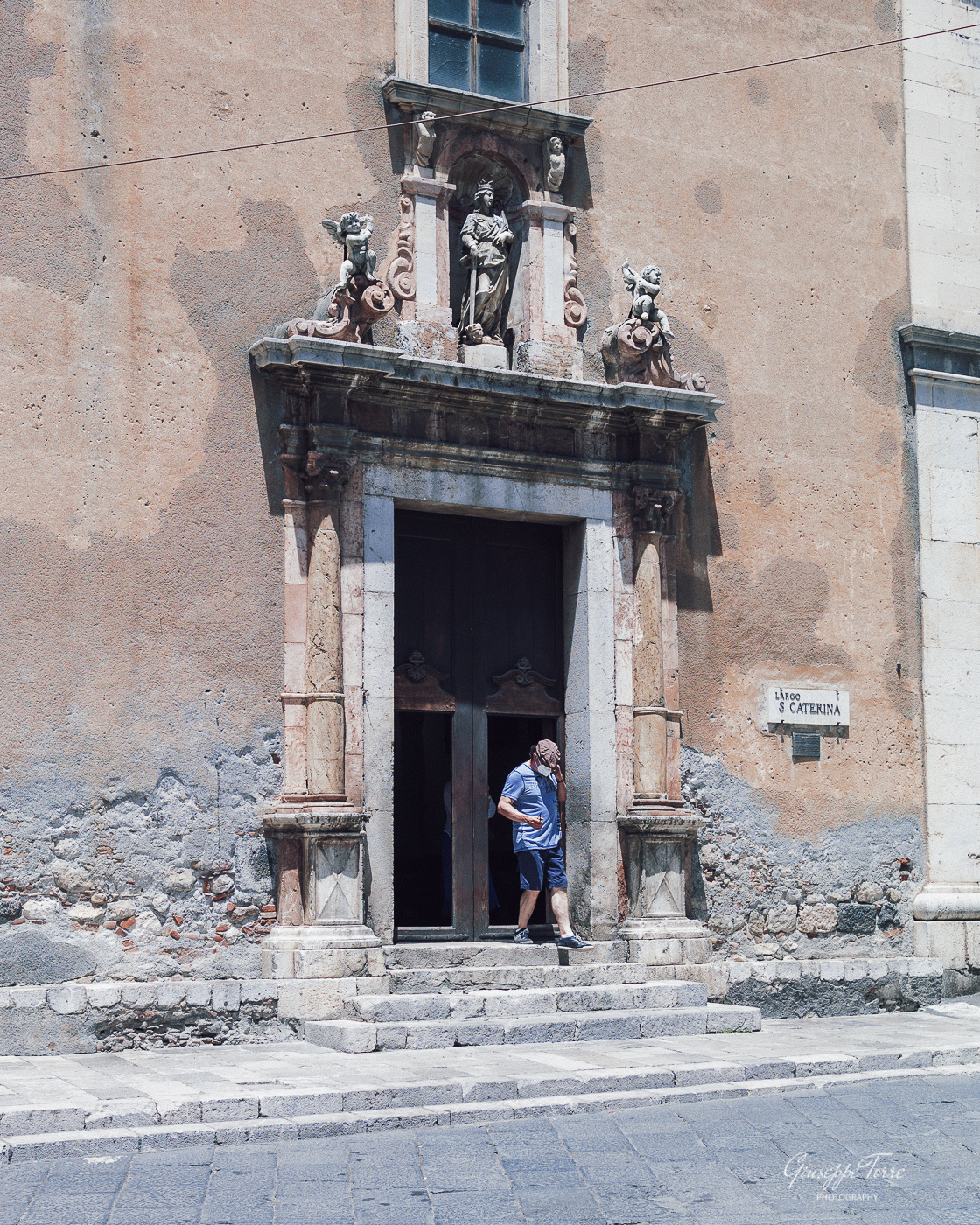
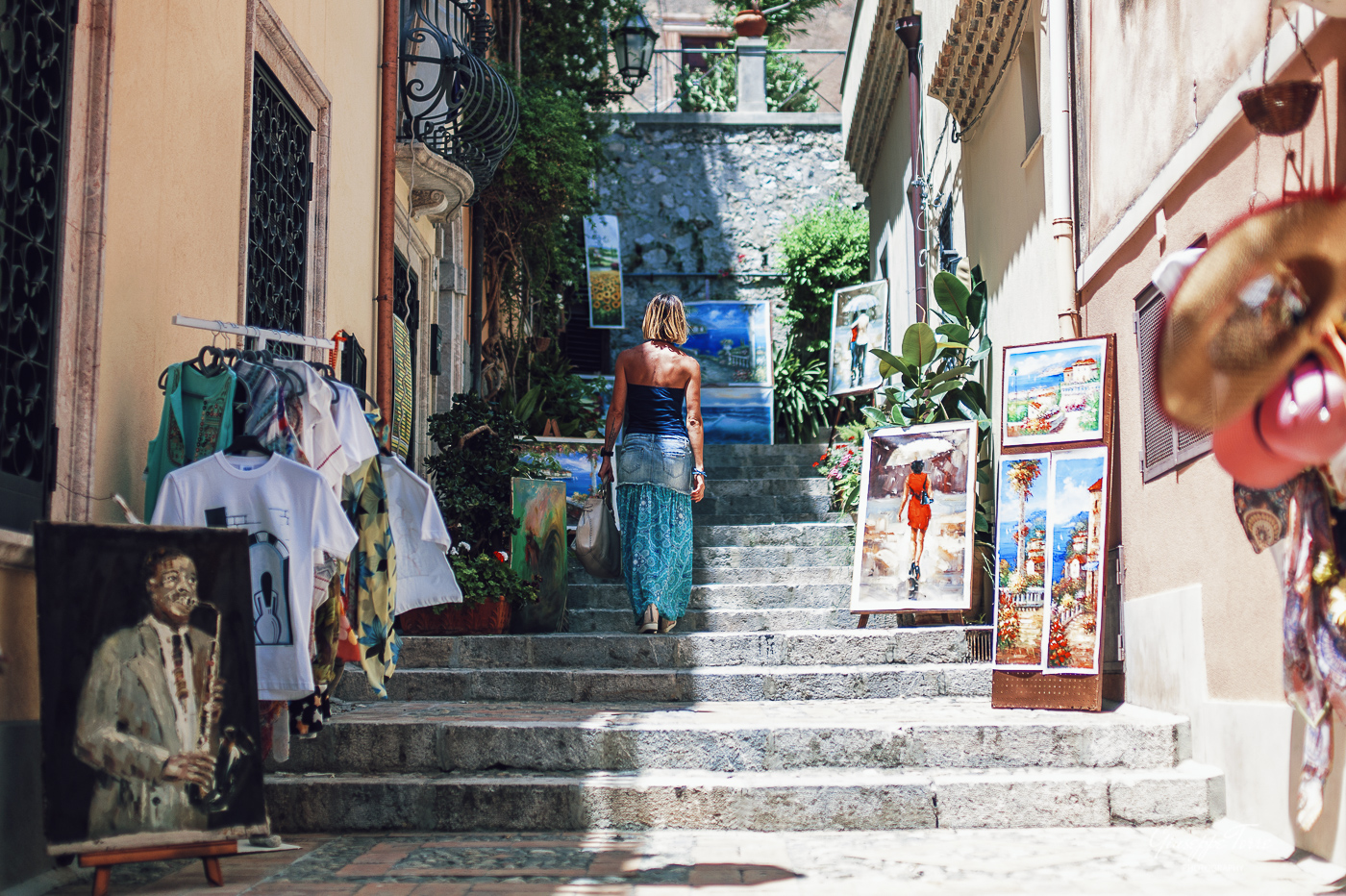
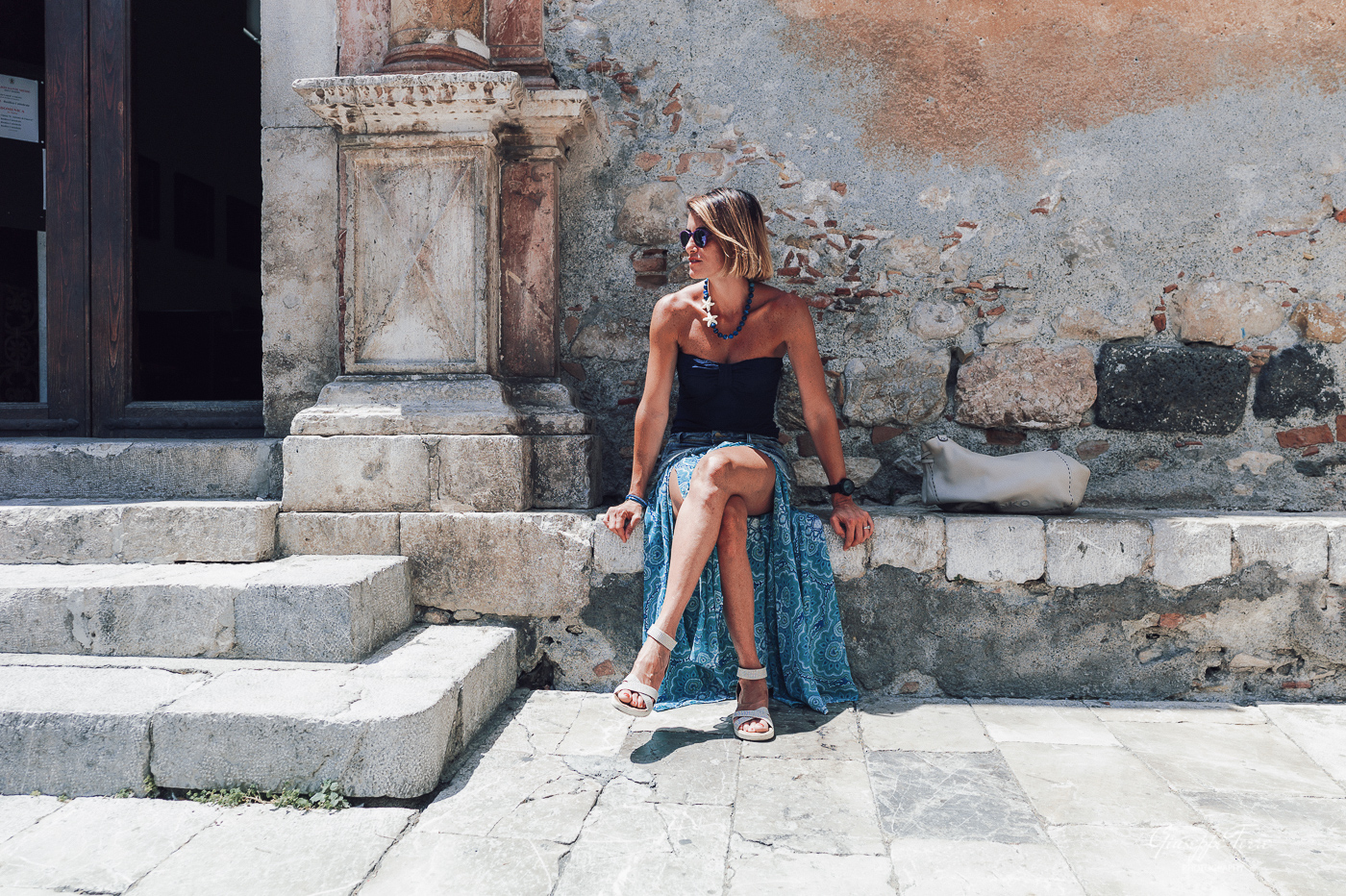
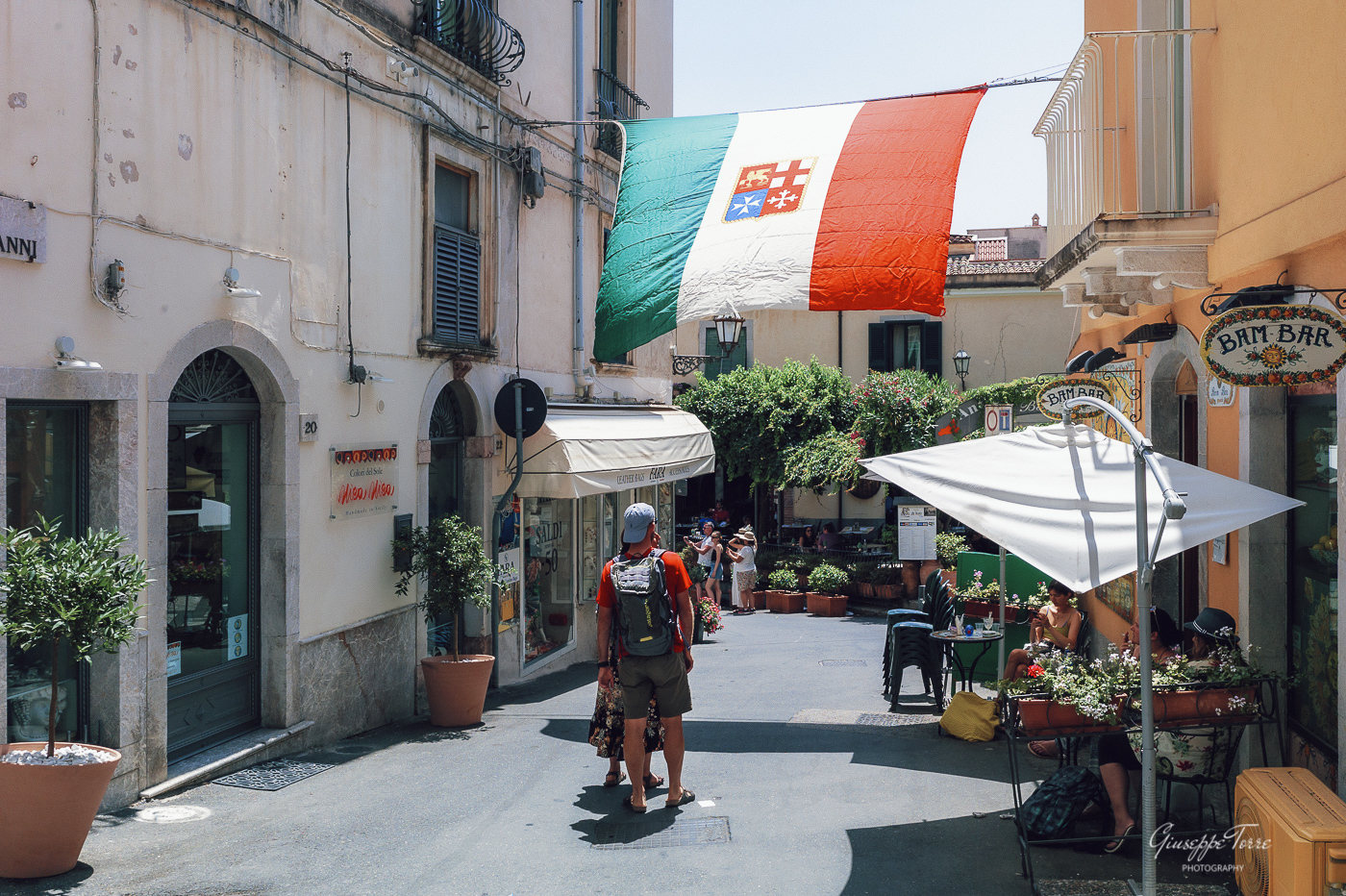
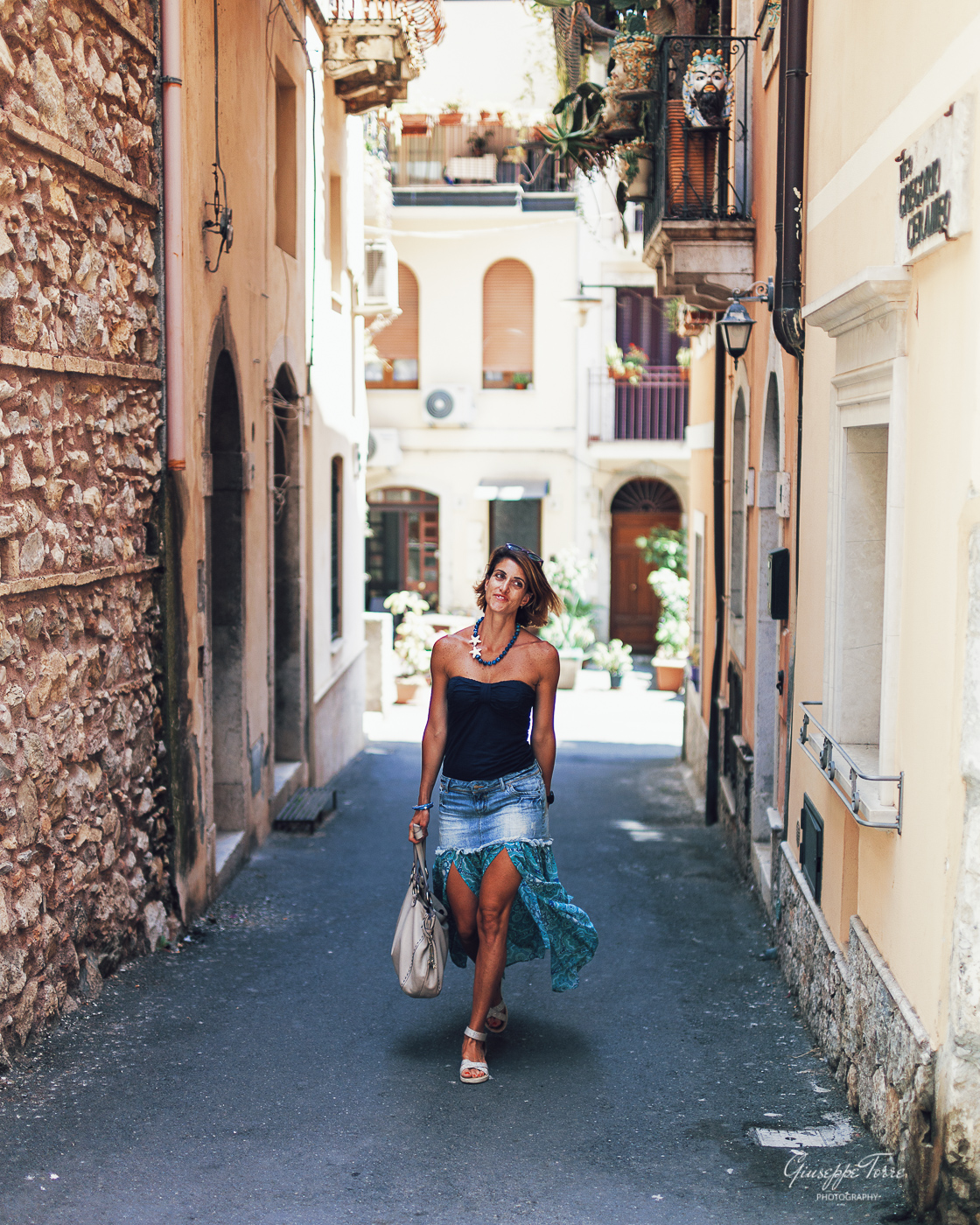
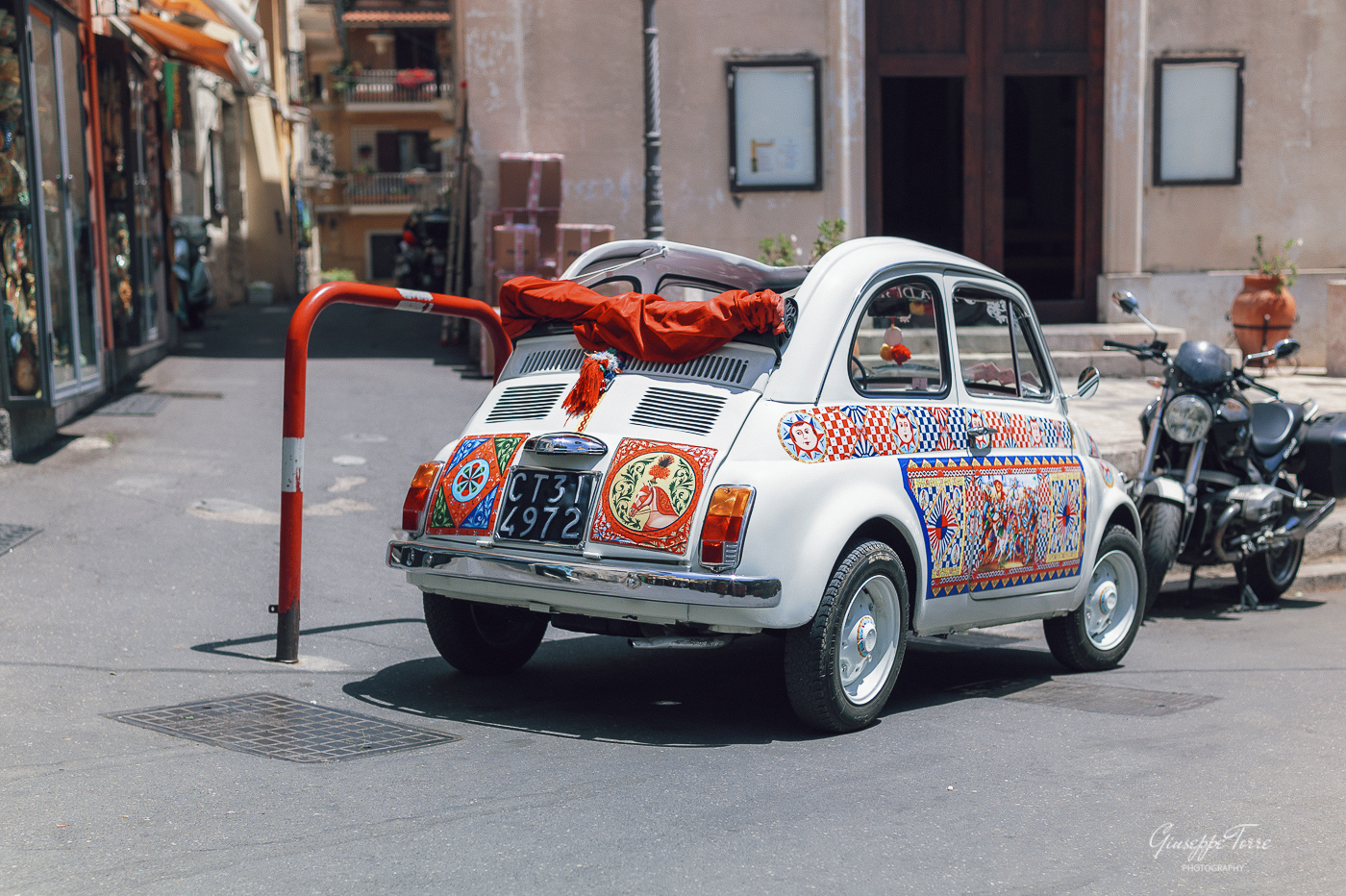
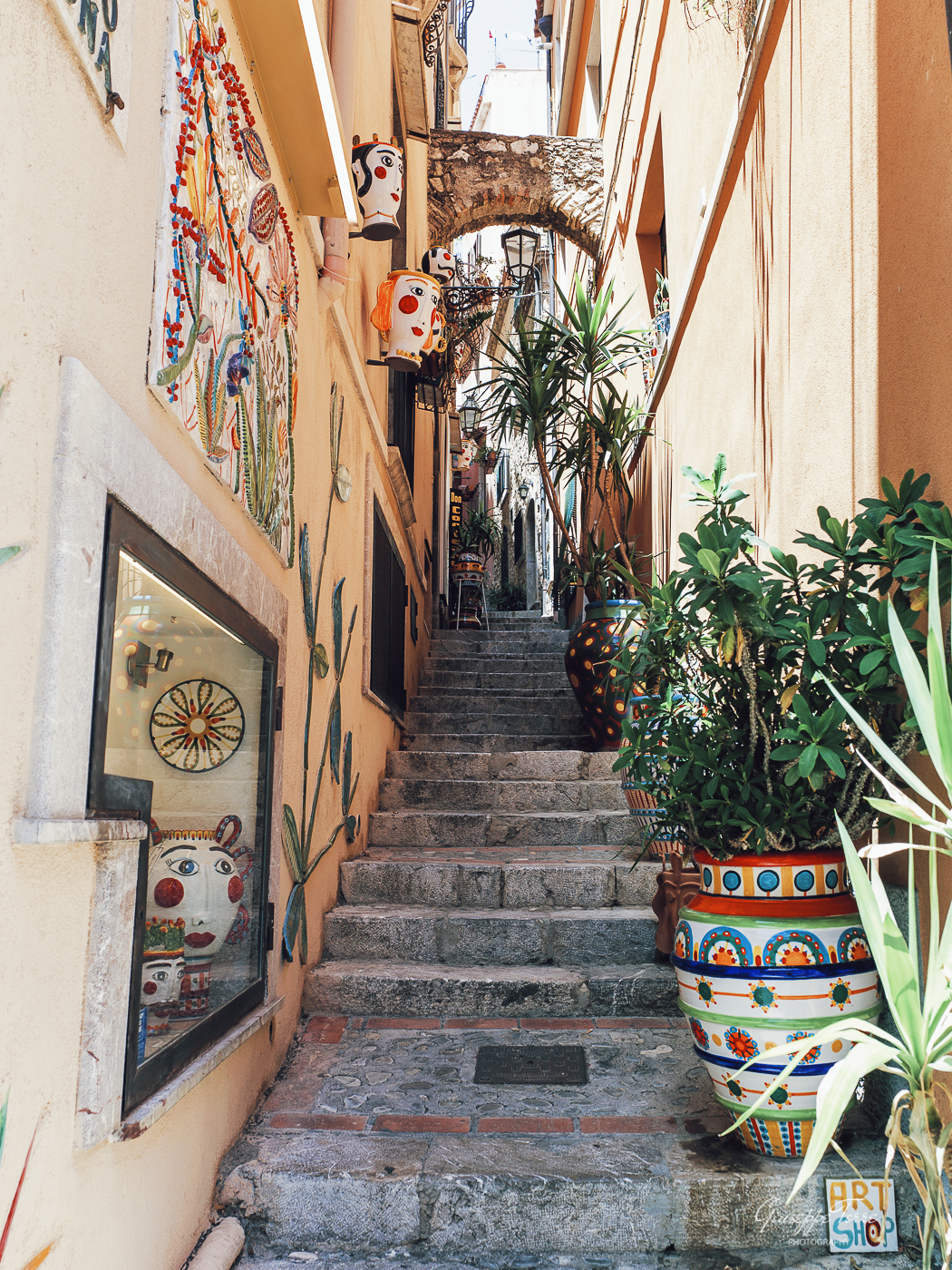
Today I had the chance for a walk in the fabulous Taormina with my beloved one and my M9 with two lenses, the 40 1.2 and the zm25.
Below are some shots edited with the updated Kodachrome. (apologies for bad coding, I should manually code the two lenses, I always forget to change manually the code...)
Very HARSH light under the sunny summer here in Sicily, perfect training field to check both profiles and M9 in post-production.
Okay, I'm converted. I took the plunge (Thanks Fred for the coupon!) and bought the base pack along with CCD fever, and both the vintage Nikon and Canon packs. They are excellent and will change how I process. I'm not by any means a Pro or an expert, but I know what I'm looking for. I used to shoot Nikon and Fuji, and while I'm very happy now with my Sony gear, I've struggled at times to get the skin tones I want. It may be irrational exuberance, but I'd say my struggles are over. The only problem I have now is an embarrassment of riches. My subjects are invariably my kids, but now I have to choose between the Pentax 645, the Fuji S5 and the Nikon D200 profiles. These 3 alone will probably fill most of my needs. I'm learning to use the Leica M9 profiles and have yet to really click with the Canon ones, but I did just buy them.
As to value, they aren't cheap, and are model specific, so the ones I bought will only work with my A7C. I don't know if I'll rebuy any or all with my A7RIII, because I'm not sure if I'm going to keep the camera, or if I do, for how long. I do wish there were some repeat customer discount for buying a 2nd copy of the same software. That said, for my uses, these are well worth it. Some samples here that have all been edited to my taste using the profiles.
Edit: Actually you only need to buy another copy of the base pack for each model camera. The emulations are purchased once and work with any camera that has a base pack. Sorry for the misinformation!
I think prio 1 should be to get the comparison tool mentioned before ready, so that customers can compare any simulation on the same image (preferably a few different ones of couse). Now it's more or less impossible to know how Kodachrome differs from Ektachrome and how Leica M9 differs from Nikon D200, and so on.
jaggedhorizon wrote:
(I wonder, if I was to buy just one extra emulation pack, which one would be recommended?)
Difficult to say as it depends on your personal taste. I bought Fuji Digital and Kodachrome as I wanted the popular Fuji colors and I fell completely in love with almost every single picture in this thread that was based on Kodachrome. At the end of the day I use Kodachrome for most of my pictures. If I want a neutral look I just go with the Cobalt „standard“ profiles. If I want something in between I use Classic Negative or Velvia for landscapes.
Kodachrome brought back the fun to my PP as it saves so much time and the final results are brilliant (at least for me). I could live without the Fuji Digital but in some cases it is a very good option as well.
I'm having a hard time determining if I want the Canon Contemporary or Vintage profiles. Does anyone have both that could show some examples (particularly skintones)?
Hi Bob, let's say Canon history has a common root.
On the vintage, you will see the legenday1dsiii and 5d for skin tones and general colors.
On contemporary something with "home feelings" for anyone like me, who changed to another brand, and 5div but over everyone.. 5DSR and 1dx with "what a Canon lover wants".
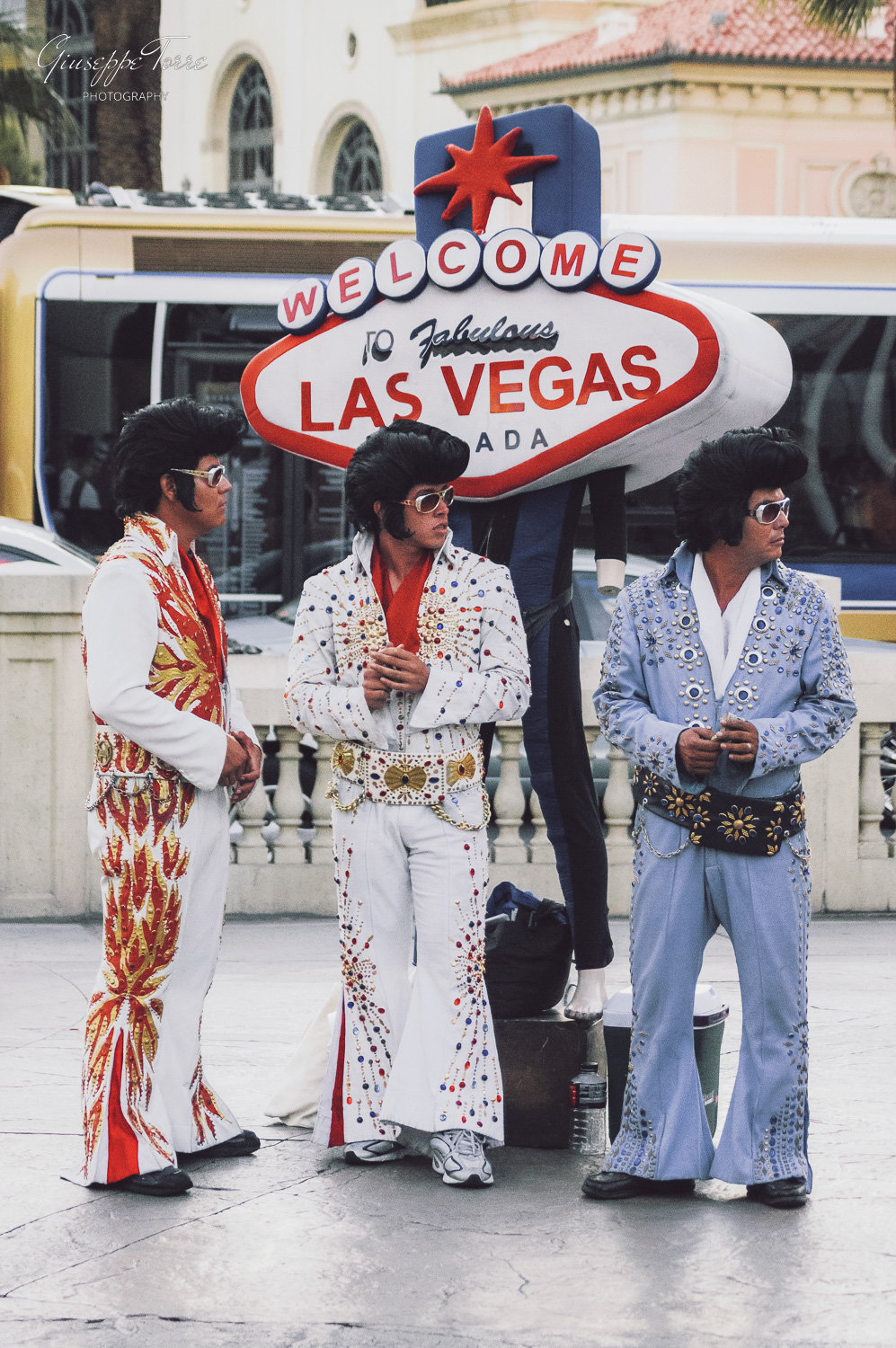
In the meantime, sorting some old albums, I found my first experience in California and Nevada with the (for me at least) so futuristic Sony a55 (I was a Canon shooter but I was tempted by the slt idea) and Nex5:
So I edited on Lightroom CC (the cloud one) some pictures using the Film emulations to see the ...feelings.
Easy editing and nice result for my taste!
All my edits are starting from flat curve and from linear if I have to recover hard lights or strong shadows.

 Archive 2021 · Cobalt Profiles


 However, it's very unclear how the Cobalt profiles will work in C1 and I find the site pretty uninformative on the very basics.
 There is also no neutral/standard profile (nope, "Provia" is pretty cooked too), so there is really nothing to compare to. Hence, I have no idea of if it's the film simulations or the general camera profile that gives this love for green in every single image. What I would ideally want is something like the Cobalt Velvia 50 (film) simulation (or possibly Ektachrome) with a lot more weight towards blue and red. The native "Velvia" simulation in C1 looks nothing like Velvia film. :-/
 The titles on top would make me think it's Adobe, but then the results with Cobalt would be inferior in every single case. Doesn't make sense.