Ulysseita wrote:
yes, and this is what happens when you take a picture with a Ricoh GR, and a Canon 5dmkiv of the same scene, and you use for the Ricoh the Cobalt 5div std and for the Canon the Camera Matching STD.
Different cameras, SAME canon colors when you compare comparable pictures from different cameras.
Perhaps I am missing something, JochenB, but are you not taking the exact same raw file and running it through dpp or LR plus Cobalt. Processing the exact same file different ways should be the test.
If you do that, then generally, you should see better color accuracy from Cobalt Standad, if the profile is good. HOWEVER, the difference between Cobalt and other methods will vary from scene to scene, shot to shot, depending on lighting and colors in the scene...presumably caused by how close those are to the gamut of the processing method.
In an ideal world, one profile should be able to faithfully capture all colors in every scene. Two things...we do not live in an ideal world and, second, if it were possible to get everything perfect every time, then camera companies would have done it, and Adobe would be out of business.
I recently had a very challenging color balance scene with at least three different light temperatures, and three different people with very different skin tones and colorful clothing. In camera, the WB guess was terrible, so I stared at the scene to memorize the colors for processing later. Adobe profiles were terrible. Camera specific Adobe profiles were terrible. Cobalt Standard got the skin tones (all of them) essentially perfect, but the blue-green of some clothing was wrong. The Fuji S5 profile got everything. I could have worked the Cobalt Standard into also being perfect, but the S5 was one click. Did Cobalt Standard have it perfect, no, but it was 98% there, with nothing else being close. The fact that I did not have to spend 30 minutes messing around with input and output sliders in LR to force the colors to match was huge...well worth $29 for Cobalt Standard, all by itself.
Grenache wrote:
Perhaps I am missing something, JochenB, but are you not taking the exact same raw file and running it through dpp or LR plus Cobalt. Processing the exact same file different ways should be the test.
If you do that, then generally, you should see better color accuracy from Cobalt Standad, if the profile is good. HOWEVER, the difference between Cobalt and other methods will vary from scene to scene, shot to shot, depending on lighting and colors in the scene...presumably caused by how close those are to the gamut of the processing method.
In an ideal world, one profile should be able to faithfully capture all colors in every scene. Two things...we do not live in an ideal world and, second, if it were possible to get everything perfect every time, then camera companies would have done it, and Adobe would be out of business.
I recently had a very challenging color balance scene with at least three different light temperatures, and three different people with very different skin tones and colorful clothing. In camera, the WB guess was terrible, so I stared at the scene to memorize the colors for processing later. Adobe profiles were terrible. Camera specific Adobe profiles were terrible. Cobalt Standard got the skin tones (all of them) essentially perfect, but the blue-green of some clothing was wrong. The Fuji S5 profile got everything. I could have worked the Cobalt Standard into also being perfect, but the S5 was one click. Did Cobalt Standard have it perfect, no, but it was 98% there, with nothing else being close. The fact that I did not have to spend 30 minutes messing around with input and output sliders in LR to force the colors to match was huge...well worth $29 for Cobalt Standard, all by itself.
That's right Jim. I mentioned it in one of my previous post.
What you describe is not what I'm after.
I'd like to use the Cobalt emulations on different brands of cameras (mostly Sony), giving me close to the same output as (for example) DPP on Canon. So for example to get the look of the R5 on my Sony file.
That's exactly how the Cobalt website describes these emulations (I quoted them in a previous post) so that's what I was expecting. It's the main reason why I'm even discussing it here.
If they said they were only a "perfect" emulation of DPP/jpeg on the same RAW file in LR, I would have nothing negative to say because my expectations would've been different.
It's just not ok to keep "blaming" the user when noticing that the advertising doesn't match the actual results across different brands. Especially when even their own cross-brand examples show clear differences on some hues (see the 5DIV/Ricoh example on the previous page).
That's why I think this is something people should be aware off. That way they'll have the right expectations.
Jochenb wrote:
That's right Jim. I mentioned it in one of my previous post.
What you describe is not what I'm after.
I'd like to use the Cobalt emulations on different brands of cameras (mostly Sony), giving me close to the same output as (for example) DPP on Canon. So for example to get the look of the R5 on my Sony file.
That's exactly how the Cobalt website describes these emulations (I quoted them in a previous post) so that's what I was expecting. It's the main reason why I'm even discussing it here.
If they said they were only a "perfect" emulation of DPP/jpeg on the same RAW file in LR, I would have nothing negative to say because my expectations would've been different.
It's just not ok to keep "blaming" the user when noticing that the advertising doesn't match the actual results across different brands. Especially when even their own cross-brand examples show clear differences on some hues (see the 5DIV/Ricoh example on the previous page).
That's why I think this is something people should be aware off. That way they'll have the right expectations. ...Show more →
Now I understand your goal. For what it is worth, something can be both “the best” and imperfect. I am not trying to defend Cobalt or say that it is or is not the best at emulation. However, by definition, it will work better in some cases than an alternative method and presumably worse in others, similar to the example I gave.
I was nearly ready to click BUY on a GFX 100s two weeks ago. I do not remotely “need” another camera body, nor did I want to add a whole new system. However, I was seeing far too many images from the GFX series that just had wonderful colors or superior BW tone, compared to my cameras, that I was going to get one. However, I purchased the Fuji digital emulation from Cobalt, and the GFX 100 Provia, Velvia, and BW profiles were game changers. I am not trying to say that the emulations were perfect, because I never tried to do a formal comparison. What I CAN say is that in one click, they gave me 90+% of what I was seeking, and I could tweak the rest easily.
You're a great salesperson, Fred. Or an advertising agent
If not for you, I would never have bought these profiles.
But now my favorite is repro.
Sorry for my terrible english!
Grenache wrote:
Now I understand your goal. For what it is worth, something can be both “the best” and imperfect. I am not trying to defend Cobalt or say that it is or is not the best at emulation. However, by definition, it will work better in some cases than an alternative method and presumably worse in others, similar to the example I gave.
I was nearly ready to click BUY on a GFX 100s two weeks ago. I do not remotely “need” another camera body, nor did I want to add a whole new system. However, I was seeing far too many images from the GFX series that just had wonderful colors or superior BW tone, compared to my cameras, that I was going to get one. However, I purchased the Fuji digital emulation from Cobalt, and the GFX 100 Provia, Velvia, and BW profiles were game changers. I am not trying to say that the emulations were perfect, because I never tried to do a formal comparison. What I CAN say is that in one click, they gave me 90+% of what I was seeking, and I could tweak the rest easily.
Yes that's great and getting a result you're happy with is all that matters in the end.
I also happily use a lot of Cobalt's profiles. I mostly use them as creative starting points and edit from there.
One of the main reasons why I started giving the feedback was because they are confident enough to use the word "perfect" themselves. Ulysseita is also very passionate and vocal about the science behind their product on this forum.
That's also why I started pointing out the issues when using certain emulations on Sony, with enough samples to back it up each time.
To have a conversation about it that might help them, all with good intentions.
Instead I mostly got replies that weren't even about what I was mentioning (cross-brand emulation accuracy).
But oh well, it is what it is.
I'll keep buying their profiles, because some are really nice.
Now I just know that it seems to be better to keep my feedback for myself, because we're not getting anywhere and some think it ruins the thread.
Editorrr wrote:
You're a great salesperson, Fred. Or an advertising agent
If not for you, I would never have bought these profiles.
But now my favorite is repro.
Sorry for my terrible english!
I'm not making a penny from this thread. Just a happy customer who actually bought the profiles. It's great that FM members got to know about them and like the results. They've changed the way I post-process my images.
Perfect is a term that I don't like, because it cannot be technically contextualized. I can say that we are within perceptual tolerances and the emulated images can be mixed with the originals without arousing suspicion.
The thing is, your samples were also not "perfect"as they were not taken using the same lens. I don't think the difference in colour is caused only by the lens but it introduces another variable which makes it impossible to do direct detailed comparison using those samples imho.
I also don't think perfect is the best word to use in this context, but at least we see the author takes pride in his work .
Jochenb wrote:
Yes that's great and getting a result you're happy with is all that matters in the end.
I also happily use a lot of Cobalt's profiles. I mostly use them as creative starting points and edit from there.
One of the main reasons why I started giving the feedback was because they are confident enough to use the word "perfect" themselves. Ulysseita is also very passionate and vocal about the science behind their product on this forum.
That's also why I started pointing out the issues when using certain emulations on Sony, with enough samples to back it up each time.
To have a conversation about it that might help them, all with good intentions.
Instead I mostly got replies that weren't even about what I was mentioning (cross-brand emulation accuracy).
But oh well, it is what it is.
I'll keep buying their profiles, because some are really nice.
Now I just know that it seems to be better to keep my feedback for myself, because we're not getting anywhere and some think it ruins the thread. ...Show more →
You’re right… this is an endless road.
Even when shooting the exact same scene with the exact same lenses, it still would have to be at the exact same millisecond from the exact same angle to be accepted as a valid test.
But wait, it might still not be valid because different copies of the same lens were used on both cameras. 🙂
All kidding aside I’ve made my point clear more than enough now, all examples (regardless of the lenses used) show the same green hue shift that’s never in the Canon shots in DPP. Even their own R5/Ricoh example shows clear differences, in different color ranges.
I’ll leave it at that. This whole discussion about it already got way bigger than expected.
j4nu wrote:
The thing is, your samples were also not "perfect"as they were not taken using the same lens. I don't think the difference in colour is caused only by the lens but it introduces another variable which makes it impossible to do direct detailed comparison using those samples imho.
I also don't think perfect is the best word to use in this context, but at least we see the author takes pride in his work .
gordec wrote:
I can't tell. I have C1. If I buy it, is it just like any other C1 style packs that you install yourself?
---------------------------------------------
even83 wrote:
Hey, im also interested in the Cobalt Profiles for Capture One for my A7RIII
Wich Profiles are included for the 39 Pounds
Only these six?
INCLUDED
ICC PROFILES (SPECIALLY MADE FOR C1 COLOR PIPELINE)
The profile set includes:
Standard (daylight) great for portraits and all kinds of photos.
Standard (tungsten)
Neutral (daylight) same as Standard without Color Correction.
Neutral (tungsten)
Repro (daylight) same as Neutral without Contrast Curve for a perfect linear rendering with linear curve setting selected.
Repro (tungsten)
Given that the film and digital emulations for Capture One can only be provided as a custom service, I’m interested in feedback from C1 users who have purchased the Cobalt base profiles. Do they also provide significant advantages over the default C1 profiles? I have a full C1 license that I’ve been upgrading every other year but, despite my best intentions and several attempts, have never managed to make the switch from Lightroom+Photoshop. Now that I’m using the Cobalt profiles and emulation packs (for Sony and Leica cameras), I know that I won’t bother to upgrade my C1 license at the end of the year and that decision has made it easier to justify my investment in the Cobalt products.
If someone could help me , I would greatly appreciate it. I purchased the Cobalt Sony A7r4 DNG base package.
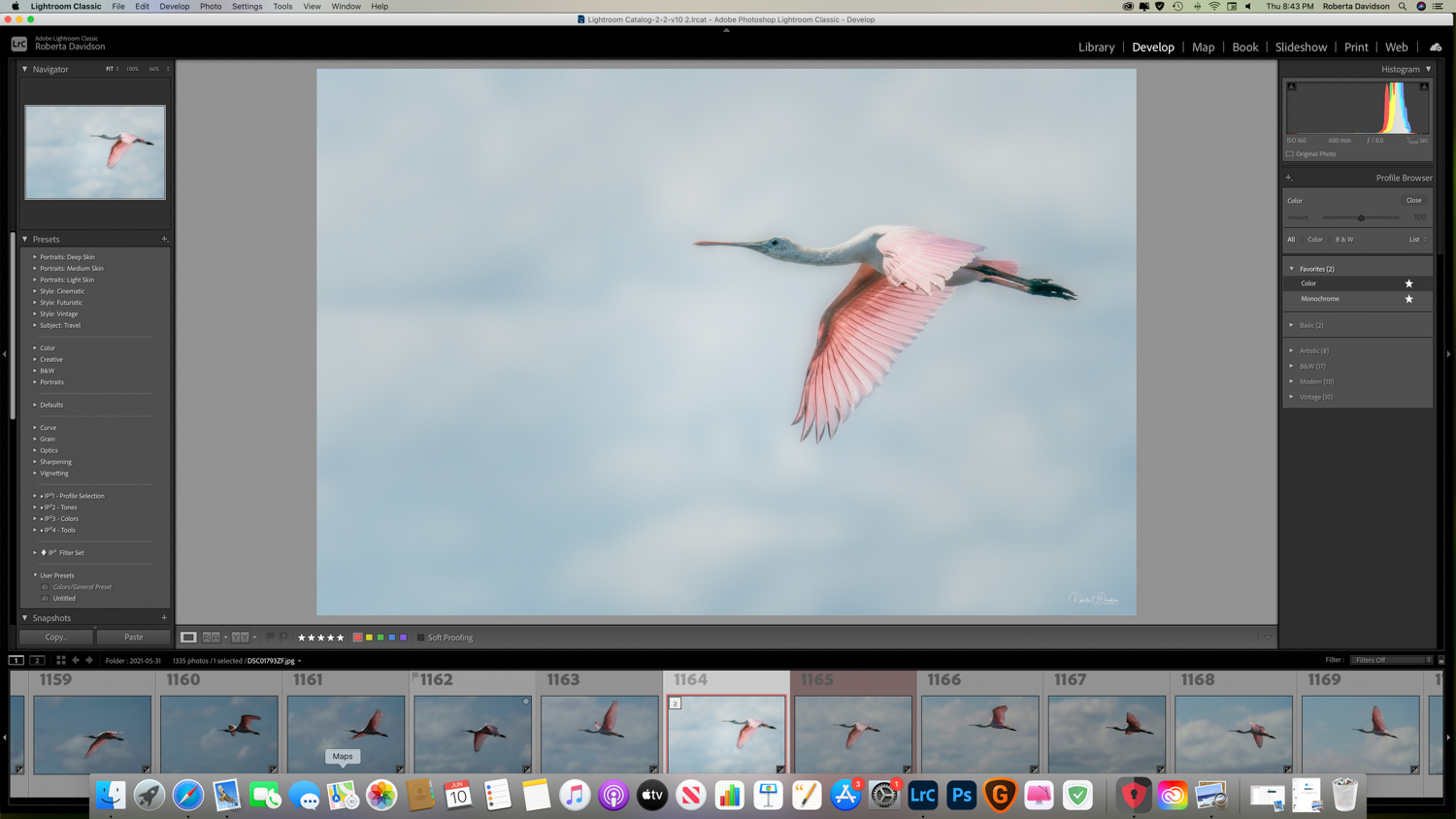
I added to profiles in Lightroom, but they are not showing on the list. What is the description in Lightroom? When I try to reload them to Lightroom, it tells me they are already there . What am I doing wrong.
^ The same thing happened to me with the DNG profiles for the Leica M10. It turned out that the profiles only show in the profile list when you have selected a DNG file with the correct camera: I was erroneously looking at a tiff file and then at an M9 file, so the profiles didn't show.
____________________ Frog Leaping photobook: https://www.frogleaping.org
birdied wrote:
If someone could help me , I would greatly appreciate it. I purchased the Cobalt Sony A7r4 DNG base package.
I added to profiles in Lightroom, but they are not showing on the list. What is the description in Lightroom? When I try to reload them to Lightroom, it tells me they are already there . What am I doing wrong.
Thanks
Birdie
Make sure that you're working in the Develop module. On the right side of Lightroom under the Basic panel, you'll see them in Profile dropdown.
filosofem wrote:
Make sure that you're working in the Develop module. On the right side of Lightroom under the Basic panel, you'll see them in Profile dropdown.
Mitch Alland wrote:
^ The same thing happened to me with the DNG profiles for the Leica M10. It turned out that the profiles only show in the profile list when you have selected a DNG file with the correct camera: I was erroneously looking at a tiff file and then at an M9 file, so the profiles didn't show.
____________________ Frog Leaping photobook: https://www.frogleaping.org
Thanks, I tried to look at a A7R4 file and still not showing up. Probably stupid question here, but my file extension is ARW for the Sony Raw files. Does the extension have to be DNG??
Converted a A7R4 file to DNG, nothing still showing up.

 Archive 2021 · Cobalt Profiles