birdied wrote:
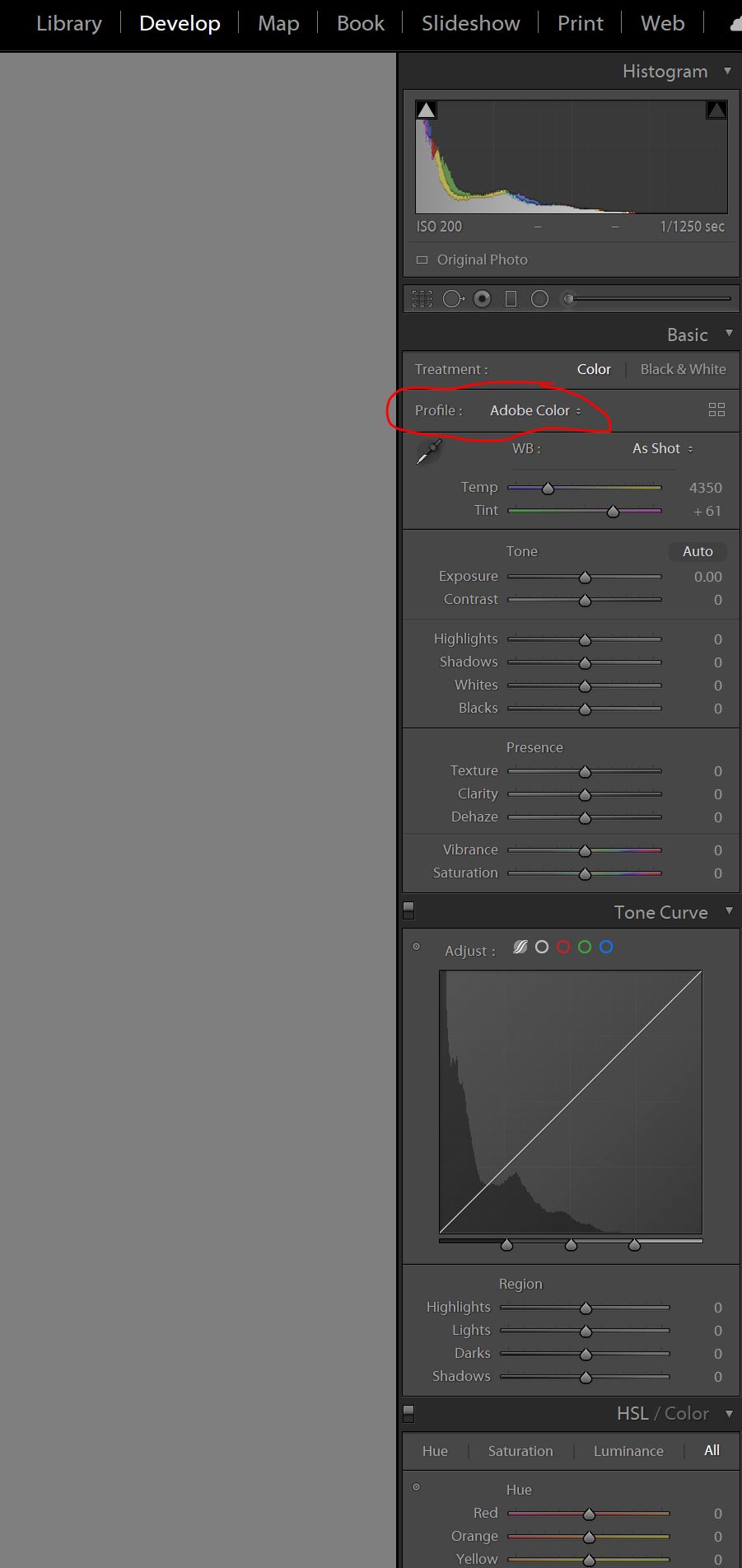
I am in the develop mode . Below is screen shot showing the options available. It will not let me reimport them. Appreciate any help.
Birdied,
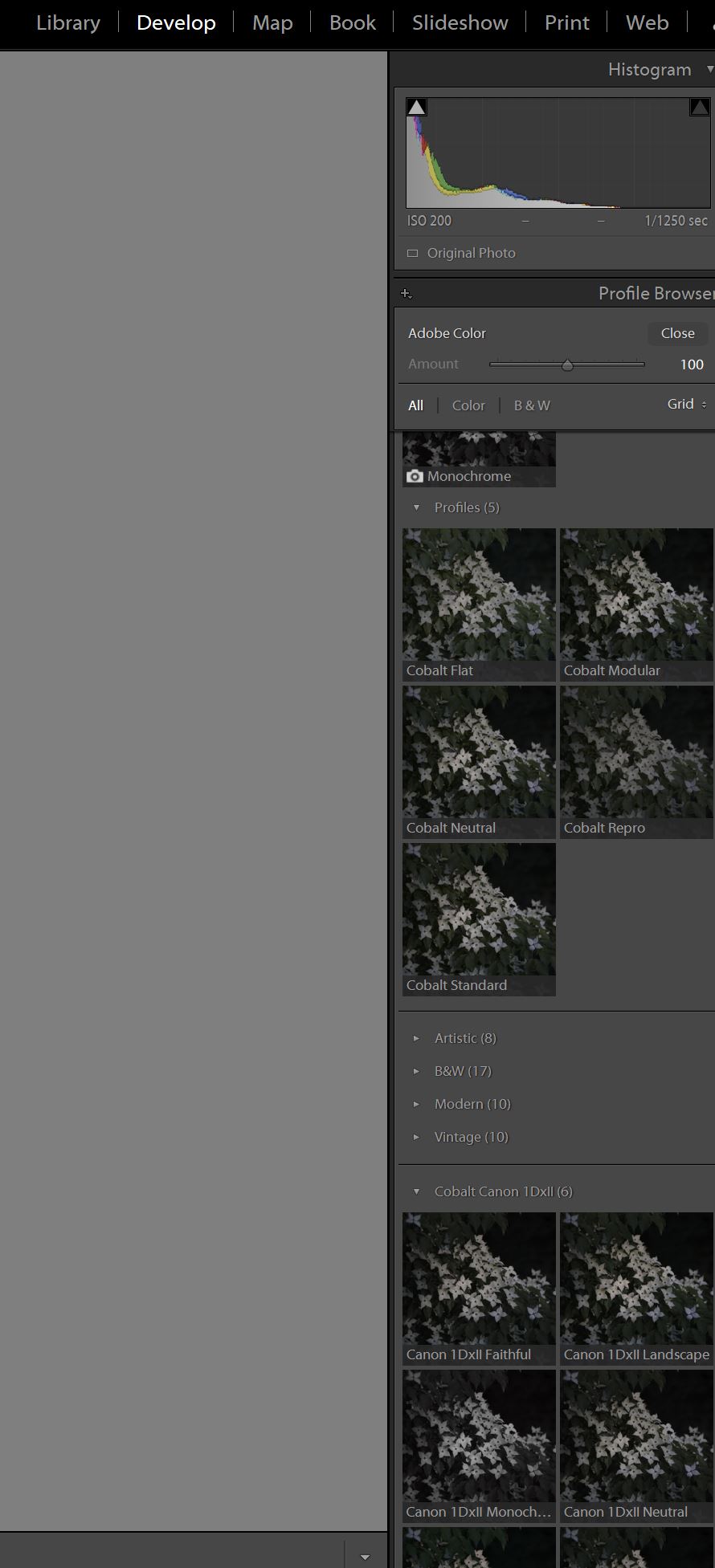
Look under the Profile section and select what is there(I circled mine that says Adobe color). Then if the Cobalt profiles are not listed go to "Browse". That should provide a drop down that you can scrool down and see the Cobalt profiles.
Thanks, I did that.. I had to go find them in the Library/Adode/CameraRaw - remove and start over. Evidently when I added them manually for ACR , something got all messed up. Don't know what happened.
Now I do see them.
Thanks so much everyone for the help and suggestions, it is greatly appreciated.
I have purchased and installed two Cobalt basic packs. One of the five profiles installed is the Modular. What is this profile? What's the objective of it?
wstam wrote:
I have purchased and installed two Cobalt basic packs. One of the five profiles installed is the Modular. What is this profile? What's the objective of it?
Thanks.
As the name suggests is part of our modular pack, involved in many of the emulation sets.
wstam wrote:
I see. So it's not intended for user to select it. Thanks.
I noticed this too, but I couldn’t detect a difference between the modular profile and one of the other profiles (the cobalt standard, I think).
My question is, if we aren’t to select/use the Modular profile directly, then why have it show up in the first place? I’ve purchased some other (non basic) packs like the CCD Fever and Kodachrome film emulation packs…so why would I use the Modular profile directly when I’m just going to select a profile from one of the CCD or film emulation packs? I’m guessing the Modular pack presence is a required function of the other emulation packs to work…even if you don’t use the Modular profile directly.
wstam wrote:
Under the LEICA MONOCHROM CCD EMULATION, what are these code: D93, D65, D50, F2, F7, F11, StdA? Are they representing some monochrome CCD cameras?
Alpha_Geist wrote:
My question is, if we aren’t to select/use the Modular profile directly, then why have it show up in the first place? I’ve purchased some other (non basic) packs like the CCD Fever and Kodachrome film emulation packs…so why would I use the Modular profile directly when I’m just going to select a profile from one of the CCD or film emulation packs? I’m guessing the Modular pack presence is a required function of the other emulation packs to work…even if you don’t use the Modular profile directly.
You don't have to use other profiles than the emulation you want; our correct modular engine will be used by selecting your emulation choice in the profile menu.
Your final supposition is correct.
One of the biggest advantages of the Cobalt base profiles is that you get more latitude on the red channel. Reds that are clipping when using an Adobe profile are not doing that when using Cobalt.
This is also benificial when using the B&W profiles.
Hodie wrote:
For those that are using the Cobalt B+W profiles and you happen to also have Nik Silver Efex Pro, how would you compare the two?
Hodie wrote:
For those that are using the Cobalt B+W profiles and you happen to also have Nik Silver Efex Pro, how would you compare the two?
It seems to me that me this really depends on the look that you're after. For example, the M9 B&W JPG emulations posted earlier in this thread look beautiful especially, in my view, the high-contrast version, which I would jump at if that is the look I wanted. However, for my own B&W work, I often seek still higher contrast and a rougher look that is probably easier to do with SilverEfex, such as the first image below — even if I doubt I could achieve with SilverEfex the look of the second, film image below, which is something a lot of people just wouldn't want.
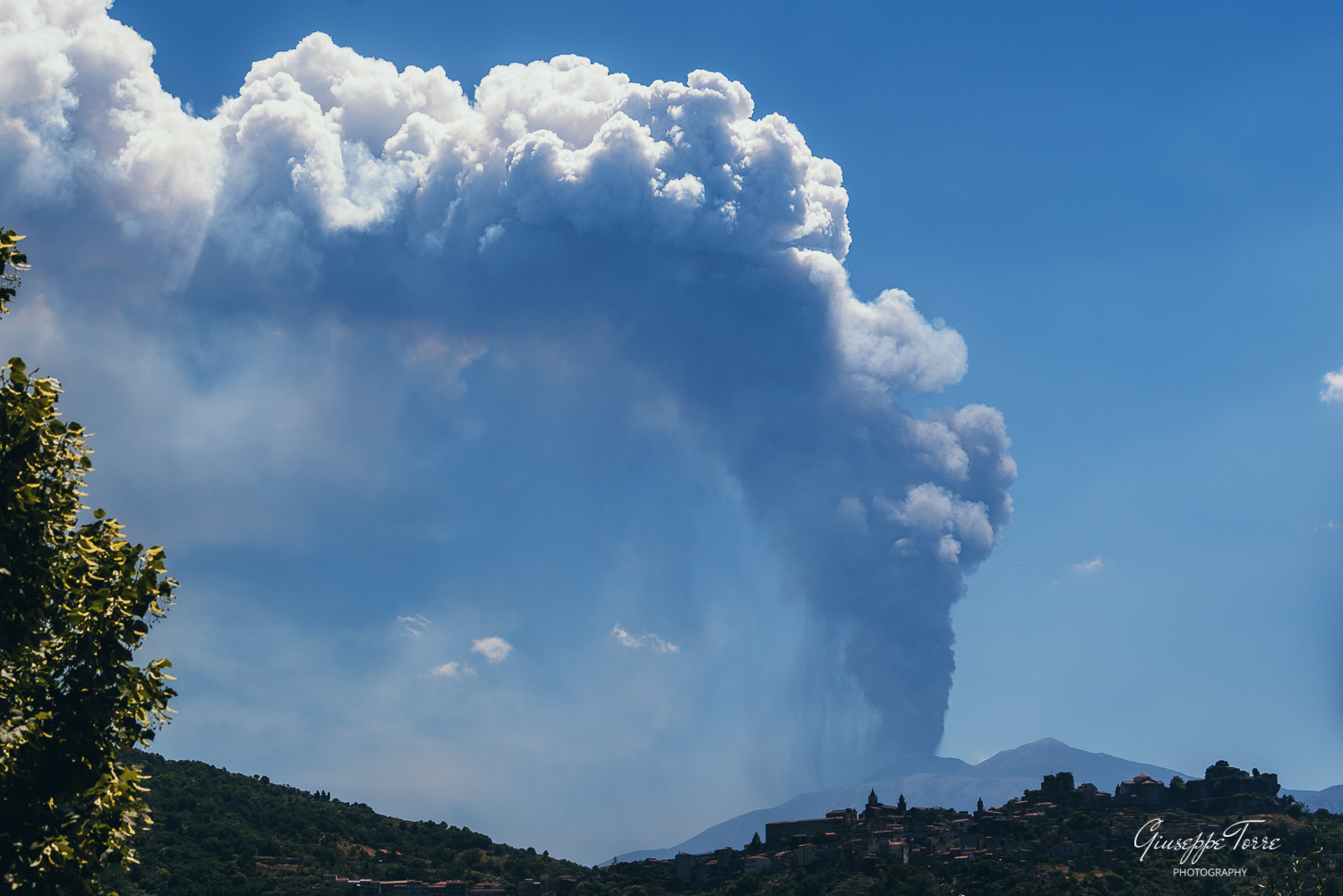
Thanks Fred for posting these here. I purchased the basic pack for my Z6. I've always felt that Adobe profiles really struggled with reds and Caucasian skin tones (too yellowish/orange IMO). The Cobalt profiles are better to my eye; I won't be going back!
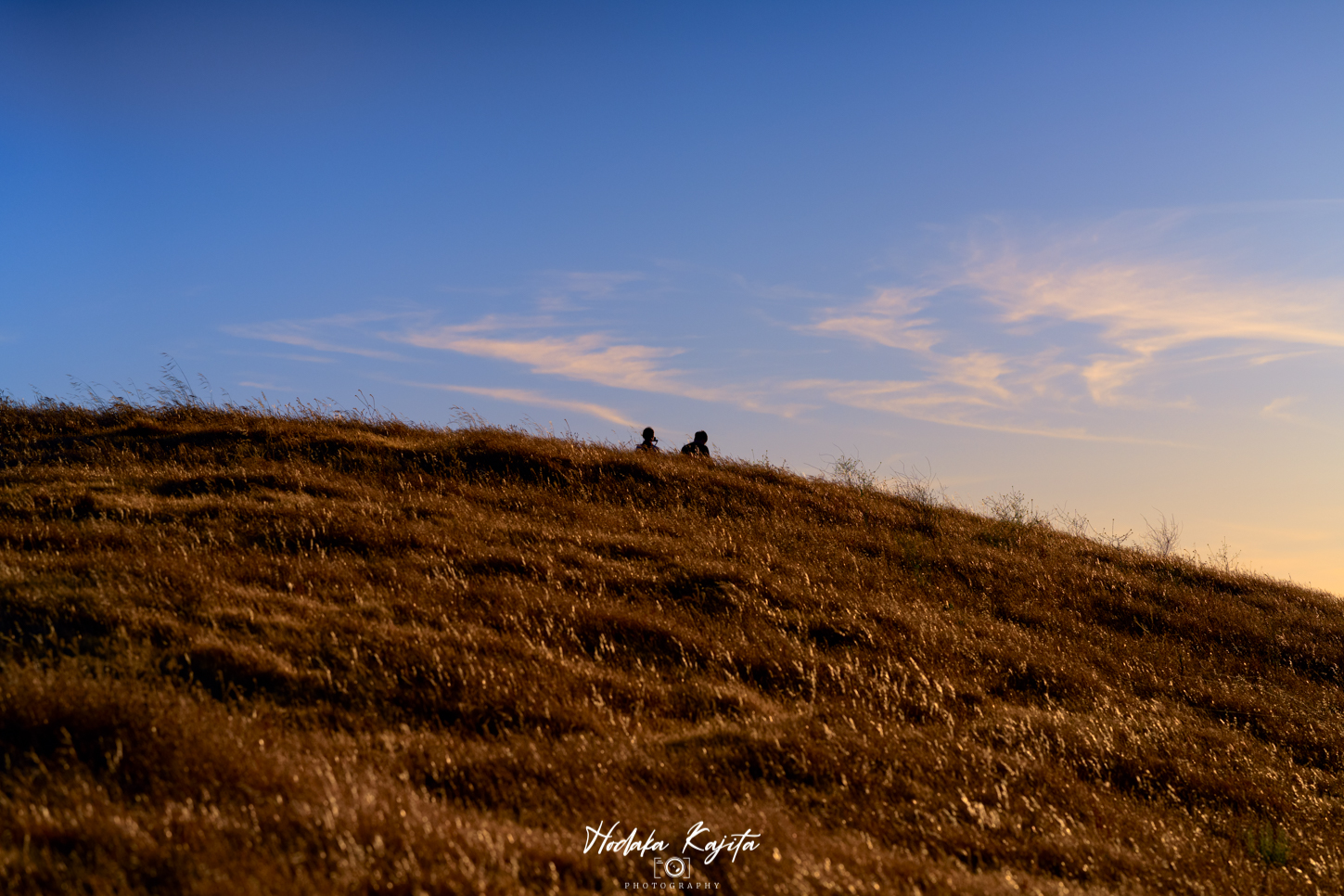
Used the Canon Contemporary R5 Landscape profile for this one. Then took it into Photoshop for some color grading. It was fun working with the R5 profile as a starting point...nice, clean saturation over the Cobalt Neutral.
Jochenb wrote:
One of the biggest advantages of the Cobalt base profiles is that you get more latitude on the red channel. Reds that are clipping when using an Adobe profile are not doing that when using Cobalt.
This is also benificial when using the B&W profiles.
The cobalt base profiles are also a significant improvement over the CO1 ProStandard profiles, that e.g. suffers from blue channel clipping with the Sony A7RII in a surreal way.

 Archive 2021 · Cobalt Profiles