New to this Sony a7r4 site and I am finding the images too large to fit on the laptop screen. This site is the only place I am finding this. Any advice?
I am new to this Sony a7r4 site and I am finding the images too large to fit on the laptop screen. This site is the only place I am finding this. Any advice?
I am new to this forum. Can anyone please advise me on how I can adjust the settings so that entire page shows on the screen. The posts/photos are too big. This is the only site where this phenomena occurs. Any recommendations?
wmcy wrote:
I am new to this forum. Can anyone please advise me on how I can adjust the settings so that entire page shows on the screen. The posts/photos are too big. This is the only site where this phenomena occurs. Any recommendations?
Click the image and it will resize to fit your display. You can scroll through the images. To return to reading comments, click the image then the X.
With the Riv I prefer the 70-300G or the 100-400GM with or without TC. It's a weight thing.
I'm the odd ball with no perceived issues with the 200600G on the Riv but sometimes I have
problems and don't even know it
wmcy wrote:
New to this Sony a7r4 site and I am finding the images too large to fit on the laptop screen. This site is the only place I am finding this. Any advice?
Thank you in advance.
Hello! Yes, there are some huge sized images being posted on this thread which can be very difficult to view if you want to see more than one pixel You can however click on the image and it should bring up a much more reasonably sized view so you can see the whole image. Form this viewer you can also scroll to other images too.
*For those exporting images from Lightroom to post on the forums try setting Image Sizing on the LR Export setting to "Resize to Fit " "Long Edge at 1,400 pixels or 1,200 pixels" for IMO a more reasonably sized image that everyone can see no matter their screen sizes while browsing the threads.
*For those posting direct from Flickr to this forum perhaps someone else has a recommendation for Flickr file sizes that are not so large they can't be browsed without scrolling the image.


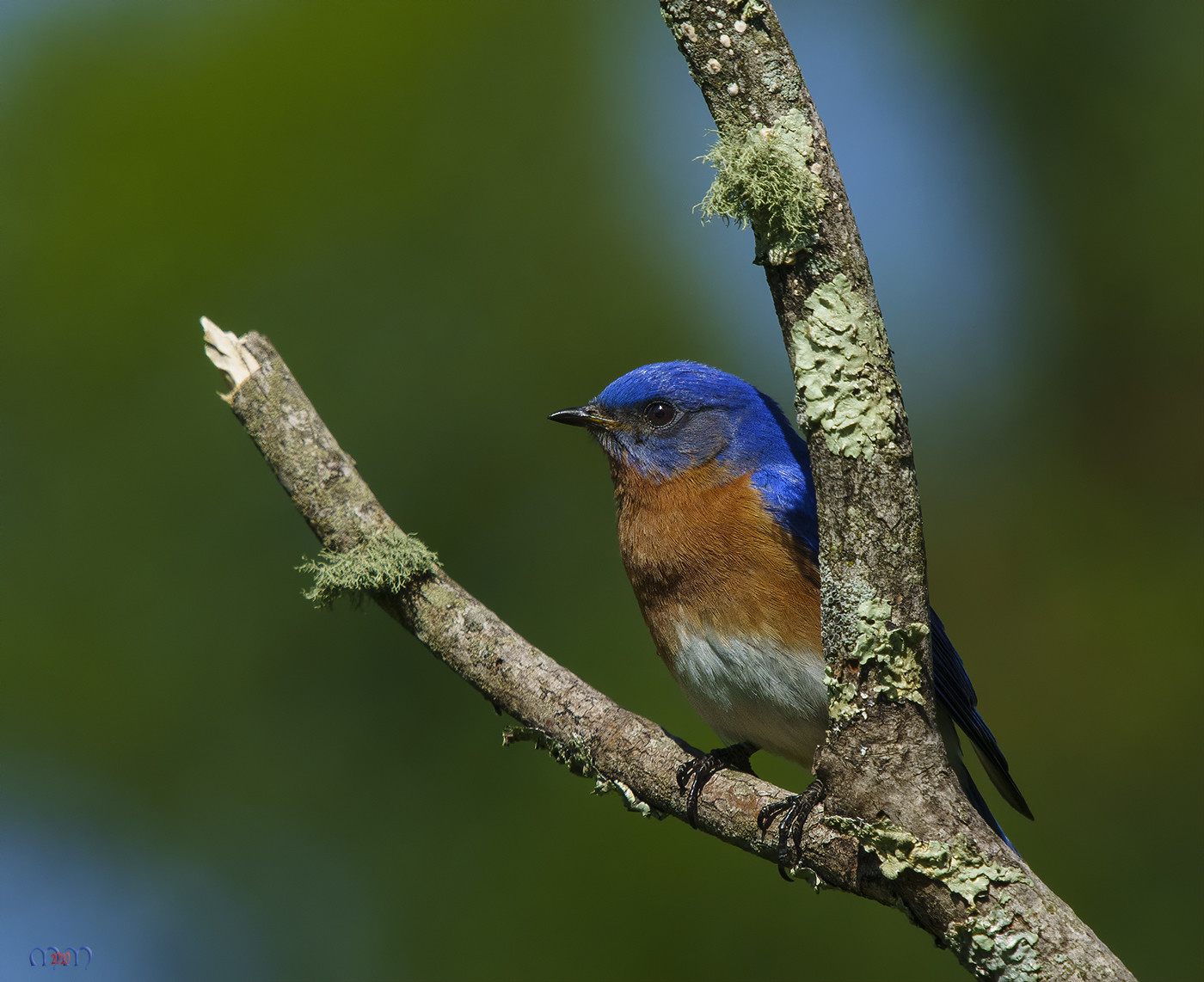
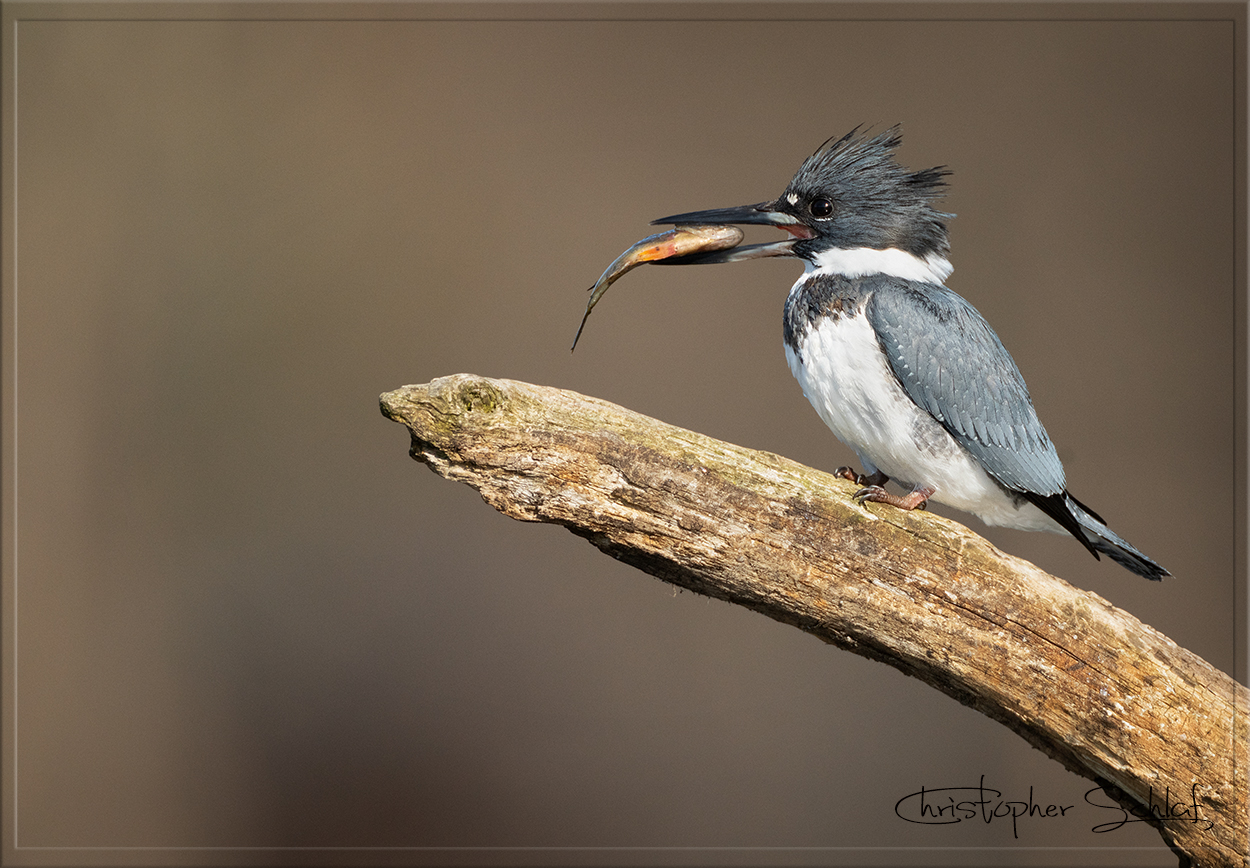
 You can however click on the image and it should bring up a much more reasonably sized view so you can see the whole image. Form this viewer you can also scroll to other images too.


