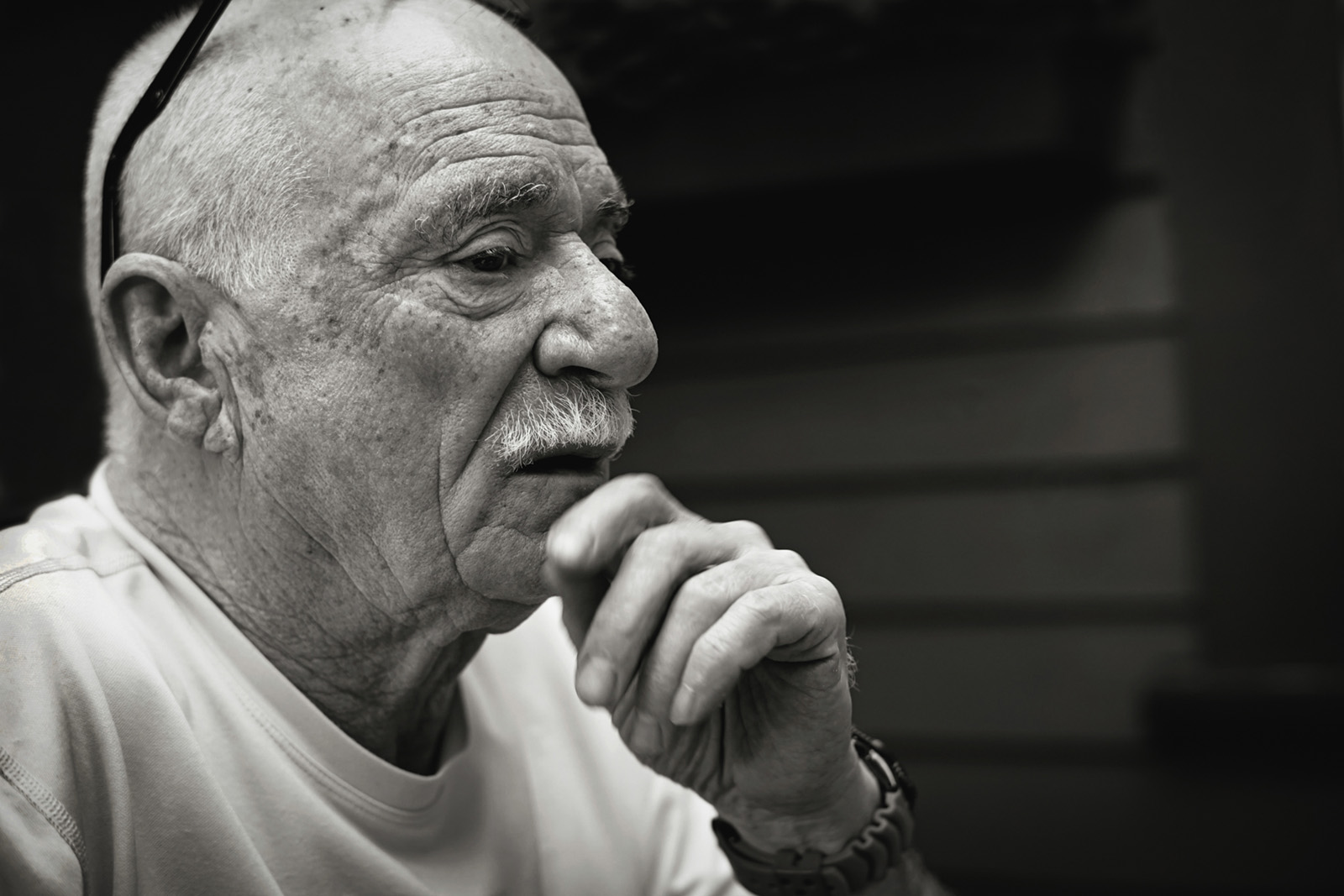
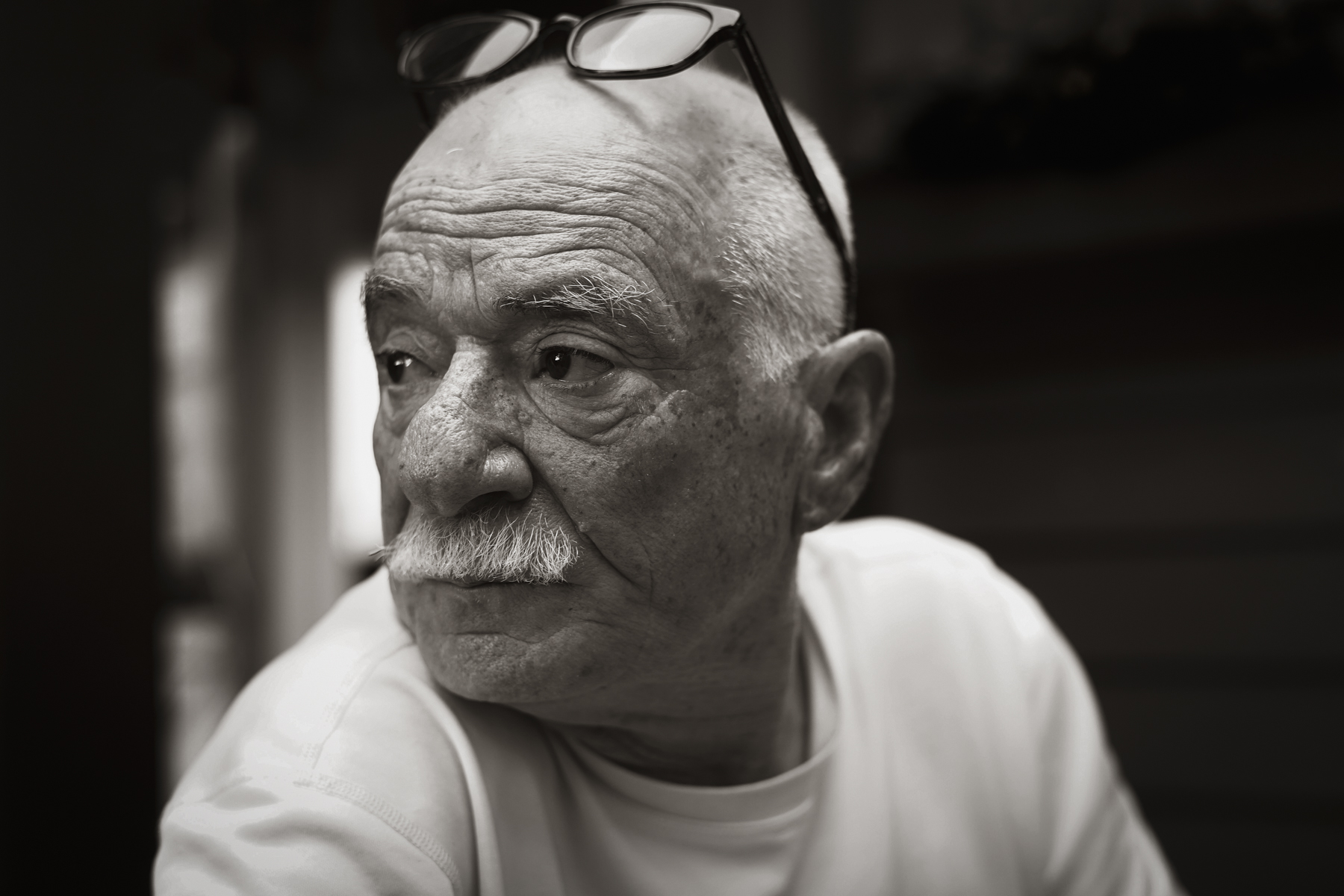
I used my Xplor 400 Pro's modeling light as a continuous light because the flash was overpowering the background ambient even at minimum power. I placed it in a Glow EZ Lock 25'' beauty dish (double diffused) just out of frame and jammed into the corner of the room. I would have preferred to place the light on the camera left side to match the directionality of the background ceiling light in a more harmonious way but unfortunately that was not possible in this room.
I didn't have any larger gels with me so this did cause a bit of a color temperature mismatch between the Xplor and the ambient. Fortunately, the Xplor 400's modeling light is about 1000K warmer than its flash, which helped, but it was still much colder, especially after I cooled the shot off in RAW to get some pink in the skin tones and restore the sweater to more of a pure white as a starting point. That WB adjustment is the only thing I did in raw besides a little bit of local highlight recovery on the BG light. Ultimately, I didn't end up doing any localized color correction or color grading and did 100% of the color toning as a global adjustment on an ACR smart object that contained all of my retouching layers. I think this is a really smart (no pun intended) way to work and it is completely non-destructive.
In PS, after I finished my beauty retouch, I used a curves layer in luminosity blending mode to add a vignette that I angled in the same direction as my key light (upper right to lower left). Then I duplicated that layer, inverted the mask, dragged the curve up a bit and added a splash of "extra" light from the main light source. This created a lot more separation between Jess and the BG in terms of luminosity without looking too much like a typical vignette. After that, I added a very subtle S curve on another curves layer to add even more contrast and emphasize the dodging, burning and vignetting that I had done.
Next, I selected all of my editing layers, right clicked and selected convert to smart object. This creates a new smart object layer that you can add nondestructive filters to. Most importantly, if you double click on the smart object, you can go back into your previous editing layers, save your adjustments, those adjustments will automatically update in your master document and any filters that you have applied will re-render to account for your changes.
Since I was able to separate Jess into more of the highlights and push the BG more into shadow, adding more warmth to the highlights than the shadows with split toning and curves in ACR helped me equalize the mismatched color temperatures and get the colors that I wanted while maintaining a fairly smooth global color look that didn't require any masking.
The main point that I would like to make here is that you can't really do this the same way in LR or C1 because any adjustments that make you make after master exposure and white balance are applied in parallel rather than in series. As a result of that, even if you darken the BG with a local adjustment in LR, the curves and split toning panels don't see that change. Meanwhile, Photoshop is always looking at the layers below the current layer. So since nearly all color grading tools use luminosity as an input, there is a good argument to be made for doing your grading on top of and after your luminosity adjustments.
Even if you don't plan on using any of Photoshop's adjustment layers, you can still do this just with LR and ACR in Photoshop. If you make some luminosity adjustments on your LR edit and fly it into PS without doing any creative grading beforehand, you can apply a Camera Raw filter to that edit, which will see the actual luminosity tones of your raw edit. Just some food for thought.
p.59 #3 · Portrait and People Image Thread using Sony
A couple portraits from Monday's shoot with Natasha. Shot on the A7III with the 55ZA and the GM35. In both cases I miscalculated the correct f stop based on my distance to camera, but I still enjoy the output.
p.59 #4 · Portrait and People Image Thread using Sony
abadger wrote:
A couple portraits from Monday's shoot with Natasha. Shot on the A7III with the 55ZA and the GM35. In both cases I miscalculated the correct f stop based on my distance to camera, but I still enjoy the output.
Adam, those excellent portraits of a lovely young lady! I didn’t quite understand you last sentence though. What does the aperture have to do with the distance? Unless you used flash, did you? Or are you trying to get a certain depth-of-field? Which one was shot with the GM35?
p.59 #5 · Portrait and People Image Thread using Sony
AGeoJO wrote:
Adam, those excellent portraits of a lovely young lady! I didn’t quite understand you last sentence though. What does the aperture have to do with the distance? Unless you used flash, did you? Or are you trying to get a certain depth-of-field? Which one was shot with the GM35?
Thank you. My goal was to max out background blur but in the process of doing that I used an f stop that didn't get both eyes in focus. When I took my test shot it was fine, and then at some point I must have inched too close to the subject and not double checked in camera. Ultimately these were the looks I was going for but alas, both have one eye slightly out of focus.
The balcony shot is where I used the 35GM. I am really happy with its output thus far but most of my shots on this shoot were at 55 or 85mm as it was primarily headshots for a particular purpose. I am looking forward to using the 35 on my next shoot!
p.59 #9 · Portrait and People Image Thread using Sony
Great shots and a great model! You guys crushed it together! I keep telling myself I don’t REALLY need anything longer than 85, but then I see the damn 135 shots and look at my bank account after being cooped up in here and not spending very much for the last year and...hmm...telephoto lens, 35 GM, Godox SZ150R...
AGeoJO wrote:
A different look of Gibson than what she looked in the previous page...
p.59 #10 · Portrait and People Image Thread using Sony
fuzzykeys wrote:
Great shots and a great model! You guys crushed it together! I keep telling myself I don’t REALLY need anything longer than 85, but then I see the damn 135 shots and look at my bank account after being cooped up in here and not spending very much for the last year and...hmm...telephoto lens, 35 GM, Godox SZ150R...
Thank you very much, Matt! For outdoors, 135mm is just fine and it would be the complimentary focal length to an 85mm lens if you just feel like getting a little bit longer. I will try to shoot tomorrow with just a single lens, something in between the two, the Sigma 105mm f/1.4 and yes, at an outdoor setting, which I prefer anyway. I haven’t done any studio shoot in almost 3 years.
p.59 #16 · Portrait and People Image Thread using Sony
abadger wrote:
A couple portraits from Monday's shoot with Natasha. Shot on the A7III with the 55ZA and the GM35. In both cases I miscalculated the correct f stop based on my distance to camera, but I still enjoy the output.
p.59 #17 · Portrait and People Image Thread using Sony
AGeoJO wrote:
For whatever reasons, I stopped down the aperture just a tiny bit although I knew it would perform admirably even at wide open. The new GM would have a tough time getting to this performance, I think, albeit lighter and more compact. Shortly before the pandemic in Feb. 2020...
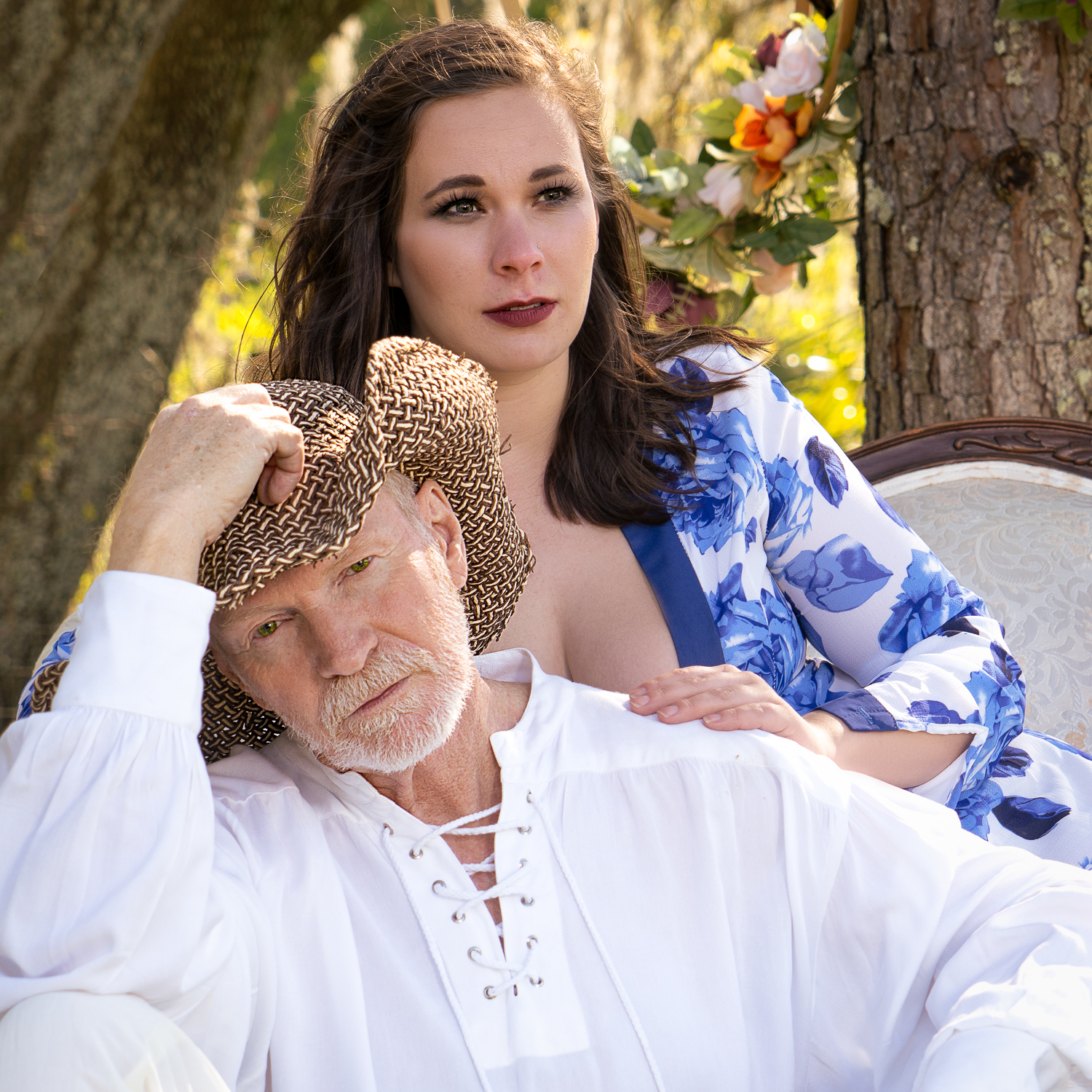
Your access to beautiful women and wonderful backdrops leaves me with a smile Joshua! Very unique dress and hat!
Well done brother!!!
Dan
p.59 #19 · Portrait and People Image Thread using Sony
jmmaher wrote: OK - this may not strictly fit but I really think its appropriate this year.
So one of our cats heard me grumbling about my not being able to set up shoots like I am used to doing (at least until I get the new vaccine anyway ) and I guess finally got tired of it. He offered to pose for treats and this is what we collaborated on:
Wonderful composition!!! Extremely well done!!!
Dan