p.46 #2 · Portrait and People Image Thread using Sony
abadger wrote:
I was going to ask how many takes it took...she really has some ‘ups.’ Very talented, and great shot!
We got many that are really good but of course, there is always the moment when she felt that something on her pose was not as good as she wanted or my timing was not good, things like that but overall we got plenty of keeps on that part of the shoot.
p.46 #7 · Portrait and People Image Thread using Sony
GabrielPhoto wrote:
Sony A7R IV with Sigma 105mm 1.4 taken during my Canon R5 vs Sony A7R IV test
A great idea to match this model with the spider(wo)man theme! She fits perfectly, her hair even more . Sony should ask you to provide promo photos when they release PS5 with the new Spiderman game.
p.46 #9 · Portrait and People Image Thread using Sony
j4nu wrote:
A great idea to match this model with the spider(wo)man theme! She fits perfectly, her hair even more . Sony should ask you to provide promo photos when they release PS5 with the new Spiderman game.
p.46 #12 · Portrait and People Image Thread using Sony
I’ve been super busy with work so I haven’t been able to shoot or edit much lately, but I’ve been doing some research and conducting some lighting experiments with a few pieces of new gear.
I mentioned the DIY analog projector when I last shared here, and I’ve been experimenting with printing gobos on transparencies since then. I reached out to a bunch of photo printers and not one of them was willing to do a transparency print. So I did some research and apparently screen printers print film positive transparencies all the time, so I have had more luck lately with those types of businesses. The biggest obstacle is printing blacks with enough opacity, but stacking two transparencies on top of each other goes a long way toward rectifying that, though it can be fiddly to align two copies of the gobo. Apparently pigment ink is the best solution for this, but I have yet to find someone willing and able to do a pigment print for me. I really never print my shots but I have a feeling that I will probably throw my hands up and pony up for a dedicated gobo printer at some point...
However, I also picked up a digital projector really cheaply on eBay, and it’s amazingly fun to project images onto a white background (a 5x8 Westcott X-Drop). If you are interested in messing around with a digital projector, make sure you get an LCD projector instead of a DLP. I knew absolutely nothing about this two months ago, but DLP’s create images by by sending light through a cycling color wheel. Not good for photography for similar reasons that you get banding when using electronic shutter in artificial light. My Epson office projector has 1200x800 pixels and 3000 lumens, both of which I would say are sufficient for portraits. The projector is bright enough that it is very difficult to fully overpower it’s effect on the subject with my Flashpoint monolights and obtain any kind of useable exposure in the space I have. I have semi-permanently attached it to a laptop tray with a ton of duct tape, which honestly is surprisingly secure. The tray has a 3/8” screw mount on the bottom so I can attach it to a c stand arm and then tilt and rotate it with a grip knuckle.
My other recent acquisitions are a Glow Ez Lock 25” collapsible beauty dish and a Cheetahstand Delta 80 triangular reflector with a ball head that screws into the handle. Collapsible reflectors are perhaps the least sexy pieces of gear we have as photographers and I never thought I’d say this but I love this reflector!
Anyway, here is my second attempt at incorporating flash and the digital projector together. The projector is off to the side in portrait orientation, casting the spiral pattern on the white background that is about 5 feet behind my wife Jess. The key light is the 25” beauty dish in a grid. I set it up high, close to the lens axis, and then tilted it down to minimize spill on the background. I used the Cheetahstand reflector with the ball head in a nearly horizontal orientation just below the frame to bounce light back up and fill in the shadows, basically a clamshell setup. Finally I held a regular triangular prism in front of the lens to refract some light back towards the camera to create some foreground interest and depth.
p.46 #13 · Portrait and People Image Thread using Sony
Really awesome work, Matt! It would be cool to see a BTS.
fuzzykeys wrote:
I’ve been super busy with work so I haven’t been able to shoot or edit much lately, but I’ve been doing some research and conducting some lighting experiments with a few pieces of new gear.
I mentioned the DIY analog projector when I last shared here, and I’ve been experimenting with printing gobos on transparencies since then. I reached out to a bunch of photo printers and not one of them was willing to do a transparency print. So I did some research and apparently screen printers print film positive transparencies all the time, so I have had more luck lately with those types of businesses. The biggest obstacle is printing blacks with enough opacity, but stacking two transparencies on top of each other goes a long way toward rectifying that, though it can be fiddly to align two copies of the gobo. Apparently pigment ink is the best solution for this, but I have yet to find someone willing and able to do a pigment print for me. I really never print my shots but I have a feeling that I will probably throw my hands up and pony up for a dedicated gobo printer at some point...
However, I also picked up a digital projector really cheaply on eBay, and it’s amazingly fun to project images onto a white background (a 5x8 Westcott X-Drop). If you are interested in messing around with a digital projector, make sure you get an LCD projector instead of a DLP. I knew absolutely nothing about this two months ago, but DLP’s create images by by sending light through a cycling color wheel. Not good for photography for similar reasons that you get banding when using electronic shutter in artificial light. My Epson office projector has 1200x800 pixels and 3000 lumens, both of which I would say are sufficient for portraits. The projector is bright enough that it is very difficult to fully overpower it’s effect on the subject with my Flashpoint monolights and obtain any kind of useable exposure in the space I have. I have semi-permanently attached it to a laptop tray with a ton of duct tape, which honestly is surprisingly secure. The tray has a 3/8” screw mount on the bottom so I can attach it to a c stand arm and then tilt and rotate it with a grip knuckle.
My other recent acquisitions are a Glow Ez Lock 25” collapsible beauty dish and a Cheetahstand Delta 80 triangular reflector with a ball head that screws into the handle. Collapsible reflectors are perhaps the least sexy pieces of gear we have as photographers and I never thought I’d say this but I love this reflector!
Anyway, here is my second attempt at incorporating flash and the digital projector together. The projector is off to the side in portrait orientation, casting the spiral pattern on the white background that is about 5 feet behind my wife Jess. The key light is the 25” beauty dish in a grid. I set it up high, close to the lens axis, and then tilted it down to minimize spill on the background. I used the Cheetahstand reflector with the ball head in a nearly horizontal orientation just below the frame to bounce light back up and fill in the shadows, basically a clamshell setup. Finally I held a regular triangular prism in front of the lens to refract some light back towards the camera to create some foreground interest and depth.
p.46 #14 · Portrait and People Image Thread using Sony
Thank you so much man! I will try to do one the next time! I had scraps of transparency film and gaffers tape all over the place and the living room in our apartment looked like a bomb went off haha.
One other cool thing I should mention about the digi projectors that helps a lot is that most of them have keystone correction features, so even if the projector needs to be well off axis to avoid hitting the subject, you can use the keystone controls to straighten out the image. It understandably works much better in landscape than portrait orientation as nobody really watches movies in portrait. You can also warp, stretch, color correct, etc. the image in PS with the projector hooked up to a laptop. One of these days I am going to try playing a movie through it, using a slow shutter speed to blur the frames and then using flash to freeze the subject. I do need to do some tests to figure out how much to tint/white balance my images before throwing them through the projector though. The lamp gives off a blue-green hue so I just eyeballed the correction with some curves in PS and test shots for for this shot.
Hodie wrote:
Really awesome work, Matt! It would be cool to see a BTS.
p.46 #16 · Portrait and People Image Thread using Sony
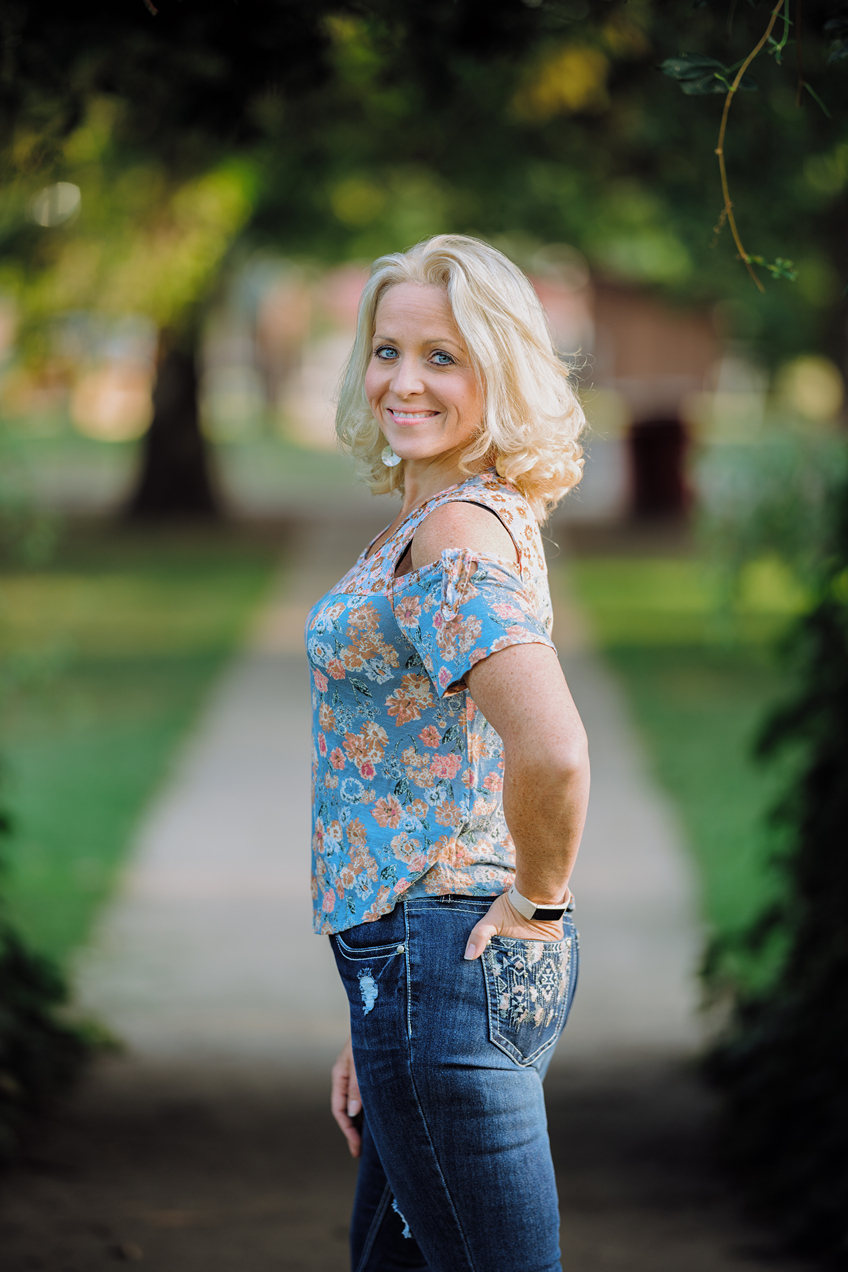
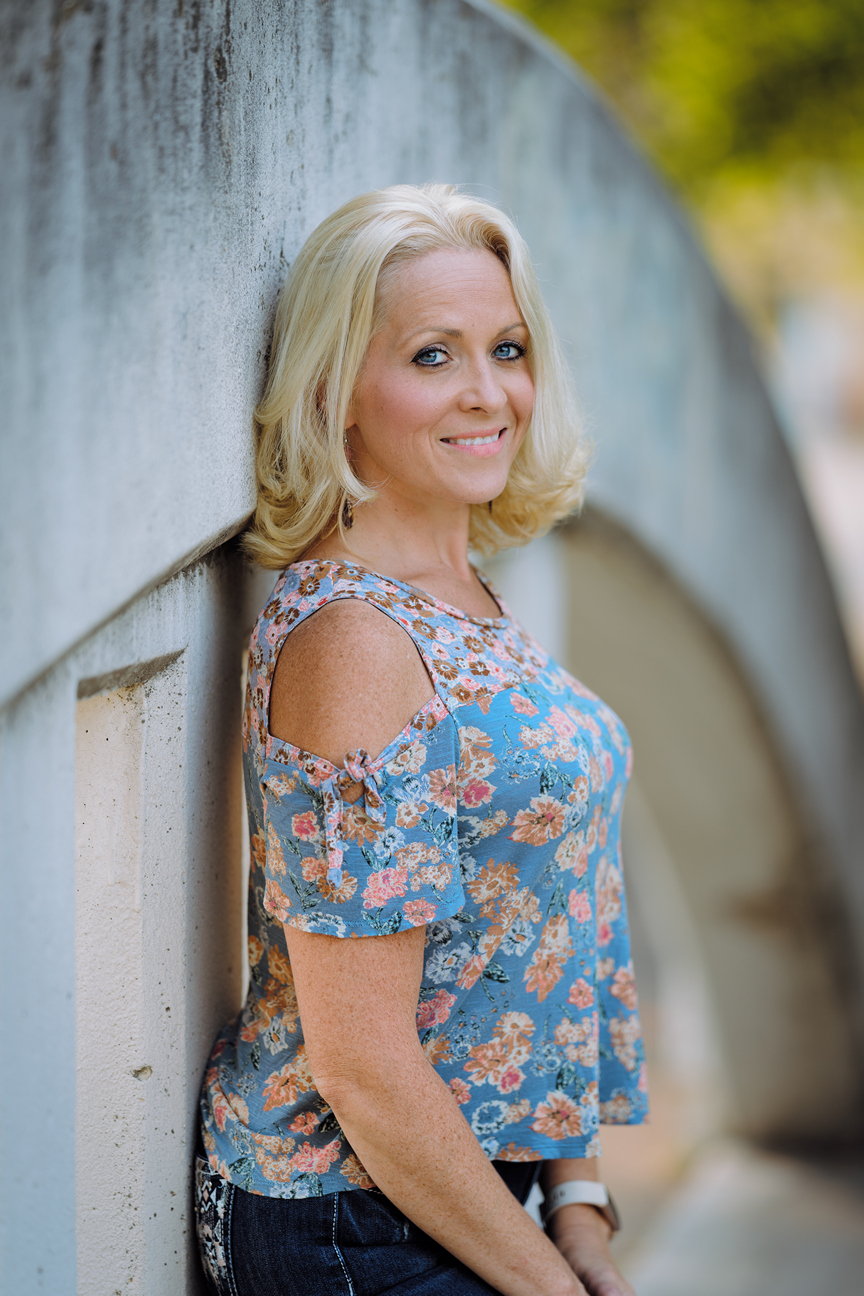
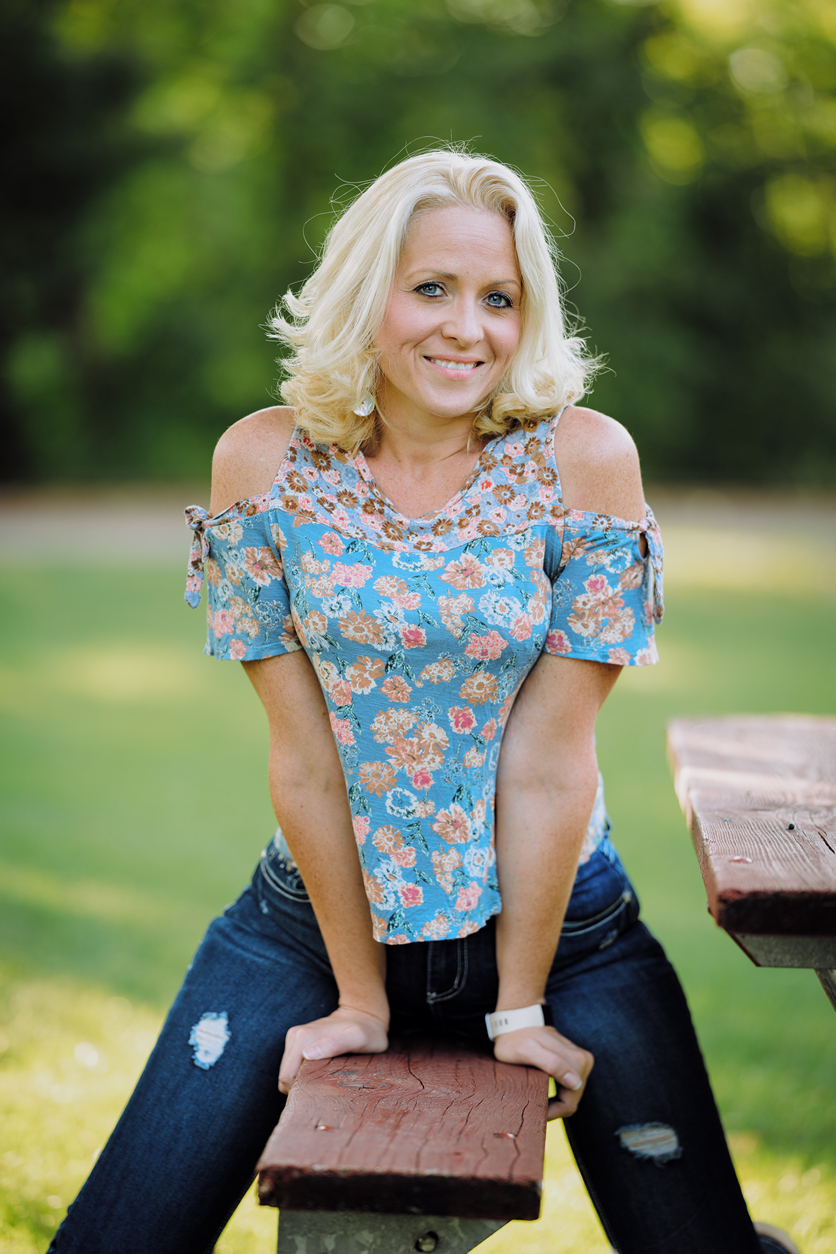
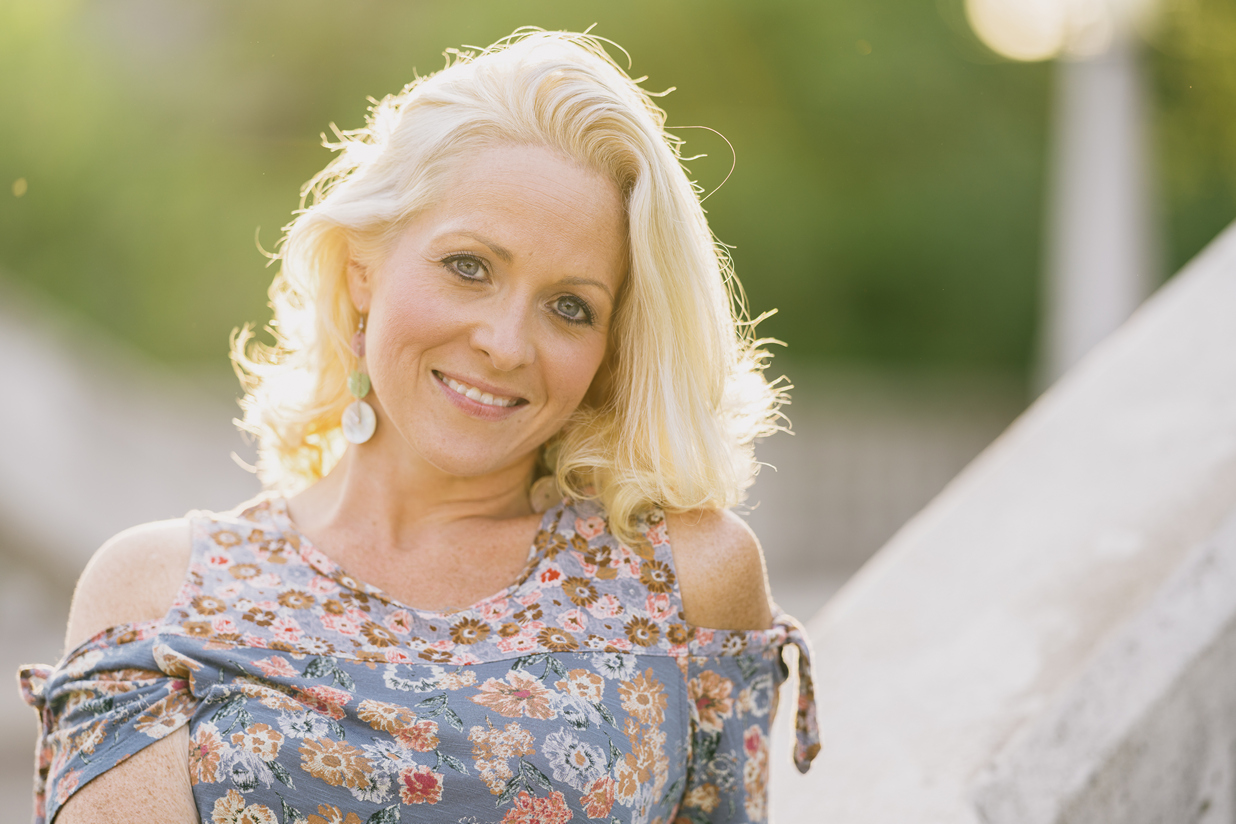
Very nice. All fits together, she is beautiful and relaxed, poses very well, the light is right, and she shows she liked the photo shooting. Looks like fun for both of you.
p.46 #17 · Portrait and People Image Thread using Sony
BokehBeauty wrote:
Very nice. All fits together, she is beautiful and relaxed, poses very well, the light is right, and she shows she liked the photo shooting. Looks like fun for both of you.
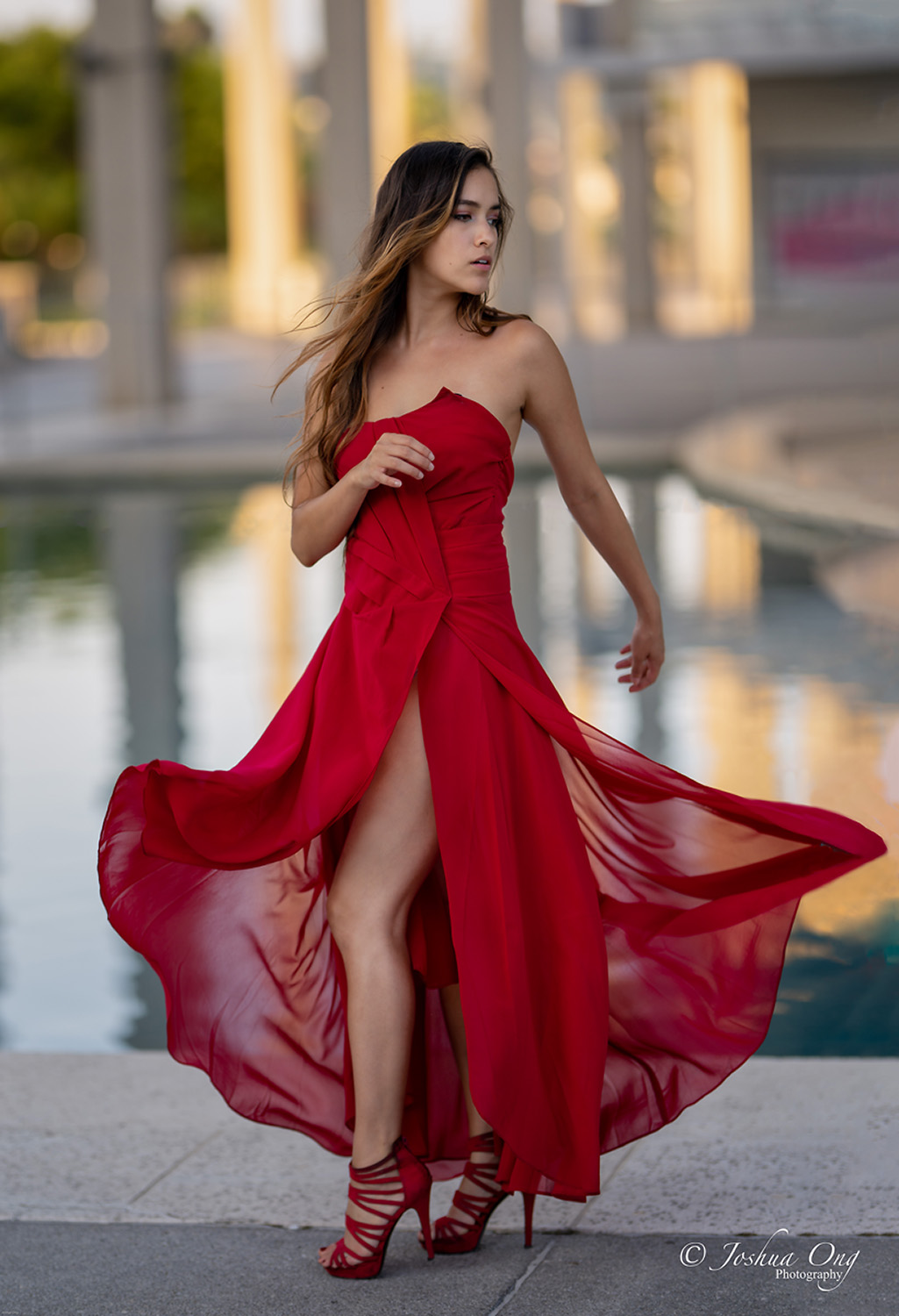
Thank you. We did have a fun time together shooting these images. I can't say enough about the 135 1.8 GM lens. It is by far my favorite portrait lens.
p.46 #18 · Portrait and People Image Thread using Sony
abadger wrote:
Another recent shoot. This time without much help and I struggled with pose direction (not a pro model that already had experience with posing). But still a great learning experience!
p.46 #19 · Portrait and People Image Thread using Sony
bobby350z wrote:
Increase exposure on the face. Cut down on the skin smoothing.
Thanks! It's a real struggle to strike the right balance on skin smoothing and more commonly I overdo it rather than not do it enough. So thank you for the feedback on that. And noted on the face exposure. I've gotten comments on that from others as well. Sometimes you just need a fresh set of eyes to look at something so this helps.
p.46 #20 · Portrait and People Image Thread using Sony
On this one I worked on brightening up shadows and the face. Lighting is not perfect and I would have liked to have a front reflector or something to fill a bit more. How's the skin if you don't mind me asking? Working on these things.


 [/url]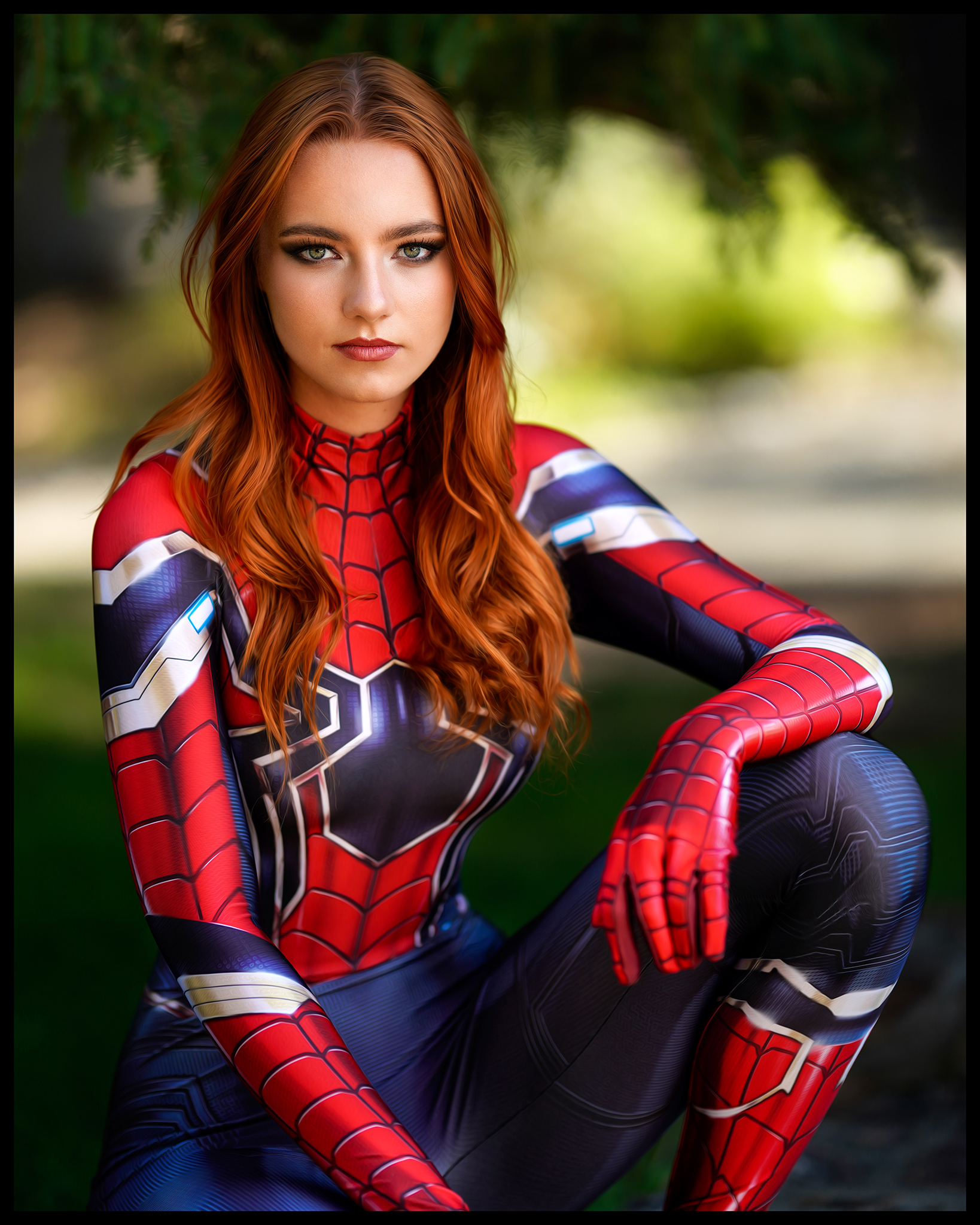


 . Sony should ask you to provide promo photos when they release PS5 with the new Spiderman game.