p.35 #9 · Portrait and People Image Thread using Sony
fuzzykeys wrote:
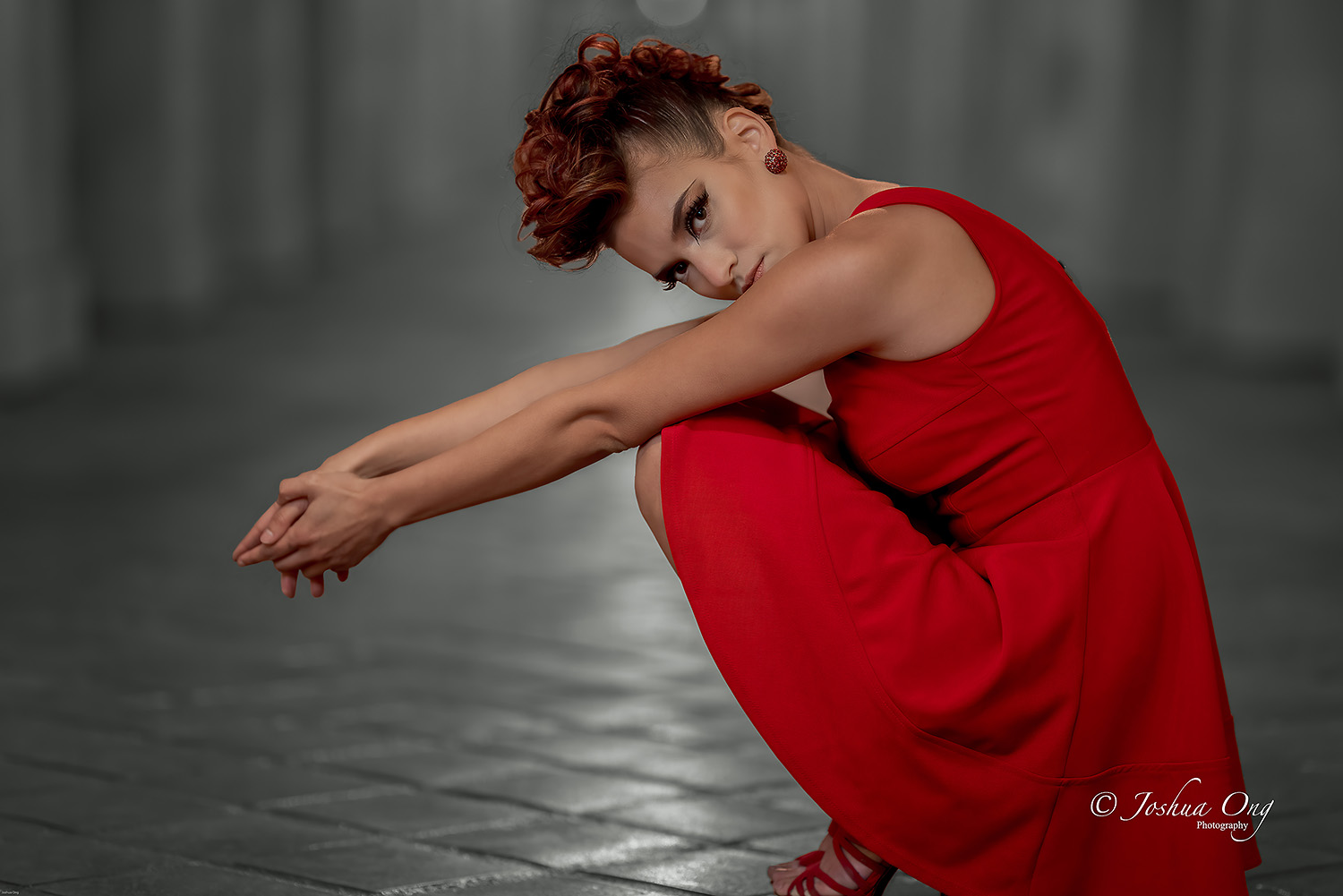
Joshua what did you use for lighting here?
Matt,
A mix of ambient light and Godox AD200 inside a 3-foot octagonal soft box to my left fairly close to the model. The flash mode on the camera was set on Slow Sync. The ambient light was a tad too warm, making me play with desaturation of the background to let the model stand out.
p.35 #11 · Portrait and People Image Thread using Sony
I know exactly what you mean. I feel like I need to start using gels on my moonlights more frequently to help with that kind of very common outdoor location situation in camera. I have really only used them on small speedlights for intentional color accents but in theory if the ambient is too warm, you could gel warmer than the ambient and compensate with white balance to get the same skin tones as you would have with daylight WB? I find myself effectively doing that in post frequently but it’s nearly impossible to replicate the falloff of an actual off camera flash.
AGeoJO wrote:
Matt,
A mix of ambient light and Godox AD200 inside a 3-foot octagonal soft box to my left fairly close to the model. The flash mode on the camera was set on Slow Sync. The ambient light was a tad too warm, making me play with desaturation of the background to let the model stand out.
p.35 #12 · Portrait and People Image Thread using Sony
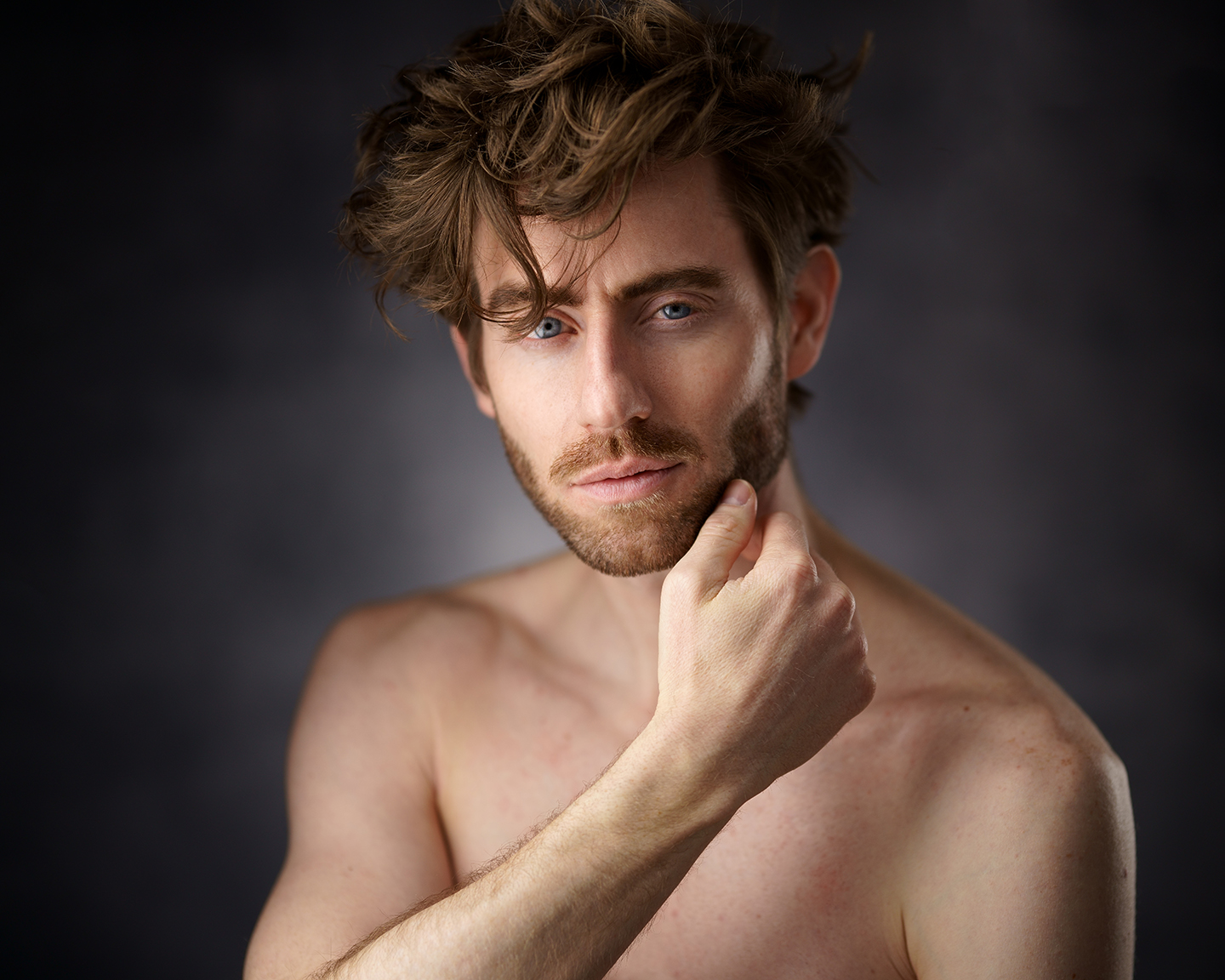
I’ve been trying to get out of my “big, soft light” comfort zone and trying both natural and hard light more often. So here’s something with a hard modifier on my strobe. In case anyone wants specifics it’s a Godox AD400/XPLOR400 Pro in a 14” magnum reflector with 10 deg grid and another 400 in a 65” white parabolic umbrella for fill.
p.35 #14 · Portrait and People Image Thread using Sony
GabrielPhoto wrote:
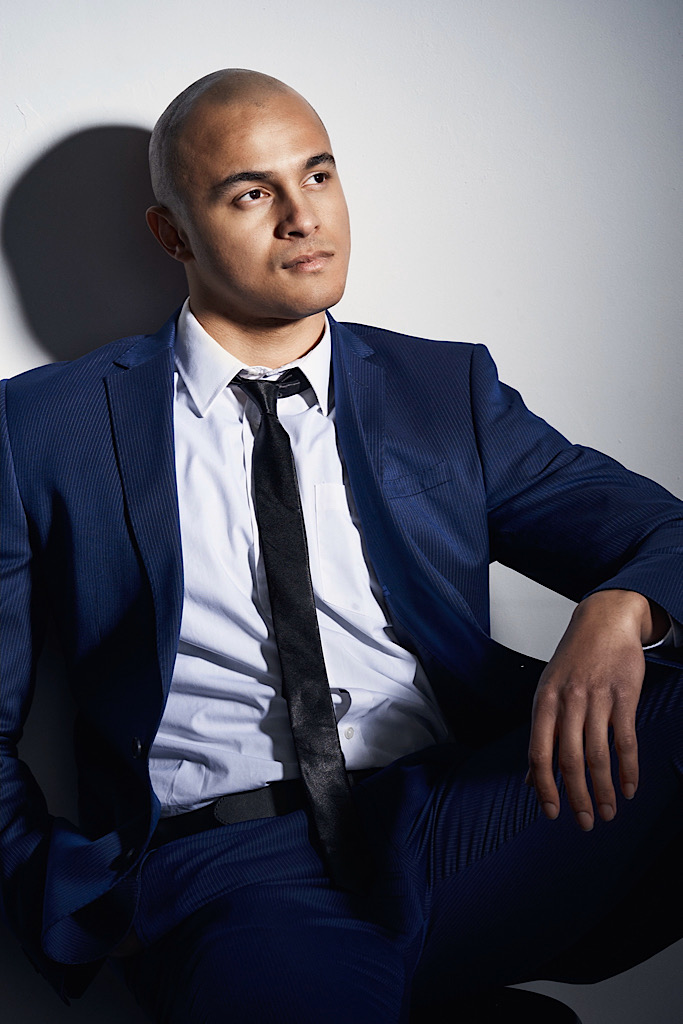
Taking advantage of the 105mm 1.4 thin DOF
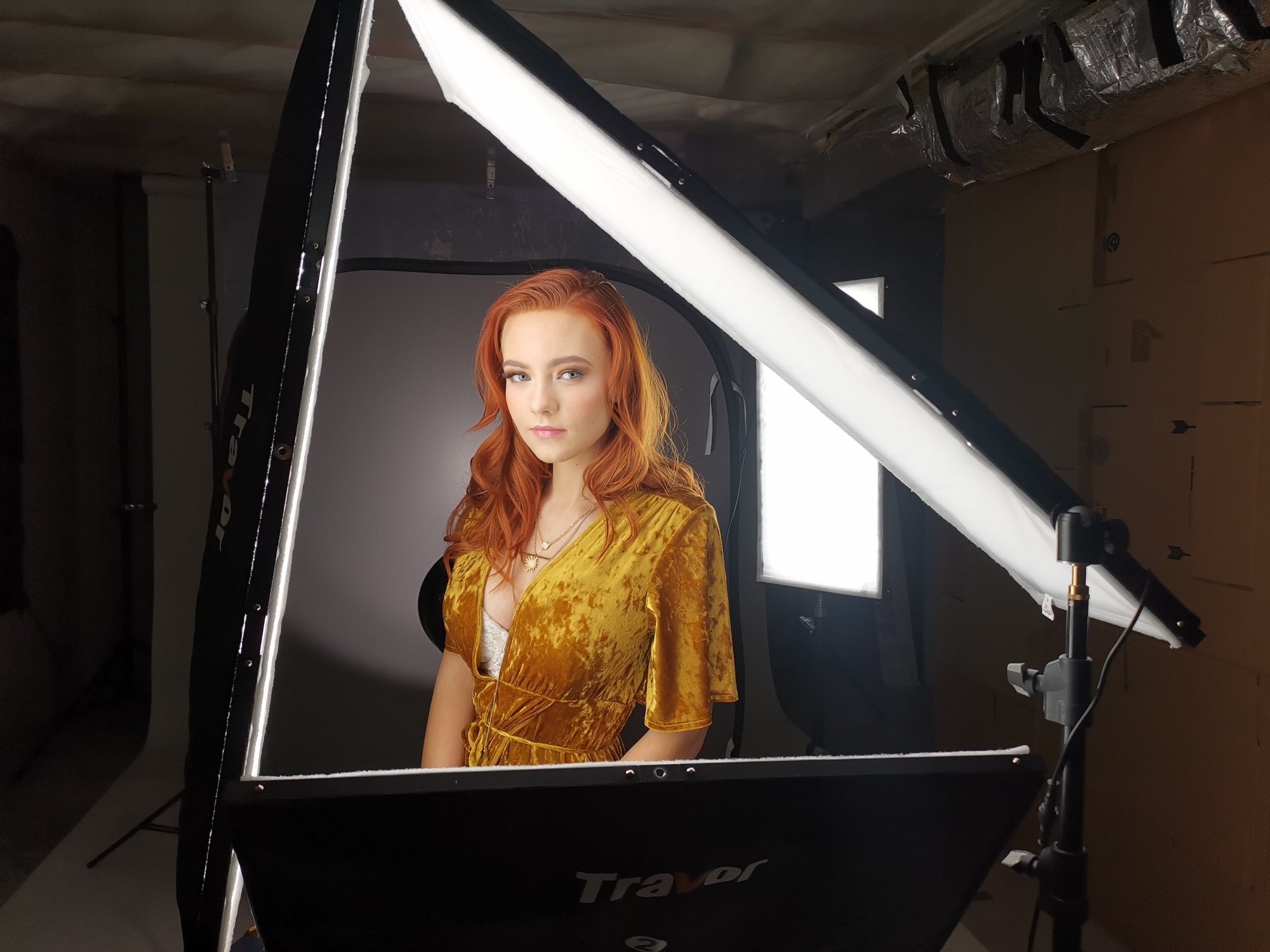
Can I ask for any detail on light setup here? I feel like I can definitely see a key and a rim, but wondering if you’ve got another light for fill for if it’s done via reflector? Looks great either way. /bow
p.35 #15 · Portrait and People Image Thread using Sony
AGeoJO wrote:
Thank you everyone for keeping this thread alive. Please post some more
___________________________________________
From the Young Lady in Red series with a little twist...
Is this selective color/desat or did you shoot in a location that’s naturally this gray/white? The lack of color and the DOF really work for directing attention.
p.35 #16 · Portrait and People Image Thread using Sony
Sigma 105mm..love that thing even though in studio I stop down often but outdoors, it's wide open for most of my shots. eephoto wrote:
Is this the sigma 105? Or Nikon adapted?
p.35 #17 · Portrait and People Image Thread using Sony
Excellent!
wittyphrase wrote:
I’ve been trying to get out of my “big, soft light” comfort zone and trying both natural and hard light more often. So here’s something with a hard modifier on my strobe. In case anyone wants specifics it’s a Godox AD400/XPLOR400 Pro in a 14” magnum reflector with 10 deg grid and another 400 in a 65” white parabolic umbrella for fill.
p.35 #18 · Portrait and People Image Thread using Sony
Sure thing. Here is a photo of the same setup just different model. (Backdrop is different in this bts shoot as well)
Behind here is a 100w LED for the backdrop
That panels are travor LED knockoff of the Peter Hurley flex kit basically.
wittyphrase wrote:
Can I ask for any detail on light setup here? I feel like I can definitely see a key and a rim, but wondering if you’ve got another light for fill for if it’s done via reflector? Looks great either way. /bow
p.35 #19 · Portrait and People Image Thread using Sony
wittyphrase wrote:
Is this selective color/desat or did you shoot in a location that’s naturally this gray/white? The lack of color and the DOF really work for directing attention.
Vinny, I did it in PP. I masked the target as much as I could using PS, selected the inverse and I applied the Nik (Google/DXO) Silver Efex Pro for the inverse while keeping the target intact. For distinctive outlines, the mask from PS is fine. It is more the hair that has fine details that requires some extra work even after the B&W conversion.
p.35 #20 · Portrait and People Image Thread using Sony
AGeoJO wrote:
Vinny, I did it in PP. I masked the target as much as I could using PS, selected the inverse and I applied the Nik (Google/DXO) Silver Efex Pro for the inverse while keeping the target intact. For distinctive outlines, the mask from PS is fine. It is more the hair that has fine details that requires some extra work even after the B&W conversion.
Hope this helps,
Joshua
Very well done Joshua. It looks very natural. I only assumed it wasn’t because, well, there aren’t that many naturally occurring places with that much of a natural monochrome look to them.