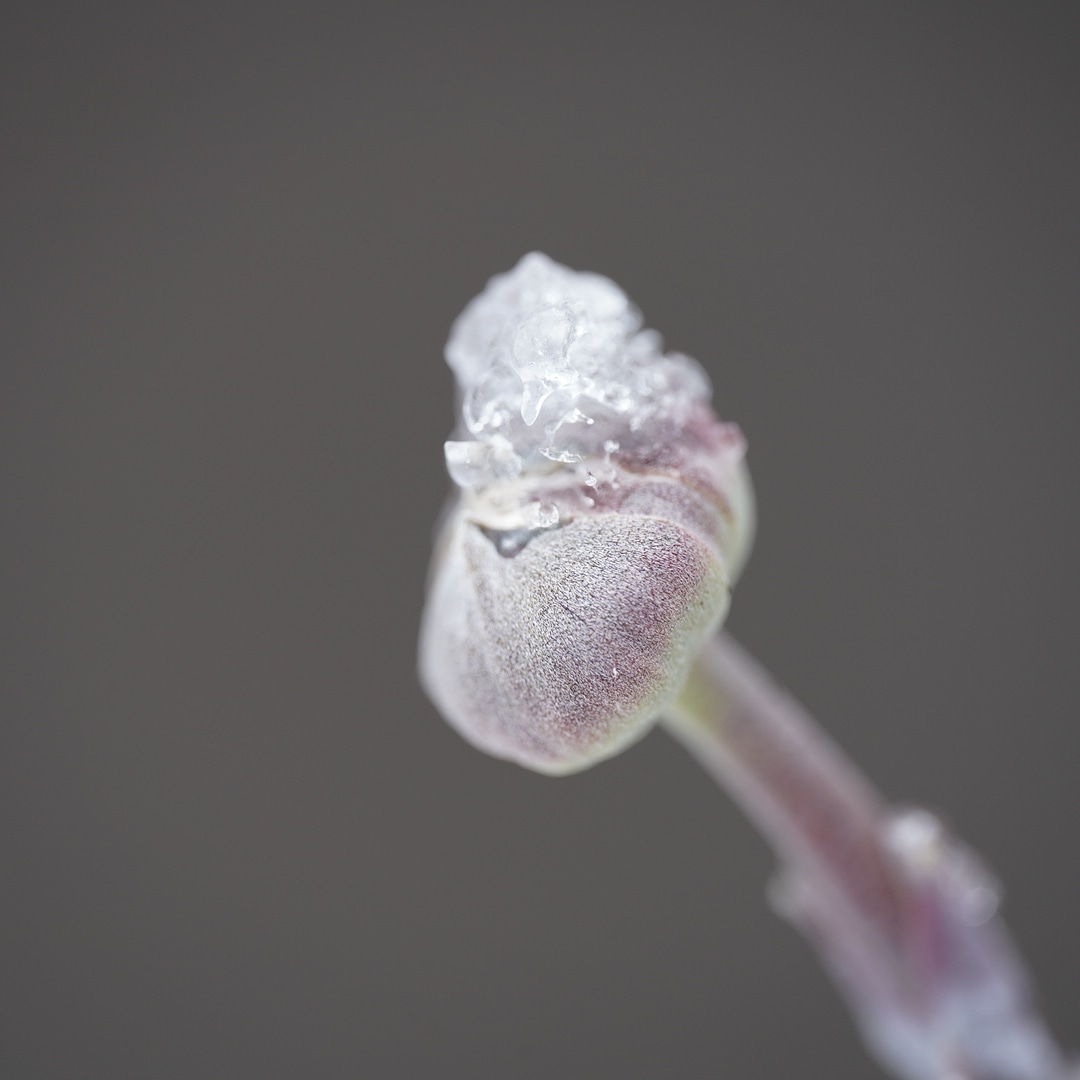
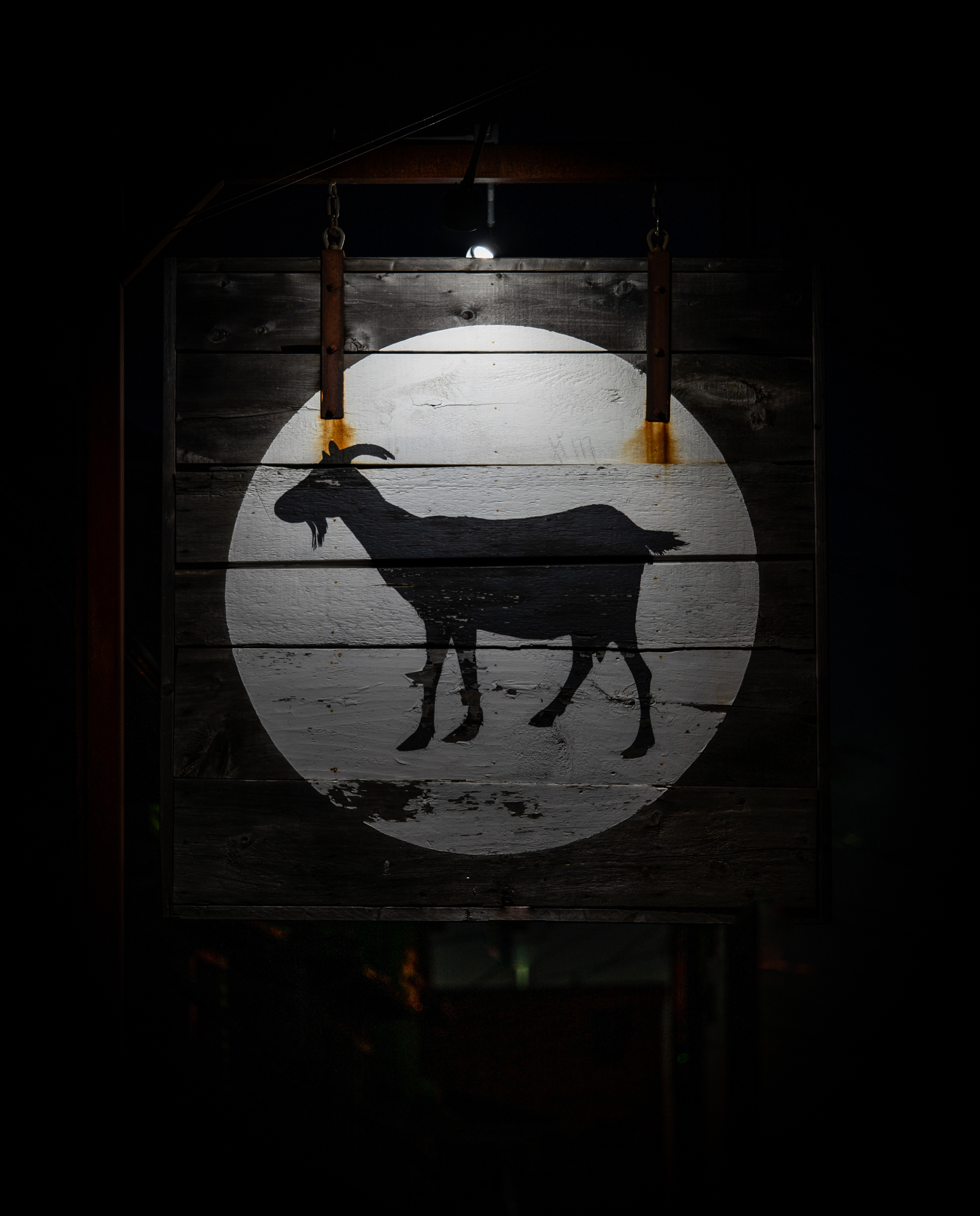
Just got mine a couple of weeks ago so haven't had the chance to test it much. A little snow and ice yesterday to mess around with. I do like having 110mm and 1:1 again after the 65mm last year.
I am really pleased with the results I got from this lovely lens. I consider myself as a fairly beginner in Macro photography (as I'm rather Landscapes guy) as this is only the 2nd "macro" lens I've played with (a long time ago I've played with a Nikkor 55mm f3.5 macro), which is why I would like to get your take on what I've been experiencing.
In macro mode (1:1 or 1:0.5), I would like to do some focus stacking to avoid using a small aperture like f16 (although, to be honest, I've not observed a significant drop of quality while being at f16).
As a landscape photographer, I would typically select different parts of my subject which are located at different depths within the subject (from "close" to "far").
However, upon close inspection, when trying to stack the images in Photoshop as I would normally do for landscapes, I have noticed that they would simply not align (Photoshop would only keep 1 picture in the stack which is a pity).
Needless to say that I am woking with a study tripod.
I believe that this is due to the way I focus and the fact that this lens does extend significantly in macro mode. That certainly does explain why the frame change depending on whether I am focusing to the close or "far" part of my subject (flower, wood piece etc...).
Not sure how would you do focus stacking with such extending lens (with no internal focusing) ?
As a beginner in Macro photography, I have certainly missed some stuff or maybe not used this lens in the best way I could. Thanks for your attention.
I am really pleased with the results I got from this lovely lens. I consider myself as a fairly beginner in Macro photography (as I'm rather Landscapes guy) as this is only the 2nd "macro" lens I've played with (a long time ago I've played with a Nikkor 55mm f3.5 macro), which is why I would like to get your take on what I've been experiencing.
In macro mode (1:1 or 1:0.5), I would like to do some focus stacking to avoid using a small aperture like f16 (although, to be honest, I've not observed a significant drop of quality while being at f16).
As a landscape photographer, I would typically select different parts of my subject which are located at different depths within the subject (from "close" to "far").
However, upon close inspection, when trying to stack the images in Photoshop as I would normally do for landscapes, I have noticed that they would simply not align (Photoshop would only keep 1 picture in the stack which is a pity).
Needless to say that I am woking with a study tripod.
I believe that this is due to the way I focus and the fact that this lens does extend significantly in macro mode. That certainly does explain why the frame change depending on whether I am focusing to the close or "far" part of my subject (flower, wood piece etc...).
Not sure how would you do focus stacking with such extending lens (with no internal focusing) ?
As a beginner in Macro photography, I have certainly missed some stuff or maybe not used this lens in the best way I could. Thanks for your attention.
I am no expert either, but here are a few thoughts. The closer you get, the more the framing changes when you are shooting macro subjects and focus stacking. One must be sure to take this into account when framing the subject--leave some room around the edges to make sure you capture the scene you want. Also, it is best to do this sort of thing on a still day as subject movement can cause problems. Also, you will want to adjust focus only a small amount from shot to shot as at higher magnifications, the depth of field with which you are working is very small indeed--especially at large apertures.
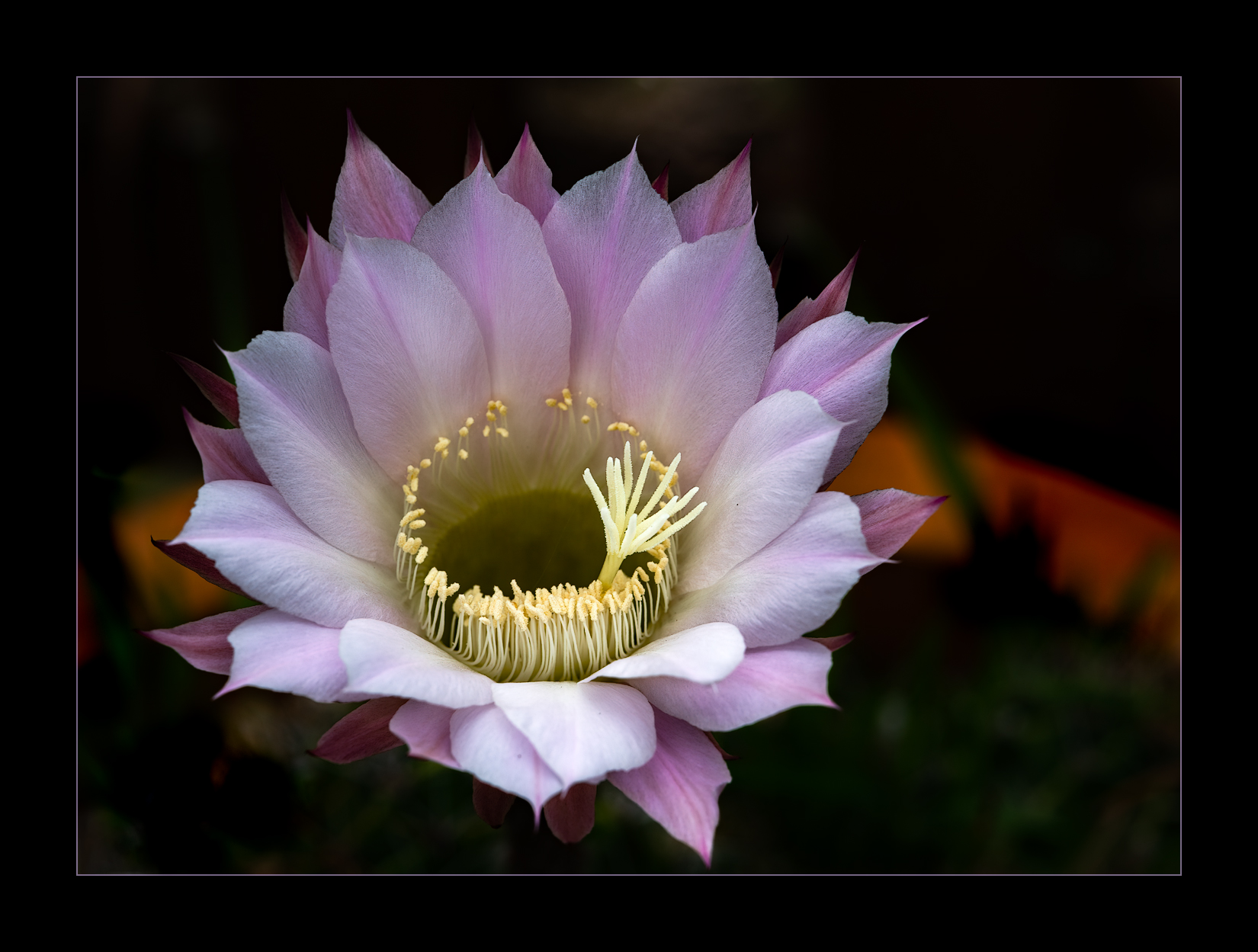
Here are a few I did yesterday and these are like 10-20 images each if that gives any idea. I develop in Lightroom and then sync the changes to all images and then export to PS as layers. Then auto align before auto blending. Another program that works well is Zerene stacker. I will use both programs and see which does better sometimes tho I did not try these in Zerene. These were done at F2.8, F2.5, ad F5.6 respectively. I find that larger apertures is helpful for bokeh but then takes more images to stack well.
nicephore, dedicated stacking programs such as Zerene Stacker and (I'm sure) Helicon Focus are capable of rescaling layers as well as aligning them. You can read about this in the help pages on the Zerene web site. Whether you use Zerene or not, these pages are a very thorough introduction to focus stacking.
Thanks very much Stephen for your elaborated answer and your great illustration of the macro capabilities of this lens ! In my case, there was a lot of wind but my subject was ice on a wood stick.
I would definitely follow your advice and adjust focus only a small amount from shot to shot.
Thanks also to you Steve ! I have already used Helicon Focus to stack landscape shots but the steep licensing prices put me off and I really like the convenience of "in house" PS Auto-Align/Auto-Blending (plus I don't have to trade off any format quality by being forced to output in *.jpg - saying this as that's what I remember from using Helicon a couple of years ago).
nicephore wrote:
Thanks very much Stephen for your elaborated answer and your great illustration of the macro capabilities of this lens ! In my case, there was a lot of wind but my subject was ice on a wood stick.
I would definitely follow your advice and adjust focus only a small amount from shot to shot.
Thanks also to you Steve ! I have already used Helicon Focus to stack landscape shots but the steep licensing prices put me off and I really like the convenience of "in house" PS Auto-Align/Auto-Blending (plus I don't have to trade off any format quality by being forced to output in *.jpg - saying this as that's what I remember from using Helicon a couple of years ago).
You are very welcome. Glad it helped. FYI, in Zerene, you can use Tiff format, which is better than jpeg tho with larger files. Zerene makes more sense than PS on very large stacks as PS starts to bog down depending on your machine’s specs and the number of images. Say you were stacking 50 or 100 mages, probably would try Zerene first. Never used Helicon so cannot comment on whether it is limited to jpeg or not. Good luck!
I am really pleased with the results I got from this lovely lens. I consider myself as a fairly beginner in Macro photography (as I'm rather Landscapes guy) as this is only the 2nd "macro" lens I've played with (a long time ago I've played with a Nikkor 55mm f3.5 macro), which is why I would like to get your take on what I've been experiencing.
In macro mode (1:1 or 1:0.5), I would like to do some focus stacking to avoid using a small aperture like f16 (although, to be honest, I've not observed a significant drop of quality while being at f16).
As a landscape photographer, I would typically select different parts of my subject which are located at different depths within the subject (from "close" to "far").
However, upon close inspection, when trying to stack the images in Photoshop as I would normally do for landscapes, I have noticed that they would simply not align (Photoshop would only keep 1 picture in the stack which is a pity).
Needless to say that I am woking with a study tripod.
I believe that this is due to the way I focus and the fact that this lens does extend significantly in macro mode. That certainly does explain why the frame change depending on whether I am focusing to the close or "far" part of my subject (flower, wood piece etc...).
Not sure how would you do focus stacking with such extending lens (with no internal focusing) ?
As a beginner in Macro photography, I have certainly missed some stuff or maybe not used this lens in the best way I could. Thanks for your attention.
The focal length shortening with higher mags is significant. I usually find the framing changes less by moving the whole lens on a rail (geared can insure no gaps but often not necessary) then by using the focusing helicoid. You still have to leave room on the edges. Zerene stacker can most often align the images easily with either focusing method but moving the lens results in fewer issues. A pesky breeze can easily muck up the shot no matter what method used.
Thanks for your reply. I have an Acratech nodal rail which I wasn't using any more for panos : i will give it a try for macro works . Wonderful pics Stephen and Doug !
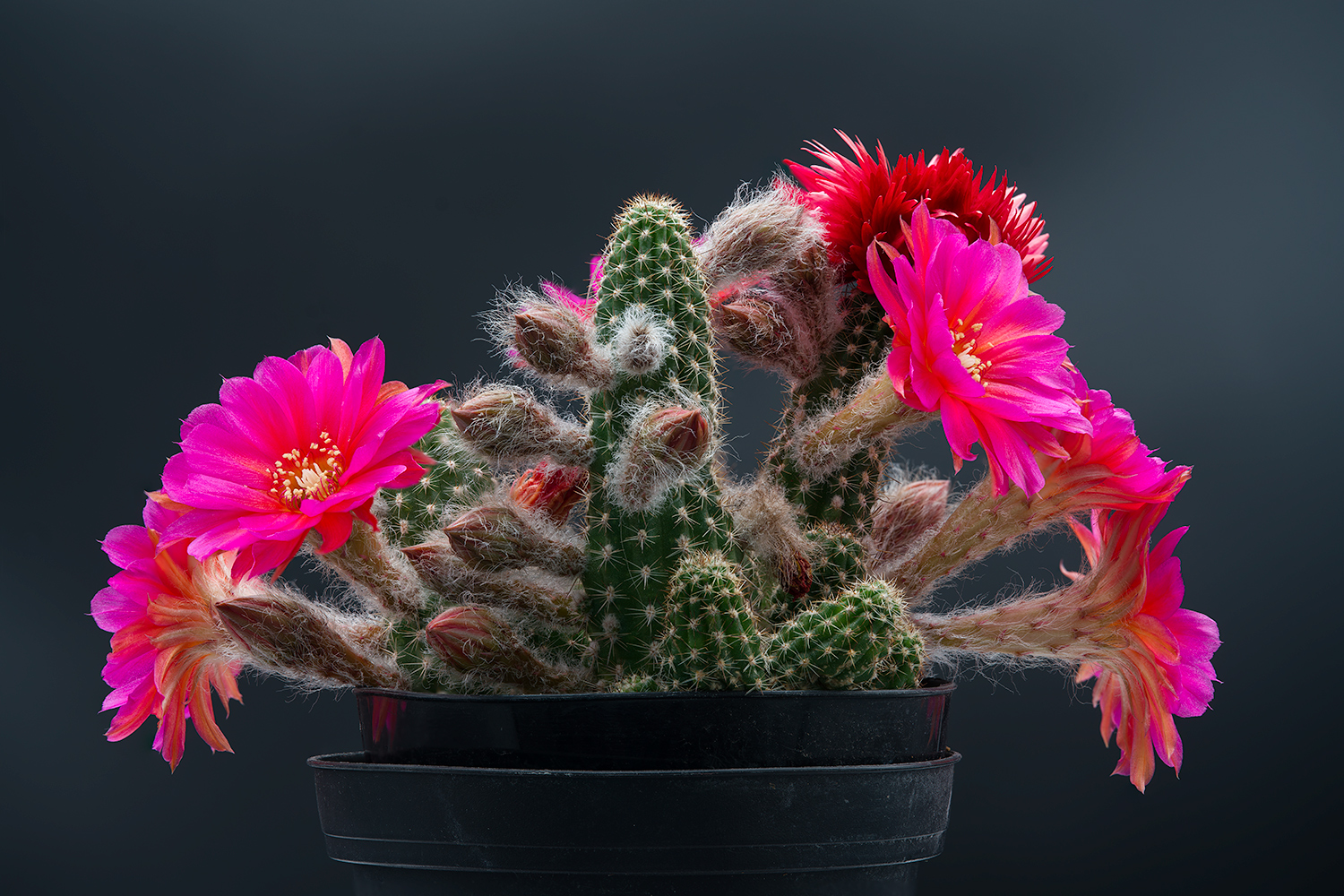
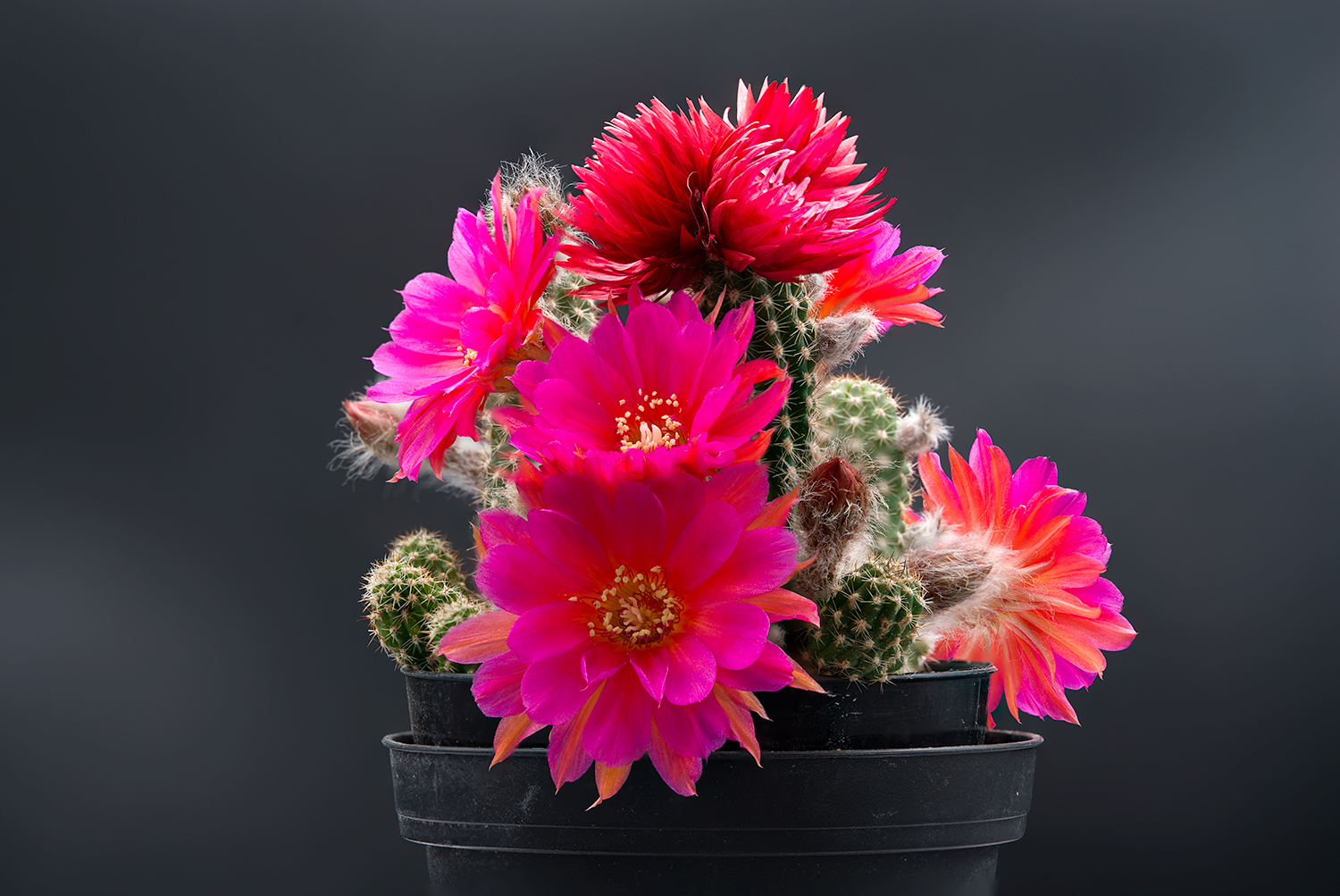
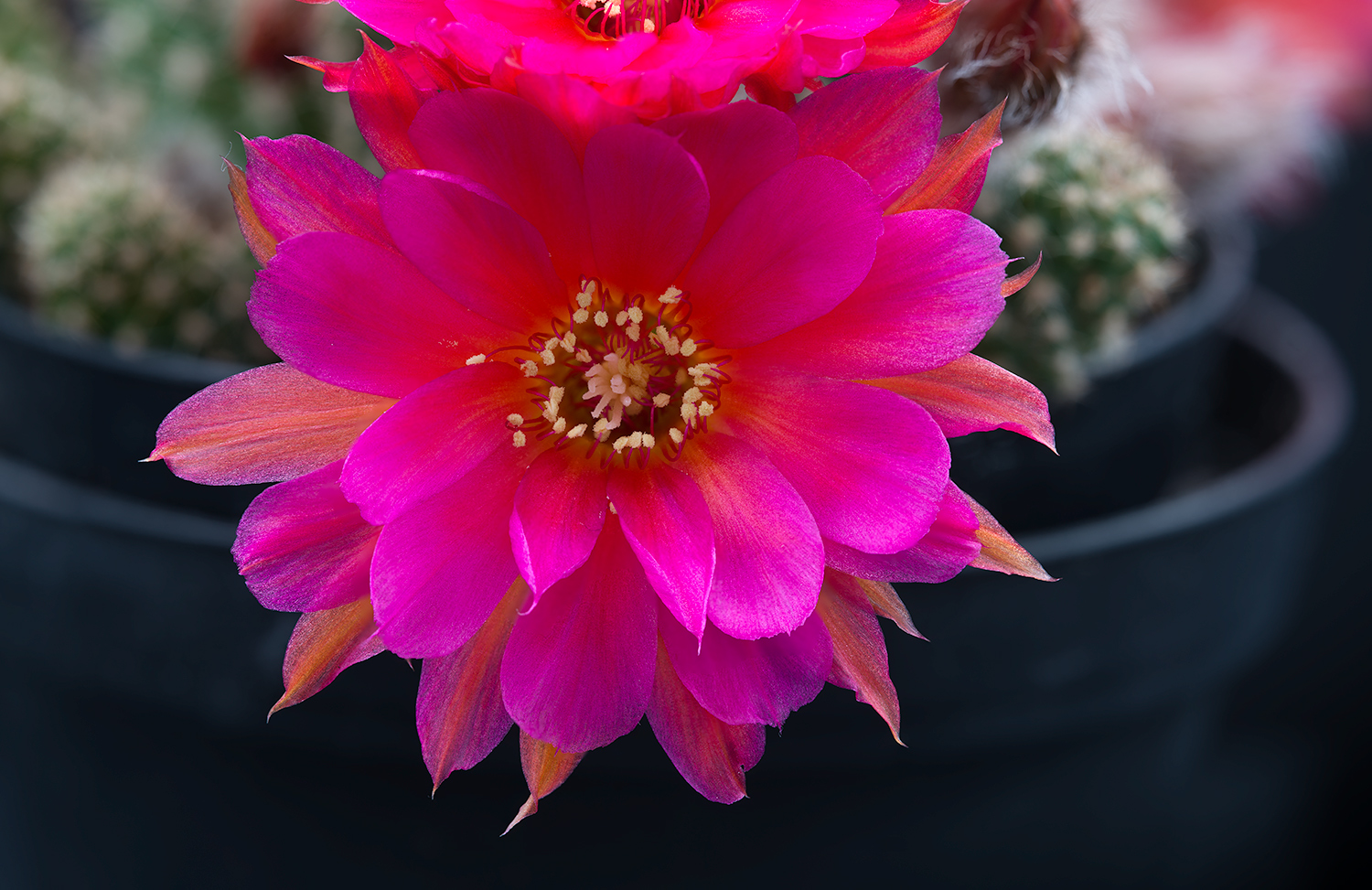
My Rose Quartz cactus bloomed finally, with almost 30 buds coming out of it. The flower is always challenging to shoot, because of its intense red-blue color, which seem to blow out gamut of almost every color space. Even now, looking at the flower photo on a wide gamut display shows a lot more detail in the red spectrum than anything my calibrated sRGB display can show.
So naturally, having the Voigtlander 100m lens, I figured I can test color and detail on one of my hardest subjects.
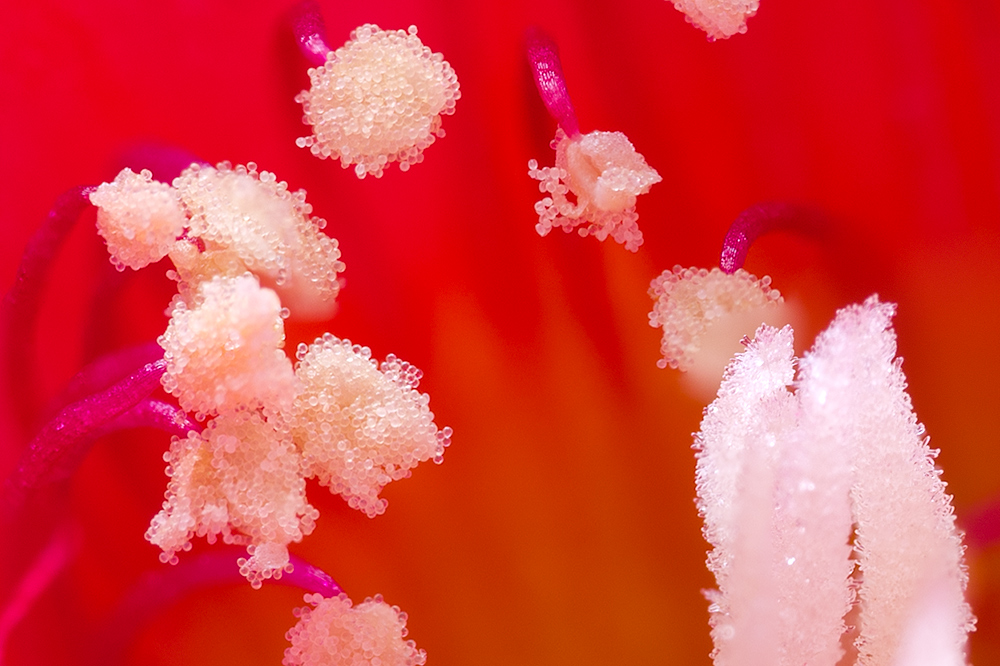
All photos were shot using Pixel shift, a tabletop studio box with overhead LED lights, and with ColorChecker passport camera profile for this lens//camera/LED light combo. Other processing was pixel-shift merge and occasional exposure fix (I often underexposed to make sure I don't blow out red channel). Adobe Save-To-Web with sRGB conversion, but I really don't know how well the color came out. Focus stacking was done using CS6. It also appears this particular lens, at least for me, provided better focus alignment in CS6 using lens refocus instead of macro focus rail.
12-frame focus stack, 1/25s @ f/8
20-frame focus stack, 1/20s @ f/8
5-frame focus stack, 1/13s @ f/8
100% crop of the anthers, which are about 1-2mm in diameter