This topic is in the 2018 archive. You can read it and like its posts here. It is read only.
Archive 2018"Official" Nikon 500 f/5.6E PF Discussion and Image Thread
p.147 #1"Official" Nikon 500 f/5.6E PF Discussion and Image Thread
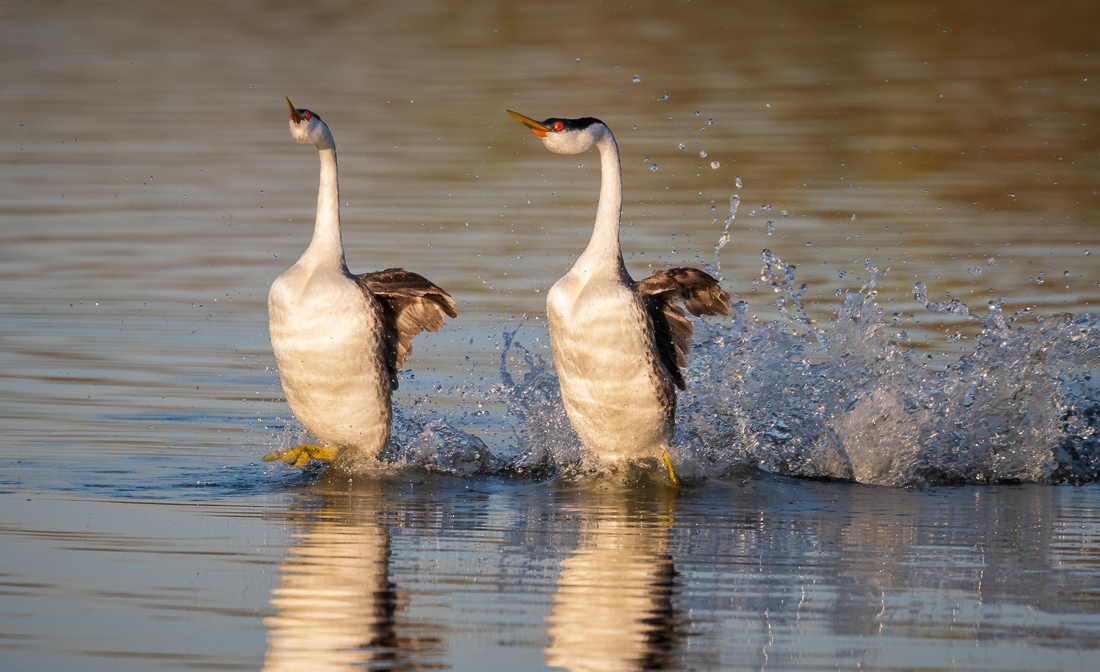
Rushing grebes
 |
||
 |
||
 |
Oct 19, 2019 at 03:55 PM
p.147 #2"Official" Nikon 500 f/5.6E PF Discussion and Image Thread
Luzon Sunbird
Nikon D500, 500.0 mm PF f/5.6 lens, f/6.3, 1/250s, 1000 ISO
 |
||
| https://photos.smugmug.com/My-First-Gallery/i-J3MgHWF/0/6ad6888a/X3/DSC_2253%20luzon%20peering%20into%20passionfuit%20flower-X3.jpg | ||
|
Oct 20, 2019 at 09:48 PM
p.147 #3"Official" Nikon 500 f/5.6E PF Discussion and Image Thread
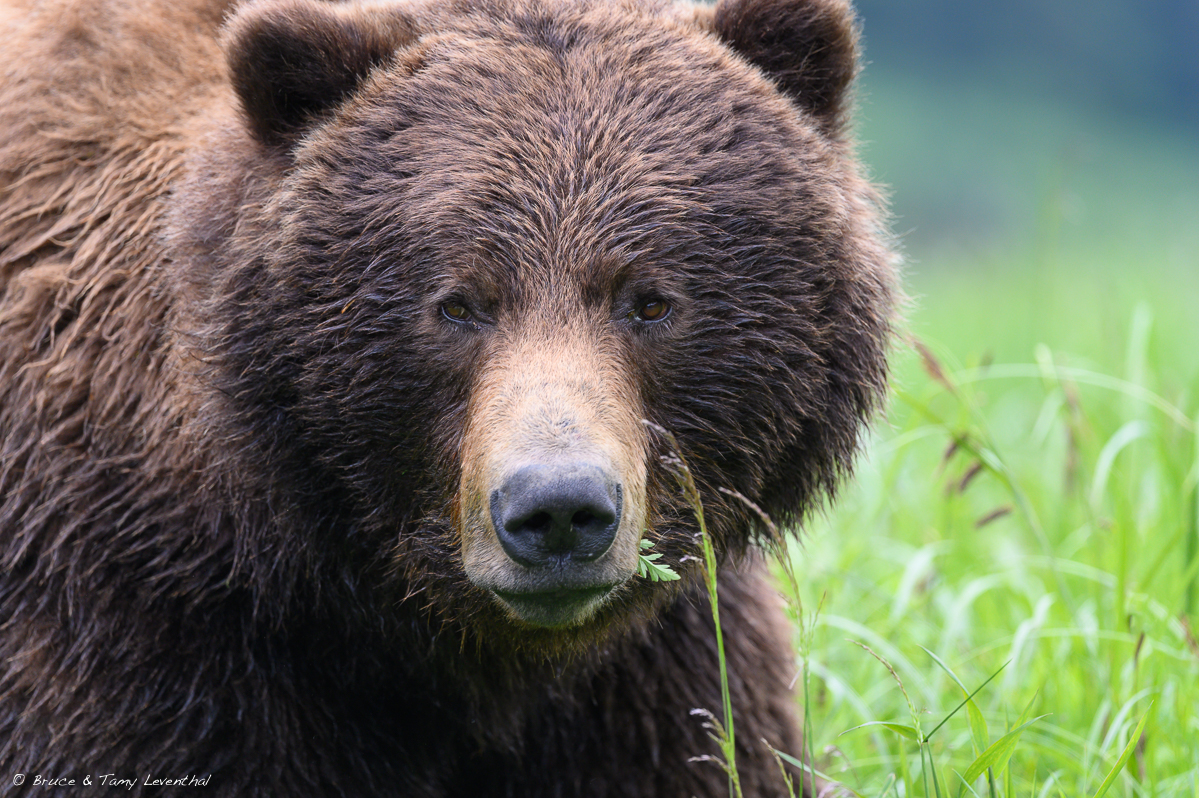
One from Northwest B.C.
Edited on Oct 26, 2019 at 07:13 PM · View previous versions
Edited on Oct 26, 2019 at 07:13 PM · View previous versions
Oct 25, 2019 at 06:18 PM
p.147 #4"Official" Nikon 500 f/5.6E PF Discussion and Image Thread
Chestnut-faced Babbler
Nikon D500, Nikkor 500mm f/5.6E PF, f/6.3, 1/160s, ISO 640
|
||
| https://photos.smugmug.com/My-First-Gallery/i-T4V5bCQ/0/694b389f/X3/DSC_3649%20hi%20res%20chectnut%20faced%20babbler-X3.jpg | ||
|
Oct 26, 2019 at 03:30 AM
p.147 #5"Official" Nikon 500 f/5.6E PF Discussion and Image Thread
Luzon Sunbird
Nikon D500, Nikkor 500mm f/5.6E PF, f/6.3, 1/200s, ISO 640
|
||
| https://photos.smugmug.com/My-First-Gallery/i-xRgRh4D/0/2c59b6f1/X3/DSC_1346%20luzon%20sunbird-X3.jpg | ||
|
Oct 26, 2019 at 03:44 AM
p.147 #6"Official" Nikon 500 f/5.6E PF Discussion and Image Thread
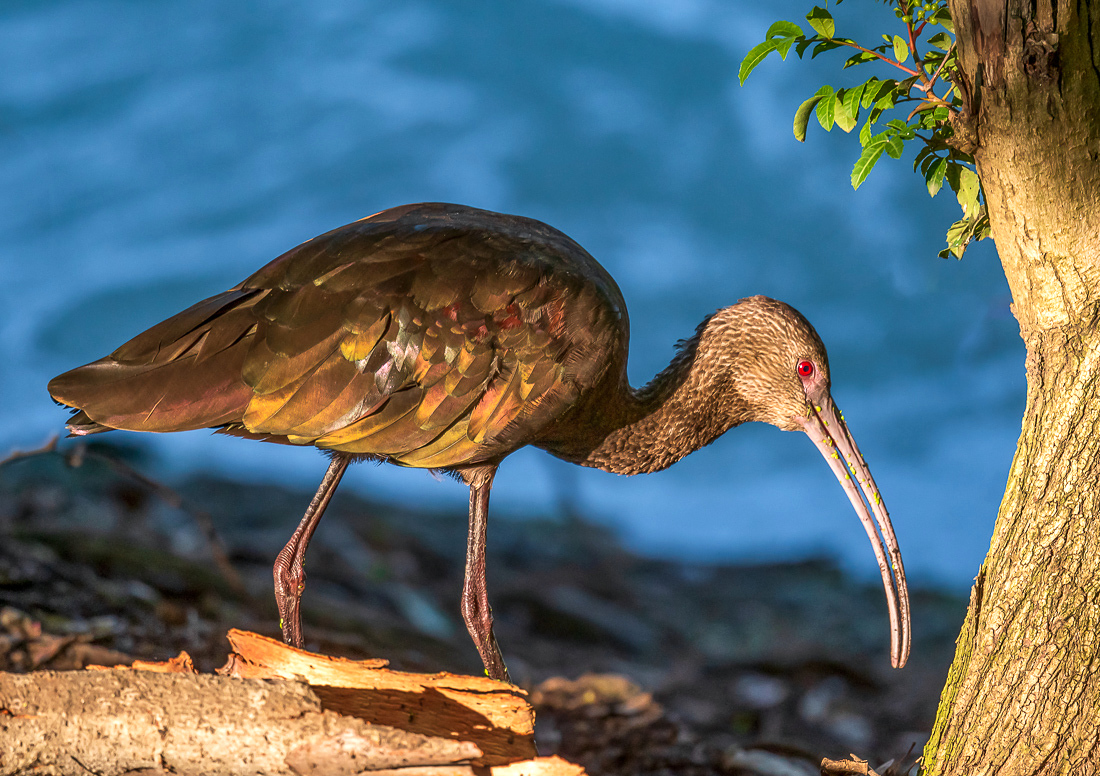
Ibis in late afternoon sunlight
|
||
 |
||
|
Oct 26, 2019 at 07:32 PM
p.147 #7"Official" Nikon 500 f/5.6E PF Discussion and Image Thread
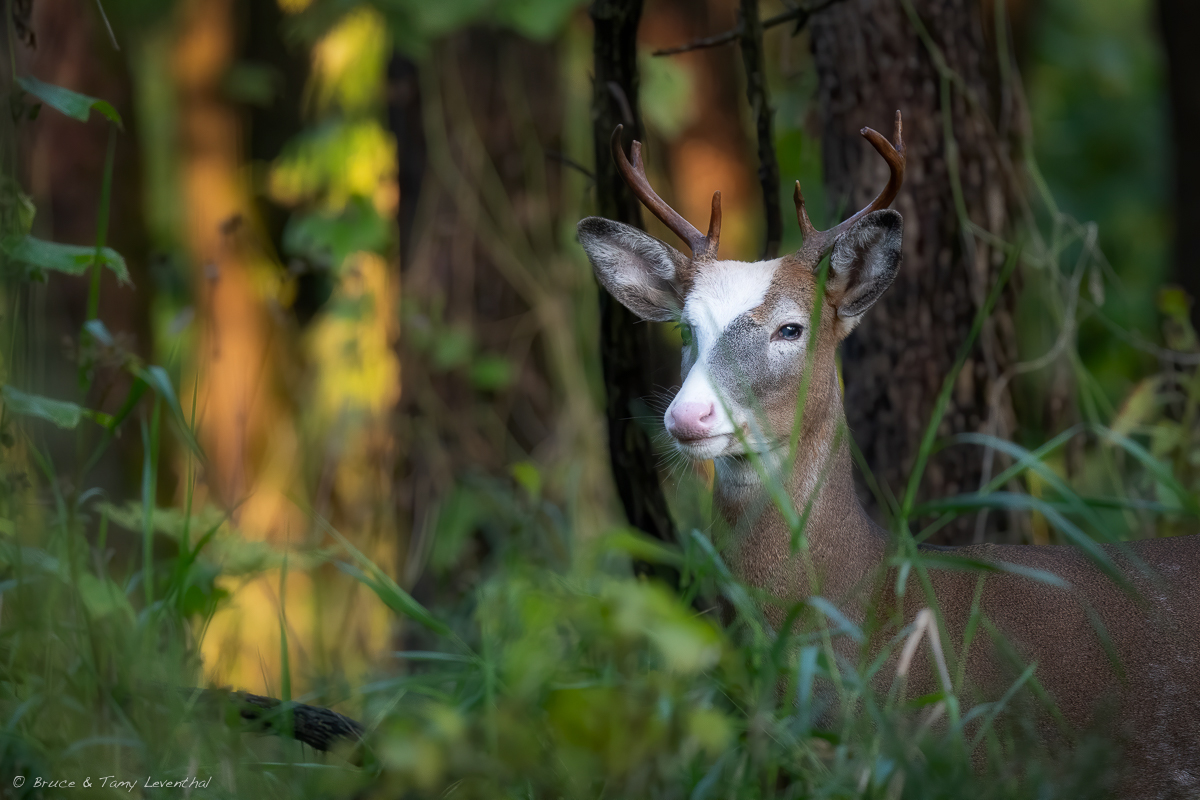
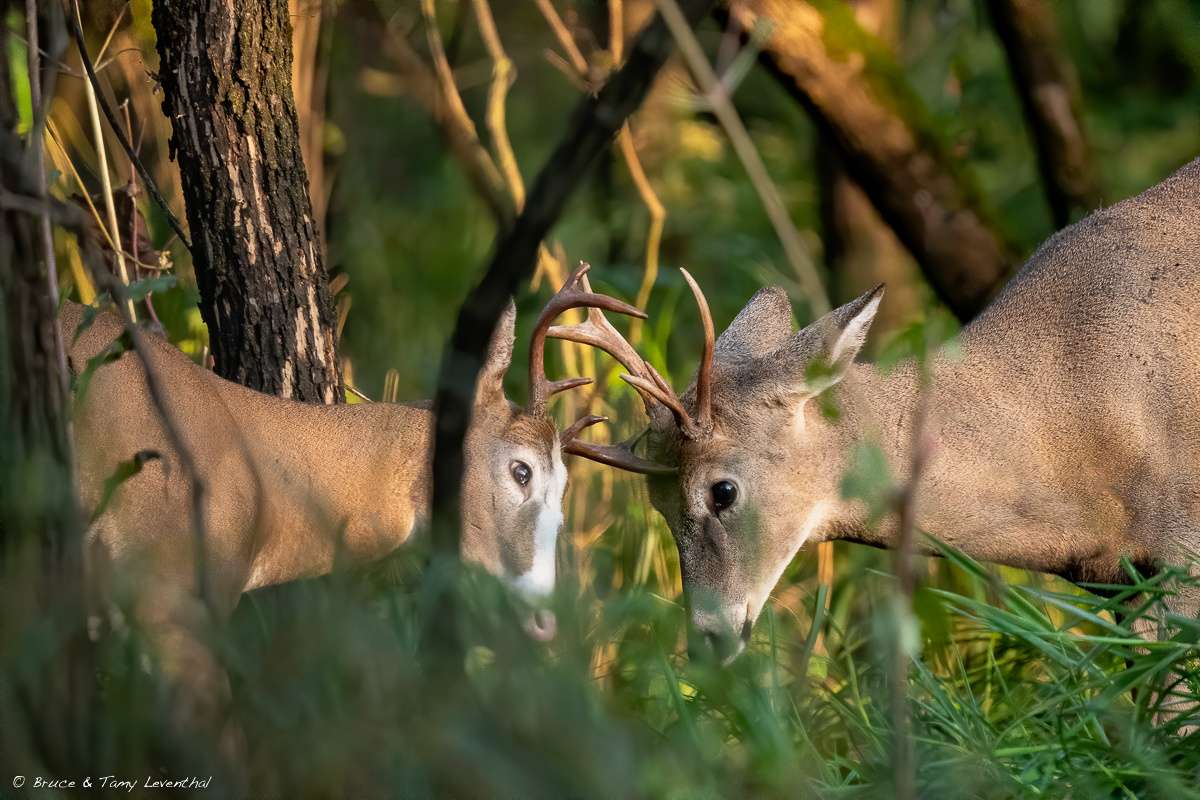
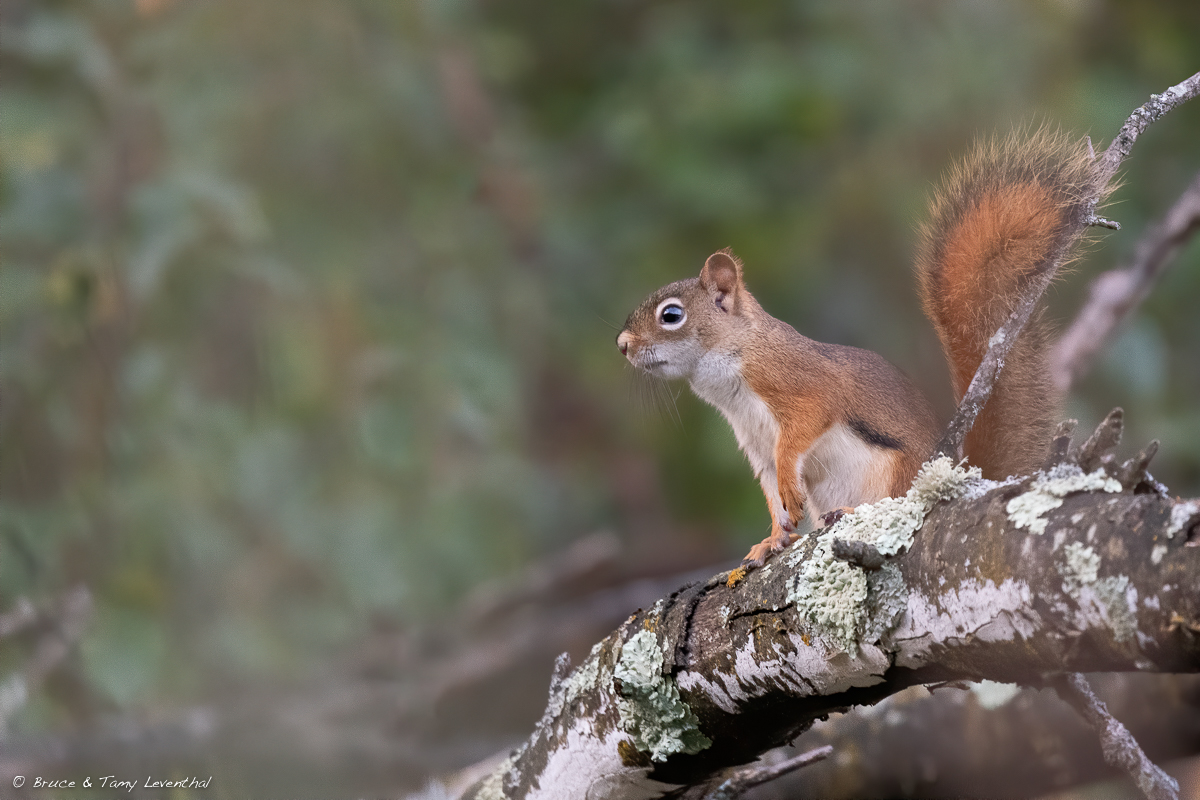
A few more from the woods just before the hard frost...
Oct 28, 2019 at 06:52 PM
p.147 #8"Official" Nikon 500 f/5.6E PF Discussion and Image Thread
Nikon D500
500.0 mm f/5.6
ƒ/5.6 500.0 mm 1/1600 3600
 Happy by MedicineMan4040, on Flickr
500.0 mm f/5.6
ƒ/5.6 500.0 mm 1/1600 3600
Happy by MedicineMan4040, on FlickrOct 31, 2019 at 05:42 PM
p.147 #9"Official" Nikon 500 f/5.6E PF Discussion and Image Thread
Besra
Nikon D500, Nikkor 500mm f/5.6E PF, f/8, 1/250s. ISO 800
|
||
| https://photos.smugmug.com/My-First-Gallery/i-3HLwwMR/0/d8747efa/X3/DSC_5030%20besra-X3.jpg | ||
|
Oct 31, 2019 at 09:19 PM
p.147 #10"Official" Nikon 500 f/5.6E PF Discussion and Image Thread
askal wrote:
Besra
https://photos.smugmug.com/My-First-Gallery/i-3HLwwMR/0/d8747efa/X3/DSC_5030%20besra-X3.jpg
Nikon D500, Nikkor 500mm f/5.6E PF, f/8, 1/250s. ISO 800
Needs to be entered into a competition! Just an awesome shot.
Besra
https://photos.smugmug.com/My-First-Gallery/i-3HLwwMR/0/d8747efa/X3/DSC_5030%20besra-X3.jpg
Needs to be entered into a competition! Just an awesome shot.
Nov 01, 2019 at 11:23 PM
p.147 #11"Official" Nikon 500 f/5.6E PF Discussion and Image Thread
Thanks much!
Nov 02, 2019 at 01:54 AM
p.147 #12"Official" Nikon 500 f/5.6E PF Discussion and Image Thread
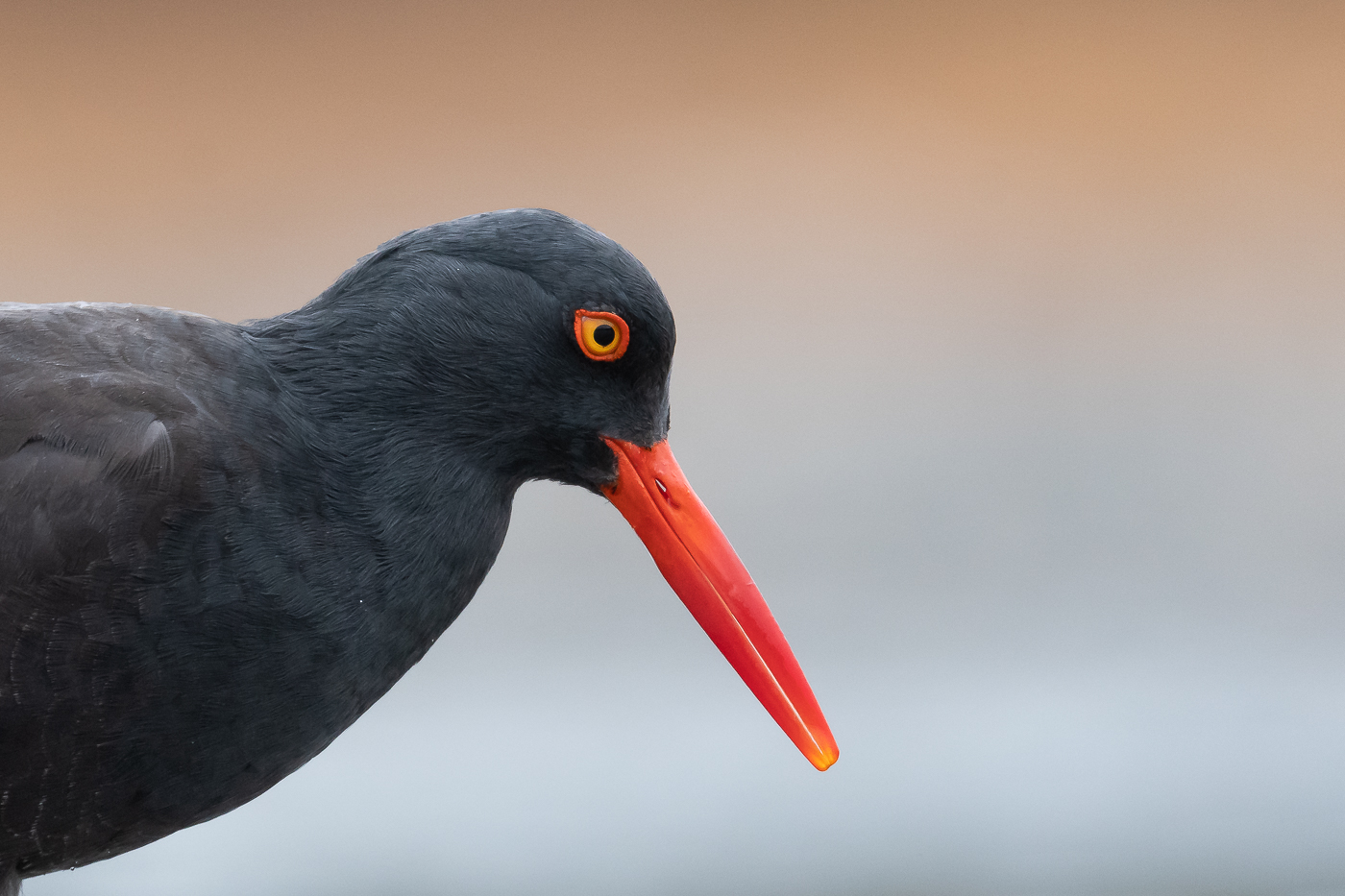
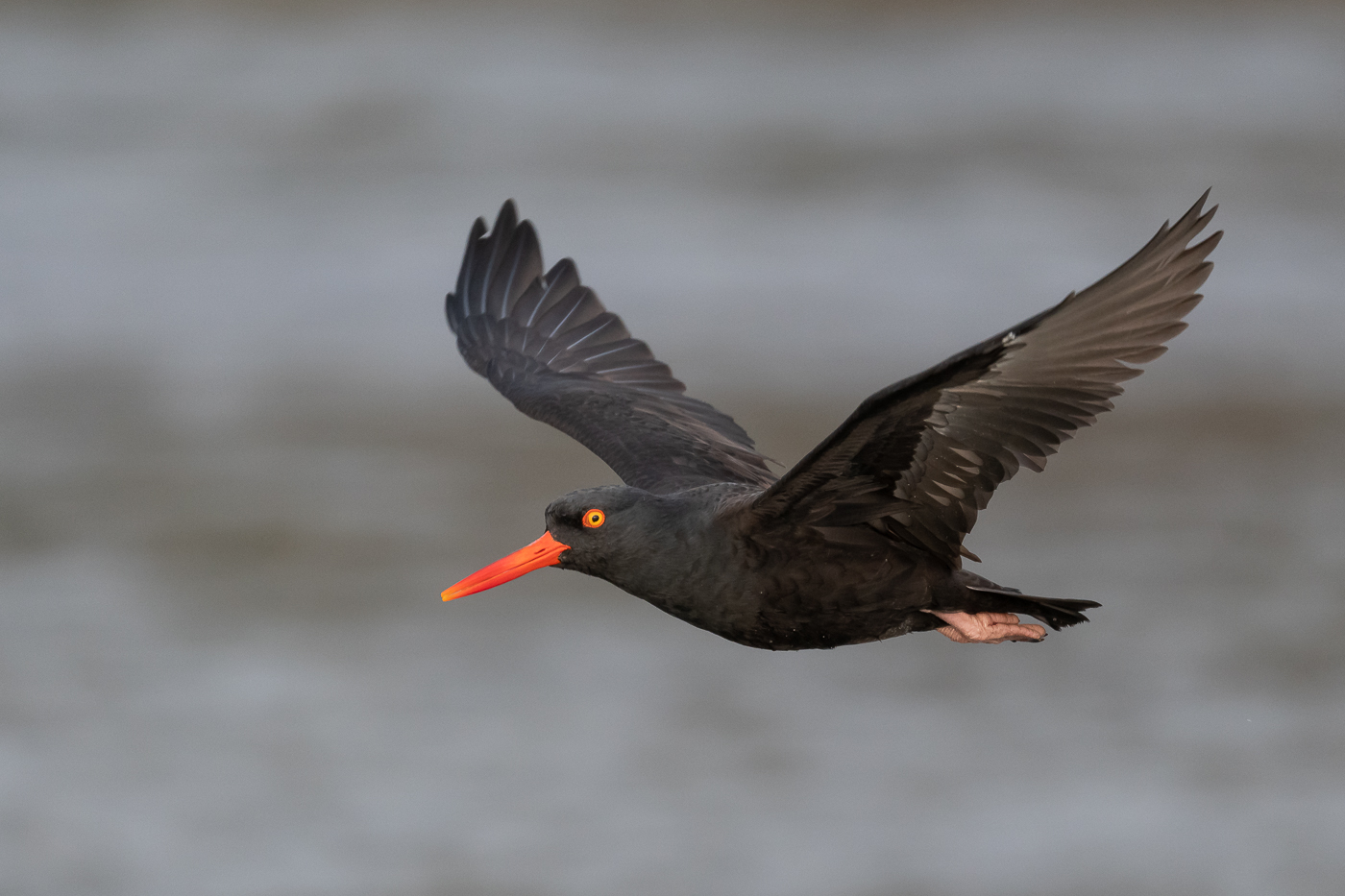
Dusted off the Nikon gear today...
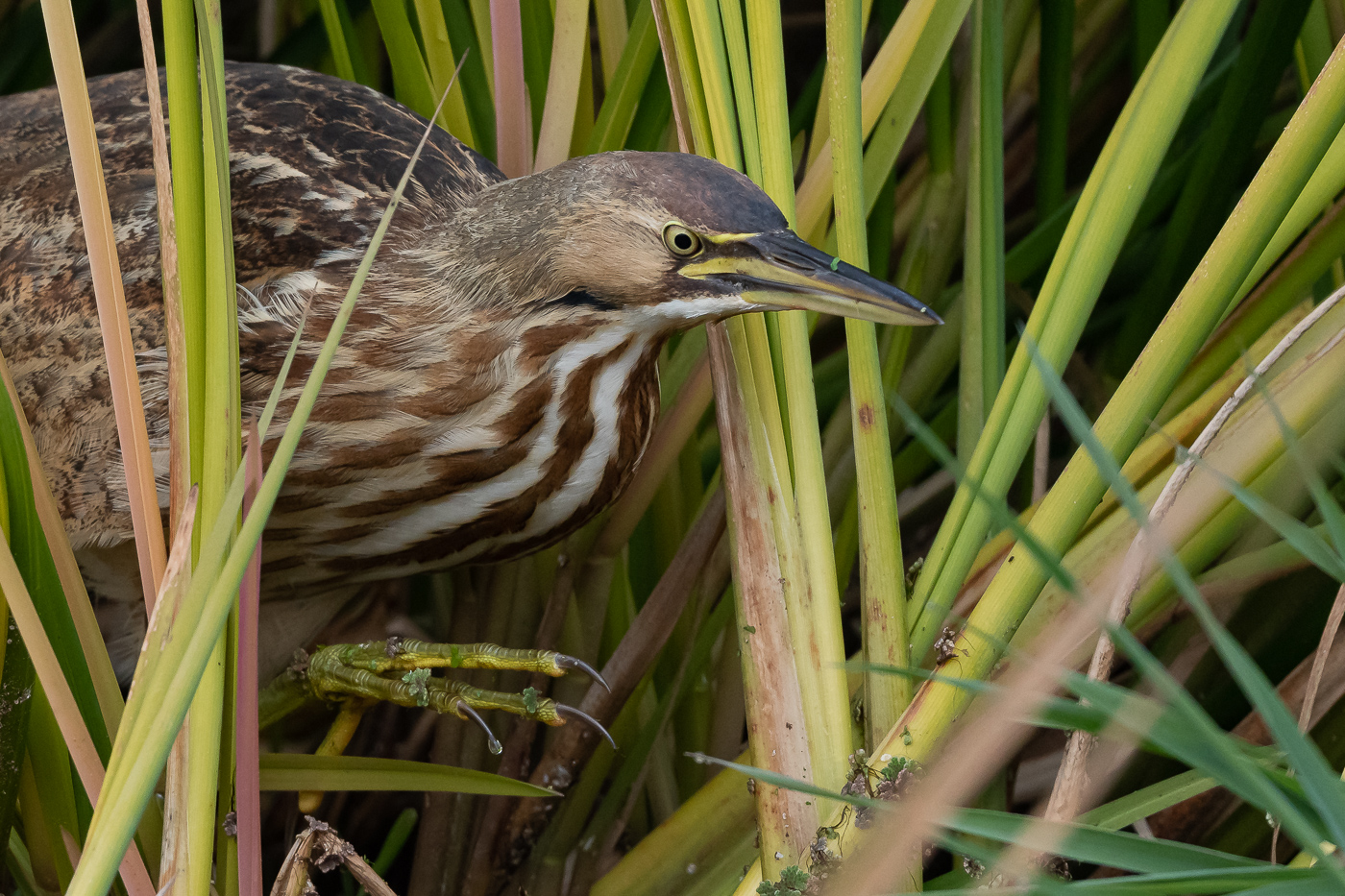
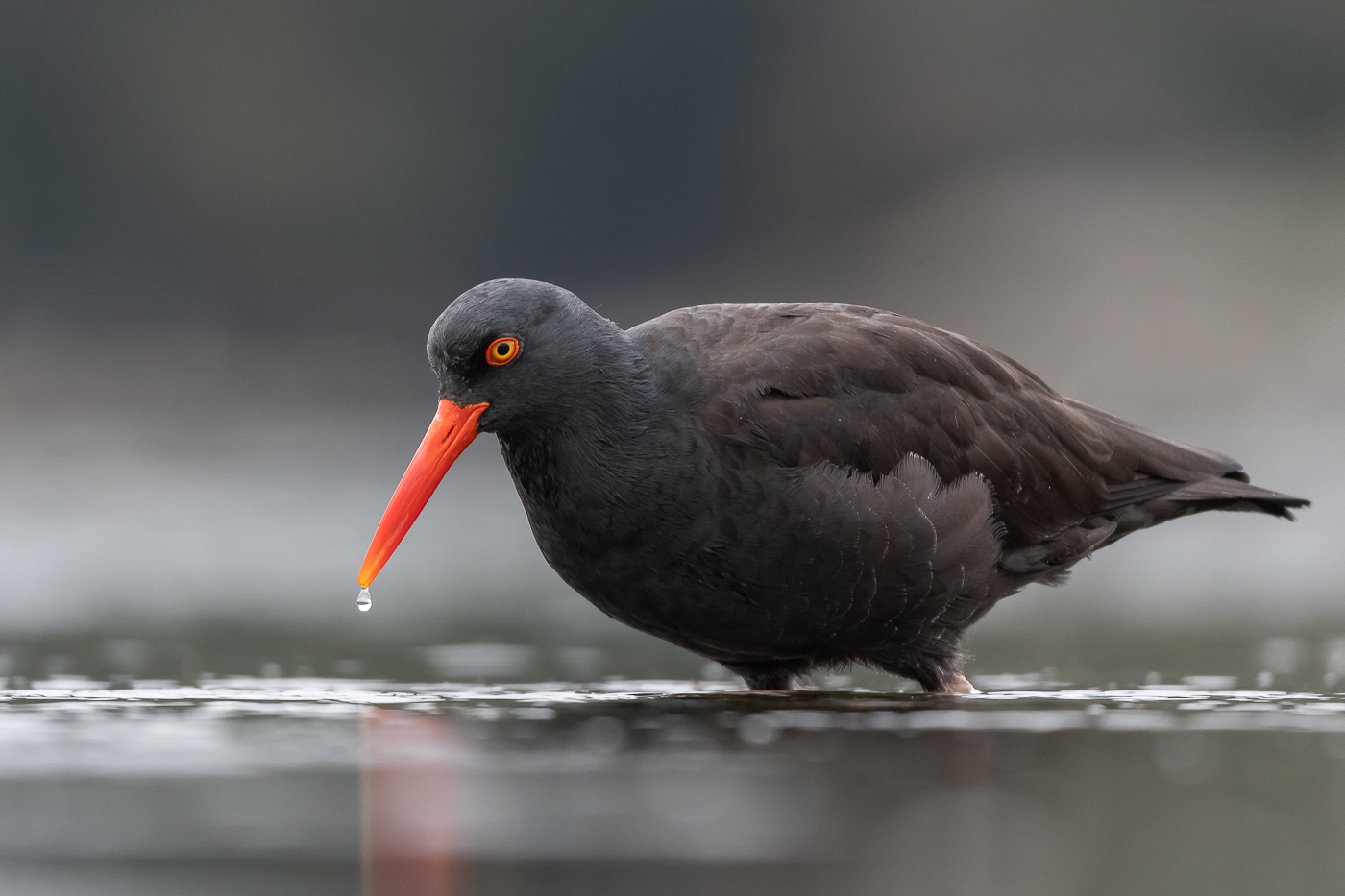
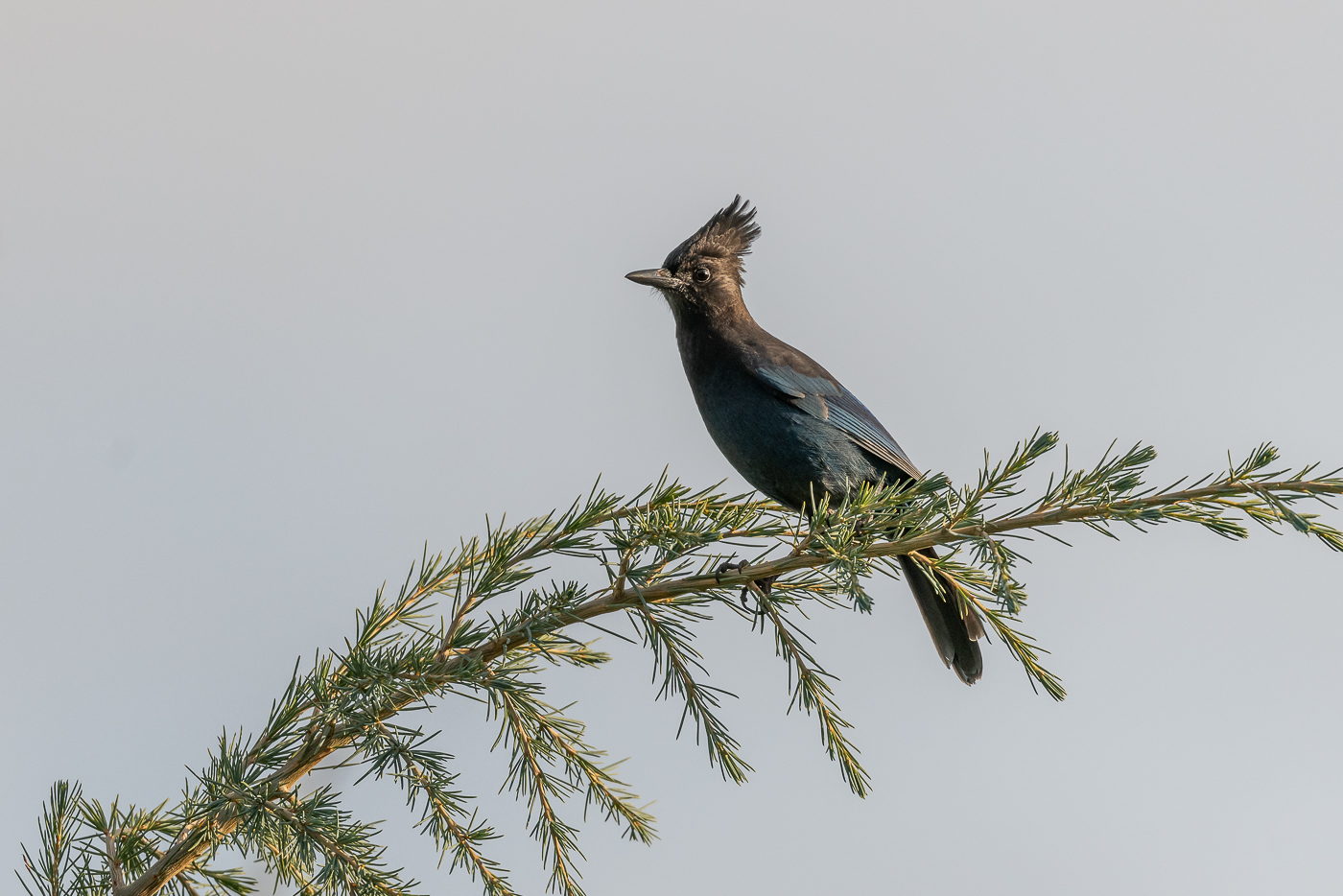
Nov 03, 2019 at 06:39 PM
p.147 #13"Official" Nikon 500 f/5.6E PF Discussion and Image Thread
arbitrage wrote:
Dusted off the Nikon gear today...
Simply love that last Oyster Catcher photo... fantastic POV and composition.
cheers,
bruce
Dusted off the Nikon gear today...
Simply love that last Oyster Catcher photo... fantastic POV and composition.
cheers,
bruce
Nov 03, 2019 at 07:20 PM
p.147 #14"Official" Nikon 500 f/5.6E PF Discussion and Image Thread
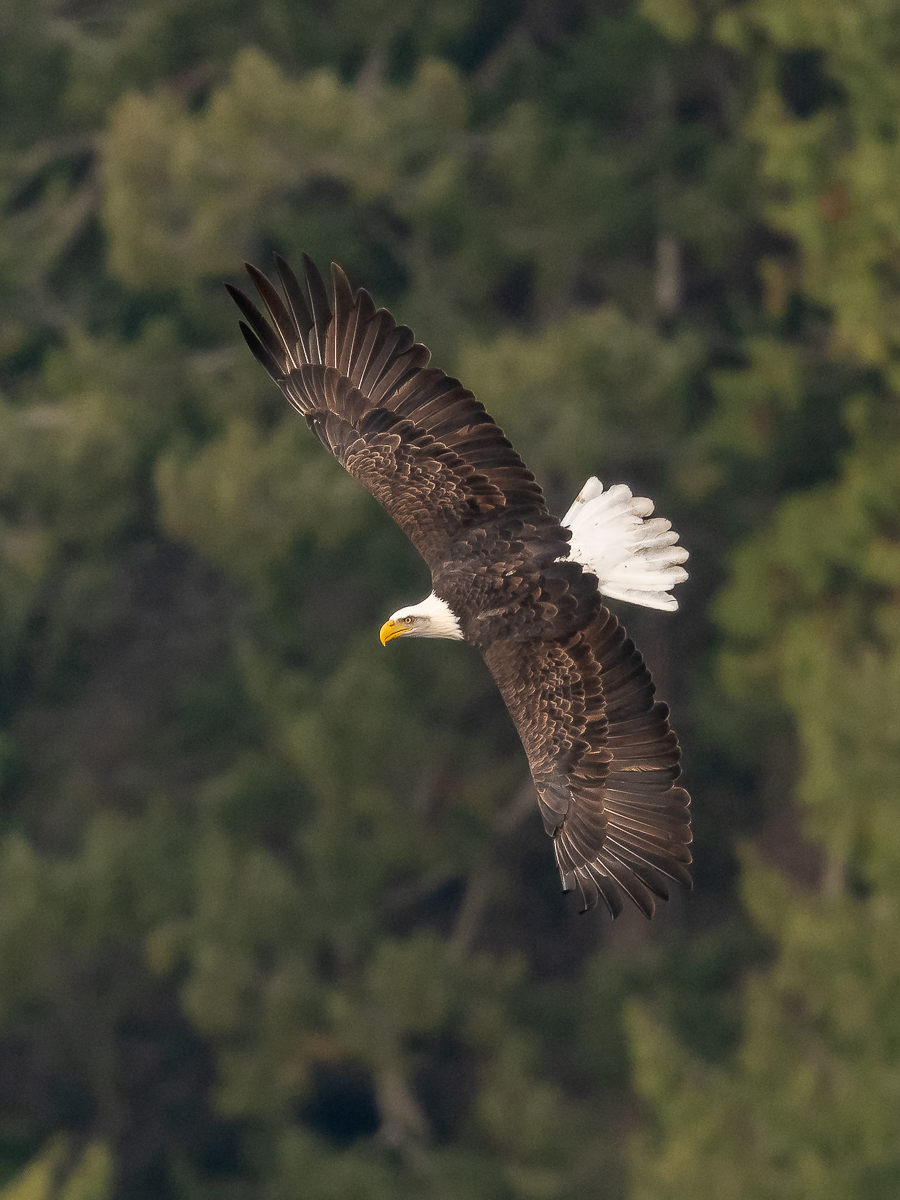
In rare moment of good timing,I managed to find a pair eagles on a carcass.
I am normally in the wrong place without a camera when I see an event like this. Fortunately, a field of vegetation gave me the cover I needed to photograph these guys as if I were in a blind. With many more left to edit, here a few that caught my eye.
cheers,
bruce
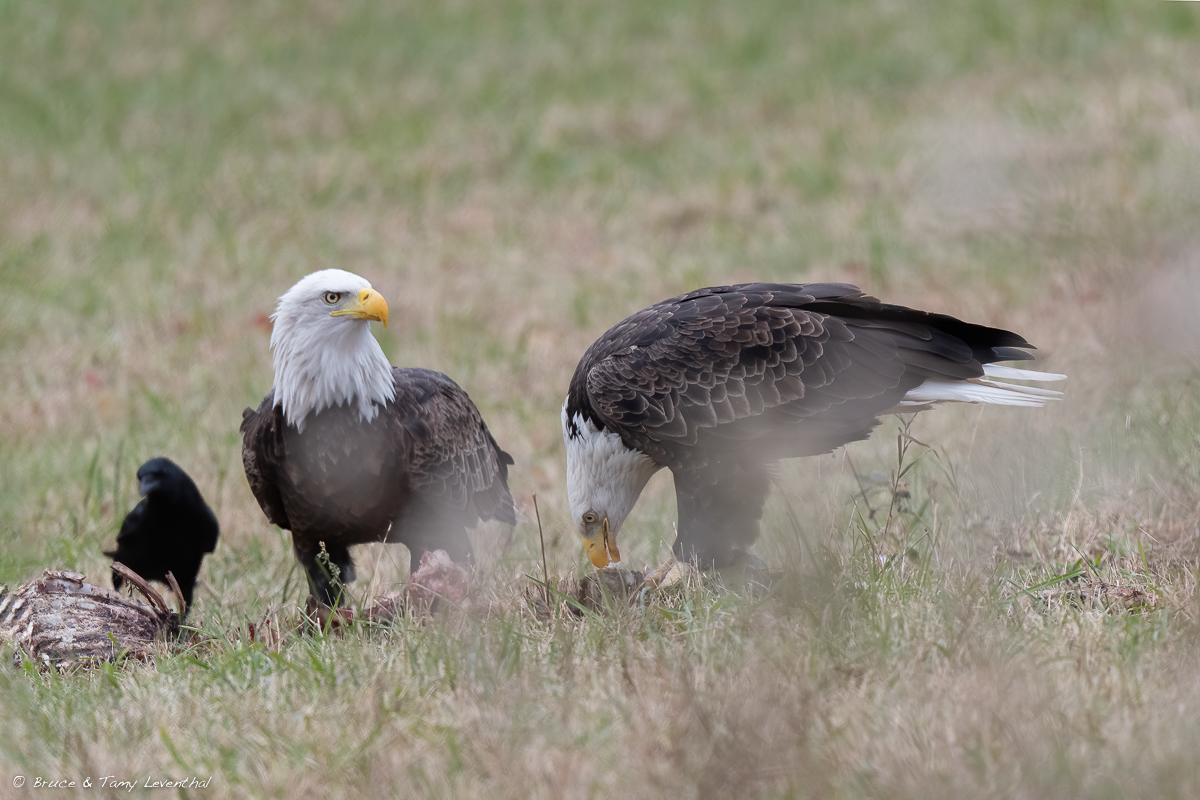
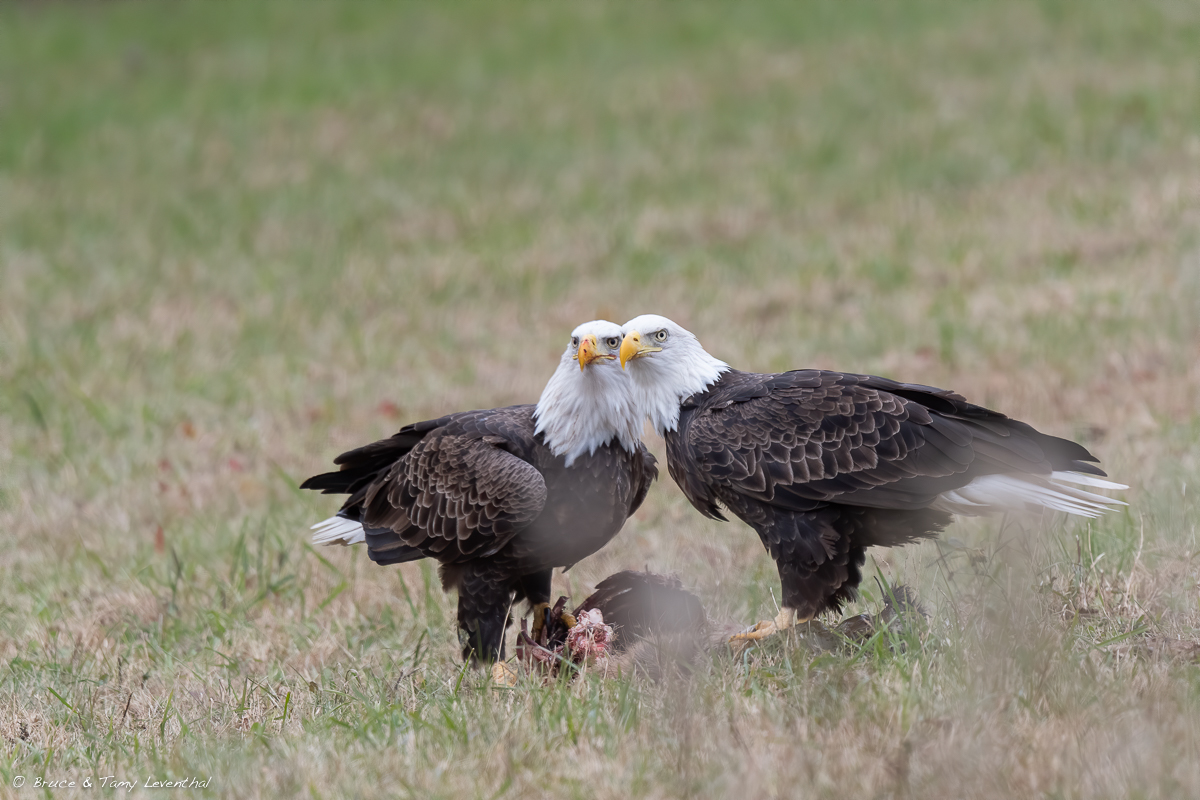
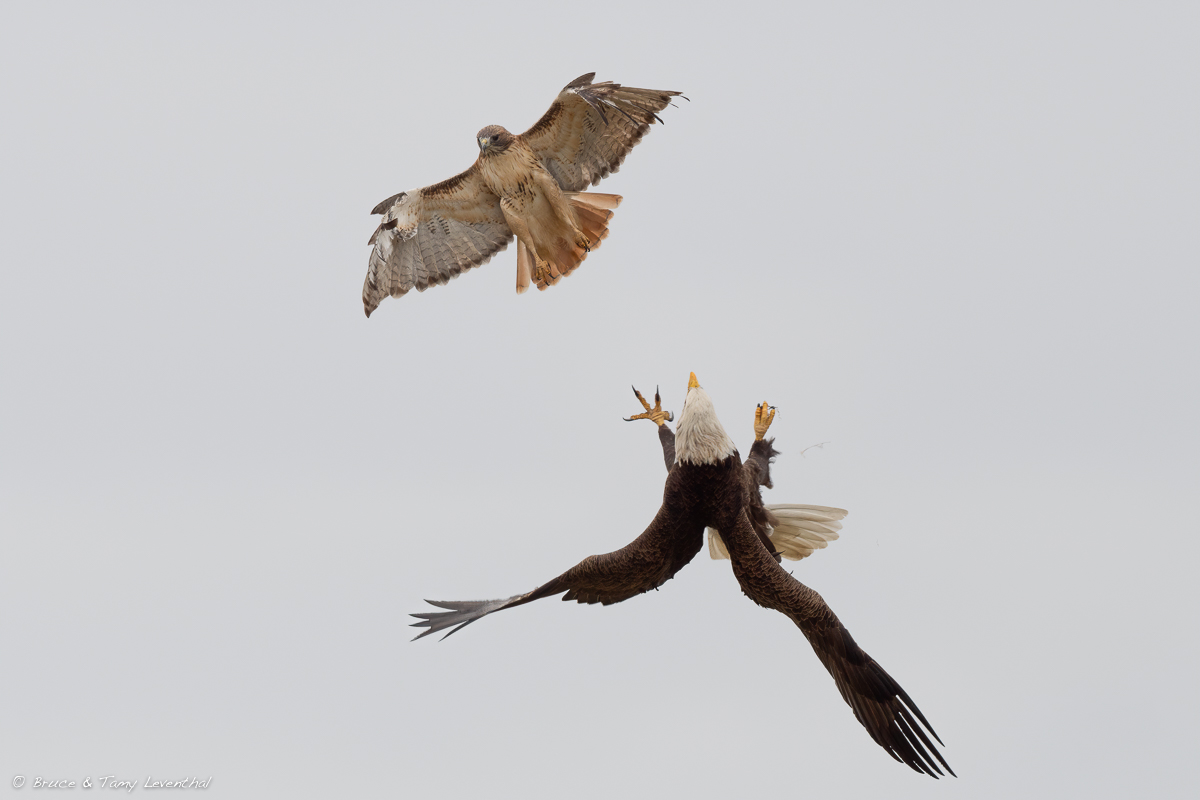
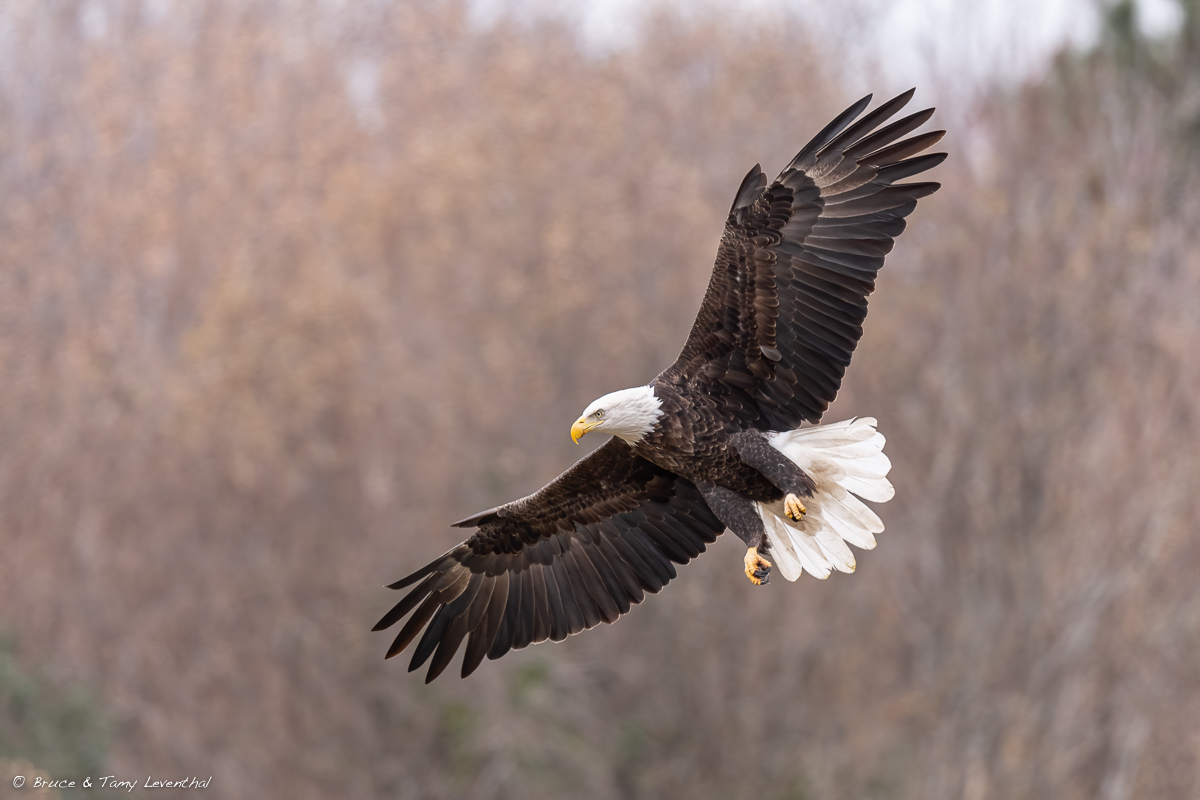
I am normally in the wrong place without a camera when I see an event like this. Fortunately, a field of vegetation gave me the cover I needed to photograph these guys as if I were in a blind. With many more left to edit, here a few that caught my eye.
cheers,
bruce
Nov 03, 2019 at 07:27 PM
p.147 #15"Official" Nikon 500 f/5.6E PF Discussion and Image Thread
OwlsEyes wrote:
Simply love that last Oyster Catcher photo... fantastic POV and composition.
cheers,
bruce
Thanks Bruce...I actually managed to get that using the frustrating LV AF via the flip screen at water's edge. But it worked for a few keepers.
arbitrage wrote
Dusted off the Nikon gear today...cheers,
bruce
Thanks Bruce...I actually managed to get that using the frustrating LV AF via the flip screen at water's edge. But it worked for a few keepers.
Nov 03, 2019 at 07:37 PM
p.147 #16"Official" Nikon 500 f/5.6E PF Discussion and Image Thread
Luzon Sunbird
Nikon D500, Nikkor 500mm f/5.6E PF, f/5.6, 1/800s. ISO 320
|
||
| https://photos.smugmug.com/My-First-Gallery/i-vSS8md8/0/77914575/X3/DSC_6124%20luzon%20sunbird-X3.jpg | ||
|
Nov 04, 2019 at 02:52 AM
p.147 #17"Official" Nikon 500 f/5.6E PF Discussion and Image Thread
Hi everyone! New to the board ( altho been lurking for quite sometimes now; thanks everyone for all the great inputs) I've got my lens 3 weeks ago, and took a couple of shots. The lens looks great! I am glad that I made the purchase. I already have the 600mm f/4g VR, was debating if i should spend the extra money on this lens, glad that I decided to give it a go. 
<img src="https://live.staticflickr.com/65535/48983393088_e1cd0bdb28_b.jpg" width="1024" height="683" alt="DSC_5576">
<img src="https://live.staticflickr.com/65535/48984144777_74854d3399_b.jpg" width="1024" height="679" alt="DSC_5528">
Edit: I do not know how to link the images to here.....
<img src="https://live.staticflickr.com/65535/48983393088_e1cd0bdb28_b.jpg" width="1024" height="683" alt="DSC_5576">
<img src="https://live.staticflickr.com/65535/48984144777_74854d3399_b.jpg" width="1024" height="679" alt="DSC_5528">
Edit: I do not know how to link the images to here.....
Nov 05, 2019 at 12:15 AM
p.147 #18"Official" Nikon 500 f/5.6E PF Discussion and Image Thread
Put the address in as this, for your first image: [ img ]https://live.staticflickr.com/65535/48983393088_e1cd0bdb28_b.jpg[ /img ]
So, put the address inside [ img ] and [ /img ]. In the above, I Ieft a space between [ and img and ] and the same at the [ /img ], otherwise it will display the photo again like below. So leave the space out between the rectangular parentheses and the img at the beginning and the /img at the end.
However, i would ask that you put a larger image into your flickr site as they are a little small for a UHD screen. I use 1800 or 1900 pixels high.


Photos look great!
So, put the address inside [ img ] and [ /img ]. In the above, I Ieft a space between [ and img and ] and the same at the [ /img ], otherwise it will display the photo again like below. So leave the space out between the rectangular parentheses and the img at the beginning and the /img at the end.
However, i would ask that you put a larger image into your flickr site as they are a little small for a UHD screen. I use 1800 or 1900 pixels high.
Photos look great!
Nov 05, 2019 at 12:32 AM
p.147 #19"Official" Nikon 500 f/5.6E PF Discussion and Image Thread
Lance B wrote:
Put the address in as this, for your first image: [ img ]https://live.staticflickr.com/65535/48983393088_e1cd0bdb28_b.jpg[ /img ]
So, put the address inside [ img ] and [ /img ]. In the above, I Ieft a space between [ and img and ] and the same at the [ /img ], otherwise it will display the photo again like below. So leave the space out between the rectangular parentheses and the img at the beginning and the /img at the end.
However, i would ask that you put a larger image into your flickr site as they are a little small for a UHD...Show more →
Thank you very much Lance for the assistance! I've learned a lot from your posts and opinions
I do have the full size of the images. I'll try to post them here now!
edit: these are only larger in size, not in resolution it seems ....
Nov 05, 2019 at 01:29 AM
p.147 #20"Official" Nikon 500 f/5.6E PF Discussion and Image Thread
Much better to see them larger, the original images look like postage stamps on my 3840 x 2160 UHD screen!
As I say, I now resize my saved jpegs for web view at 1800 or 1900 pixels high so that they take up most of a UHD screen and thus you get the full impact. For those with lower res screens, it's just a matter of using Ctrl and the mouse scroll wheel to reduce the size to fit their screen. Better to reduce than to enlarge as you lose acuity a bit when you enlarge a small image, but not the other way round.
You have some excellent images on your flickr site, I am now following you.
Nov 05, 2019 at 01:38 AM